Group Trip Expense Splitter: Split Travel Costs and Settle Up Spreadsheet
Full description
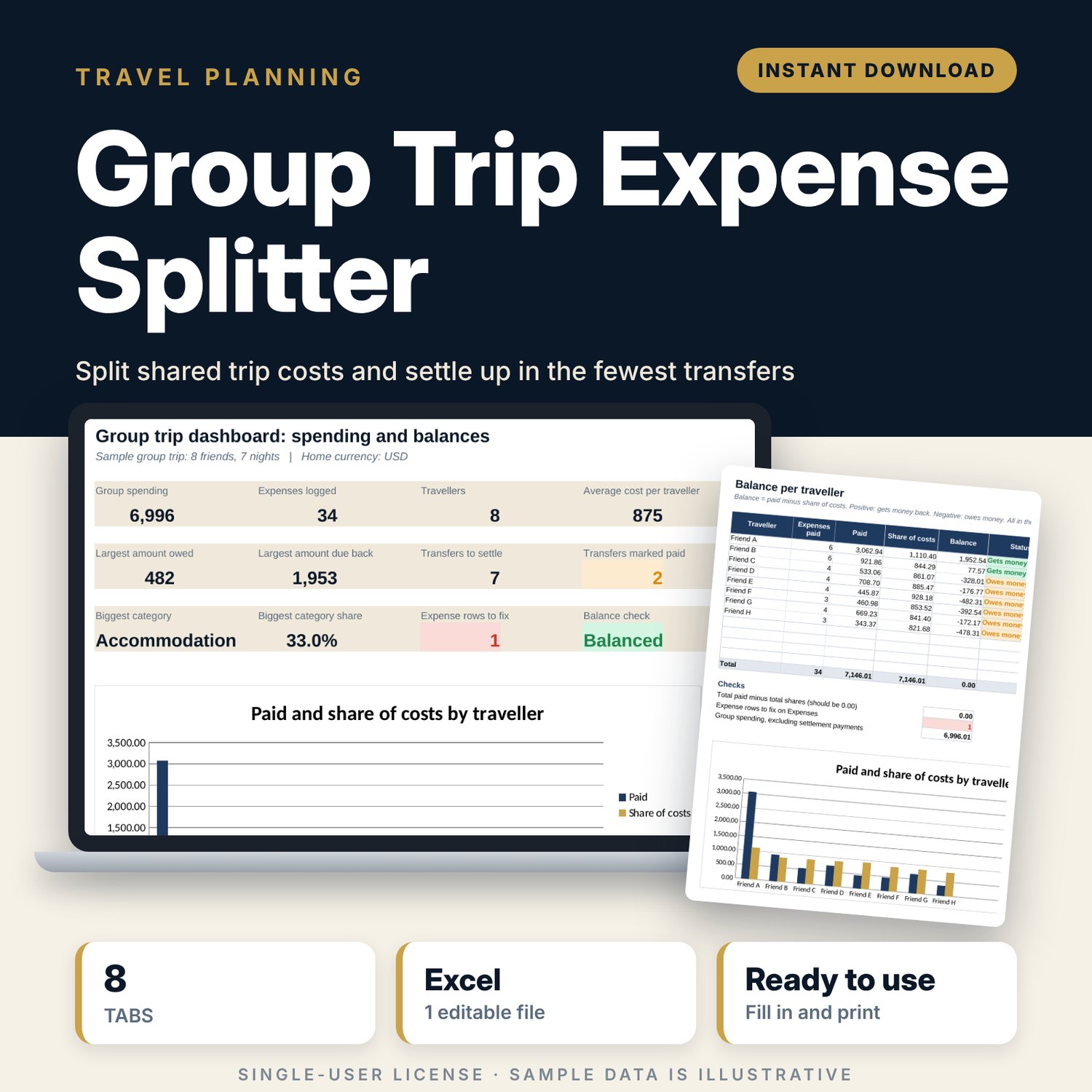
For friends, families and teams who share costs on a trip and want to settle without arguments. Each expense goes in once with the payer, the currency and who shares it: everyone, selected people, by shares or by exact amounts. The workbook converts every amount to one home currency, works out each person's balance and lists the transfers that settle the group, with a short message ready to send for each one.
Save with a bundle: this template is also in the Tour & Travel Business Bundle, 12 templates for $29 instead of $76. All 141 templates are in the All-Access Hospitality Template Library for $79.
What is inside
- Group_Trip_Expense_Splitter.xlsx: 8 tabs, 1,672 formulas, 4 native charts, 8 drop-down or number rules.
- Settings: trip name, rounding unit for transfers, 12 traveller slots (8 sample), exchange rates for up to 6 currencies (3 examples), 9 spending categories plus a settlement category, 4 split methods explained.
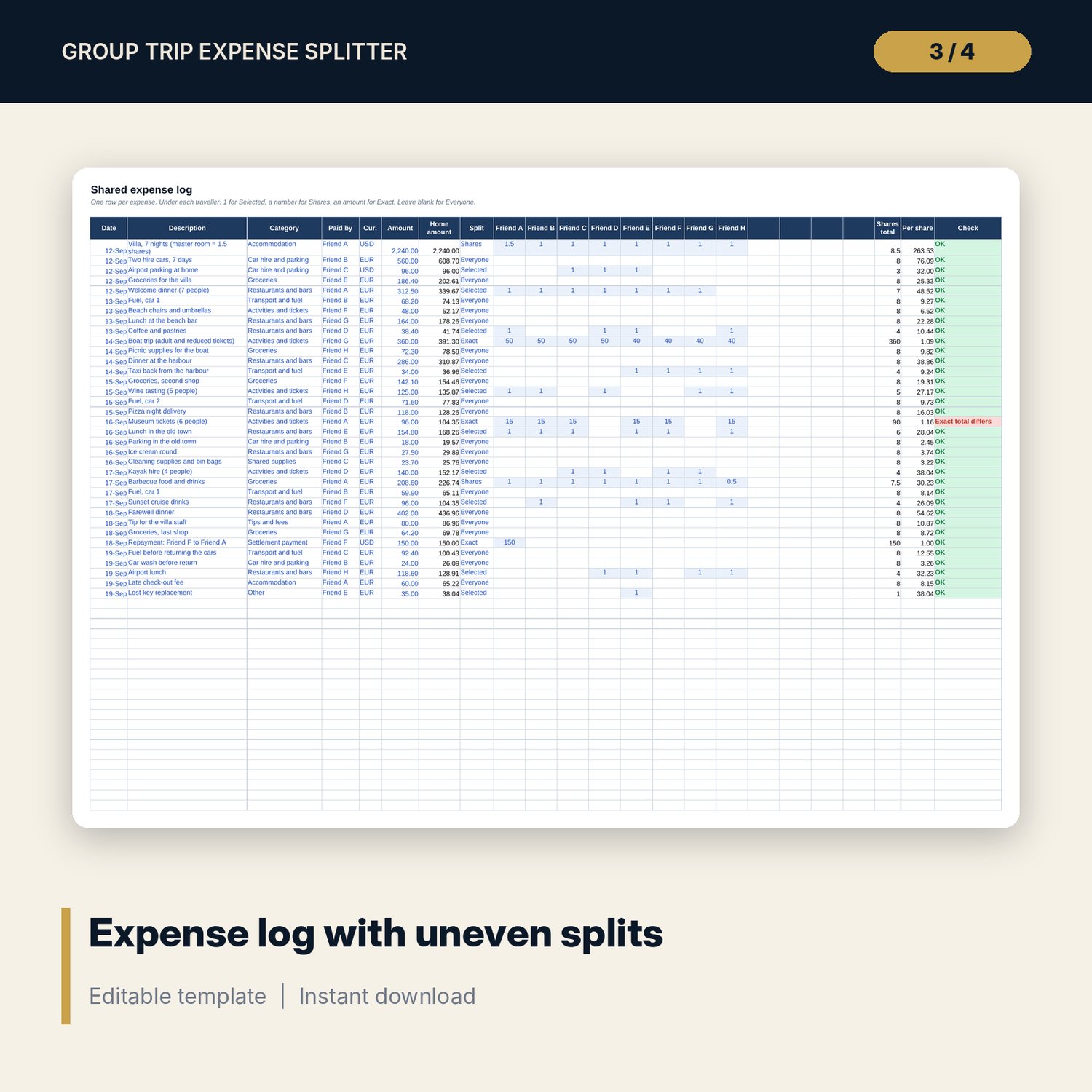
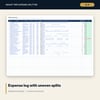
- Expenses: room for 300 expenses (35 sample rows) with a share column for each traveller. Split methods: Everyone, Selected, Shares, Exact. A check column flags 6 kinds of input error.
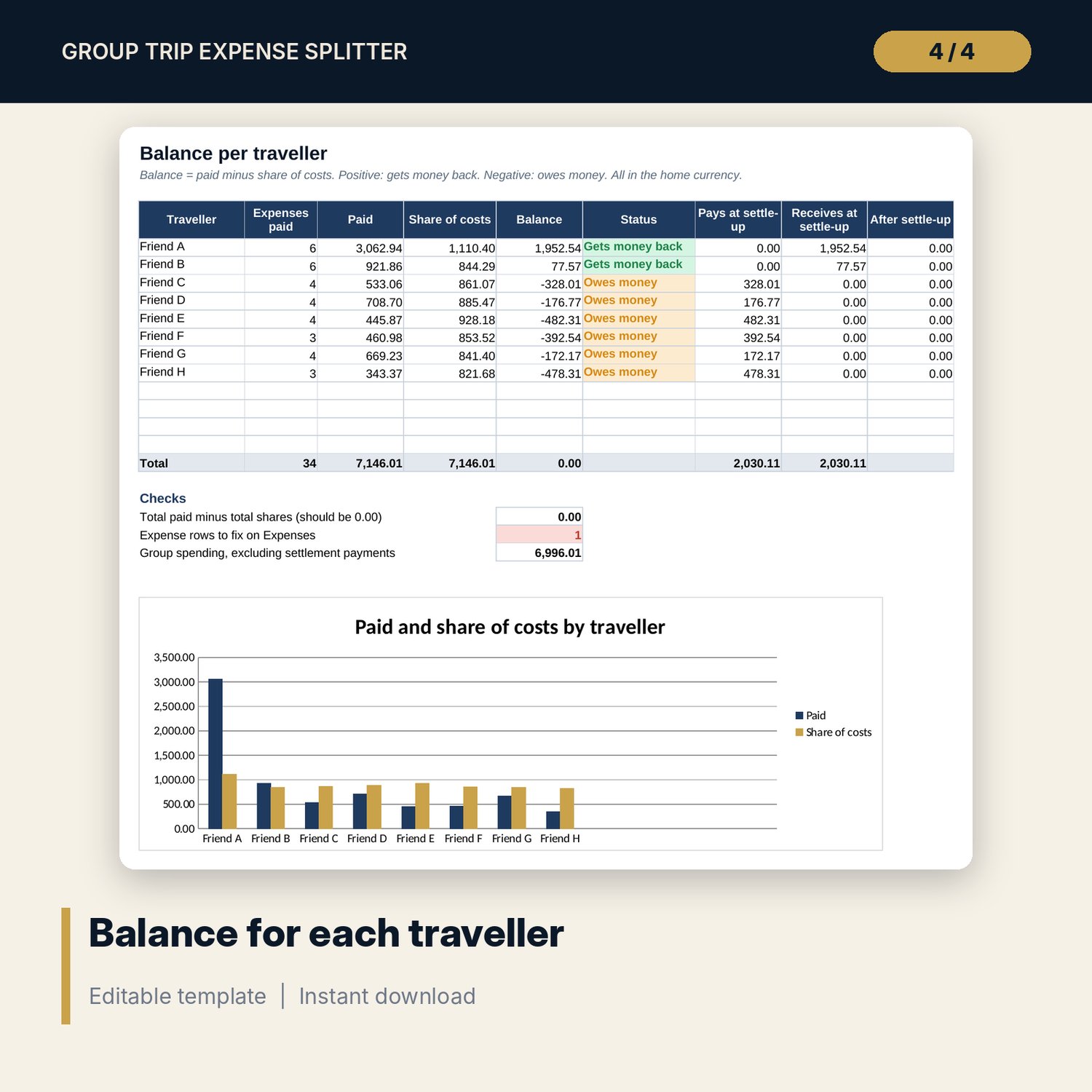
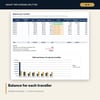
- Balances: paid, share of costs, balance and status for each traveller, settle-up amounts, 3 checks and a chart.
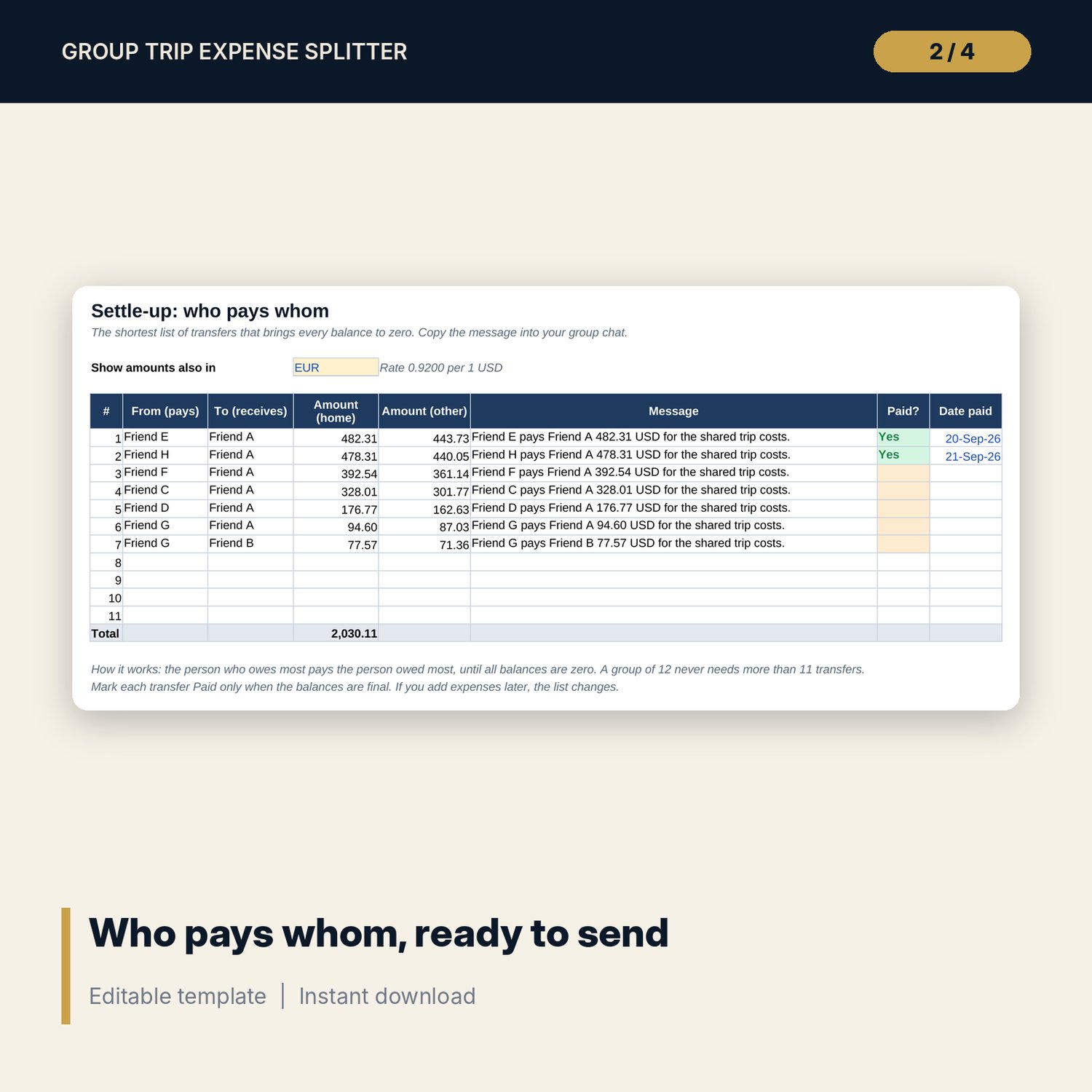
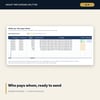
- Settle_Up: up to 11 transfers (the most a group of 12 needs), amounts in the home currency and one other currency, a ready message per transfer and a paid tracker.
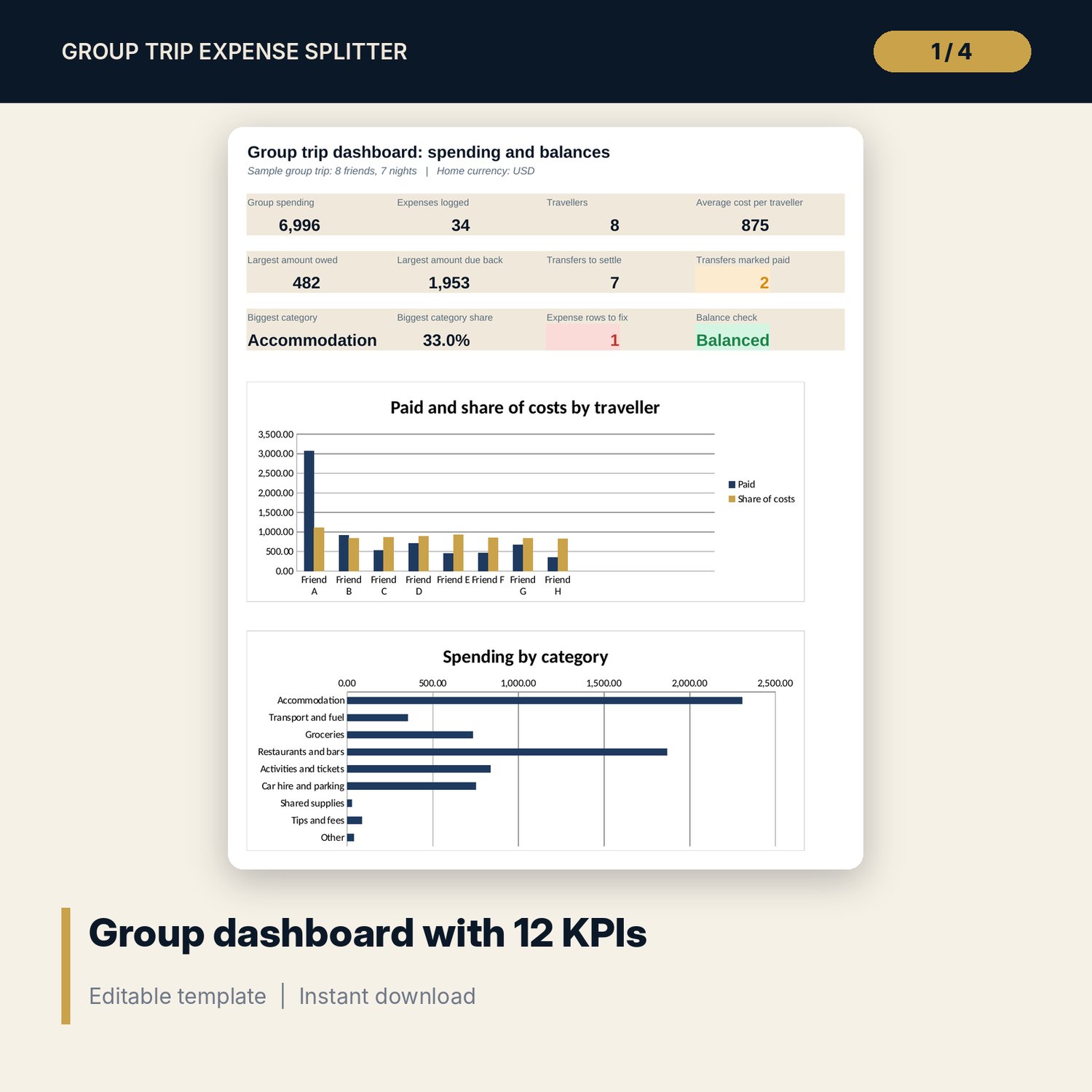
- Categories: spending by category with count, total, share of spend, average per expense and cost per traveller, plus a chart.
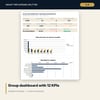
- Dashboard: 12 KPI tiles and 2 charts.
- Calc: the matching steps behind the settle-up list.
- README.txt and LICENSE-and-Terms.txt.
How it works
- Enter the traveller names, the home currency and the exchange rates on Settings.
- Log each expense with the payer, currency, amount and split method. Mark who shares it.
- Check Balances for each person's position and fix any row the check column flags.
- Send the transfers on Settle_Up and mark each one paid.
Details
- Format: Excel workbook (.xlsx). No macros.
- Language: English. Any currency, set by code and rate.
- Software: Excel 2016 or later, or a spreadsheet program that opens .xlsx files.
- Delivery: instant digital download. Nothing is shipped.
Good to know
- The sample trip, travellers and amounts are illustrative. Replace them with your own.
- Exchange rates are examples. Use the rates your group agrees on.
- Money already paid back during the trip goes in as a settlement payment, so it counts in the balances but not in spending.
- Single-user license. Do not share or resell the files.
FAQ
How do I split a cost unevenly?
Choose Shares and type a number under each person (2 counts double), or choose Exact and type each person's amount.
Can people pay in different currencies?
Yes. Each expense has its own currency. Every amount converts to the home currency before the split.
Does it give the smallest number of transfers?
It matches the person who owes most with the person owed most until all balances are zero. A group of 12 never needs more than 11 transfers.
Does it work in Google Sheets?
It opens in Google Sheets and the formulas calculate. Check the drop-downs after import.
Is this a physical product?
No. It is a digital download. Refund terms follow the store policy at the time of purchase.