Tour Package Costing & Pricing Calculator: Tour Pricing Spreadsheet for Group Sizes 2 to 20
Full description
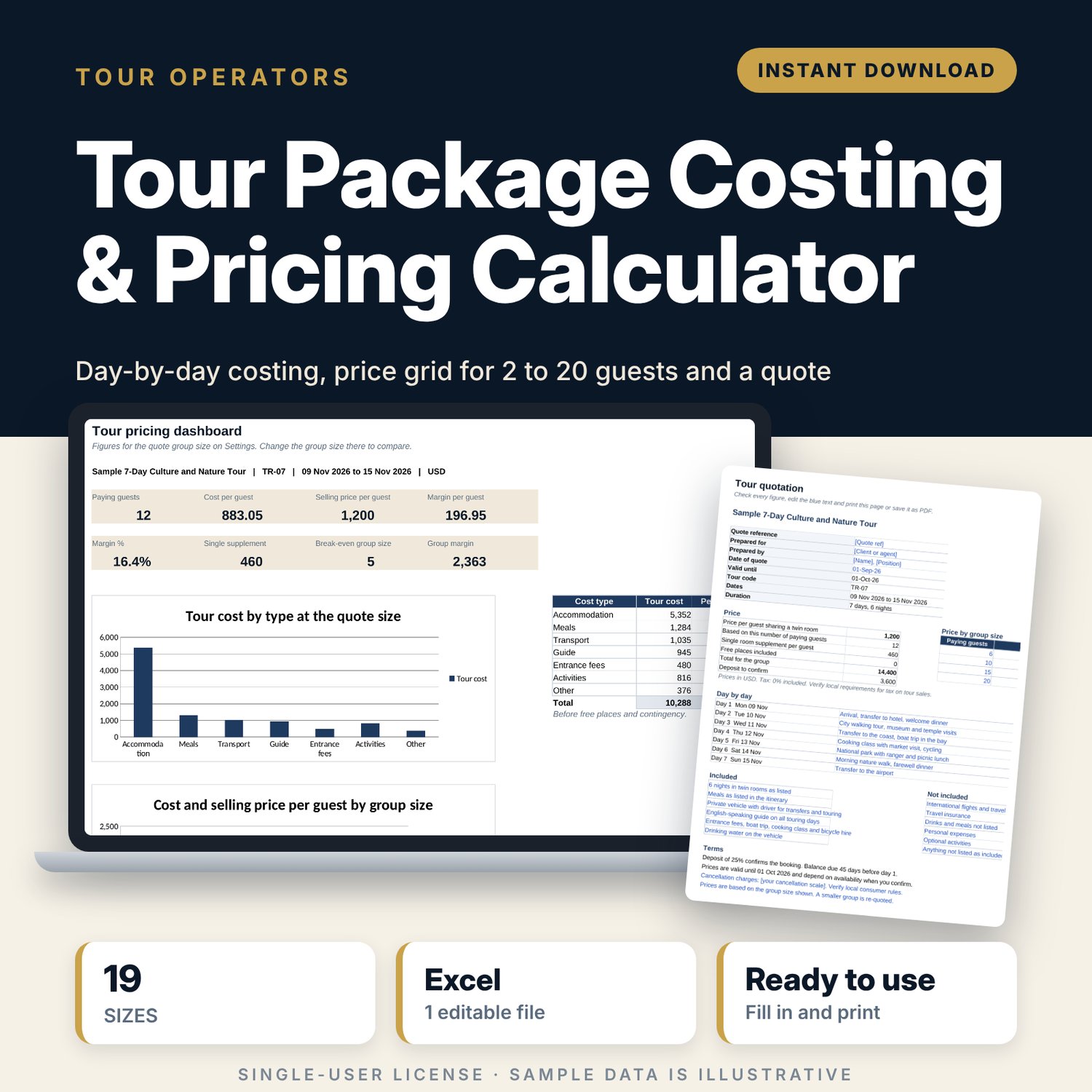
For tour operators, destination companies, travel agents and hotels that sell packaged tours to groups. You enter each cost once, day by day, as per person, per group, per twin room or by vehicle. The workbook works out the cost and selling price per guest for every group size from 2 to 20, including free places, the right vehicle for the group, contingency, markup, agent commission and tax, then shows the single supplement and the smallest group that covers its cost at your quoted price. A one-page quote summary turns the result into something you can send.
Save with a bundle: this template is also in the Tour & Travel Business Bundle, 12 templates for $29 instead of $76. All 141 templates are in the All-Access Hospitality Template Library for $79.
What is inside
- Tour_Package_Costing_Pricing_Calculator.xlsx: 7 tabs, 1,047 formulas, 4 native charts, 5 drop-down or number rules.
- Settings: 5 tour and quote inputs, 10 pricing rules (markup, agent commission, contingency, rounding, free places, guide seats, tax, deposit, balance due, quote validity), a vehicle table with 5 size bands and 6 tour totals.
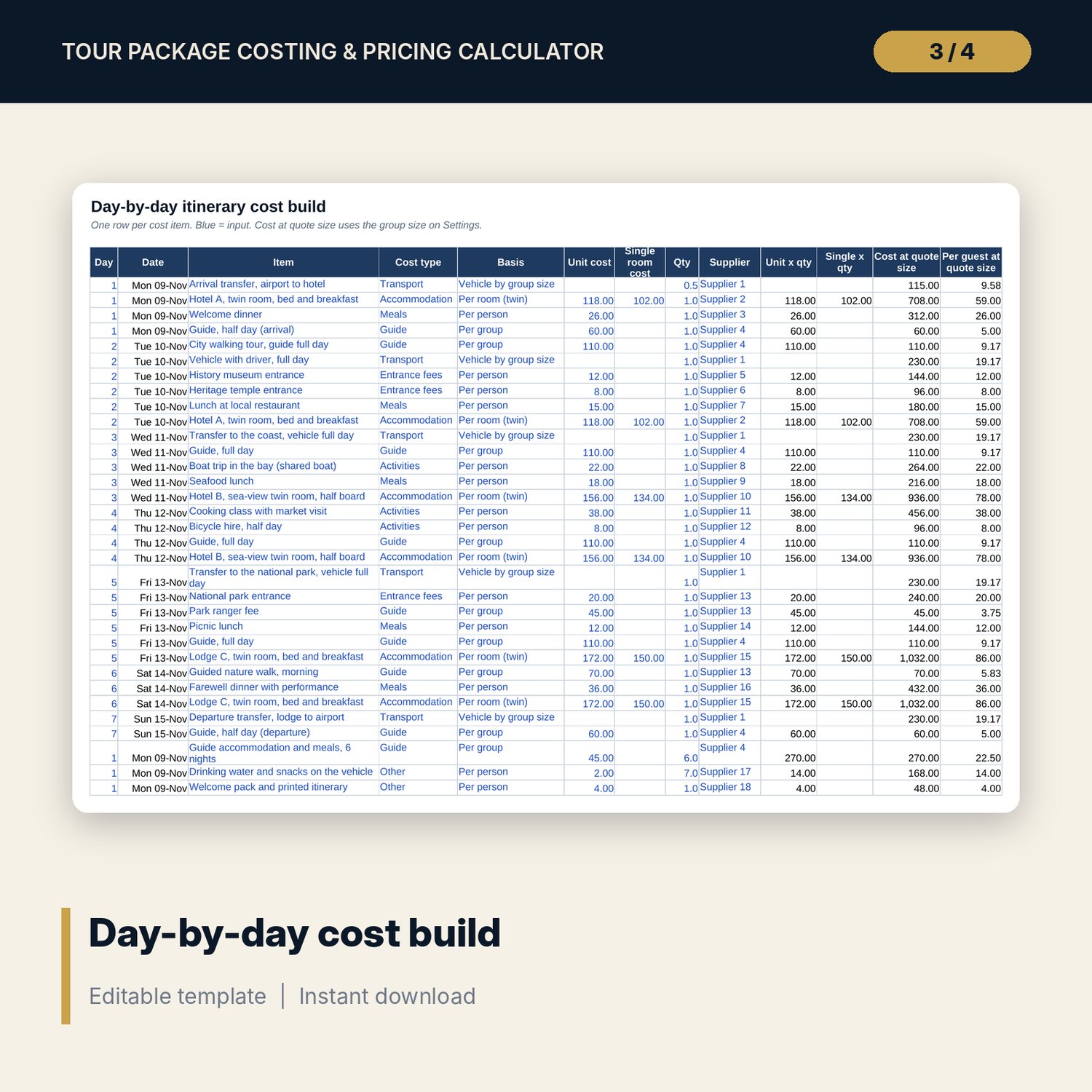
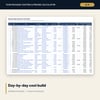
- Itinerary_Costs: room for 120 cost lines over up to 14 days (35 sample lines for a 7-day tour), 7 cost types and 4 cost bases, with cost per guest at the quote size and missing-cost flags.
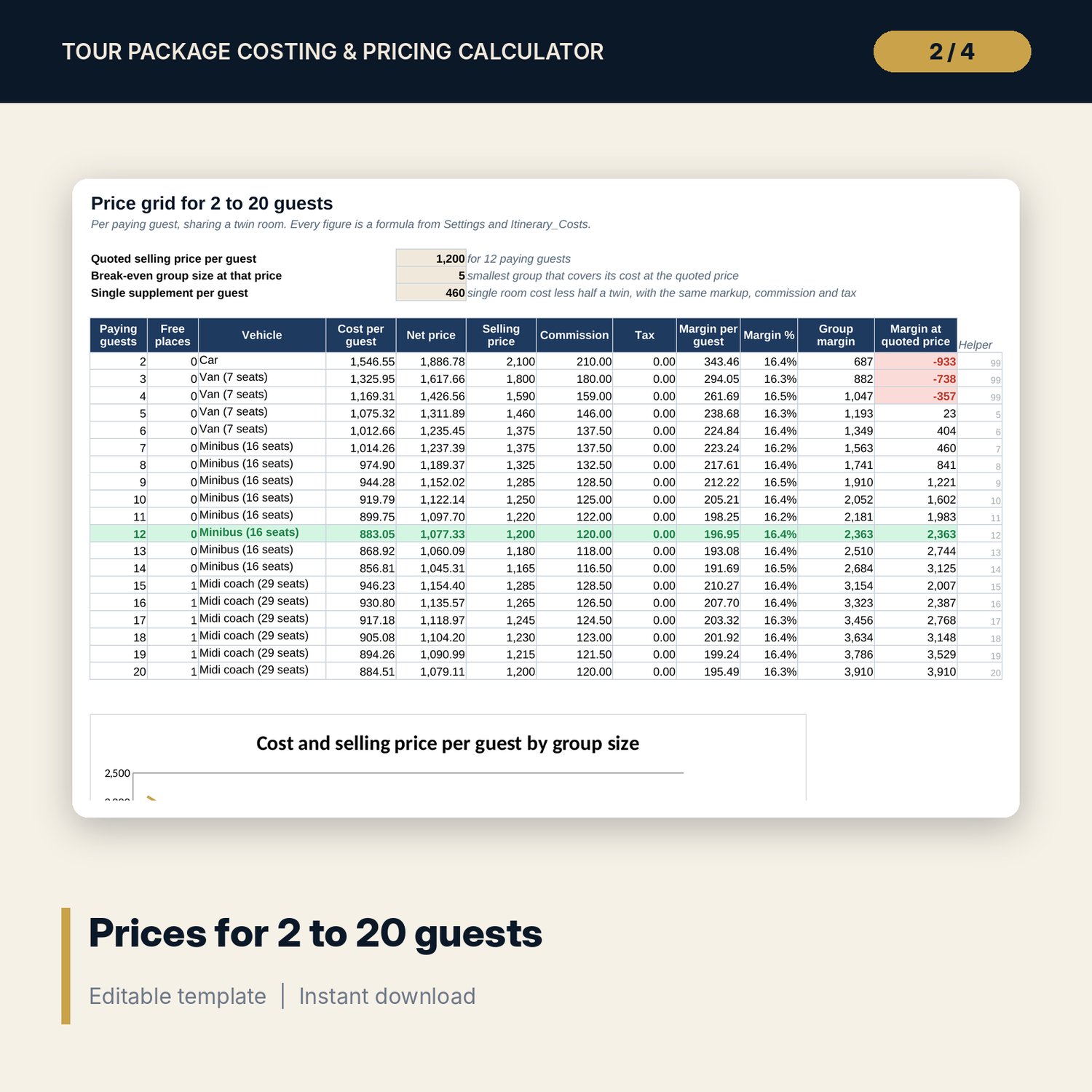
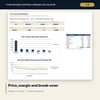
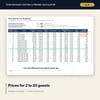
- Price_Grid: 19 group sizes from 2 to 20 paying guests with free places, vehicle, cost, net price, selling price, commission, tax, margin and margin at the quoted price, plus break-even group size, single supplement and a chart.
- Day_Summary: cost by day and cost type for 14 days, with a stacked chart and a check against the itinerary total.
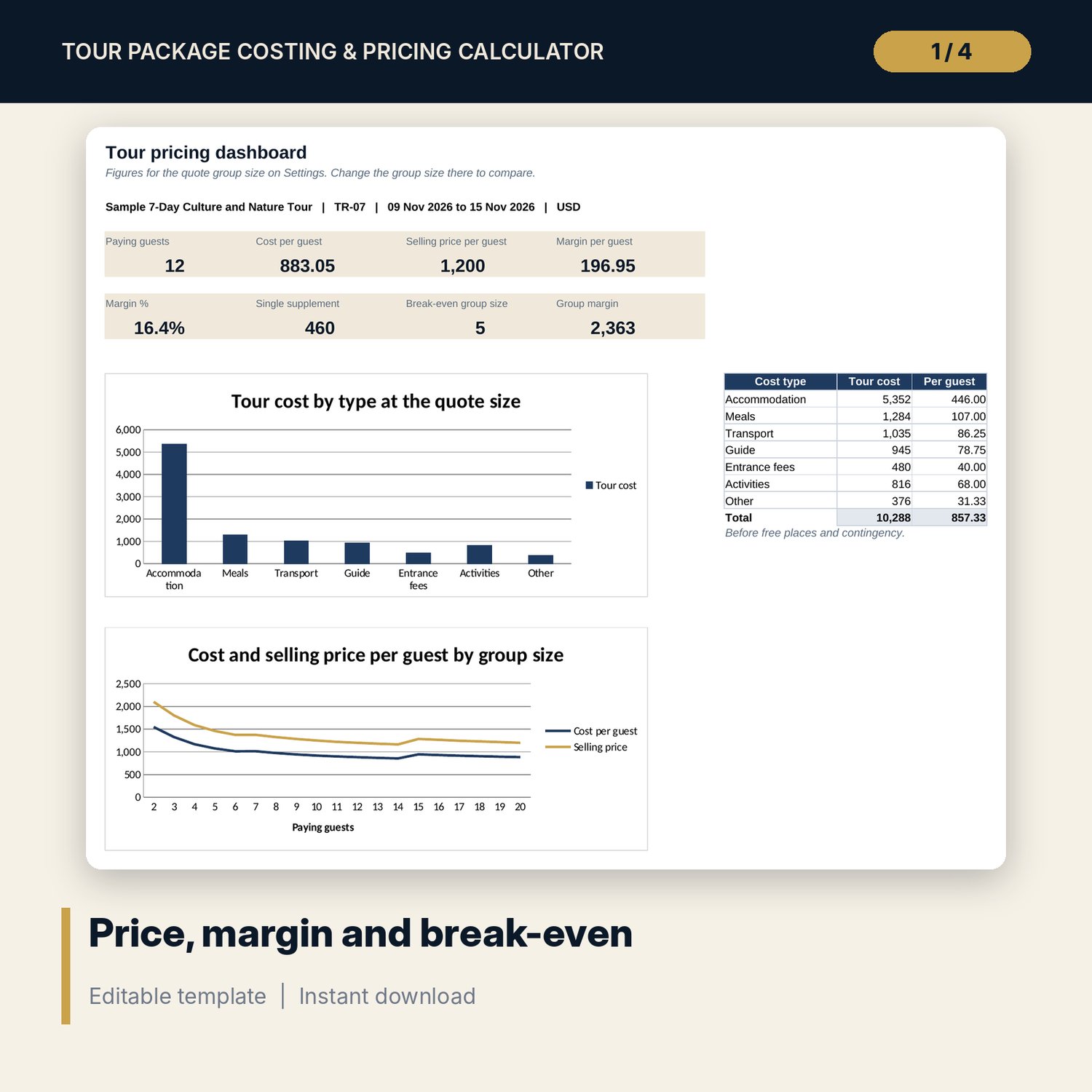
- Dashboard: 8 KPI tiles for the quote group size, cost by type table and 2 charts.
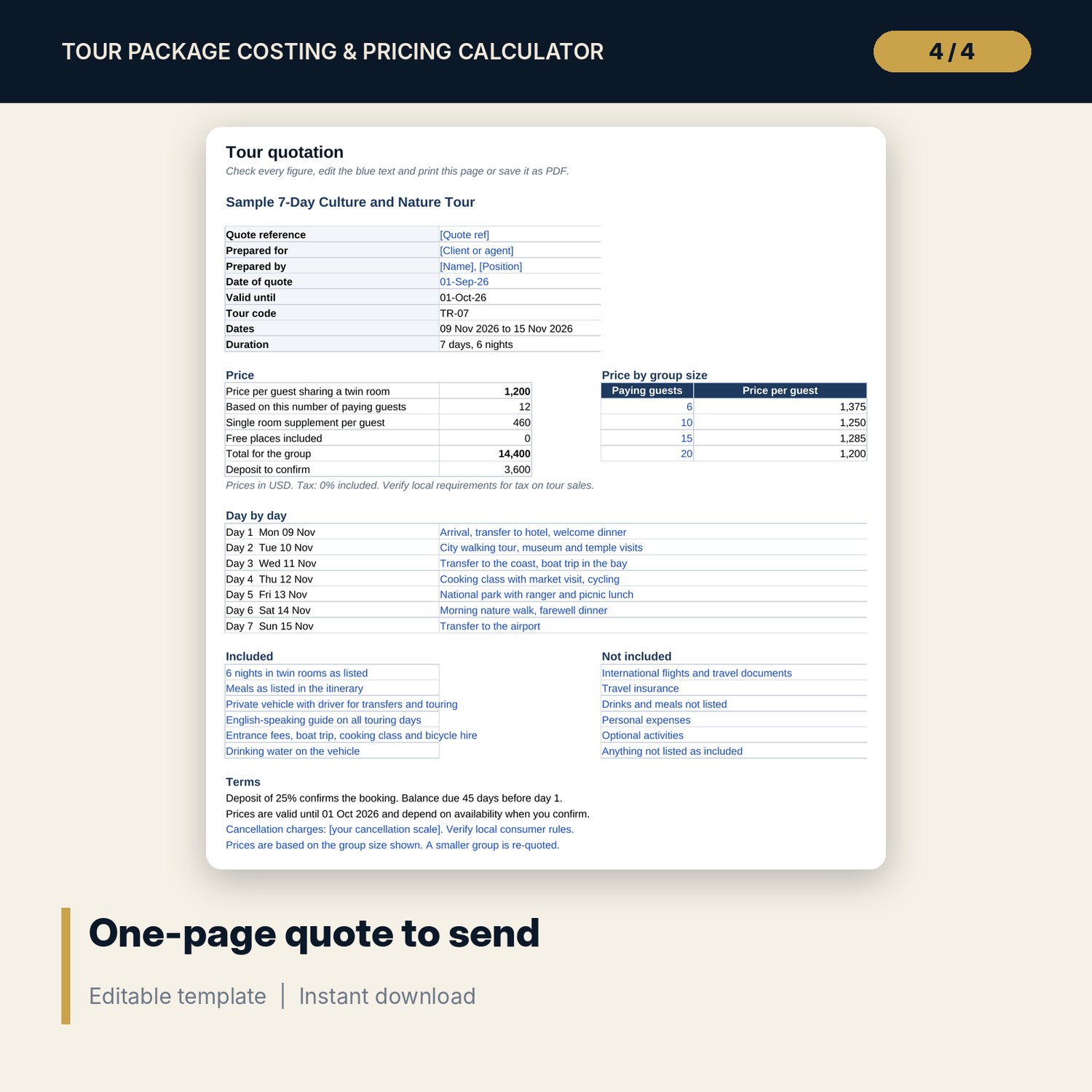
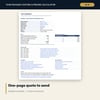
- Quote_Summary: one printable page with tour details, prices, single supplement, prices for 4 group sizes, a 7-day outline, 6 inclusions, 6 exclusions and 4 terms.
- README.txt and LICENSE-and-Terms.txt.
How it works
- Enter the tour details, quote group size and pricing rules on Settings.
- Check the vehicle table so the right vehicle and daily rate apply at each group size.
- Enter your costs day by day on Itinerary_Costs and pick the basis for each line.
- Read the price for each group size and the break-even group size on Price_Grid.
- Edit the outline, inclusions and terms on Quote_Summary and print it or save it as PDF.
Details
- Format: Excel workbook (.xlsx). No macros.
- Language: English. Currency is a label you choose.
- Software: Excel 2016 or later, or a spreadsheet program that opens .xlsx files.
- Delivery: instant digital download. Nothing is shipped.
Good to know
- All sample costs, rates and prices are illustrative. Replace them with your own supplier rates.
- Tax on tour sales and consumer rules for deposits and cancellations differ by place. Verify local requirements. This is a pricing tool, not tax or legal advice.
- Single-user license. Do not share or resell the files.
FAQ
Can I price tours longer than 7 days?
Yes. The itinerary takes up to 14 days and 120 cost lines.
How are free places handled?
Set one free place for every so many paying guests on Settings. The free guest's land cost and single room are spread over the paying guests.
Can I sell direct without commission?
Yes. Set agent commission to 0% and the selling price equals the net price, rounded.
Does it work in Google Sheets?
It opens in Google Sheets and the formulas calculate. Check the drop-downs after import.
Is this a physical product?
No. It is a digital download. Refund terms follow the store policy at the time of purchase.