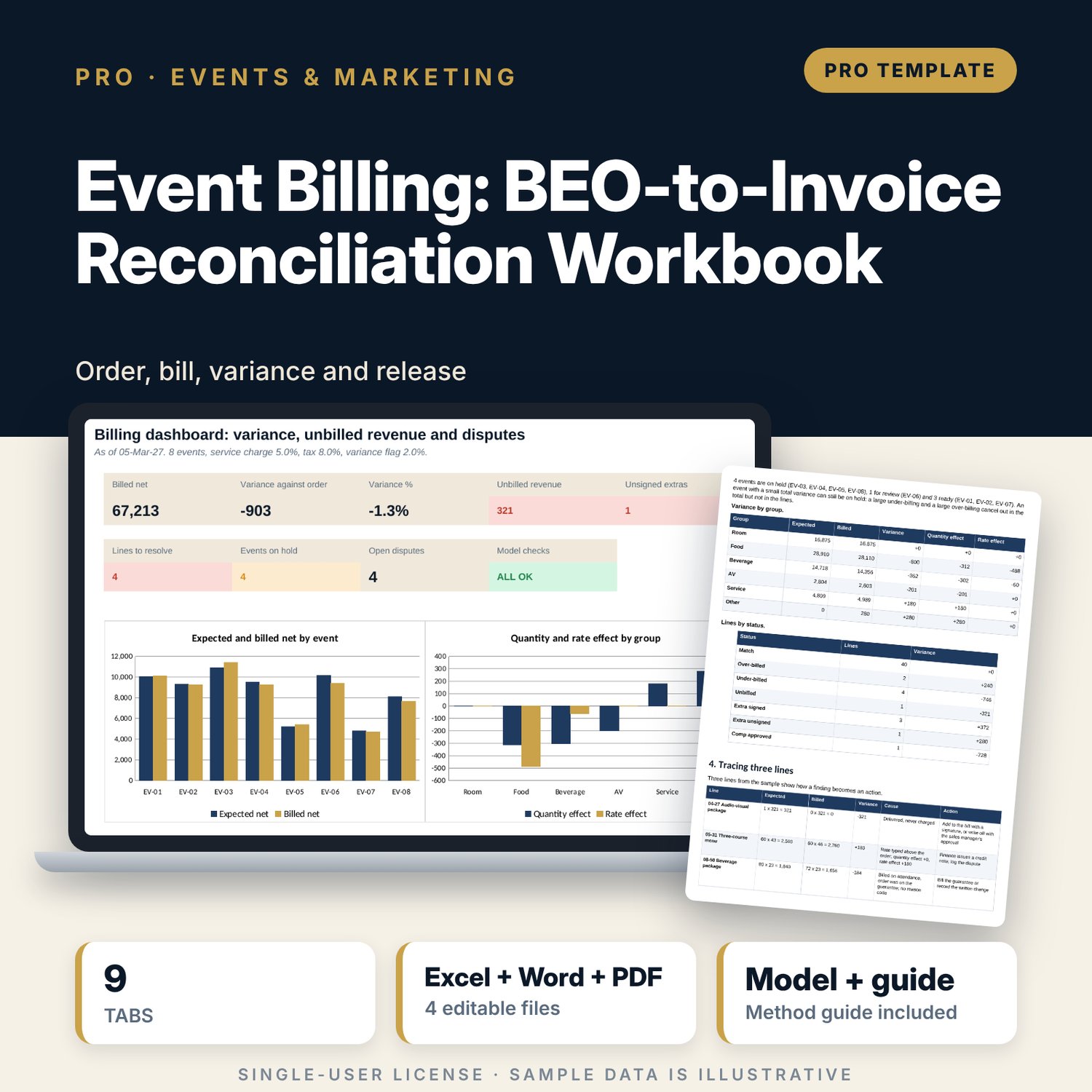
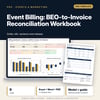
Event Billing: BEO-to-Invoice Reconciliation Workbook: Banquet Event Order to Invoice Reconciliation, Final Bill Checklist, Unbilled Extras and Dispute Tracker for Event Coordinators and Finance
Full description
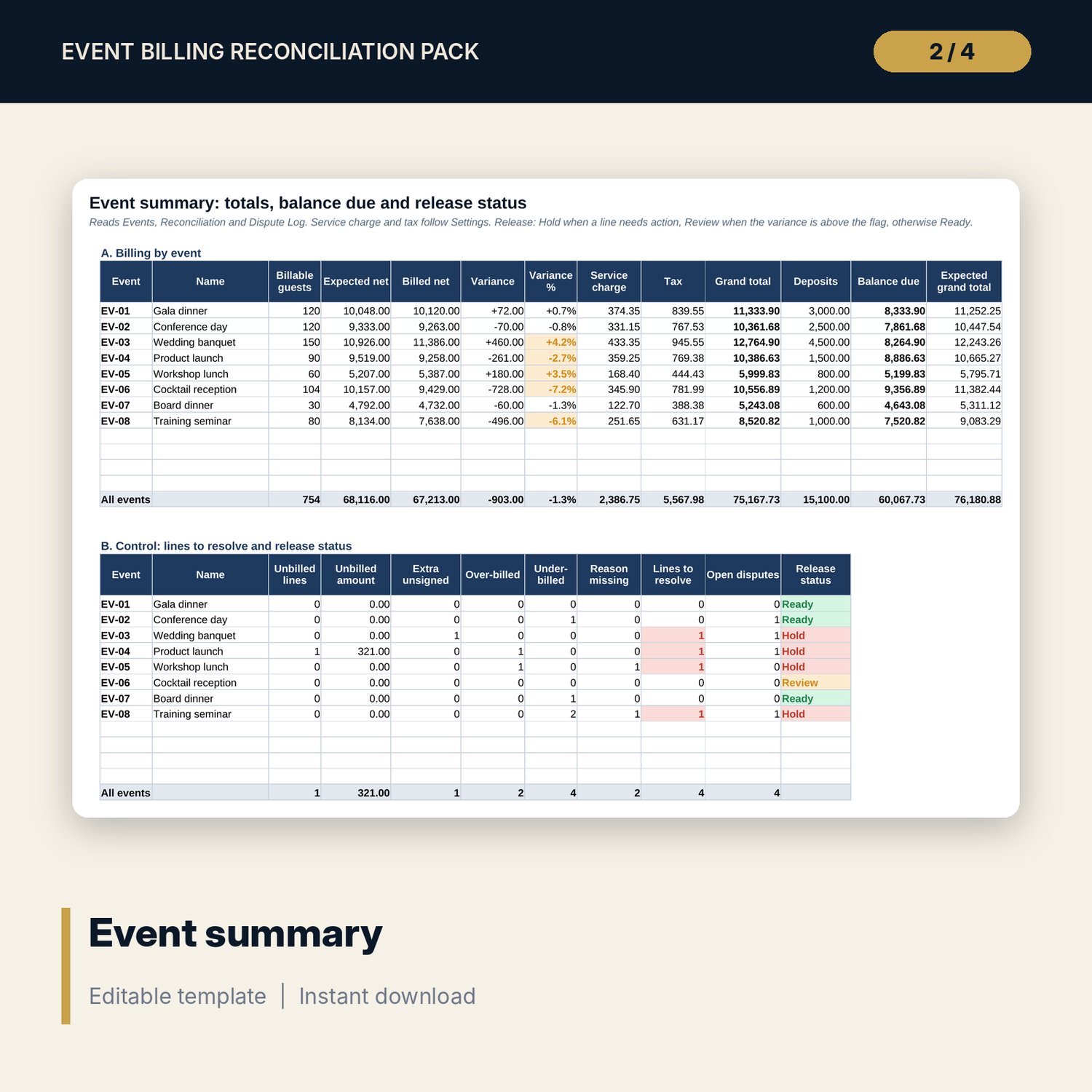
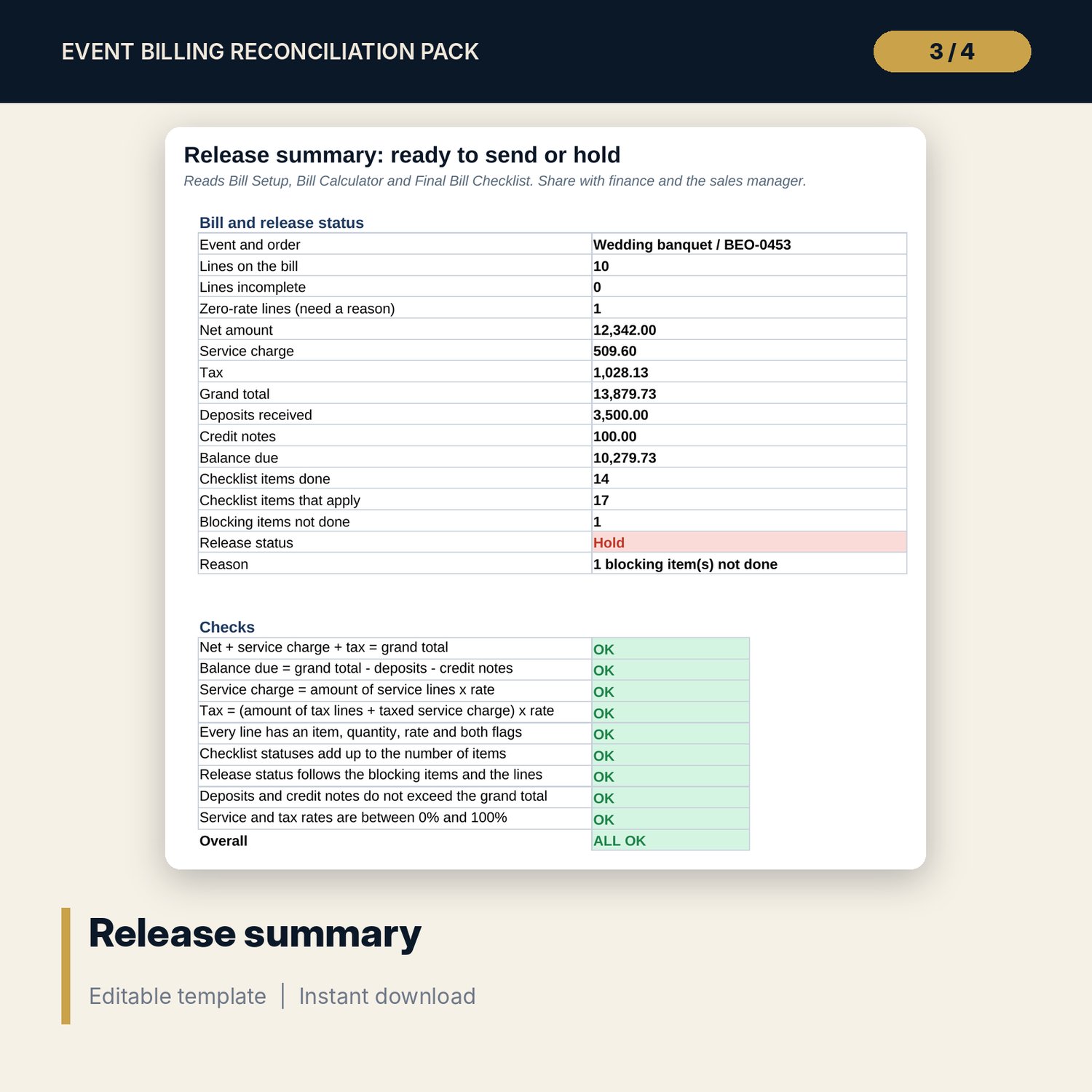
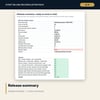
For banquet coordinators, event managers, sales managers and finance teams who bill functions. The main workbook holds one row per order line with the ordered quantity and rate and the billed quantity and rate. Expected quantity follows the billing basis: per guest on the higher of guaranteed and attended guests, or fixed. Variance is split into a quantity effect and a rate effect that add up exactly. Each line gets a status: Match, Over-billed, Under-billed, Unbilled, Extra signed, Extra unsigned or Comp approved. Event Summary adds service charge and tax from your settings, deducts deposits and shows balance due and a release status. The dispute log tracks owner, due date and age against the as-of date. The companion workbook prices one final bill with deposits and credit notes and runs an 18-item final bill checklist with blocking items.
What is inside
- Event_Billing_Reconciliation_Workbook.xlsx: 9 tabs, 1,129 formulas, 2 native charts, 15 drop-down and input rules, 9 integrity checks
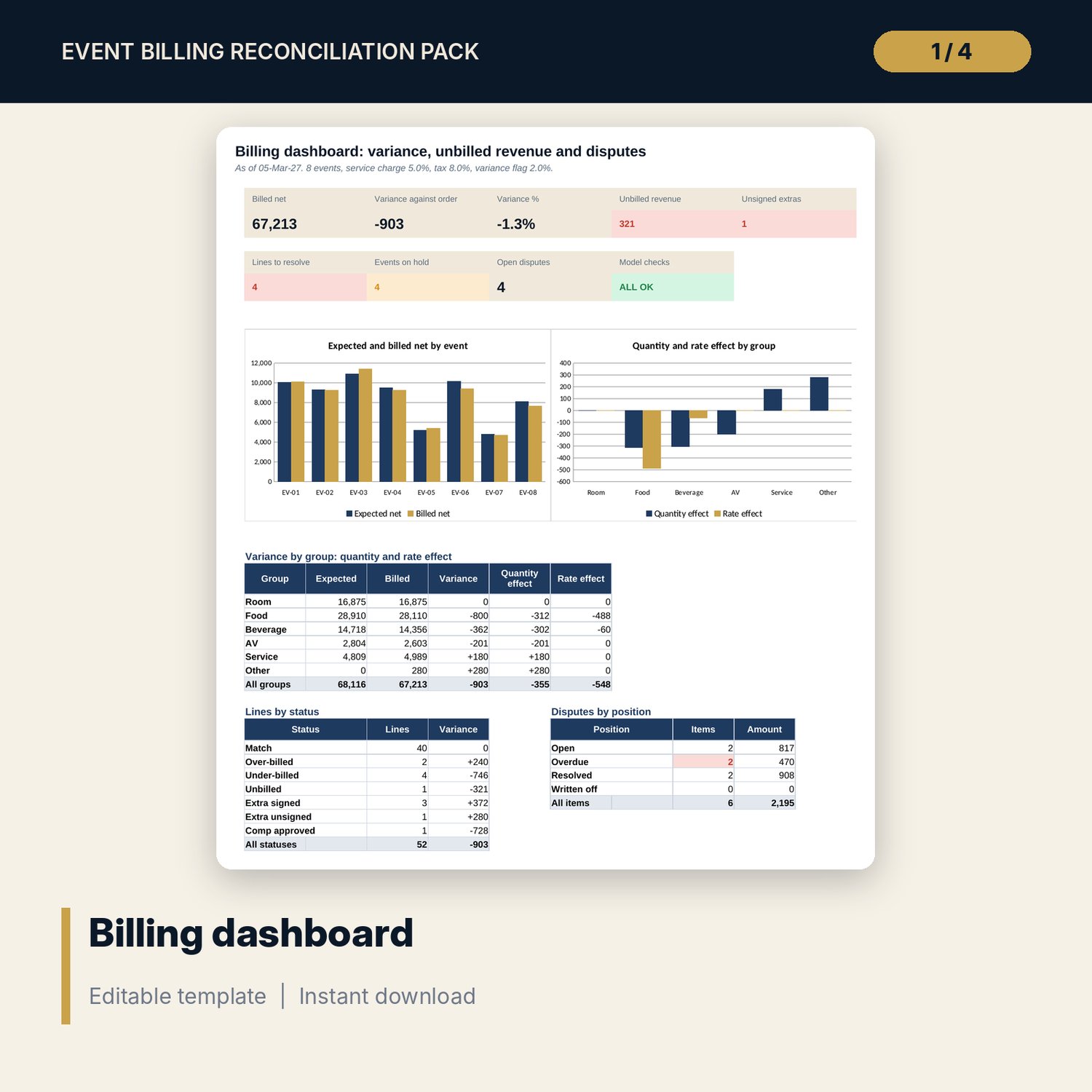
- Reconciliation: 52 sample order lines for 8 events plus 12 spare rows, with expected and billed amounts, quantity and rate effect, status and needs-action flag
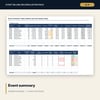
- Event Summary: billed net, service charge, tax, grand total, deposits, balance due and release status for 8 events plus 4 spare rows; Dispute Log with position and age
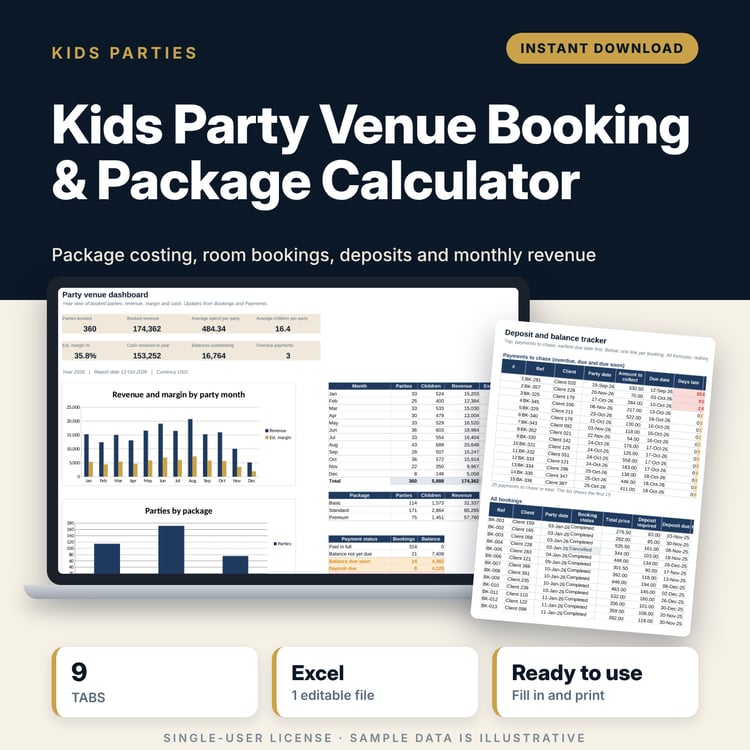
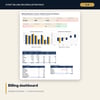
- Dashboard with 9 tiles and 2 charts; Method with 11 rows
- Final_Bill_Checklist_and_Calculator.xlsx: 4 tabs, 149 formulas, bill calculator, 18-item final bill checklist, release status and 9 checks
- Event_Billing_Guide.docx and PDF: 10 pages with 19 billing standards, equations, a worked example, a line-tracing exercise, the final bill checklist and forms
- README.txt and LICENSE-and-Terms.txt
How it works
- Set service charge, tax, the guarantee rule, the variance flag and the as-of date on Settings.
- List the events with guaranteed and attended guests and deposits.
- Enter each order line and bill line and add a reason code to every variance.
- Clear every Hold on Event Summary, run the final bill checklist and release the invoice.
Details
- Formats: 2 Excel workbooks (.xlsx), 1 Word guide (.docx) and PDF, English
- Software: Excel 2016 or later, or LibreOffice Calc 7 or later
- No macros, no external links, no data tables, no array formulas
- 4 files plus README and license; instant digital download
Good to know
- Sample data is illustrative. Replace it with your own figures.
- Rates, tax and the guarantee rule are inputs. The workbook does not read your contract or know local tax law.
- Single-user license. Do not redistribute.
FAQ
How is expected quantity decided?
A per-guest line with an order uses the billable guests of the event. A fixed line uses the ordered quantity. A line with no order is an extra.
What puts an event on hold?
Any line that is unbilled, an extra without a signature, or a variance with no reason code.
Can I bill on attendance instead of the guarantee?
Yes. Set billing on guarantee to No on Settings.
Can I add events or lines?
Yes. Events has 4 spare rows and Reconciliation has 12.
Do I need macros?
No. Every result is a standard worksheet formula.