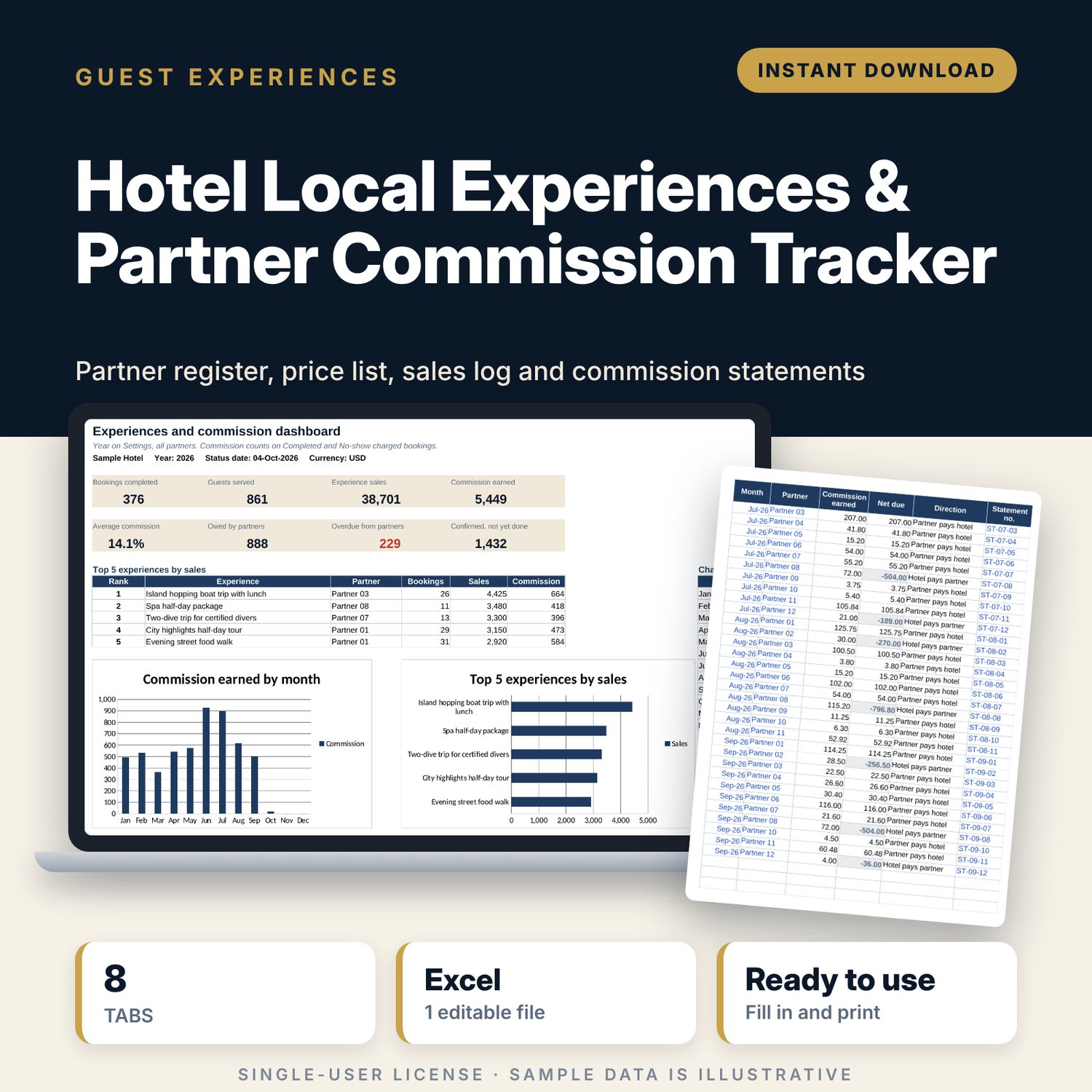
Hotel Local Experiences & Partner Commission Tracker: Tour Desk Commission Spreadsheet
Full description
For hotel general managers, concierges and guest relations teams who book tours, transfers, restaurants, spa visits and activities with outside partners and need to know what each partner owes. You set each partner's commission rate and build a price list once. Then each booking takes one row: pick the experience code and the price, partner and commission fill in. The workbook totals commission by partner and month, works out the net amount to settle when the hotel collects the money itself, tracks statements and payments, and ranks your top-selling experiences.
Save with a bundle: this template is also in the Tour & Travel Business Bundle, 12 templates for $29 instead of $76. All 141 templates are in the All-Access Hospitality Template Library for $79.
What is inside
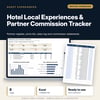
- Local_Experiences_Partner_Commission_Tracker.xlsx: 8 tabs, 11,995 formulas, 2 native charts, 15 drop-down or number rules.
- Settings: hotel name, year, status date (today by default), agreement warning days and 7 drop-down lists, including 7 experience categories.
- Partners: room for 25 partners (12 sample rows) with category, services, commission %, payment terms, agreement end, licence and insurance check, yearly sales, commission and a flag.
- Experiences: price list with room for 60 experiences (22 sample rows), price per guest or per booking, optional commission override, bookings, guests, sales and rank.
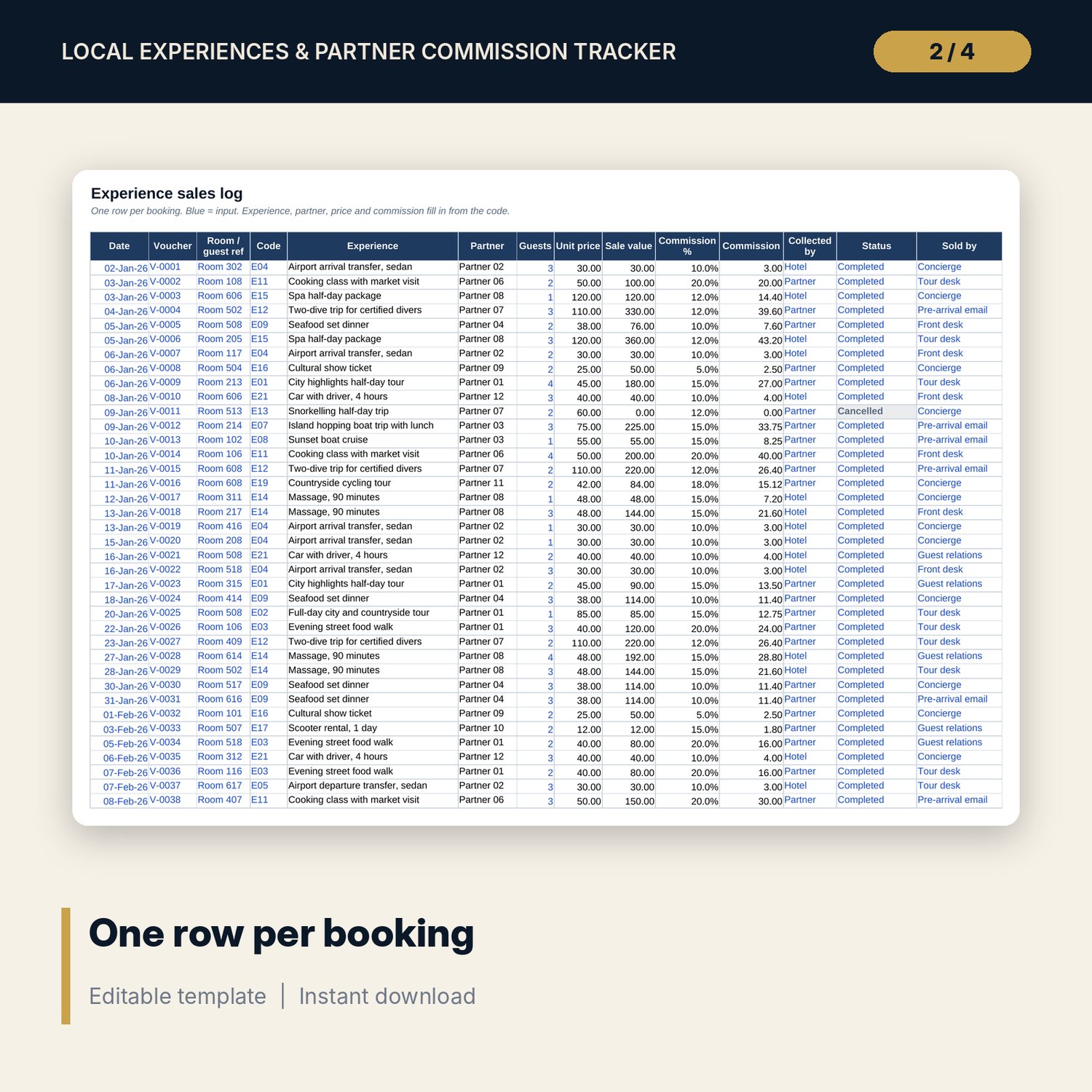
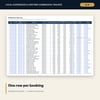
- Sales_Log: room for 1,500 bookings (426 sample rows). Experience, partner, price, sale value and commission fill in from the code.
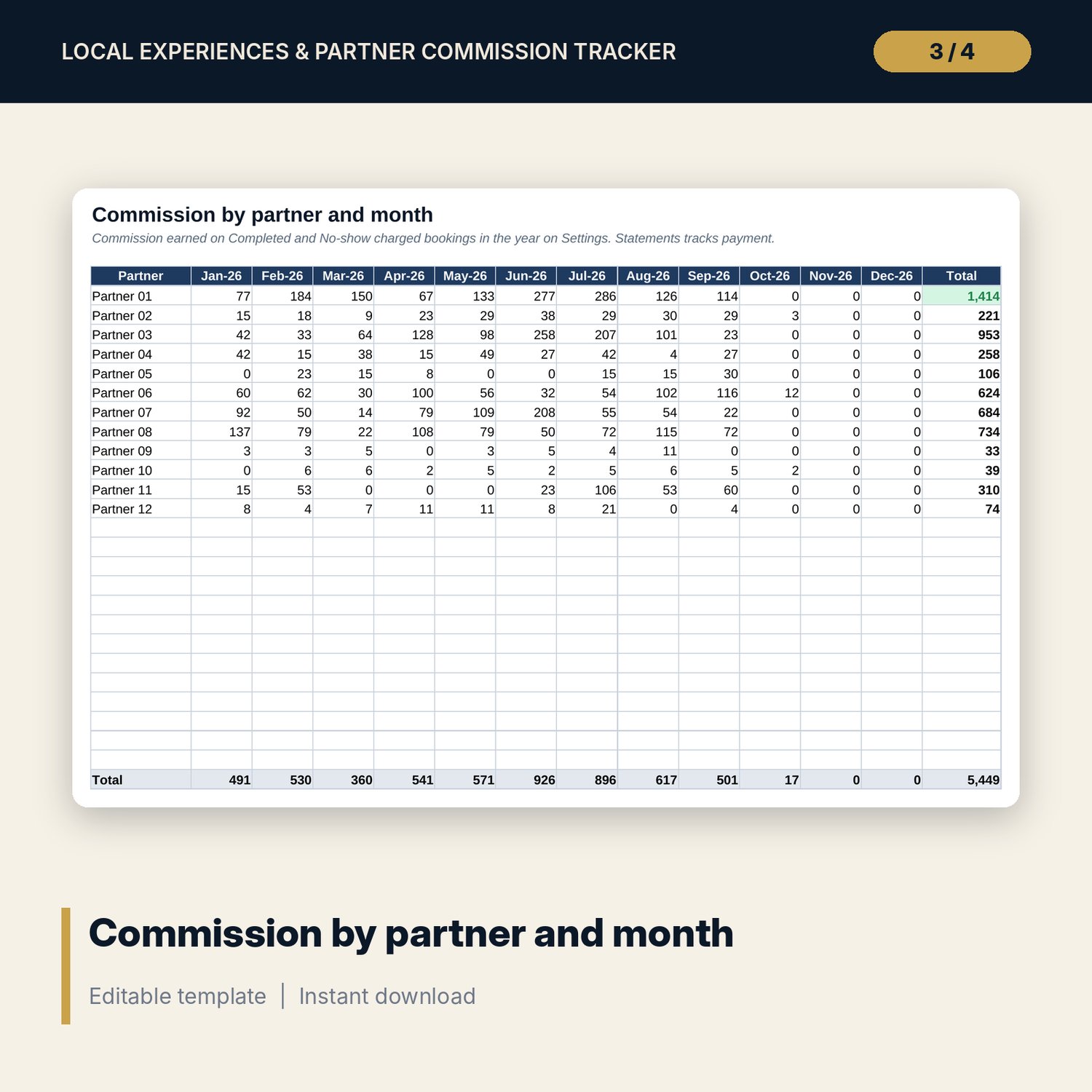
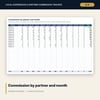
- Partner_Month: commission earned by each partner in each of the 12 months, with totals.
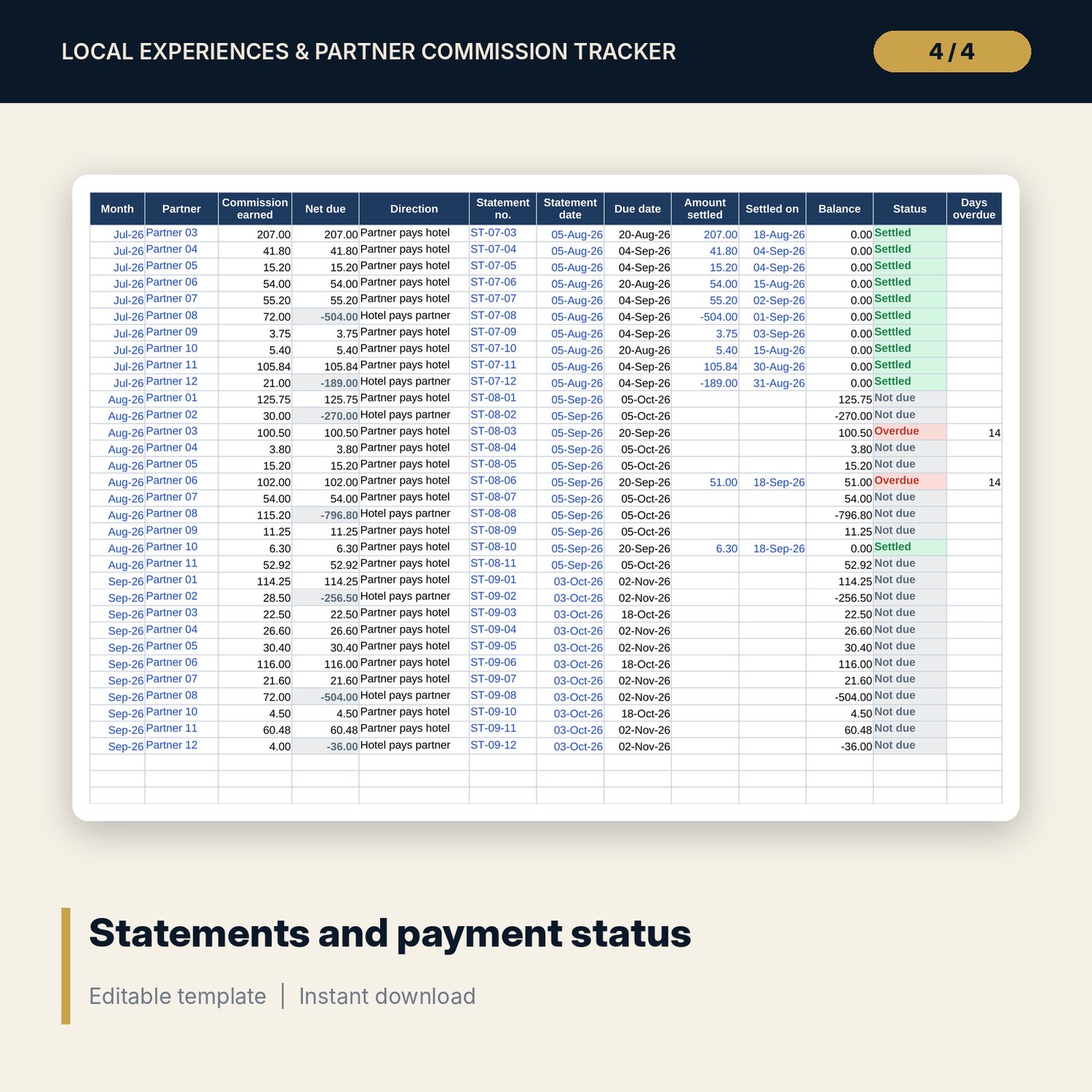
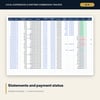
- Statements: room for 300 partner-month statements (98 sample rows) with net amount due, direction of payment, due date, amount settled, balance, status and days overdue.
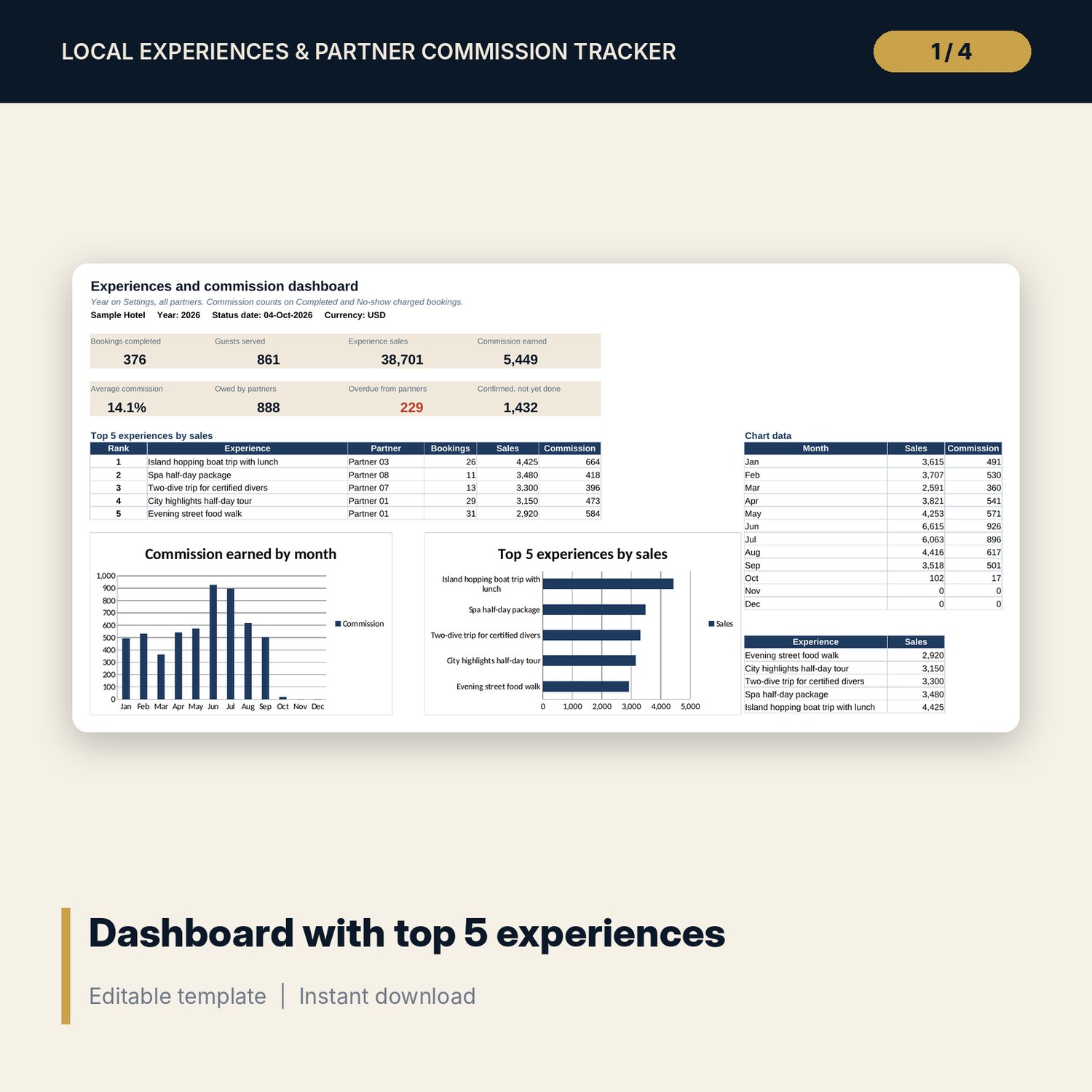
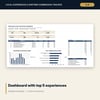
- Dashboard: 8 KPI tiles, the top 5 experiences by sales and 2 charts.
- README.txt and LICENSE-and-Terms.txt.
How it works
- Enter the hotel name and year on Settings.
- List your partners with the commission % and payment terms from each agreement.
- Build the price list on Experiences and give each experience a short code.
- Log each booking on Sales_Log with the code, guests, status and who collected the money.
- At month end, add a Statements row per partner, send the statement and record the payment.
Details
- Format: Excel workbook (.xlsx). No macros.
- Language: English. Currency is a label you choose.
- Software: Excel 2016 or later, or a spreadsheet program that opens .xlsx files.
- Delivery: instant digital download. Nothing is shipped.
Good to know
- Partner codes, experiences, prices, commission rates and bookings are illustrative. Replace them with your own.
- Commission counts on Completed and No-show charged bookings only.
- Tax on commission income differs by country. Verify local requirements. This is a record-keeping tool, not tax advice.
- Single-user license. Do not share or resell the files.
FAQ
What if the guest pays the hotel instead of the partner?
Set Collected by to Hotel. The Statements tab then shows a negative net amount: what the hotel owes the partner after keeping its commission.
Can one experience have a different commission rate from its partner?
Yes. Type the rate in Commission override on the Experiences tab.
What happens when a price changes?
Add a new code for the new price. Past bookings keep the old code and price.
Does it work in Google Sheets?
It opens in Google Sheets and the formulas calculate. Check the drop-downs after import.
Is this a physical product?
No. It is a digital download. Refund terms follow the store policy at the time of purchase.