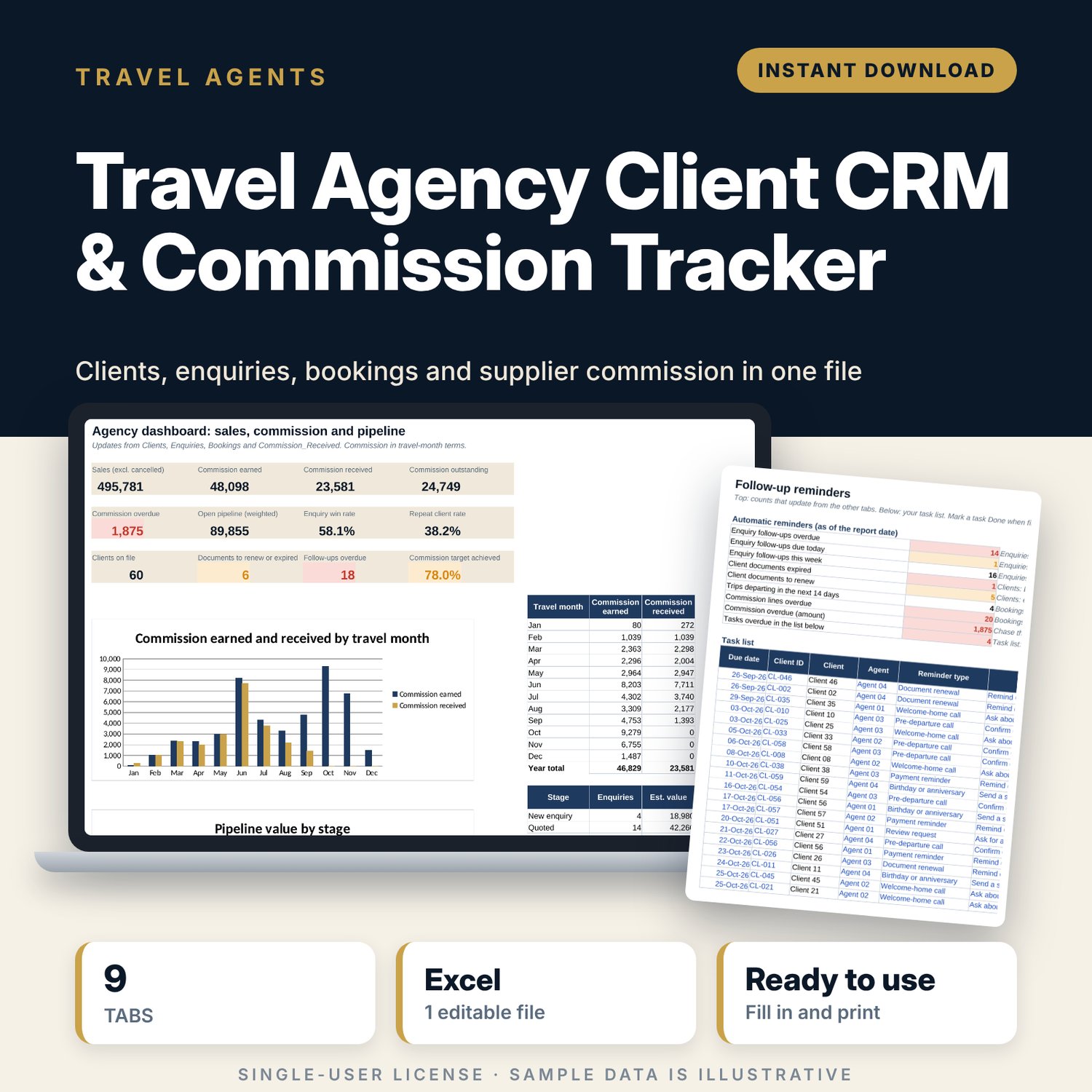
Travel Agency Client CRM & Commission Tracker: Travel Agent CRM Spreadsheet with Commission Tracking
Full description
For independent travel agents and small agencies who keep clients in one place, quotes in another and supplier commission in their head. You add each client once, log enquiries and booked services against the Client ID, and record each commission payment against its booking reference. The workbook shows who needs a follow-up call, whose passport or entry permit is about to expire, which commission is late and which clients come back.
Save with a bundle: this template is also in the Tour & Travel Business Bundle, 12 templates for $29 instead of $76. All 141 templates are in the All-Access Hospitality Template Library for $79.
What is inside
- Travel_Agency_Client_CRM_Commission_Tracker.xlsx: 9 tabs, 11,304 formulas, 4 native charts, 23 drop-down or number rules.
- Settings: report date, year, currency label, document warning days, follow-up window, annual commission target; 6 pipeline stages with win probability; 15 supplier slots (12 examples) with commission % and payment terms; 9 drop-down lists.
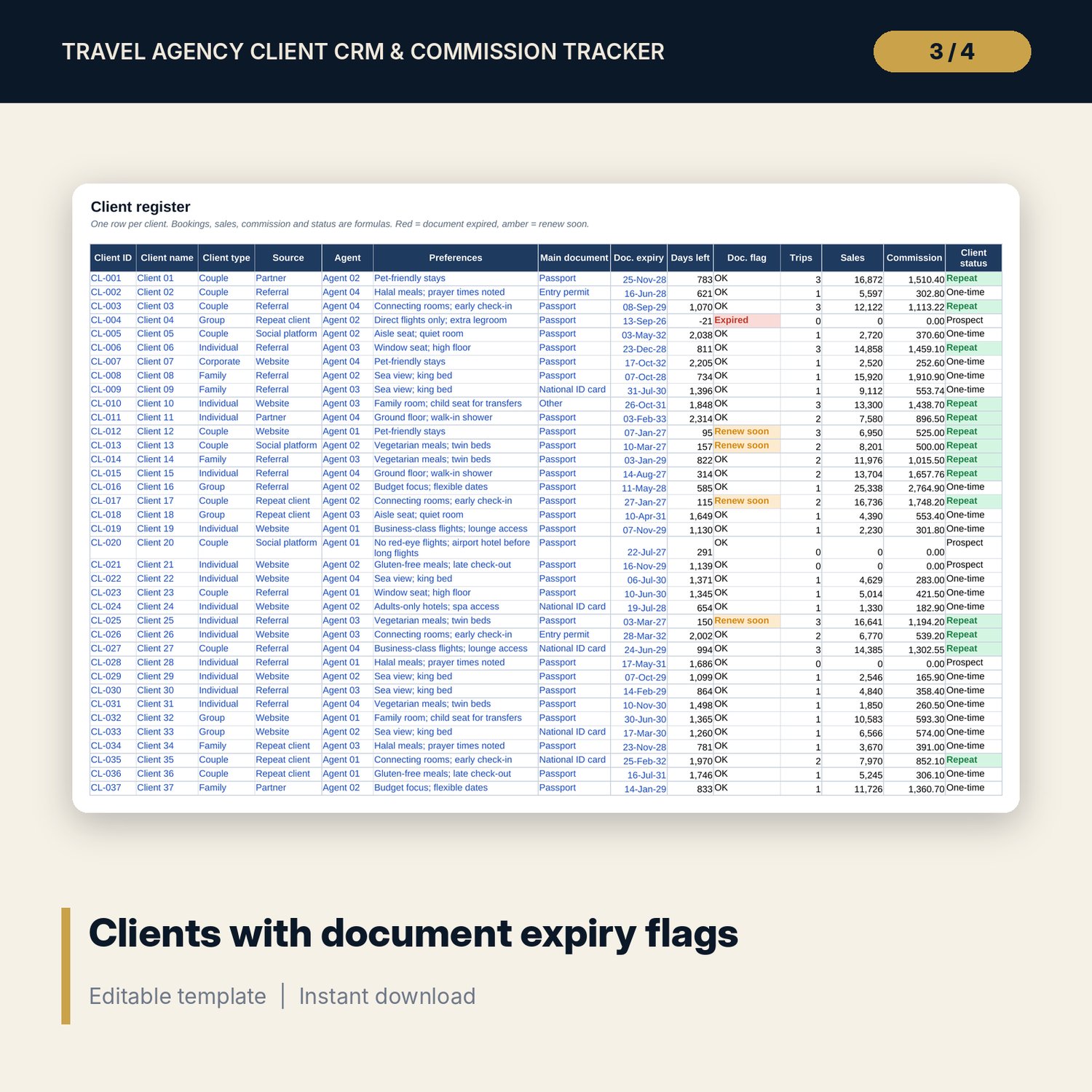
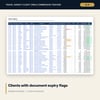
- Clients: room for 400 clients (60 sample rows) with preferences, main travel document, days to expiry, document flag, trips, sales, commission and repeat status.
- Enquiries: room for 500 enquiries (80 sample rows) with stage, weighted value and follow-up flag.
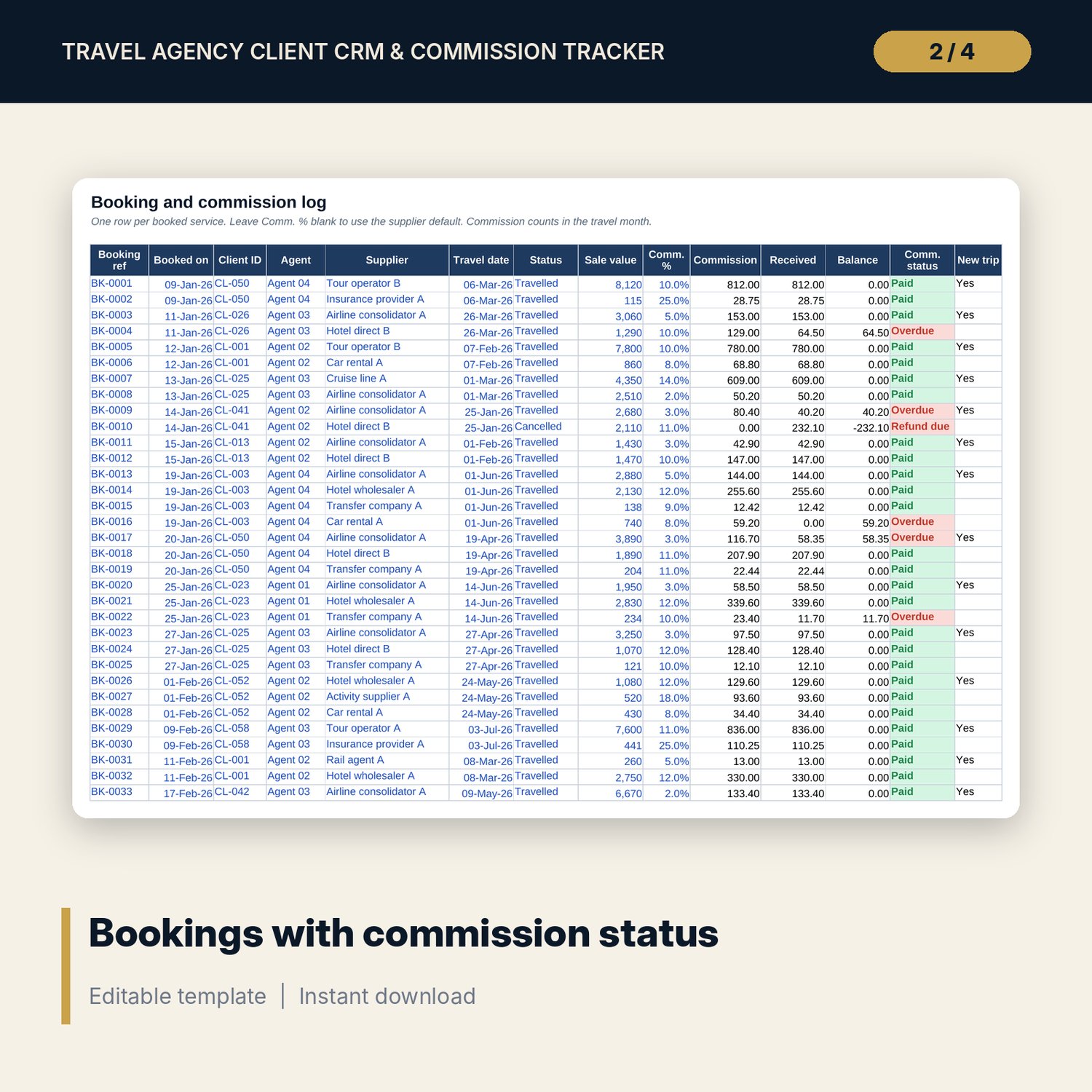
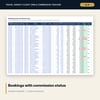
- Bookings: room for 800 booked services (204 sample rows). Commission, amount received, balance, commission status and a new-trip marker calculate.
- Commission_Received: room for 800 supplier payments (121 sample rows) with a check for unknown references and cancelled bookings.
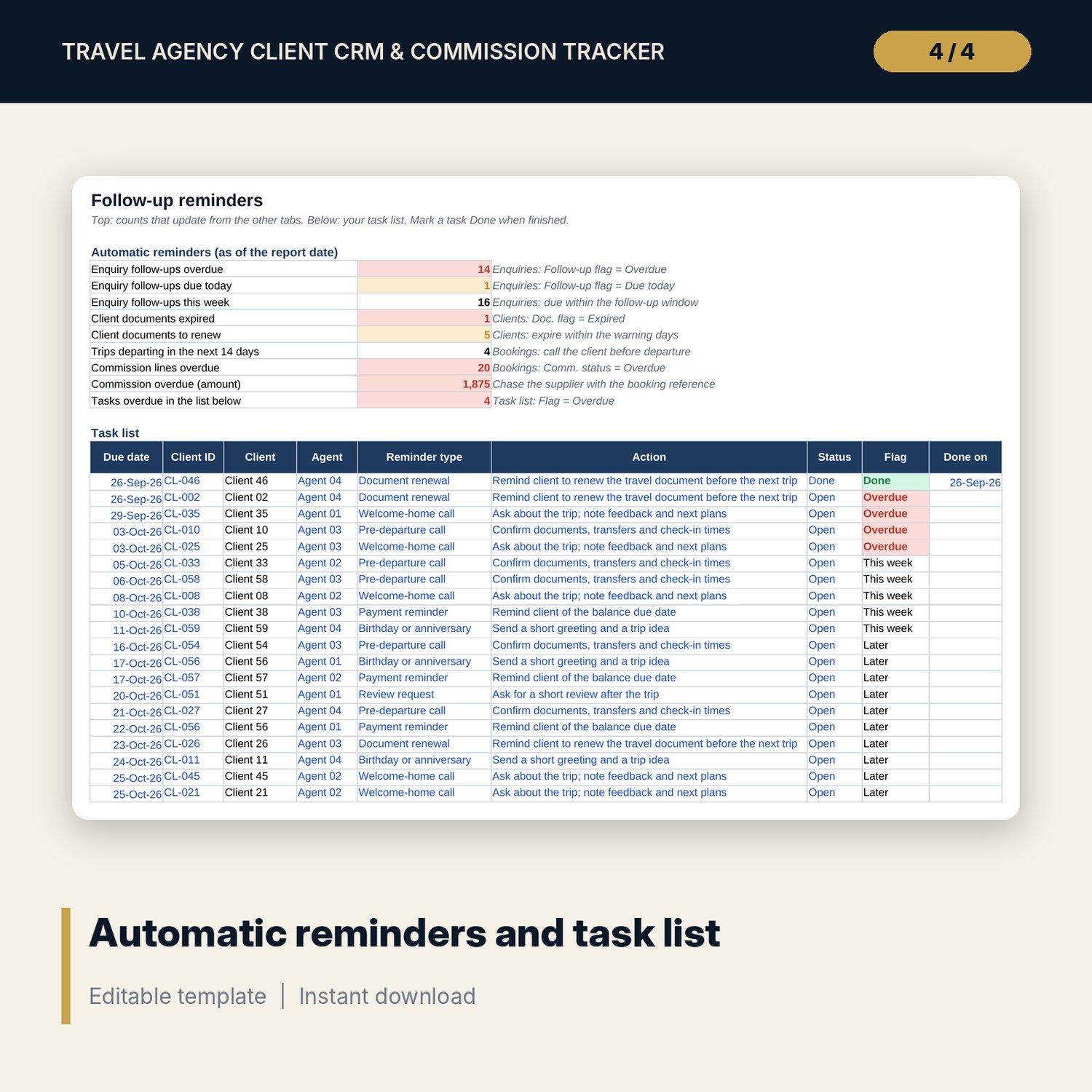
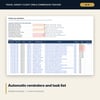
- Follow_Ups: 9 automatic reminder counts and a task list with room for 300 tasks (26 sample rows) and 7 reminder types.
- Analysis: repeat client stats by client type and by source, results by agent, commission received, outstanding and overdue by supplier, 2 charts.
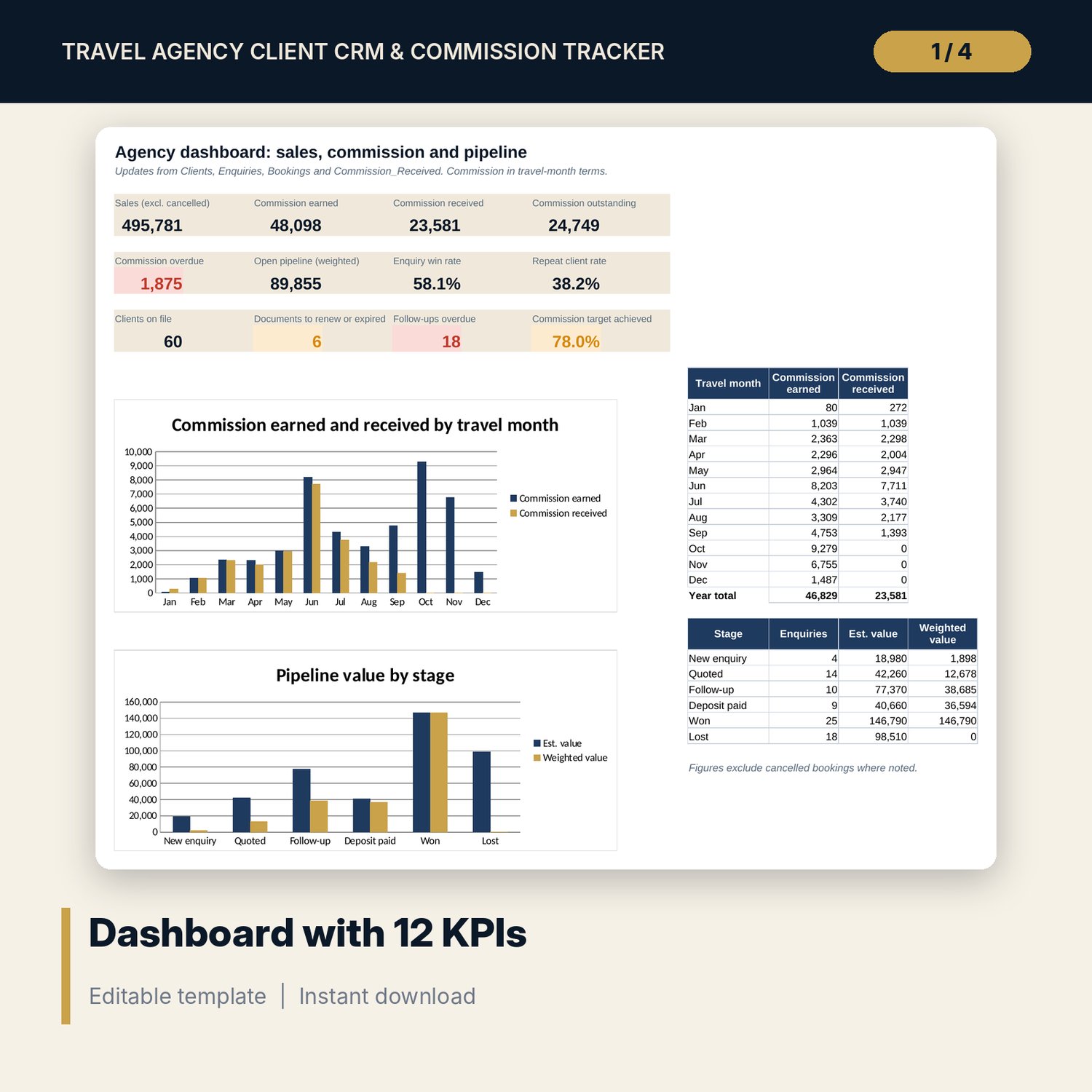
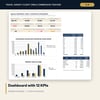
- Dashboard: 12 KPI tiles and 2 charts.
- README.txt and LICENSE-and-Terms.txt.
How it works
- Enter your suppliers with their commission % and payment terms on Settings, and edit the agent and source lists.
- Clear the sample rows and add your clients with their document expiry dates.
- Log each enquiry and move it through the stages. Log each booked service and each commission payment.
- Each morning, check Follow_Ups and Dashboard for overdue follow-ups, documents to renew and late commission.
Details
- Format: Excel workbook (.xlsx). No macros.
- Language: English. Currency is a label you choose.
- Software: Excel 2016 or later, or a spreadsheet program that opens .xlsx files.
- Delivery: instant digital download. Nothing is shipped.
Good to know
- All clients, enquiries, bookings and payments are illustrative sample data. Replace them with your own.
- Commission rates and payment terms in Settings are examples. Use the figures in your supplier contracts.
- Document validity rules differ by destination. Verify local requirements. The workbook is a record-keeping tool, not legal or tax advice.
- Store client data in line with the data protection rules that apply to your business.
- Single-user license. Do not share or resell the files.
FAQ
Can one trip have several bookings?
Yes. Log each booked service (flight, hotel, transfer) on its own row. The first row of each trip is marked as a new trip, so repeat client counts use trips, not rows.
How does it know a commission is overdue?
Each supplier has a payment term in days after travel. When that date passes and the balance is still open, the line shows Overdue.
Does it work in Google Sheets?
It opens in Google Sheets and the formulas calculate. Check the drop-downs after import.
Can I change the stages, agents and suppliers?
Yes. Edit the names on Settings and the drop-downs update. There are 6 agent slots and 15 supplier slots.
Is this a physical product?
No. It is a digital download. Refund terms follow the store policy at the time of purchase.