Corporate Client Event Calendar & Repeat Booking Tracker: Corporate Client Event Calendar and Repeat Booking Tracker with Account Contact Plan
Full description
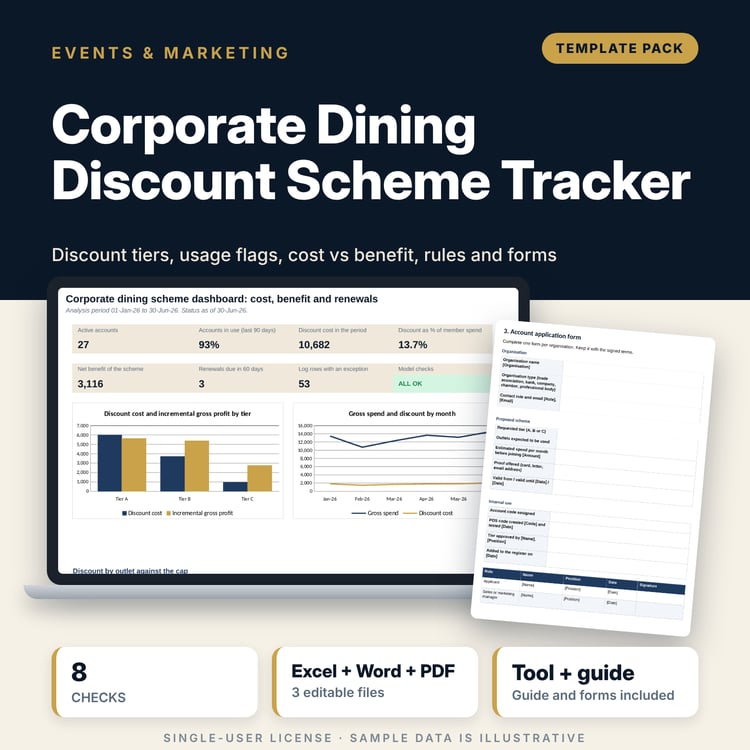
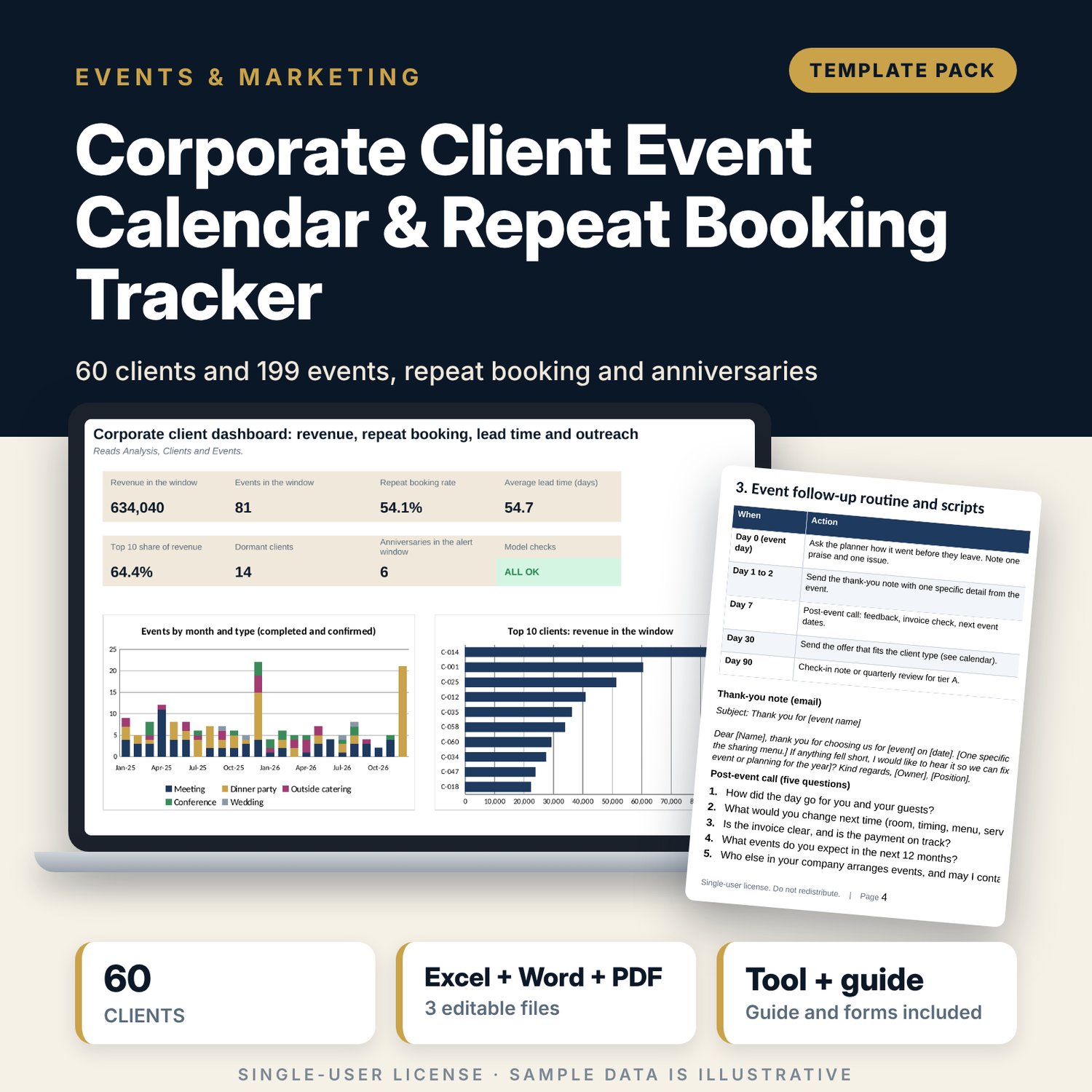
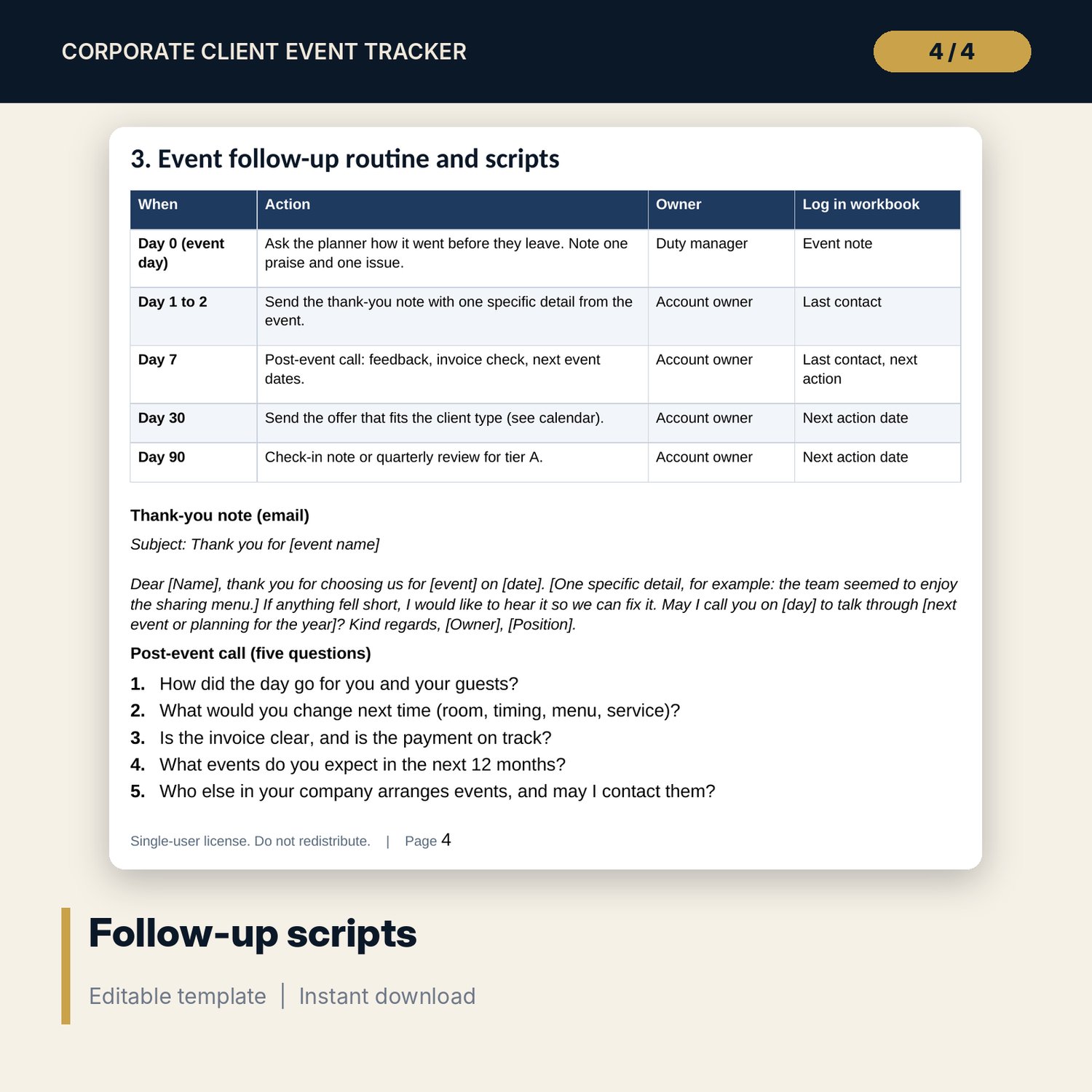
For sales managers, banquet and events teams and anyone who looks after corporate clients. The workbook keeps a client register and an event log. From the events it calculates events by month, year to date against last year, repeat booking rate, revenue per client with a top 10 list, lead time by event type with the median, client status (active, dormant, lost), tier and an outreach flag for clients with no next action, an overdue action or no recent contact. It lists the next 15 anniversary dates of completed events, with the account owner and the last contact, so the call is made while the client plans next year. The Word contact plan gives the cadence by tier, a twelve-month calendar, scripts and a quarterly review agenda.
What is inside
- Corporate_Client_Event_Tracker.xlsx: 7 tabs, 5,090 formulas, 2 native charts, 26 drop-down and input rules, 8 integrity checks
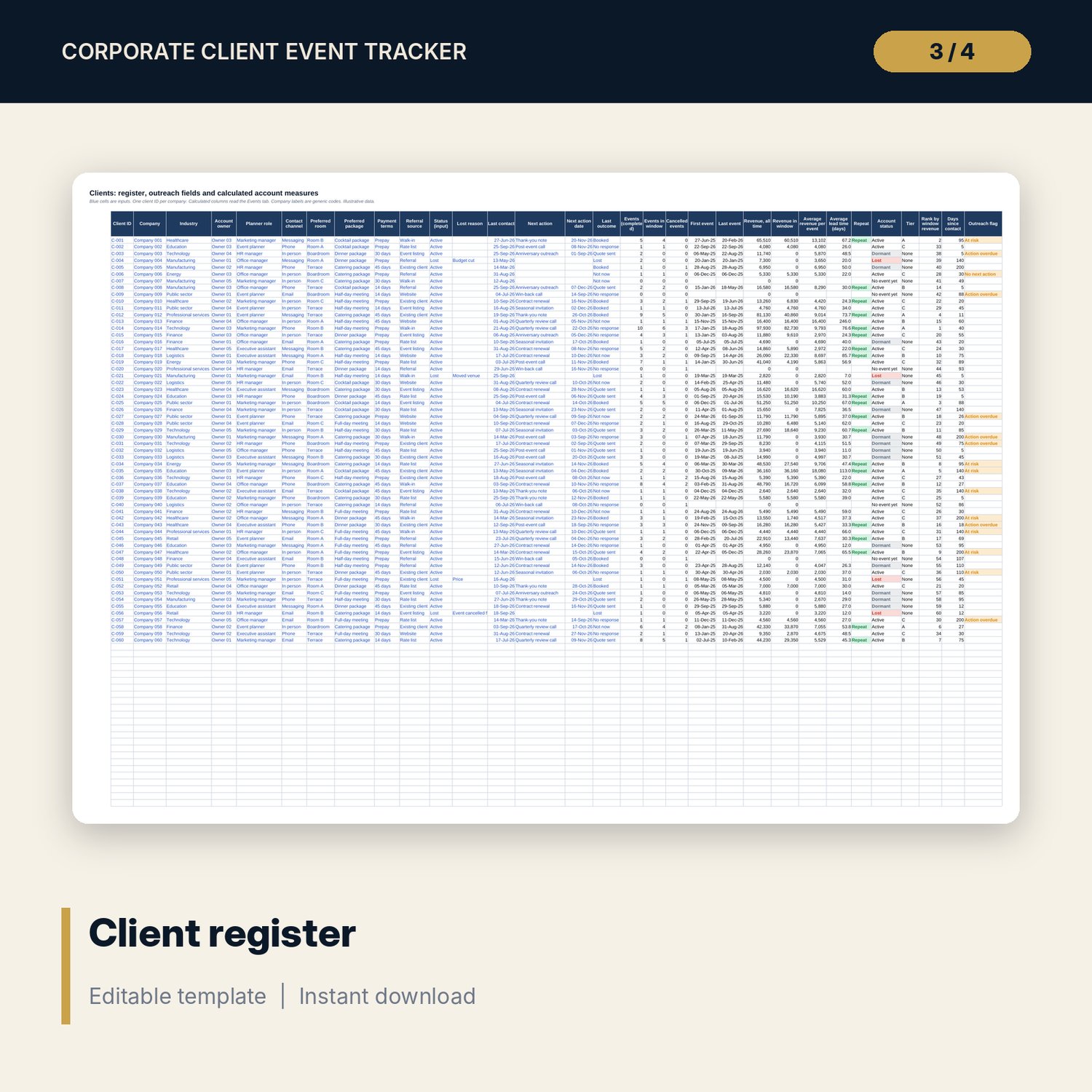
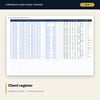
- Clients: register for 60 sample clients with owner, planner, channel, terms, last contact, next action and calculated events, revenue, first and last event, repeat flag, status, tier and rank
- Events: log of 199 sample events with booking, entry and event dates, type, guests, room, quote and final bill by department; lead time, month and anniversary calculated
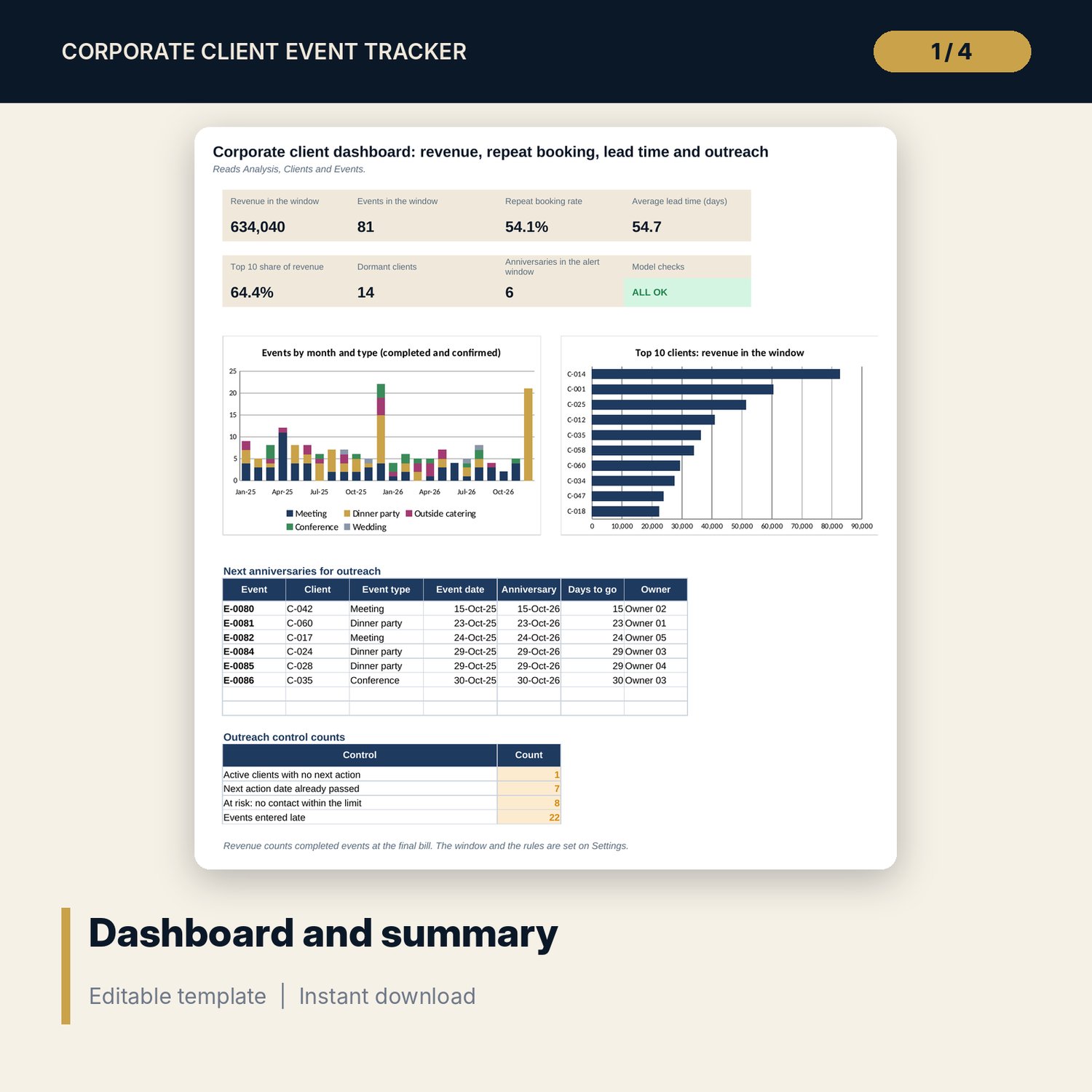
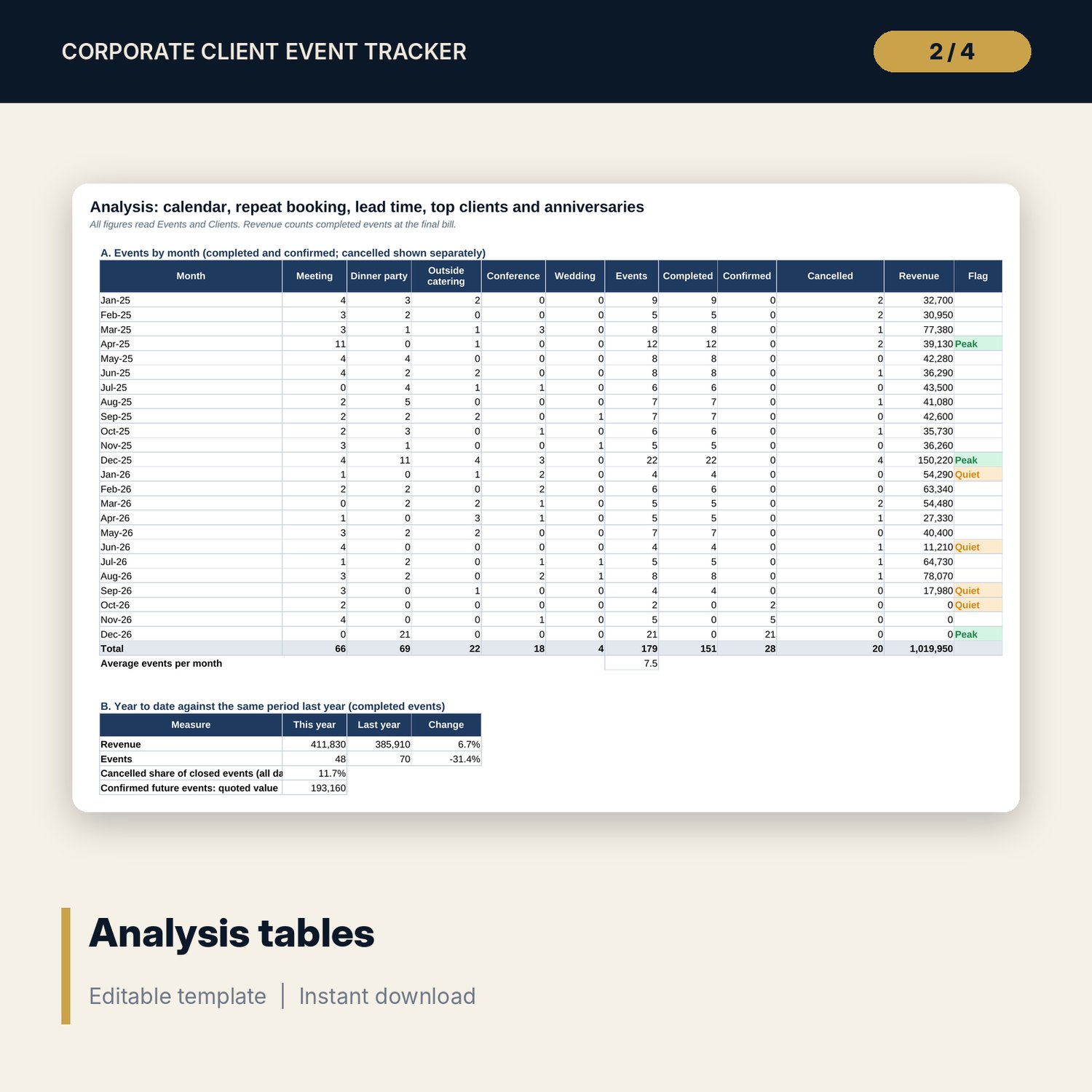
- Analysis: events by month for 24 months, year to date against last year, lead time by event type, repeat booking and status counts, top 10 clients, next 15 anniversaries; Dashboard: 7 KPI tiles, check status, 2 charts and the outreach counts
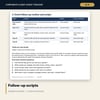
- Account_Contact_Plan.docx and PDF: 9 pages with tier cadence, twelve-month contact calendar, thank-you and anniversary scripts, quarterly review agenda, account plan form and win-back procedure
- README.txt and LICENSE-and-Terms.txt
How it works
- Set the report date, window and tier thresholds on Settings.
- Replace the sample clients and events with your own.
- Read the Dashboard each Monday and work the outreach counts.
- Call the clients on the anniversary list using the scripts in the contact plan.
Details
- Formats: 1 Excel workbook (.xlsx), 1 Word document (.docx) and PDF, English
- Software: Excel 2016 or later, or LibreOffice Calc 7 or later
- No macros, no external links, no data tables, no array formulas
- 3 files plus README and license; instant digital download
Good to know
- Sample data is illustrative and uses codes. Replace it with your own figures.
- Tier thresholds, day limits and cadences are examples. Verify local requirements for contact consent and data.
- Revenue counts completed events at the final bill.
- Single-user license. Do not redistribute.
FAQ
How is the repeat booking rate worked out?
Clients with two or more completed events in the window, divided by clients with at least one. An all-time rate is shown beside it.
How are anniversaries chosen?
Each completed event gets an anniversary date in the next year. The list shows the next 15 that fall within the alert window you set, with the owner and the last contact.
Can I add clients and events?
Yes. The sample has 60 clients and 199 events with spare rows below each list. The named ranges include the spare rows.
What is the outreach flag?
It shows No next action, Action overdue or At risk (no contact within the limit) for active clients, so a Monday review can start from the flagged ones.
Do I need macros?
No. Every result is a standard worksheet formula.