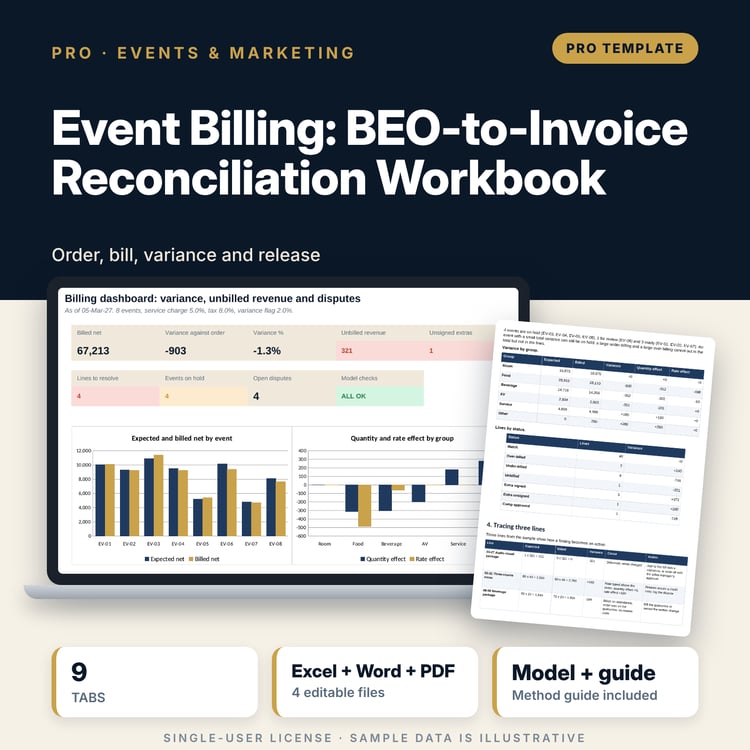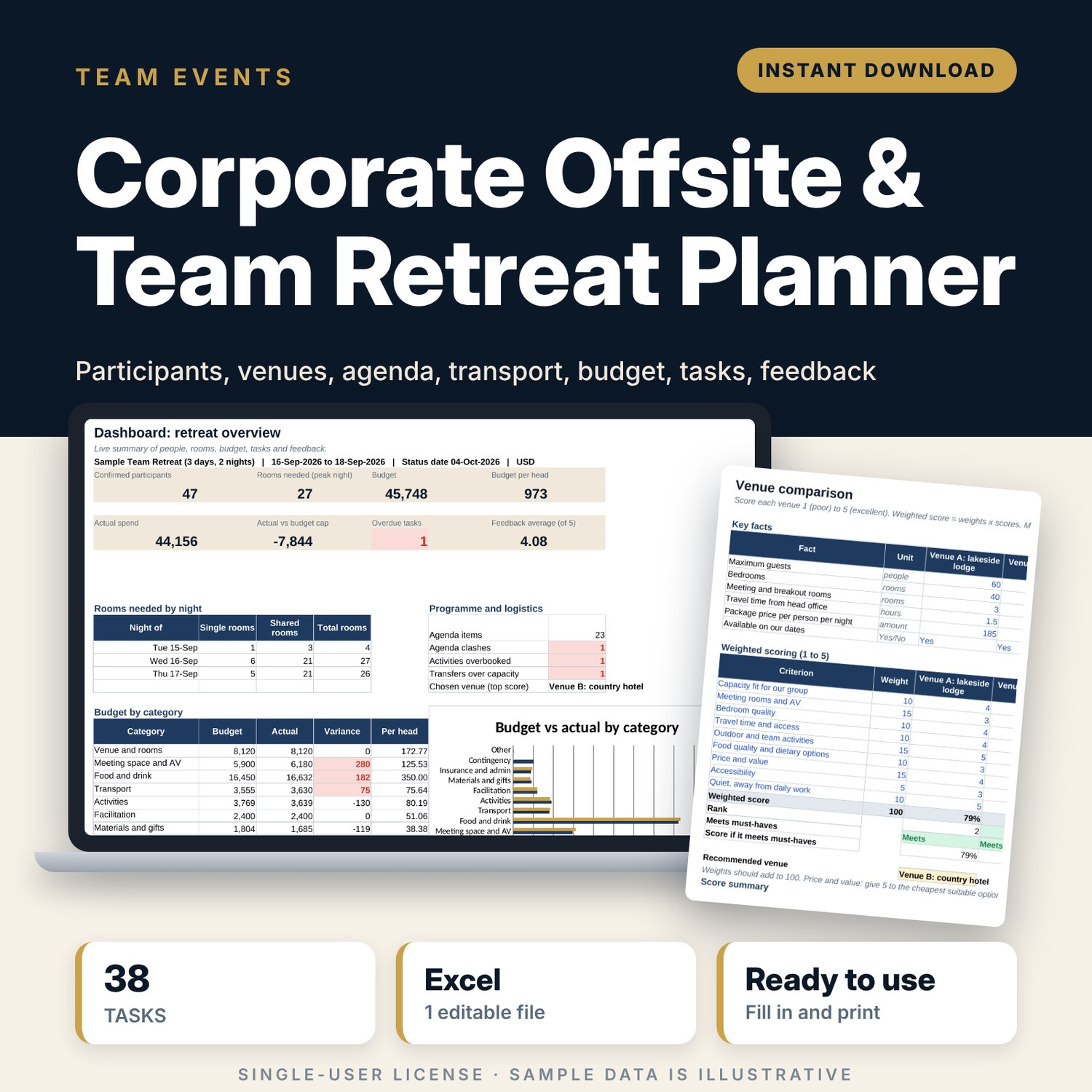
Corporate Offsite & Team Retreat Planner: Team Offsite Planning Spreadsheet
Full description
For HR teams, office managers, executive assistants and team leads who organise a company offsite or team retreat of one to five days. You list participants once with their travel, room and dietary needs. The workbook counts rooms by night, scores venues against weighted criteria, builds the agenda times for you, checks activity places and transfer seats, prices the budget per head, tracks tasks with owners and summarises the post-event survey.
Save with a bundle: this template is also in the Events & Weddings Bundle, 10 templates for $29 instead of $67. All 141 templates are in the All-Access Hospitality Template Library for $79.
What is inside
- Corporate_Offsite_Team_Retreat_Planner.xlsx: 9 tabs, 943 formulas, 3 native charts, 23 drop-down or number rules. No macros.
- Settings: retreat name, dates, status date (=TODAY() by default), day start time, budget cap, warning levels and 10 drop-down lists.
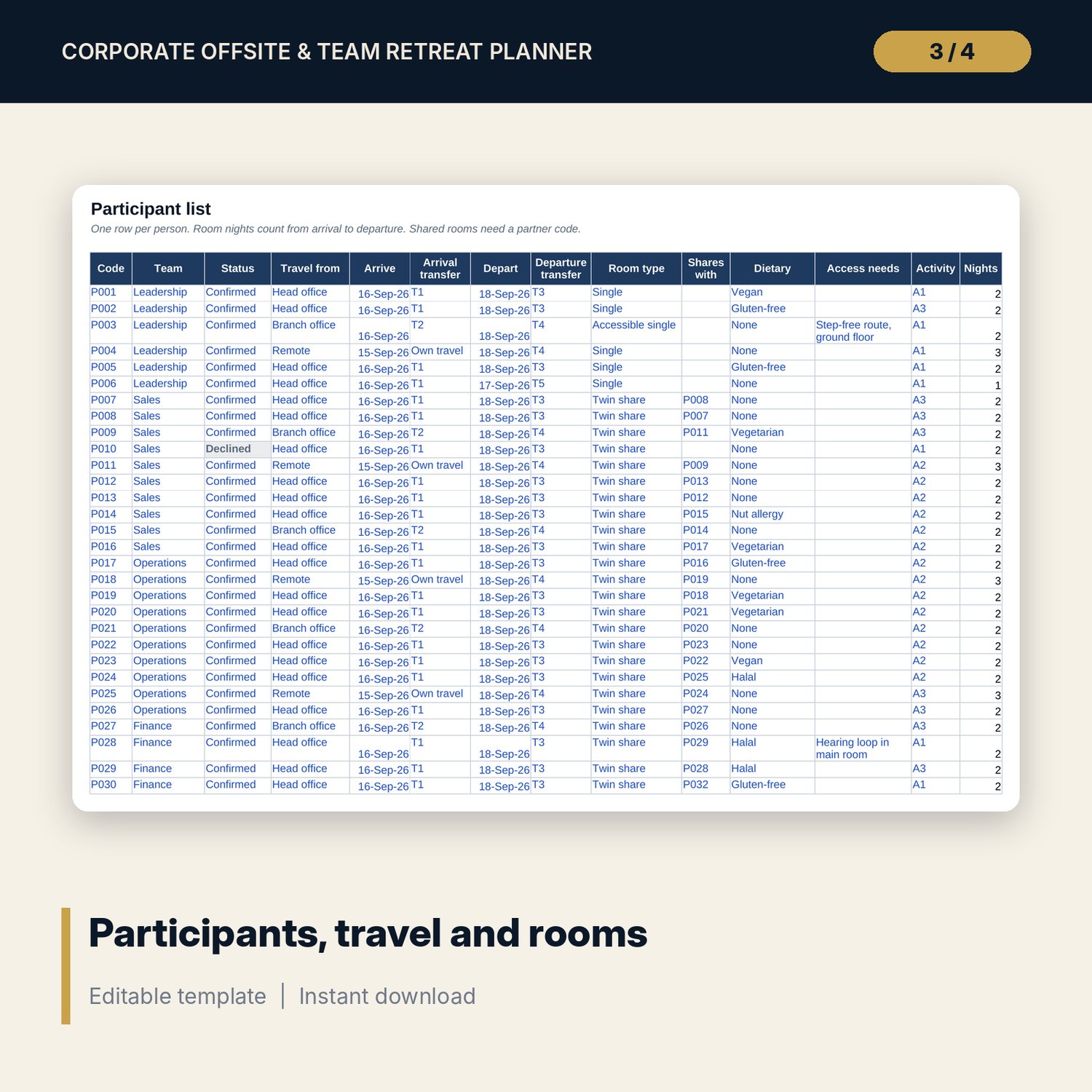
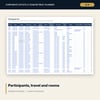
- Participants: room for 120 people (50 sample rows) with team, status, travel, arrival and departure transfers, room type, sharing partner, dietary and access needs, activity choice and nights.
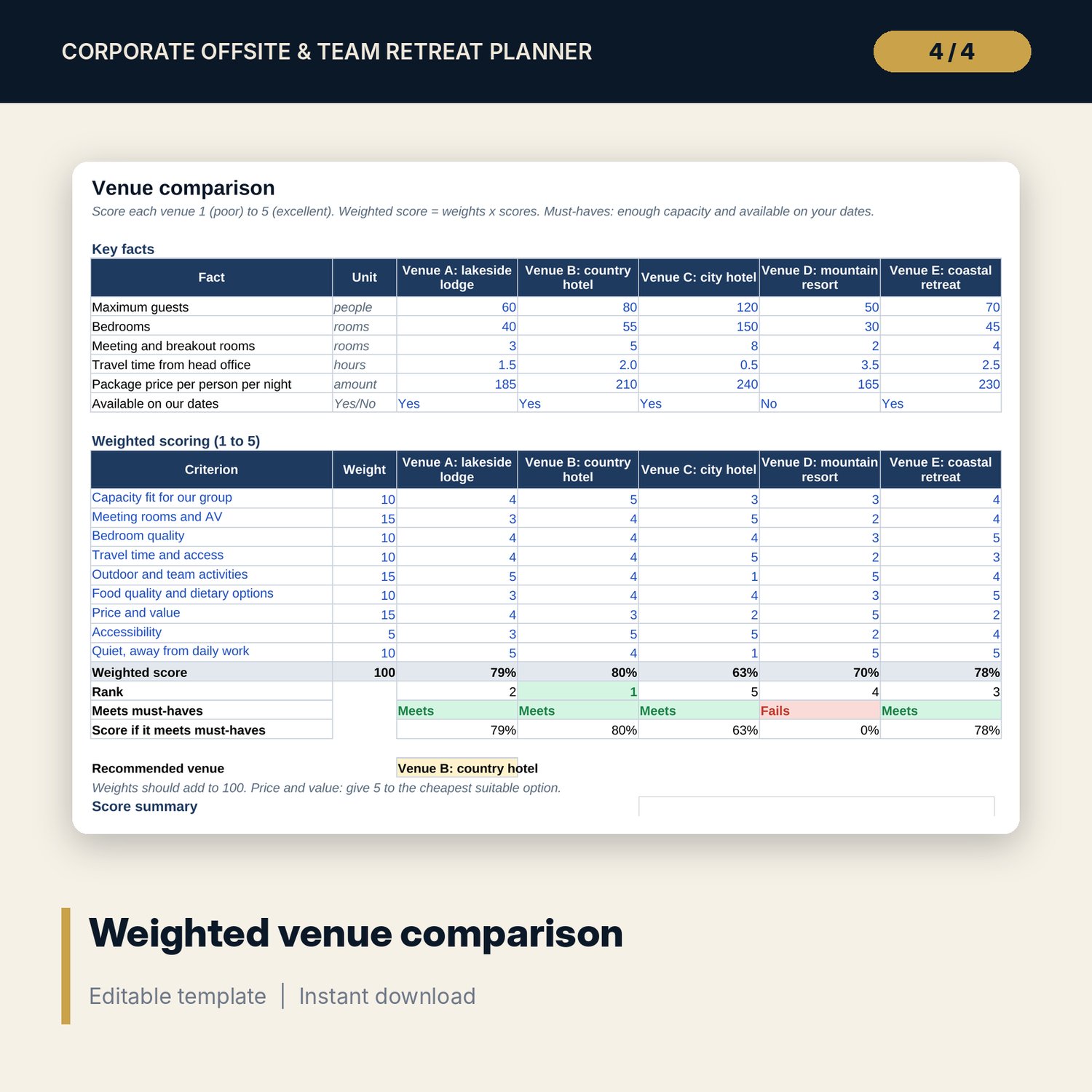
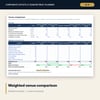
- Venues: 5 venues side by side on 6 key facts and 9 weighted criteria, with must-have checks, rank, a recommended venue and a chart.
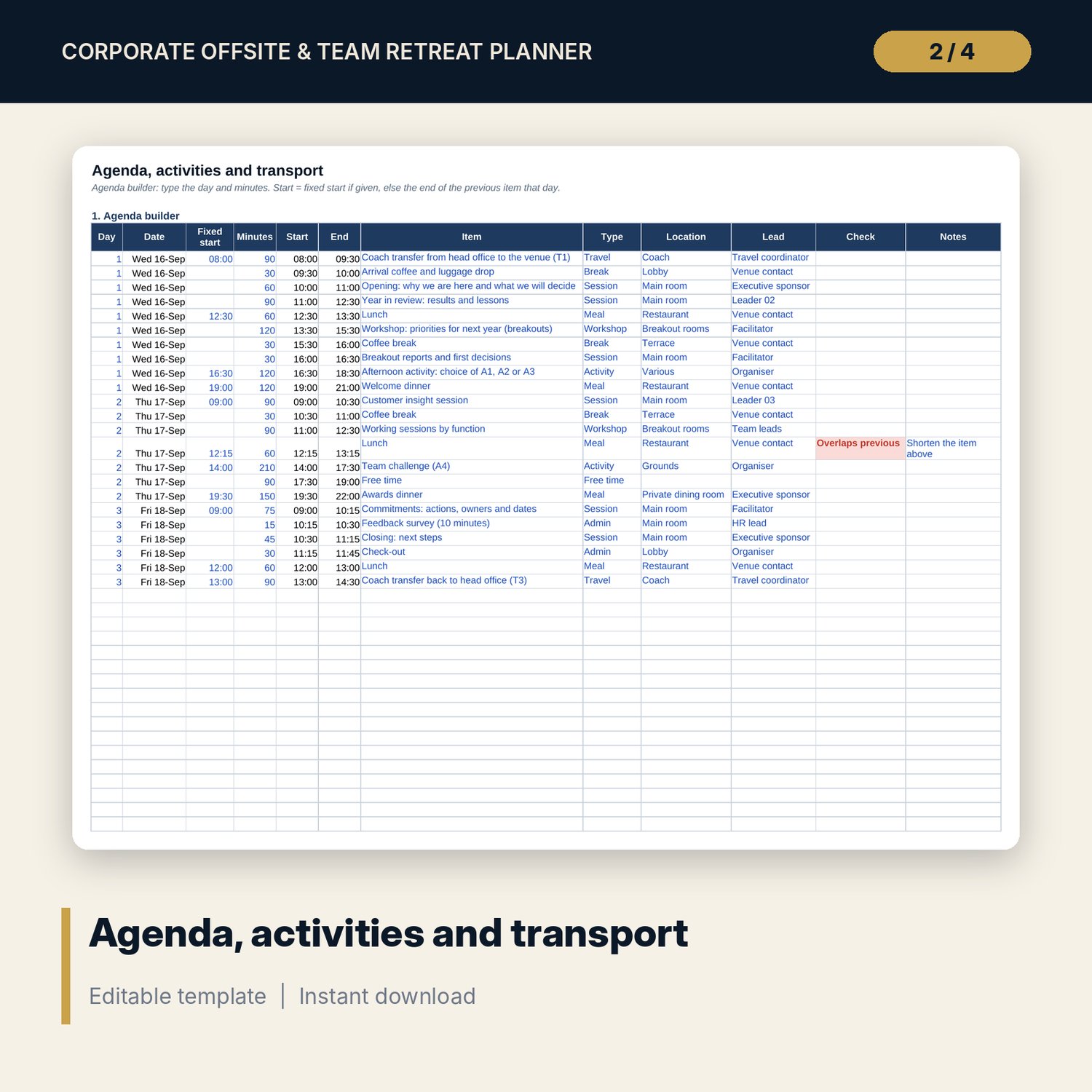
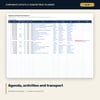
- Agenda_Logistics: agenda builder with 40 rows (23 sample items over 3 days) that sets start and end times and flags overlaps; activity schedule (10 rows) with sign-ups and spaces left; transport plan (10 rows) with seats and passengers.
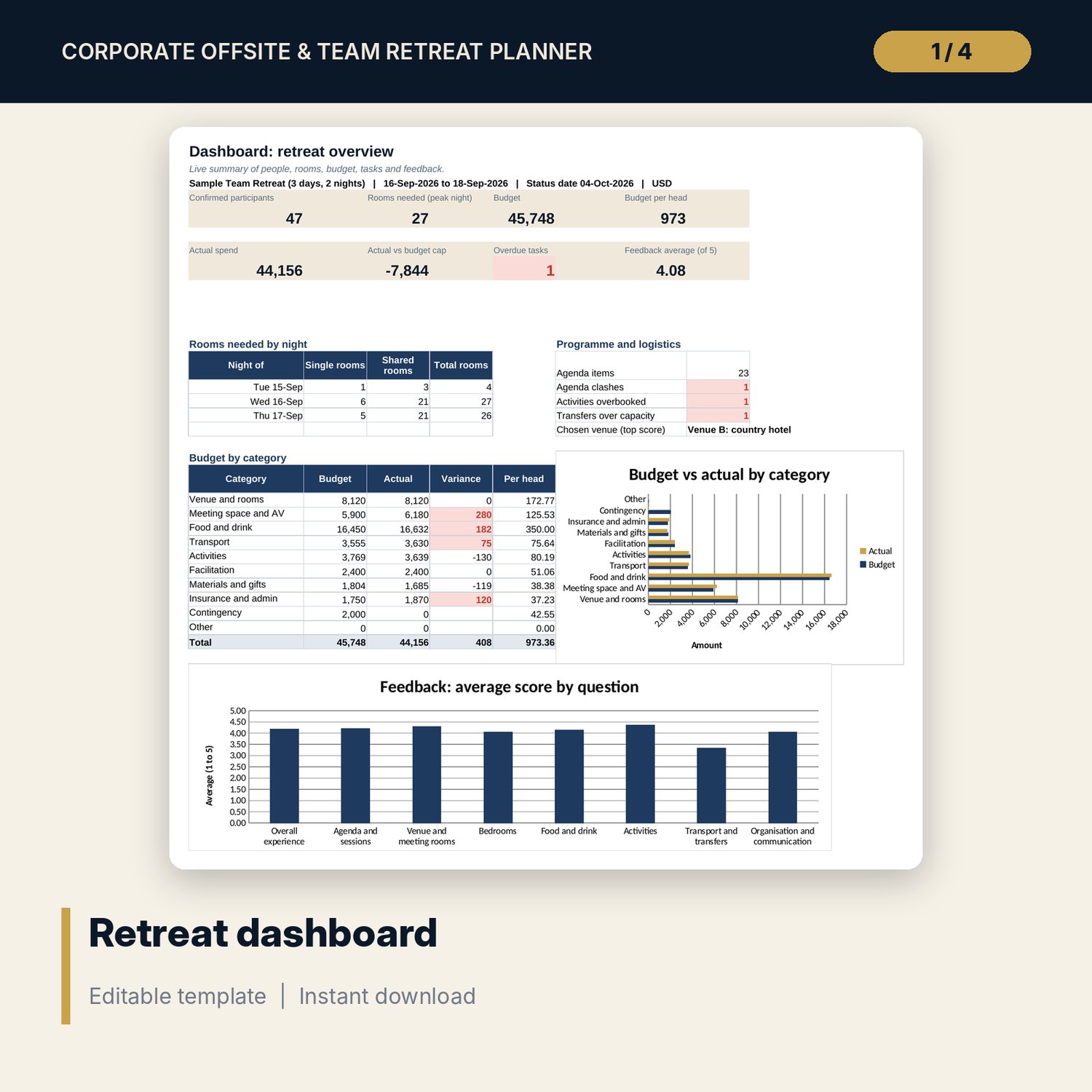
- Budget: room for 40 cost lines (17 sample lines) on 6 cost bases, with automatic quantities, actual, variance, cost per head and a check against the budget cap.
- Tasks: room for 60 tasks (38 sample tasks from 10 weeks before to 3 weeks after) with owners, due dates, status and overdue flags.
- Feedback: 8 survey questions scored 1 to 5, room for 100 responses (38 sample rows), averages, % scoring 4 to 5, response rate and below-target flags.
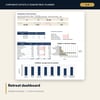
- Dashboard: 8 KPI tiles, rooms needed by night, programme checks, budget by category and 2 charts.
- README.txt and LICENSE-and-Terms.txt.
How it works
- Enter the retreat dates, budget cap and currency label on Settings.
- Score the candidate venues on Venues.
- Add participants with their travel, room and dietary needs, then assign transfers and activities.
- Build the agenda, activity schedule and transport plan on Agenda_Logistics, and price the budget.
- Work through Tasks each week. After the event, log survey answers on Feedback and review the Dashboard.
Details
- Format: Excel workbook (.xlsx). No macros.
- Language: English. Currency is a label you choose.
- Software: Excel 2016 or later, or a spreadsheet program that opens .xlsx files.
- Delivery: instant digital download. Nothing is shipped.
Good to know
- All participants, venues, prices, timings and survey answers are illustrative. Replace them with your own data.
- Insurance, duty of care and travel rules differ by place. Verify local requirements.
- Rooms needed assume one person per single room and two per shared room.
- Single-user license. Do not share or resell the files.
FAQ
How many people can it handle?
The participant list has 120 rows. The budget, rooms and transport counts update from it.
Can I use it for a one-day offsite with no hotel?
Yes. Set the room type to "No room needed" and the room and night counts stay at zero.
How does the agenda builder work?
Type the day and the minutes for each item. Each item starts when the previous one ends, unless you enter a fixed start time.
Does it work in Google Sheets?
It opens in Google Sheets and the formulas calculate. Check the drop-downs and charts after import.
Is this a physical product?
No. It is a digital download. Refund terms follow the store policy at the time of purchase.