Banquet Set Menu & Coffee-Break Menu Library with Costing: Banquet Set Menu and Coffee-Break Menu Costing Library with Menu Pages
Full description
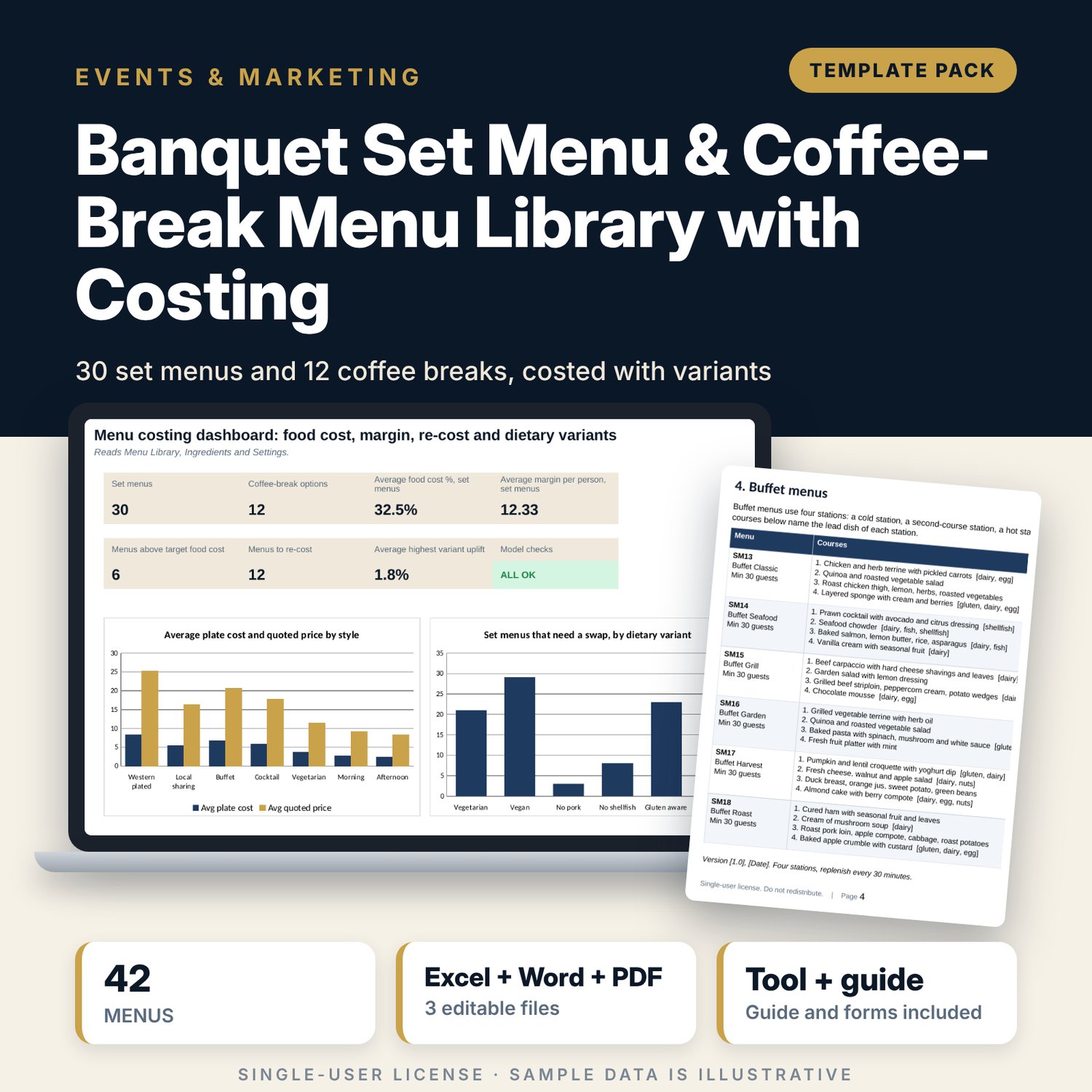
For banquet and events managers, chefs and sales teams who quote group menus and need the cost behind every price. The workbook holds an ingredient price list with usable yield, recipe cards for each dish, and a library of 30 set menus and 12 coffee-break options. Plate cost is the sum of dish costs plus an allowance. The suggested price is plate cost divided by the target food cost %, rounded to a price step. You type the quoted price and the sheet shows food cost %, margin per person, the price with service charge and tax, the food cost at the minimum guest count and the plate cost of six dietary variants. Ingredients that rose more than the trigger flag the menus to re-cost. The Word file gives client-ready menu pages and a quarterly sign-off form.
What is inside
- Banquet_Menu_Library_Costing.xlsx: 7 tabs, 3,273 formulas, 2 native charts, 27 drop-down and input rules, 8 integrity checks
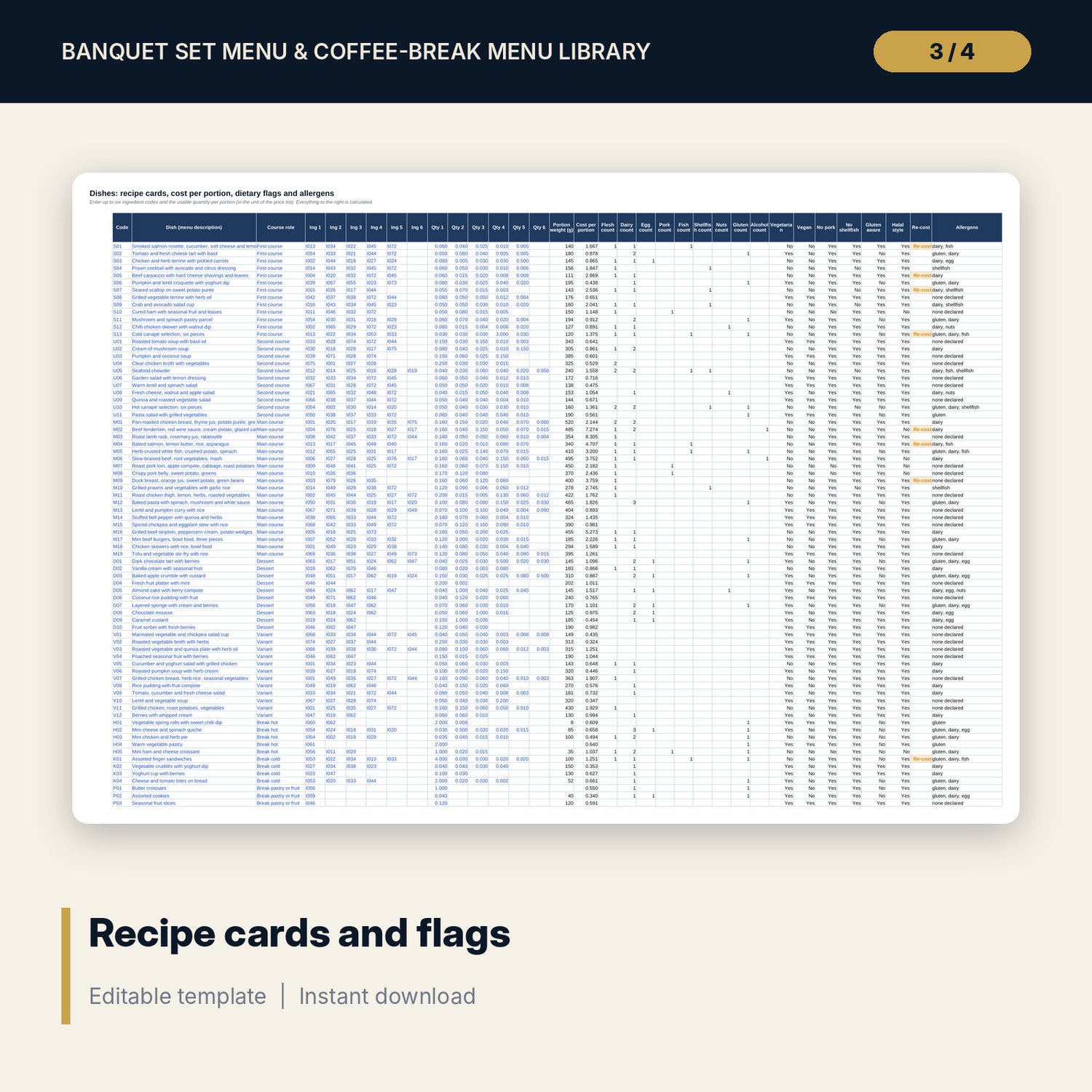
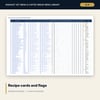
- Ingredients: 81 priced ingredients with usable yield %, cost at last costing and nine tags; Dishes: 83 recipe cards with portion weight, cost per portion, six dietary flags and allergens
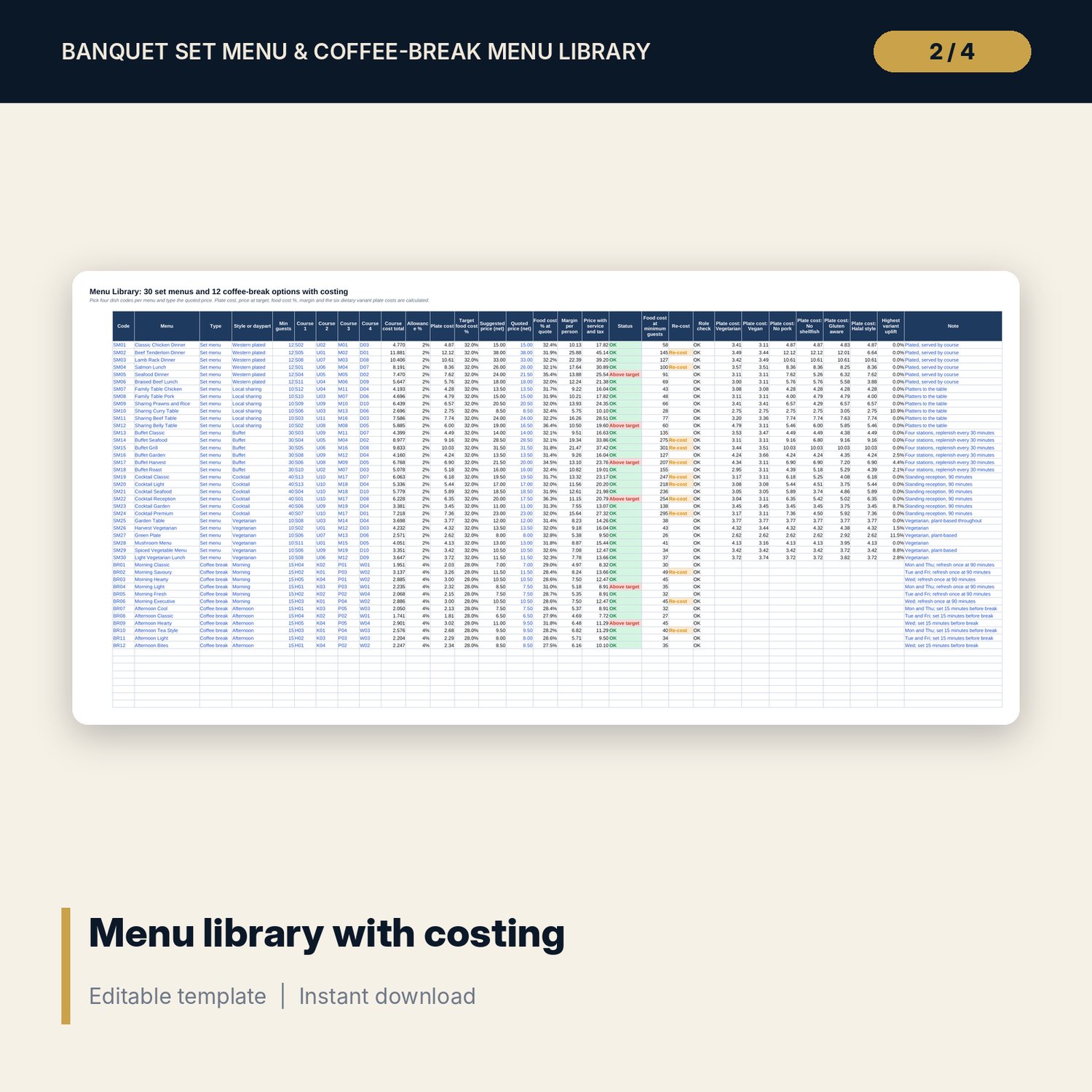
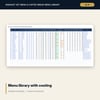
- Menu Library: 30 set menus in 5 styles and 12 coffee-break options (morning and afternoon), with plate cost, suggested and quoted price, food cost %, margin, price with service and tax, event food cost and 6 variant plate costs
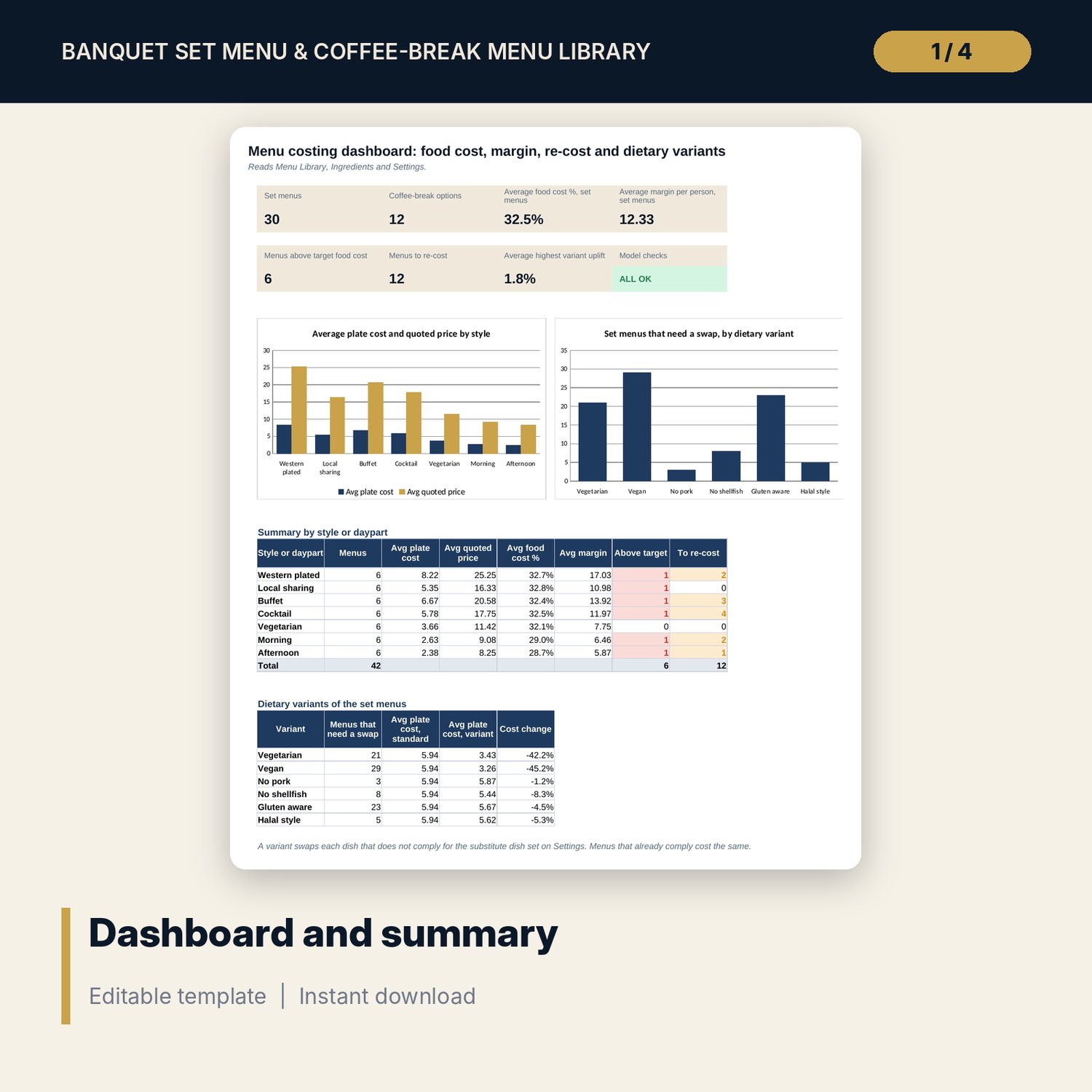
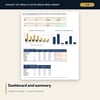
- Settings: rates, targets, course roles and 12 substitute dishes; Dashboard: 7 KPI tiles, check status, style summary, variant table and 2 charts
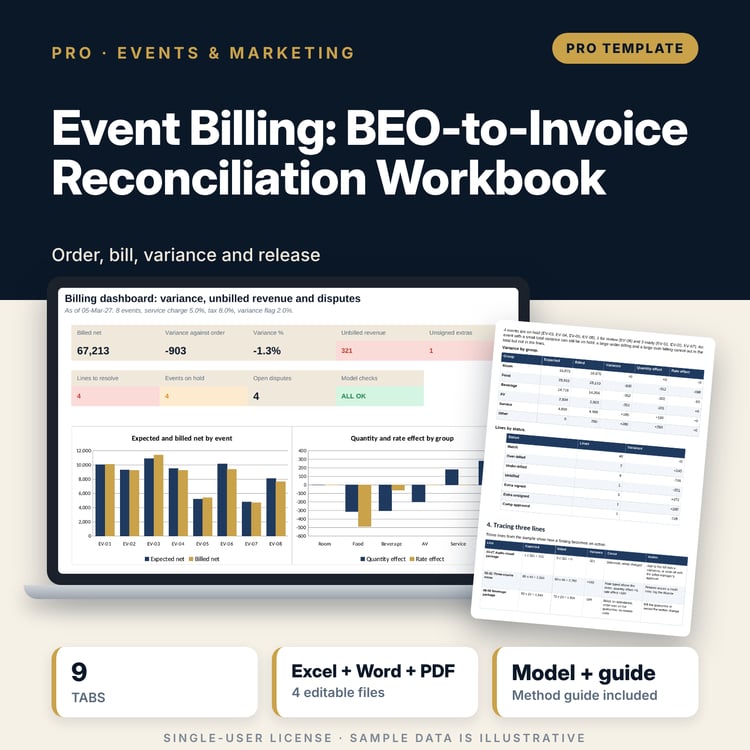
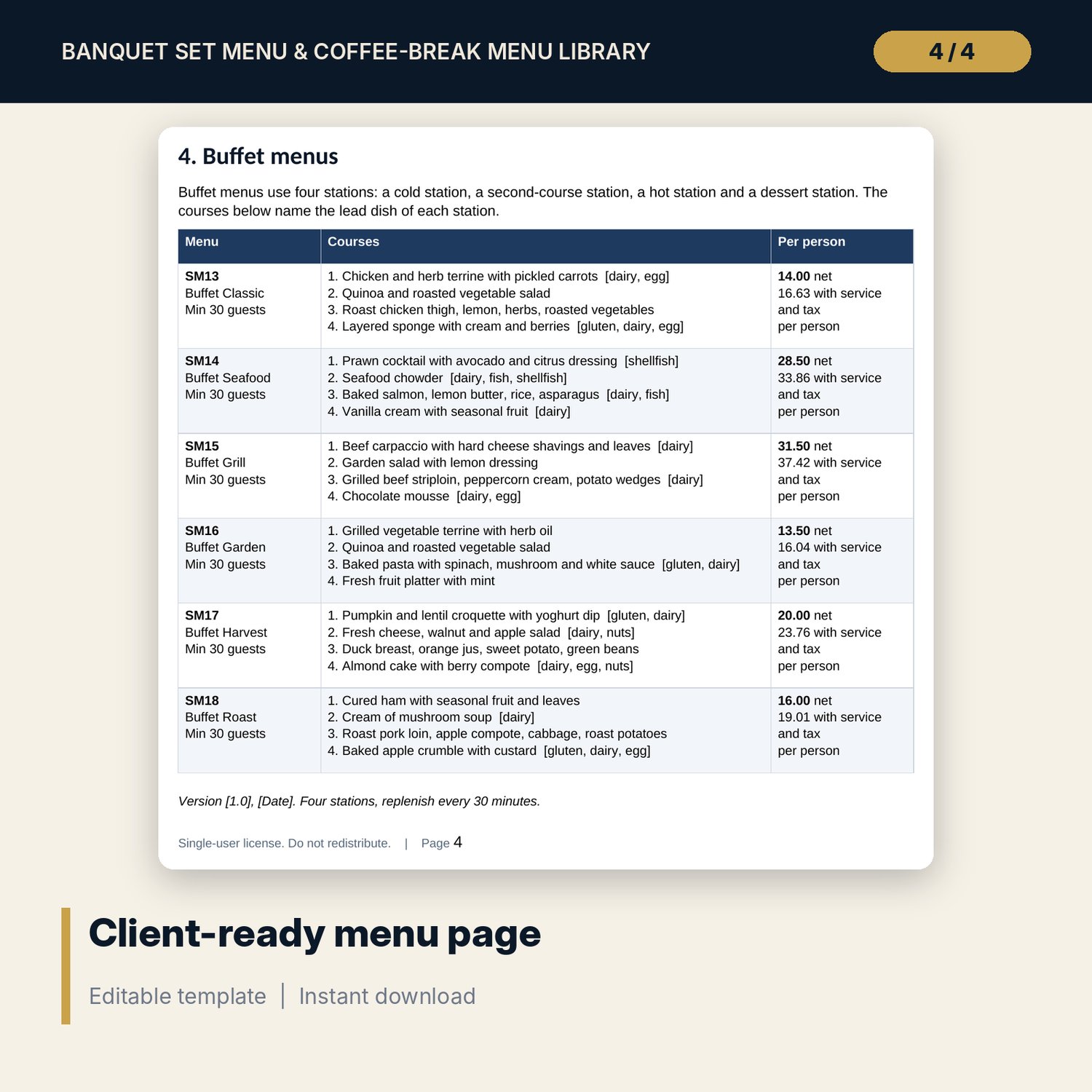
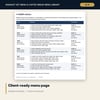
- Menu_Presentation_Pages.docx and PDF: 10 pages with 42 menu blocks, dietary variant sheet for 30 menus, pricing standards, coffee-break standard and a quarterly sign-off form
- README.txt and LICENSE-and-Terms.txt
How it works
- Enter service charge, tax, target food cost % and allowance on Settings.
- Replace the sample prices and recipe cards with your own.
- Pick four dish codes per menu and type the quoted price.
- Read food cost %, margin and the Above target and Re-cost flags; print the Word pages for clients.
Details
- Formats: 1 Excel workbook (.xlsx), 1 Word document (.docx) and PDF, English
- Software: Excel 2016 or later, or LibreOffice Calc 7 or later
- No macros, no external links, no data tables, no array formulas
- 3 files plus README and license; instant digital download
Good to know
- Sample data is illustrative. Replace it with your own figures.
- Prices, service charge, tax and targets are examples in neutral currency units. Verify local requirements.
- Allergen and dietary text comes from your ingredient tags: the chef confirms it. Halal style is not a certification.
- Single-user license. Do not redistribute.
FAQ
How is the selling price set?
Plate cost divided by the target food cost %, rounded to the price step on Settings. You then type the price you quote and the sheet shows the food cost % and a flag if it is above target.
How are dietary variants costed?
Each dish carries flags worked out from its ingredient tags. For a variant, every dish that does not comply is replaced by the substitute dish set on Settings for that course and group.
Can I add menus, dishes and ingredients?
Yes. The sample has 42 menus, 83 dishes and 81 ingredients with spare rows below each list. The named ranges include the spare rows.
How does the re-cost flag work?
Each ingredient keeps the cost at the last costing. If today's cost is more than the trigger above it, the ingredient, its dishes and its menus are flagged.
Do I need macros?
No. Every result is a standard worksheet formula.