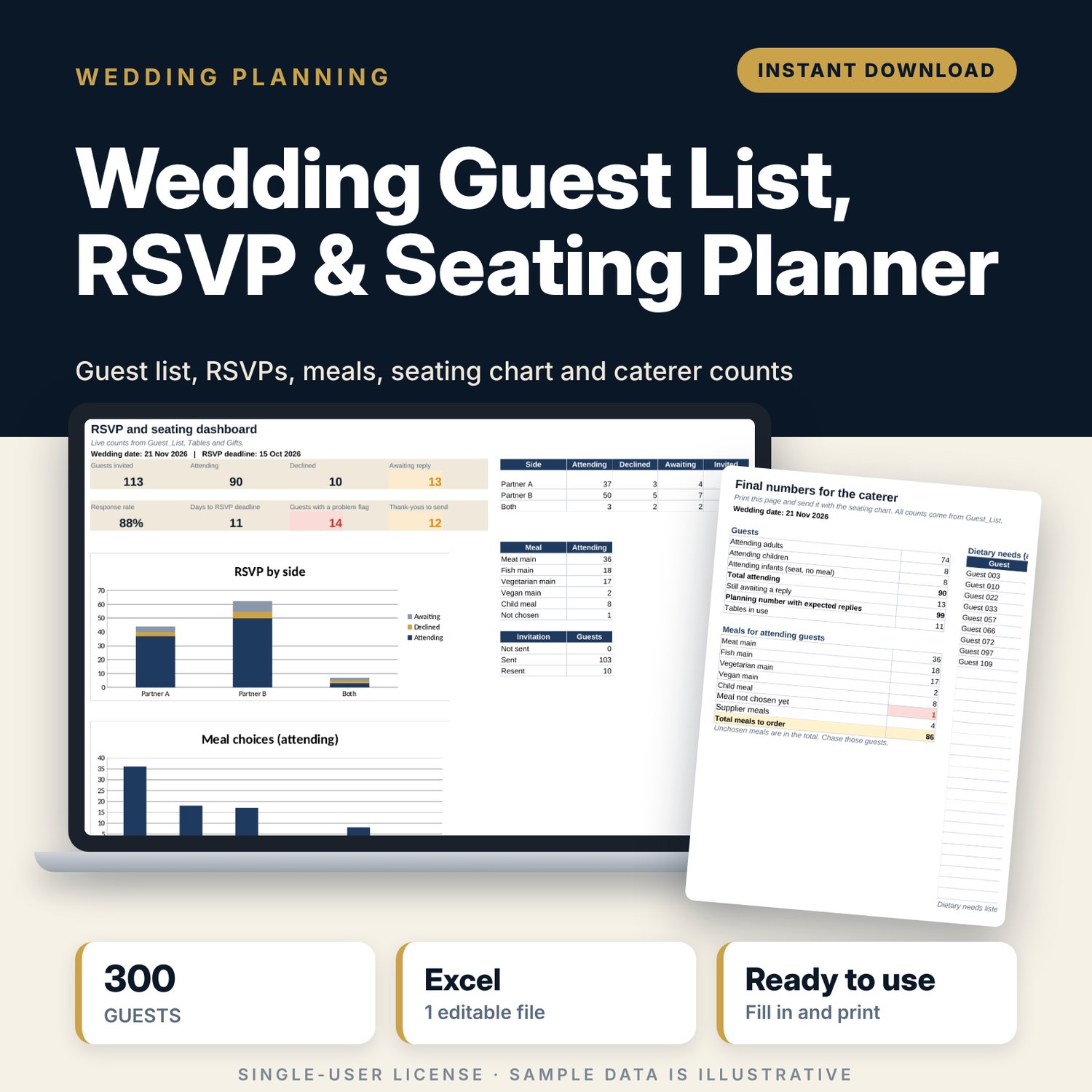
Wedding Guest List, RSVP & Seating Planner: Wedding Guest List and Seating Chart Spreadsheet
Full description
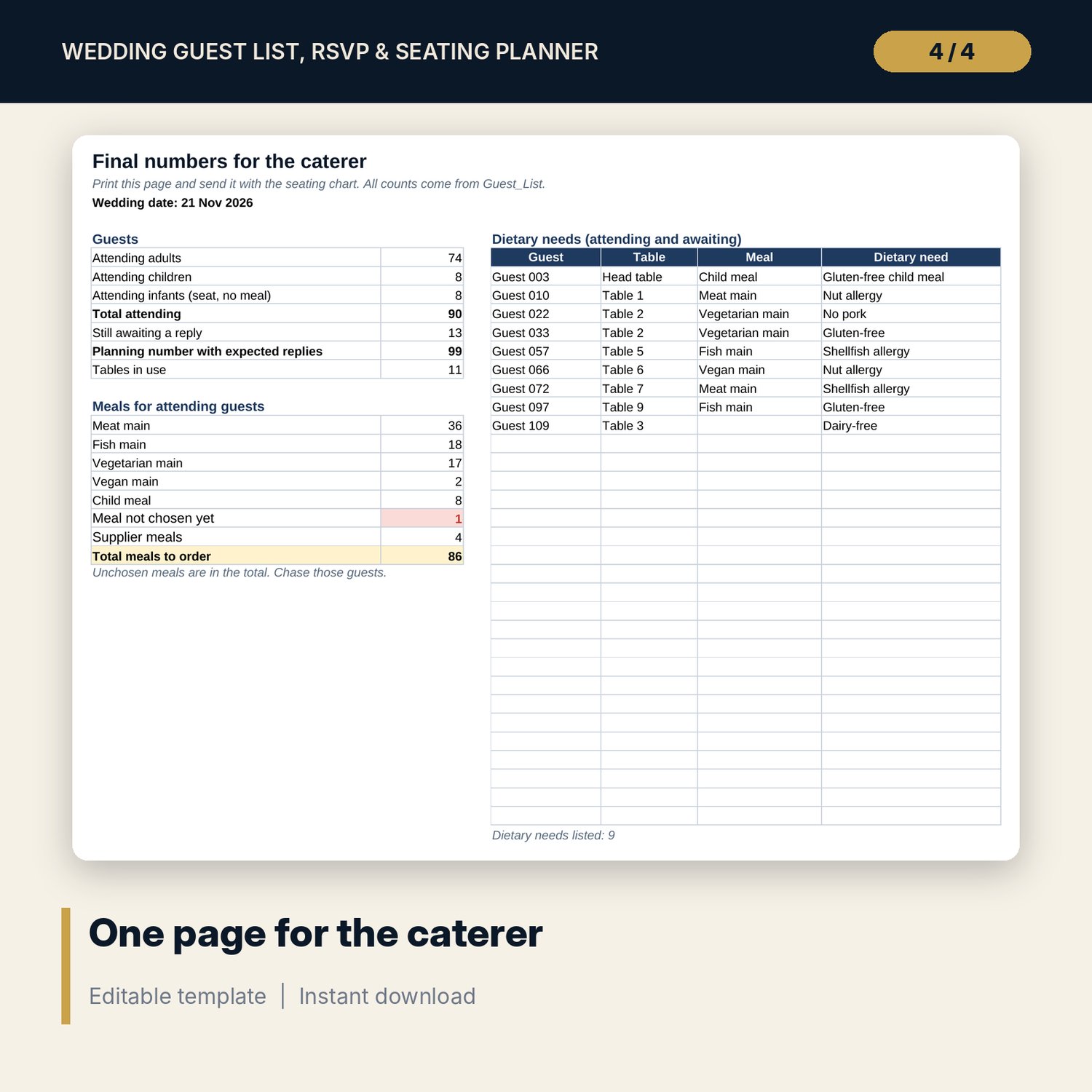
For couples and wedding planners who need one guest list that also handles replies, meals, seating and thank-yous. You record each guest with household, side, group and age, then update invitations, RSVPs, meal choices and dietary needs as replies arrive. Assign a table to each guest and the workbook checks every table against its seat count, flags guests who are not seated or have no meal, prints a seating chart in seat order, and gives the caterer one page of final numbers. A gift tracker by household shows which thank-yous are due or overdue.
Save with a bundle: this template is also in the Events & Weddings Bundle, 10 templates for $29 instead of $67. All 141 templates are in the All-Access Hospitality Template Library for $79.
What is inside
- Wedding_Guest_List_RSVP_Seating_Planner.xlsx: 8 tabs, 2,150 formulas, 2 native charts, 10 drop-down or number rules. No macros.
- Settings: 5 wedding inputs (date, RSVP deadline, expected acceptance, supplier meals, thank-you days), 5 meal options, up to 16 tables with seat counts (13 sample) and drop-down lists.
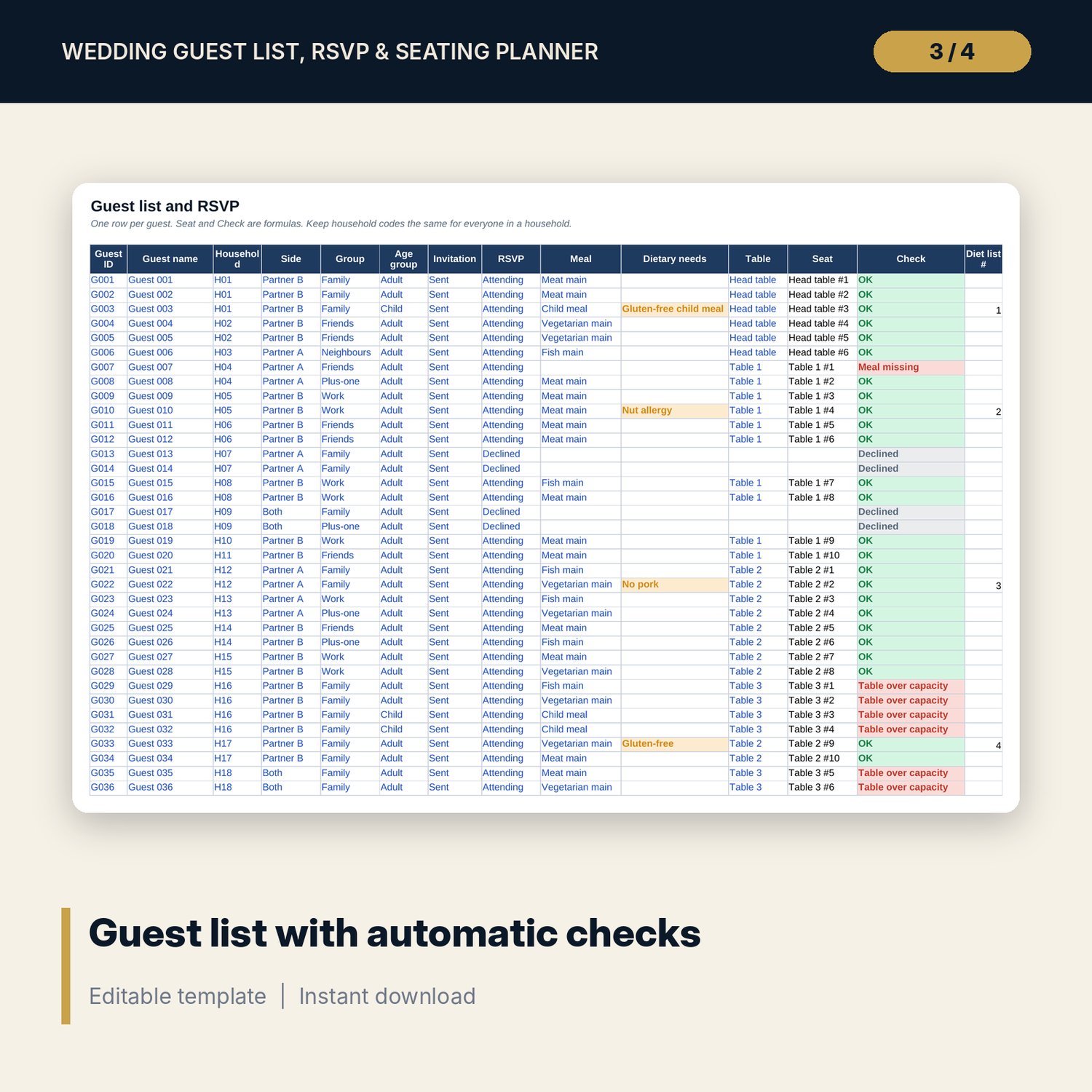
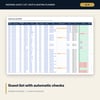
- Guest_List: room for 300 guests (113 sample rows) with household, side, group, age group, invitation, RSVP, meal, dietary needs, table, seat number and a check column.
- Tables: each table with seats, attending, awaiting, seats left, adults, children, 5 meal counts, special diets and status.
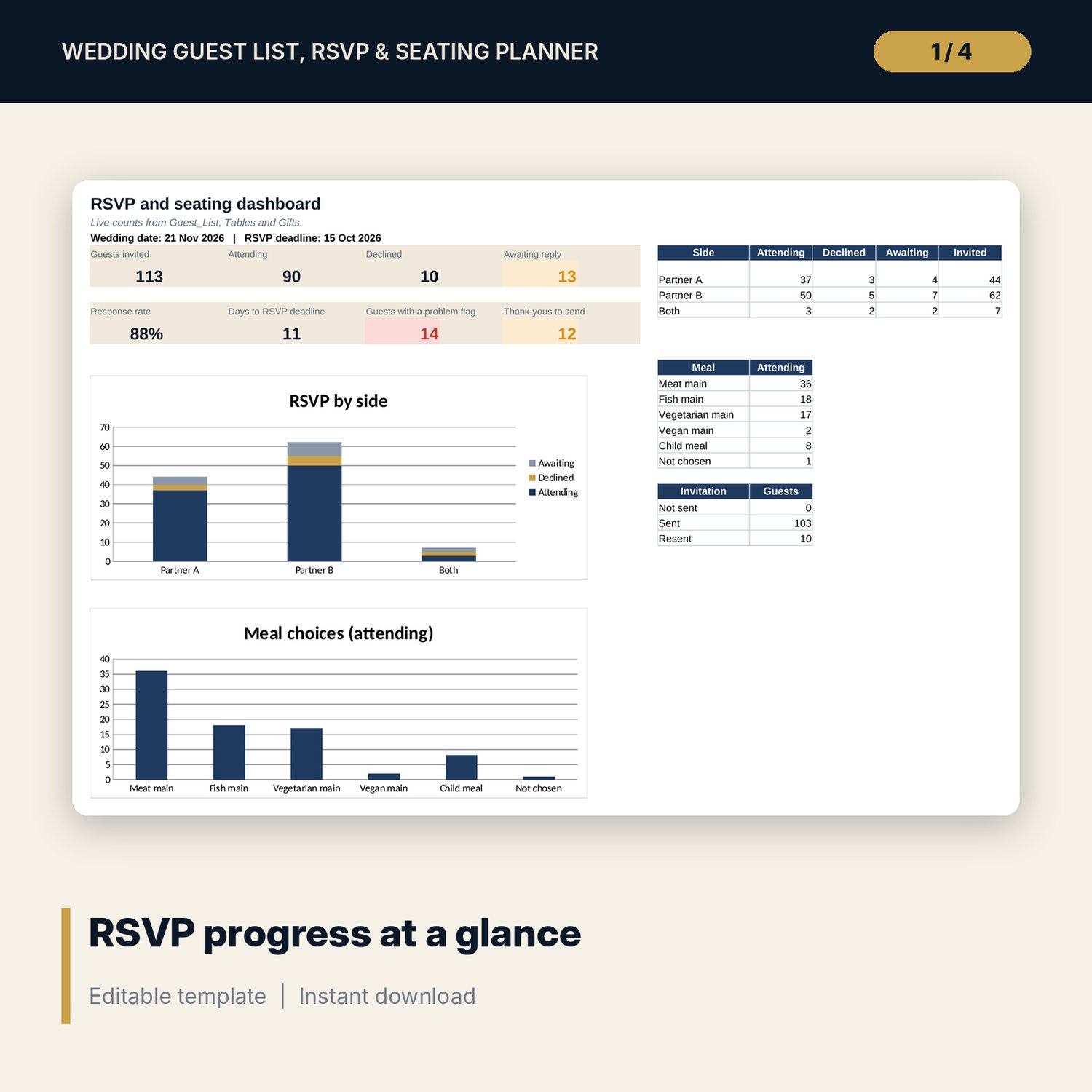
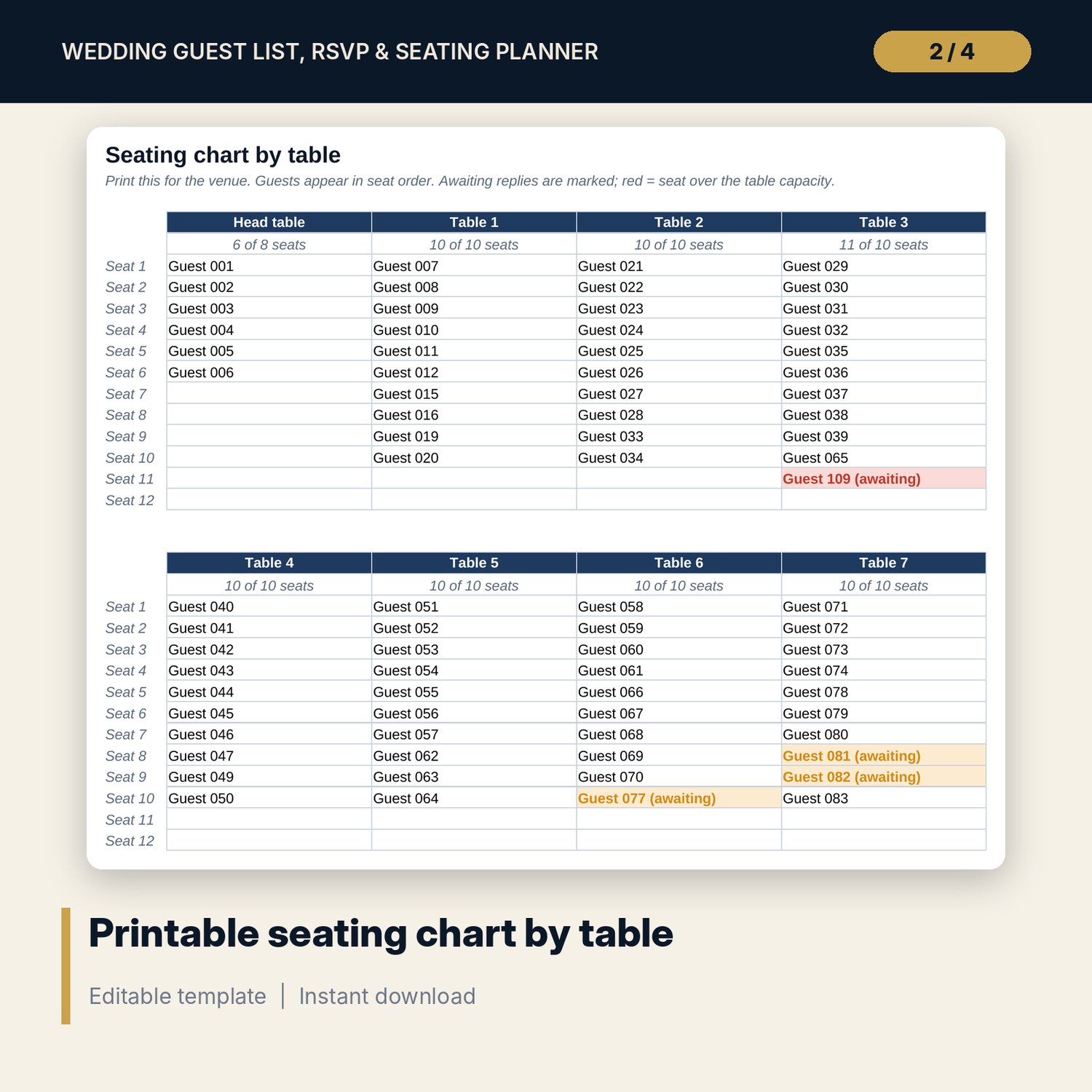
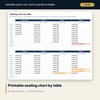
- Seating_Chart: up to 16 tables with up to 12 seats each, guests in seat order, awaiting replies marked and seats over capacity in red.
- Gifts: room for 150 households (52 sample rows) with gift, value, date received, thank-you date and status.
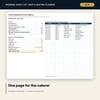
- Caterer_Summary: one printable page with guests by age, planning number, meals by choice and up to 30 dietary needs with table and meal.
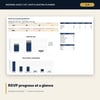
- Dashboard: 8 KPI tiles, RSVP by side, meal choices, invitation status and 2 charts.
- README.txt and LICENSE-and-Terms.txt.
How it works
- Enter the wedding date, RSVP deadline, tables with seat counts and meal options on Settings.
- List your guests with a household code for each family or couple.
- Update invitations, RSVPs, meals and dietary needs as replies arrive.
- Assign tables and fix every red flag in the Check column and on Tables.
- Print Seating_Chart and Caterer_Summary, and log gifts and thank-yous on Gifts.
Details
- Format: Excel workbook (.xlsx). No macros.
- Language: English.
- Software: Excel 2016 or later, or a spreadsheet program that opens .xlsx files.
- Delivery: instant digital download. Nothing is shipped.
Good to know
- Sample guests are listed as Guest 001, Guest 002 and so on. All sample data is illustrative. Replace it with your own guests.
- Dietary needs are recorded as you type them. Confirm allergies with each guest and with the caterer.
- Store guest details with care and follow local privacy rules.
- Single-user license. Do not share or resell the files.
FAQ
How does the seating chart choose the seat order?
Guests take seats at their table in the order they appear on Guest_List. Sort the list by table to change the order.
What happens if a table has too many guests?
The guests at that table show Table over capacity, the table shows Over capacity on Tables, and the extra seats turn red on Seating_Chart.
Do declined guests count towards a table?
No. Only attending and awaiting guests use a seat.
Does it work in Google Sheets?
It opens in Google Sheets and the formulas calculate. Check the drop-downs after import.
Is this a physical product?
No. It is a digital download. Refund terms follow the store policy at the time of purchase.