

OneCurve
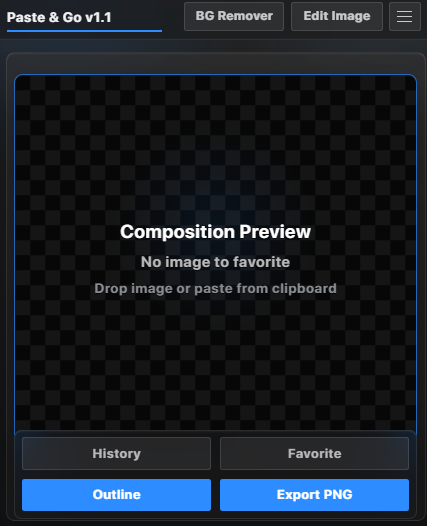
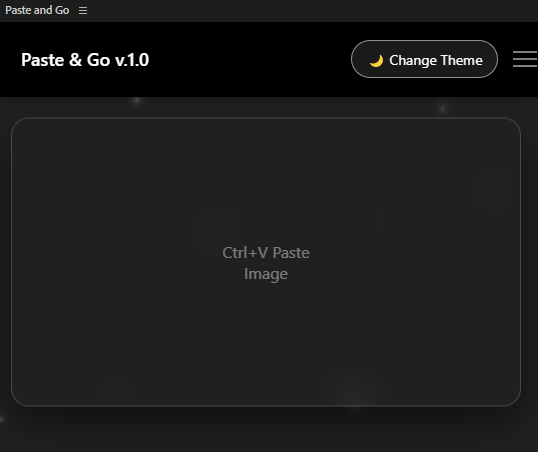
OneCurve π£ is a powerful After Effects CEP extension focused on improving animation control, timing, and workflow efficiency through a clean, modern, and fully customizable interface π¨.
β¨ Key Features
- Advanced Curve Tools π
- Create, edit, and apply animation curves with precision. Save favorite curves β for instant reuse and consistent motion design.
- Audio Marker Assistant π§
- Automatically detect bass hits and audio peaks to generate beat markers π£. Sensitivity controls allow fine-tuning for different music styles.
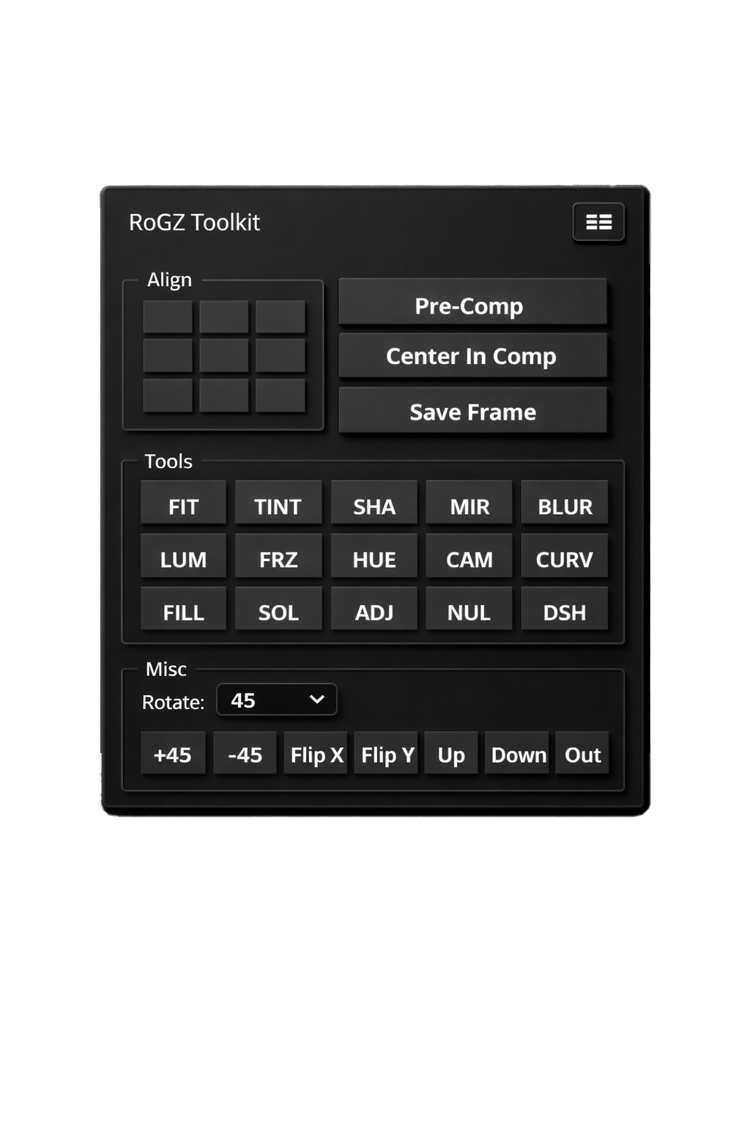
- One-Click Workflow Tools β‘
- Speed up everyday tasks like alignment, pre-composing, centering layers, saving frames, and visual adjustments β all accessible in one panel.
- Customizable UI π¨
- Personalize the interface with adjustable color themes and accents to match your workflow, mood, or project style.
π οΈ How to Install OneCurve (CEP) in After Effects
β OptionΒ B
β Step 1: Download the Extension
- Download the OneCurve folder
- Make sure the folder name is OneCurve (not zipped)
β Step 2: Copy to CEP Extensions Folder
Windows
Paste the folder here:
C:\Program Files (x86)\Common Files\Adobe\CEP\extensions\
-
It may not work for some macbooks, so you buy at your own risk!
macOS
Paste the folder here:
~/Library/Application Support/Adobe/CEP/extensions/OneCurve
β Step 4: Restart After Effects
- Close AE completely
- Open it again
β Step 5: Open OneCurve in After Effects
Go to:
Window β Extensions (Legacy) β OneCurve
π Done! OneCurve is now ready to use.
!!!YOU CAN GET LICENSE HERE!!!: License Activation
If you have any questions you can contact me in Discrod- rubikskubiks12 or Telegram-Rzxs77 , i will always answer!