Sales Tax and Economic Nexus Tracker Spreadsheet by State
Selling on a marketplace and on your own website, at markets or wholesale makes sales tax records hard to keep straight. This tracker keeps tax the marketplace collected apart from tax you collected yourself. The balance shows the tax you logged as collected by you, minus the payments you logged.
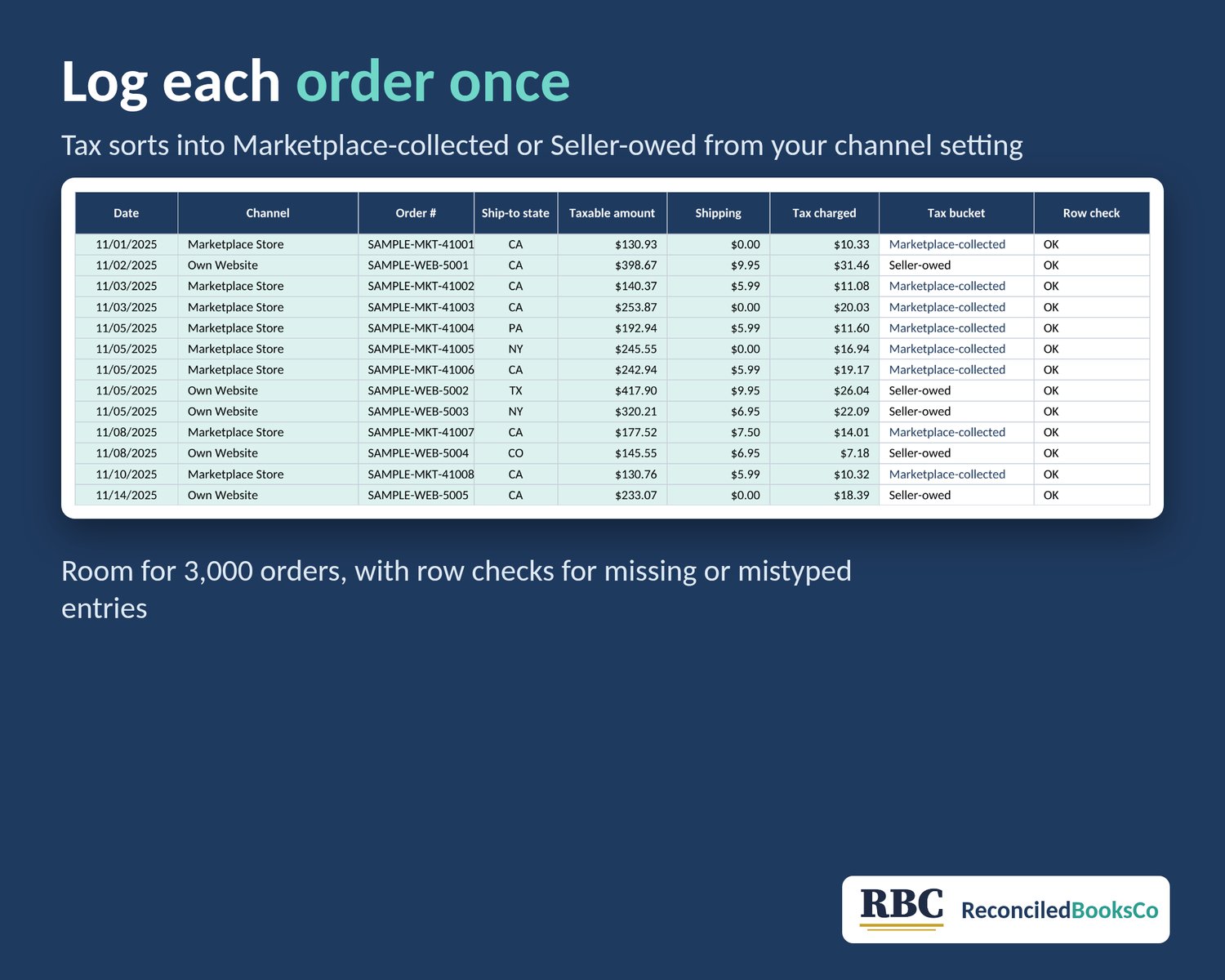
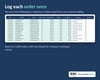
Log each order with its channel and ship-to state. The workbook sorts the tax into Marketplace-collected or Seller-owed from the channel setting you choose, then totals sales and transactions by state next to the thresholds you enter.
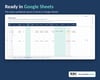
Digital download, nothing ships. One .xlsx file. Works in Excel or Google Sheets on any device. No macros, no add-ons.
WHAT IT DOES
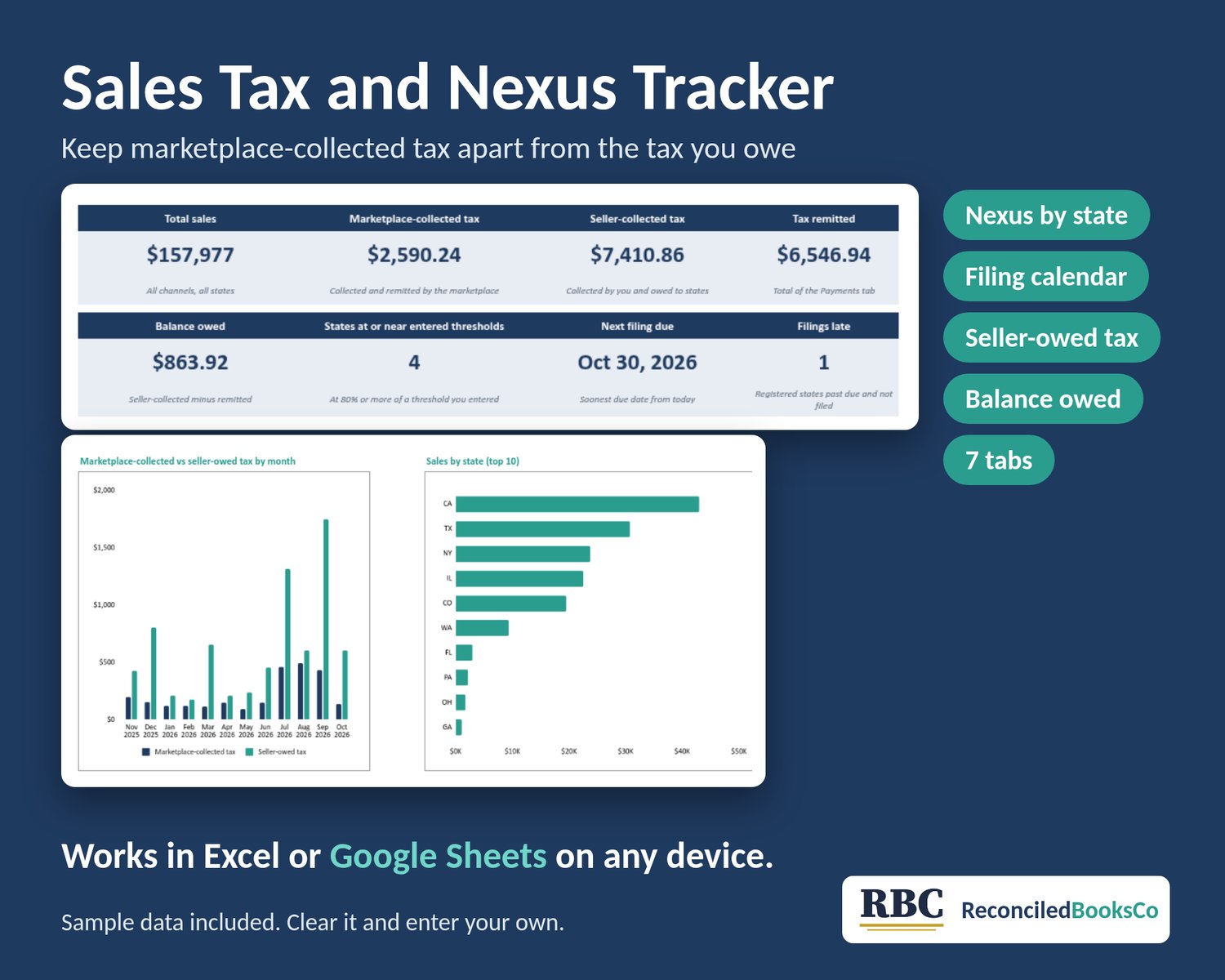
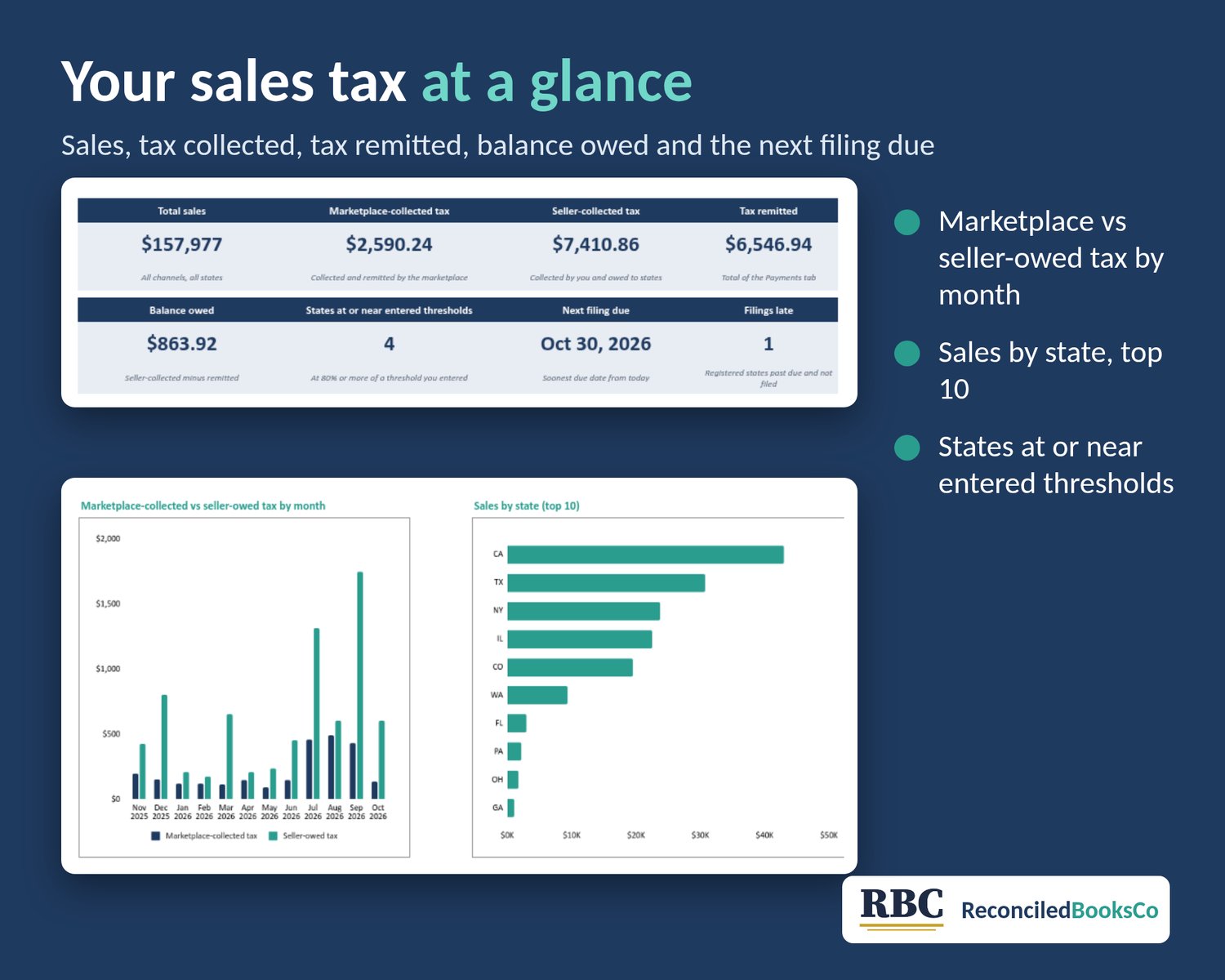
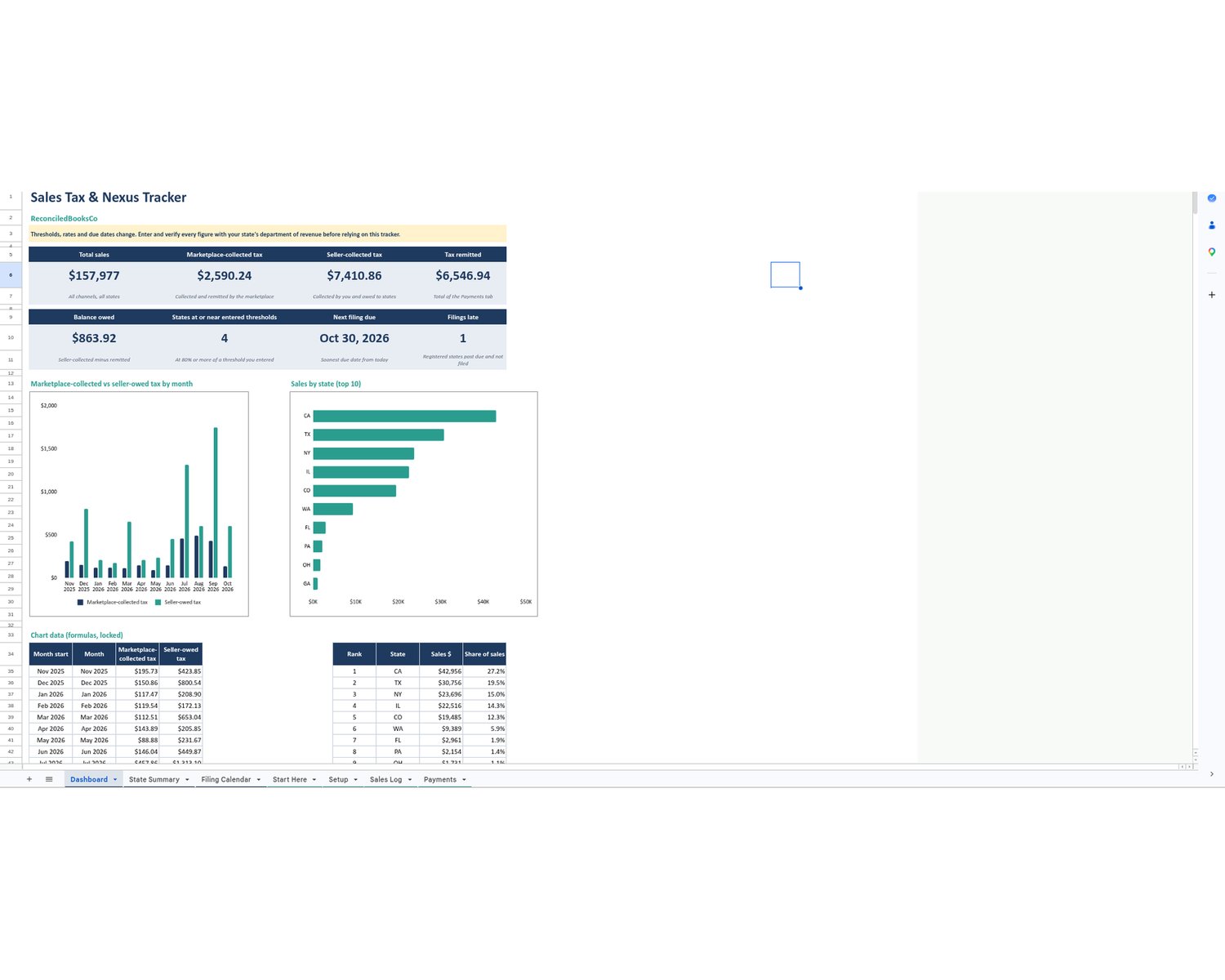
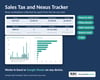
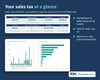
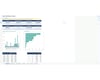
• Dashboard: total sales, marketplace-collected tax, seller-collected tax, tax remitted, balance owed, states approaching your entered thresholds, next filing due and late filings
• Two charts: marketplace-collected vs seller-owed tax by month, and sales by state (top 10)
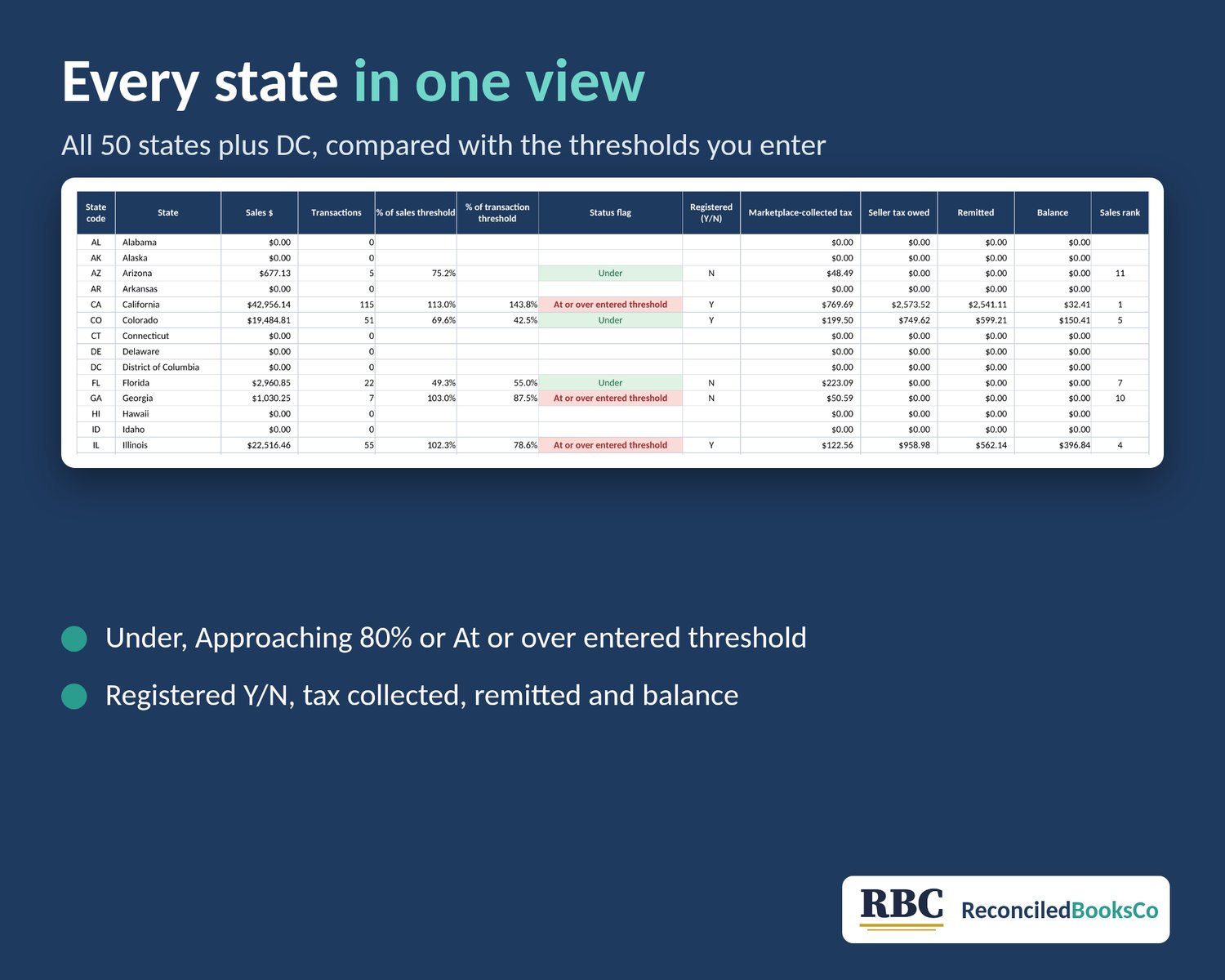
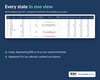
• State Summary for all 50 states plus DC: sales, transactions, % of each threshold you entered, a status flag (Under, Approaching 80%, At or over entered threshold), registered Y/N, tax collected, remitted and balance
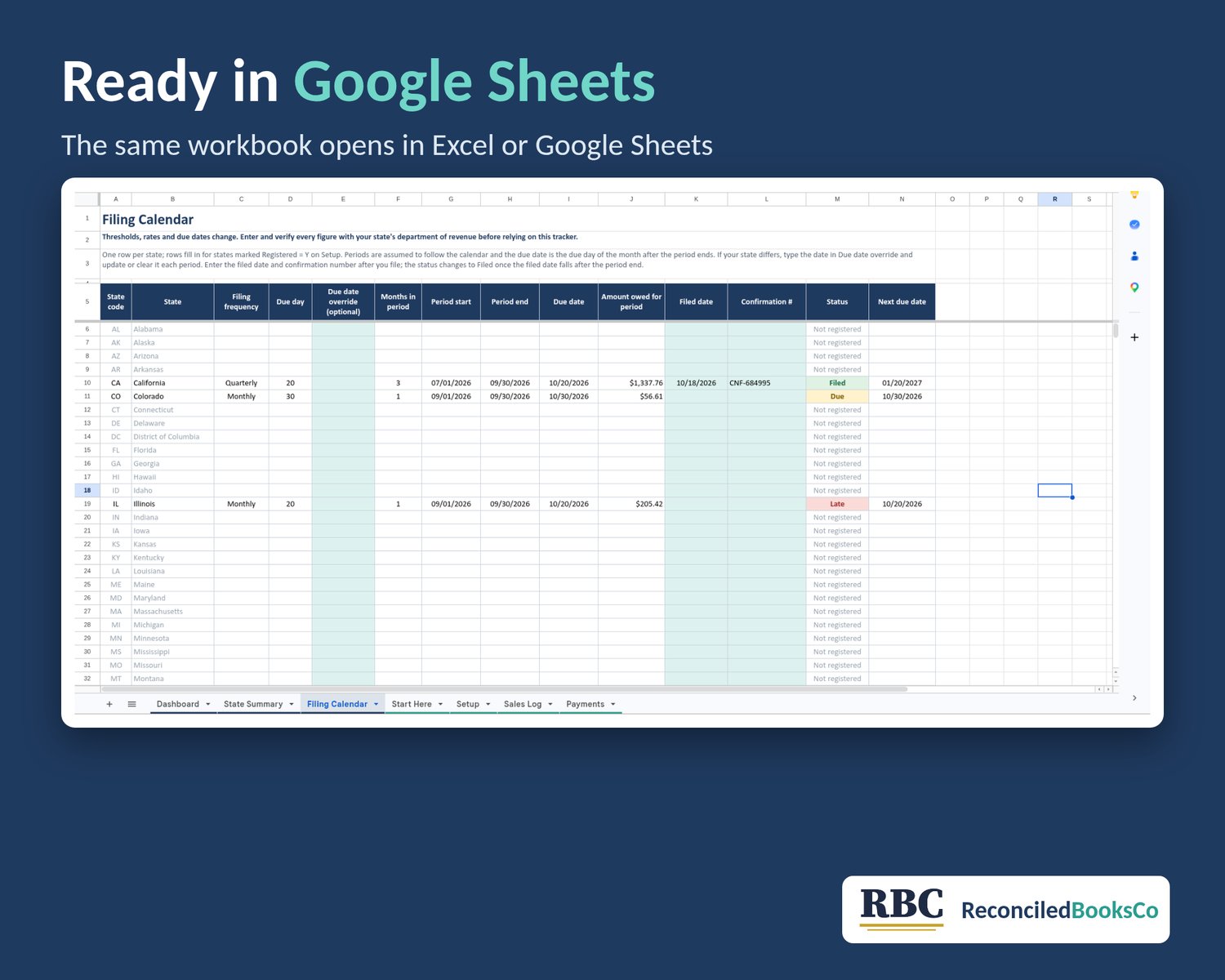
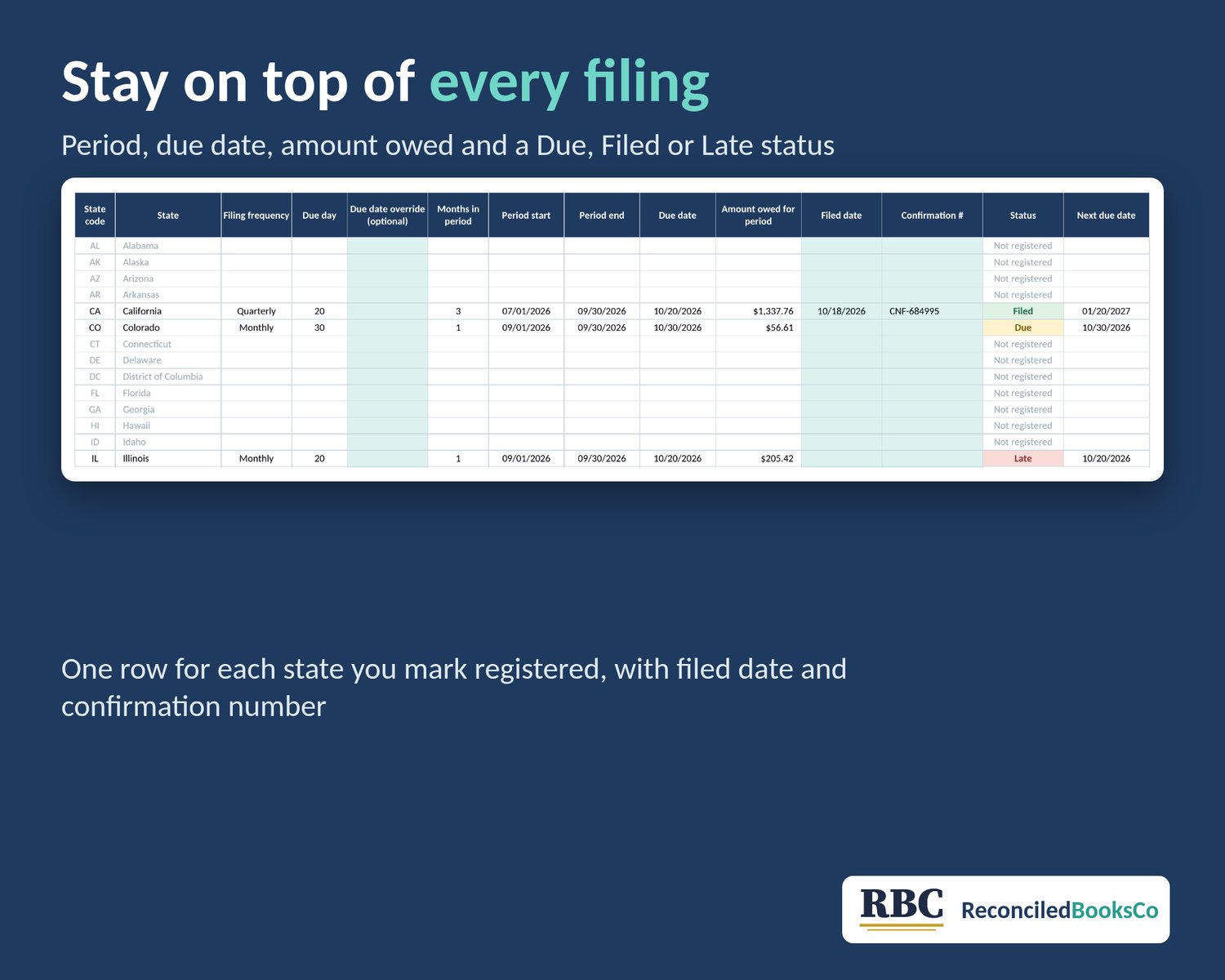
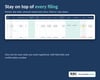
• Filing Calendar: for each state you mark registered, the period covered, due date, amount owed for the period, filed date, confirmation number and a Due, Filed or Late status
• Sales Log for up to 3,000 orders and Payments for up to 500 remittances, with row checks that flag missing or mistyped entries
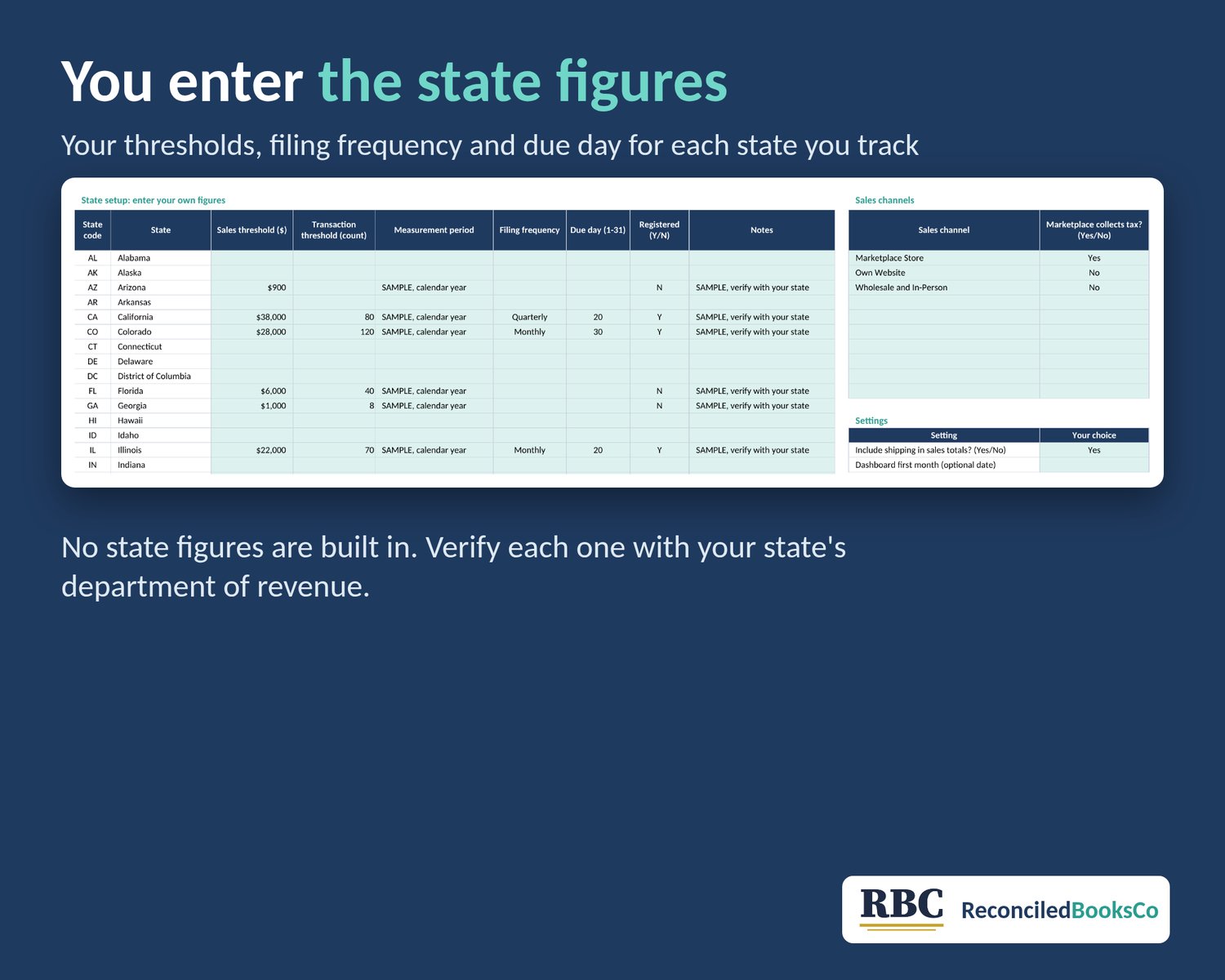
• Setup: your sales channels with a "marketplace collects tax" Yes/No switch, plus a blank column for each state's thresholds, measurement period, filing frequency and due day
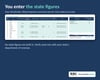
YOU ENTER THE STATE FIGURES
Thresholds, rates and due dates change. Enter and verify every figure with your state's department of revenue before relying on this tracker. The workbook has no real state thresholds, rates, filing frequencies or due dates built in. The sample file shows a few fictional figures labeled SAMPLE, and they clear with the sample data. Status flags only compare your totals with the numbers you typed in.
SAMPLE DATA
Opens with twelve months of fictional sample orders, labeled SAMPLE, so you can see how it works. Start Here shows how to clear it on each tab in a few clicks.
LIMITS
• No real state figures included (only fictional SAMPLE figures): you enter and verify every threshold, frequency and due day
• It doesn't calculate tax rates or the tax due on an order; you enter the tax charged
• Filing periods follow the calendar (monthly, quarterly, semi-annual or annual); use the due date override if your state differs
• Sales Log holds 3,000 orders and Payments 500 rows; start a fresh copy each year
• Doesn't connect to any shop or marketplace; entries are typed or pasted in
• Status flags describe your own numbers and are not a tax or legal determination
WHAT YOU GET
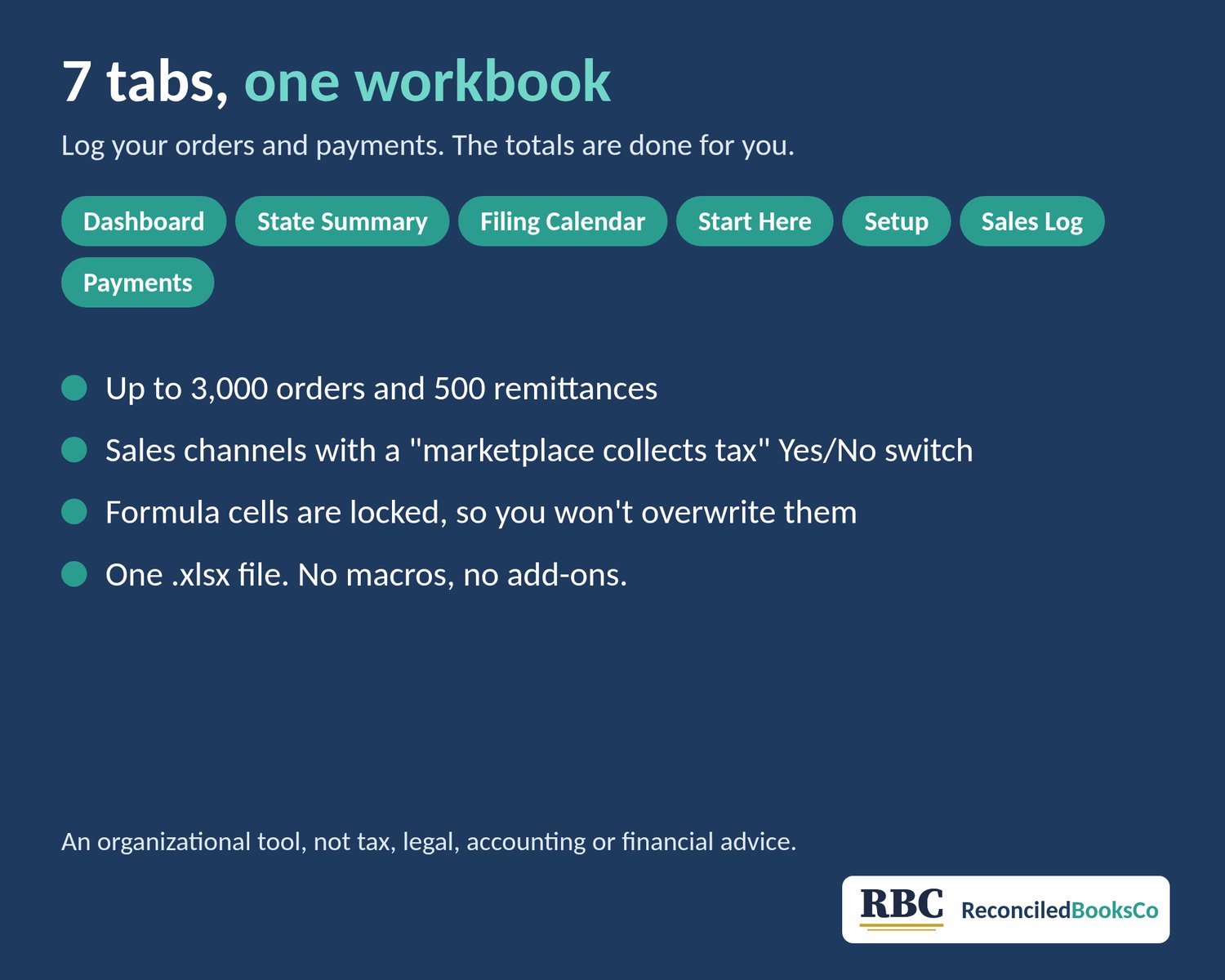
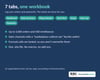
One .xlsx workbook with 7 tabs: Dashboard, State Summary, Filing Calendar, Start Here, Setup, Sales Log, Payments. Formula cells are locked, and the sheets are protected without a password.
This workbook is an organizational tool, not tax, legal, accounting or financial advice.