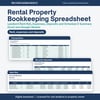
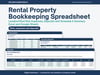


Rental Property Bookkeeping Spreadsheet, Landlord Rent Roll, Expenses, Deposits and Schedule E Summary, Excel and Google Sheets
For landlords who want rental income, expenses, unpaid rent, and a Schedule E summary in one workbook, ready to review with a tax preparer.
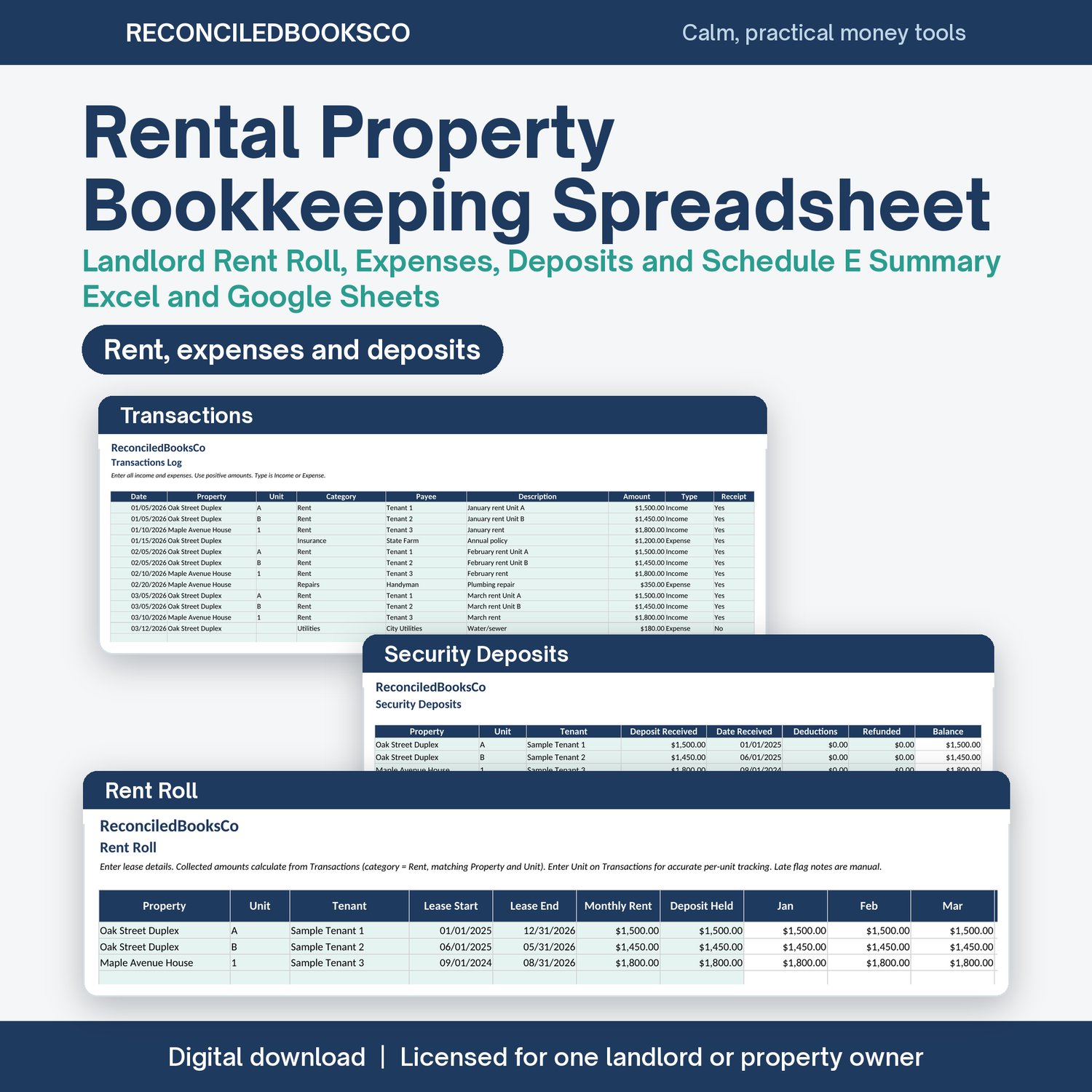
This workbook keeps the rent roll, a transactions log, a profit and loss by property, security deposits, mileage, and an annual Schedule E summary together. Categories follow common Schedule E lines, and you can edit the lists on Setup. This is an organizational tool, not tax advice. It does not calculate depreciation. Those amounts come from your preparer.
WHAT YOU GET
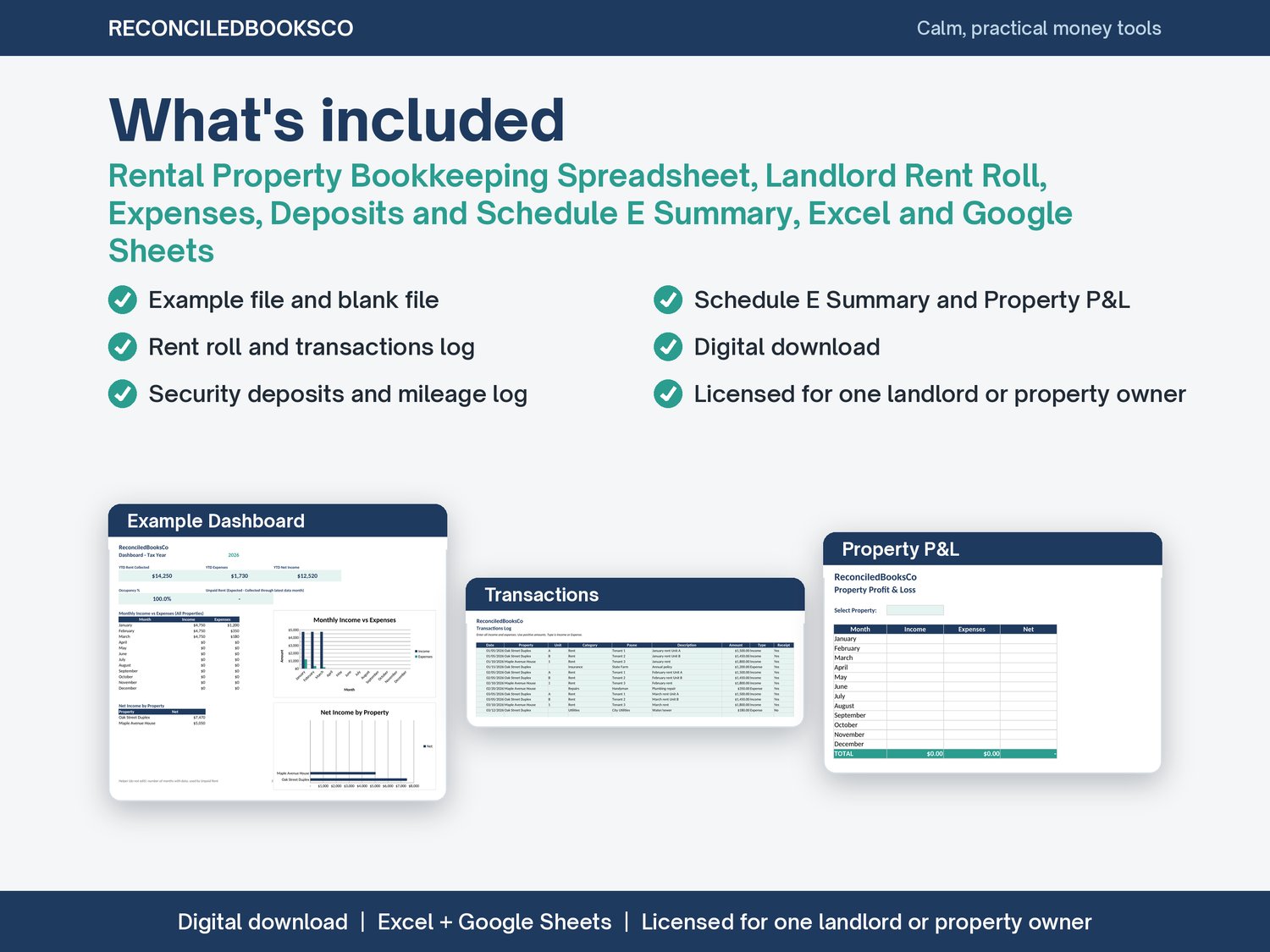
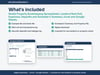
• One Example Excel workbook with sample data for two properties, so you can see the Dashboard, rent roll, and Schedule E summary before you enter your own records
• One Blank Excel workbook with the same layout, ready for your properties
• Works in Excel and Google Sheets (tested November 14, 2026)
SPECS
• Files: Example workbook and Blank workbook
• Capacity: up to 10 properties or units. The transactions log supports about 500 rows
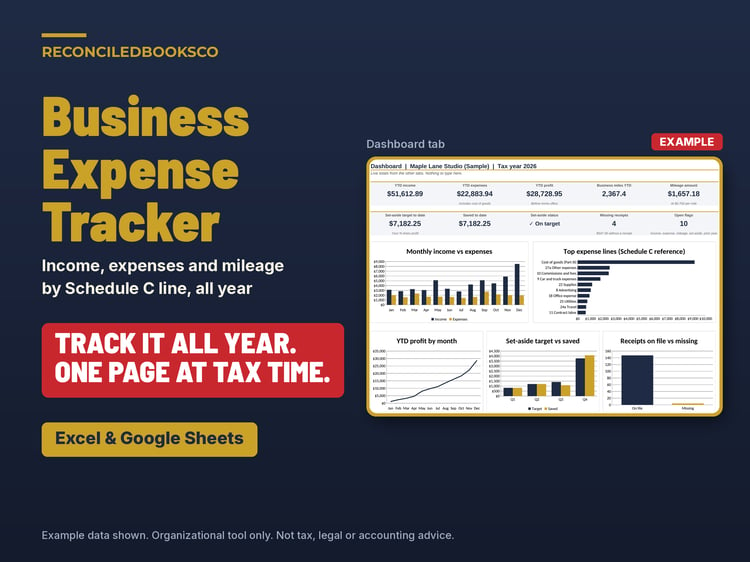
• Dashboard: year-to-date rent collected, expenses, net income, occupancy, and unpaid rent, plus charts
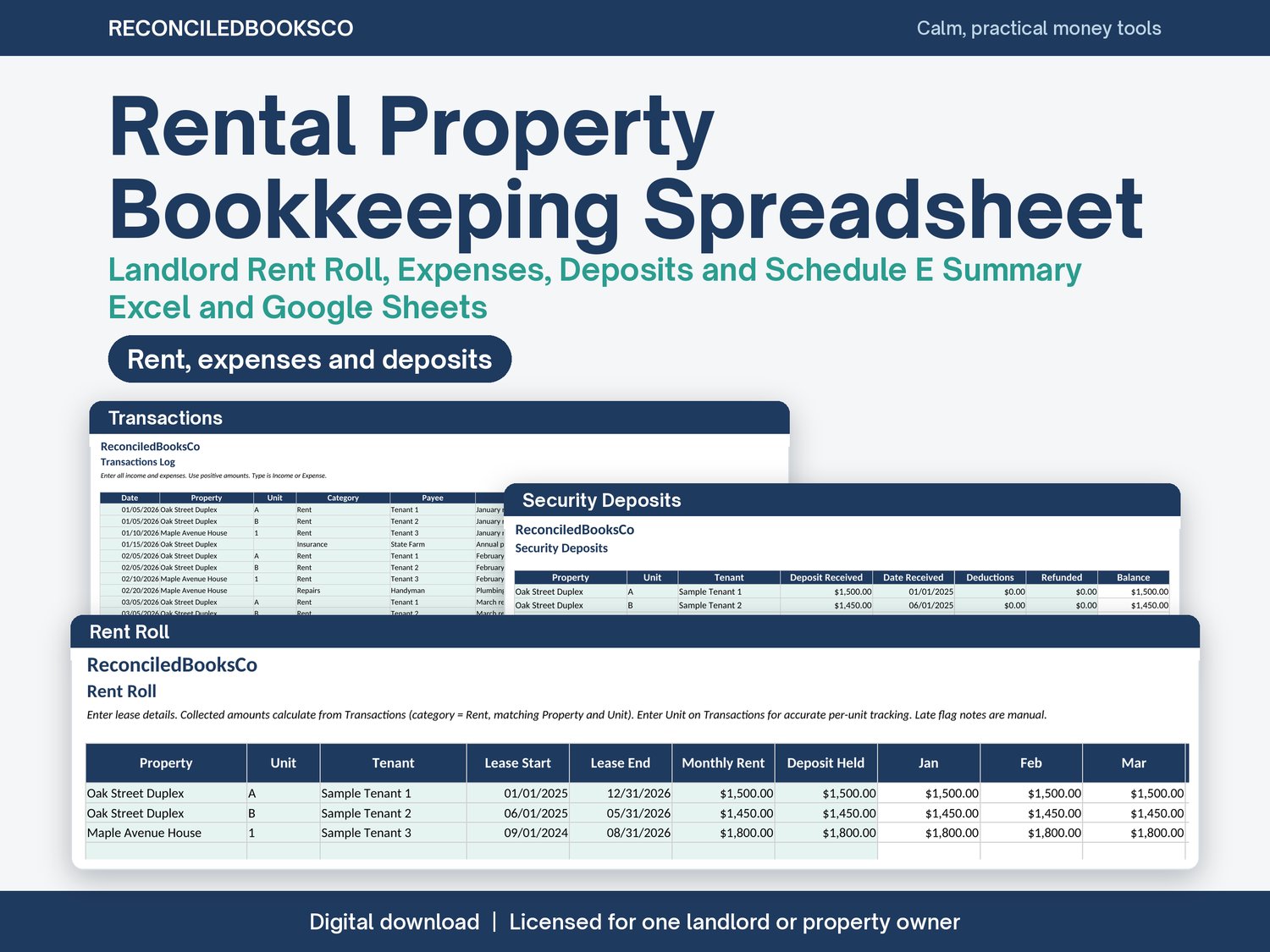
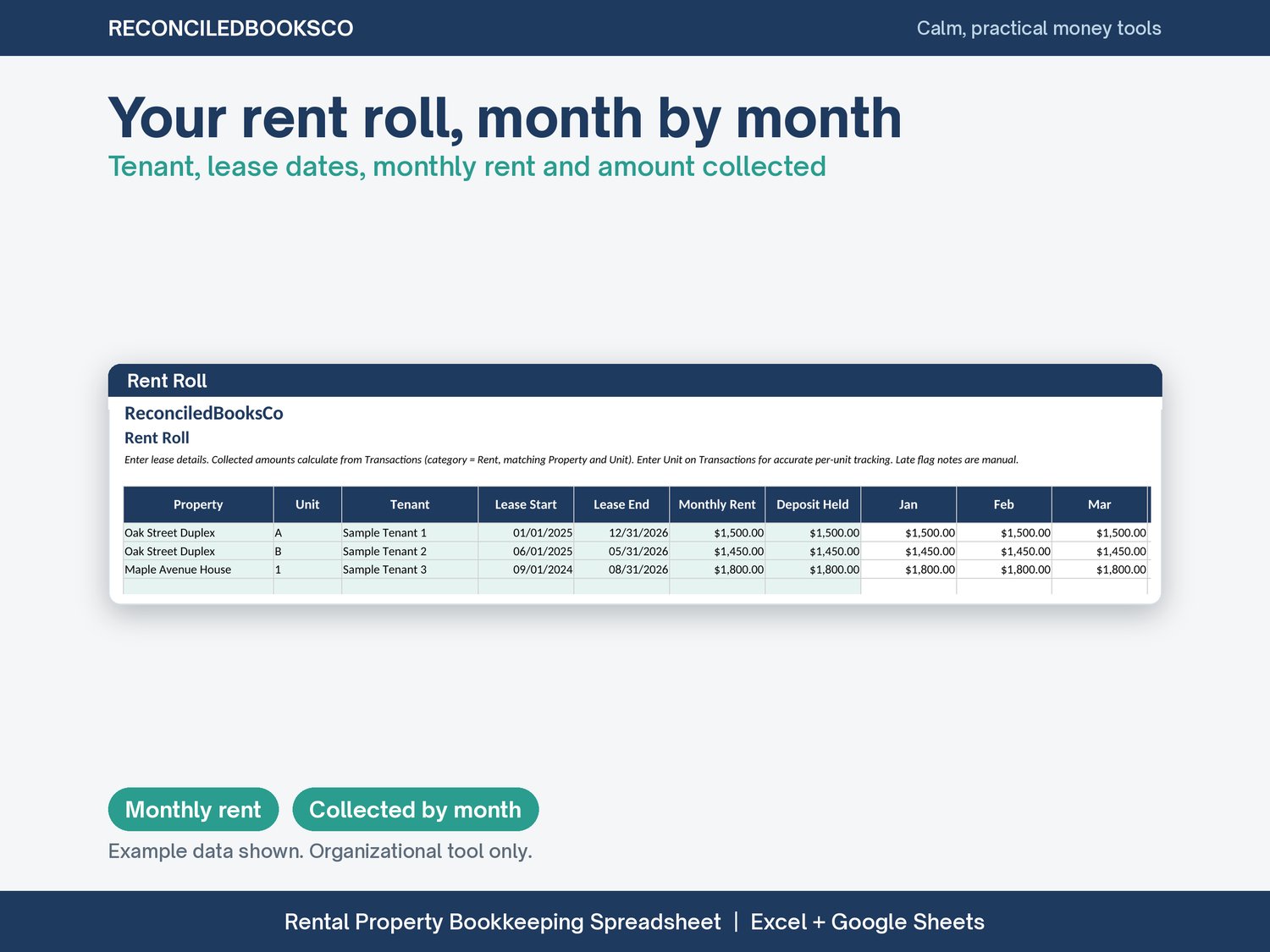
• Rent roll: tenant, lease dates, monthly rent, and deposit held, with collected amounts pulled from the transactions log
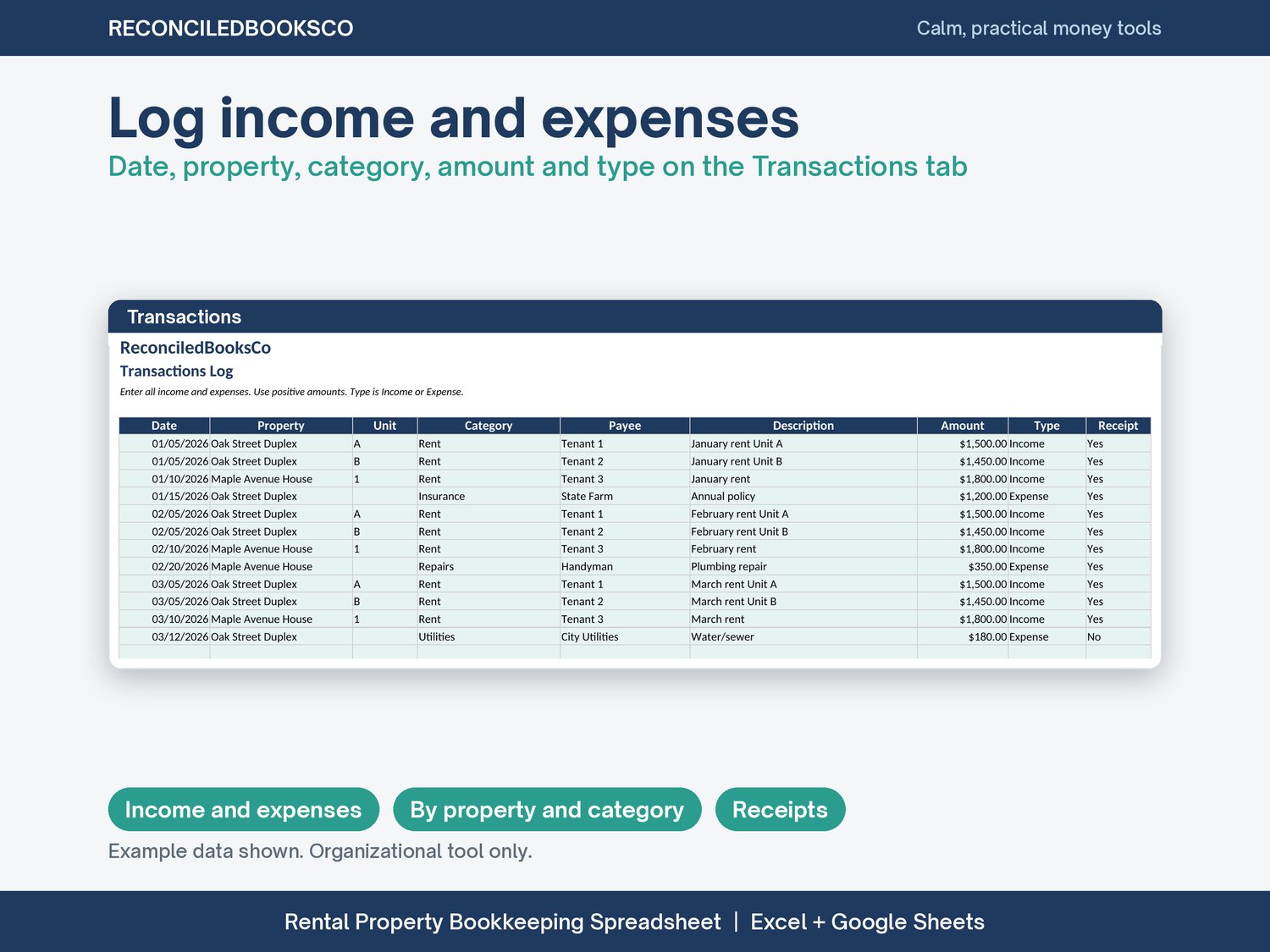
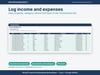
• Transactions: income and expenses by property and category
• Property P&L: monthly results for the property you select
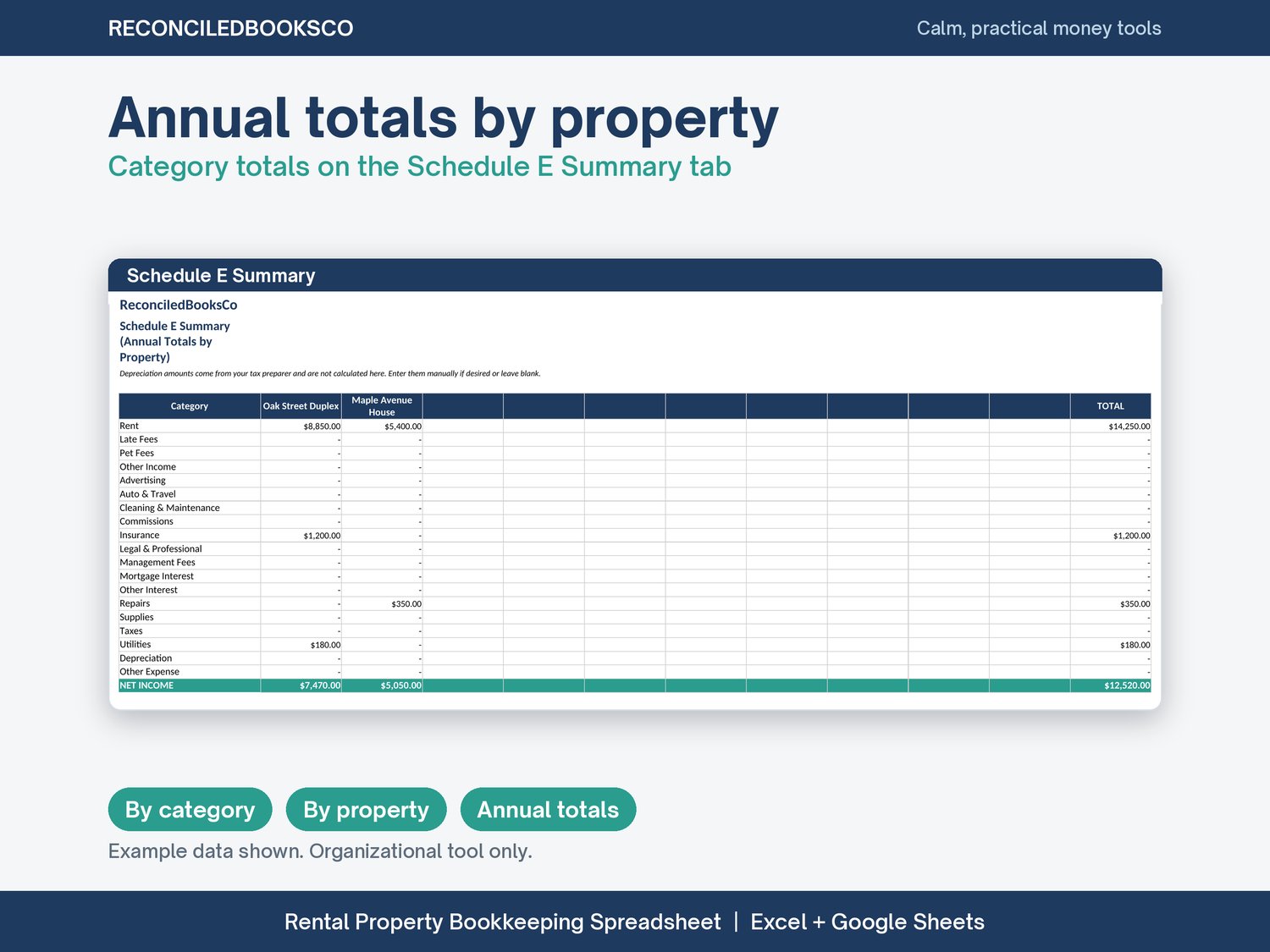
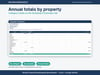
• Schedule E Summary: annual totals by common IRS Schedule E category, for review with your preparer
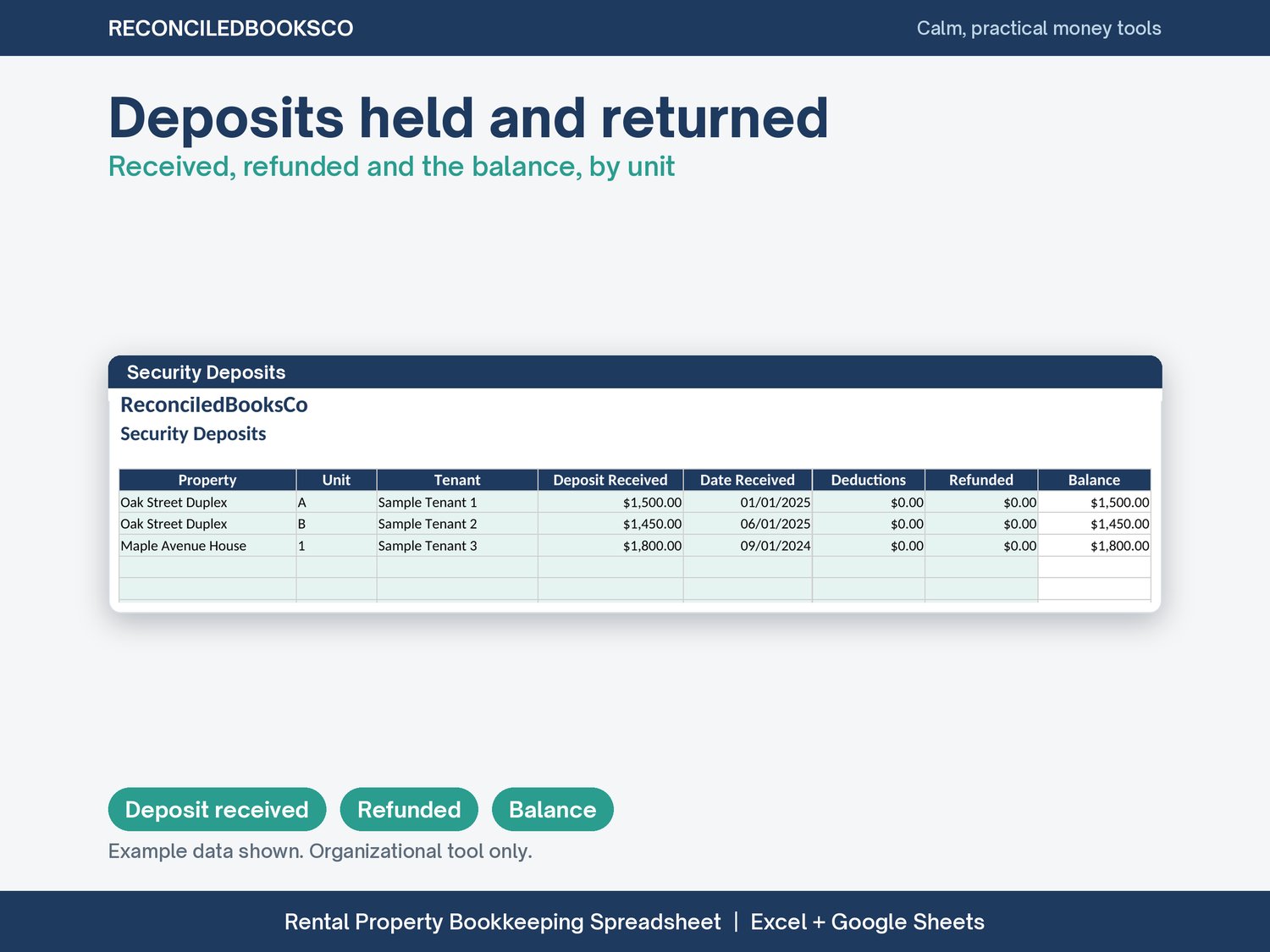
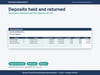
• Security Deposits: deposits held and returned
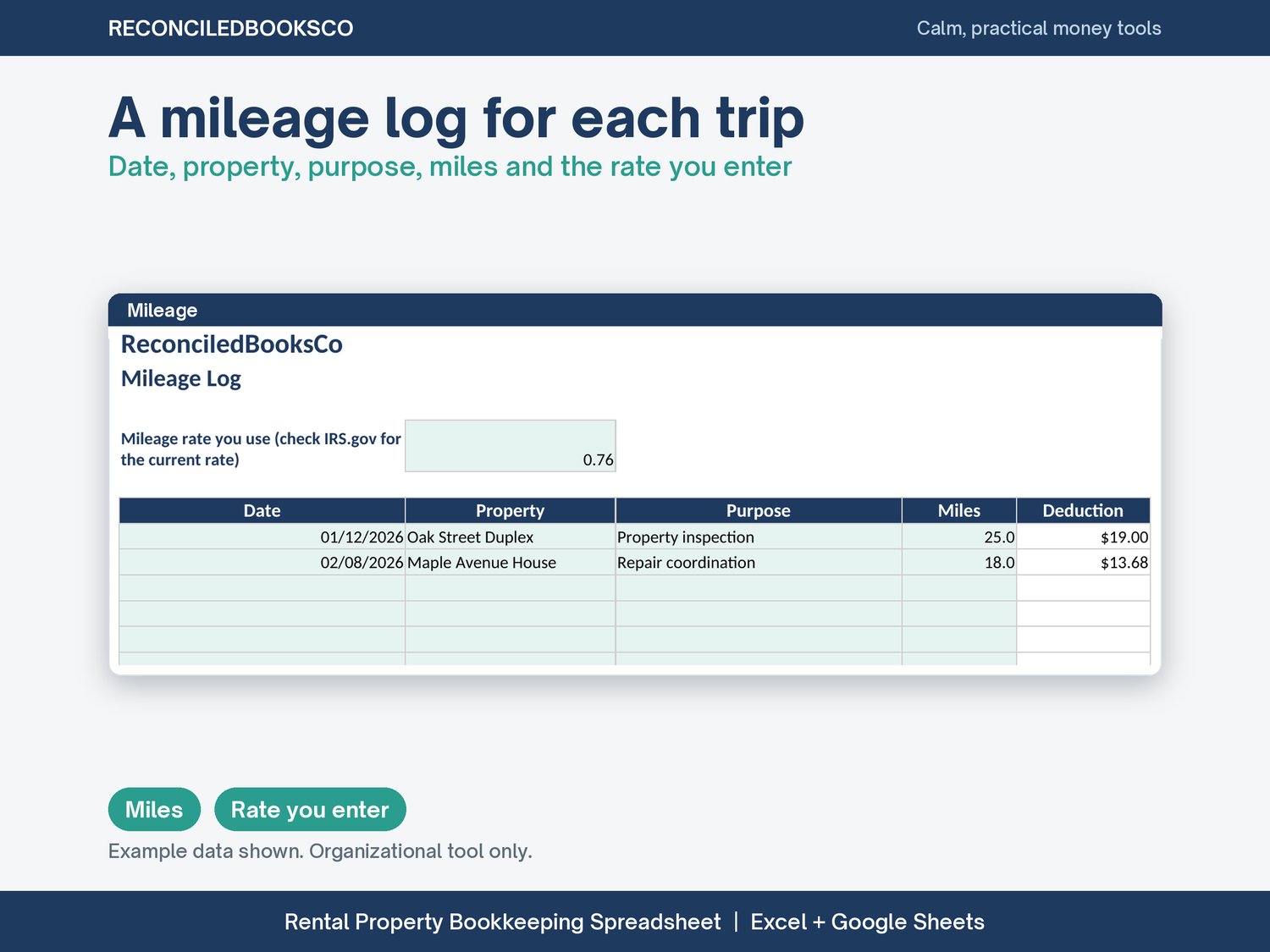
• Mileage: a mileage log. The rate is yours to enter. Confirm the current rate with your preparer or IRS.gov, because it can change mid-year.
• Start Here and Setup: business or owner name, tax year, property list, and editable income and expense categories
GETTING STARTED
Open the Example file first to see the sample properties, then use the Blank file for your own records. Or, in the Example file, follow Start Here and clear the labeled sample ranges (contents only, never delete rows). On Setup, enter your name, the tax year, and your properties, then log rent and expenses on Transactions.
Works in Excel and in Google Sheets. To use Google Sheets, upload the .xlsx to Google Drive, open it with Google Sheets, and choose File > Save as Google Sheets (or File > Make a copy). Dropdowns, named ranges, and formulas carry over.
FAQ
Does this calculate depreciation or the tax I owe?
No. Depreciation amounts come from your preparer and are not calculated here. The Schedule E summary organizes totals by category for you and your preparer to review.
Is the mileage rate filled in for me?
No. Enter your own rate on the Mileage tab. Confirm the current rate with your preparer or IRS.gov. Using the standard mileage rate instead of actual car costs is optional and has conditions, and this workbook doesn't decide which method you use, so ask your preparer.
How many properties can I track?
Up to 10 properties or units in one file. The transactions log supports about 500 rows.
Can I remove the sample data?
Yes. Use the Blank file, or clear the sample ranges listed on Start Here. Select each range and press Delete. Clear contents only, and never delete rows.
INSTANT DOWNLOAD · DIGITAL ONLY
This is a digital download. Nothing ships. Files are available immediately after purchase. Licensed for use by one business. Please don't share or resell the file. Because this is a digital download, sales are final (see shop policies).
Please note: This workbook is an organizational tool, not tax, legal, accounting or financial advice. Consult a qualified tax professional for Schedule E, depreciation, and filing. Depreciation amounts come from your preparer and are not calculated here. Mileage uses the rate you enter. Always check figures with a qualified professional before you file.