


Business Expense Tracker Spreadsheet with Mileage Log
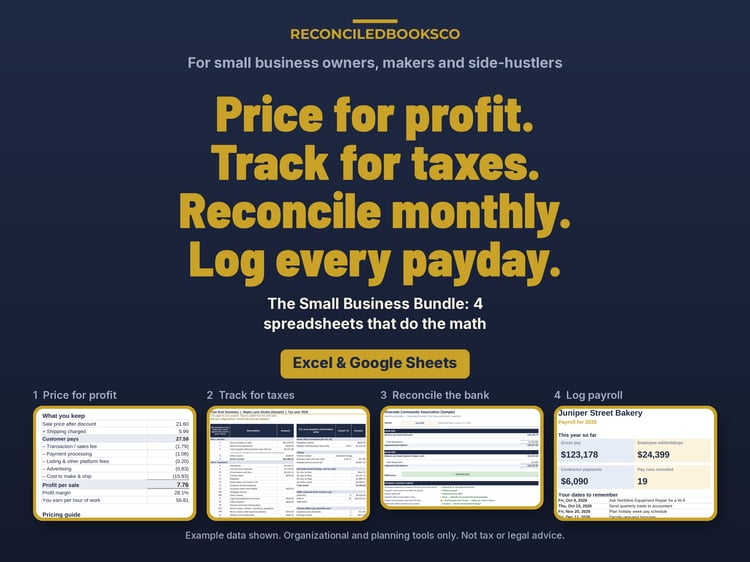
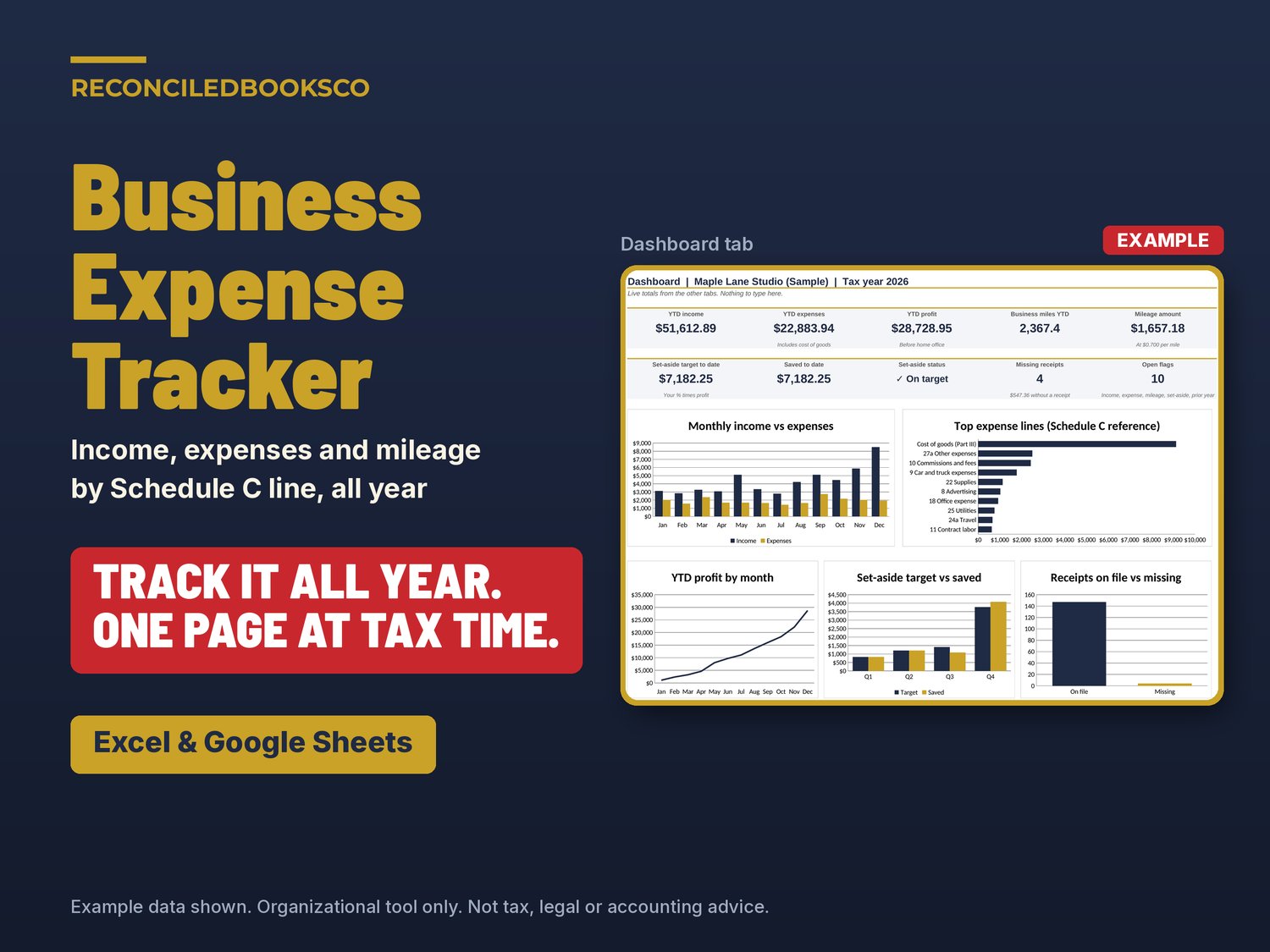
Business expense tracker spreadsheet for self-employed people, freelancers and small shop owners who file a Schedule C. It works with Excel & Google Sheets. Log each sale, expense and business trip once, and it sorts everything by Schedule C line, totals it by month, flags anything that looks off and builds a one-page Year-End Summary to hand your tax preparer.
Most of us end the year with a shoebox of receipts, a bank export and a guess at our miles. This tracker keeps it all in one place as you go, so tax time is a printout, not a weekend.
WHAT'S INCLUDED (4 files)
- Business_Expense_Tracker.xlsx: the blank workbook for your own year
- Business_Expense_Tracker_EXAMPLE.xlsx: the same workbook filled with a made-up year for a sample business, flags included, so you can see a finished year before you start
- Business_Expense_Tracker_Guide.docx: a short plain-English guide to every tab
- START_HERE.txt: what to open first and how to open it in Google Sheets
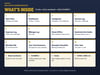
THE 12 TABS
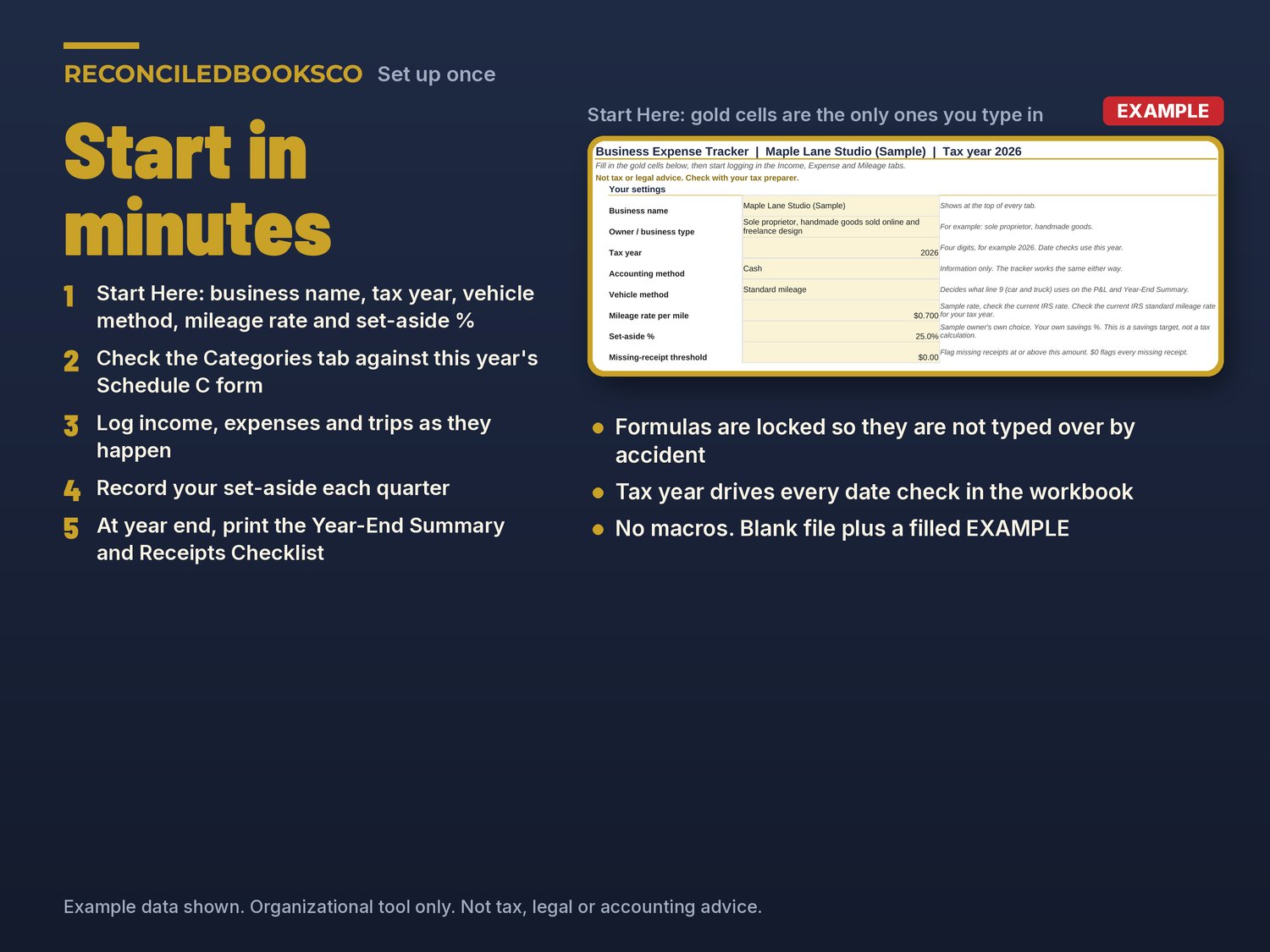
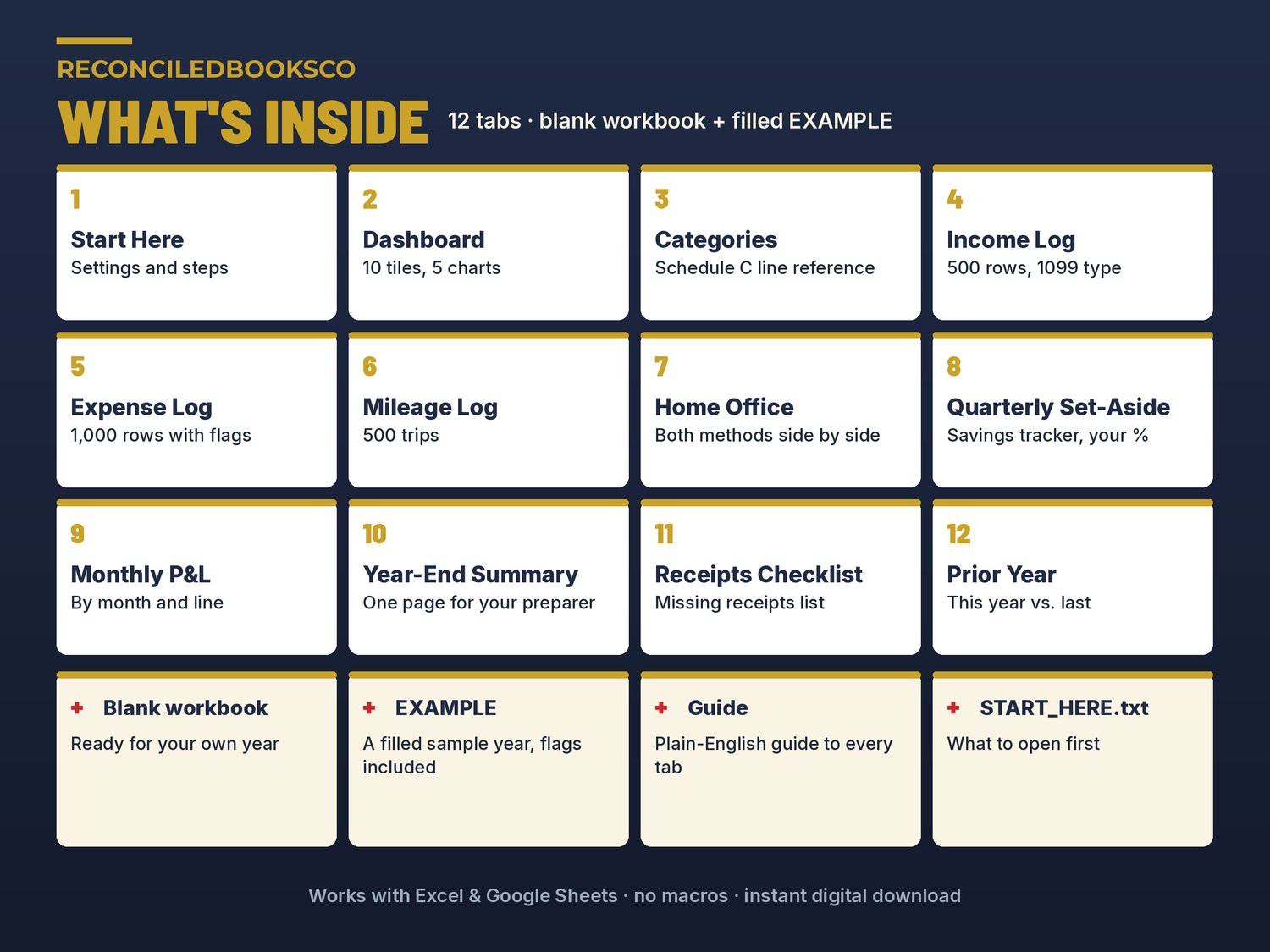
- Start Here: your settings (business name, tax year, vehicle method, mileage rate, set-aside %) and the steps in order
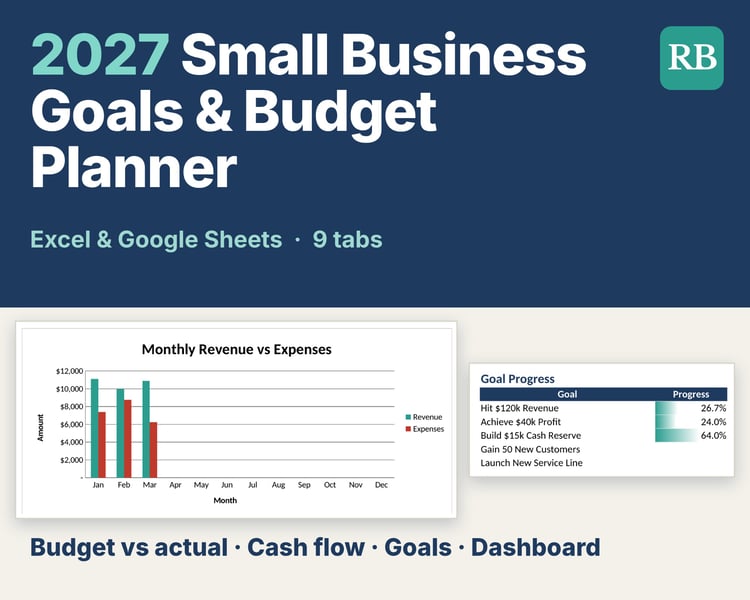
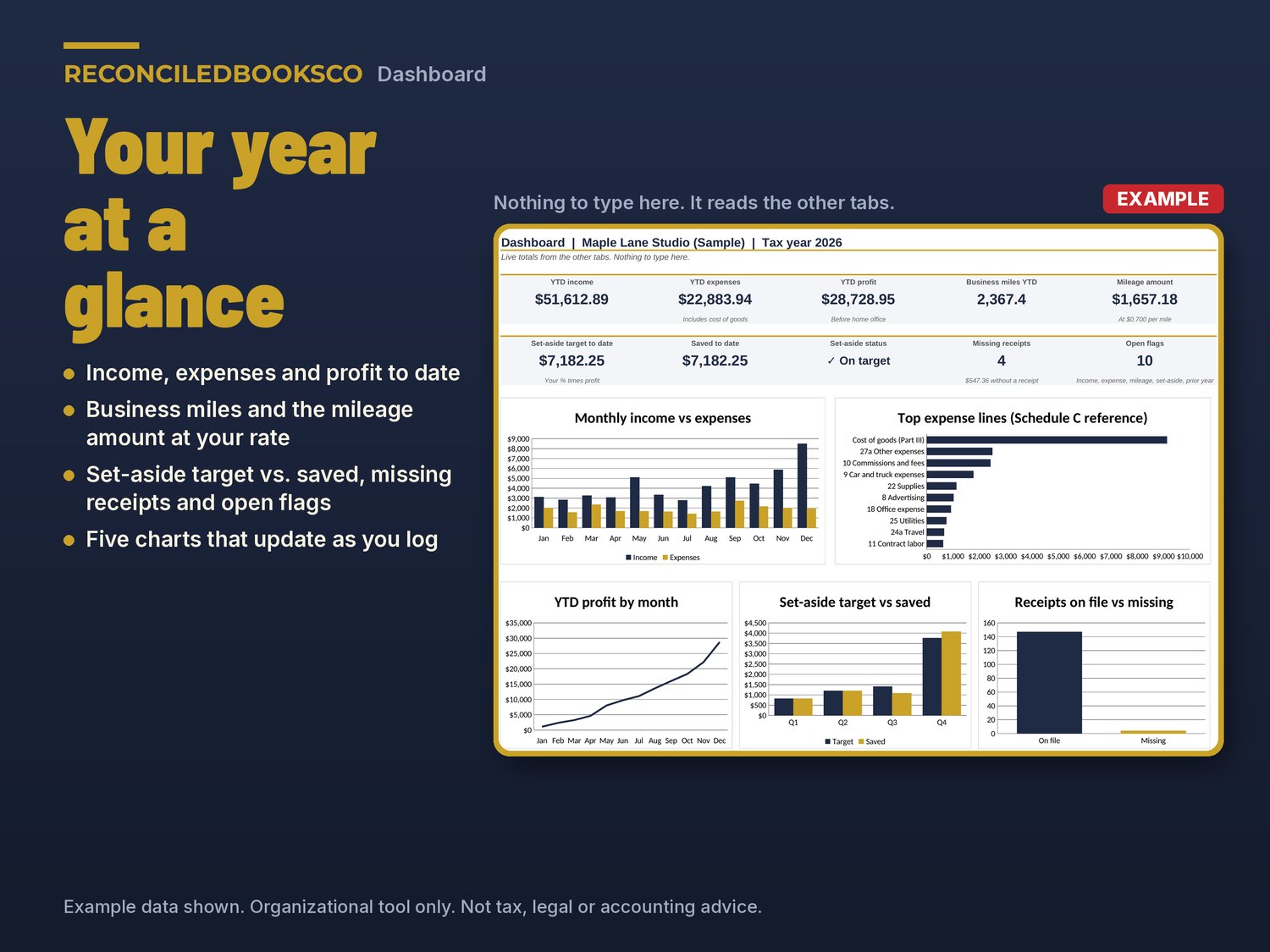
- Dashboard: income, expenses and profit to date, business miles, mileage amount, set-aside target vs. saved, missing receipts and open flags, plus 5 charts
- Categories: your categories and the Schedule C line each one maps to (a reference to the current form; check it each year and edit as needed)
- Income Log: up to 500 sales, payouts and client payments, with the 1099 form you expect
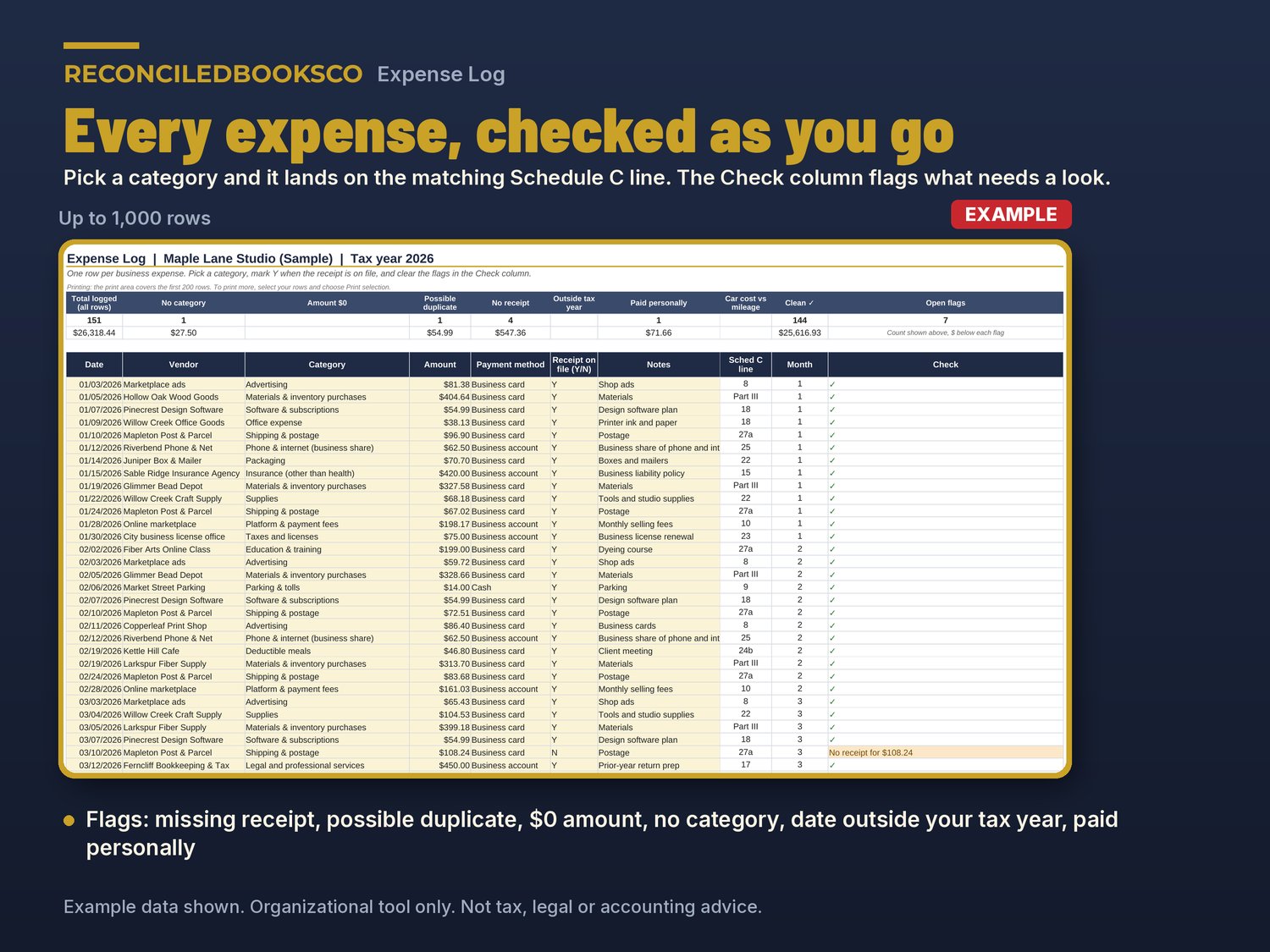
- Expense Log: up to 1,000 expenses. Flags a missing receipt, possible duplicate, $0 amount, missing category, a date outside your tax year and expenses paid personally
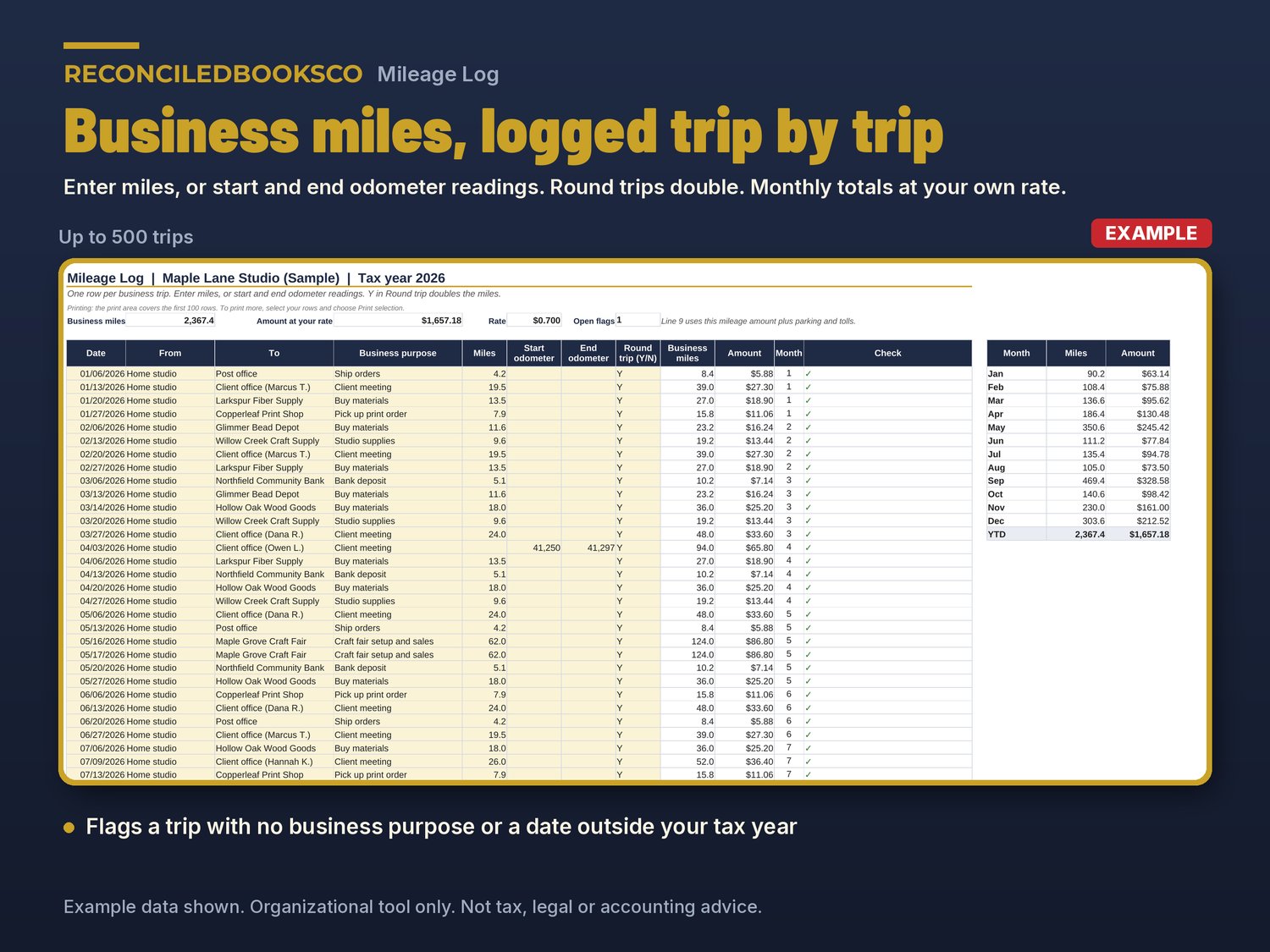
- Mileage Log: up to 500 trips. Enter miles or odometer readings, mark round trips, see monthly totals at your own rate
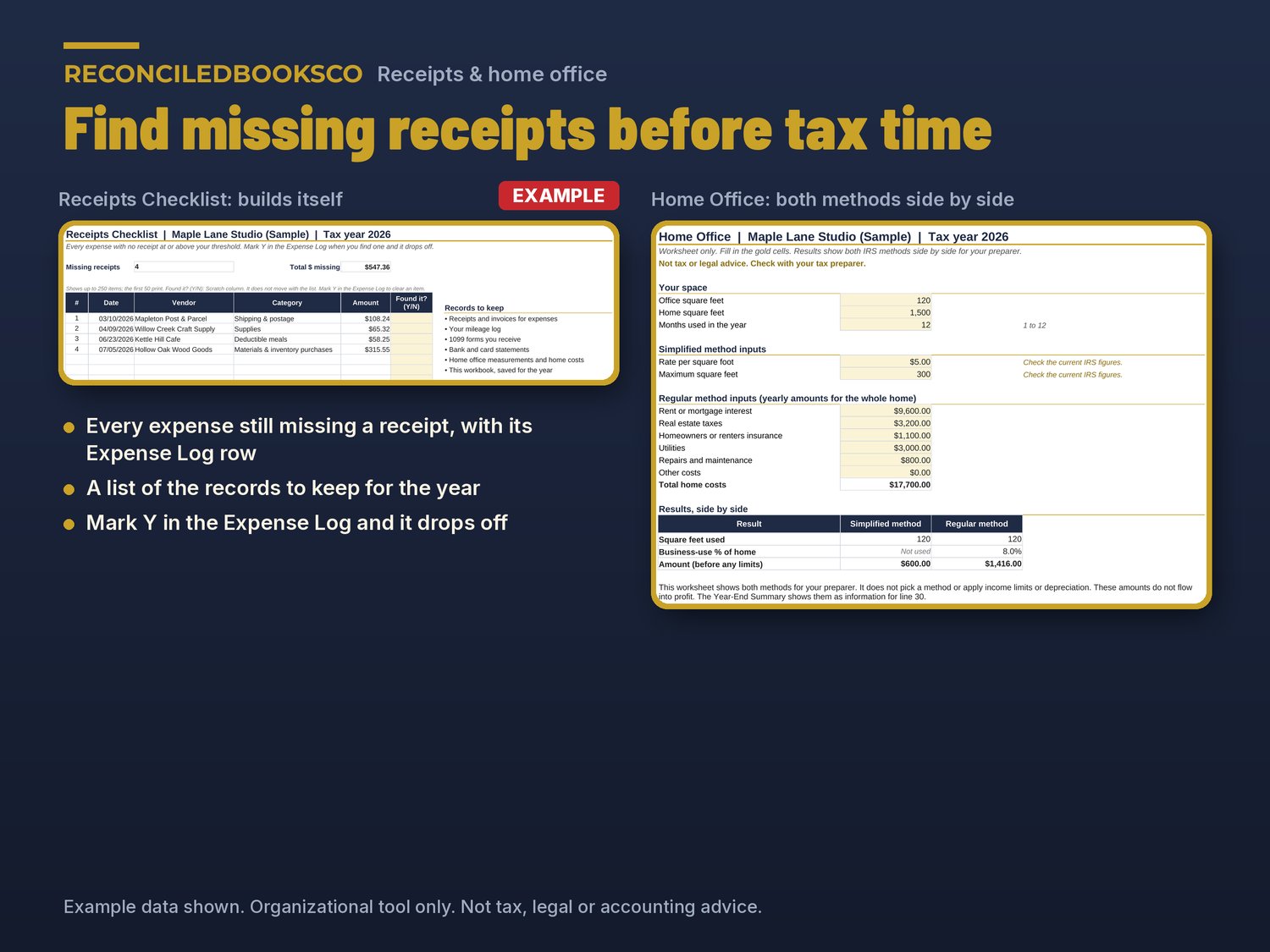
- Home Office: a worksheet that shows the simplified and regular methods side by side for your preparer
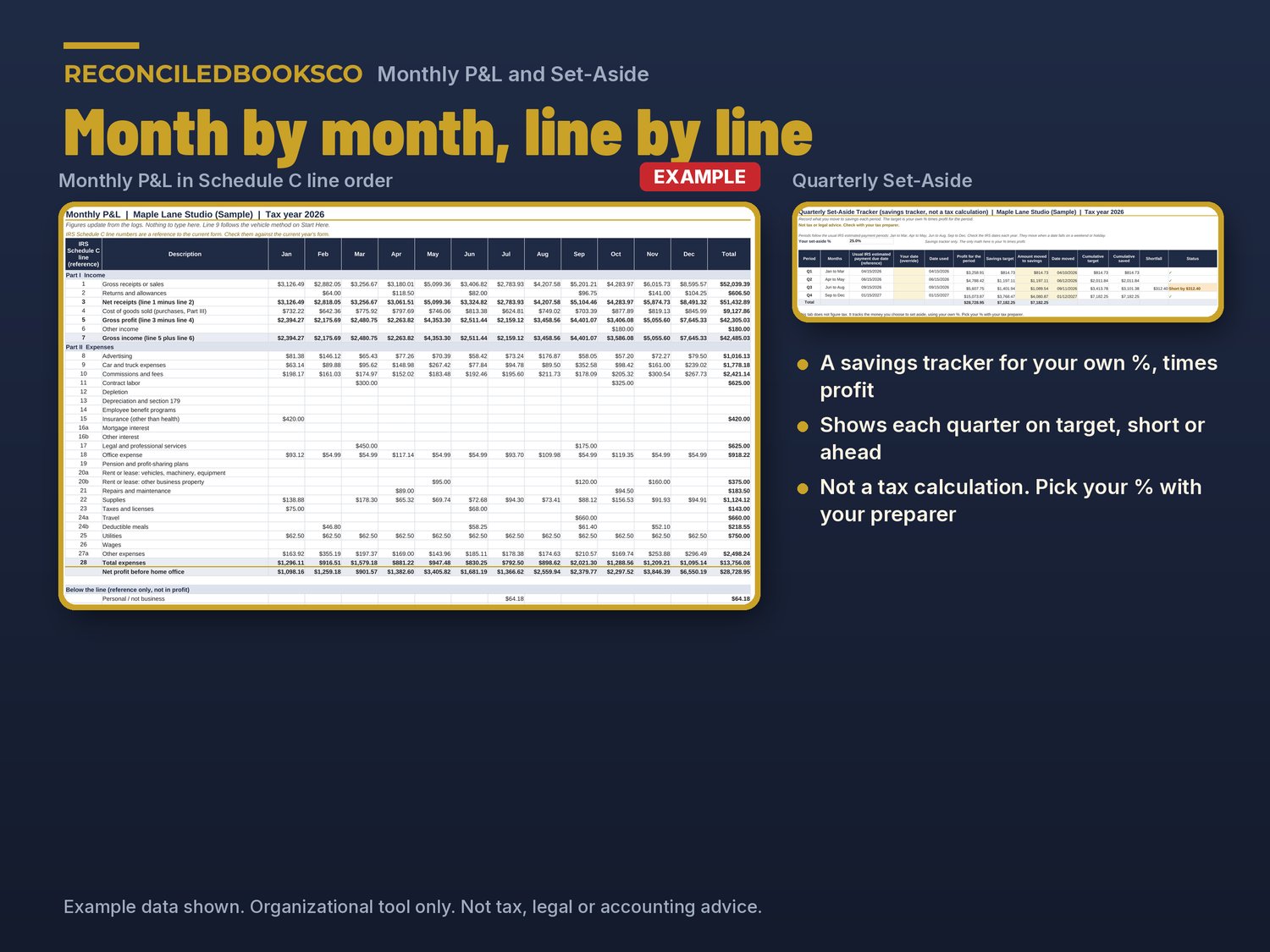
- Quarterly Set-Aside: a savings tracker for the % you choose, times profit. Not a tax calculation
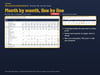
- Monthly P&L: income and expenses by month in Schedule C line order
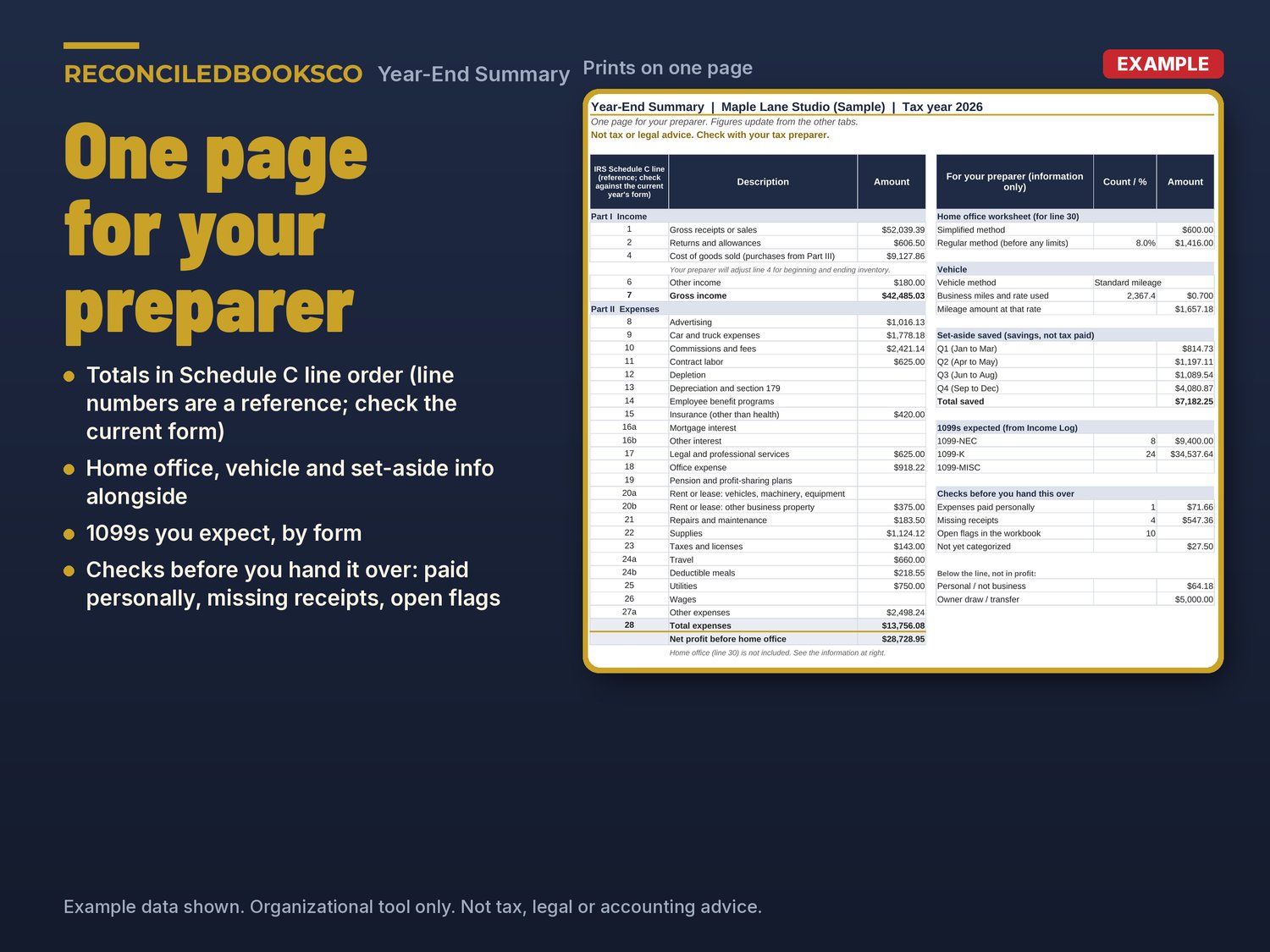
- Year-End Summary: one printable page in line order, with home office, vehicle, set-aside and 1099 info and a short checklist before you hand it over
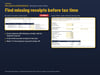
- Receipts Checklist: every expense still missing a receipt, with its Expense Log row
- Prior Year: optional, this year next to last year by line
HOW IT WORKS
1. Look through the EXAMPLE file for a few minutes.
2. In the blank file, fill in the gold cells on Start Here.
3. Check the Categories tab against this year's Schedule C form.
4. Log income, expenses and trips as they happen.
5. Record your set-aside each quarter.
6. Clear flags as you go. At year end, print the Year-End Summary and the Receipts Checklist for your preparer.
Gold cells are the ones you type in. Everything else is calculated. No macros.
WORKS WITH EXCEL & GOOGLE SHEETS
Excel: download the ZIP and open the blank .xlsx (Excel 2016 or later, including Microsoft 365). Formula cells are protected with no password so they don't get typed over by accident.
Google Sheets: upload the .xlsx to Google Drive and open it with Google Sheets, or use File > Import > Upload. Google Sheets doesn't keep the sheet protection, so type only in the gold cells there.
WHO THIS IS FOR
Freelancers, side-business owners, home-based makers and online sellers who file a Schedule C and want their records organized before they meet their tax preparer.
INSTANT DOWNLOAD · DIGITAL DOWNLOAD ONLY · FINAL SALE
This is a digital download. No physical item will be shipped. Files are available right after purchase. Because of the nature of digital downloads, all sales are final (see shop policies for detail).
DISCLAIMER
This template is an organizational tool only, not tax, legal, or accounting advice. It does not prepare a return, figure tax or tell you how to report anything. Schedule C line numbers are a reference; check them against the current year's form.
Not tax or legal advice. Check with your tax preparer.
Built by ReconciledBooksCo, a small shop run by an experienced accountant.