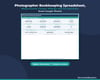
Photographer Bookkeeping Spreadsheet, Shoot Income Tracker, Mileage and Tax Summary, Excel Google Sheets
For wedding, portrait, and event photographers tracking shoot income, unpaid invoices, gear and expenses, and a quarterly set-aside in one workbook.
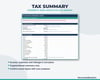
Keep your photography records in one place, with income by shoot, expenses, mileage, and a summary to review with your tax preparer. This is an organizational tool, not tax advice. Mileage uses the rate you enter.
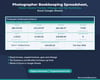
WHAT YOU GET
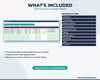
• One Excel workbook with sample data on every tab
• A Google Sheets copy-link PDF so you can make your own Sheets copy
SPECS
• Files: one Excel workbook with sample data, plus a Google Sheets copy link
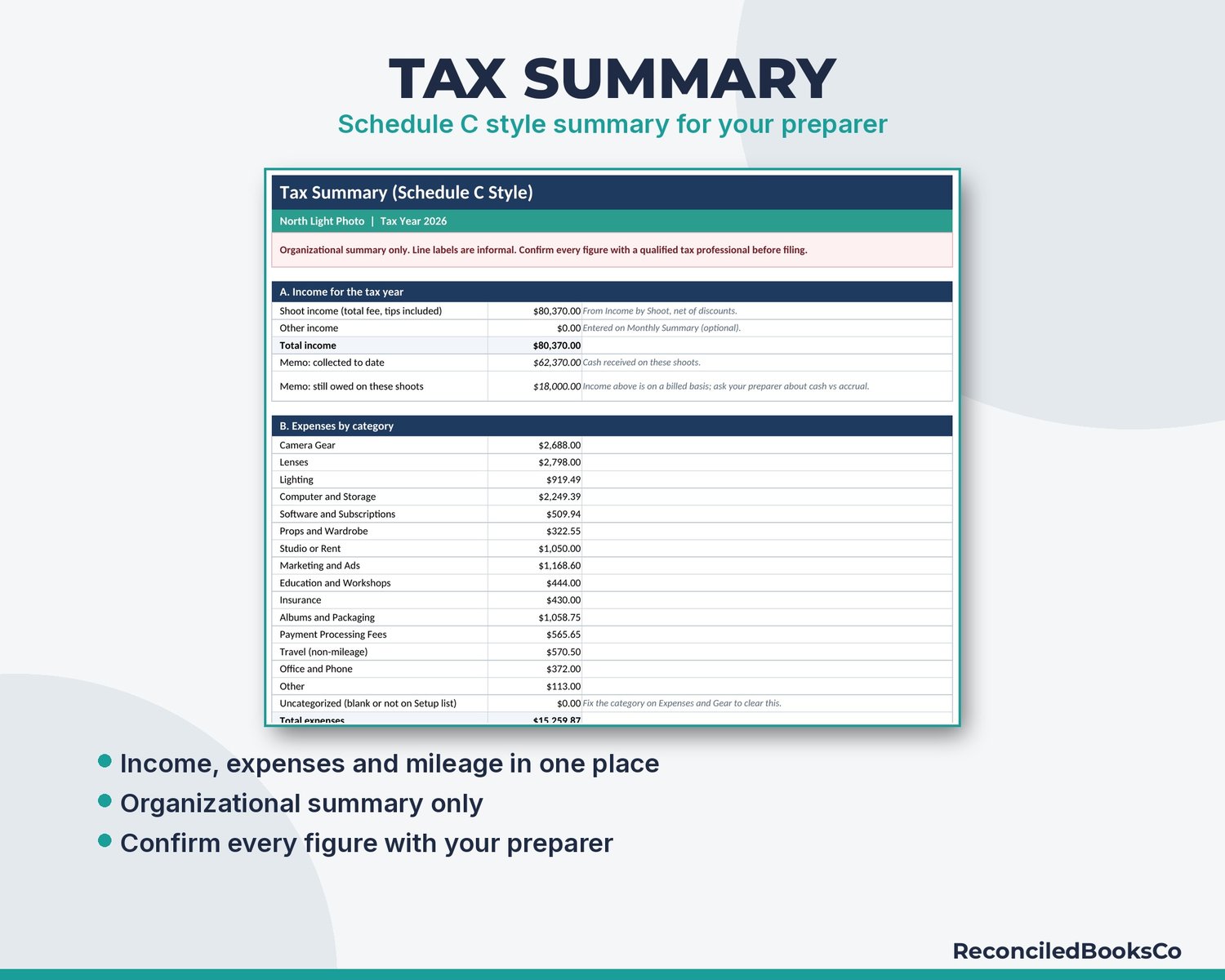
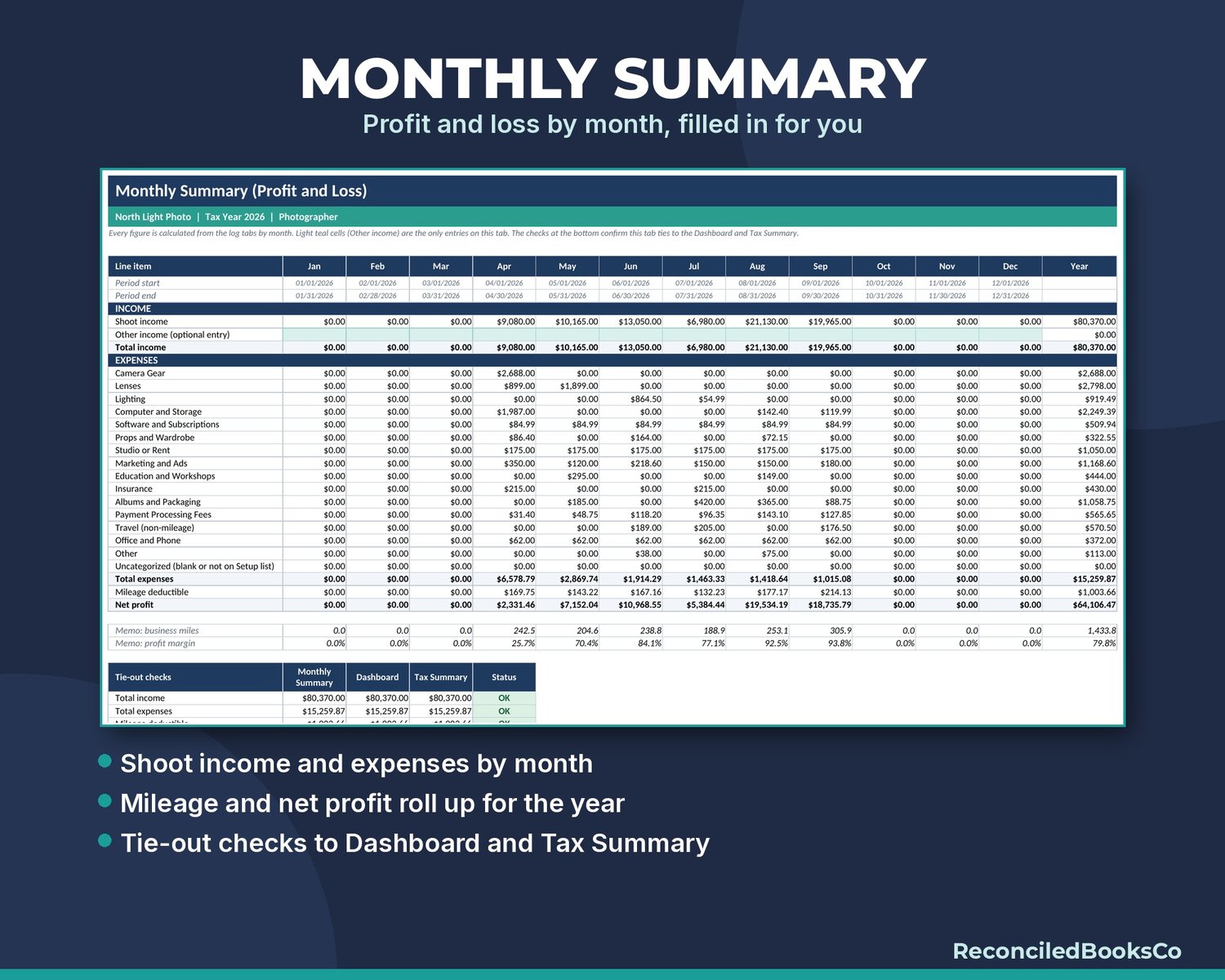
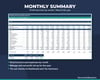
• Summaries: Dashboard, Tax Summary, and Monthly Summary
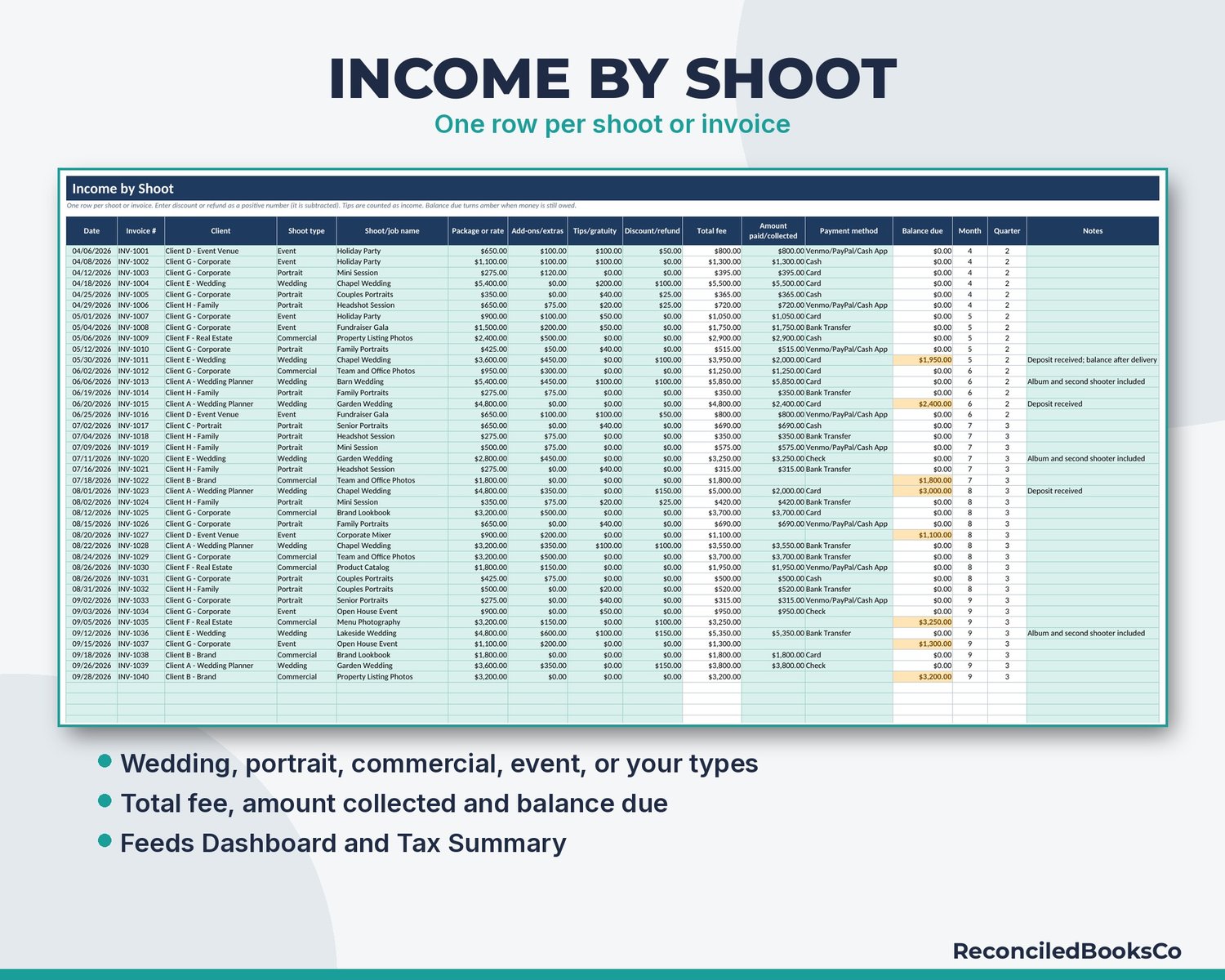
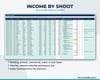
• Income: track shoots by wedding, portrait, commercial, event, or your own shoot types
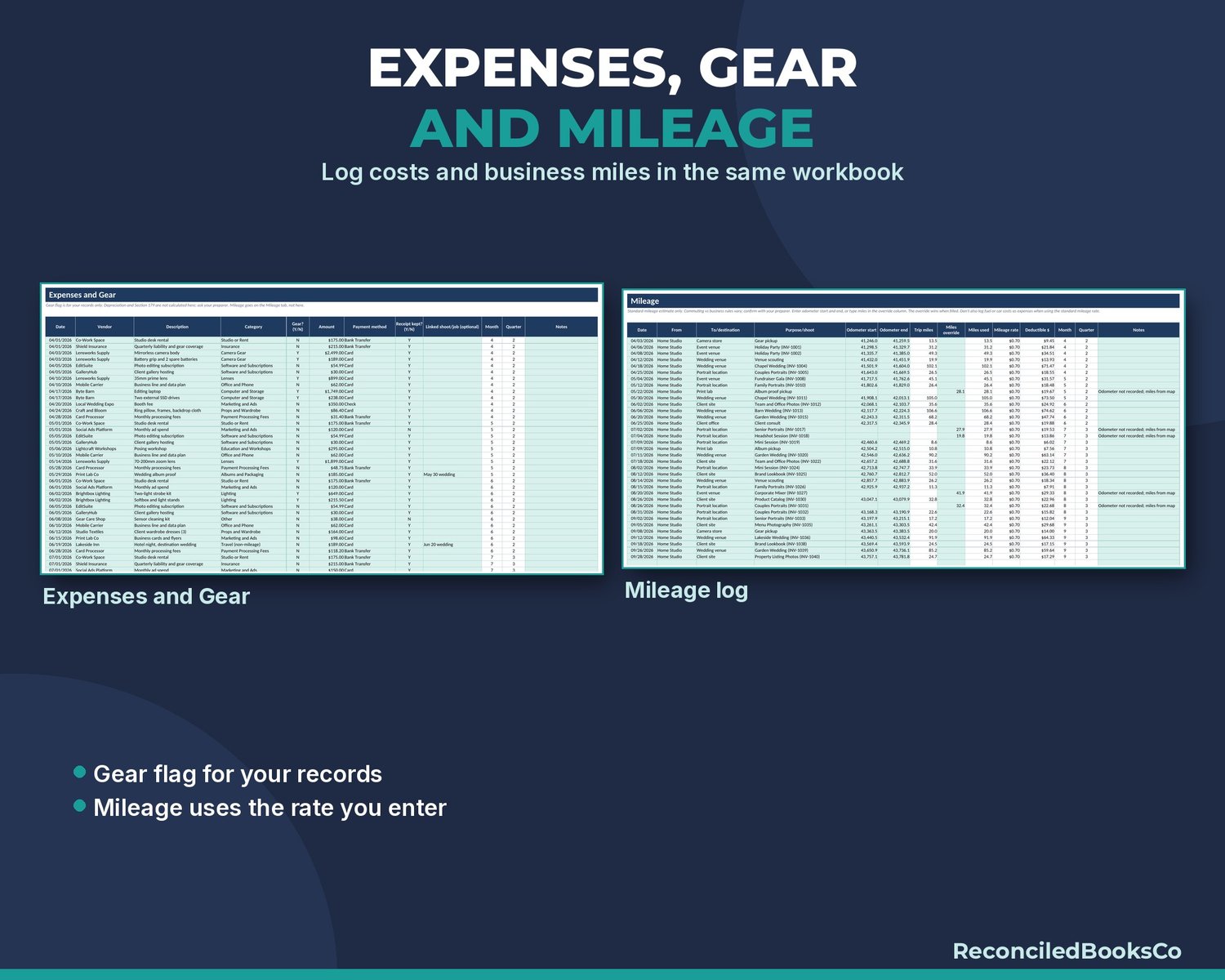
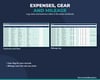
• Expenses: log business costs and gear, including camera equipment
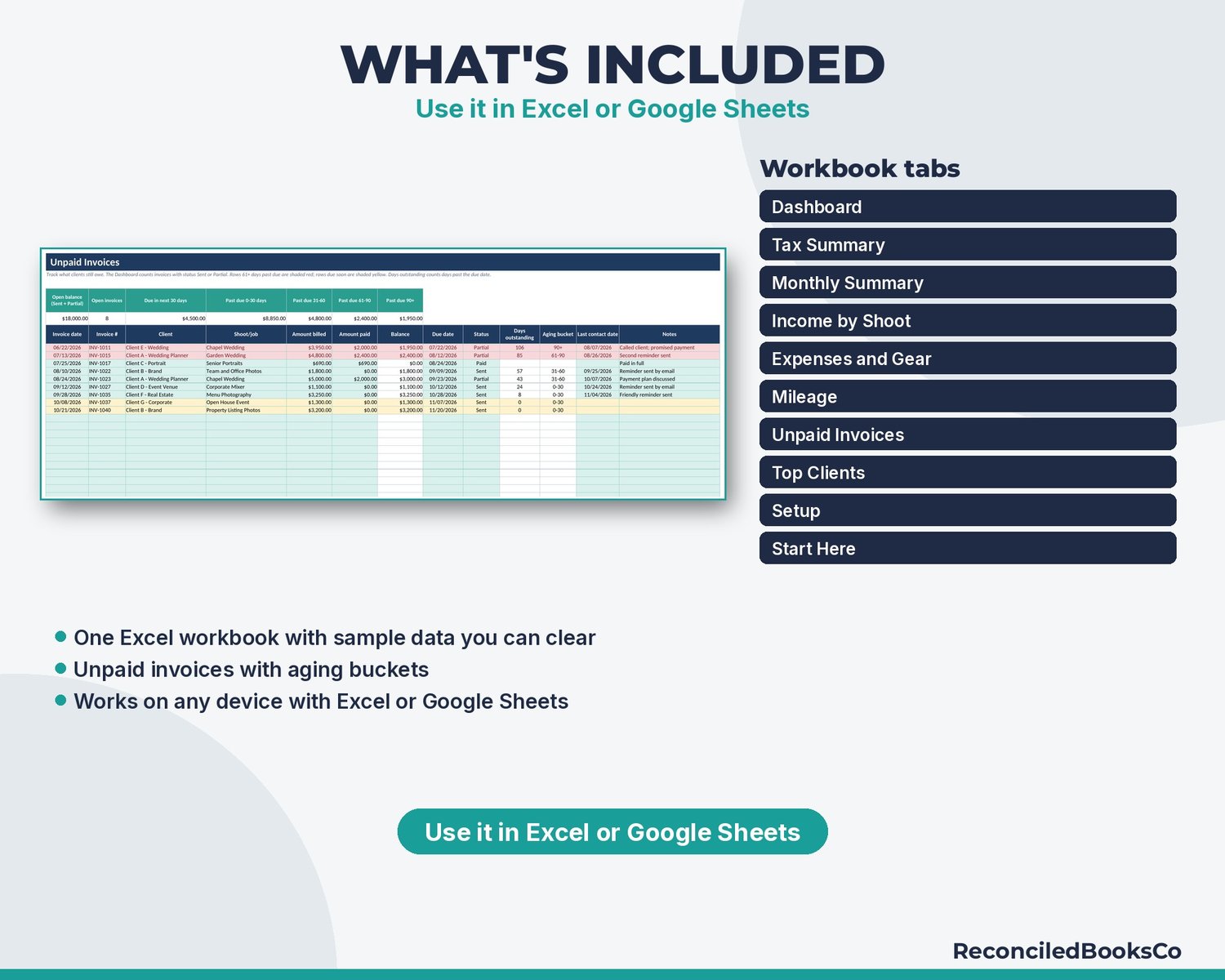
• Invoices: track unpaid invoices by age and keep a client payment log
• Clients: see your top clients
• Mileage: enter your own rate and confirm the current rate with your preparer
• Quarterly set-aside: a planning estimate, not a calculation of the tax you owe
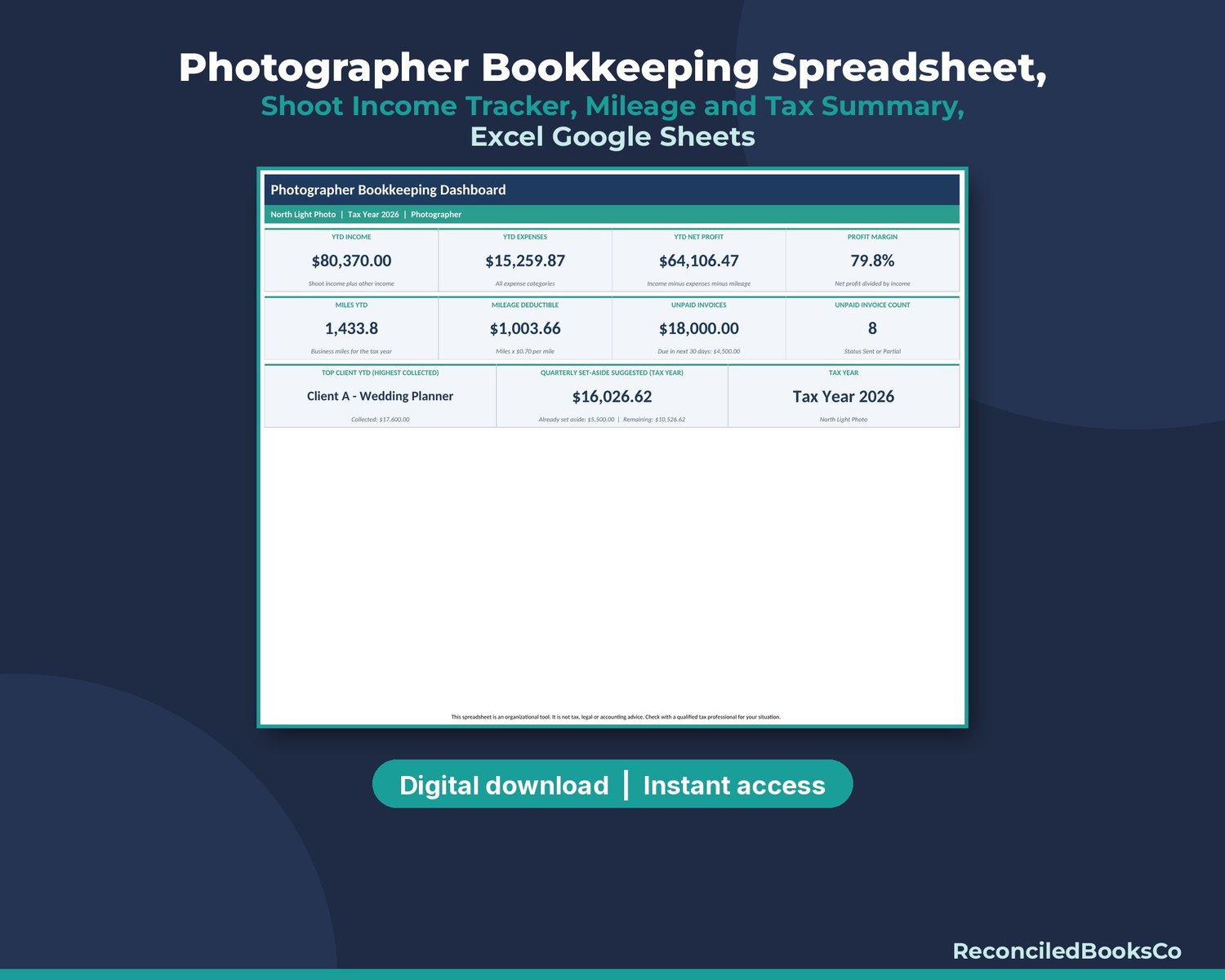
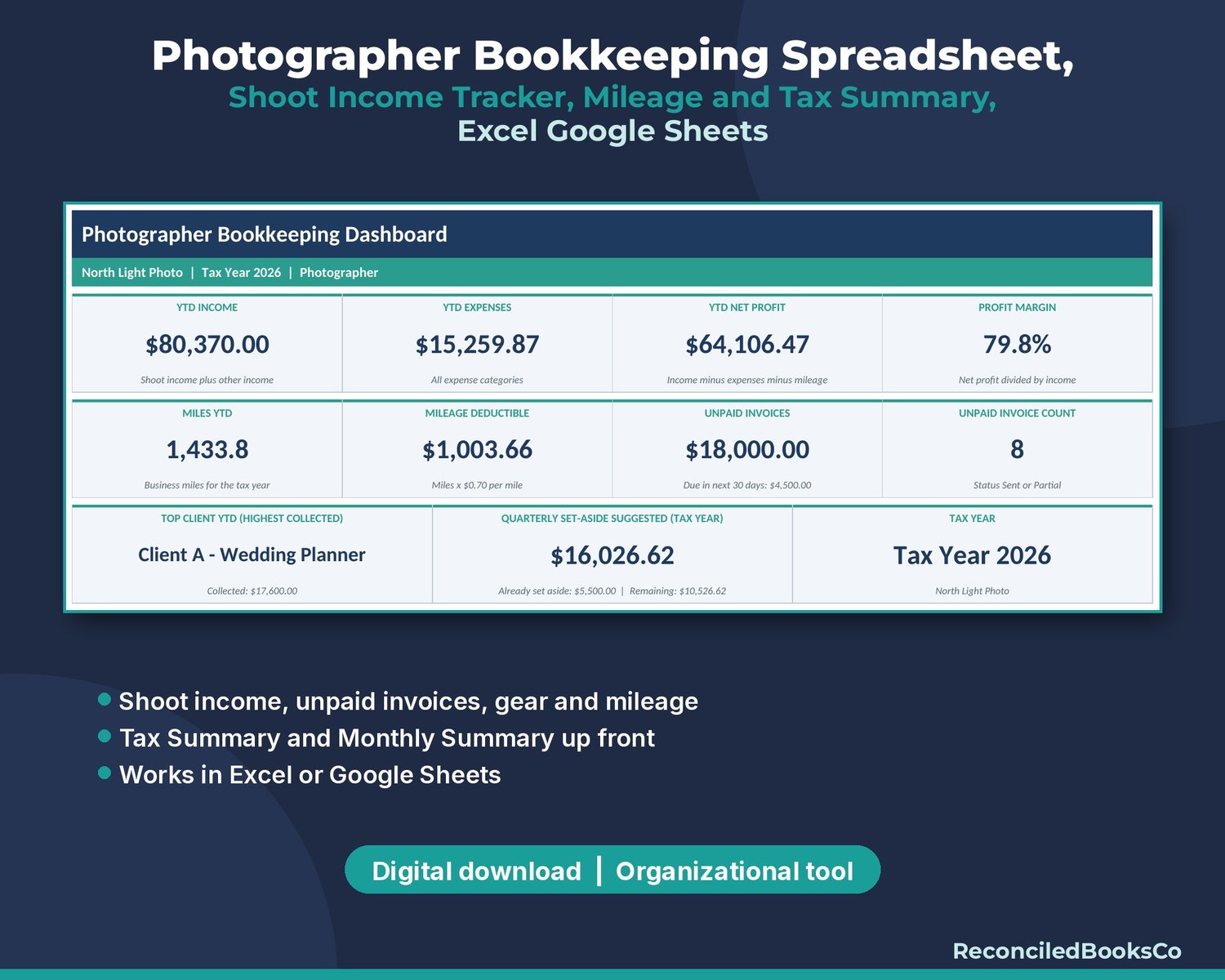
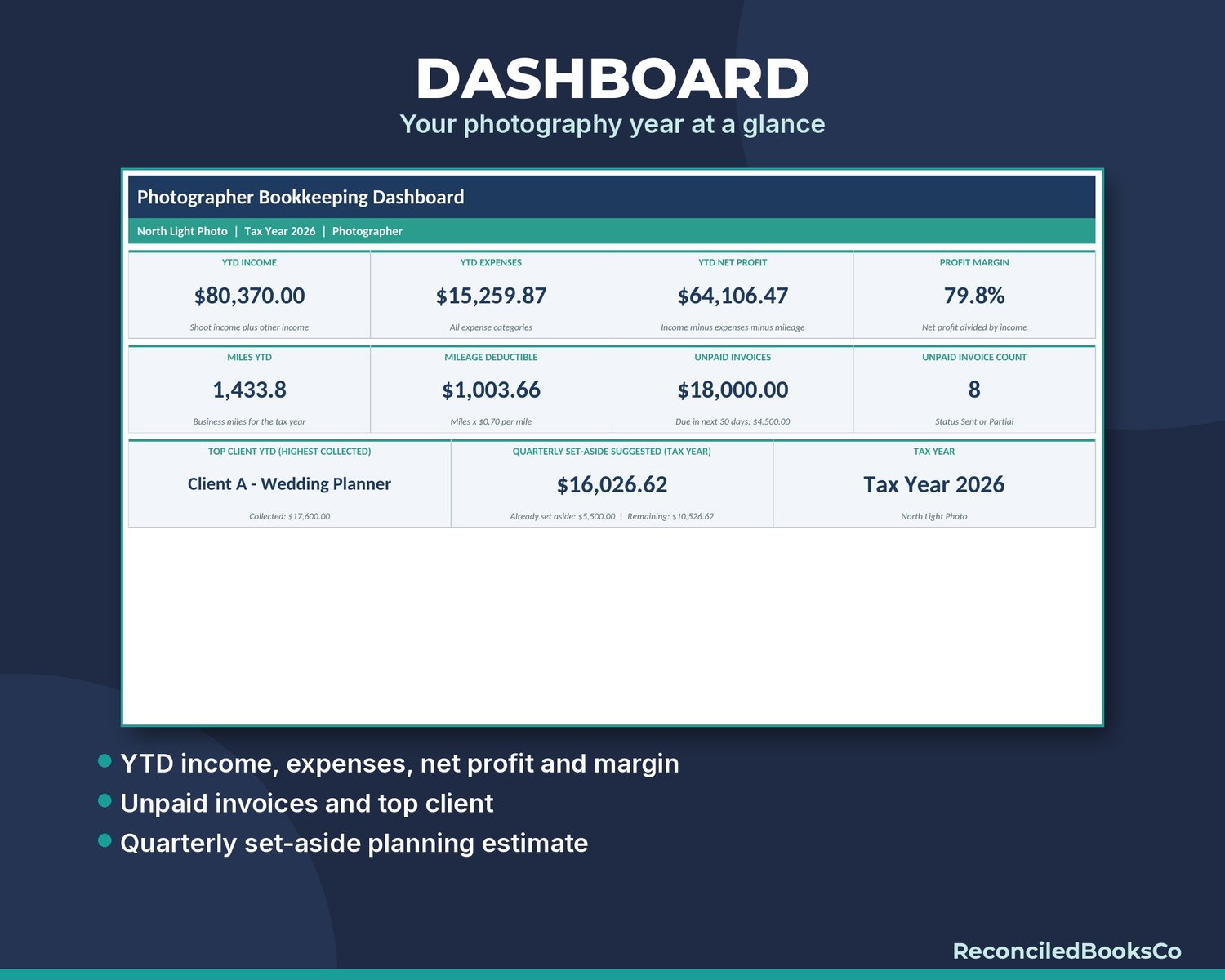
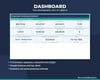
The Dashboard shows year-to-date income, expenses, mileage deduction, net profit, unpaid invoices, top client, and quarterly set-aside. Income totals include billed amounts that have not been paid. Ask your preparer how to use those figures for cash or accrual reporting.
GETTING STARTED
Download the Excel workbook or use the included Google Sheets copy link.
The workbook includes sample data. Before entering your own records, follow the Sample Data tab's instructions to clear the named ranges on each relevant tab. Clearing the samples takes more than one step. Then enter your shoots and costs.
FAQ
Can I track unpaid invoices and payments?
Yes. The workbook includes unpaid invoices with aging buckets and a client payment log.
Where do I track gear and other expenses?
Use the Expenses and Gear log for costs such as camera equipment. Ask your preparer how to treat equipment purchases for tax purposes.
Does the quarterly set-aside tell me what I owe?
No. It is a planning estimate. Review it with your preparer before deciding how much to set aside.
Is the mileage rate supplied for me?
Mileage uses the rate you enter. Confirm the current rate with your preparer. Don't also log fuel or car costs as expenses when using the standard mileage rate.
Can I remove the sample data?
Yes. The Sample Data tab lists the named ranges to clear on each relevant tab. Follow those instructions before adding your own records; this is not a one-step clear.
This is a digital download. Nothing ships. Files are available immediately after purchase.
Please note: This is an organizational tool, not tax, legal, or accounting advice. Mileage uses the rate you enter; don't also log fuel or car costs as expenses when you use the standard mileage rate. Always check figures with a qualified professional before you file.