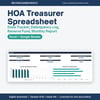
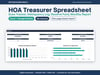
HOA Treasurer Spreadsheet, Dues Tracker, Delinquency Log, Reserve Fund, Monthly Report, Excel and Google Sheets
For volunteer treasurers of small, self-managed homeowner associations, condo associations, and townhome communities. It keeps dues, late payments, the reserve fund, and a monthly board report in one file.
This workbook tracks dues by unit and month and ages unpaid balances. It suggests late fees for the board to approve, compares the budget to actual spending, and keeps a reserve fund ledger with a simple planning forecast. It also fills in a one-page monthly treasurer report. It does not reconcile the bank account. For that job, use our separate Bank Reconciliation spreadsheet.
WHAT YOU GET
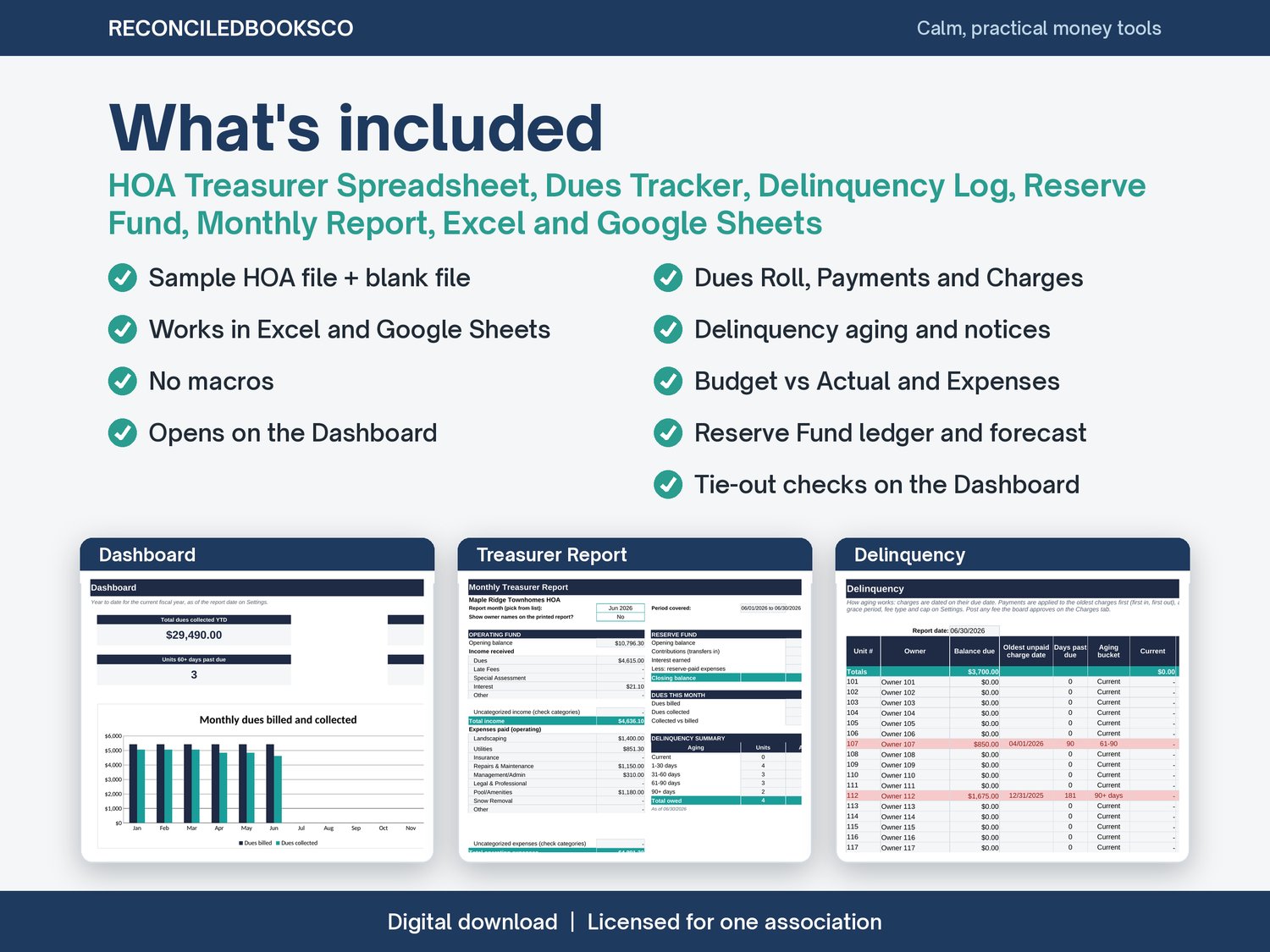
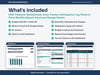
• One Sample Excel workbook loaded with data for a fictional association, so you can see the Dashboard, Delinquency log, and Treasurer Report before you enter your own records
• One Blank Excel workbook with the same layout, ready for your association
• Works in Excel and Google Sheets, with no macros (tested November 14, 2026)
SPECS
• Files: Sample workbook and Blank workbook
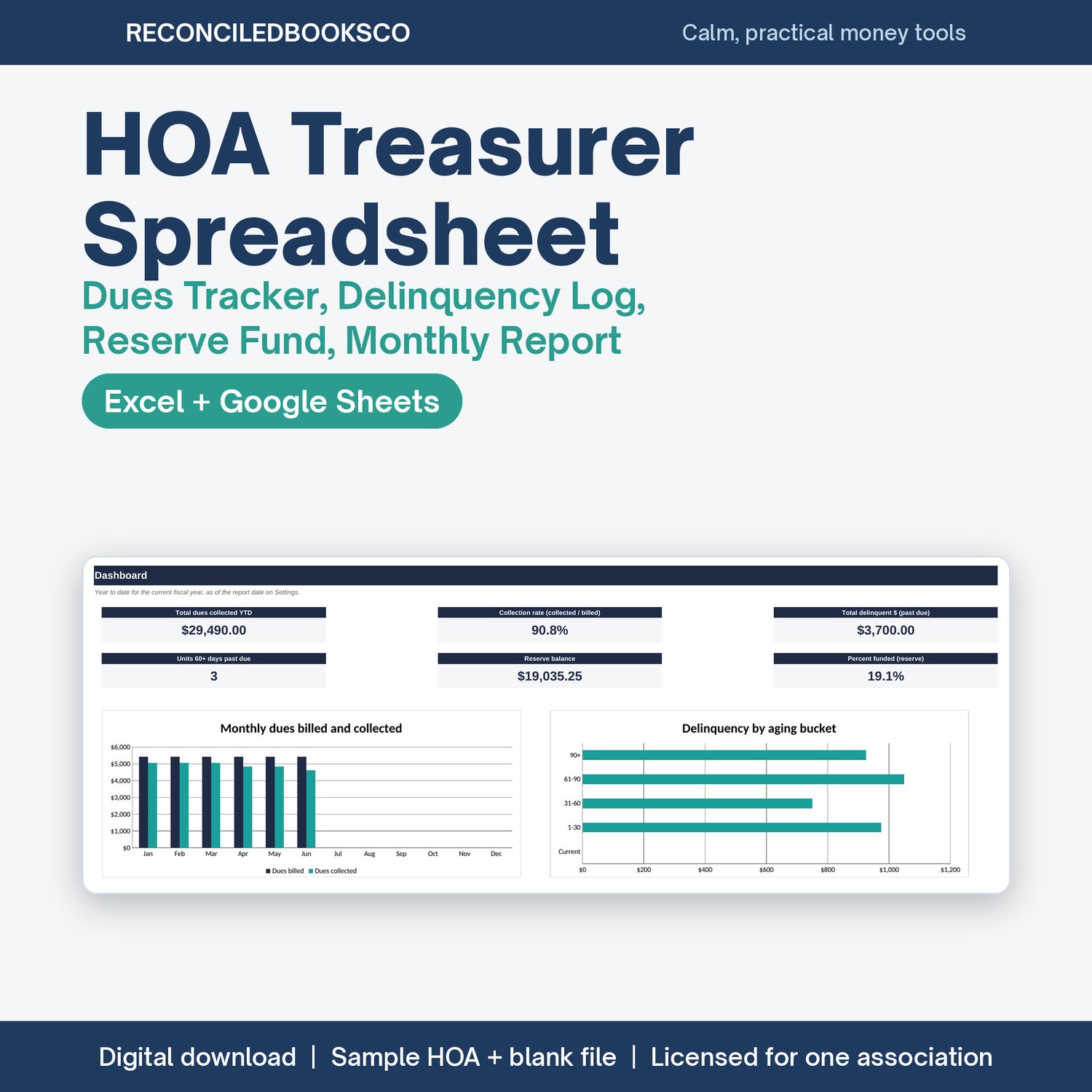
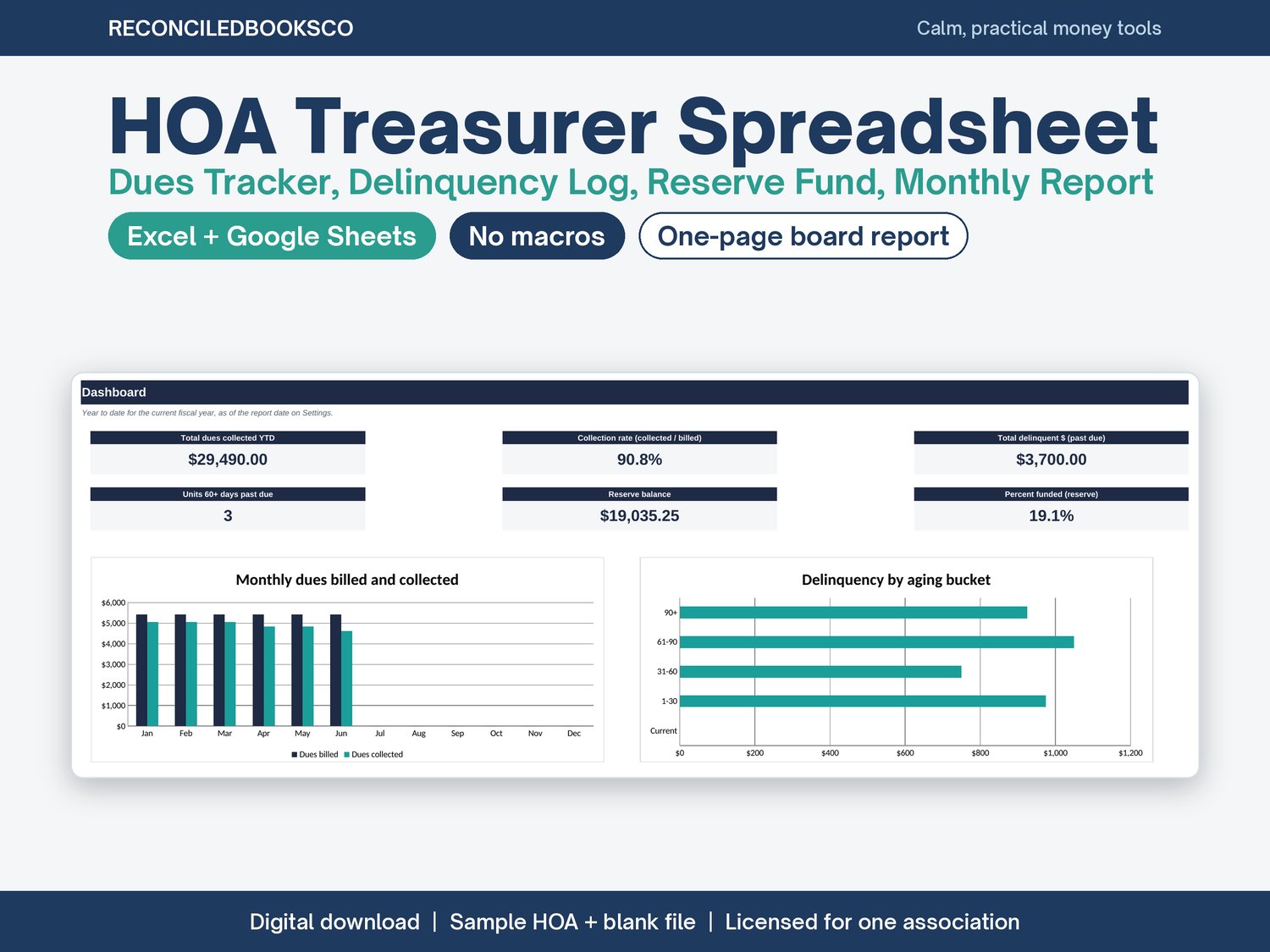
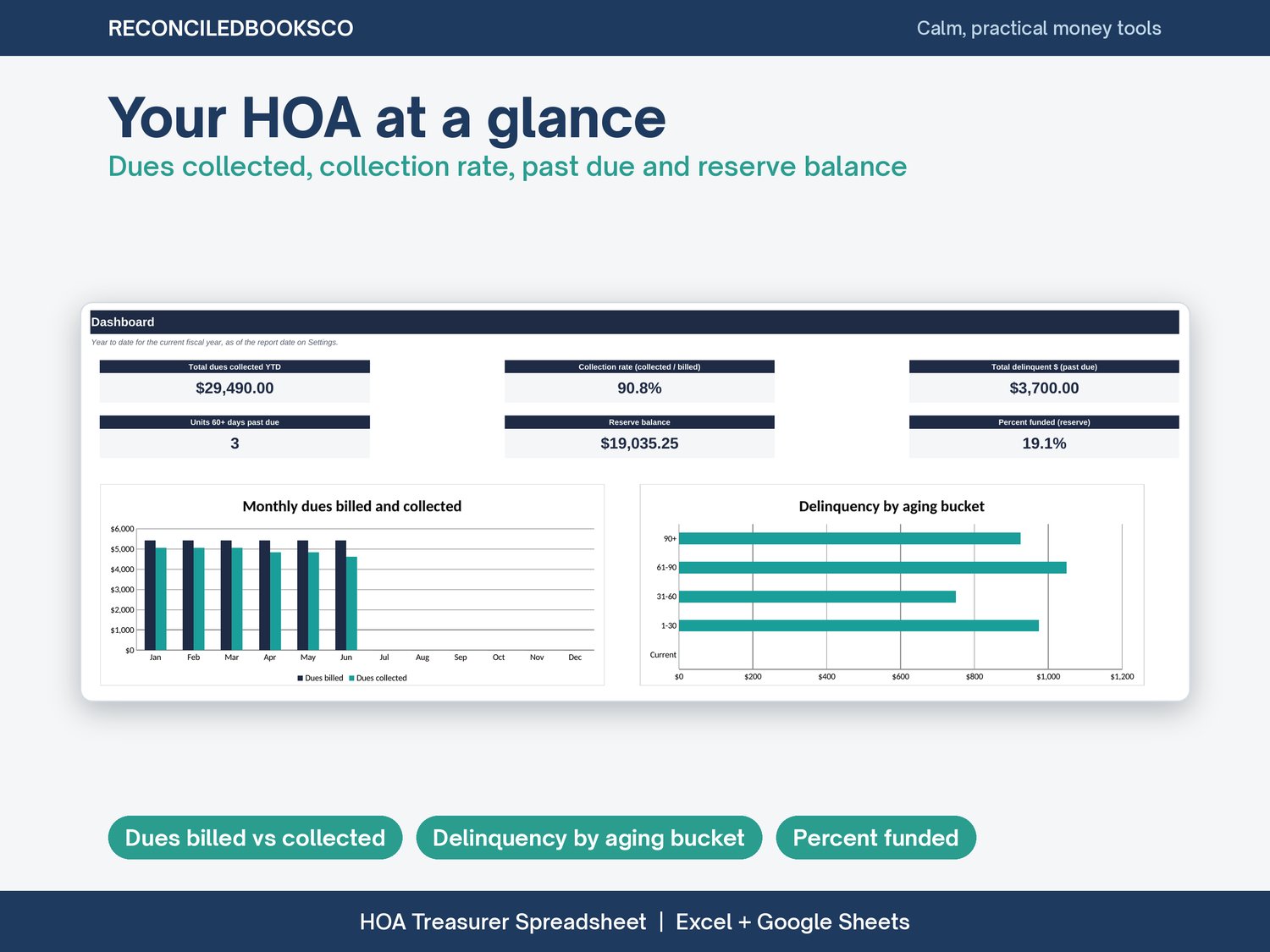
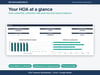
• Dashboard: dues collected year to date, collection rate, amount delinquent, units 60 or more days past due, reserve balance, and percent funded, plus tie-out checks
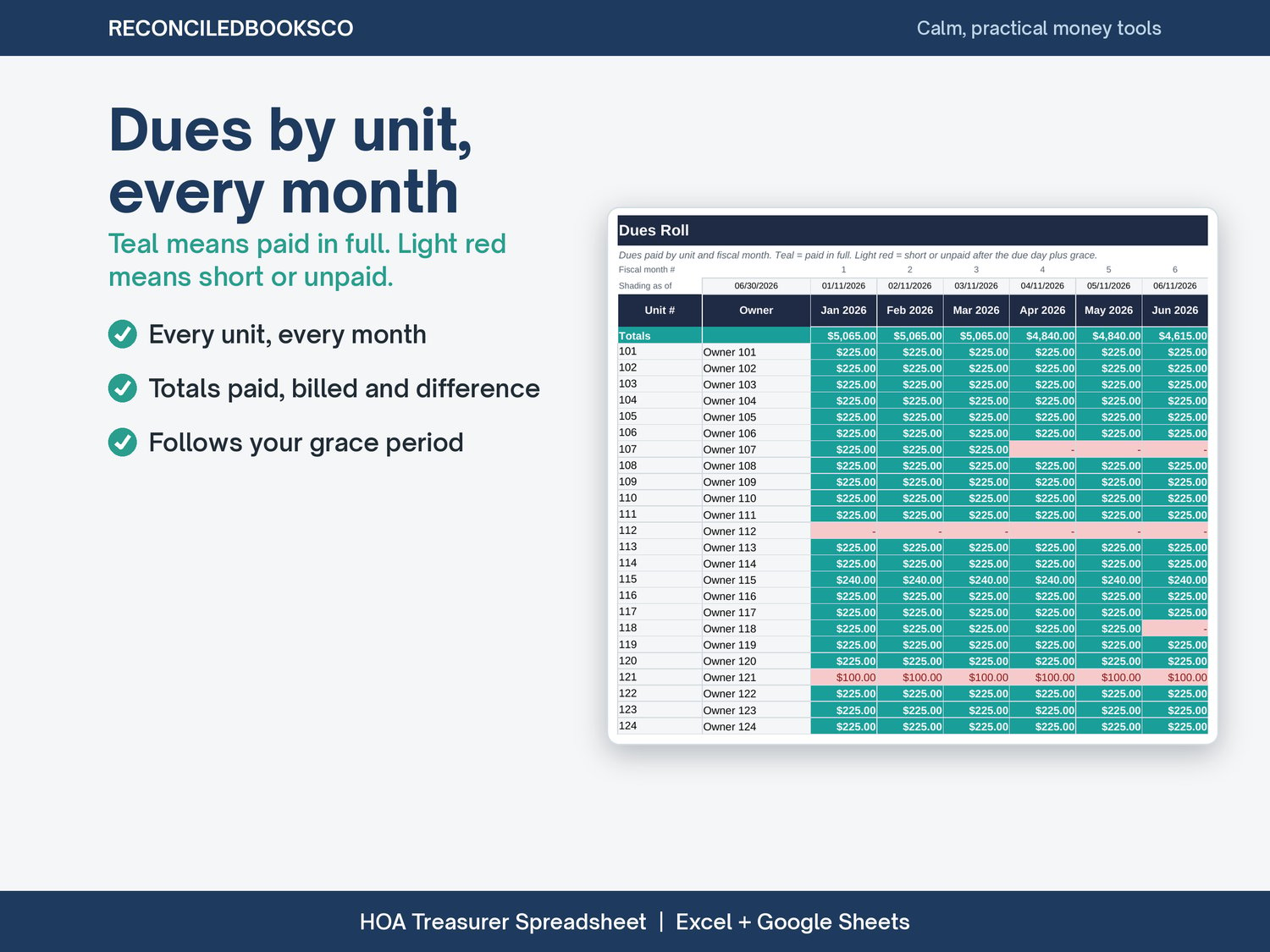
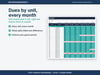
• Dues roll: payments by unit and month, pulled from the payments log
• Units, payments, and charges: roster of up to 150 units, a payments log, and a charges log for dues, late fees, special assessments, and other charges
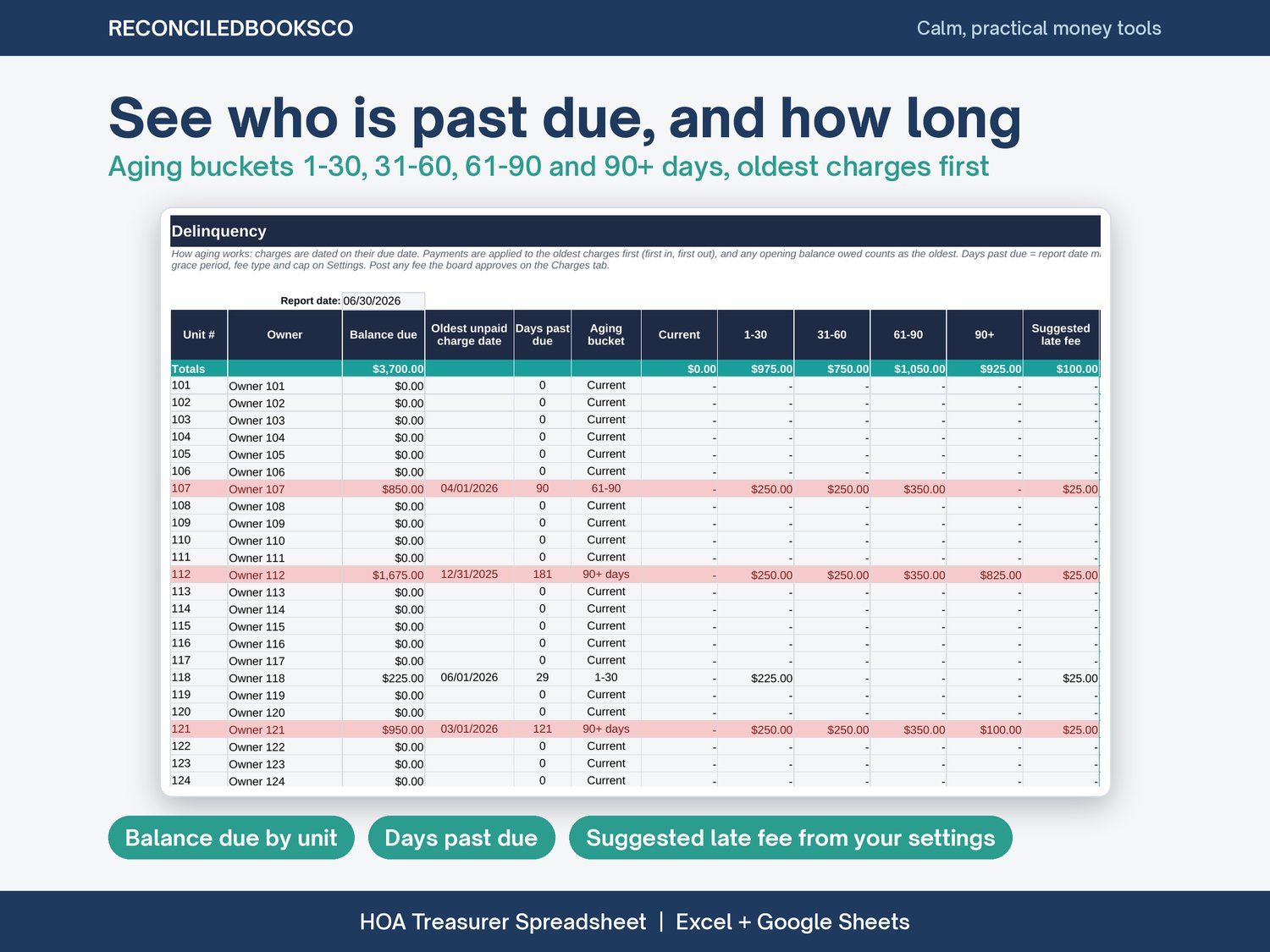
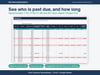
• Delinquency: aging buckets, days past due, and a suggested late fee. The suggestion is never posted for you. If the board approves a fee, you post it on Charges.
• Budget vs Actual and Expenses: annual budget, actual spending, and an operating expense log
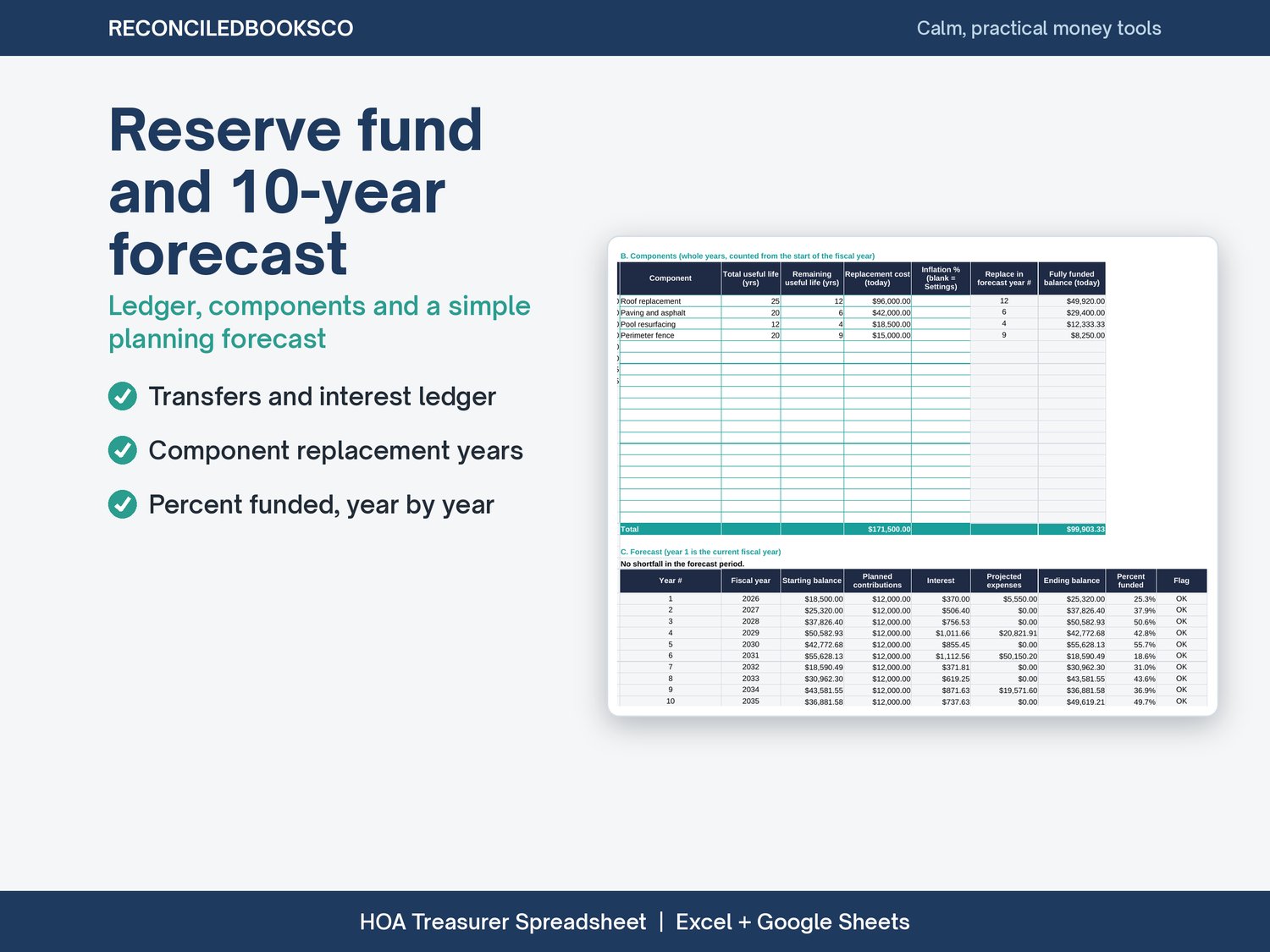
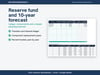
• Reserve Fund: a ledger for contributions, interest, and withdrawals, plus a simple planning forecast (not a professional reserve study)
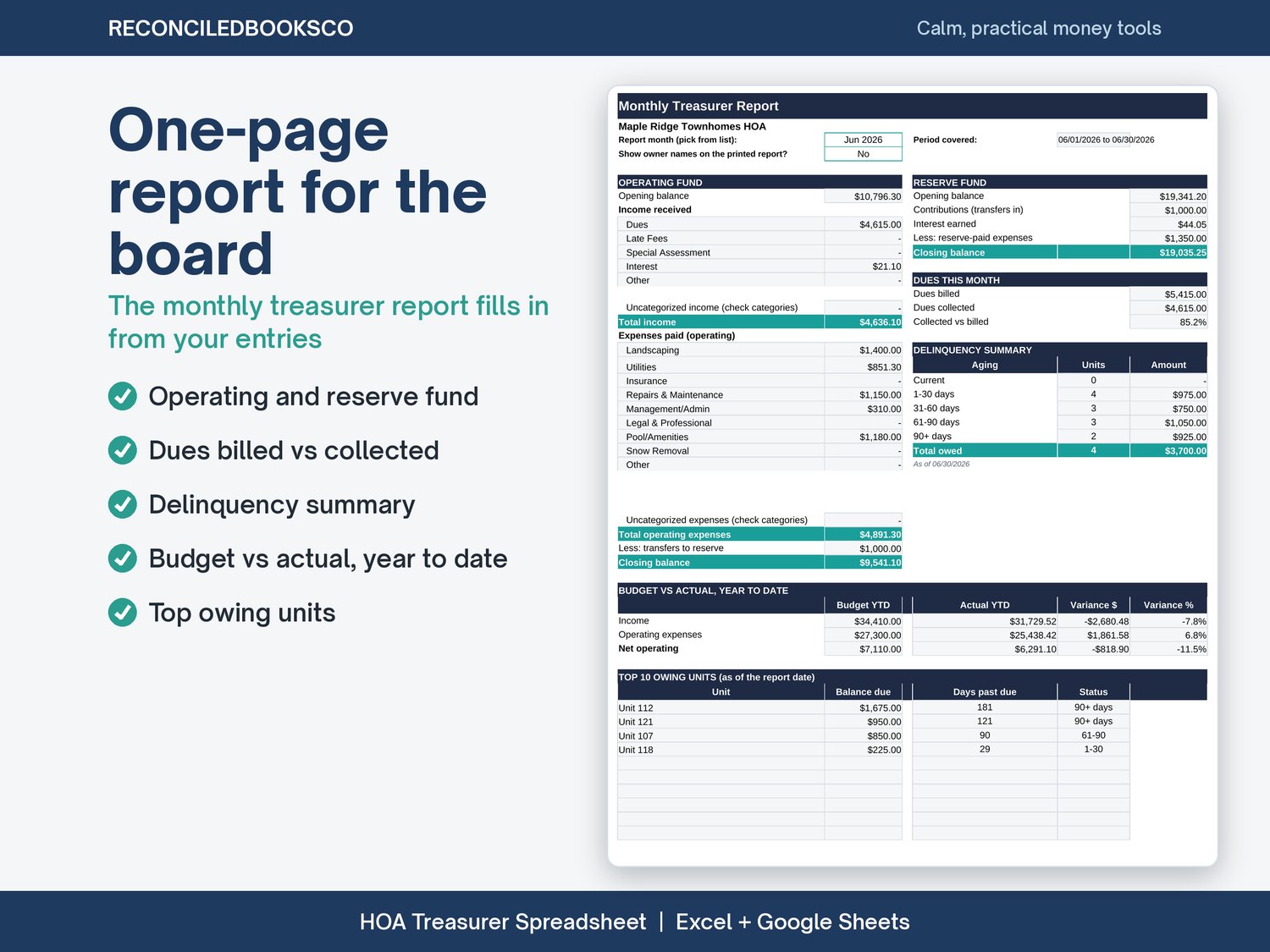
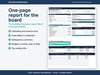
• Treasurer Report: a one-page monthly report for the board. You choose the month, and you can print it without owner names.
• Instructions and Settings: association name, fiscal year, dues frequency, grace period, late fee rules, and starting balances
• Limits: 150 units. 500 rows each in Payments, Charges, and Expenses. Forecast up to 30 years. One fiscal year of data per file.
GETTING STARTED
Open the Sample file first to see how the report and aging read, then use the Blank file for your association. On Settings, enter the association name, fiscal year, default dues, due day, grace period, late fee rules, and starting balances. Add units, post charges, then record payments and expenses each month. Pick the month on the Treasurer Report when you are ready to print.
Works in Excel and in Google Sheets. To use Google Sheets, upload the .xlsx to Google Drive, open it with Google Sheets, and choose File > Save as Google Sheets (or File > Make a copy). Formulas, dropdowns, and shading carry over.
FAQ
Does this reconcile the bank account?
No. There is no bank-reconciliation tab. Use our separate Bank Reconciliation spreadsheet for that work.
Are late fees added automatically?
No. The Delinquency tab suggests a fee based on the grace period and late fee rules you enter. You post an approved fee yourself on the Charges tab.
Is the reserve forecast a reserve study?
No. It is a simple planning forecast. State HOA laws and your association's governing documents (CC&Rs and bylaws) vary. Follow them for late fees, notices, and reserves.
Can I remove the sample data?
Yes. Use the Blank file. To clear a tab yourself in the Sample file, select its white input cells and press Delete. Never delete the gray formula cells, and retype the Settings values.
INSTANT DOWNLOAD · DIGITAL ONLY
This is a digital download. Nothing ships. Files are available immediately after purchase. Licensed for use by one association. Please don't share or resell the file. Because this is a digital download, sales are final (see shop policies).
Please note: This spreadsheet is an organizational tool. It is not tax, legal or accounting advice. Check with a qualified tax professional for your situation. State HOA laws and your association's governing documents (CC&Rs, bylaws) vary. Follow them for late fees, notices and reserves. The reserve forecast is a simple planning forecast, not a professional reserve study.