

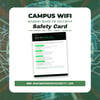
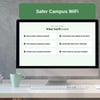



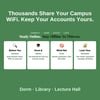
Campus WiFi Safety Card | Secure College Network & Dorm WiFi | Student Cybersecurity Guide | Printable PDF | Digital Download
🎓 Stay Safe on Campus WiFi Without Putting Your Accounts at Risk
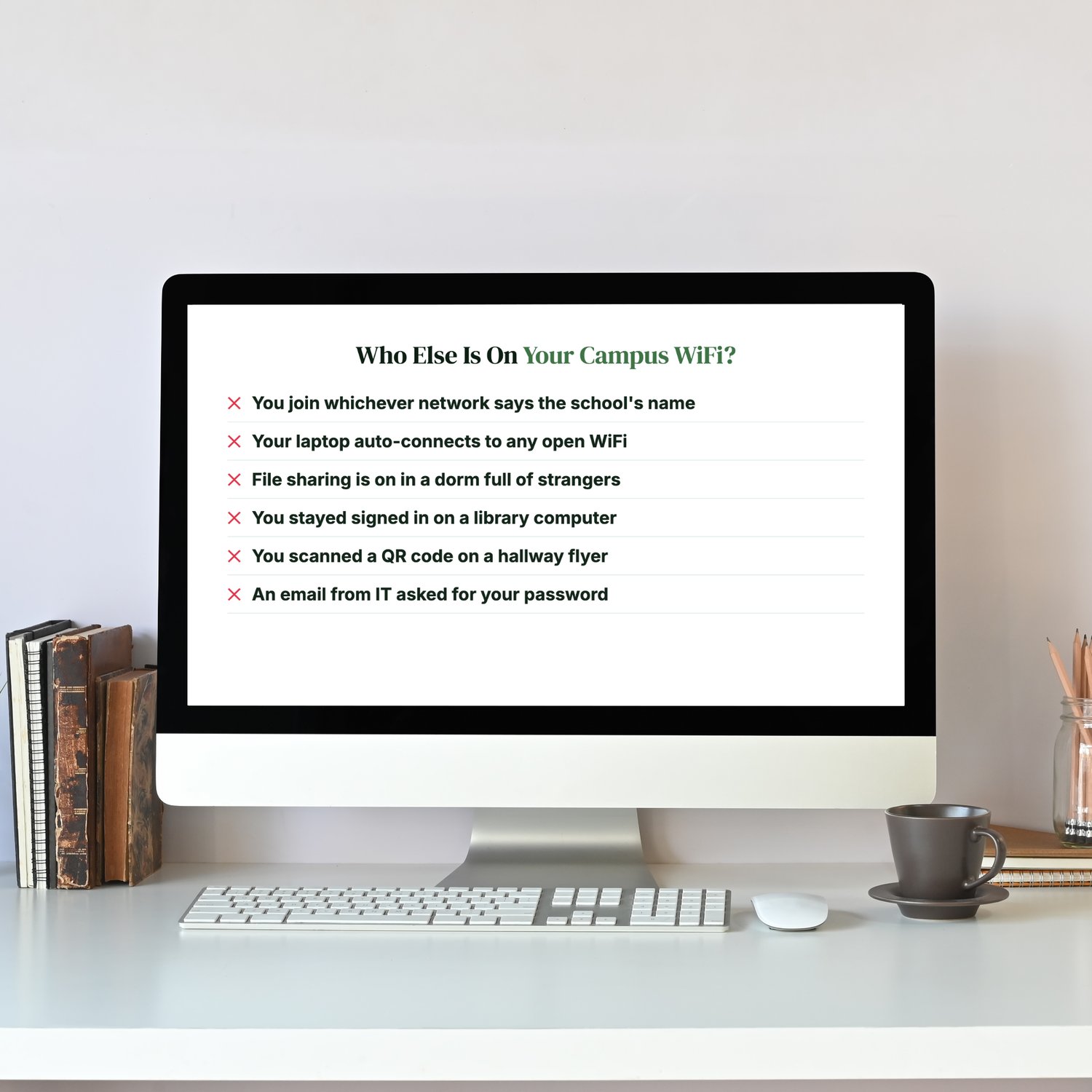
Who Else Is On Your Campus WiFi?
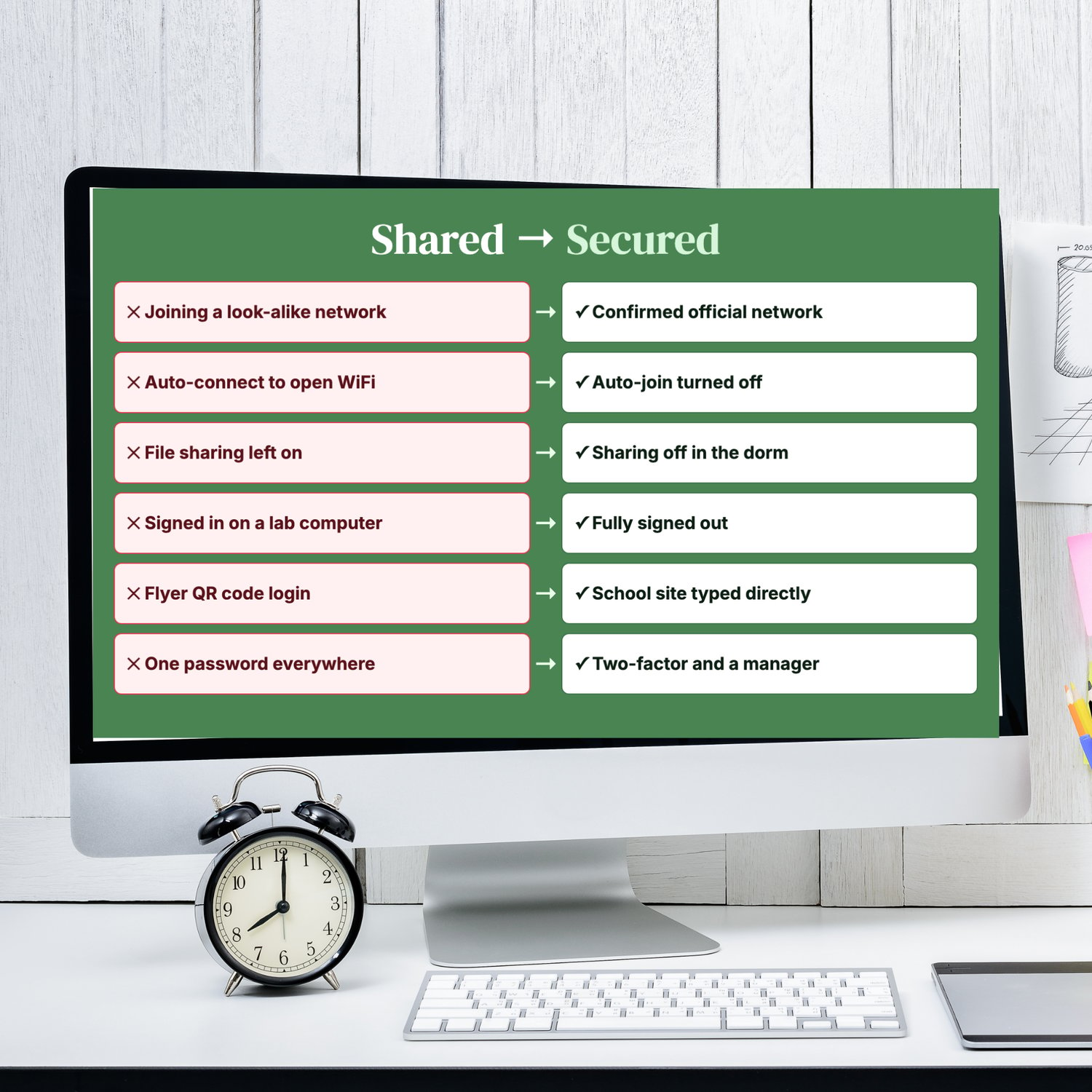
- You join whichever network has the school's name in it.
- Your laptop connects to any open WiFi automatically.
- File sharing is switched on in a dorm full of strangers.
- You stayed signed in on a library computer.
- You scanned a QR code on a hallway flyer.
- An email "from IT" asked you to confirm your password.
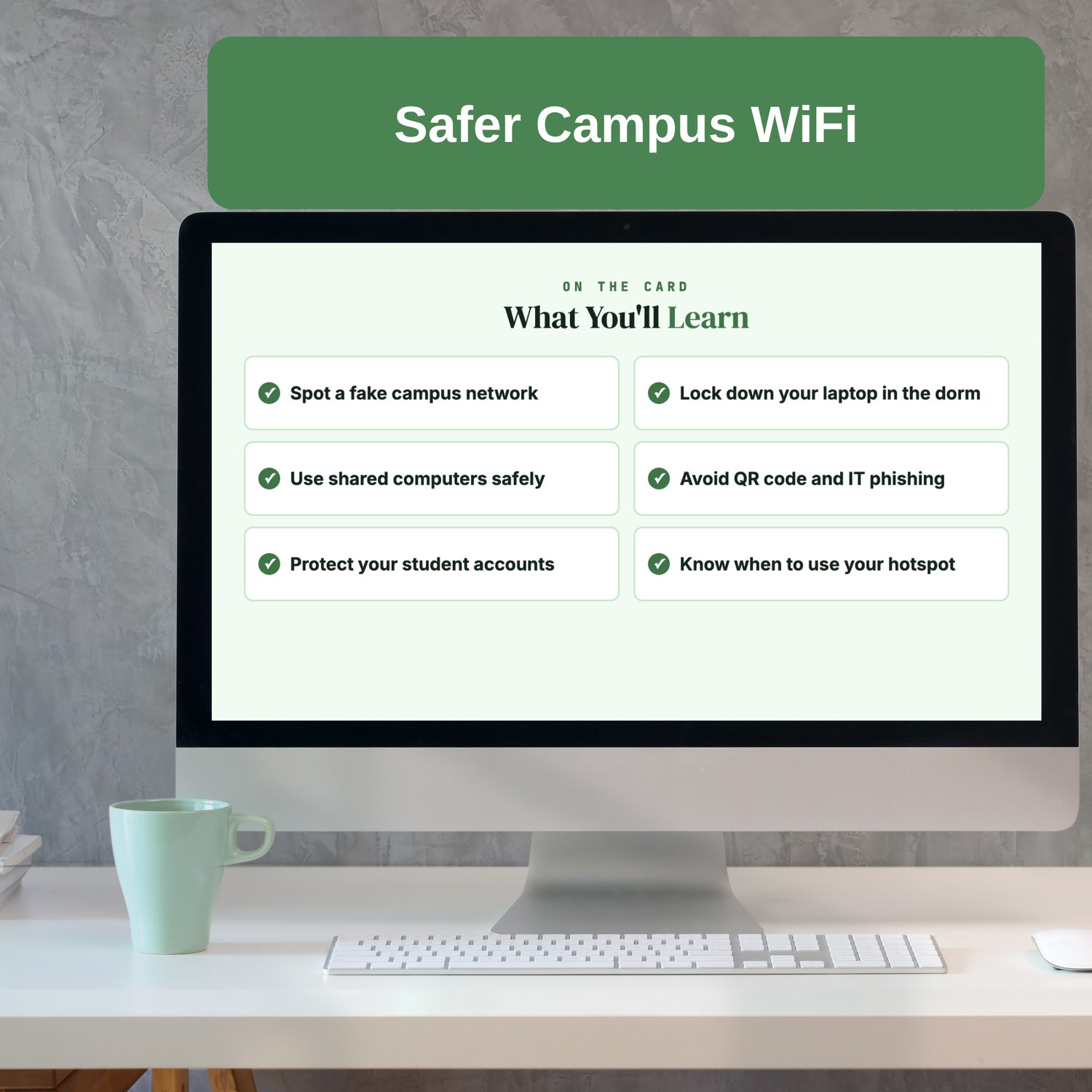
Campus WiFi is shared with thousands of people, and scammers know students are busy, distracted and always online. Look-alike networks, fake login pages and "IT department" phishing emails are aimed at the accounts that matter most: school email, financial aid and banking.
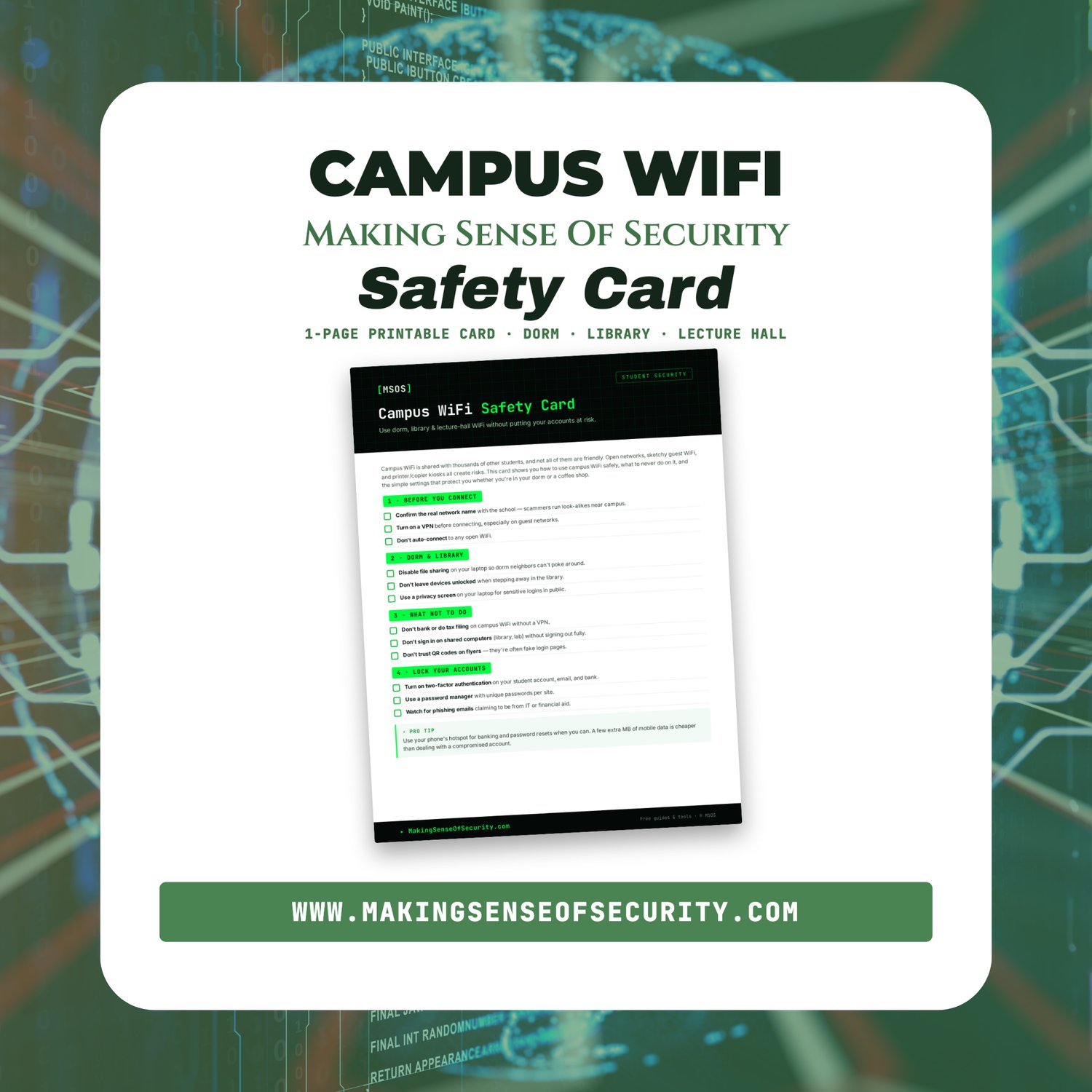
This one-page card gives you the habits and settings that keep your accounts safe in the dorm, the library, lecture halls and the coffee shop down the street.
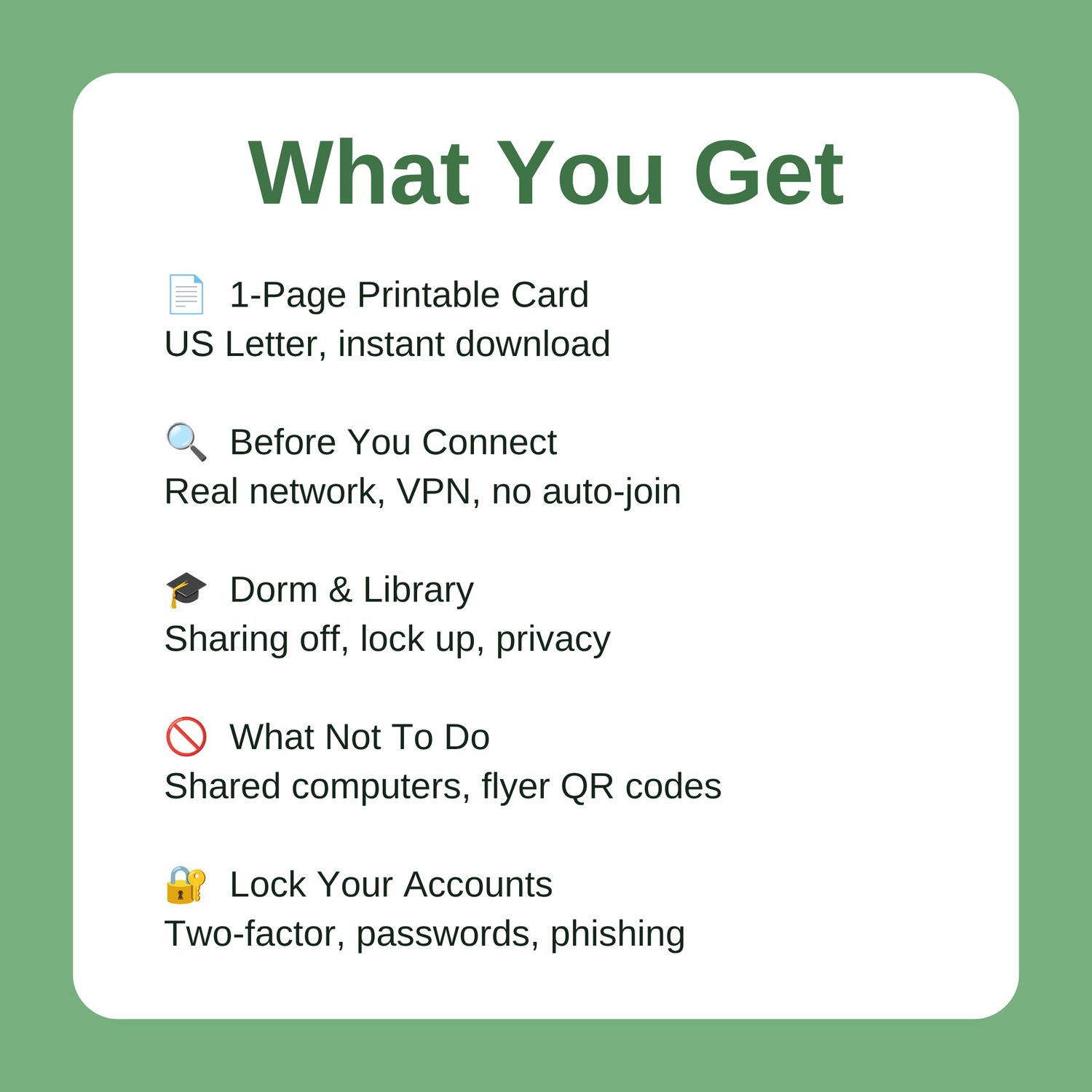
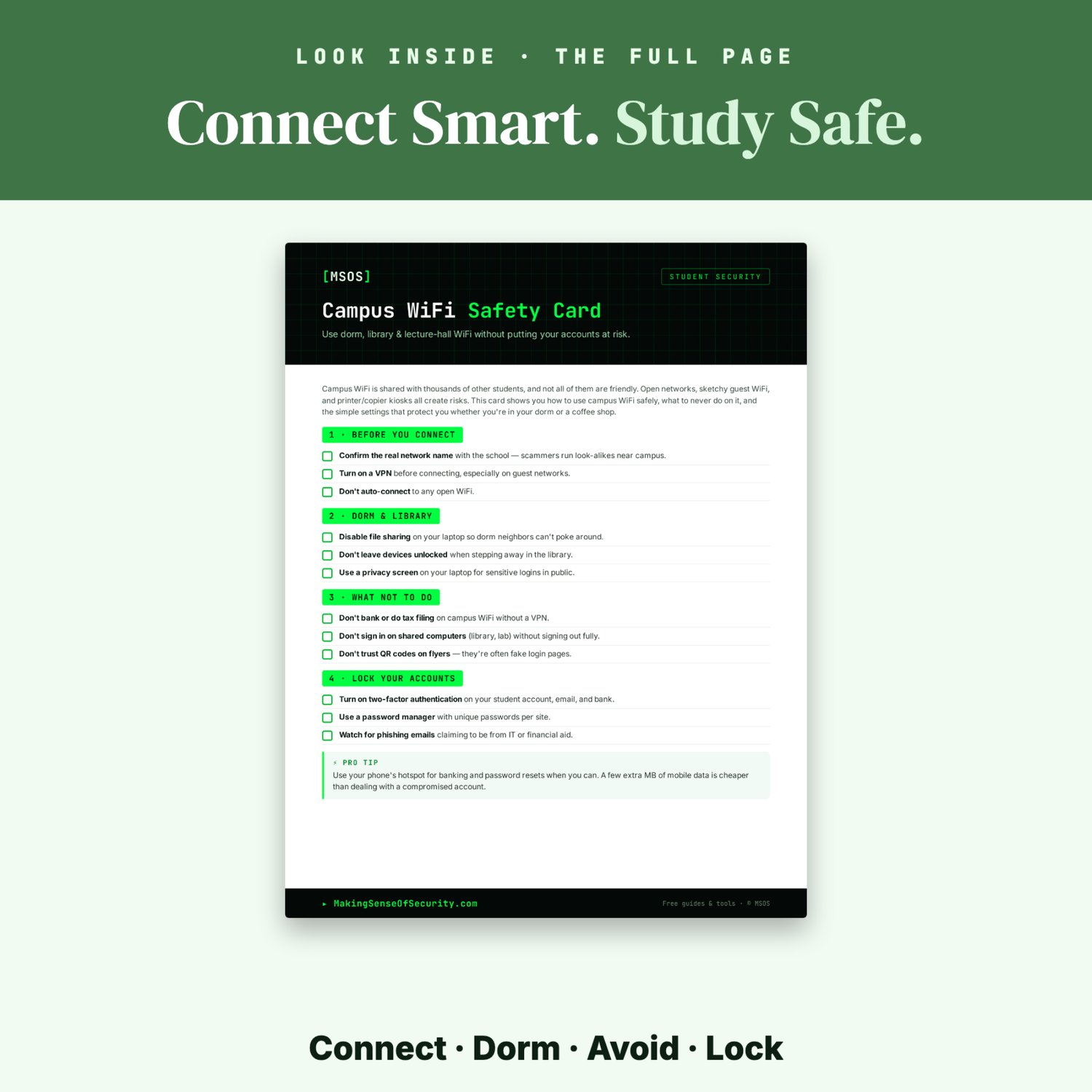
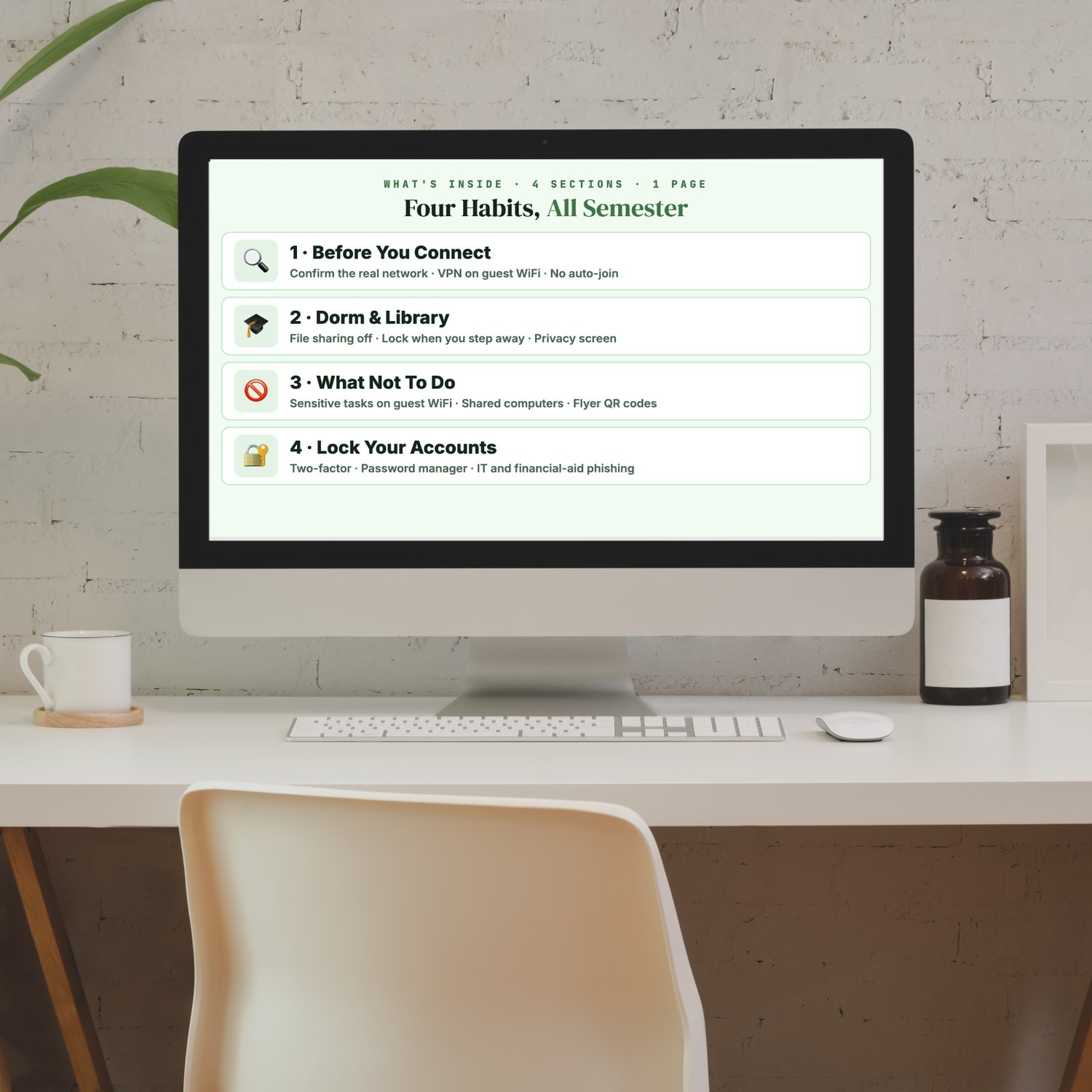
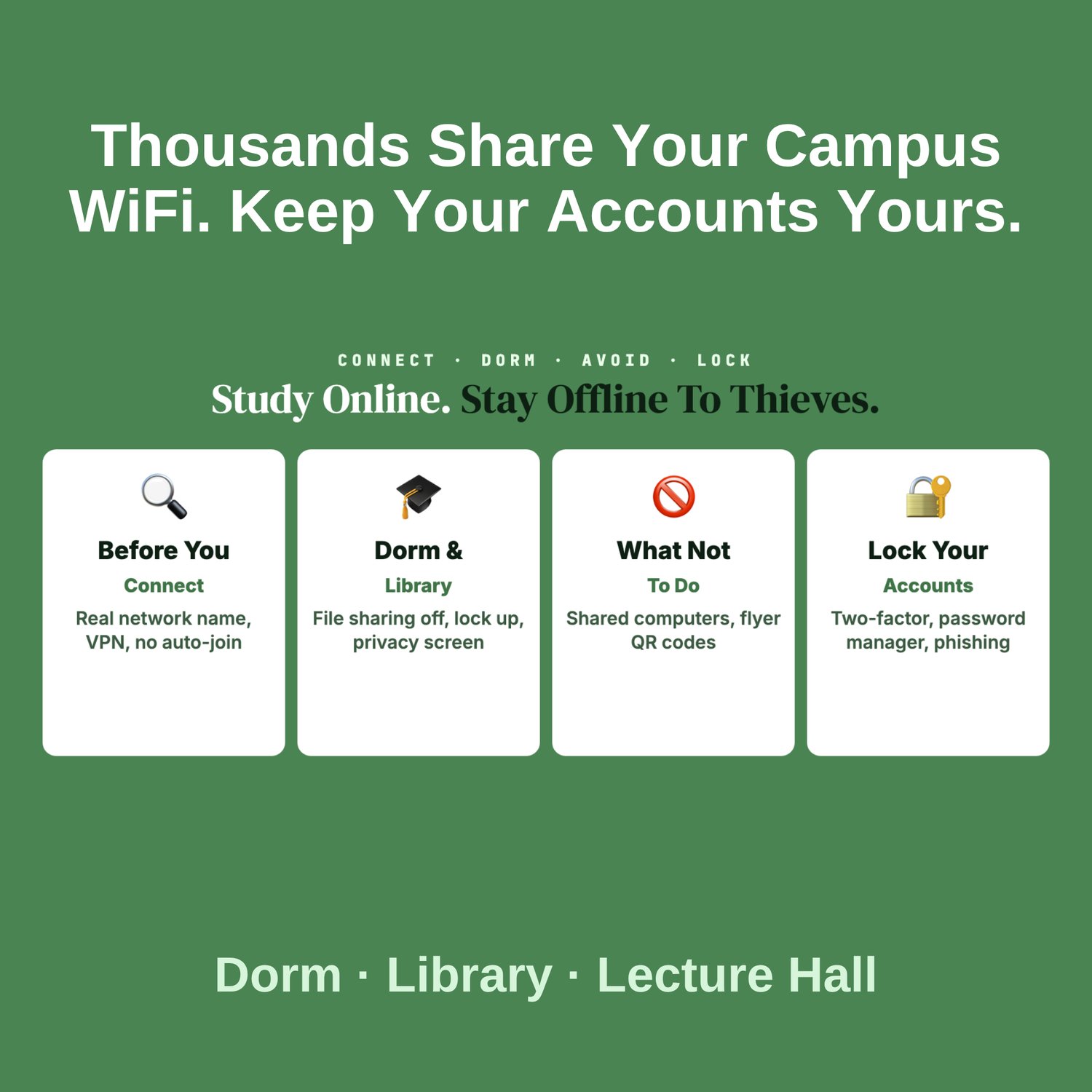
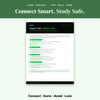
What's inside: four habits for the whole semester
🔍 Before You Connect: confirm the official network name with your school, use a VPN on guest or open networks, and turn off auto-join for open WiFi.
🎓 Dorm & Library: switch off file sharing on your laptop, lock your device whenever you step away, and use a privacy screen for sensitive logins in public.
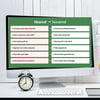
🚫 What Not To Do: skip banking and tax filing on open guest WiFi, always sign out fully on shared lab and library computers, and don't trust QR codes on flyers.
🔐 Lock Your Accounts: turn on two-factor for your student account, email and bank, use a password manager with unique passwords, and watch for phishing that claims to come from IT or financial aid.
Who it's for
- First-year students moving into the dorms
- Commuter and graduate students working from libraries and cafés
- High school seniors getting ready for college
- Parents packing a student off to campus
Why it works: it boils campus WiFi safety down to a few settings and habits a student can set up in one evening and stick with all year, protecting the school, email and bank accounts scammers target most.
📄 1-page printable PDF (US Letter) · Instant download · Unlimited personal printing
A Making Sense Of Security guide: free guides and tools at MakingSenseOfSecurity.com
🛡️ Build Your MSOS Cybersecurity Toolkit
Every guide in the Making Sense Of Security (MSOS) collection is designed to help you solve one specific cybersecurity challenge in minutes.
Each printable guide covers a different area of digital safety, making it easy to build your own cybersecurity toolkit one download at a time.
Expand your protection with other popular MSOS guides, including:
• Airport & Transit Device Safety Card
• Android Privacy Settings Checklist
• App Permissions Audit Cheat Sheet
• Catfish Detection Cheat Sheet
• Default Password Change Checklist
• Hidden Tracker Detection Checklist
• Public WiFi Safety Card
• Online Banking Safety Checklist
• Router Hardening Cheat Sheet
• Safe Online Shopping Checklist
• Smart Home Security Quick Start Checklist
…and dozens more.
Collect the complete MSOS Cybersecurity Toolkit and protect every part of your digital life.
Great Companion Guides
Pair this with:
- Student ID & SSN Protection Card
- Scholarship Scam Warning Checklist
- Public WiFi Safety Card
- Spotting Malicious Apps Cheat Sheet
- Online Banking Safety Checklist
- App Permissions Audit Cheat Sheet
All Sales Final. Please reference this page for details.