



NEXORA TechDocs – Save Time on Technical Reports
NEXORA TechDocs Pro – Offline Technical Report & Inspection Software for Windows
Create professional technical reports, maintenance records, inspection checklists and PDF documentation — all in one easy-to-use offline application.
Tired of filling out paperwork, switching between spreadsheets and documents, or paying monthly subscriptions for field service software?
NEXORA TechDocs Pro helps technicians, contractors, engineers and maintenance professionals create organized technical documentation directly on their Windows computers.
No cloud account. No monthly subscription. No internet required for everyday use.
Who Is It For?
Designed for professionals working in:
- Electrical installation and maintenance
- CCTV and security systems
- HVAC and refrigeration
- Plumbing and mechanical services
- IT and network installation
- Industrial equipment maintenance
- Property and facility inspections
- General technical field services
Key Features
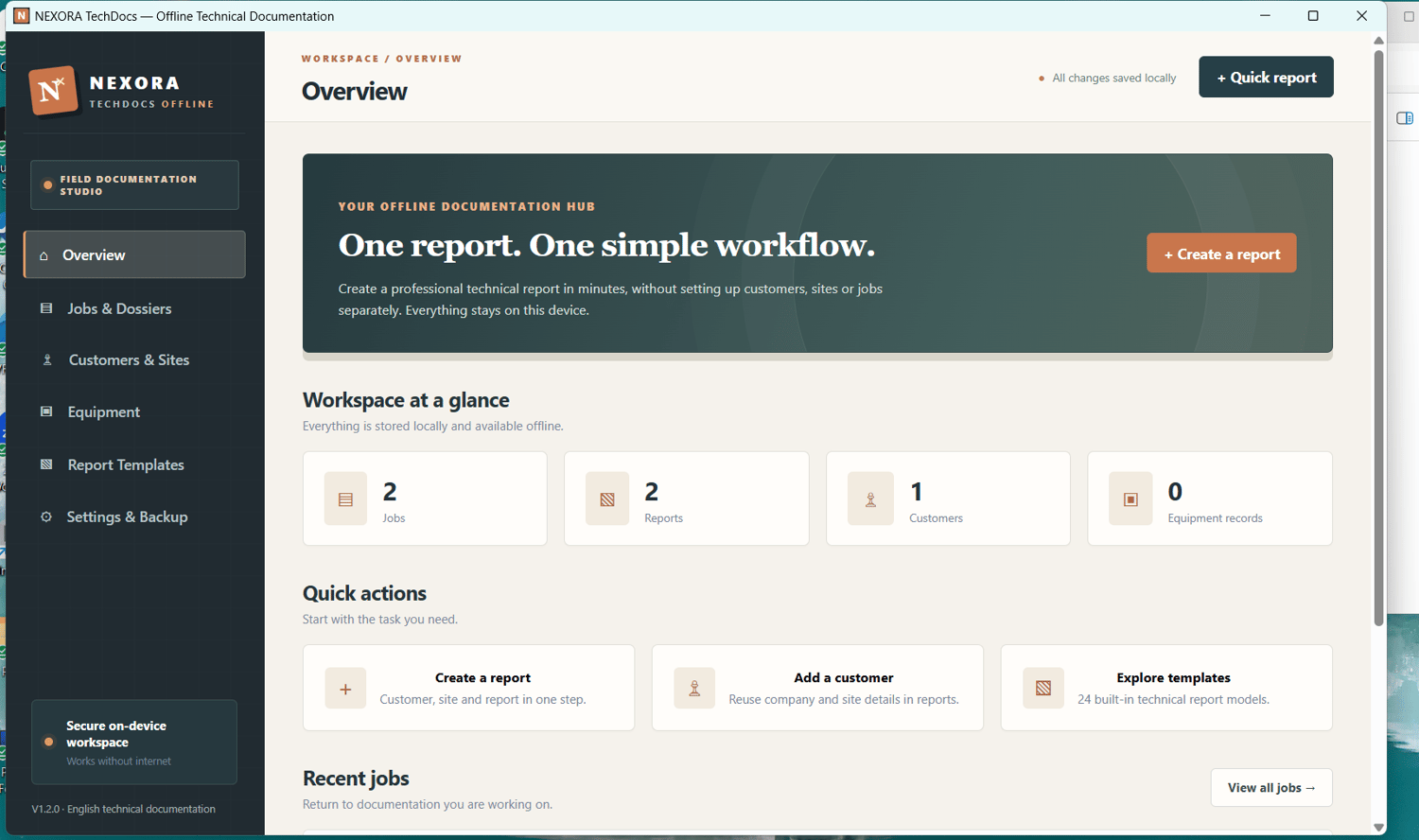
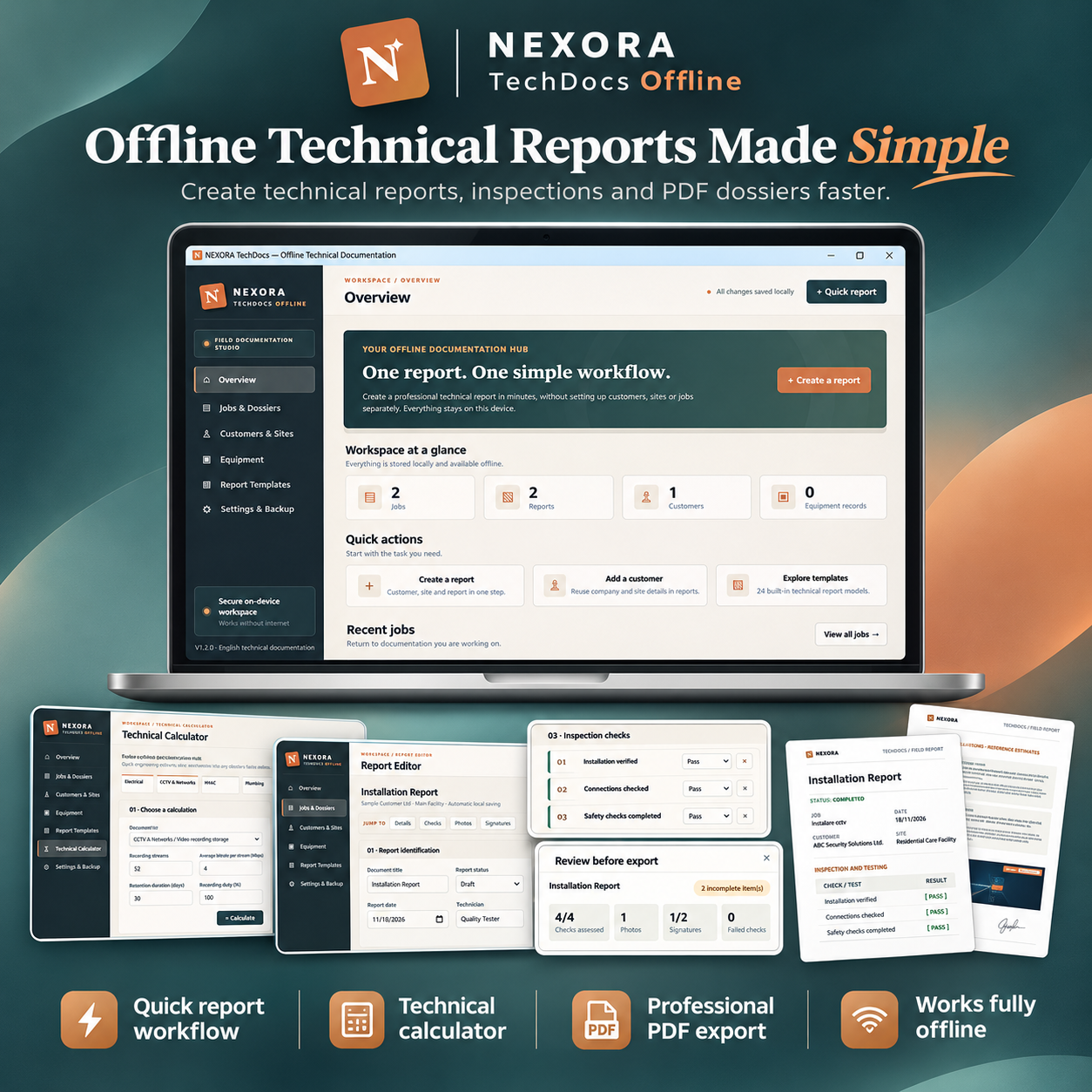
24 Technical Report Templates
Create installation reports, service reports, preventive maintenance records, equipment inspections, commissioning documents, handover reports and more.
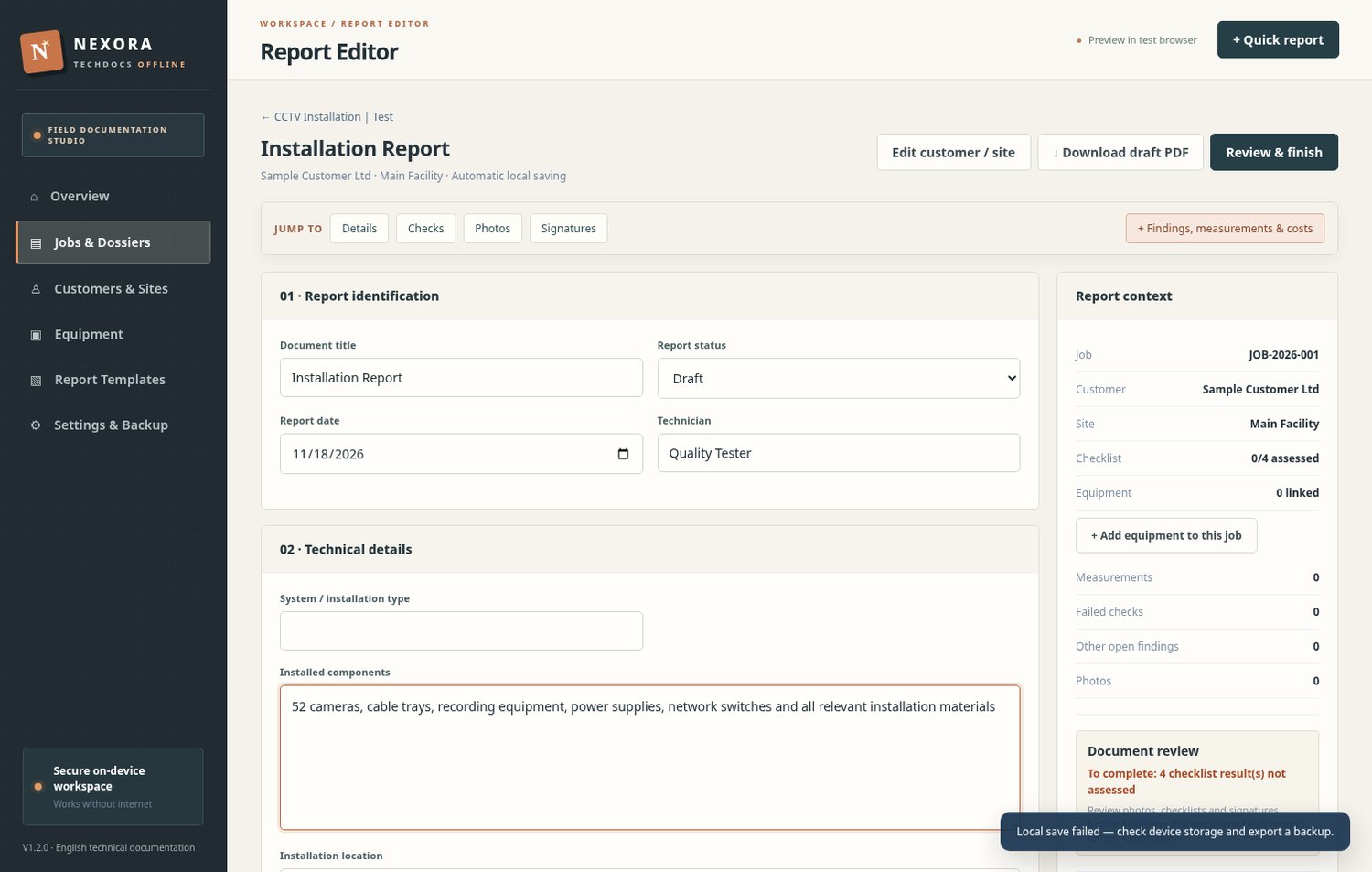
Simple One-Page Report Editor
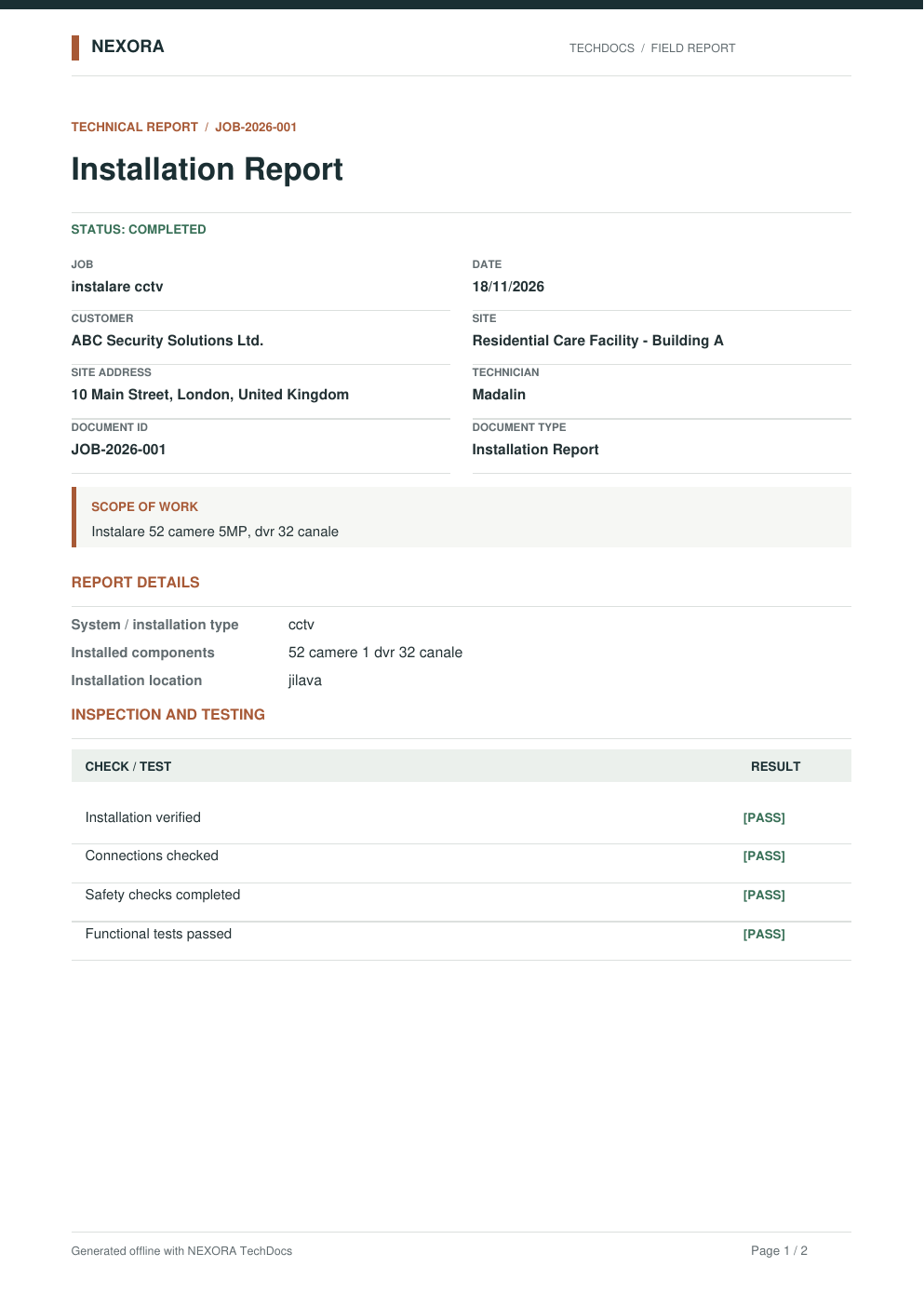
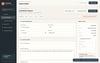
Enter customer information, job details, equipment, inspection results, photos and signatures in one streamlined workspace. Save drafts locally and continue later.
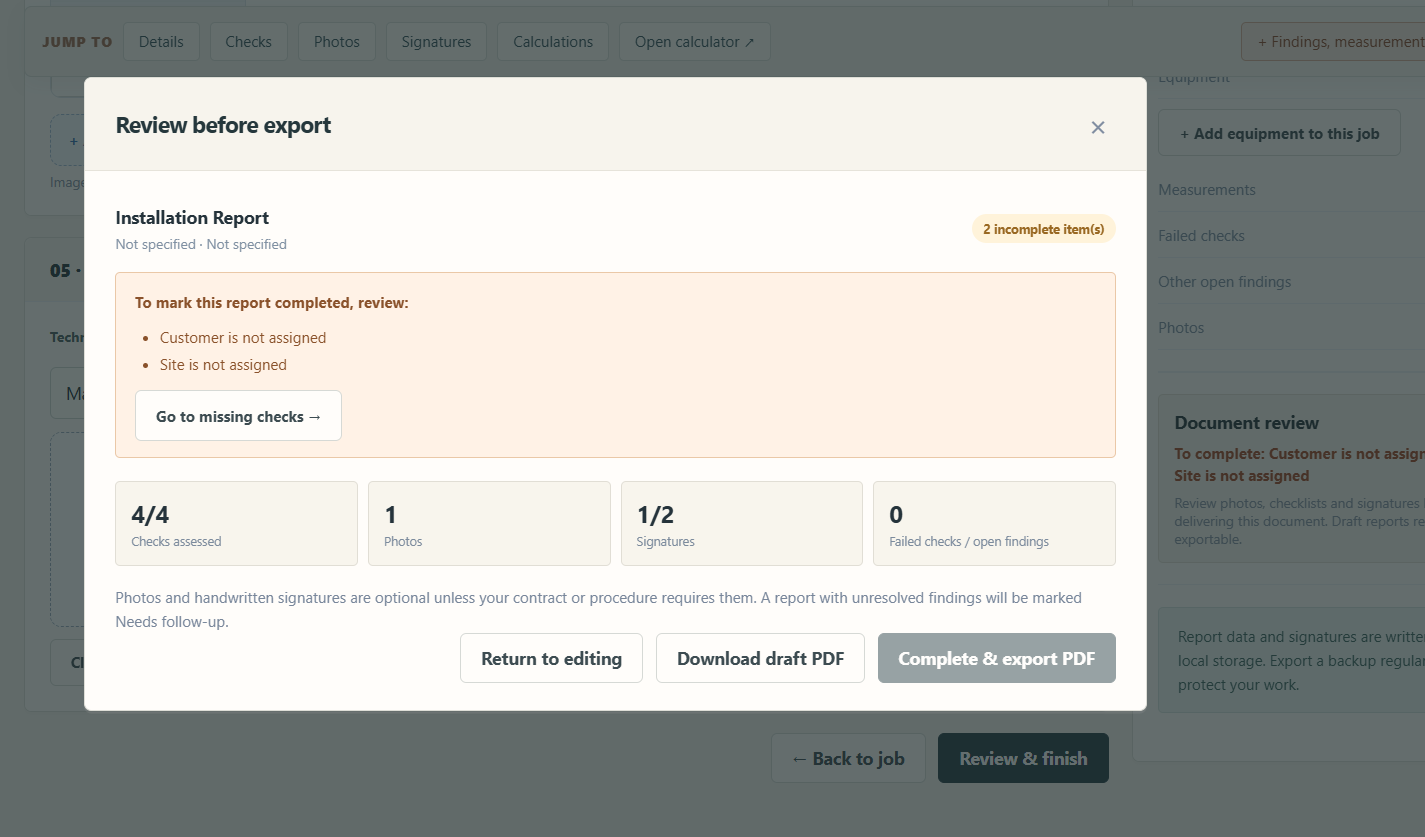
Professional PDF Reports
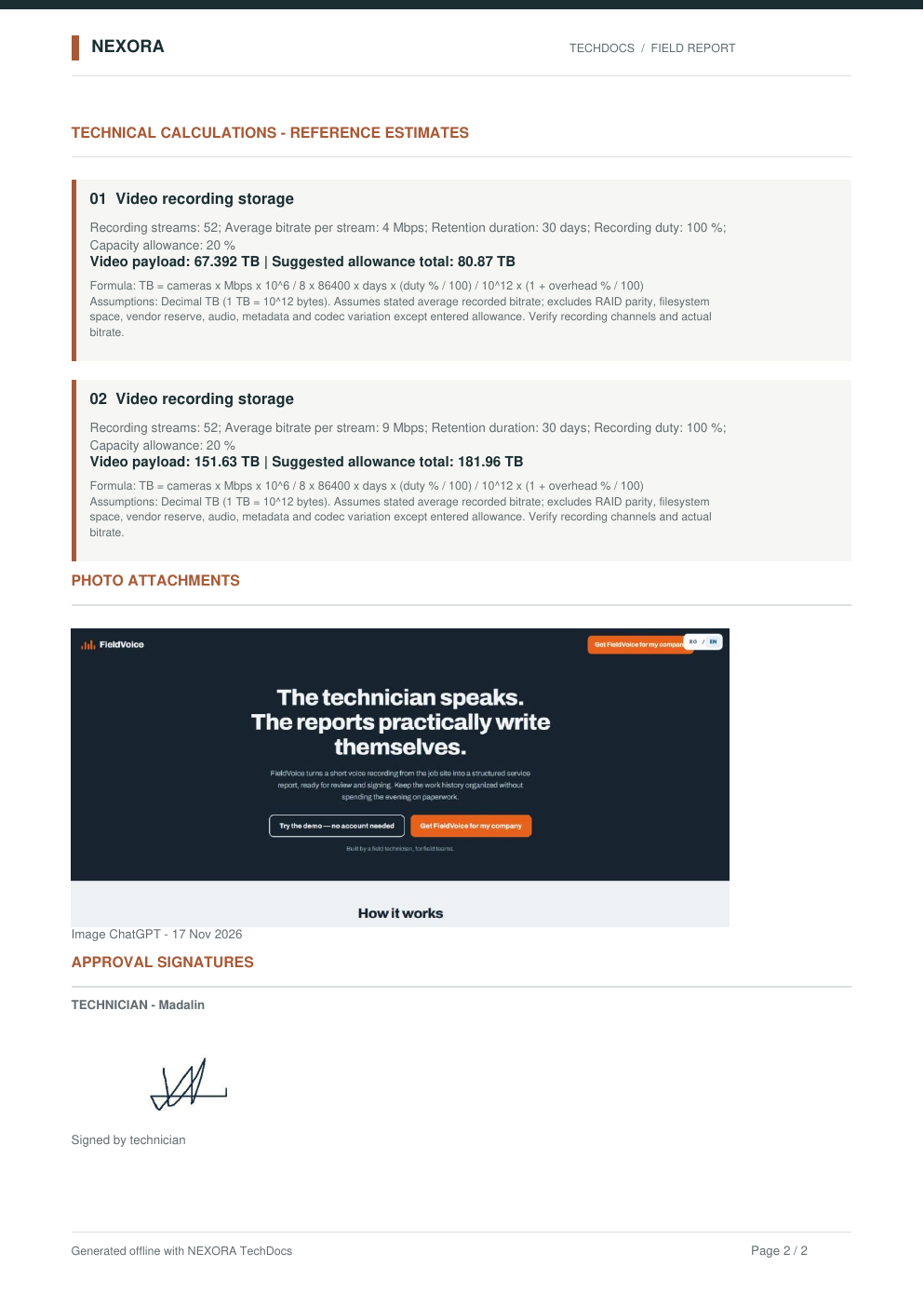
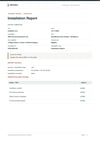
Export organized technical documents with customer and site details, inspection results, calculations, photographic evidence and signatures.
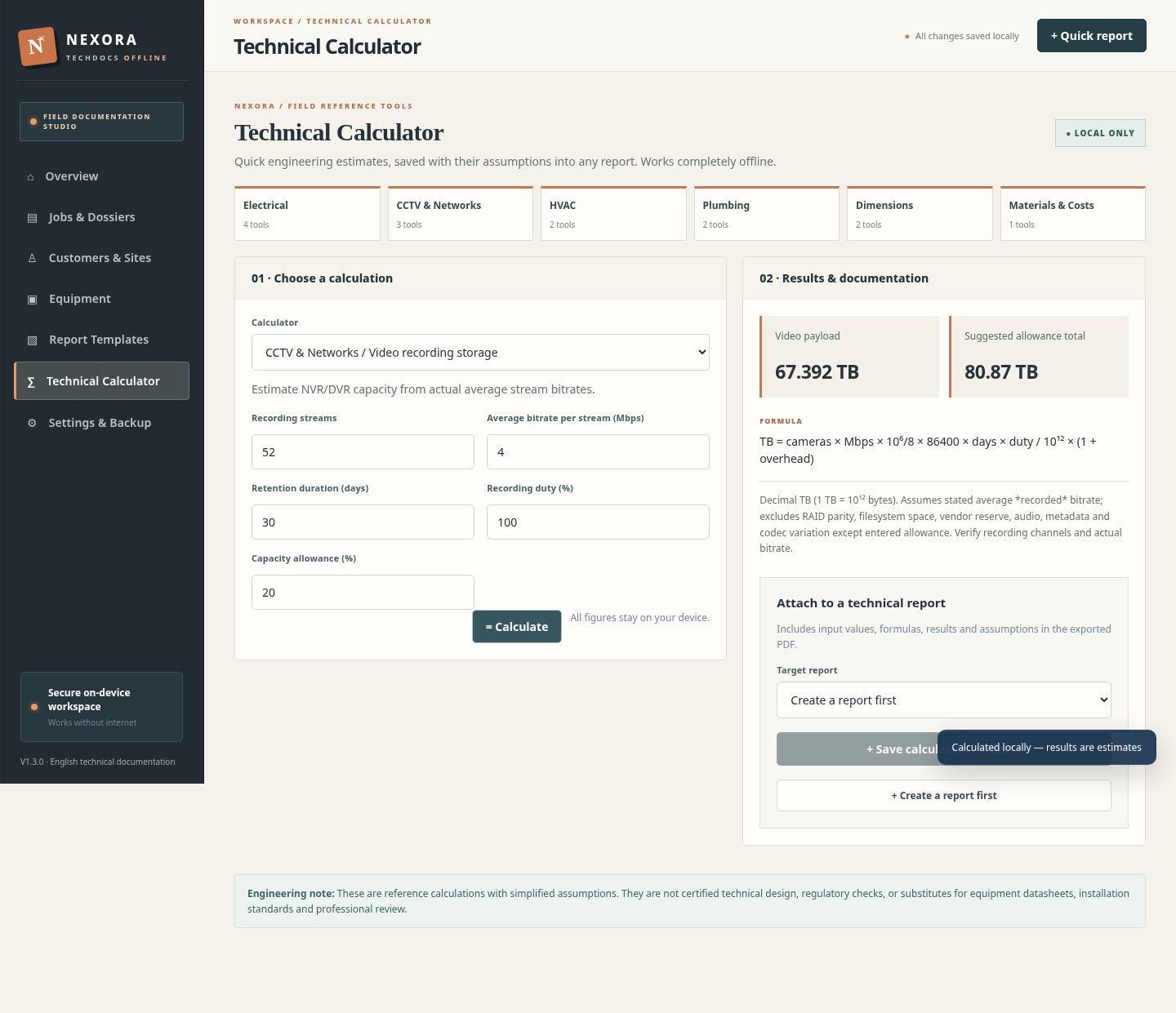
14 Built-In Technical Calculators
Perform useful reference calculations for electrical systems, CCTV recording storage, PoE, HVAC, plumbing, dimensions, materials and labor costs.
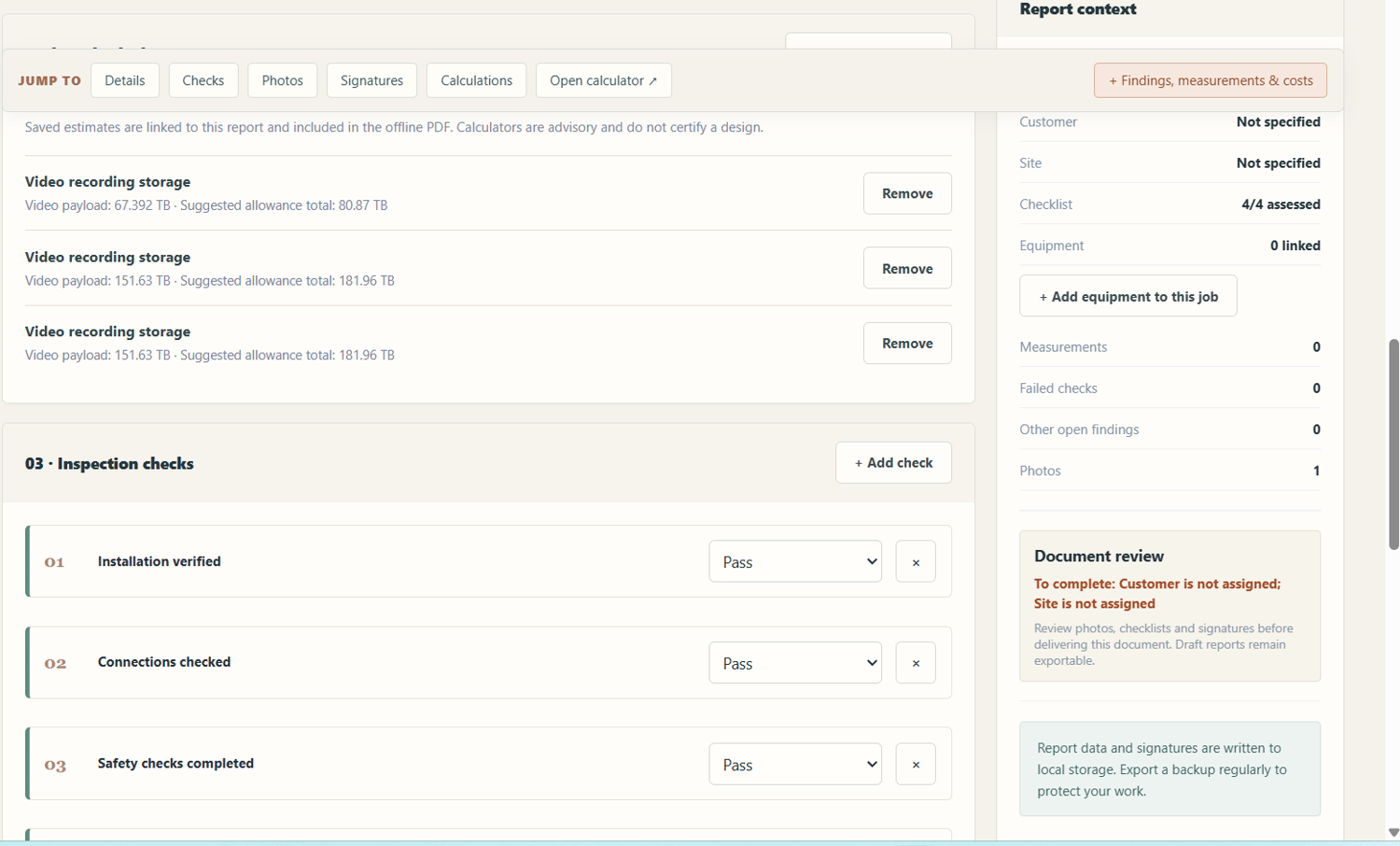
Save calculation results directly into your technical reports.
Inspection Checklists & Corrective Actions
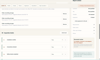
Record Pass, Fail and N/A results, document defects, assign corrective actions and track follow-up requirements.
Equipment & Customer Records
Organize customers, facilities, equipment information and technical job history.
Photos, Signatures & Attachments
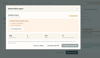
Include photographic evidence, annotated images, handwritten signatures and supporting technical files.
Offline Data Storage & Backups
Your reports and records remain on your device. Export backups and restore your documentation when needed.
What You Receive
- NEXORA TechDocs Pro Windows installer
- Portable Windows application
- Installation and activation instructions
- License terms and backup information
License & Activation
One-time purchase — $49 USD
Includes a license for one Windows computer.
After purchase, install the application and send your Device ID and order information to the seller. You will receive a signed license file for offline activation.
Activation is performed manually and is not instant.
System Requirements
- Windows 10 or Windows 11
- 64-bit computer
- English interface
- No recurring subscription
Why Choose NEXORA TechDocs?
Spend less time organizing paperwork and more time completing technical work.
From installation and inspection to troubleshooting, maintenance and final documentation, NEXORA TechDocs brings your essential reporting tools into one offline workspace.
One App. Complete Technical Documentation. Fully Offline.
Technical calculations are reference estimates and do not replace professional engineering verification, regulatory approval or required safety testing.