

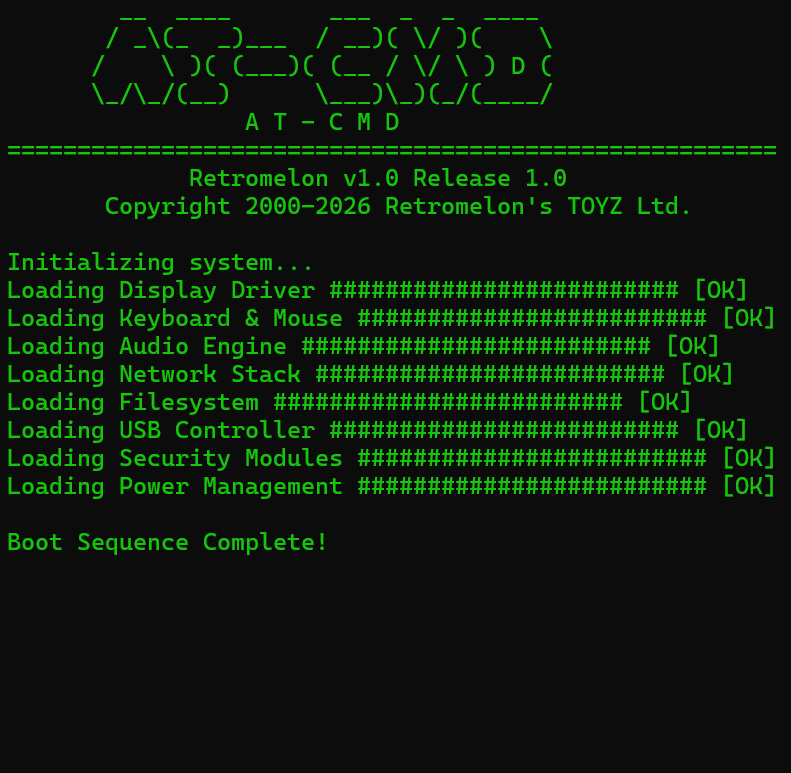
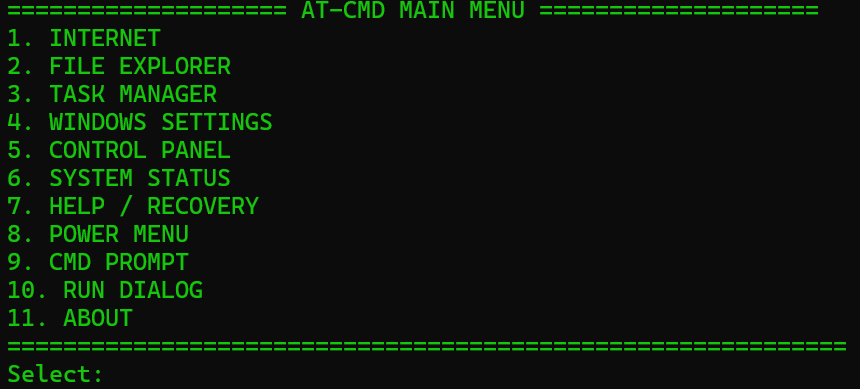
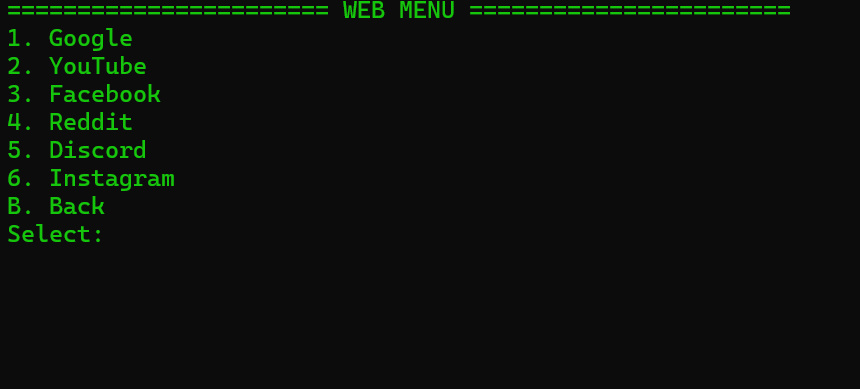


AT-CMD (Custom WinOS)
AT-CMD by Retromelon
Thanks for trying it out! 🙂
Download it here: https://payhip.com/b/rjyWc
P.S. You also need Chrome installed on your computer or laptop to use the Internet.
If you encounter any problems, send me a message.
If you want to test or modify AT-CMD, feel free to do so! Just make sure to send me a message. 🙂
AT-CMD (Shell) Description & Revert Instructions
Description: AT-CMD is a custom terminal/shell that temporarily replaces the standard Windows Explorer interface.
It allows you to run commands, scripts, and manage your system in a command-line environment.
Use it carefully, as it overrides the normal desktop interface while running.
How to Revert to Explorer: If you want to go back to the normal Windows interface:
Press Ctrl + Shift + Esc to open Task Manager.
Click File → Run new task.
Type explorer.exe and press Enter.
This will restore the standard Windows desktop and start menu.