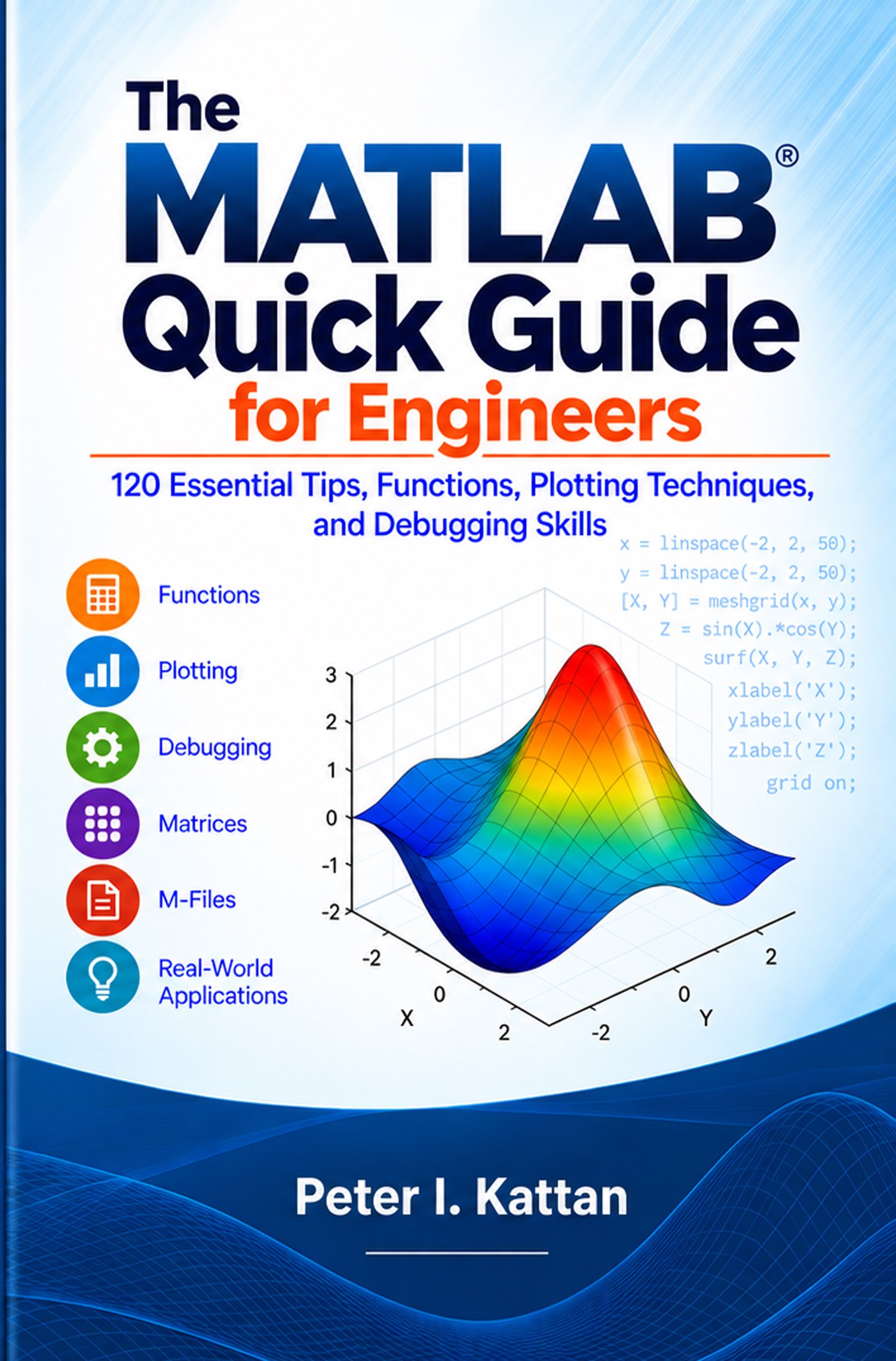
The MATLAB Quick Guide for Engineers: 120 Essential Tips, Functions, Plotting Techniques, and Debugging Skills
Master MATLAB for Engineering—120 Practical Tips in One Quick Guide
Learn essential MATLAB functions, plotting, debugging, matrices, numerical methods, M-files, engineering calculations, and smarter problem-solving techniques.
Opening Pitch
Stop searching through lengthy manuals every time you need a MATLAB command or technique. The MATLAB Quick Guide for Engineers puts 120 practical MATLAB tips into one convenient engineering reference.
What You'll Learn
MATLAB Functions: Learn the core functions that appear repeatedly in engineering calculations.
Plotting & Visualization: Create clear, professional graphs for numerical and experimental results.
Debugging: Find errors systematically instead of randomly changing code.
Matrices & Numerical Methods: Work more confidently with matrix operations and numerical engineering calculations.
Better MATLAB Code: Write clearer, reusable, documented, and easier-to-debug M-files.
Engineering Applications: Apply MATLAB to practical calculations and automate repetitive engineering tasks.
Who This Book Is For
Engineering students • Practicing engineers • MATLAB beginners • Researchers • Instructors • Technical professionals
What's Inside
120 practical tips and techniques covering MATLAB mistakes, essential functions, shortcuts, debugging, plotting, engineering problem solving, matrices, numerical methods, M-files, automated calculations, and ChatGPT prompts for MATLAB users.
Why This Guide Is Different
This isn't just a collection of MATLAB commands. It teaches you how to use MATLAB as an engineering problem-solving tool—while checking dimensions, units, numerical accuracy, and whether your final answer actually makes physical sense.
Final Call to Action
Build a stronger MATLAB engineering toolkit today. Get The MATLAB Quick Guide for Engineers and keep 120 practical MATLAB tips at your fingertips.
Author
Peter I. Kattan
Petra Books
Recommended Gumroad Page Assets
· Book cover mockup
· 3–5 preview pages
· Screenshot from a plotting section
· Screenshot showing MATLAB code
· A compact “What You Get” box stating the digital format and page count