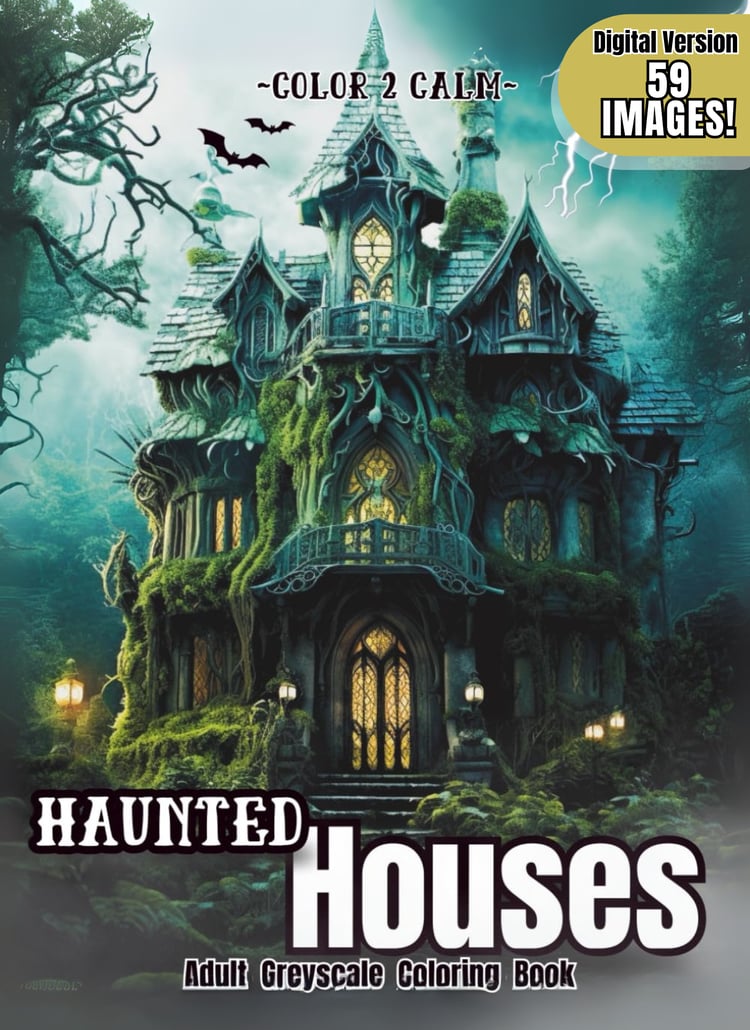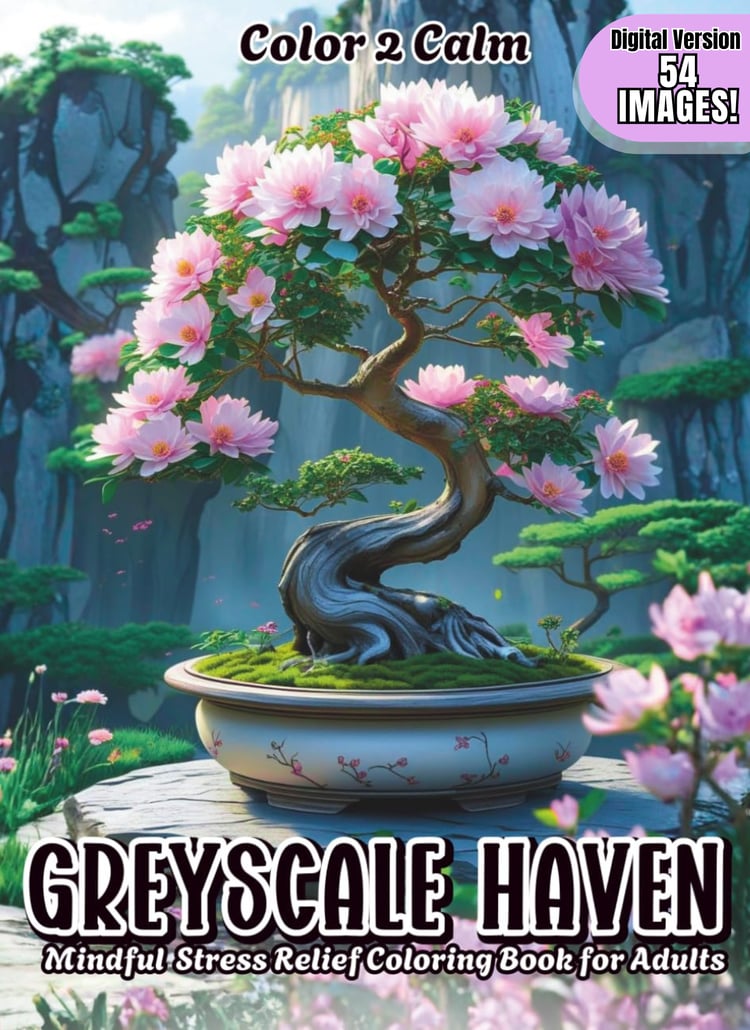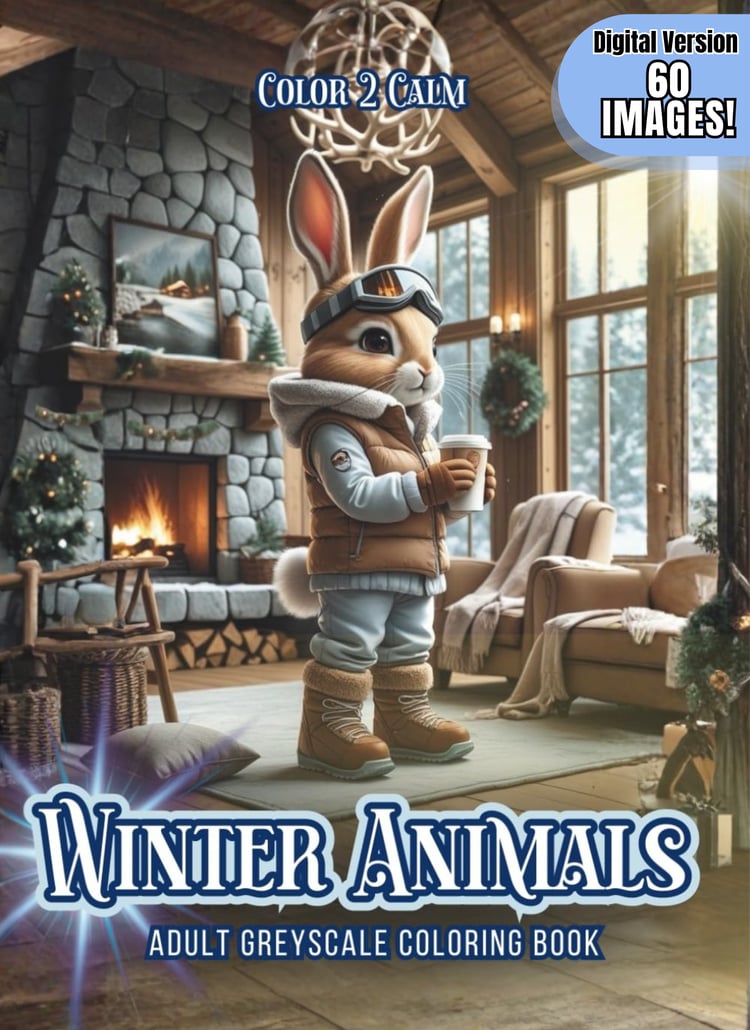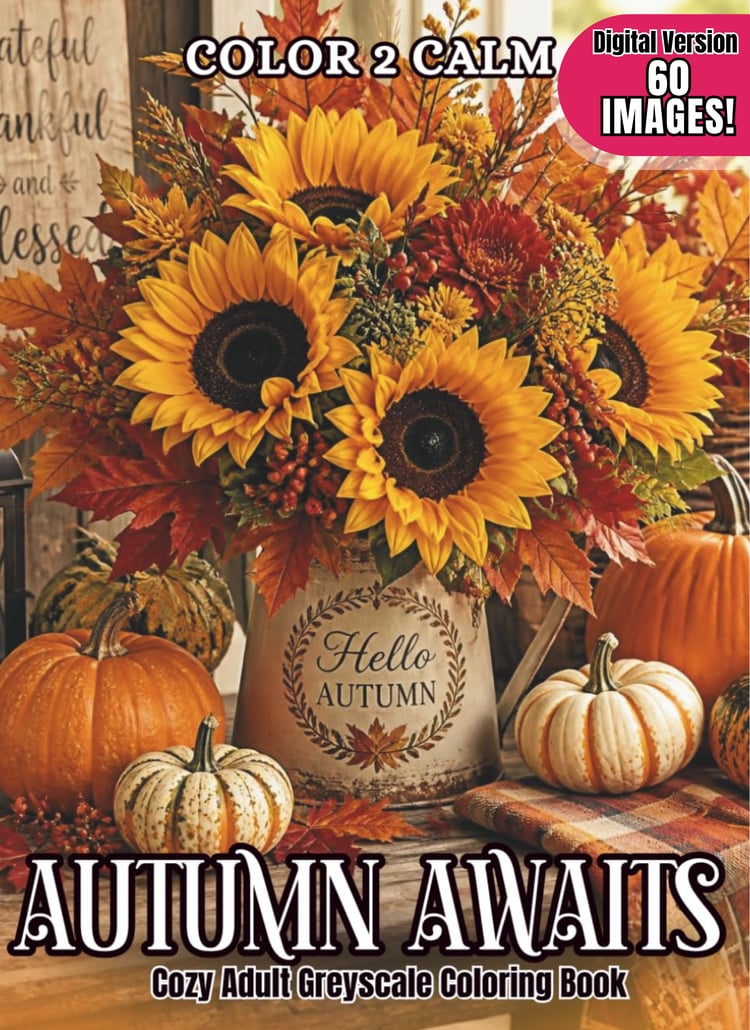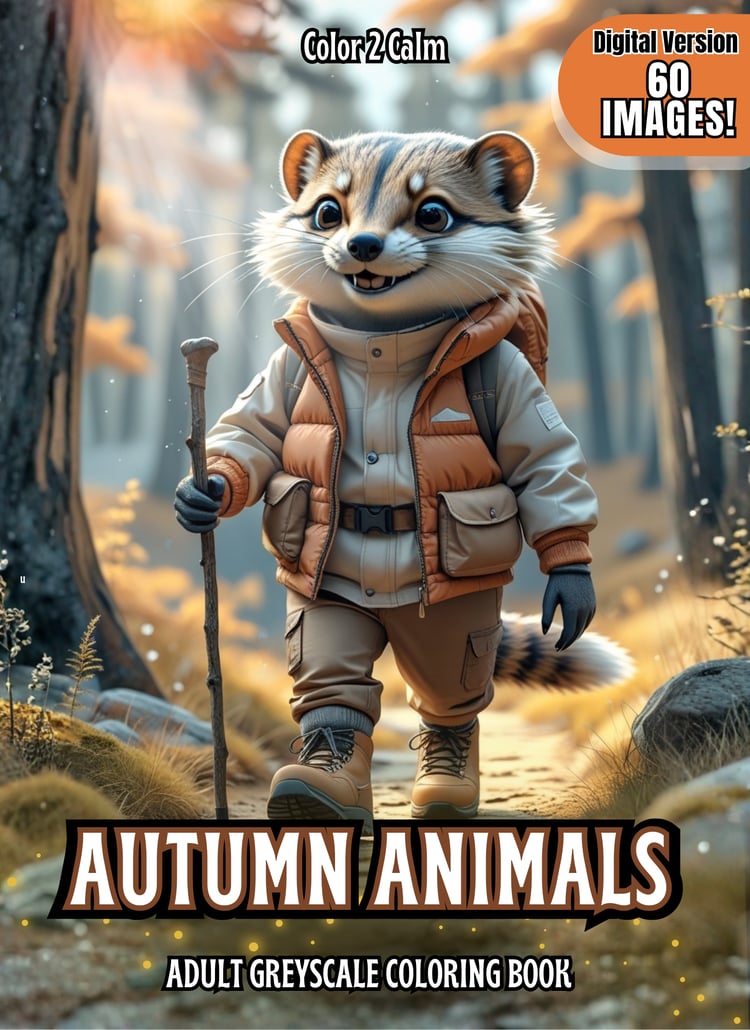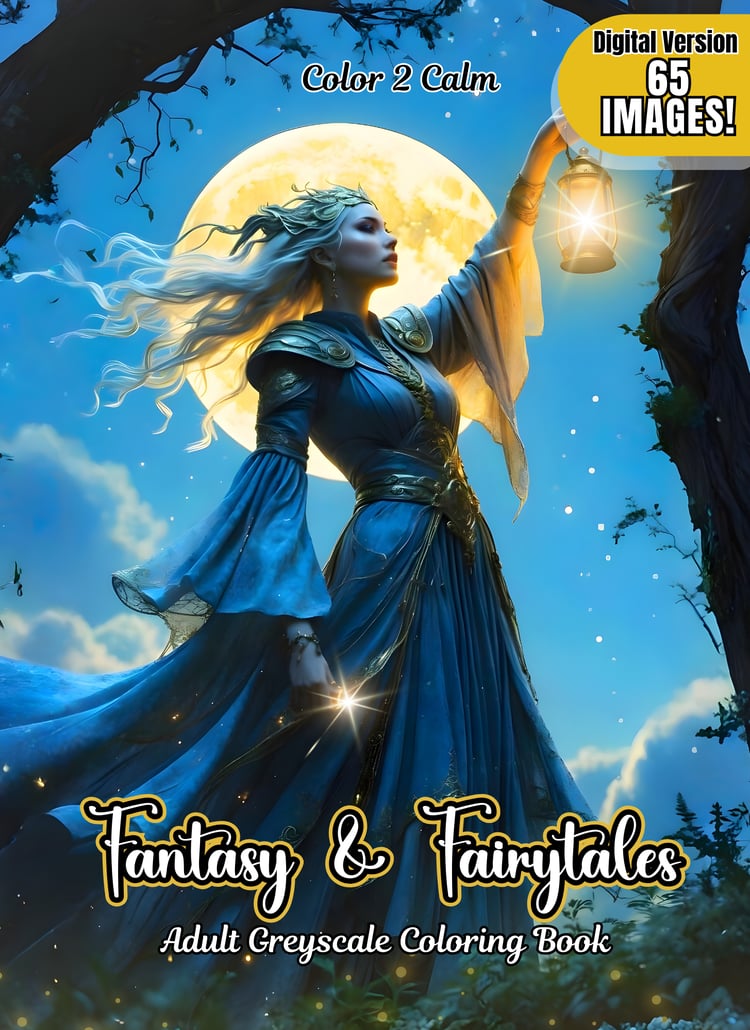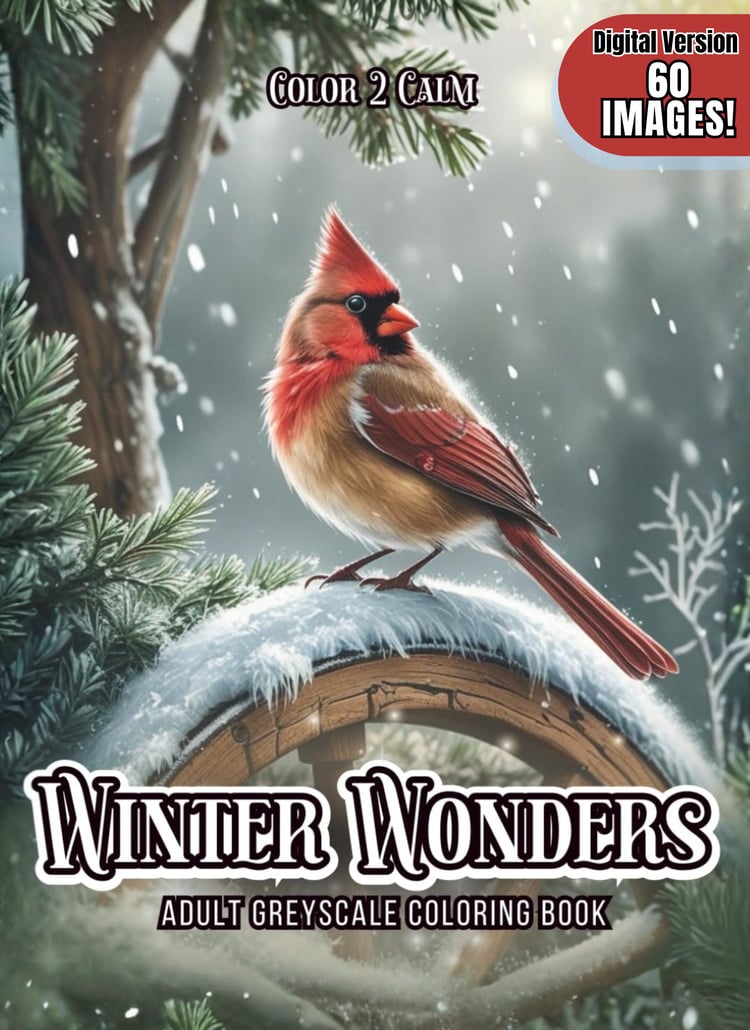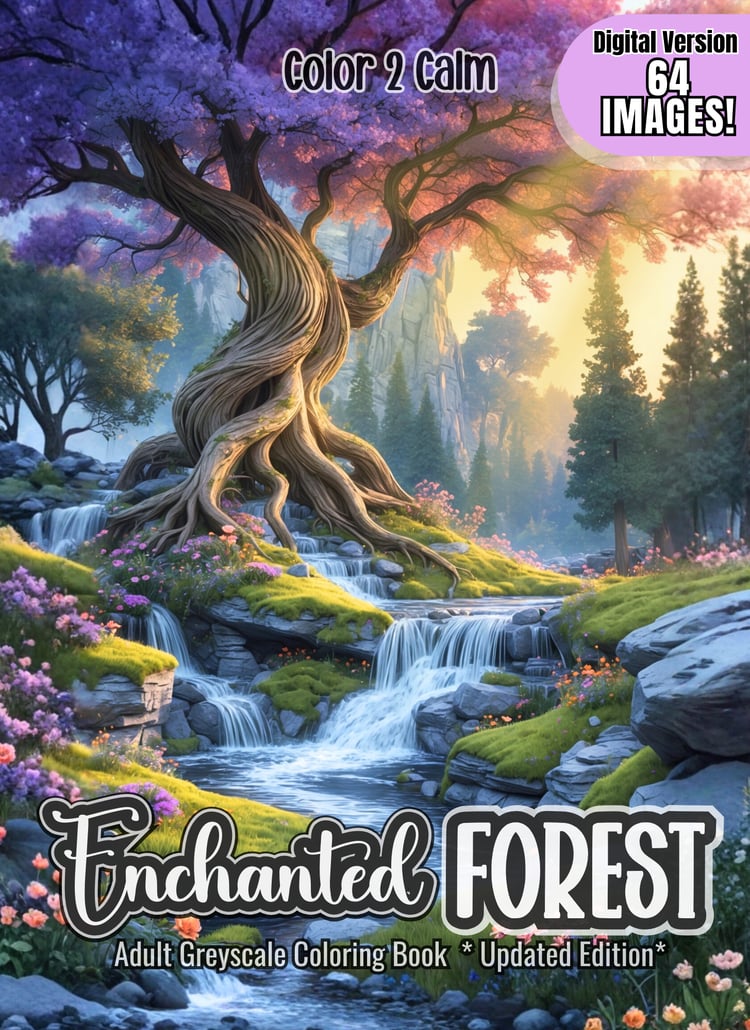






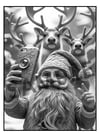


North Pole Gnomes Greyscale Coloring Pages (Digital Only!)
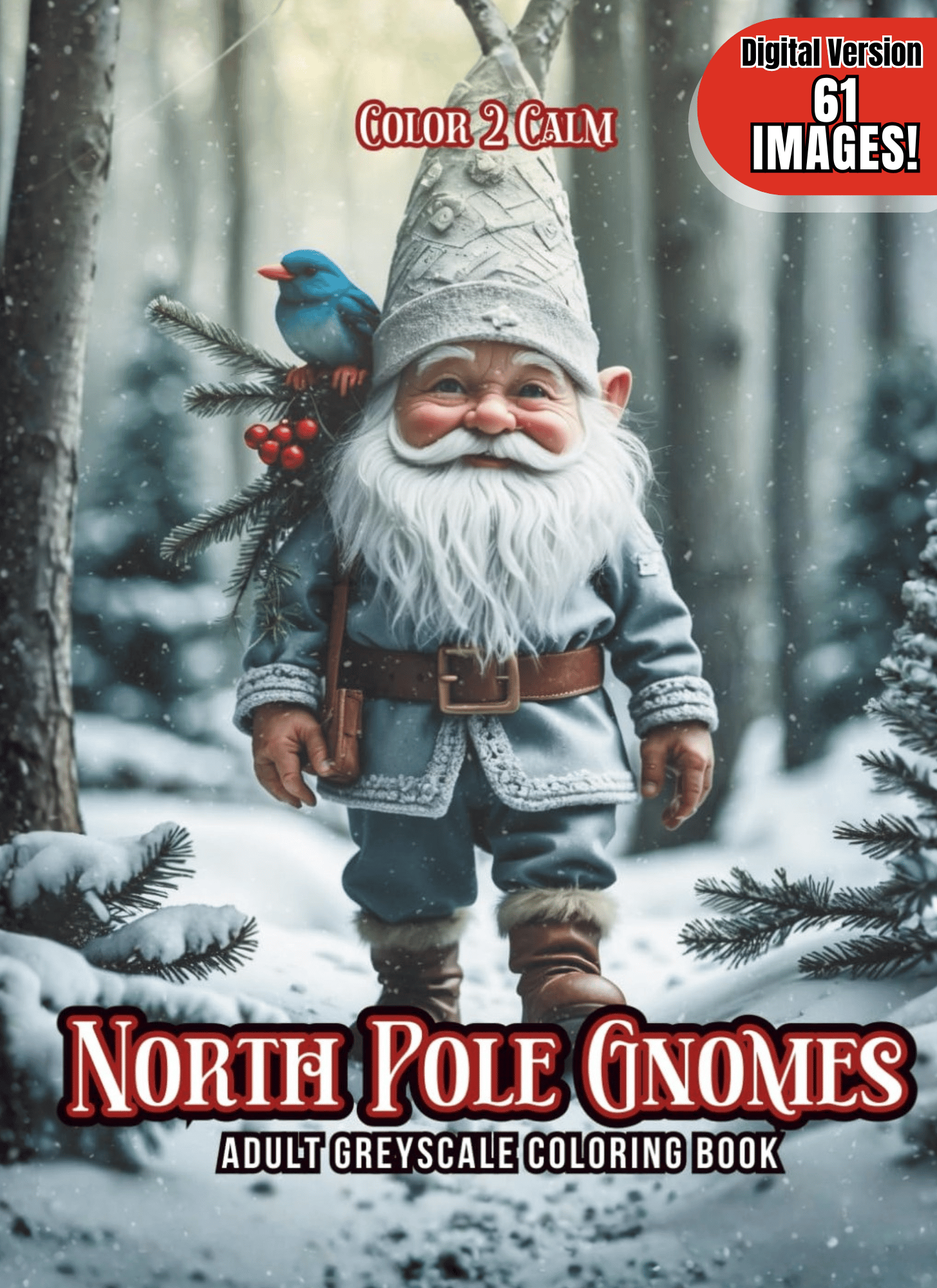
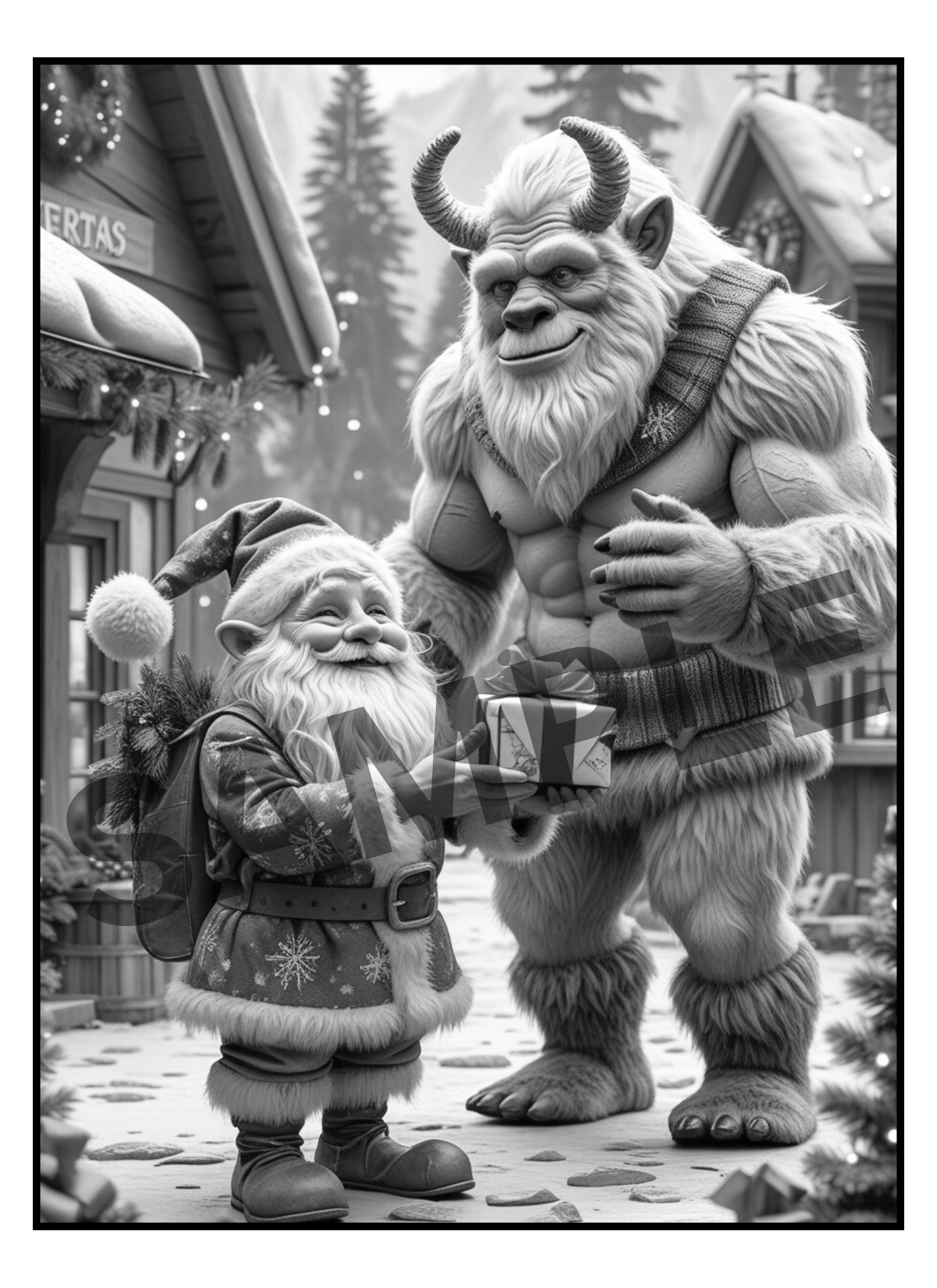
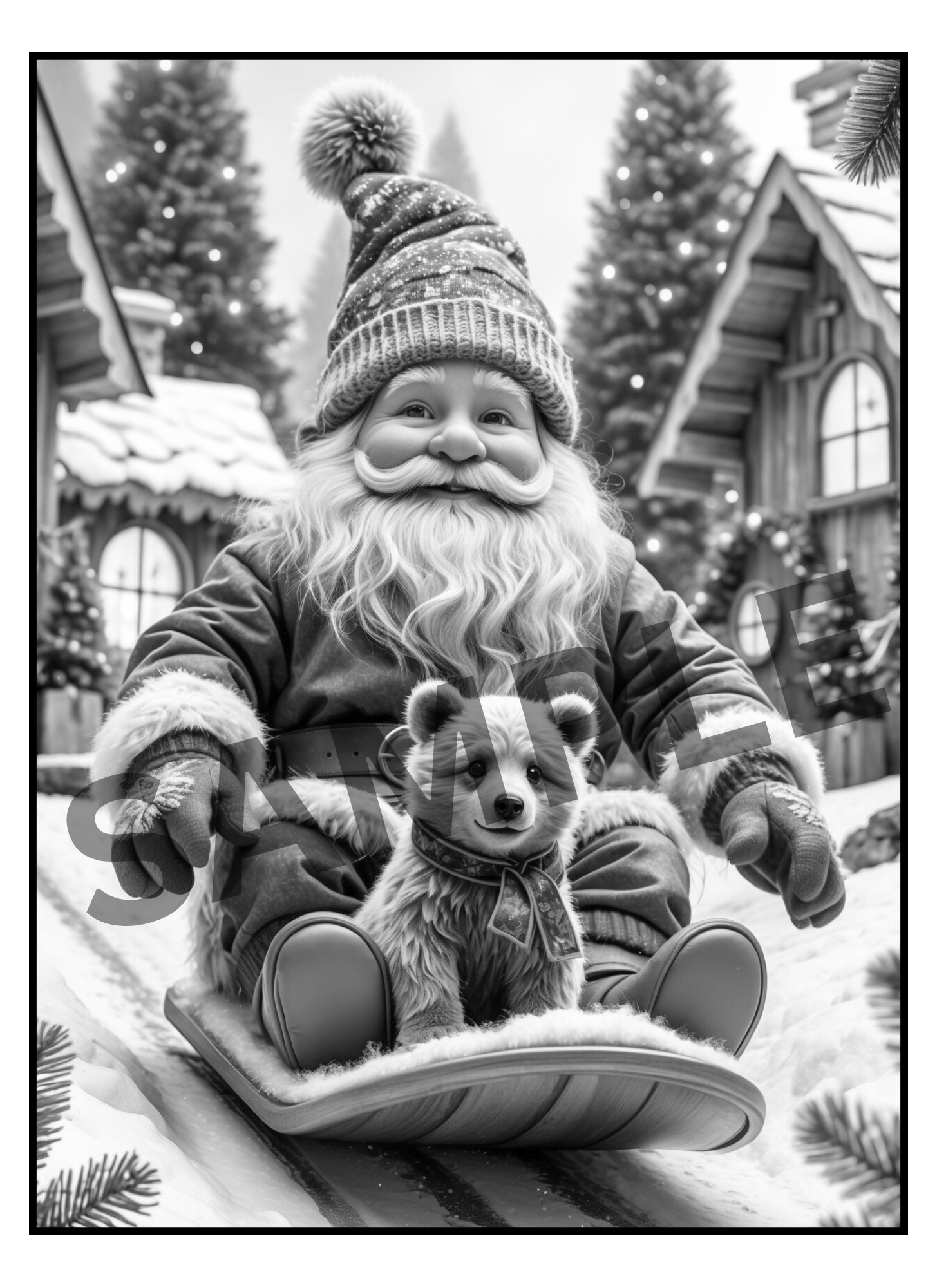
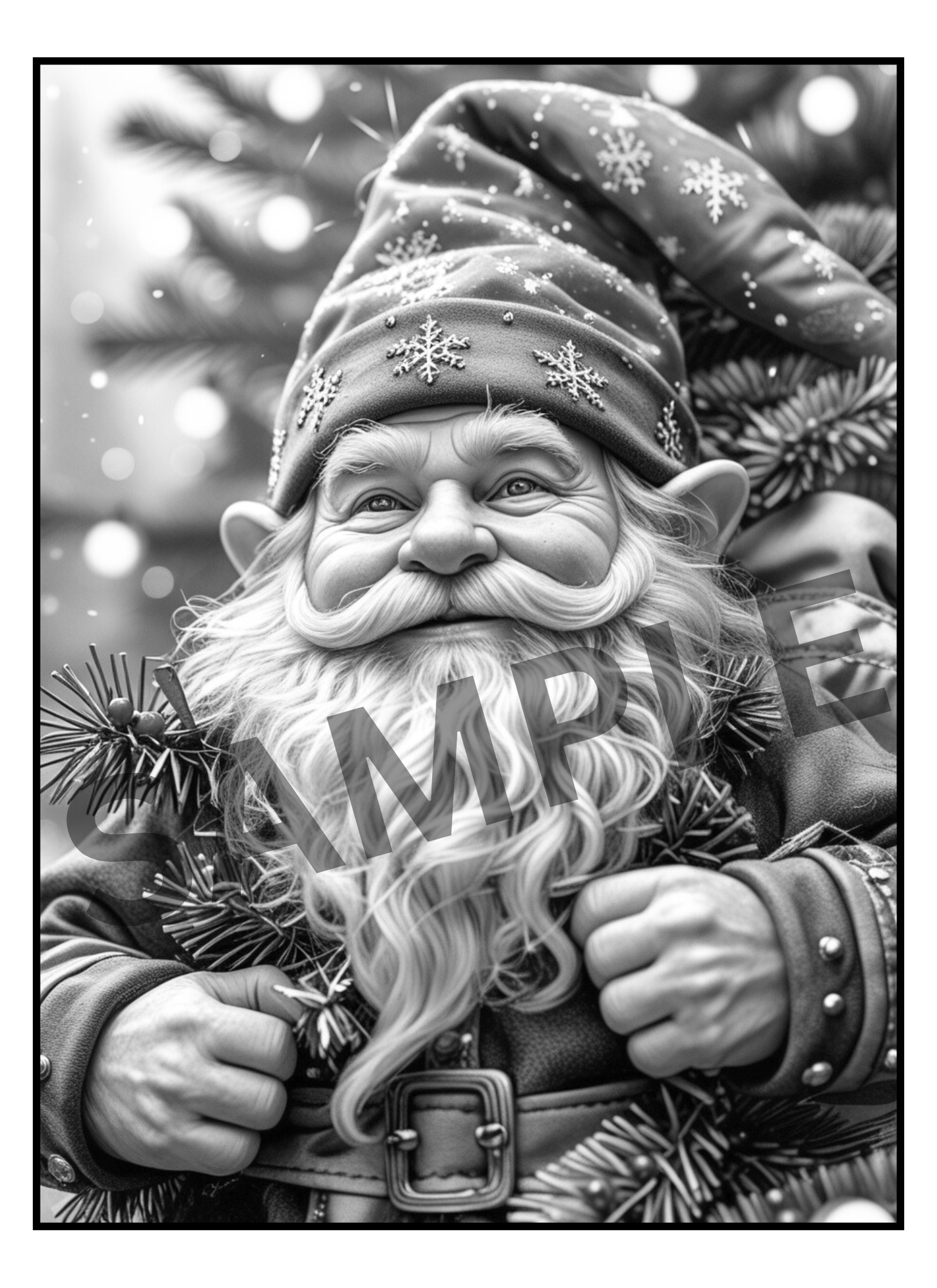
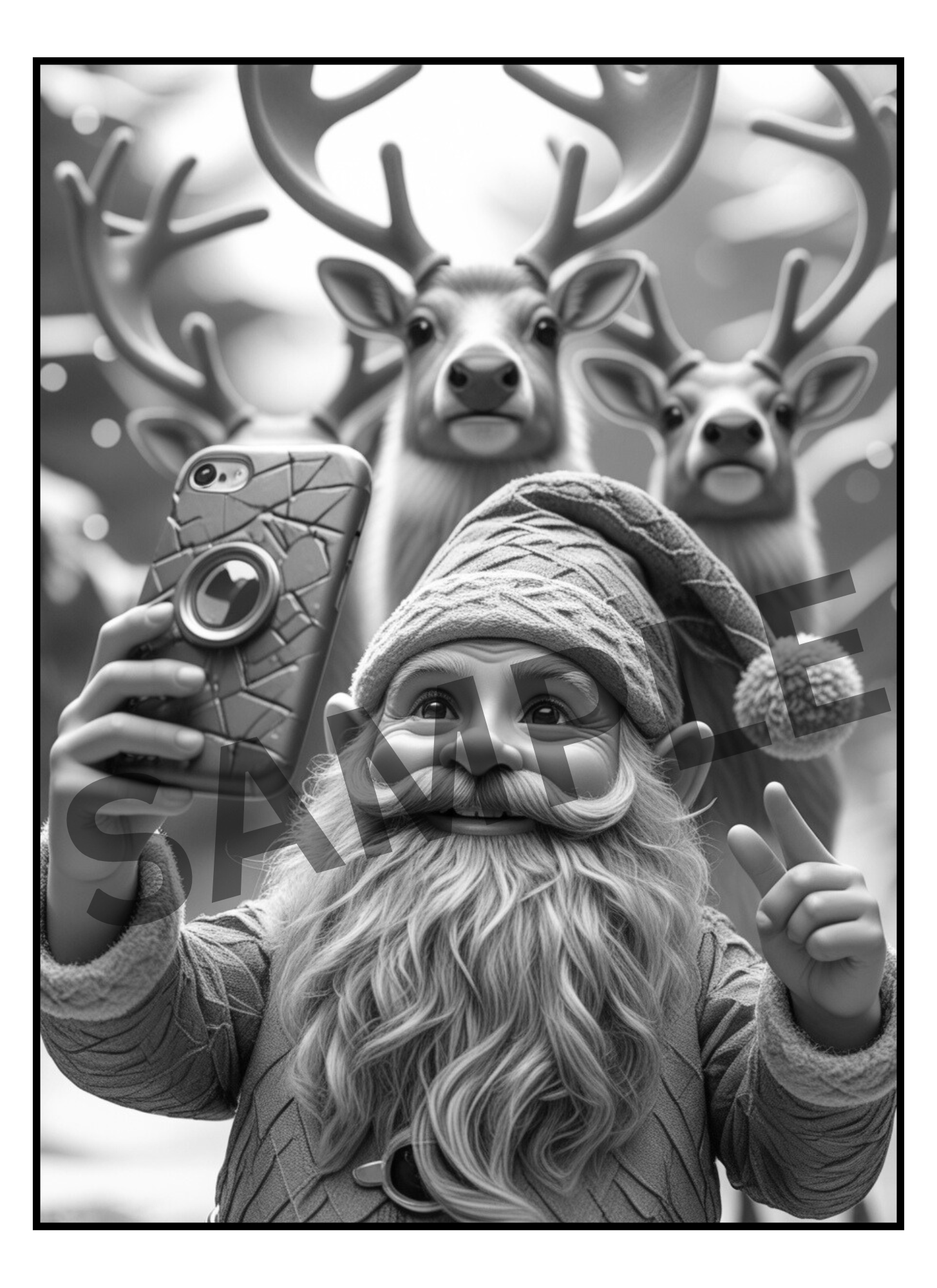
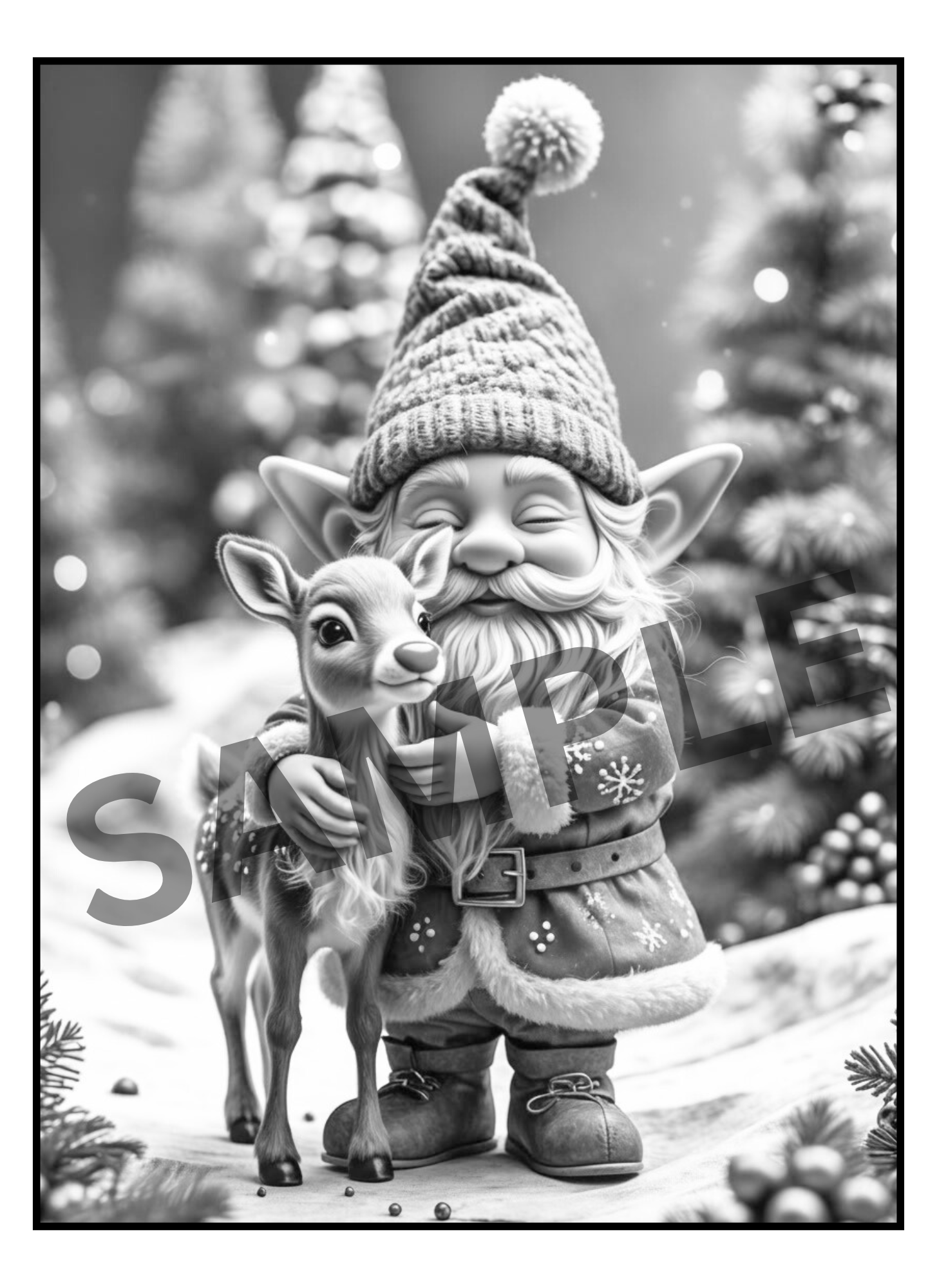
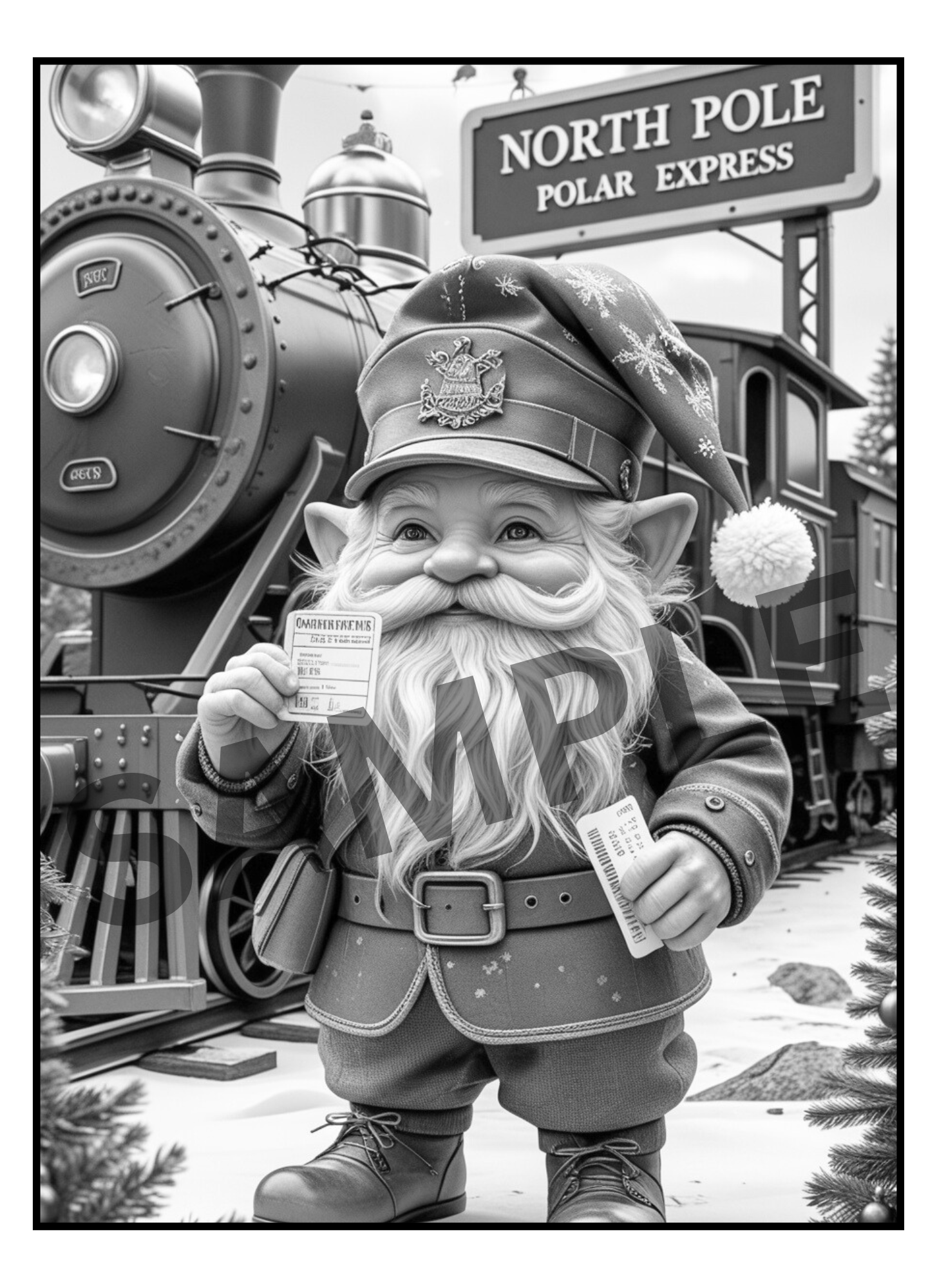
"North Pole Gnomes Greyscale Adult Coloring Book" is full of busy Gnomes getting ready for the holidays at the North Pole! Join in the fun as they go Sledding with a Polar Bear, Drink Cocoa and Watch the Northern Lights, Hang Decorations and even Serve up the Best Latte in Town!
You’ll receive both PDF and Zipped PNG files so you can print at home as many times as you like, or import into Procreate/GoodNotes for digital coloring. Unlike a physical book, this version gives you unlimited reprints, instant access, and the freedom to experiment with endless color palettes & mediums. Your completed art is easily framed!
🛒 What you'll get:
- A 64 Page PDF File with 61 Detailed Greyscale images
- A Zip Folder Containing 64 PNG files
🌟 Perfect For:
🎄Fans of Christmas, Gnomes and Feel-Good Nostalgia
❄️ Adults and teens seeking stress relief and mindful creativity
🖌️Colorists who love realistic greyscale shading and dramatic detail
🕰️Those looking for a creative and productive way to reduce screen time.
📥 How to Access Your Files:
After your payment is confirmed, an email will be sent to you with a link to download your files.
Simply click Download Files. We recommend saving the files to your desktop or cloud storage for safekeeping.
---------------------------------------
🌸 How to Use Your Digital Coloring Pages 🌸
📥 Step 1: Download Your Files
- After purchase, download the FILES to your device.
- On iPad/iPhone → the Files app will automatically unzip when you tap it.
- On computer → right-click and select “Extract” or “Unzip.”
🎨 Step 2: Import into Procreate
- Open the Procreate app.
- Tap the “+” button to create a new canvas (use 8.5x11 in. or A4 size).
- Tap the wrench icon (Actions) → Insert a file or Insert a photo.
- Select the PNG/JPEG page you want to color.
- (Optional) Add a new layer underneath the line art layer to keep your coloring separate and neat.
✨ Tip: If your PNG has a transparent background, you can color behind the lines without “going over” them!
📚 Step 3: Use in Other Apps
- GoodNotes / Notability → Import the PDF and use the highlighter/pen tools to color.
- Affinity / Photoshop / Clip Studio → Open PNGs just like normal image files.
- Recolor / Coloring Apps → Import JPEG/PNG pages into any app that allows photo coloring.
🖨️ Step 4: Printing (Optional)
- Open the PDF.
- Print on 8.5x11 (US Letter) or A4 paper.
- For best results:
- Use cardstock or thick paper.
- Print single-sided (blank page behind) to prevent bleed-through.
💖 Tips & Tricks
- Always color on a separate layer in Procreate.
- Duplicate pages if you want to try different color palettes.
---------------------------------------
🚫 Please Note:
This listing is for digital files only. No physical products, books or markers are included.
Due to the nature of digital downloads, returns and refunds are not available.
🔒 For Personal Use Only
All files are intended for personal, non-commercial use. Reproduction, resale, or distribution in any form (digital or printed) is not permitted.