







Backup & Recovery Plan Workbook — Protect Photos, Files & Data From Loss or Ransomware | PDF
Backup & Recovery Plan Workbook — Protect Photos, Files & Data From Loss or Ransomware | PDF
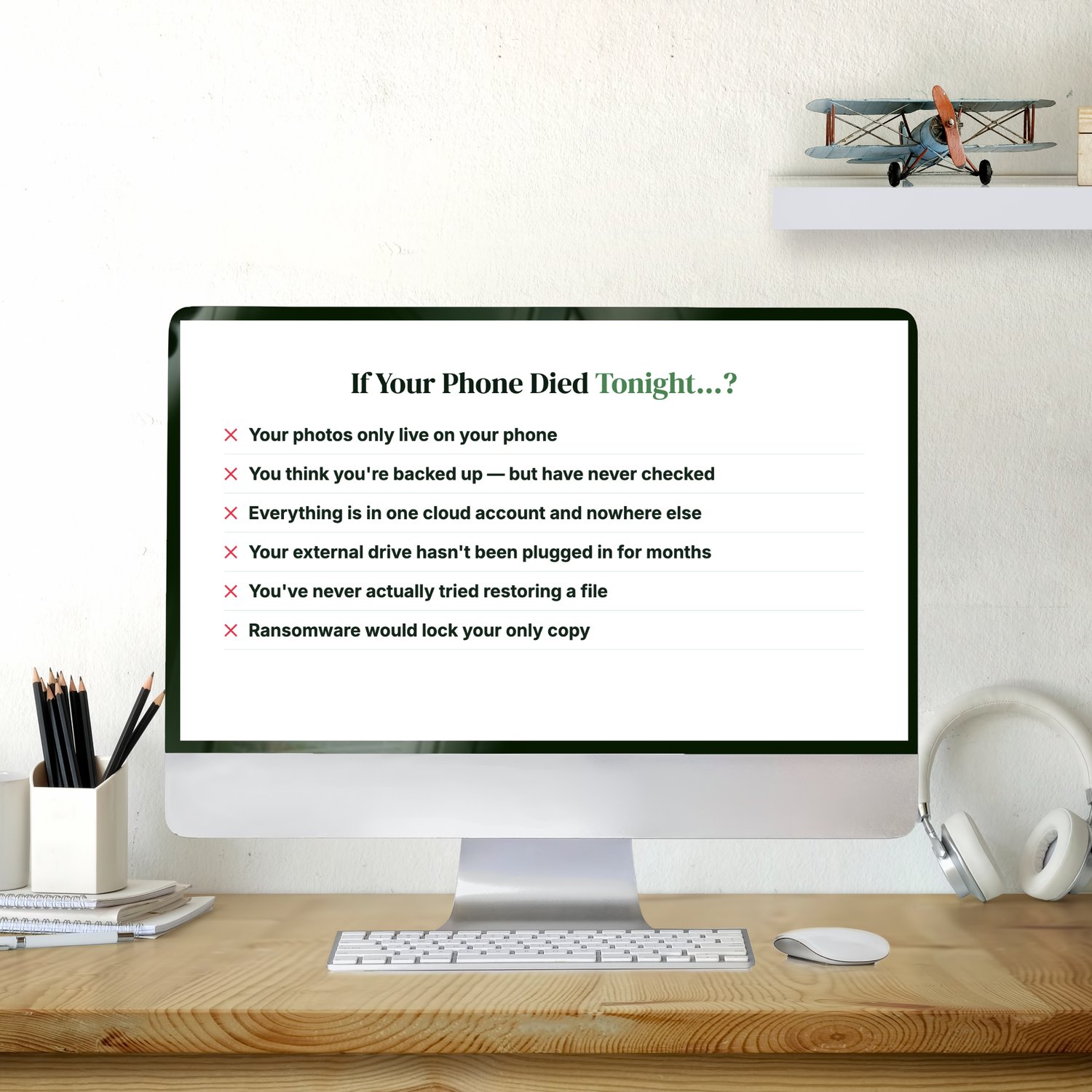
If your phone died tonight, what would you lose?
- Your photos only live on your phone.
- You think you're backed up, but you've never checked.
- Everything is in one cloud account and nowhere else.
- Your external drive hasn't been plugged in for months.
- You've never actually tried restoring a file.
- Ransomware would lock your only copy.
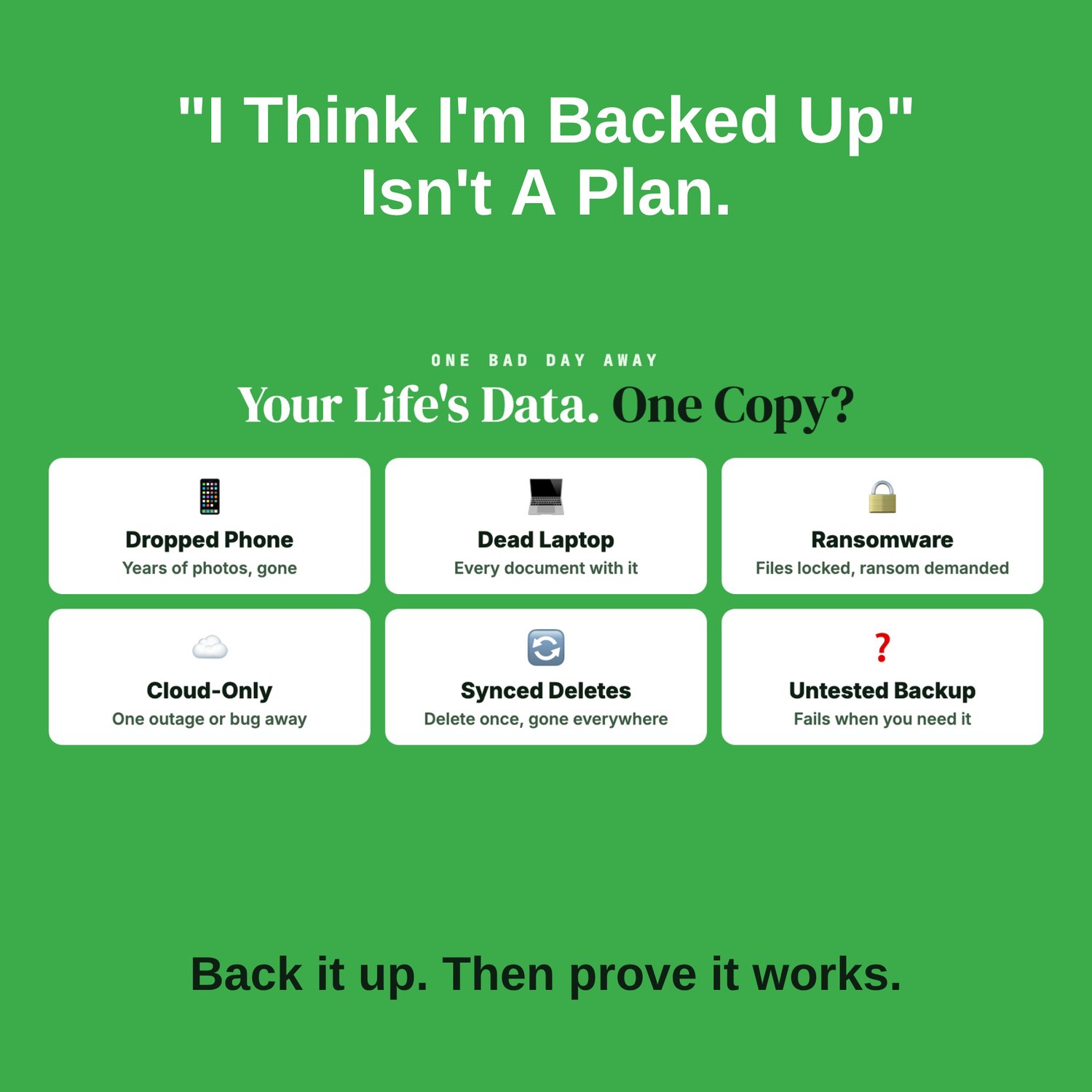
Most people's data is one broken phone, dead laptop or ransomware attack away from being gone for good: photos, documents, tax records, years of family history. And many people who do back up only find out their backup doesn't work on the day they need it.
"I think I'm backed up" isn't a plan. This workbook gives you one.
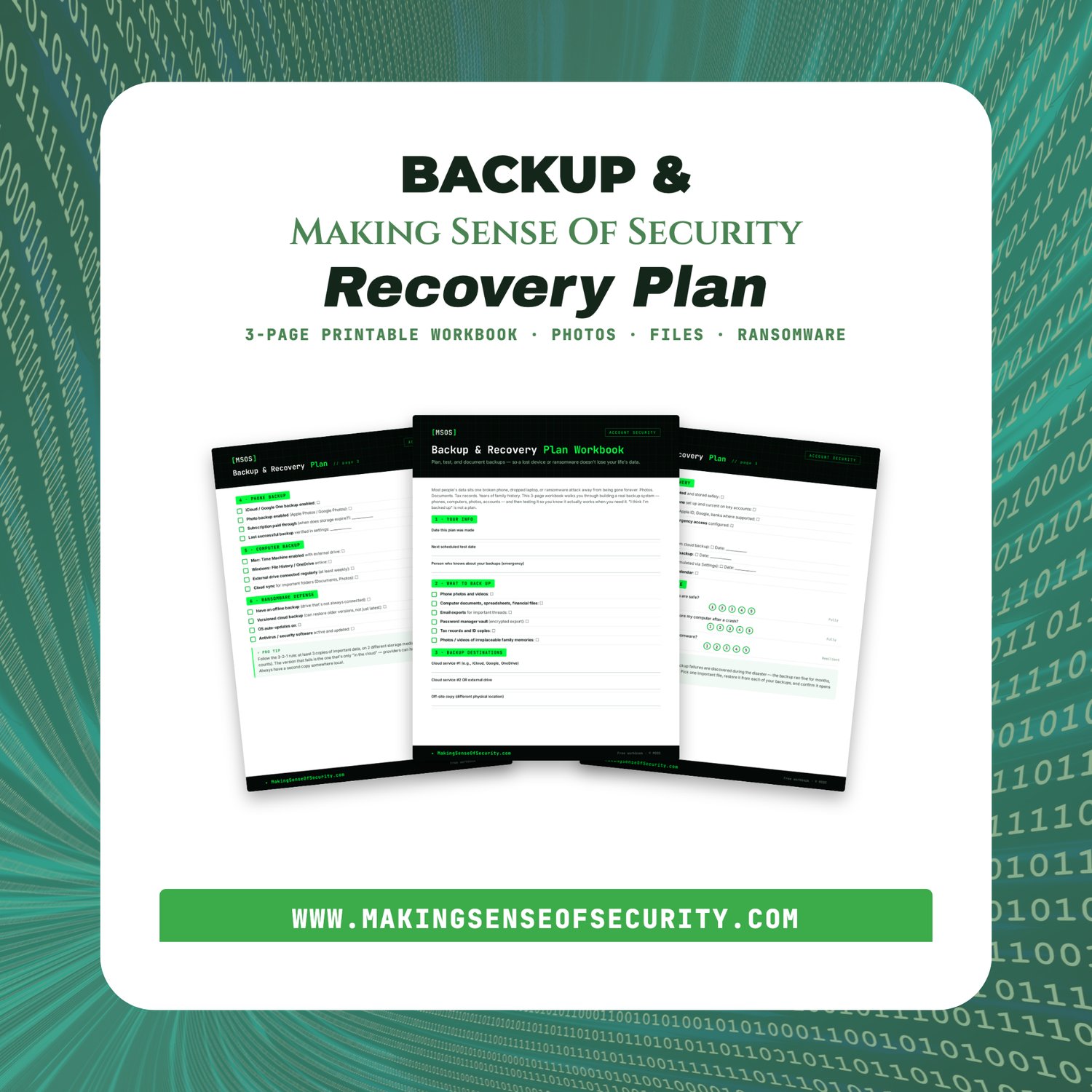
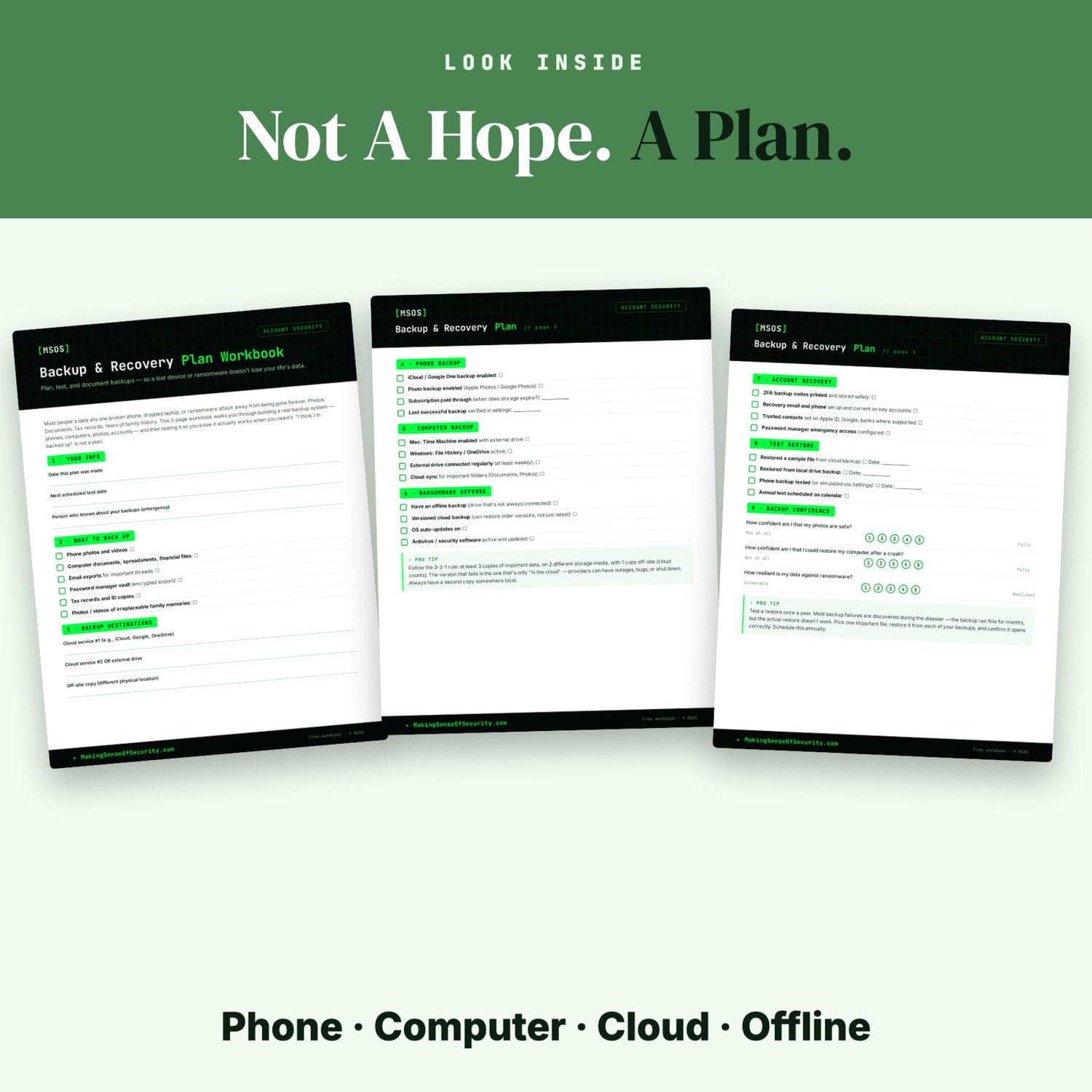
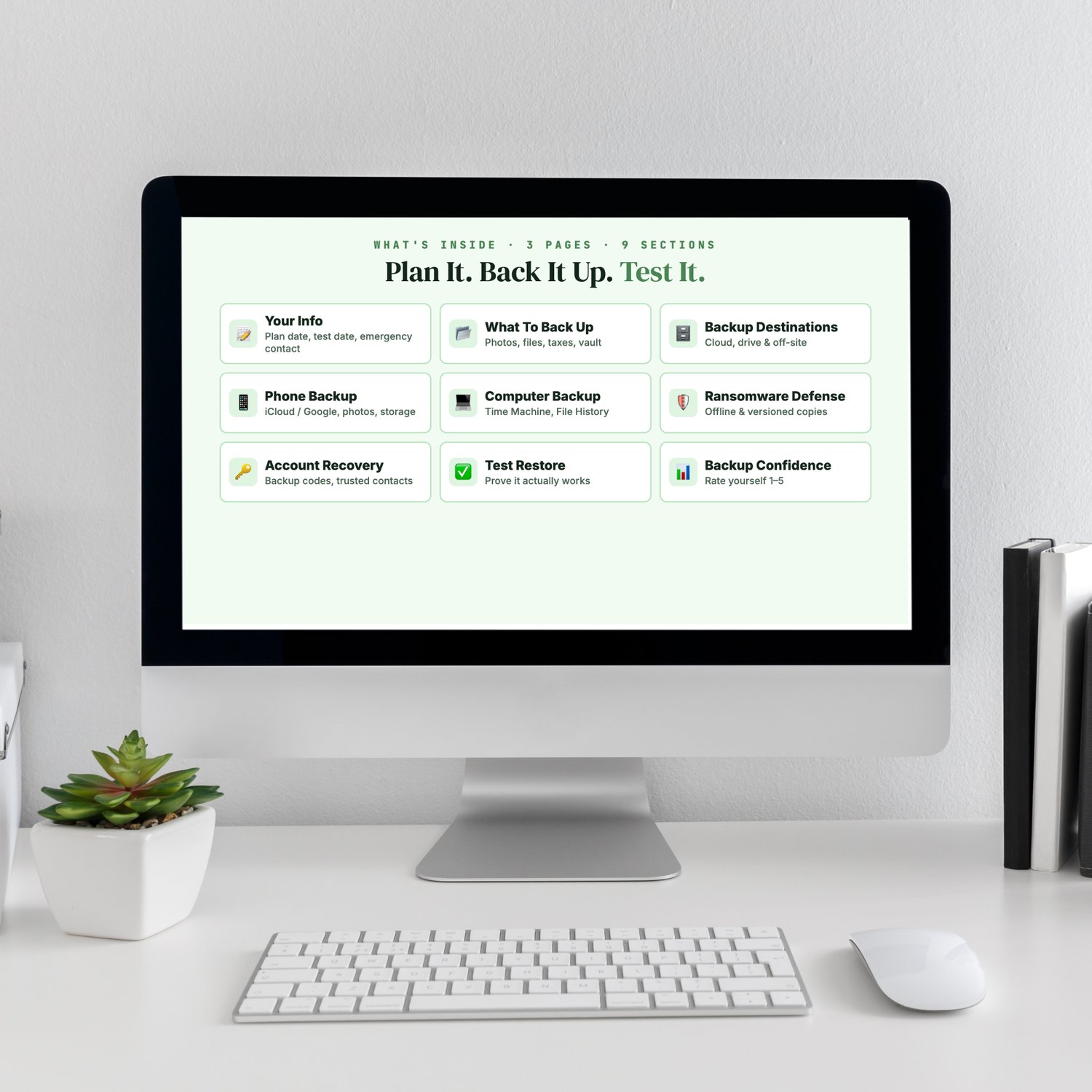
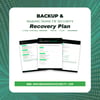
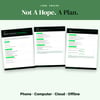
It's a 3-page printable workbook that walks you through building a backup system you can actually trust, and then proving it works:
- 📝 Your Info: plan date, next test date, and who else knows where your backups are
- 📂 What to Back Up: photos and videos, documents, financial files, important emails, password vault, tax records and ID copies
- 🗄️ Backup Destinations: cloud, a second cloud or external drive, and an off-site copy
- 📱 Phone Backup: iCloud or Google One, photo backup, storage renewal date, last successful backup
- 💻 Computer Backup: Time Machine (Mac), File History or OneDrive (Windows), regular drive backups
- 🛡️ Ransomware Defense: an offline copy, versioned cloud backup, automatic updates, security software
- 🔑 Account Recovery: printed two-factor (2FA) backup codes, recovery email and phone, recovery contacts, password manager emergency access
- ✅ Test Restore: restore a file from each backup, and log the date
- 📊 Backup Confidence: rate yourself from 1 to 5
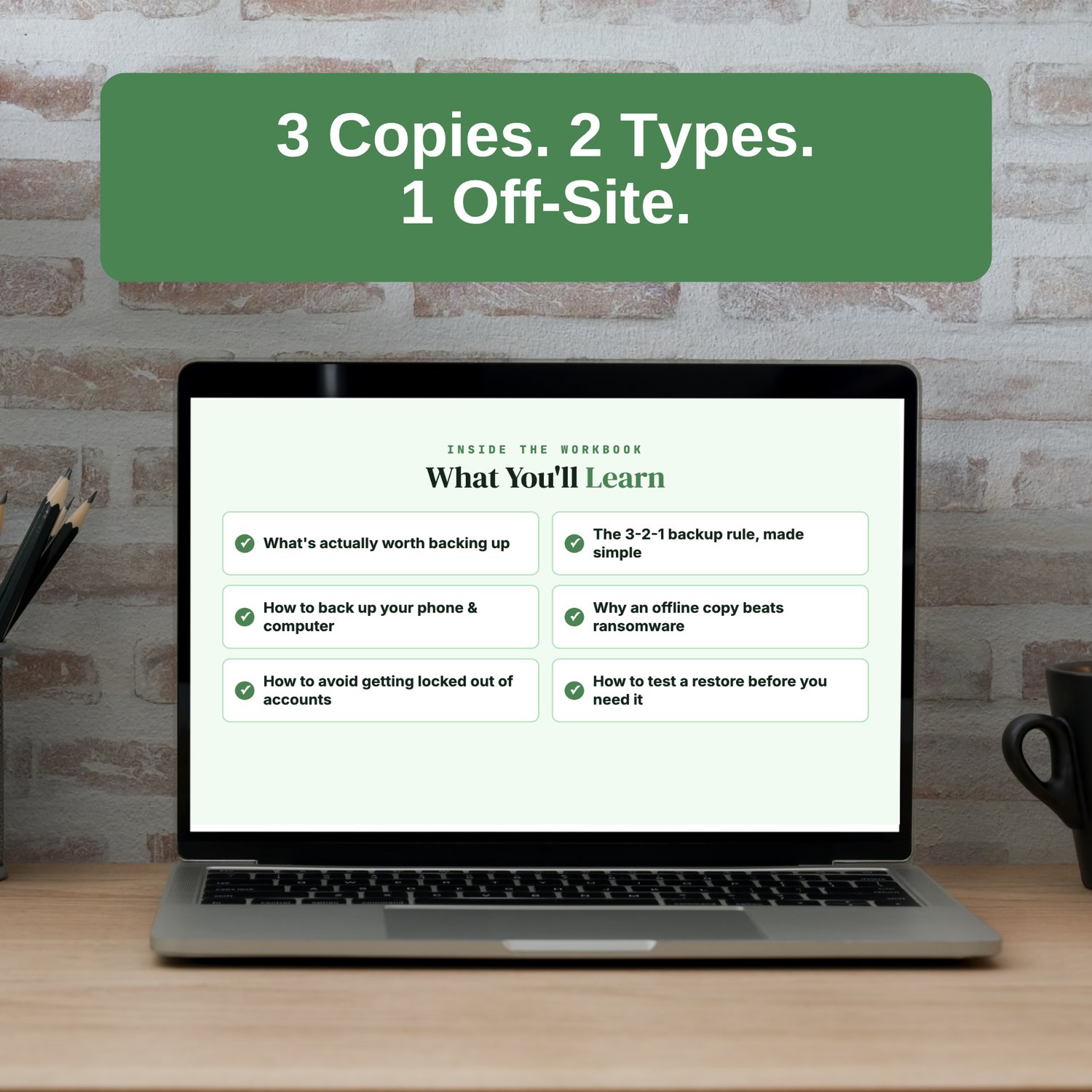
What you'll learn
- What's actually worth backing up
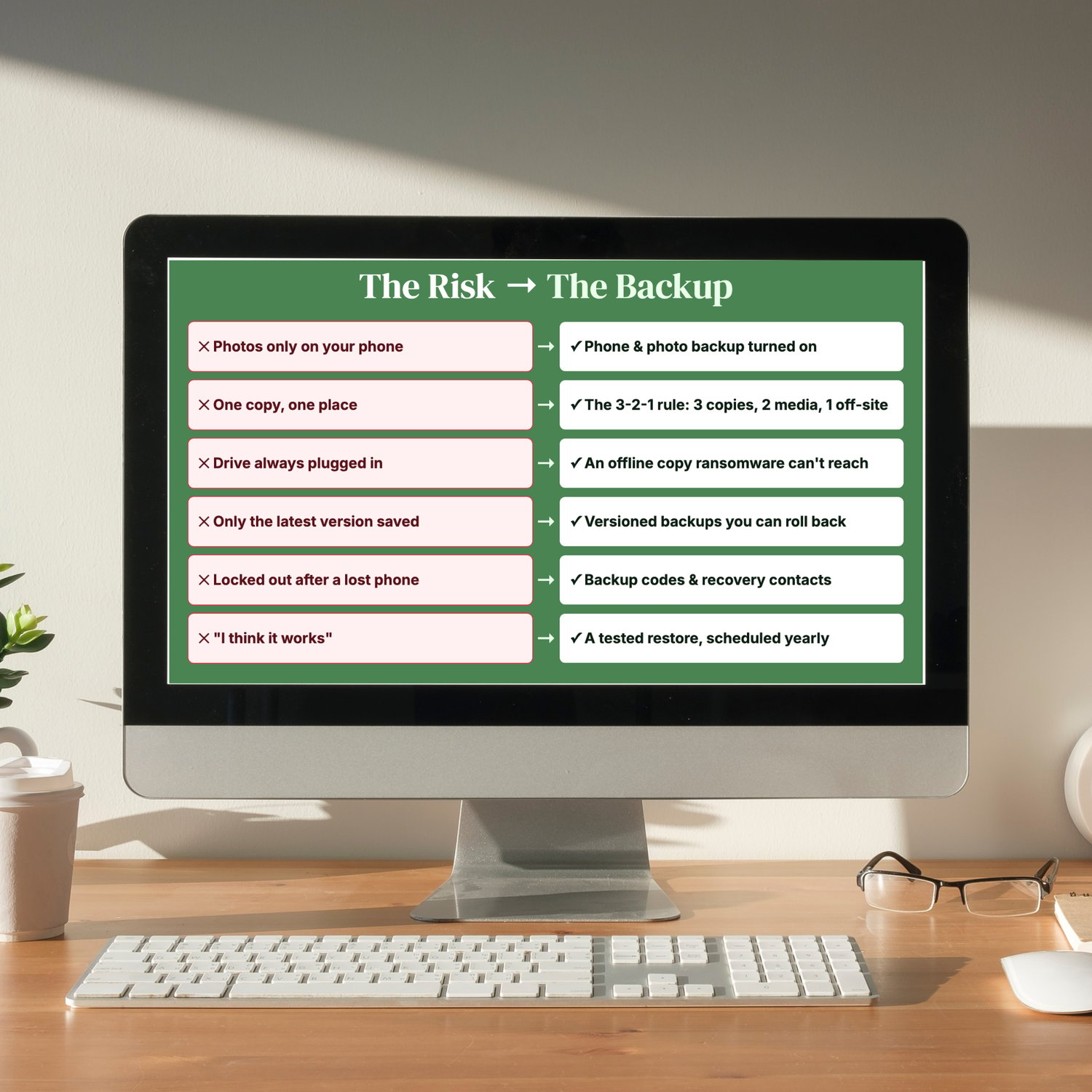
- The 3-2-1 backup rule, made simple
- How to back up your phone and computer
- Why an offline copy protects you from ransomware
- How to avoid getting locked out of your accounts
- How to test a restore before you need it
The 3-2-1 rule: keep 3 copies of anything important, on 2 different types of storage, with 1 copy off-site (the cloud counts). If the cloud is your only copy, one outage, account lockout or sync mistake can take everything with it.
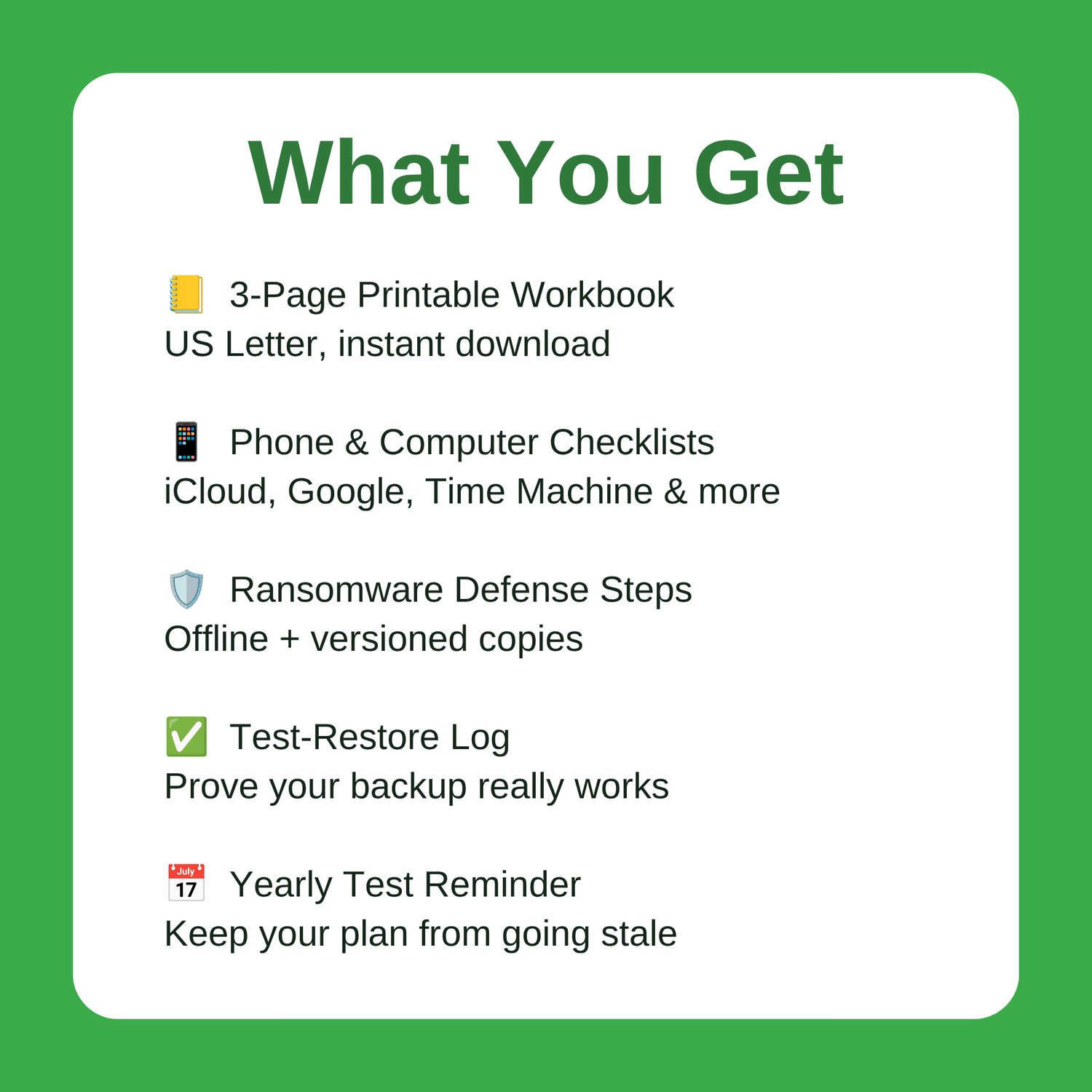
What you get: a 3-page printable PDF workbook, sized for US Letter and available as an instant download. Print it, set up your backups, test a restore, then come back to it once a year.
Great Companion Guides
- Identity Theft Warning Signs Checklist
- Spotting Malicious Apps Cheat Sheet
- Router Hardening Cheat Sheet
- Phone Location Privacy Settings Card
- Online Banking Safety Checklist
- Credit Freeze Quick-Start Card
All Sales Final. Please reference this page for details.