
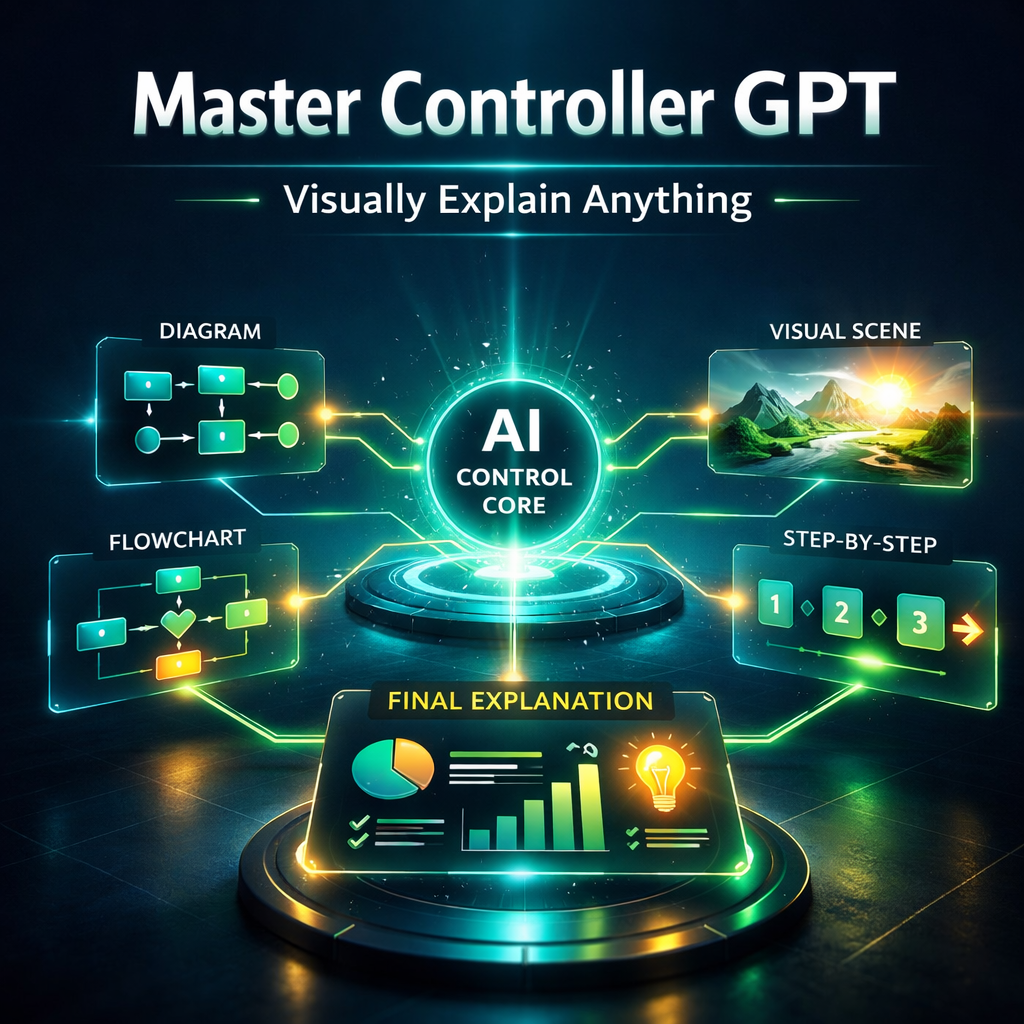
Master Controller GPT
Know Exactly What Visual To Create (And Which Tool To Use)
One of the biggest problems creators face isn’t creating visuals.
It’s knowing:
👉 What kind of visual they actually need
They sit there thinking:
• “Should this be a diagram?”
• “Do I need B-roll here?”
• “Would a story explain this better?”
• “Is this a thumbnail problem or a lesson problem?”
So they:
• guess
• try random visuals
• use the wrong format
• switch tools constantly
• overcomplicate simple ideas
This creates a hidden breakdown:
• wrong visuals for the problem
• wasted time using the wrong tools
• inconsistent teaching
• ideas that still feel unclear
The result:
👉 Even good visuals don’t fix the lesson.
The Real Problem
Most creators don’t lack tools.
They lack:
👉 clarity on which visual solves the problem
Because every moment in a video needs something different:
• a diagram
• a story
• a real-world example
• a thumbnail hook
• a structured lesson
But without a system…
👉 everything gets mixed together.
What The Visual Clarity System Controller Does
This GPT solves one specific problem:
👉 It tells you exactly which visual tool to use, and how to use it
Instead of guessing, you get:
• one correct GPT recommendation
• one correct mode (no overwhelm)
• exact inputs to use
• clear next step to execute
The goal is simple:
👉 Remove decision fatigue completely
So you can move from:
❌ “What should I do here?”
to
👉 “This is the exact visual I need.”
What This GPT Helps You Fix
This tool is built for moments like:
• “What visual should I create for this?”
• “Which tool should I use?”
• “Why is this still confusing?”
• “Am I using the wrong type of visual?”
It fixes:
• tool confusion
• overthinking
• wrong visual choices
• mixing visual types
• lack of direction
Instead of exploring options…
👉 You get a clear decision.
How The System Works
This GPT acts like a:
👉 visual decision engine
You describe what you want to create.
It:
- analyzes your goal
- selects the best GPT (only one)
- selects the best mode (only one)
- explains exactly why
- gives you the exact inputs to use
No overload.
No multiple options.
👉 Just the correct path.
Built on the Clarity Fix System
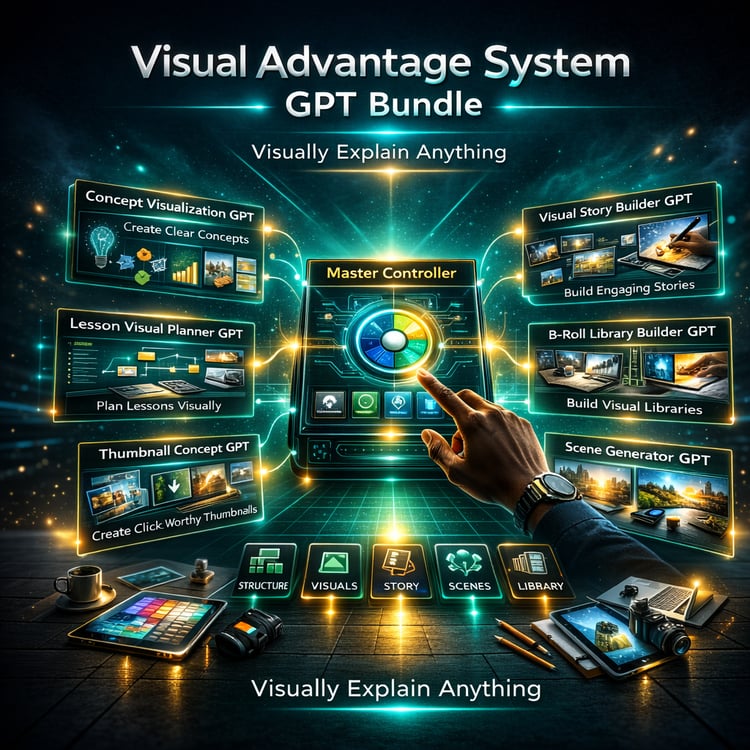
This controller routes you across all core tools:
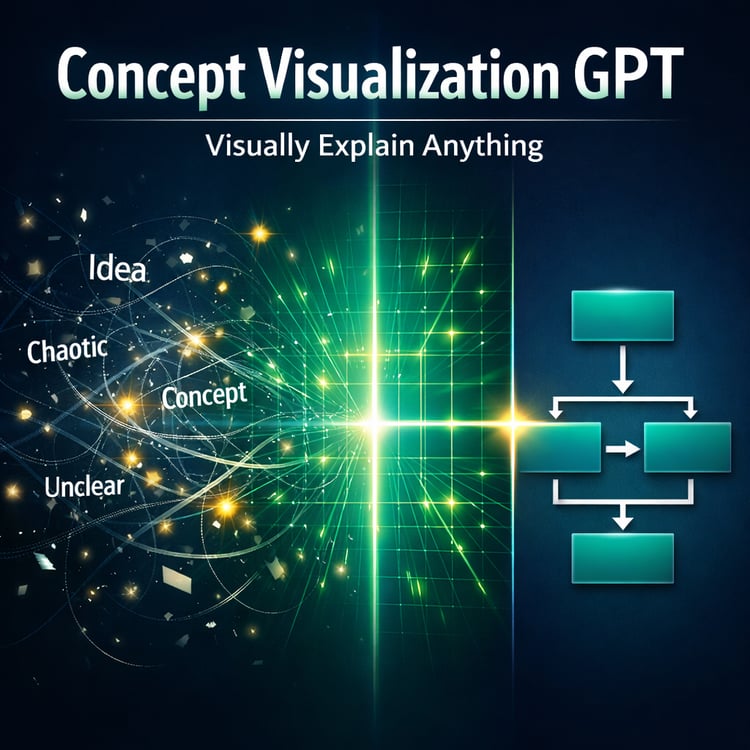
• Concept Visualization GPT → diagrams & structure
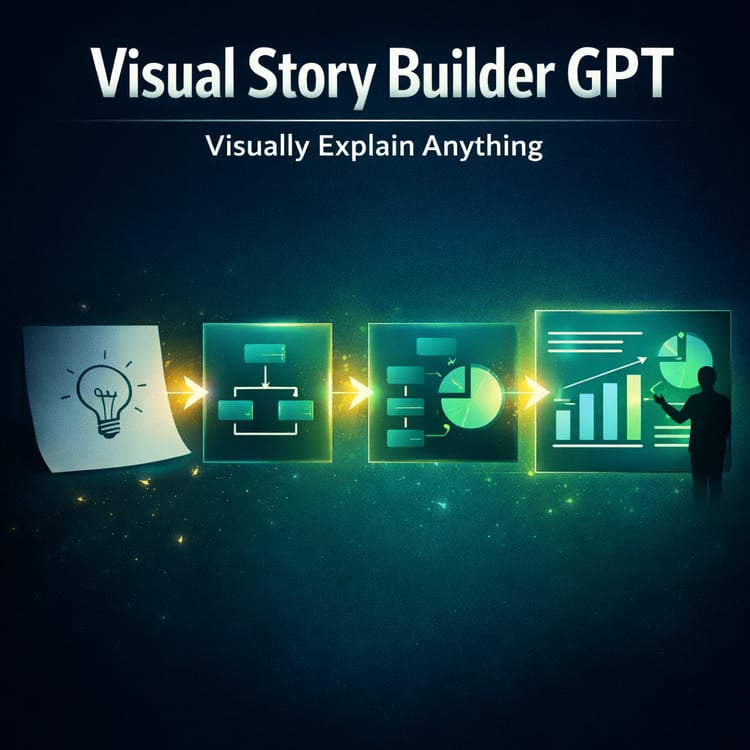
• Visual Story Builder GPT → story-based explanation
• Teaching B-Roll Generator GPT → real-world visuals
• Thumbnail Concept Generator GPT → click-driven visuals
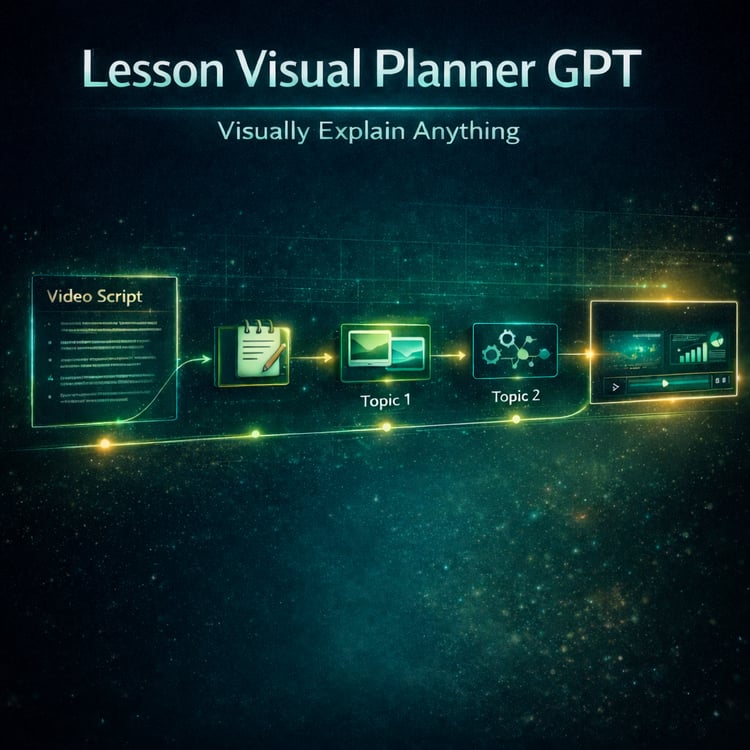
• Lesson Visual Planner GPT → full lesson structure
Instead of guessing between them…
👉 the system decides for you.
What Makes This Different
Most systems give you:
❌ more options
❌ more tools
❌ more complexity
This system does the opposite:
👉 it removes options
It enforces:
• one best tool
• one best mode
• one clear direction
Because clarity doesn’t come from more choices…
👉 it comes from the right choice.
Precision Routing (The Core Advantage)
This GPT is built on strict rules:
• never combine tools
• never suggest multiple modes
• never overload the user
• never guess inputs
Every recommendation is:
👉 focused
👉 intentional
👉 aligned to the problem
So you don’t just get advice…
👉 You get a decision.
Optional Secondary Visuals (Advanced Use)
If needed, the system can suggest:
👉 a second supporting visual
But it will always:
• separate it clearly
• keep the main focus intact
• avoid mixing visual types
This keeps your content:
👉 clean and easy to follow
Perfect For Creators Who Want To
• stop guessing what visual to create
• choose the right tool instantly
• simplify their workflow
• reduce overwhelm
• improve clarity in every video
• build a structured visual system
Whether you’re:
• planning a lesson
• building visuals
• creating B-roll
• designing thumbnails
This tool tells you:
👉 exactly what to do next.
The Result
When used correctly, something changes.
Creators stop doing this:
❌ trying multiple things and hoping something works
And start doing this:
👉 choosing the right visual immediately
Because now:
• decisions are faster
• visuals are more effective
• lessons are clearer
• the workflow feels simple
You’re no longer guessing.
👉 You’re executing with clarity.
The Role Inside Clarity Fix
Master Controller GPT is the:
👉 Entry point to the entire system
It ensures:
• Every tool is used correctly
• Every visual has a purpose
• Every decision is simplified
It solves the biggest bottleneck in content creation…
👉 Knowing how & what to create with a clear plan.
~ Clarity Fix - Your Visual Advantage System
Contains GPT Link