

Sinking Funds Tracker Spreadsheet, Paycheck Savings Goals
Does your budget look fine most months, until the car needs repairs, the insurance renewal shows up or the holidays arrive and wipe out everything you saved?
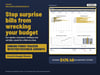
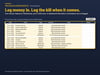
This sinking funds tracker spreadsheet spreads those bills out ahead of time. List each expense you know is coming, and it tells you exactly how much to set aside each month and each paycheck, which funds are on track and which ones need a catch-up. It works with Excel & Google Sheets.
WHY THIS ONE
• A per paycheck amount for every fund, whether you are paid weekly, every 2 weeks, twice a month or monthly.
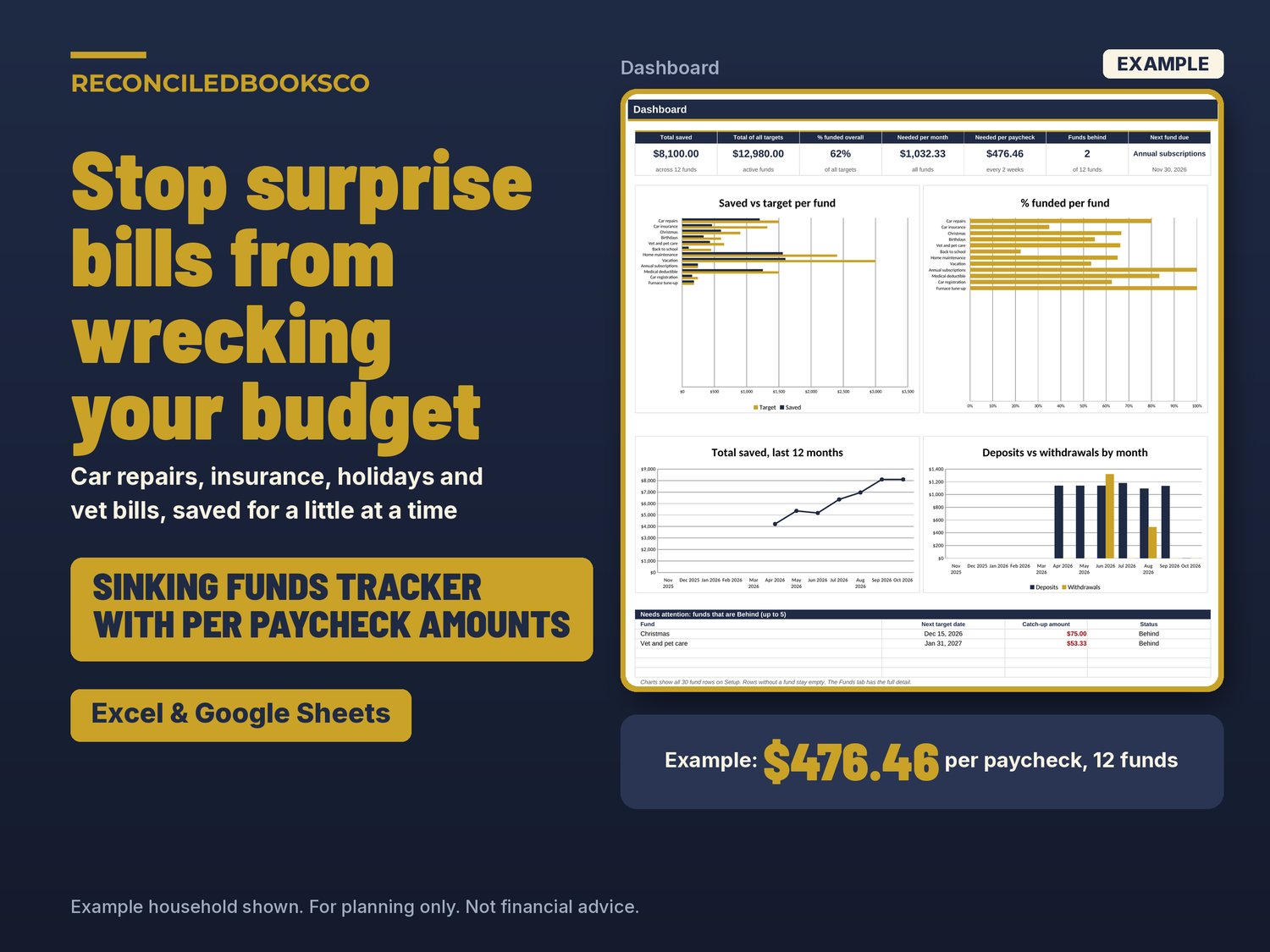
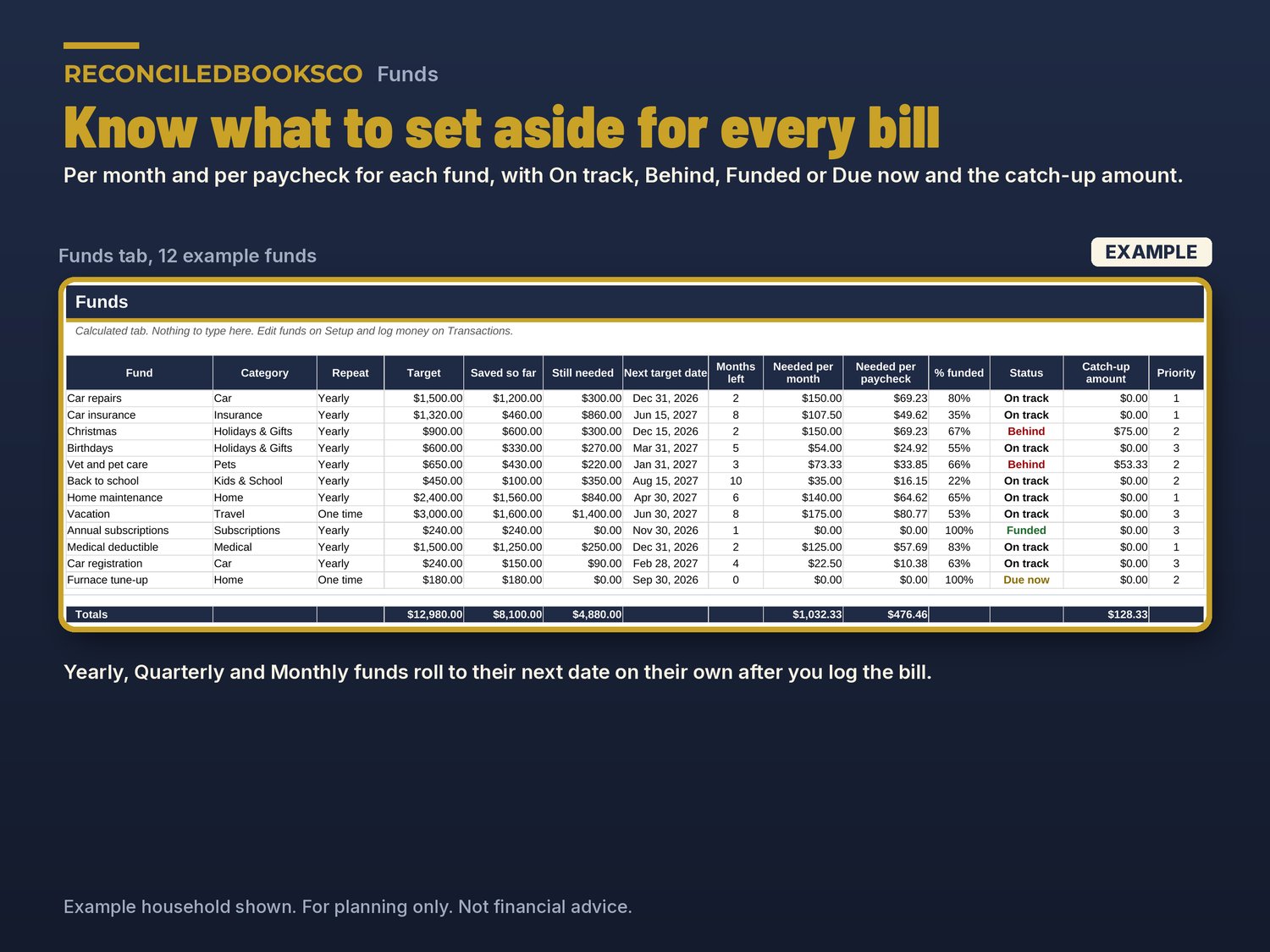
• A clear status for each fund: On track, Behind, Funded or Due now, with the exact catch-up amount when you fall behind.
• Yearly, quarterly and monthly bills roll to their next due date on their own once you log the payment.
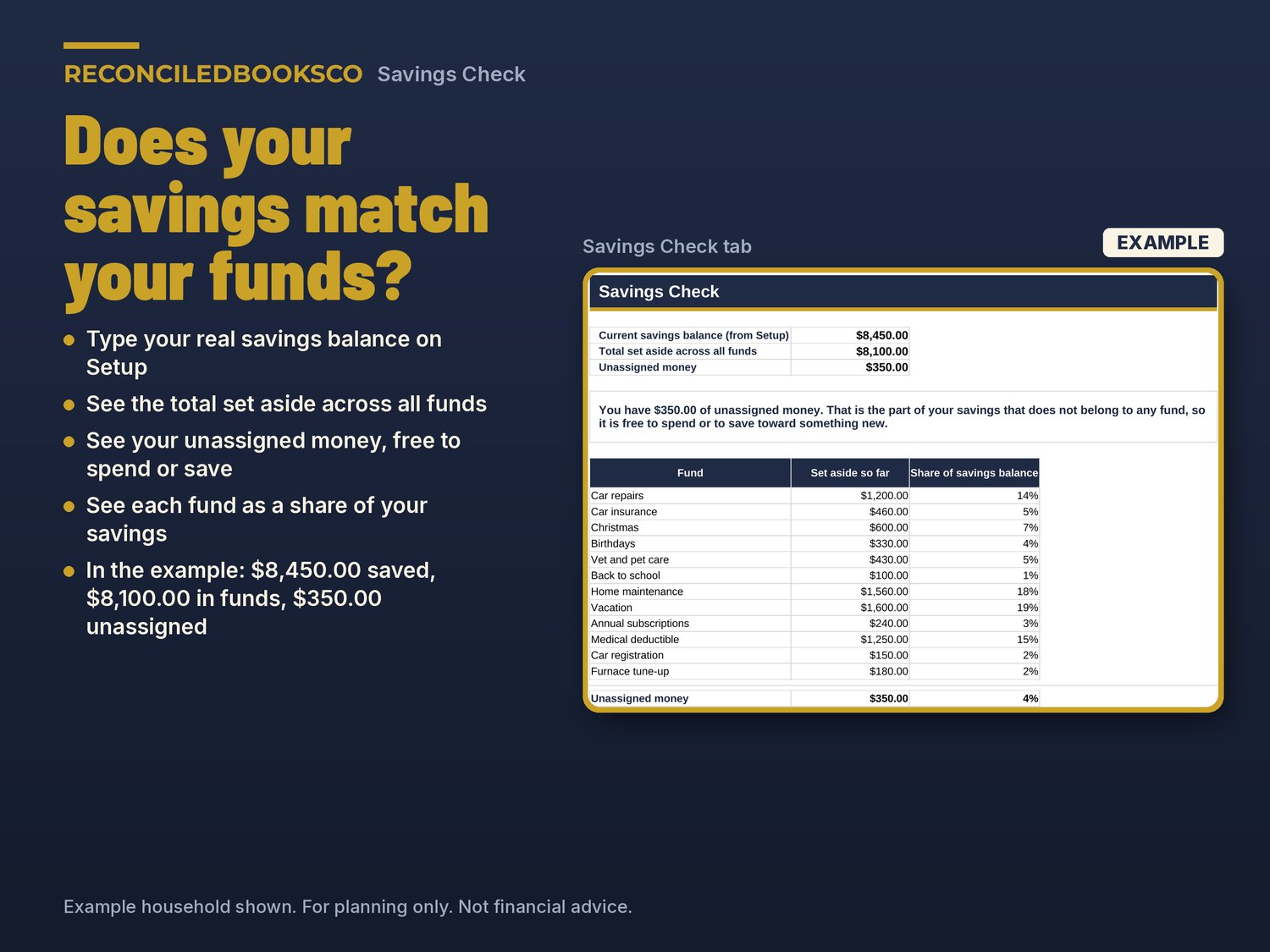
• A Savings Check that compares your real savings balance with your funds, so you know how much is truly free to spend.
WHAT'S INCLUDED (3 files)
• Sinking_Funds_Tracker.xlsx: the blank workbook for your own funds
• Sinking_Funds_Tracker_EXAMPLE.xlsx: the same workbook filled in for a made-up household with 12 funds and six months of activity, so you can see it working before you start
• START_HERE.txt: what to open first and how to open it in Google Sheets
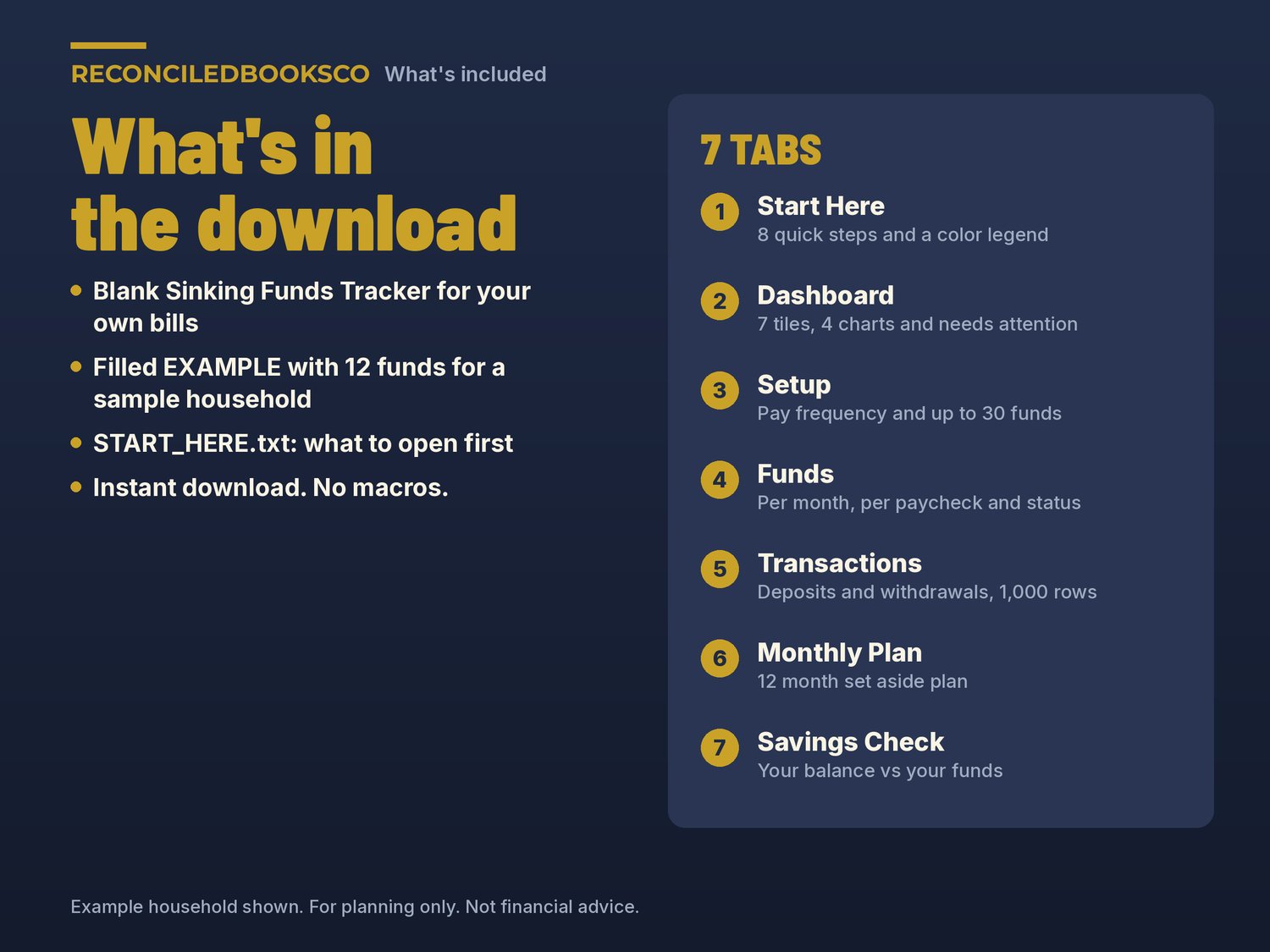
THE 7 TABS
• Start Here: 8 quick steps, a color legend and what each status means
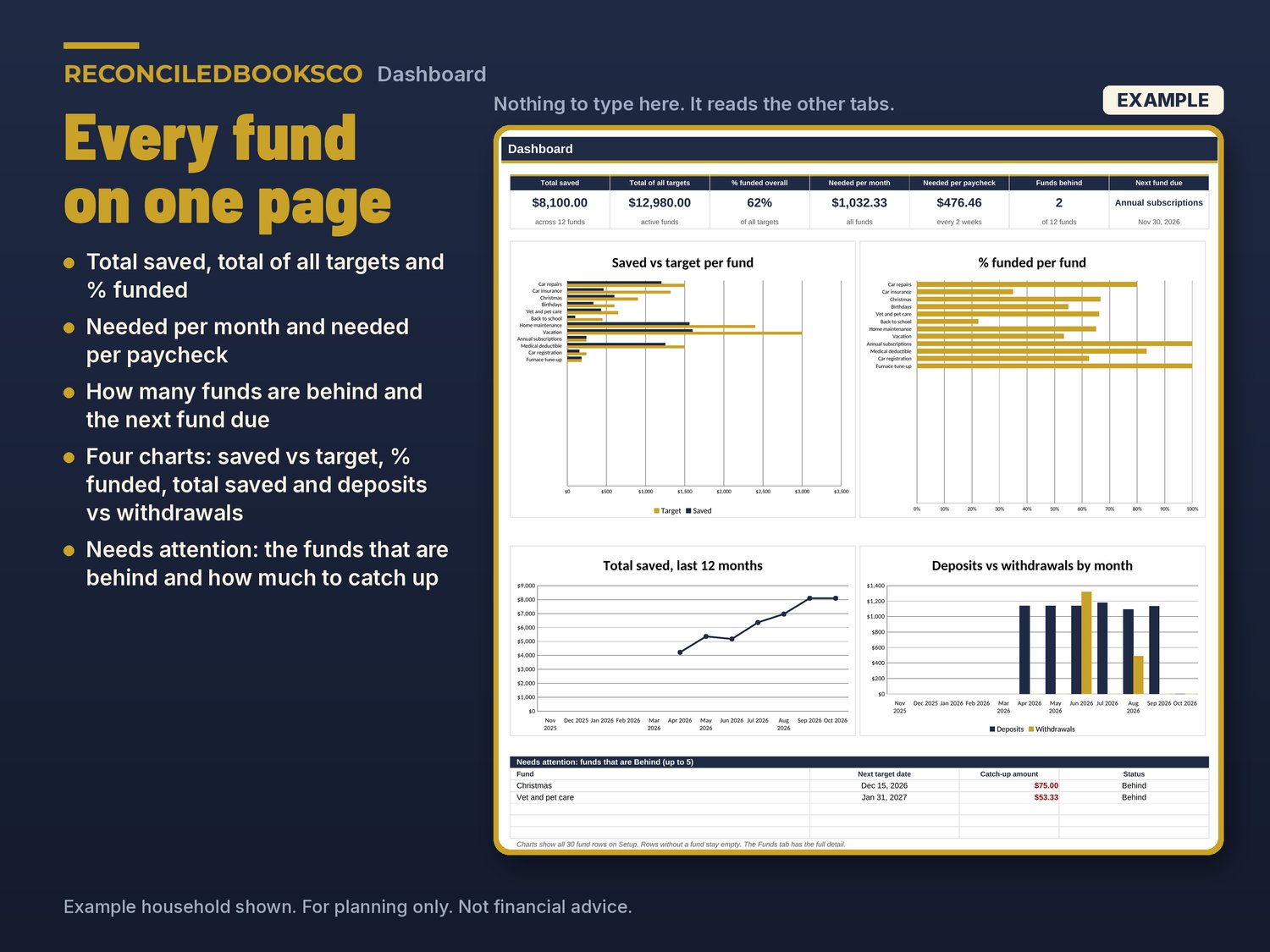
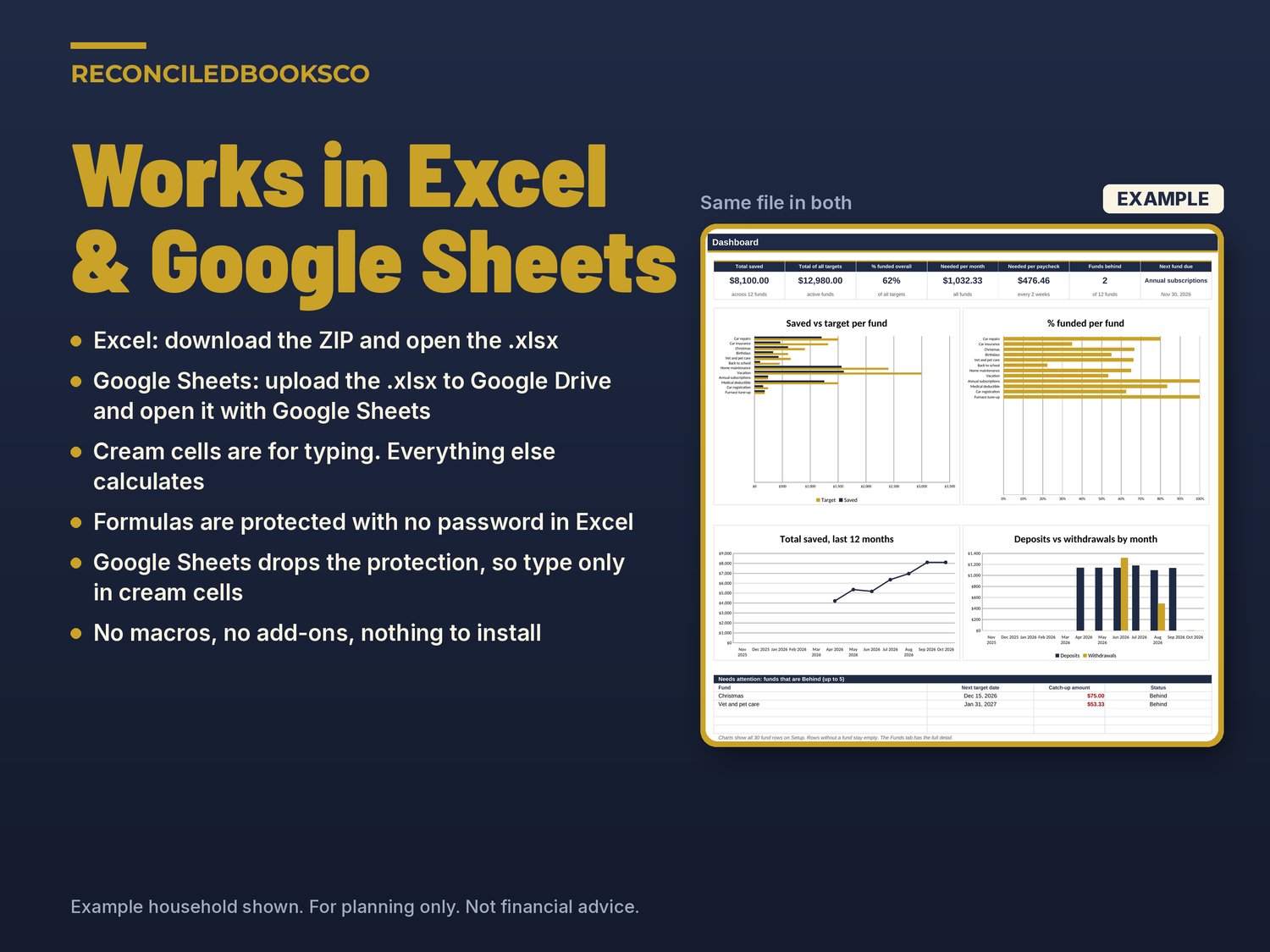
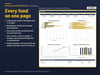
• Dashboard: total saved, total of all targets, % funded, needed per month, needed per paycheck, funds behind and next fund due, plus 4 charts (saved vs target, % funded, total saved over the last 12 months, deposits vs withdrawals) and a Needs attention list
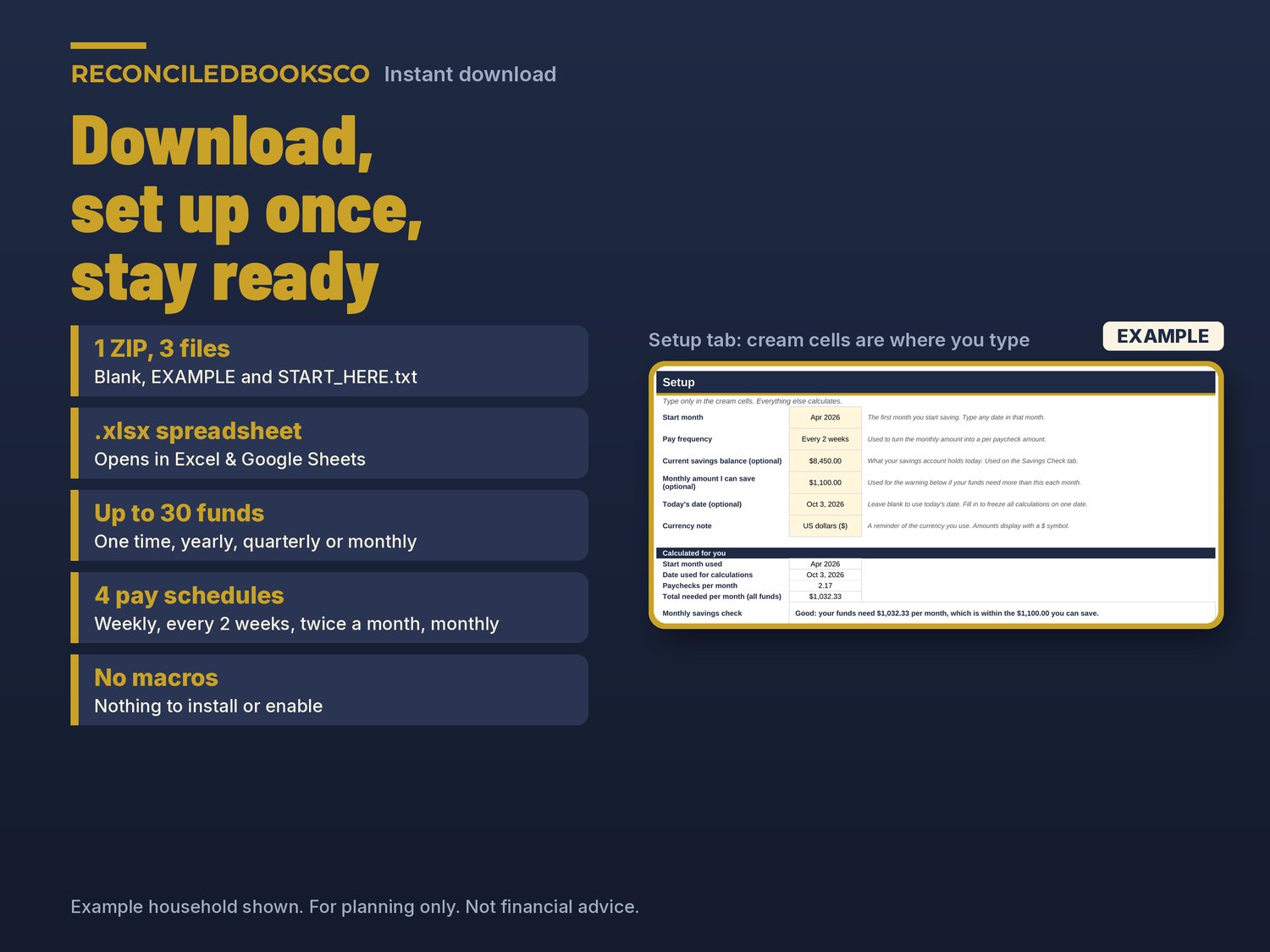
• Setup: start month, pay frequency, an optional savings balance and monthly savings amount with a budget check, and up to 30 funds with category, target, date, repeat, amount already saved and priority
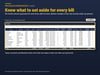
• Funds: still needed, months left, needed per month and per paycheck, % funded, status and catch-up for every fund
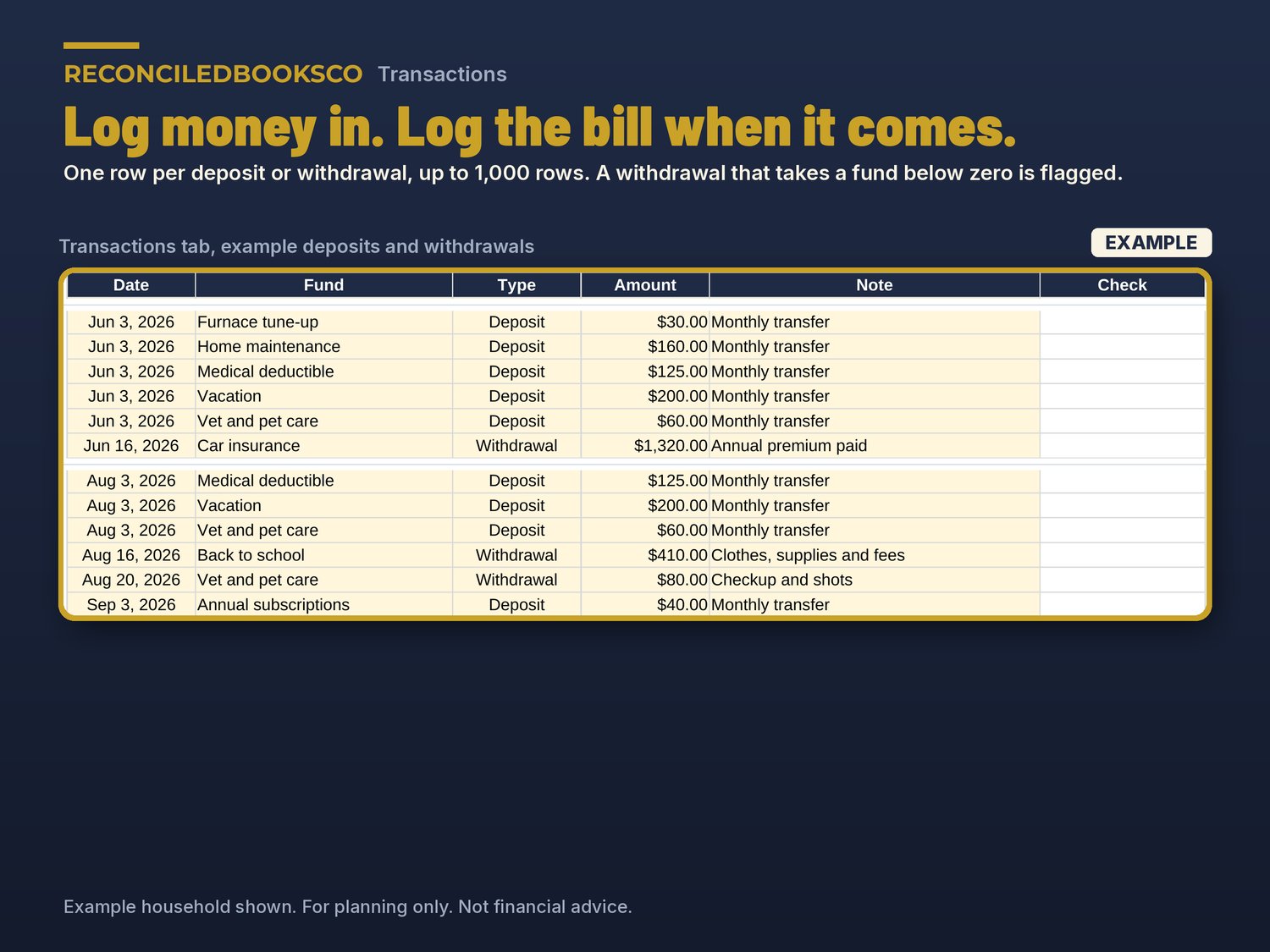
• Transactions: up to 1,000 deposits and withdrawals, with a flag if a withdrawal takes a fund below zero
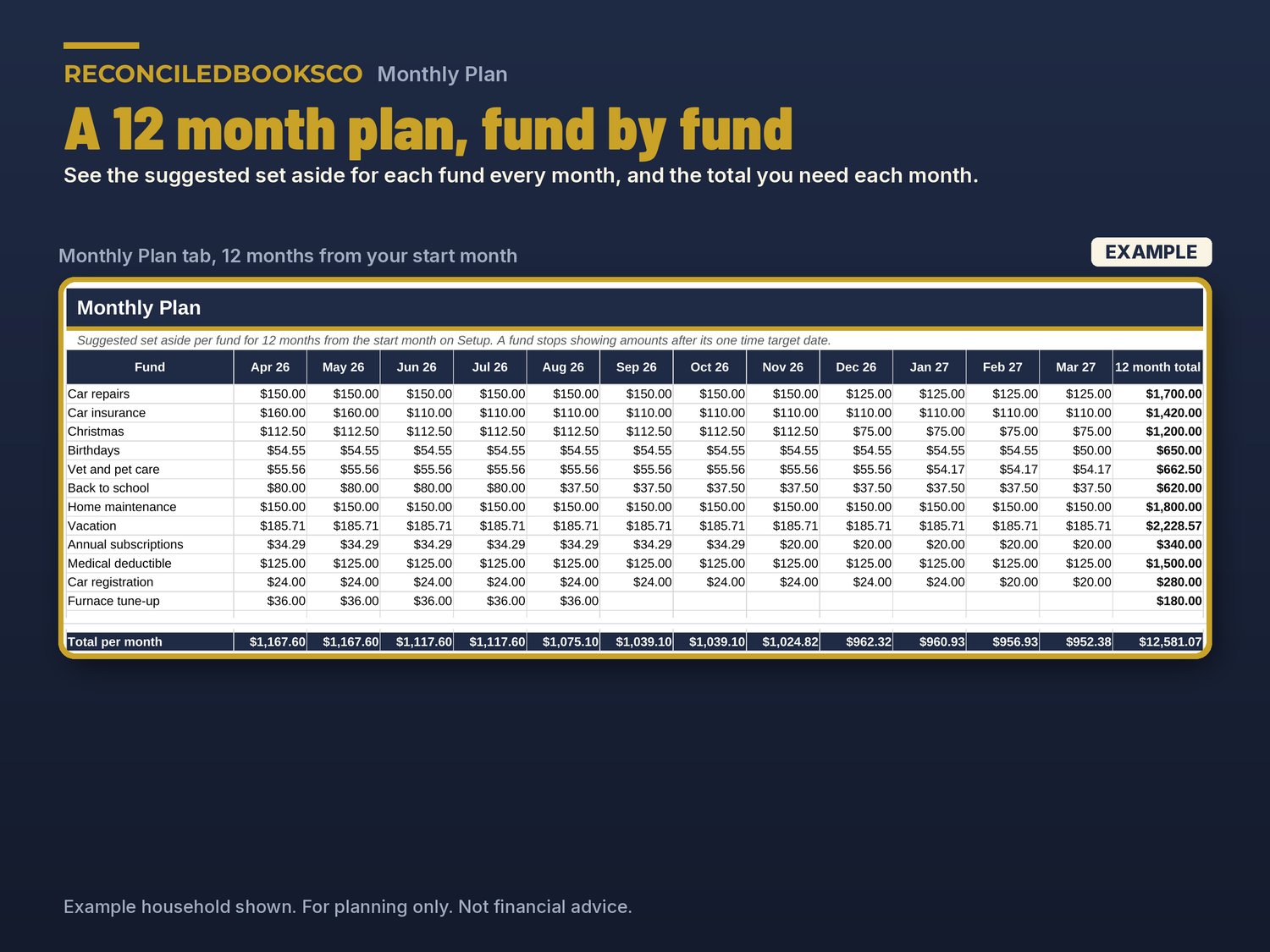
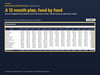
• Monthly Plan: a 12 month set aside plan for each fund, with monthly totals
• Savings Check: your savings balance, the total set aside across all funds and your unassigned money
HOW IT WORKS
1. Look through the EXAMPLE file for a few minutes.
2. In the blank file, enter your start month, pay frequency and upcoming expenses on Setup.
3. Open Funds to see what to set aside each month and each paycheck.
4. Log deposits and bill payments on Transactions and check the Dashboard.
Cream cells are the ones you type in. Everything else is calculated. No macros. It follows your start month, so you can start any month of any year.
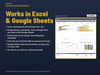
WORKS WITH EXCEL & GOOGLE SHEETS
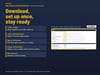
Excel: download the ZIP and open the blank .xlsx (Excel 2016 or later). Formula cells are protected with no password so they don't get typed over by accident.
Google Sheets: upload the .xlsx to Google Drive and open it with Google Sheets, or use File > Import > Upload. Google Sheets doesn't keep the sheet protection, so type only in the cream cells there.
INSTANT DOWNLOAD · DIGITAL DOWNLOAD ONLY · FINAL SALE
This is a digital download. No physical item will be shipped. Files are available right after purchase. Because of the nature of digital downloads, all sales are final (see shop policies for detail).
DISCLAIMER
For planning only. Not financial advice. Results are estimates based on the numbers you enter.
Built by ReconciledBooksCo, a small shop run by an experienced accountant.
Disclaimer: These templates are organizational tools only and are not tax, legal or accounting advice. Check with a qualified professional for your situation.