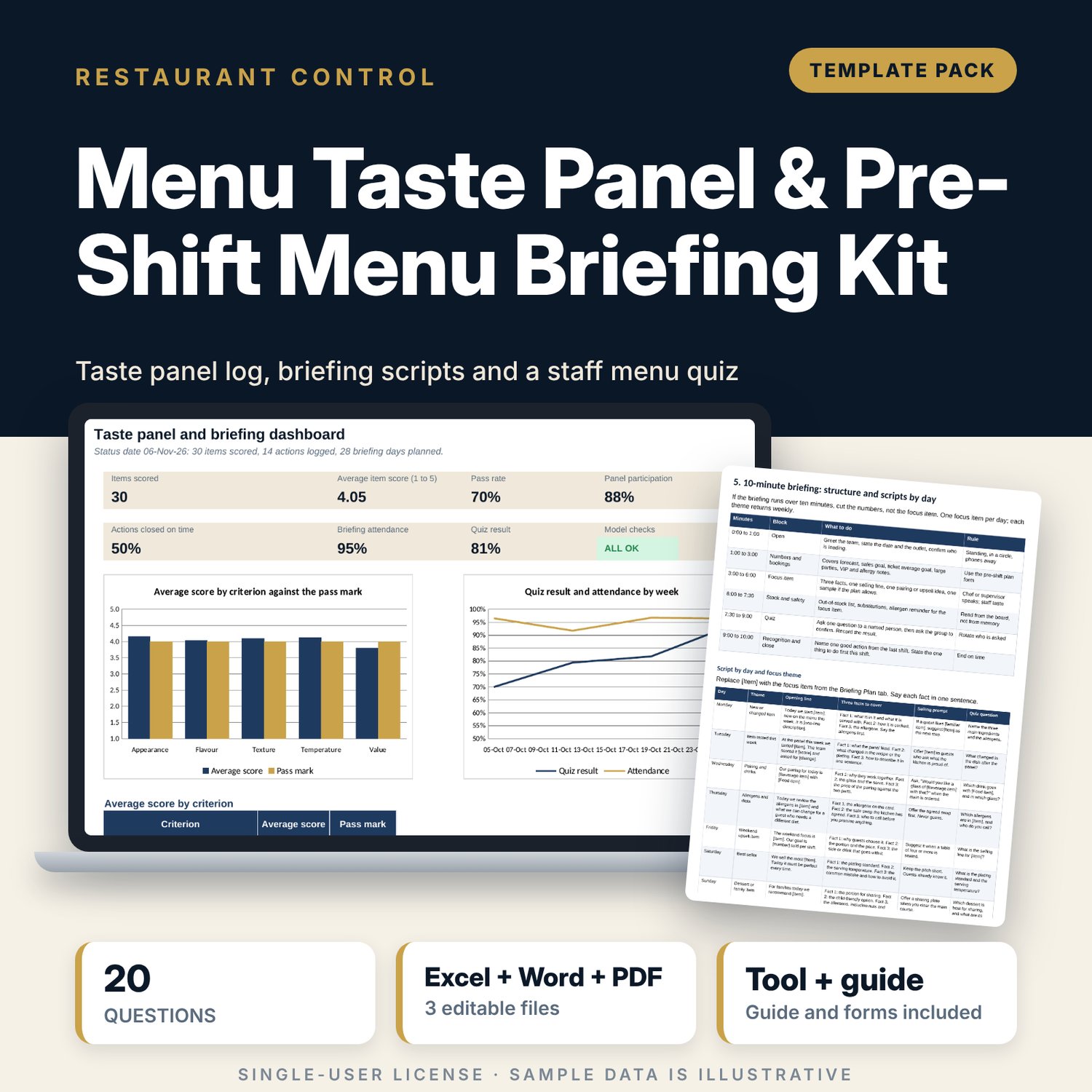
Menu Taste Panel & Pre-Shift Menu Briefing Kit: Menu Taste Panel Template and Pre-Shift Briefing Scripts
Full description
For restaurant and bar managers, chefs and F&B trainers who want menu changes tasted properly and carried to the floor before service. The workbook logs a weekly taste panel (12 sessions, 3 items each, five criteria scored 1 to 5, item score as the average against a pass mark), a feedback log that tracks every action to a closed date, and a 28-day briefing plan with minutes, attendance, a daily quiz result and focus-item units against a baseline. The 9-page Word pack gives you the panel run sheet, score sheet, action form, pre-shift plan, 10-minute briefing scripts for each day and focus theme, and a 20-question staff menu quiz.
What is inside
- Menu_Taste_Panel_Tracker.xlsx: 7 tabs, 404 formulas, 2 native charts, 16 drop-down and input rules
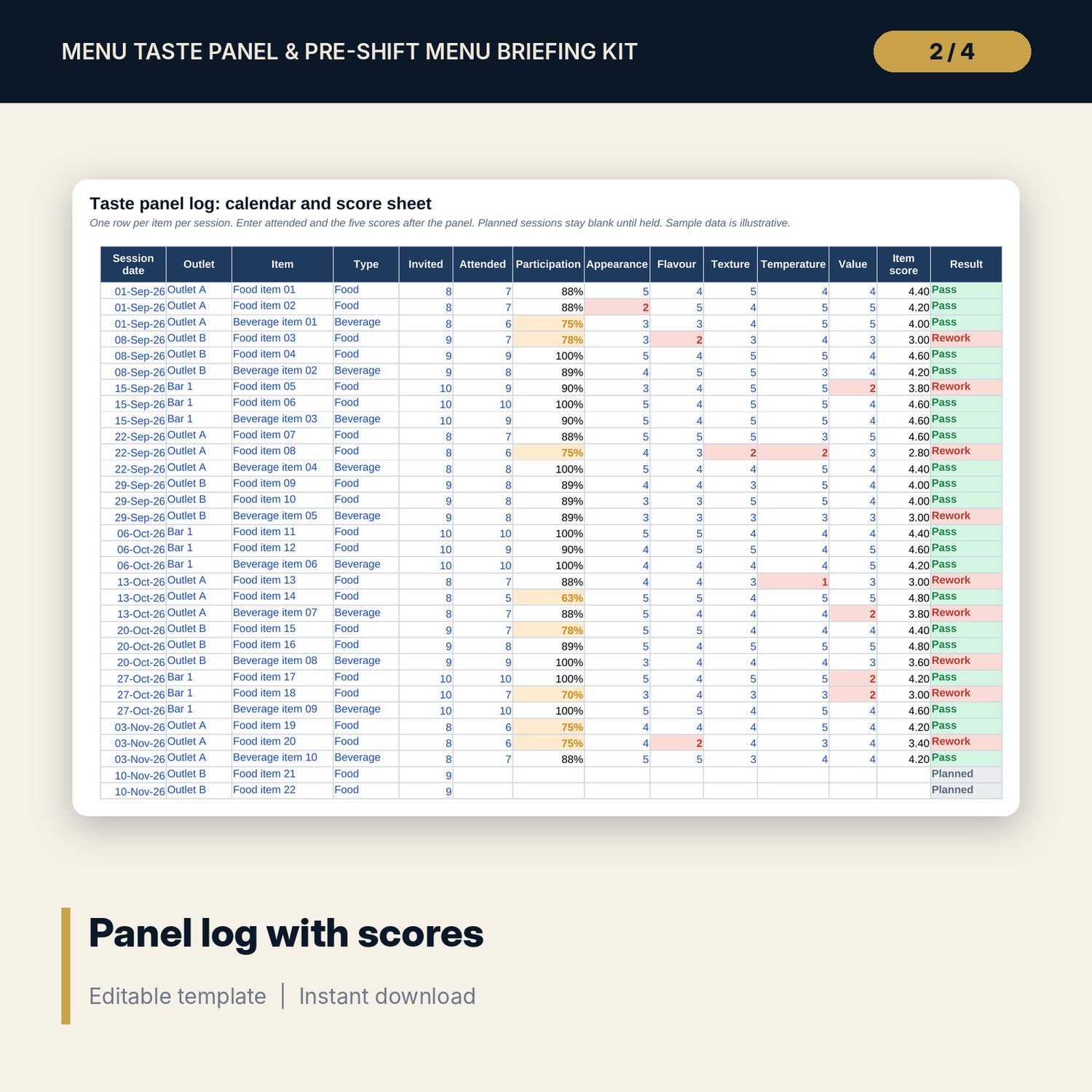
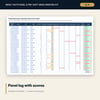
- Panel Log: 12 weekly sessions (36 item rows, 10 held and 2 planned) with participation, five criterion scores, item score and a Pass or Rework result, plus 14 spare rows
- Feedback Log: 14 sample actions with owner, due date, closed date and an on-time, late or overdue status, plus 16 spare rows
- Briefing Plan: 28 days across 7 focus themes with attendance, quiz result, focus-item units, baseline and lift, plus 7 spare rows
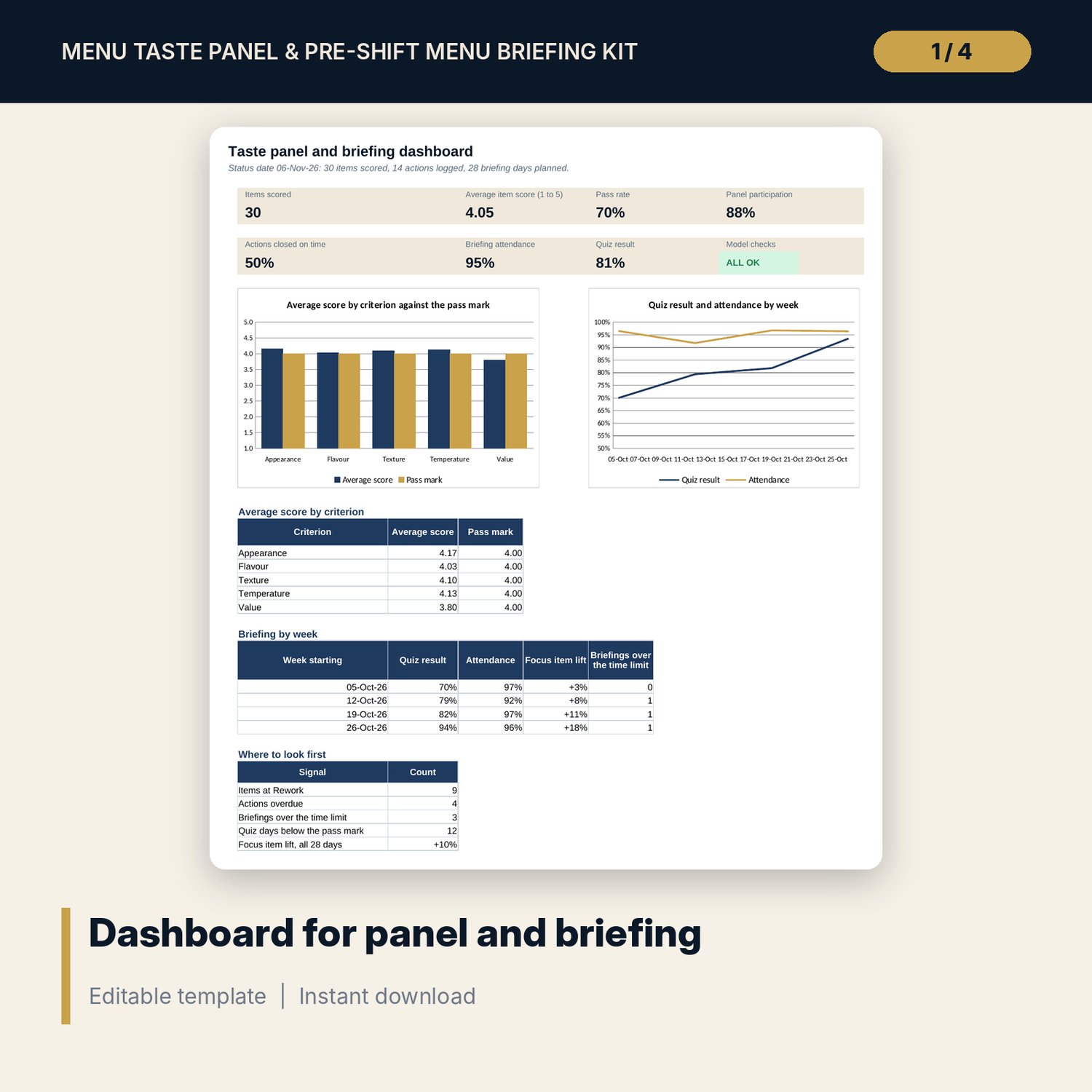
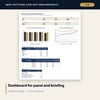
- Dashboard: 8 tiles (one is the check status), 2 charts and a weekly briefing table; 8 integrity checks on the Checks tab
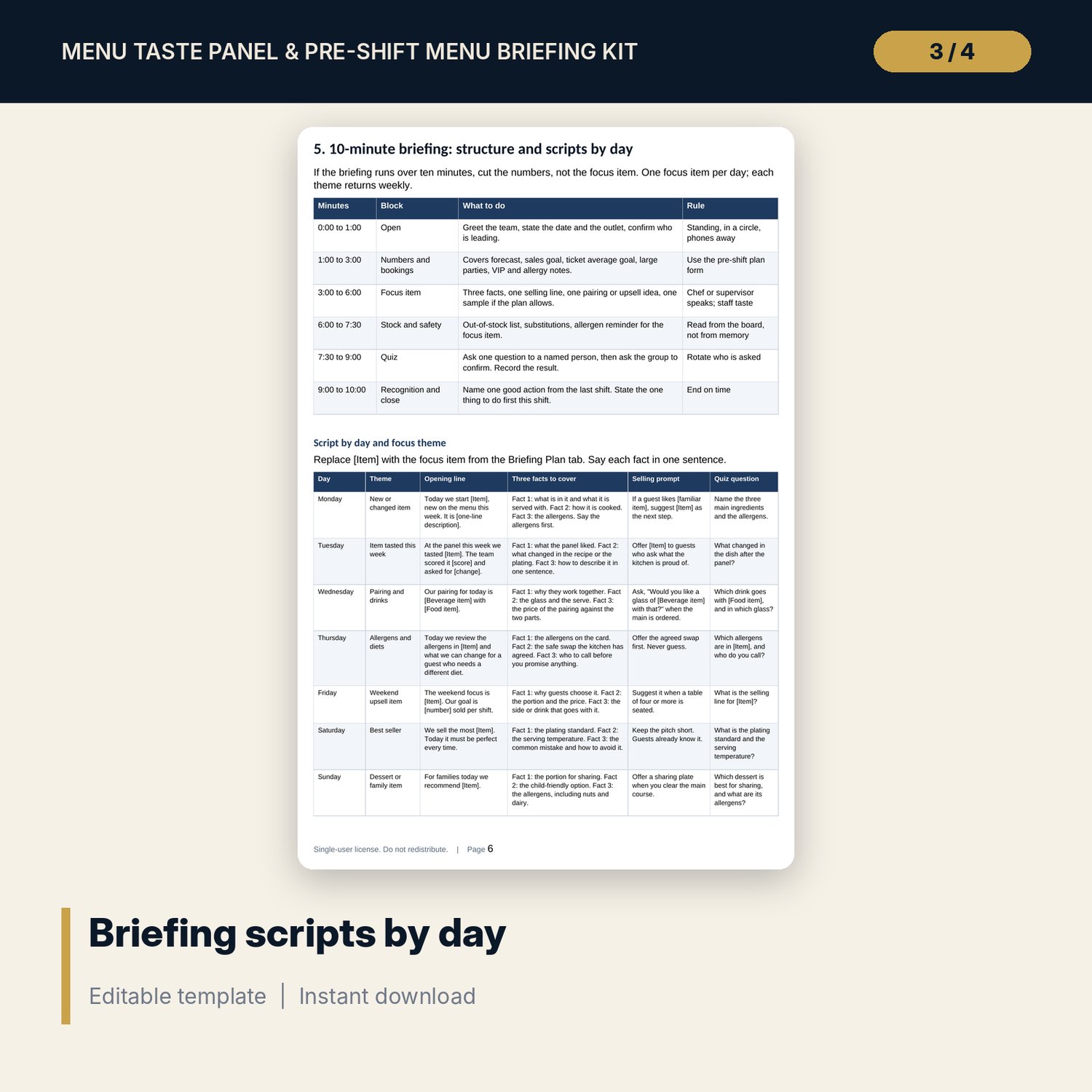
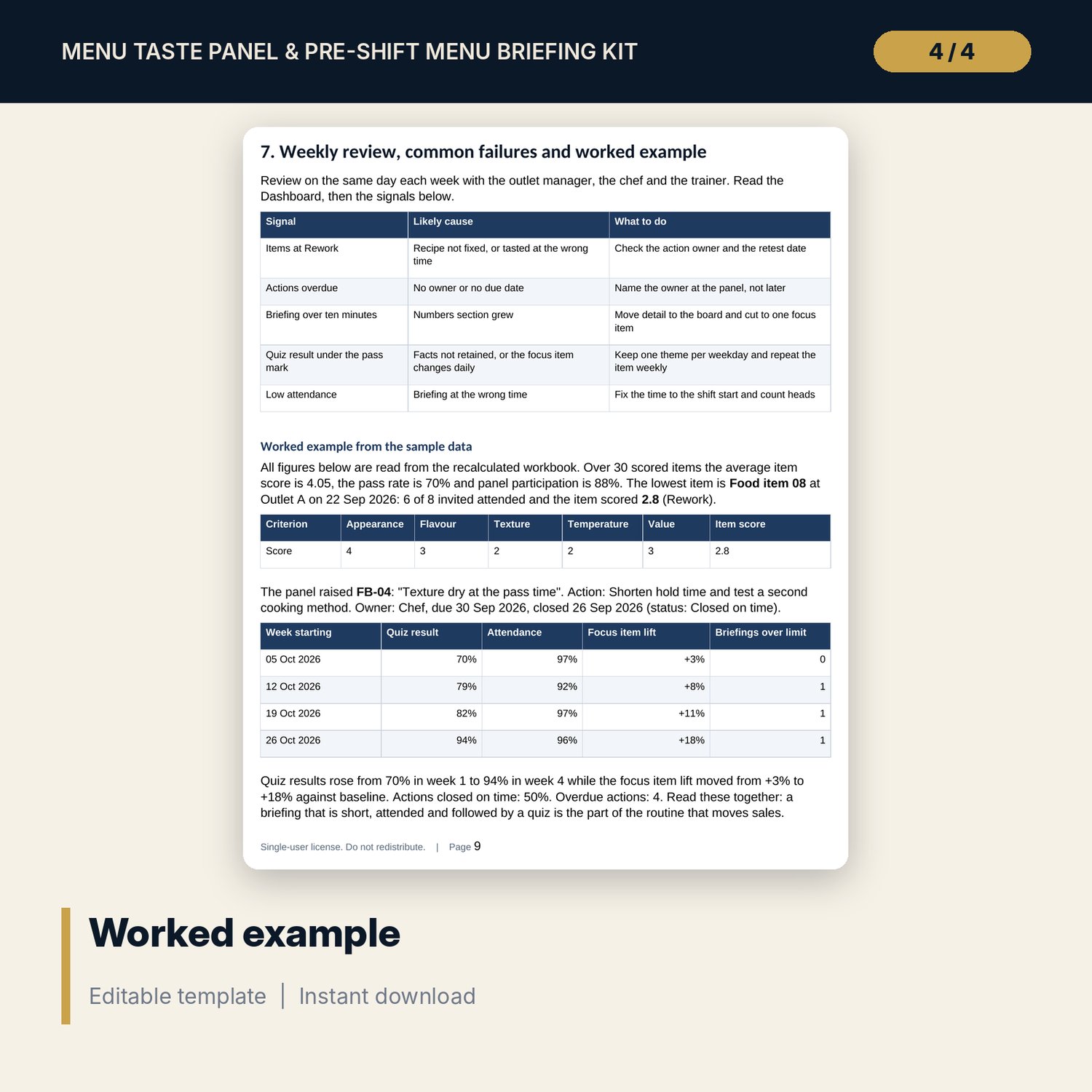
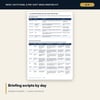
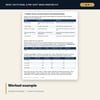
- Menu_Taste_Panel_and_Briefing_Forms.docx and PDF: 9 pages with a panel run sheet, 13-point standards checklist, score sheet, action form, pre-shift plan form, 7 scripts by day, a 20-question staff quiz and a worked example
- README.txt and LICENSE-and-Terms.txt
How it works
- Set the pass mark, targets and status date on Settings.
- Run the panel weekly and enter the five scores for each item on Panel Log.
- Log an action for every Rework item and close it with a date.
- Plan the focus item for each day, deliver the 10-minute briefing and record attendance and the quiz result.
- Read the dashboard each week and review the signals with the chef and the trainer.
Details
- Formats: 1 Excel workbook (.xlsx), 1 forms and scripts pack in Word (.docx) and PDF, English
- Software: Excel 2016 or later, or LibreOffice Calc 7 or later
- No macros, no external links, no data tables, no array formulas
- 3 files plus README and license; instant digital download
Good to know
- Sample data is illustrative. Replace it with your own figures.
- Pass marks, targets and times are editable starting points. Verify allergen, hygiene and local requirements.
- The files support a routine. They are not food-safety or legal advice.
- Single-user license. Do not redistribute.
FAQ
How is the item score calculated?
It is the average of five criteria (appearance, flavour, texture, temperature, value), each scored 1 to 5. The pass mark is an input on Settings.
Can I change the criteria?
The criterion names are column headings and can be edited. The five-score structure stays the same.
How does the workbook measure the briefing?
Each day records minutes, staff on shift, attended, quiz asked and correct, and focus-item units against a baseline. Weekly figures appear on the Dashboard.
Is the staff quiz specific to one menu?
No. The 20 questions use bracketed items that you replace with this week's menu, grouped into four themes.
Do I need macros?
No. Every result is a standard worksheet formula.