Lobby Coffee Bar & Third-Space Planner: Coffee Shop Business Plan Template
Full description
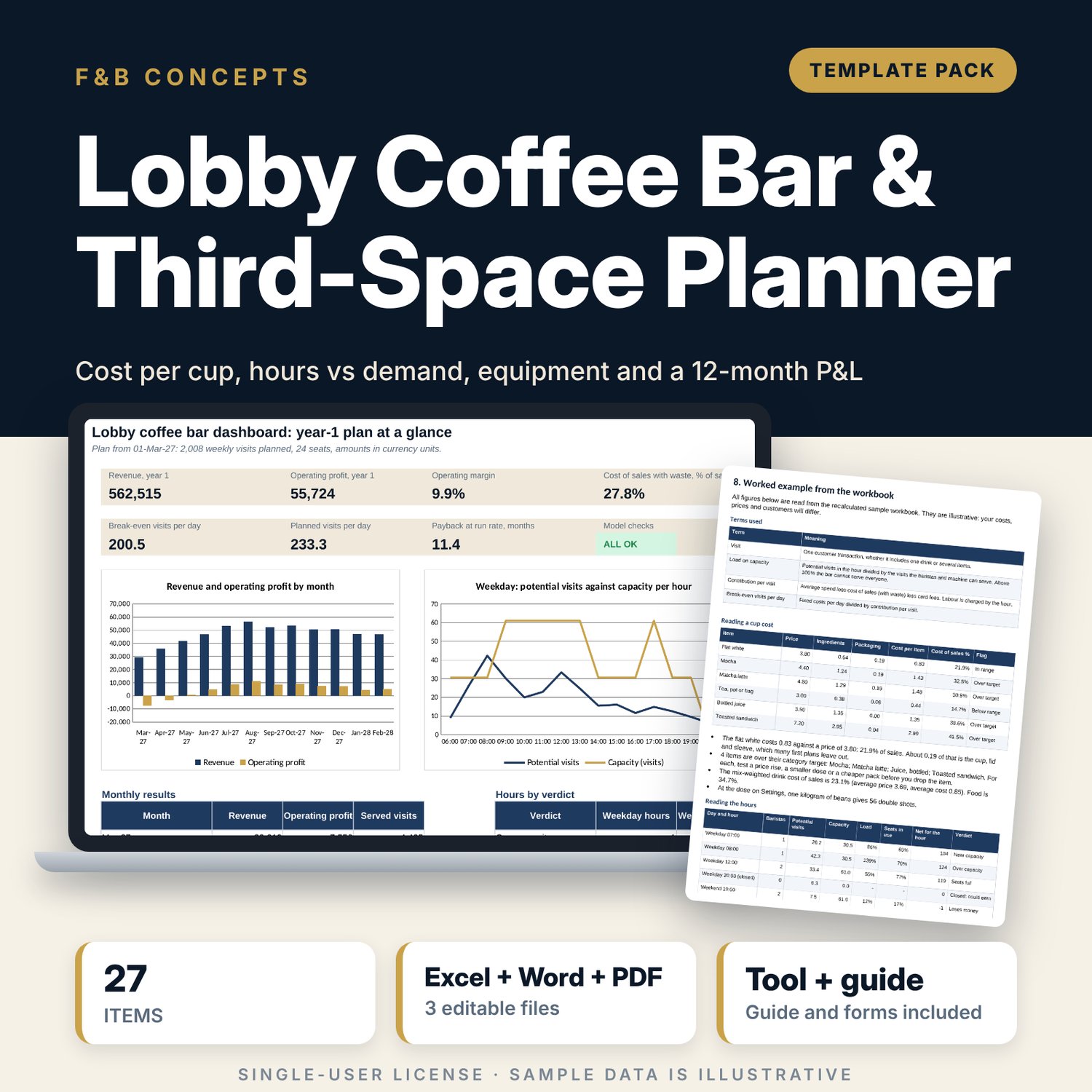
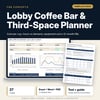
For hotel food and beverage managers, general managers and independent operators who plan a coffee bar in a lobby or other shared space. The workbook costs 27 menu items from ingredient and pack prices, builds weekday and weekend demand from 8 local customer segments, tests each of 32 hours against barista, machine and seat capacity, and runs a 12-month P&L with break-even visits per day and payback. A Word concept brief gives you the brief to send for approval, the third-space and cup standards, a daily checklist and an opening countdown.
What is inside
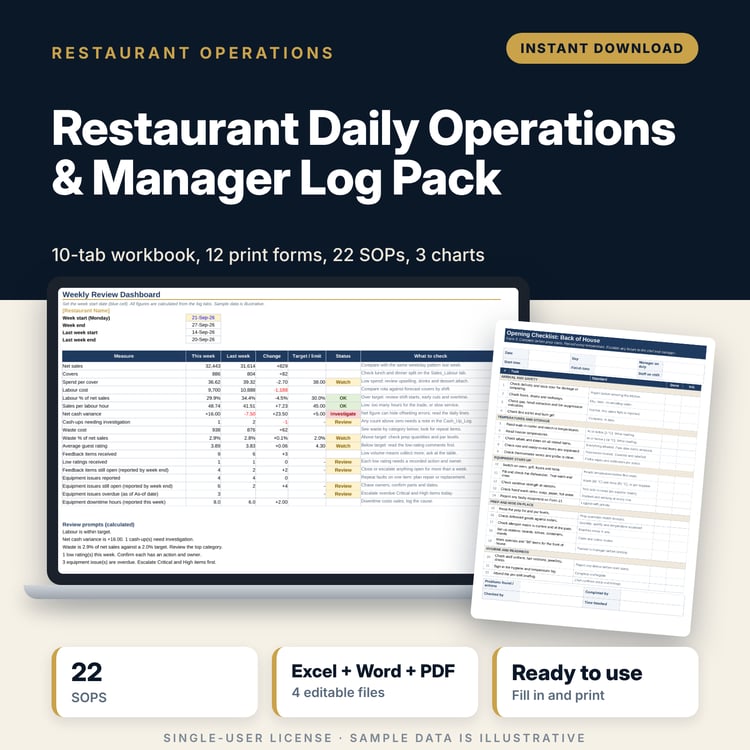
- Lobby_Coffee_Bar_Planner.xlsx: 7 tabs, 1,309 formulas, 2 native charts, 32 drop-down and input rules, 8 integrity checks
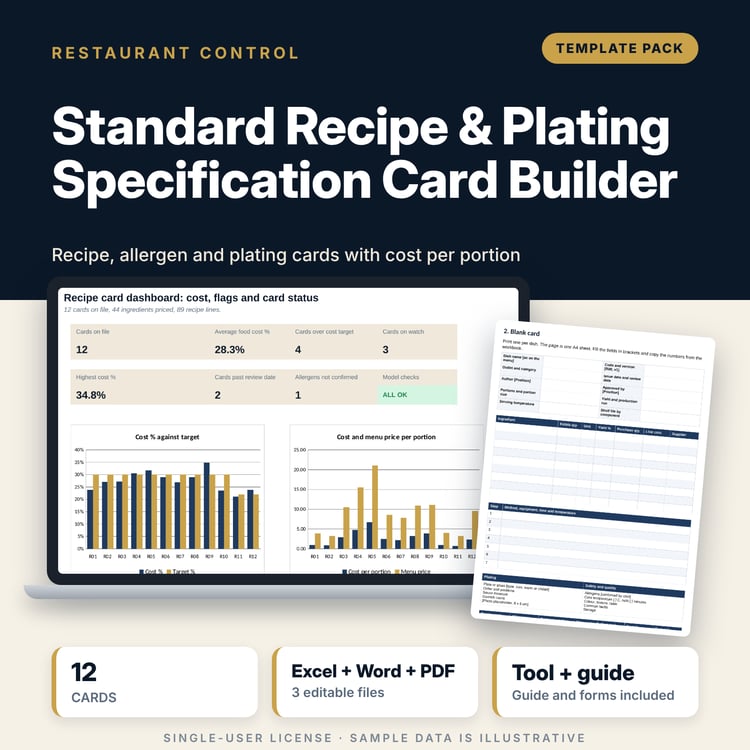
- Menu Costing: 10 ingredient and pack costs, 27 sample menu items with cost per item, cost of sales % and a flag against the category target, 3 menu time windows
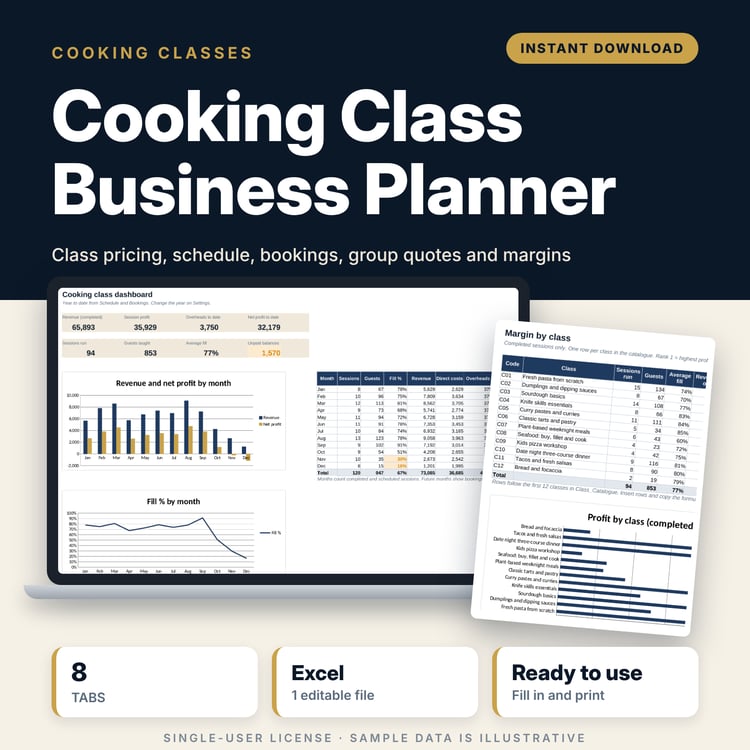
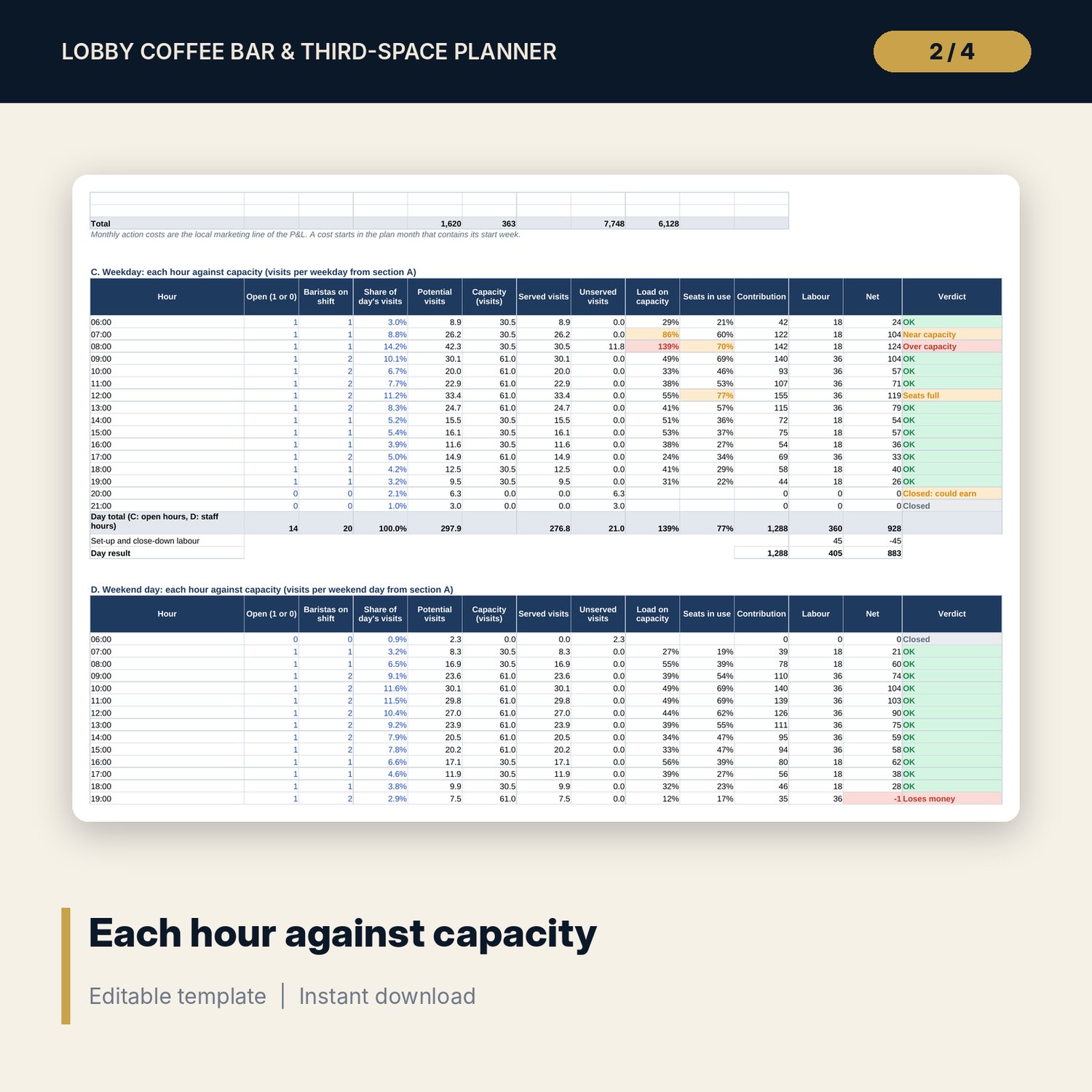
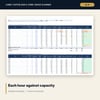
- Demand & Hours: 8 customer segments, 8 costed customer actions, and weekday and weekend tables of 16 hours each with capacity, seat use, net result and a verdict
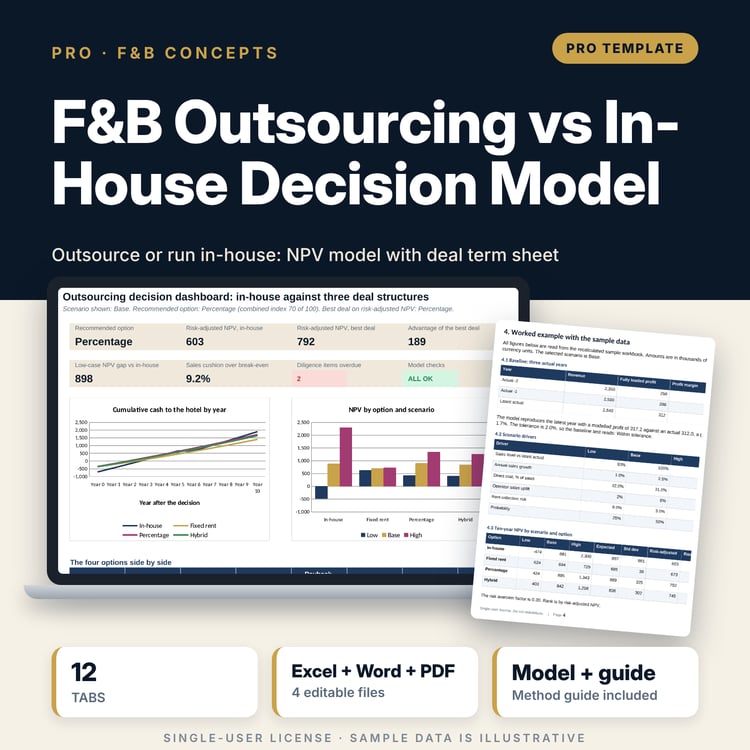
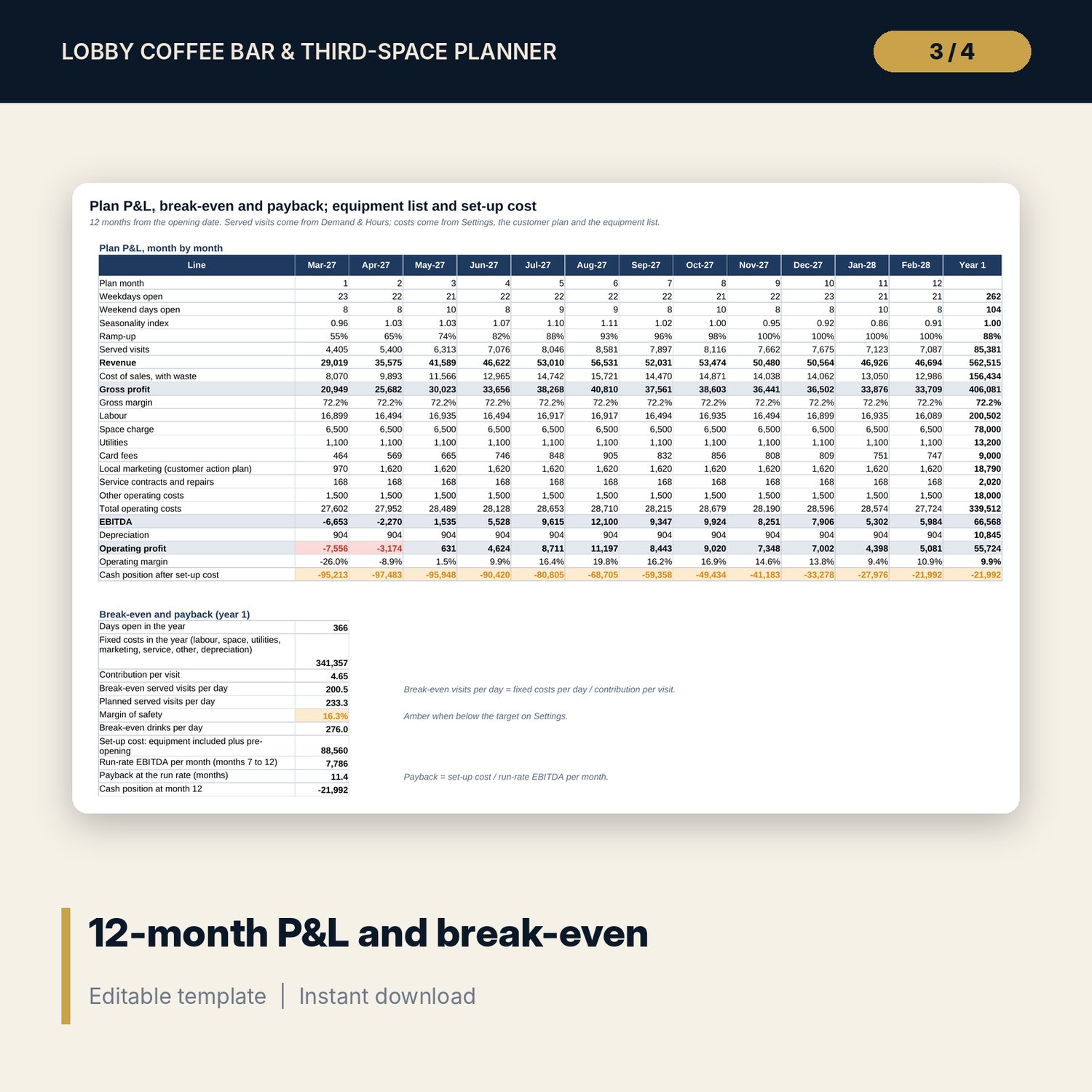
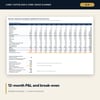
- P&L and Equipment: 12-month P&L, break-even, payback, and an equipment list of 35 items with life, depreciation and next service date
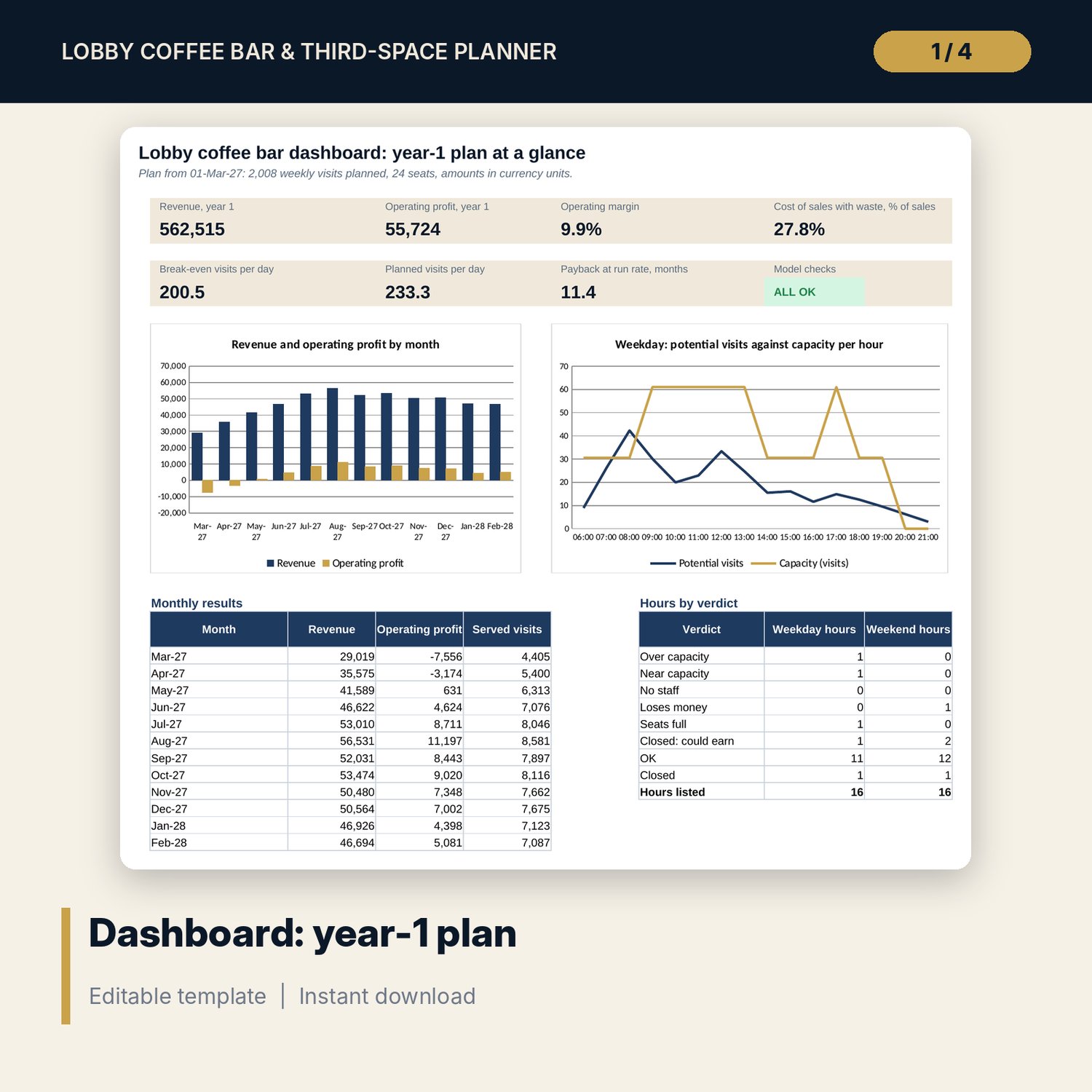
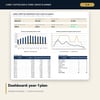
- Dashboard: 7 KPI tiles, a check tile, 2 charts and a count of hours by verdict
- Lobby_Coffee_Bar_Concept_Brief.docx and PDF: 10 pages with a concept brief form, 14 third-space standards, 9 cup rules, a 24-item daily checklist, a 13-step opening countdown and a worked example
- README.txt and LICENSE-and-Terms.txt
How it works
- Enter your labour, capacity, space and cost inputs on Settings, then your ingredient costs and menu.
- Describe your local customers and set the open flag, baristas and visit profile for each hour.
- Read the verdict for each hour and the cost flag for each item. Change staffing, hours and prices.
- List your equipment and read the P&L, break-even and payback on the Dashboard.
Details
- Formats: 1 Excel workbook (.xlsx), 1 concept brief in Word (.docx) and PDF, English
- Software: Excel 2016 or later, or LibreOffice Calc 7 or later
- No macros, no external links, no data tables, no array formulas
- 3 files plus README and license; instant digital download
Good to know
- Sample data is illustrative. Replace it with your own figures.
- Wages, tax, licences, temperatures and hygiene limits differ by location. Verify local requirements and supplier quotes.
- These files are planning tools, not financial, legal or food-safety advice.
- Single-user license. Do not redistribute.
FAQ
Does it cost a drink from ingredients?
Yes. Cost per item adds coffee grams x cost per gram, milk, syrup, other items and the cup, lid and sleeve, then compares the cost of sales % with your target for drinks, food or retail.
How does it decide whether to open an hour?
Each hour shows potential visits, capacity from baristas and the machine, seats in use, contribution and labour. The verdict flags over capacity, near capacity, loses money, seats full, and closed hours that could earn.
Can I use my own opening hours and staffing?
Yes. The open flag, number of baristas and share of the day's visits are inputs for each of the 16 hours on both the weekday and the weekend table.
What does the Word file add?
A concept brief form with the numbers to copy from the Dashboard, standards for the space and the cup, a printable daily checklist, an opening countdown and a worked example.
Do I need macros?
No. Every result is a standard worksheet formula.