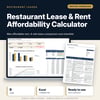
Restaurant Lease & Rent Affordability Calculator: How Much Rent Can a Restaurant Afford
Full description
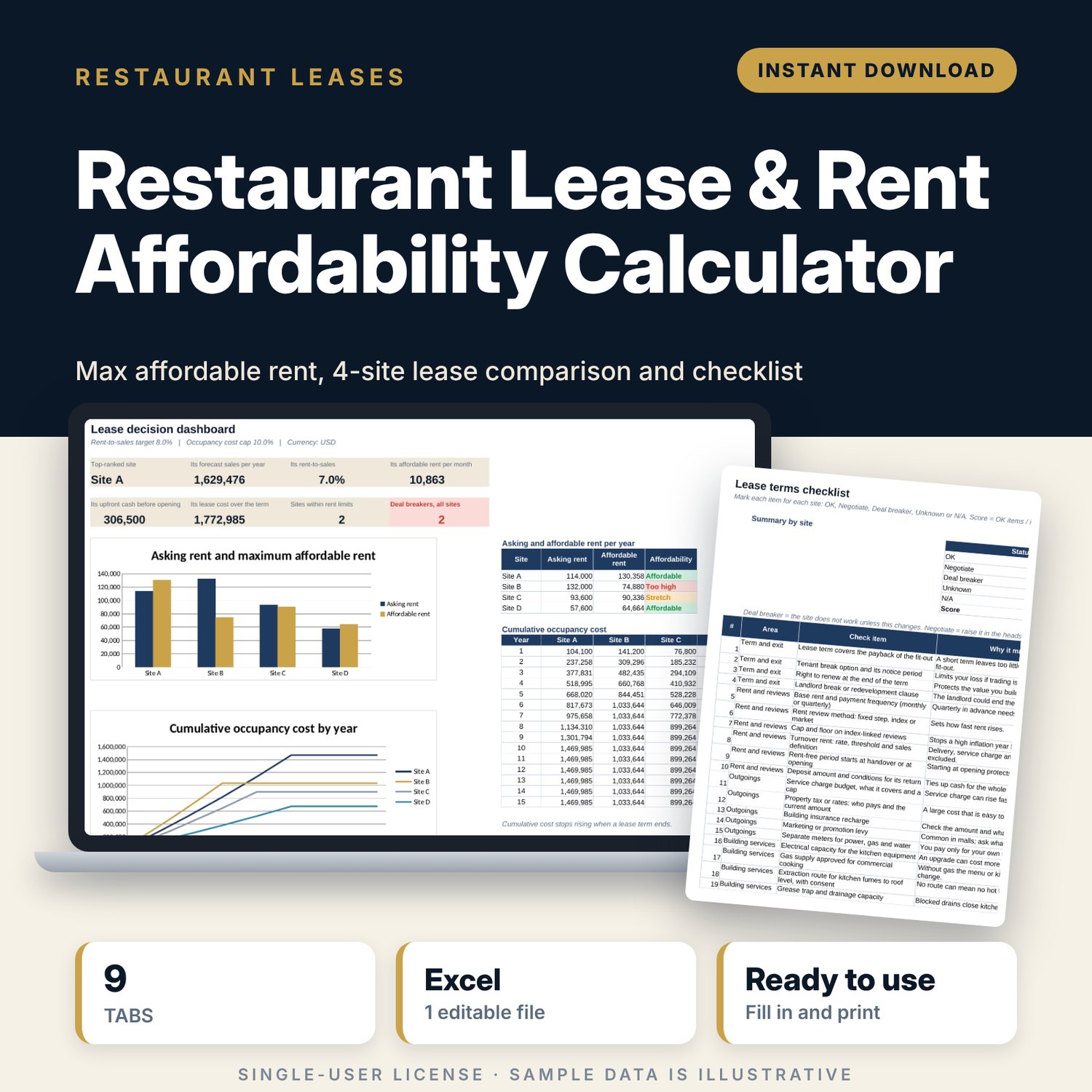
For restaurant and café operators who are choosing a site or negotiating a lease and need to know what rent the business can carry before they sign. You forecast sales for each site from seats, turns and average check, set your rent-to-sales target and occupancy cost cap, and enter each landlord's offer: rent, reviews, rent-free months, service charge, deposit, key money and fit-out contribution. The workbook shows the maximum affordable rent for each site, the total cost of each lease over its term, a checklist of lease terms to raise with the landlord, and a ranked comparison of up to 4 sites.
Save with a bundle: this template is also in the Food & Leisure Business Startup Bundle, 14 templates for $35 instead of $103. All 141 templates are in the All-Access Hospitality Template Library for $79.
What is inside
- Restaurant_Lease_Rent_Affordability_Calculator.xlsx: 9 tabs, 644 formulas, 2 native charts, 7 data validation rules.
- Settings: 9 inputs (rent-to-sales target, occupancy cost cap, stretch allowance, sales growth, cost inflation, low and high sales cases, currency and area unit labels) and the checklist status list.
- Sites: 4 sites side by side with 21 input lines (area, seats, term, rent, review pattern, rent-free months, service charge, property tax, insurance, levy, deposit, key money, fit-out, landlord contribution, fees, make-good) and 5 calculated lines.
- Sales_Forecast: 11 input lines per site (outdoor seats in use, turns and average check for breakfast, lunch and dinner, days and weeks open, takeaway and other sales) and 12 calculated lines, including covers per day and low, base and high sales.
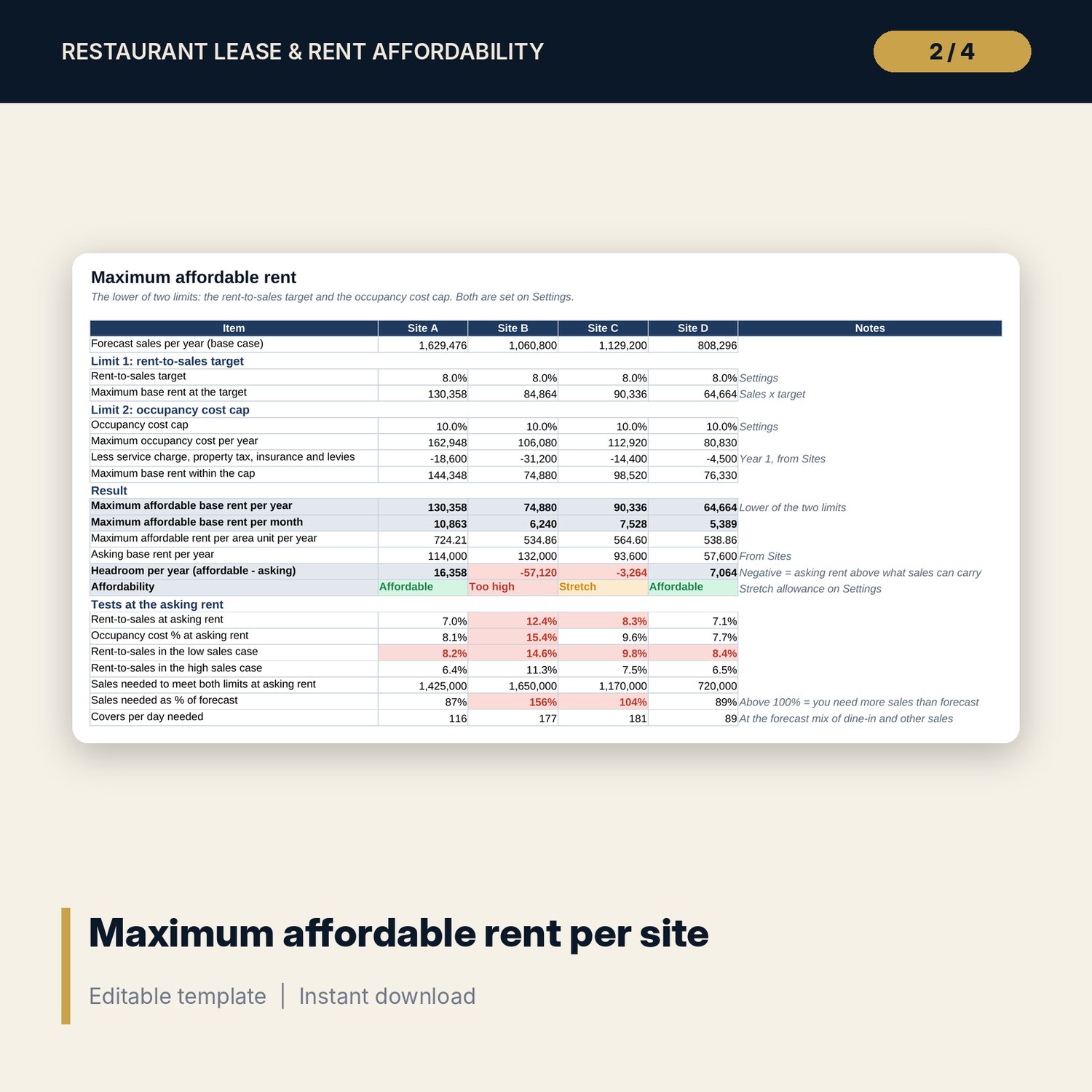
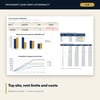
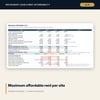
- Affordability: 20 lines per site: two rent limits, maximum affordable rent per year, per month and per area unit, headroom against the asking rent, a status flag, low and high case tests, and the sales and covers needed at the asking rent.
- Term_Cost: rent and other occupancy costs year by year for up to 15 years per site, plus 17 summary lines including total lease cost, net effective rent, cost as % of sales, cost per seat and upfront cash.
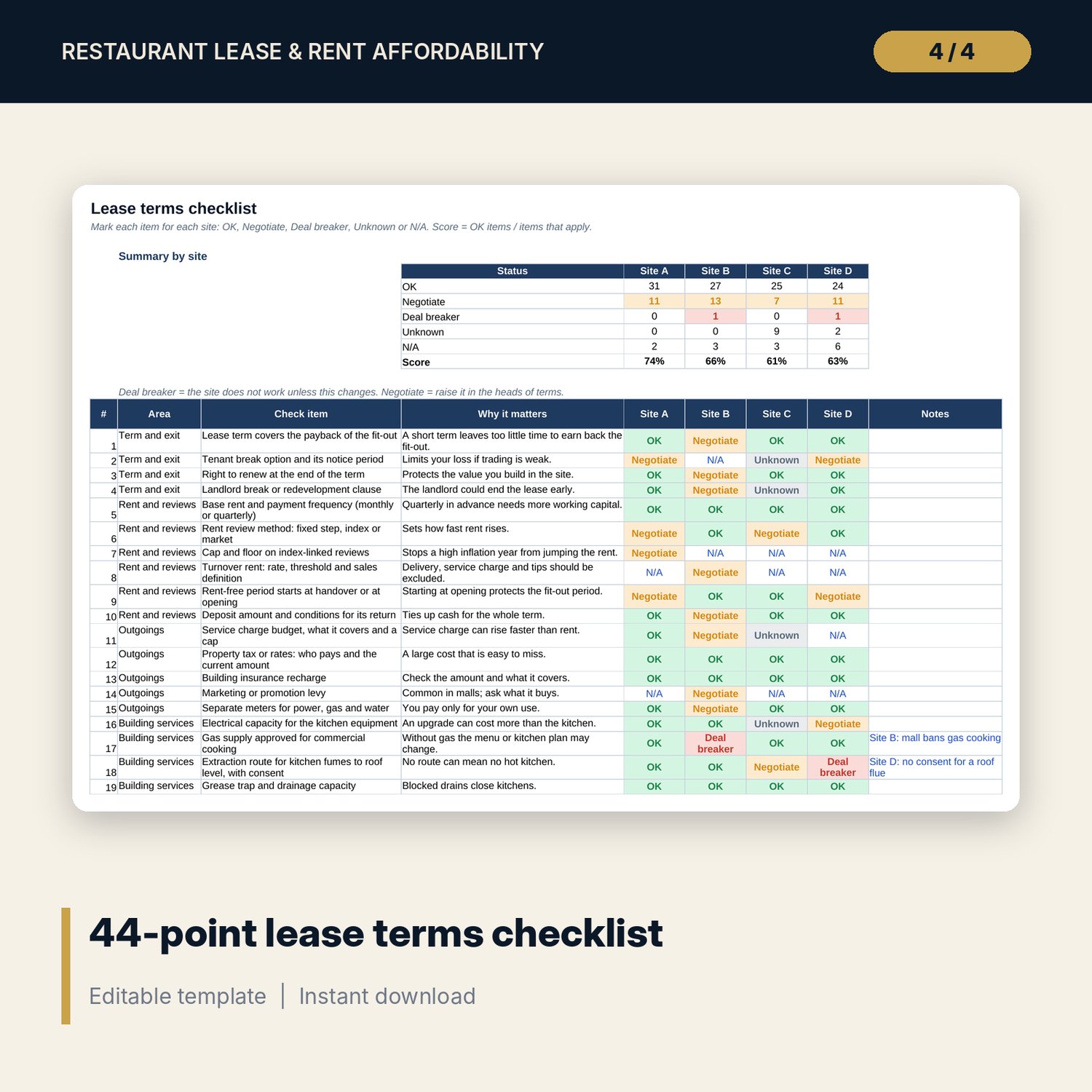
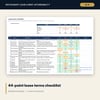
- Lease_Checklist: 44 lease terms in 9 areas, each with a reason it matters, a status for each site and a score.
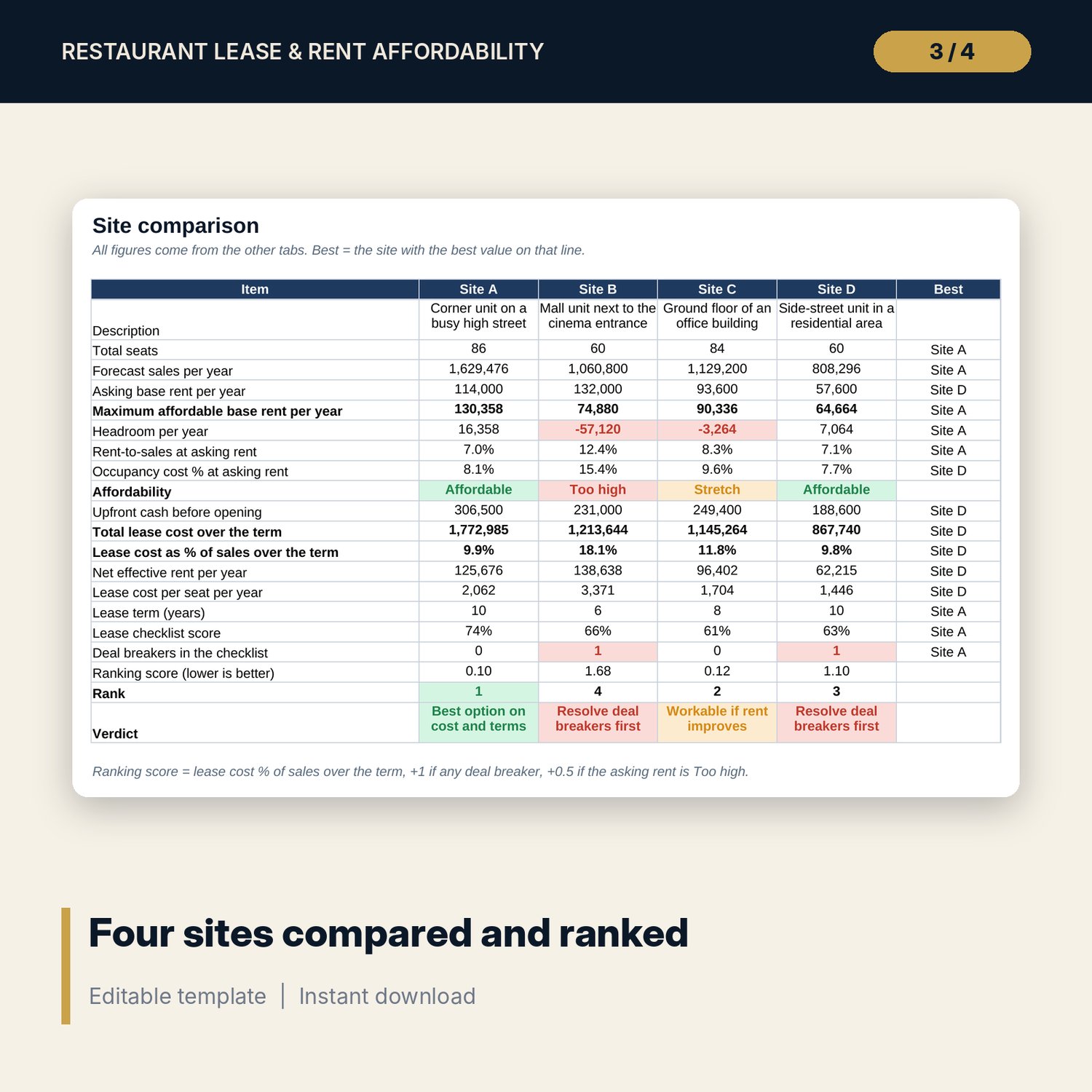
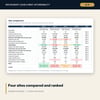
- Comparison: 20 lines for the 4 sites with the best site on each line, a rank and a verdict.
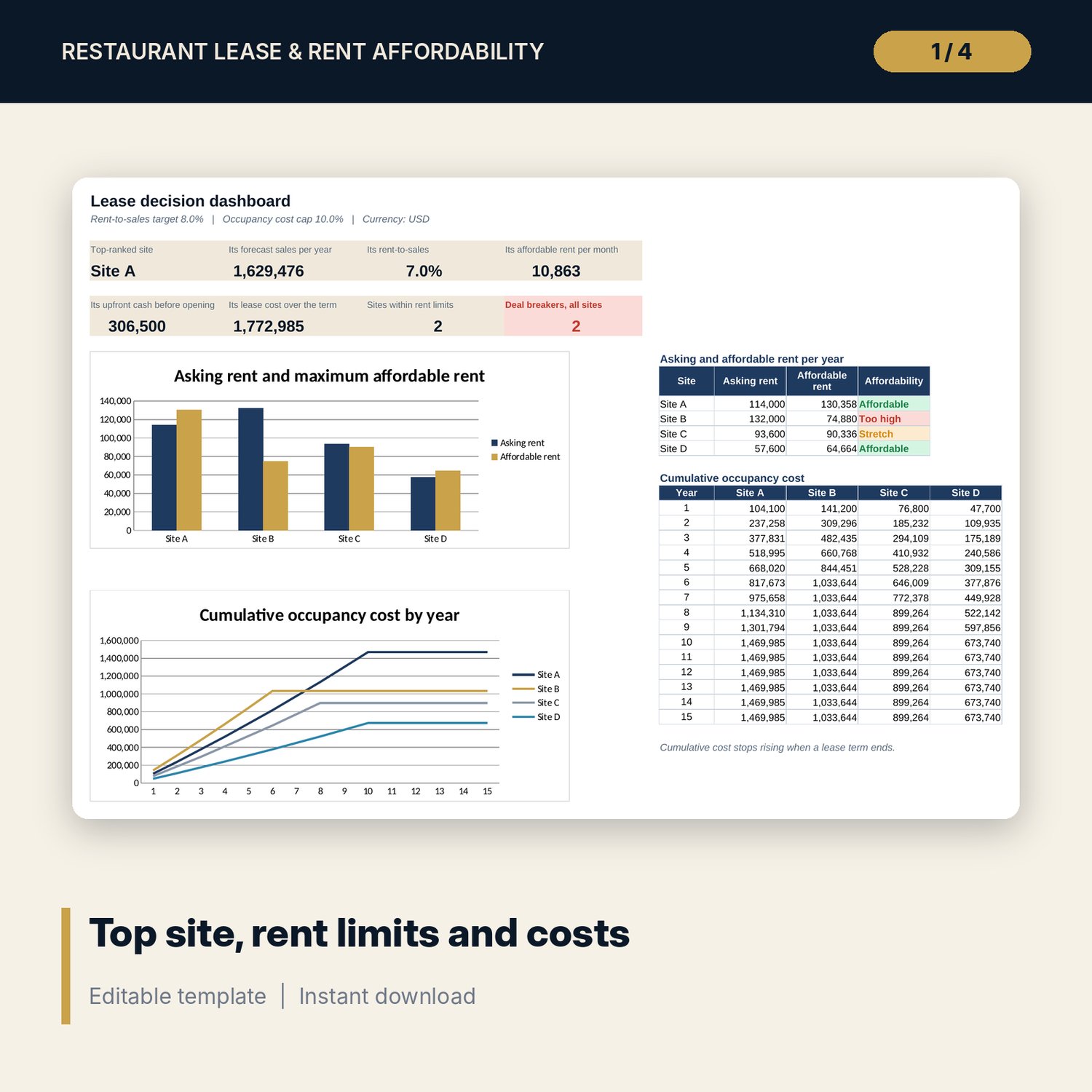
- Dashboard: 8 KPI tiles for the top-ranked site and 2 charts: asking against affordable rent, and cumulative occupancy cost.
- README.txt and LICENSE-and-Terms.txt.
How it works
- Set your rent-to-sales target and occupancy cost cap on Settings.
- Enter each site's offer in Sites from the particulars or heads of terms.
- Forecast sales for each site from seats, turns and average check.
- Read the maximum affordable rent and the total cost over each lease term.
- Mark the lease checklist, then use the comparison and the gaps in your talks with the landlord.
Details
- Format: Excel workbook (.xlsx). No macros.
- Language: English. Currency and area unit are labels you choose.
- Software: Excel 2016 or later, or a spreadsheet program that opens .xlsx files.
- Delivery: instant digital download. Nothing is shipped.
Good to know
- All sample sites, rents and sales figures are illustrative. Replace them with your own data.
- The rent-to-sales target and occupancy cost cap are editable examples, not market data.
- This is a planning tool, not legal, property or financial advice. Have every lease checked by a qualified adviser and verify local requirements.
- Single-user license. Do not share or resell the files.
FAQ
How is the maximum affordable rent worked out?
It takes the lower of two limits: forecast sales x your rent-to-sales target, and forecast sales x your occupancy cost cap minus service charge, property tax, insurance and levies.
Can I compare fewer than 4 sites?
Yes. Leave a site label blank and that site drops out of every result.
Does it handle rent-free months and stepped reviews?
Yes. Rent-free months come off the first year or years, and rent steps up by your chosen % every chosen number of years.
Does it work in Google Sheets?
It opens in Google Sheets and the formulas calculate. Check the drop-downs and charts after import.
Is this a physical product?
No. It is a digital download. Refund terms follow the store policy at the time of purchase.