F&B Outlet SOP Library: 40 Standard Procedures: Standard Operating Procedures Template with Register and Audit Forms
Full description
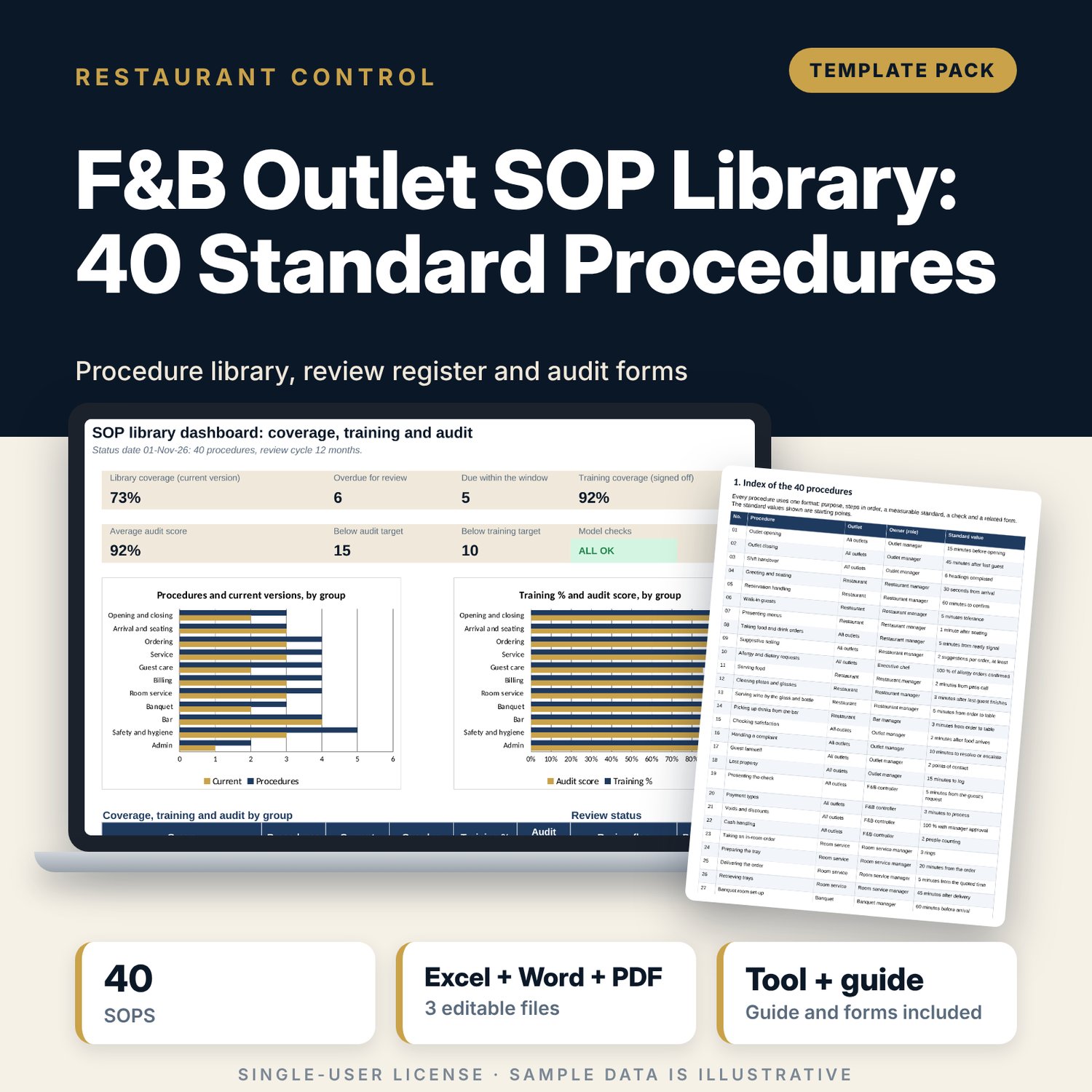
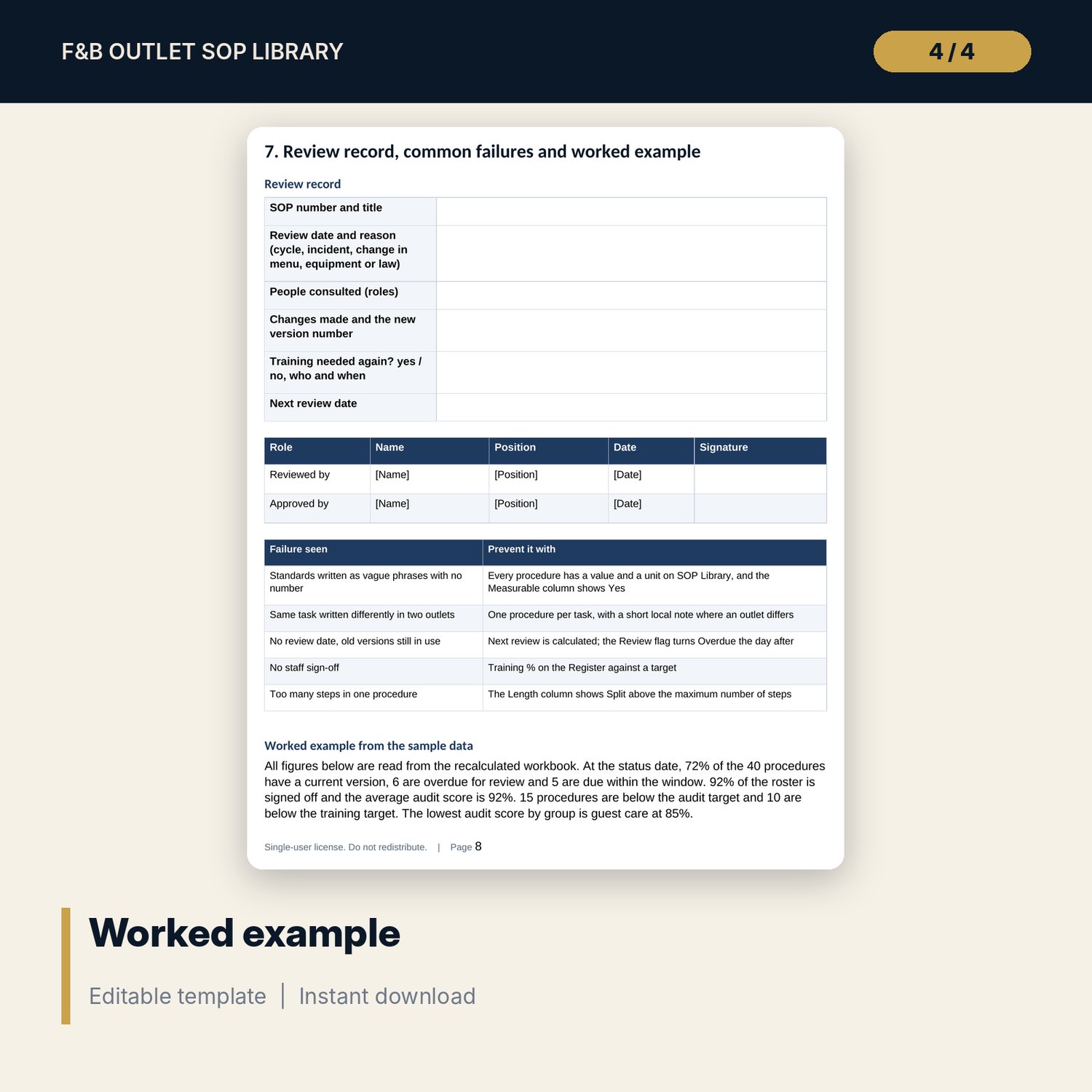
For F&B directors, outlet managers, bar managers and trainers who need written procedures that people actually follow. The workbook holds 40 numbered procedures in one format (purpose, steps in order, a measurable standard, how it is checked and the related form) across opening and closing, arrival, ordering, service, guest care, billing, room service, banquet, bar, safety and admin. A register tracks the owner, version, status, issue and review dates, staff signed off and audit score, and flags every procedure as Overdue, Due soon or Current. The 9-page Word pack gives the index, writing rules, a template, two worked procedures, a training sign-off sheet, a monthly audit sheet and a review record.
What is inside
- SOP_Library_and_Register.xlsx: 7 tabs, 922 formulas, 3 native charts, 11 drop-down and input rules
- SOP Library: 40 procedures in 11 groups, up to 7 steps each, a standard with a value and unit, a check and a related form, plus 6 spare rows
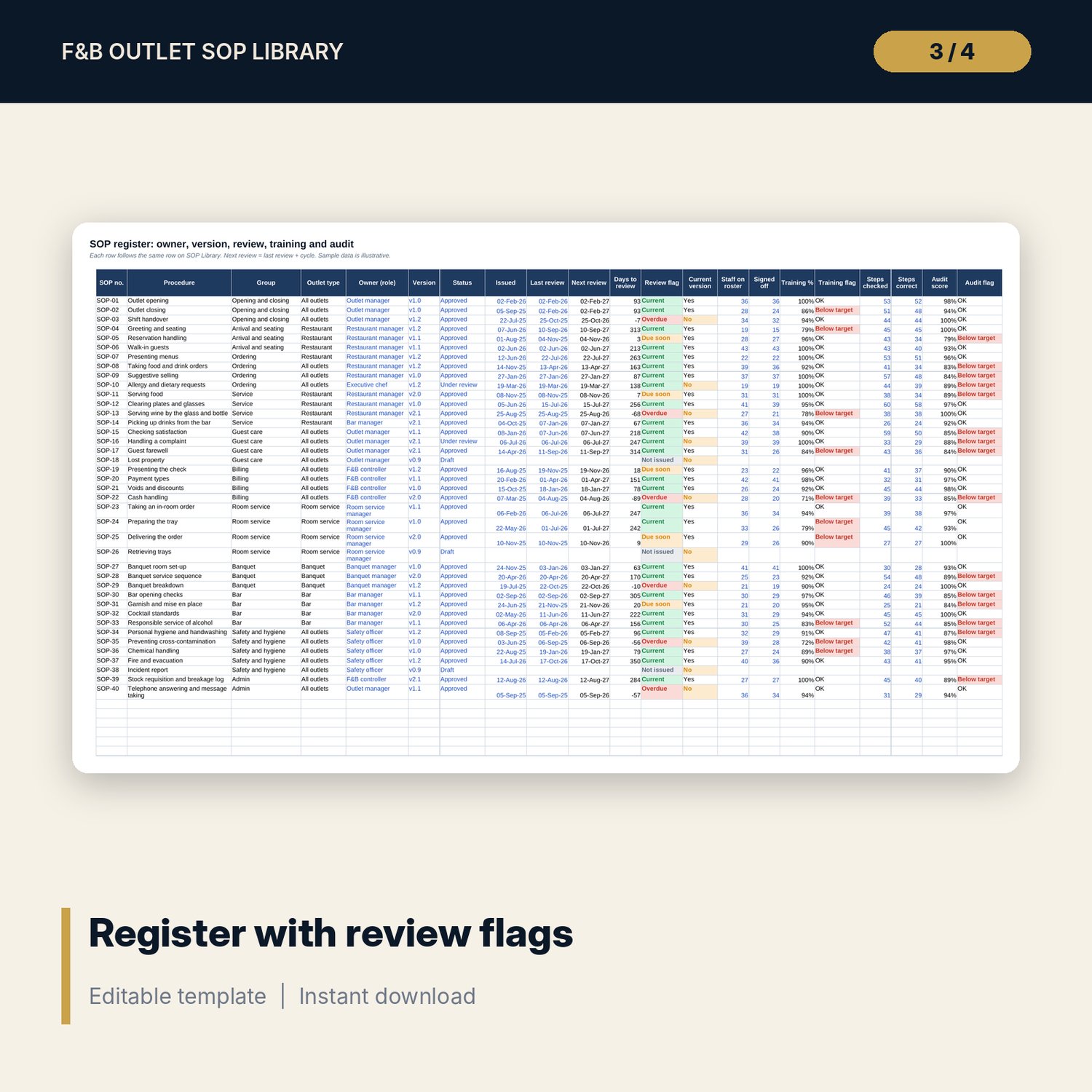
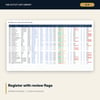
- Register: owner role, version, status, issue, last and next review dates, review flag, current version, training % and audit score for every procedure, plus 6 spare rows
- Review Plan: procedures due by month for the next 12 months and a summary by owner role, with a chart
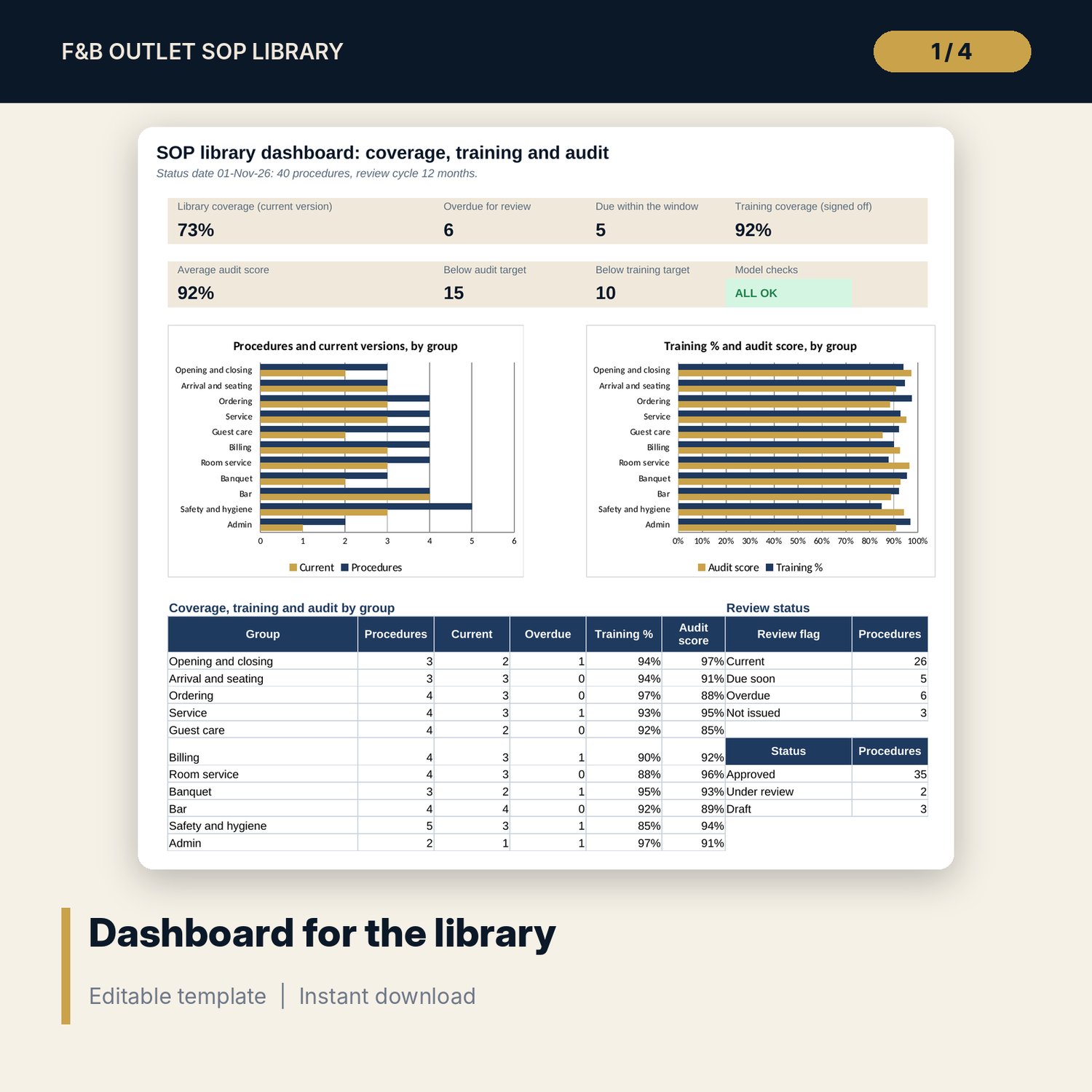
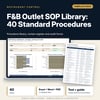
- Dashboard: 8 tiles (one is the check status), 3 charts, coverage, training and audit by group; 8 integrity checks on the Checks tab
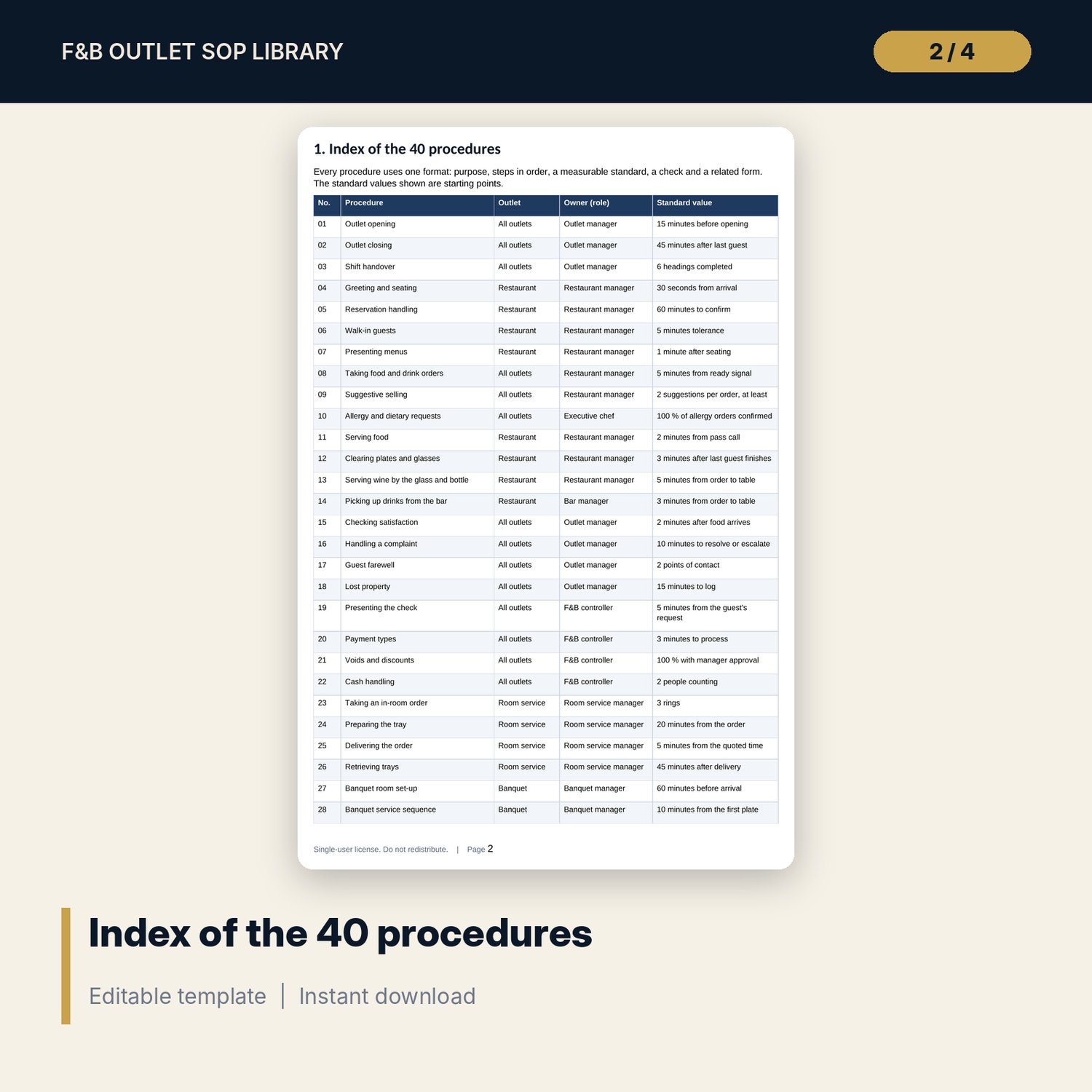
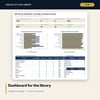
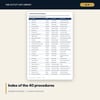
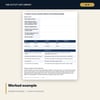
- SOP_Library_Pack.docx and PDF: 9 pages with an index of the 40 procedures, writing rules, template, two worked procedures, training sign-off, audit and review sheets, and a worked example
- README.txt and LICENSE-and-Terms.txt
How it works
- Enter the status date, review cycle and your training and audit targets on Settings.
- Edit the steps and standards on SOP Library to match your outlet; add your own in the spare rows.
- Enter owner, version, status and dates on Register, then the staff signed off and the audit results.
- Read the review flags and the Dashboard; review the Overdue procedures first.
- Use the Word pack for the template, training sign-off, monthly audit and review forms.
Details
- Formats: 1 Excel workbook (.xlsx), 1 pack in Word (.docx) and PDF, English
- Software: Excel 2016 or later, or LibreOffice Calc 7 or later
- No macros, no external links, no data tables, no array formulas
- 3 files plus README and license; instant digital download
Good to know
- Sample data is illustrative. Replace it with your own figures.
- Standards are editable starting values. Verify them against your own brand standards and local requirements.
- The files are management tools, not legal, safety or medical advice.
- Single-user license. Do not redistribute.
FAQ
Are the procedures ready to issue?
They are complete drafts in one format. Edit the steps, standards and forms to your own outlet and have the owner approve each one before issue.
How is the next review date set?
Next review = last review date + the review cycle in months on Settings. The flag shows Overdue, Due soon or Current.
What counts as a current version?
A procedure with status Approved whose next review is not overdue.
How are training and audit measured?
Training % = staff signed off / staff on the roster. Audit score = steps observed correct / steps checked.
Do I need macros?
No. Every result is a standard worksheet formula.