Staff Canteen Menu & Cost Planner: Canteen Menu Cycle and Cost per Meal Spreadsheet
Full description
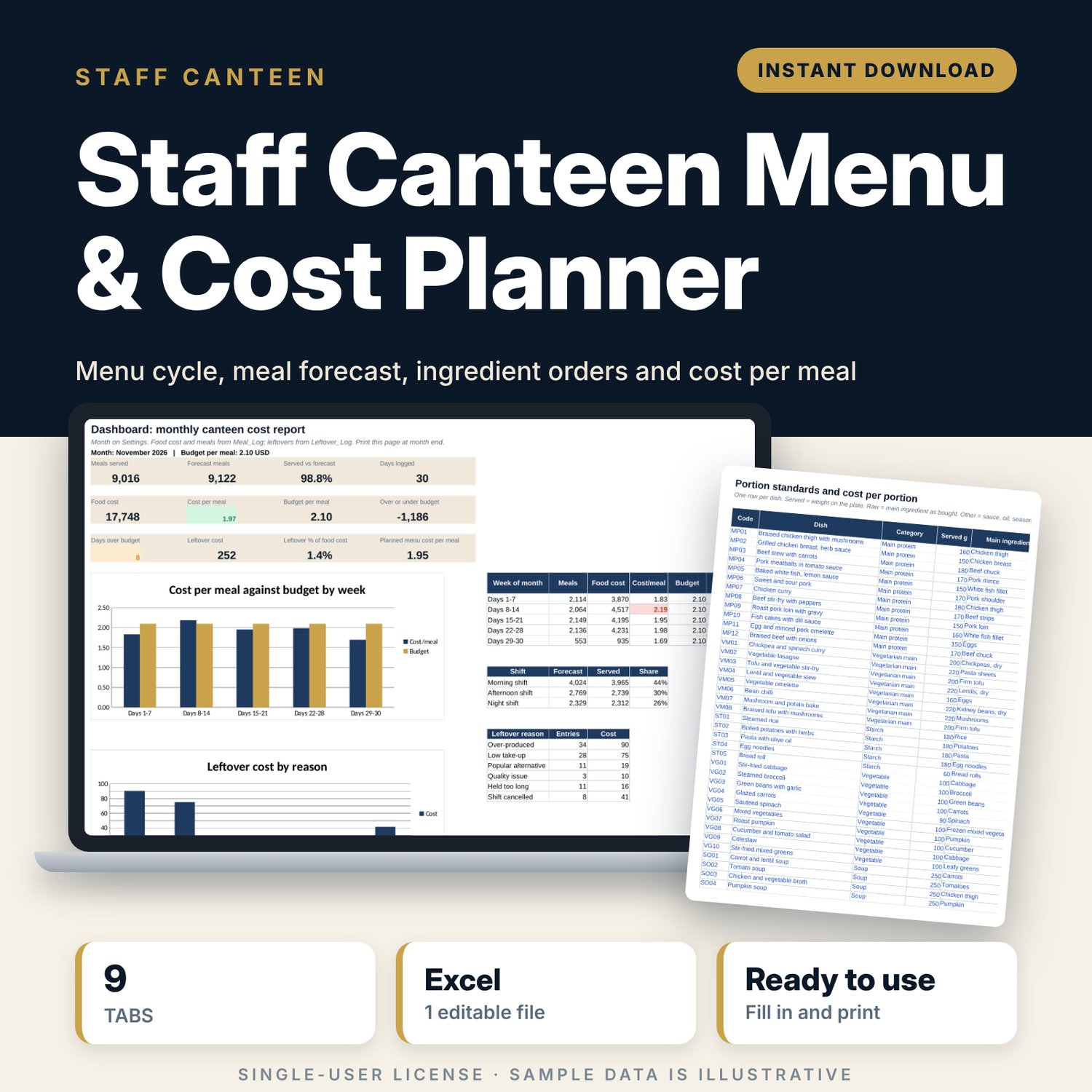
For canteen managers, chefs and facility teams who feed staff across one to three shifts and have to hold a food cost per meal. You set portion standards for each dish and build a 28-day menu. The workbook prices every day against your budget, turns rostered headcount and take-up rates into a meal forecast by shift, and works out portions and raw kilos to order for any date range. Daily logs record meals served, food cost issued and leftovers, and the dashboard prints as a one-page monthly cost report.
Save with a bundle: this template is also in the Restaurant & Café Operations Bundle, 17 templates for $39 instead of $116. All 141 templates are in the All-Access Hospitality Template Library for $79.
What is inside
- Staff_Canteen_Menu_Cost_Planner.xlsx: 9 tabs, 3,330 formulas, 3 native charts, 20 drop-down or number rules. No macros.
- Settings: 8 inputs (month, cycle start, budget per meal, choice split, buffer, leftover alert, forecast tolerance), 3 shifts with take-up rates, 37 ingredient prices (room for 50) and 4 drop-down lists.
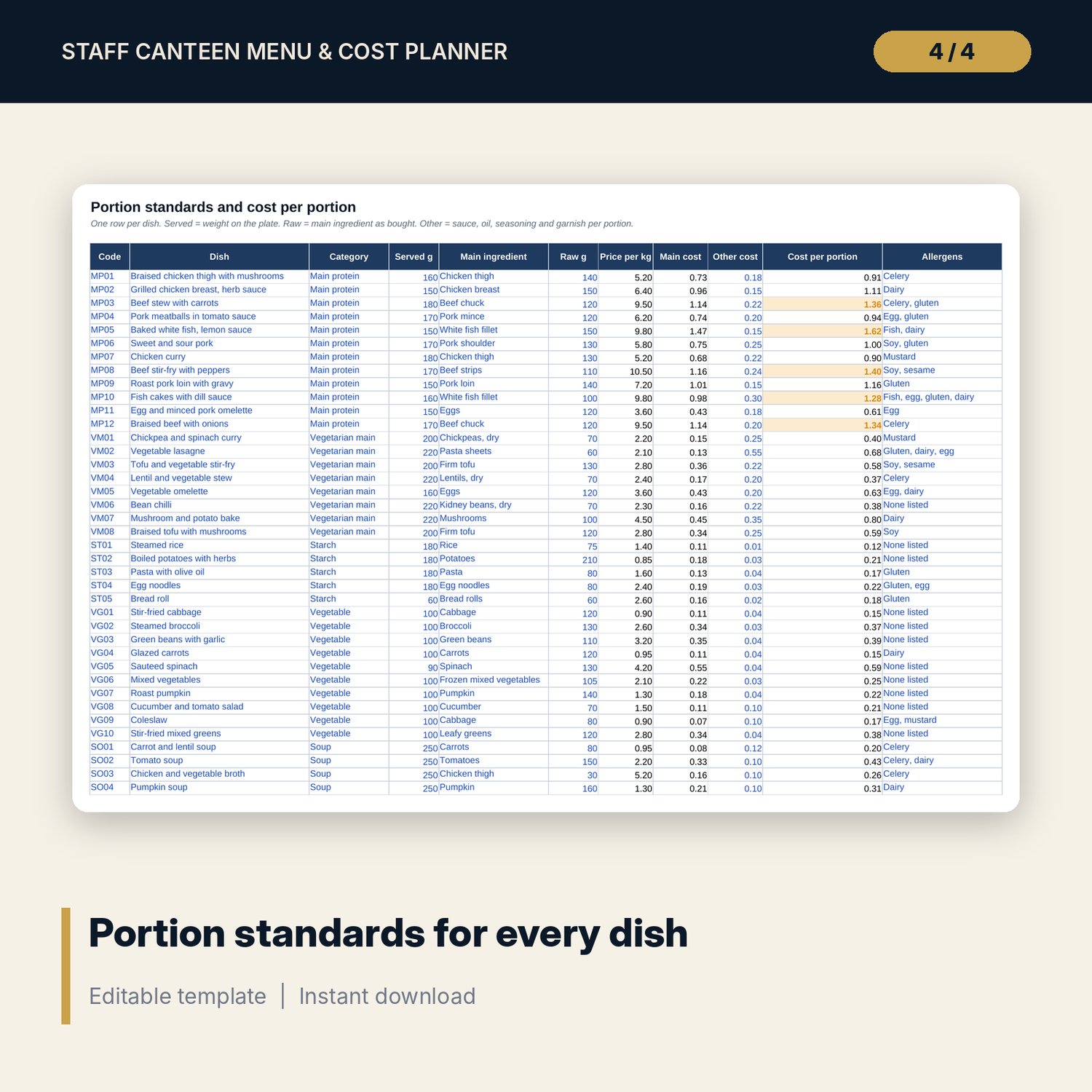
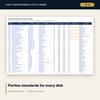
- Dish_Standards: 48 sample dishes in 6 categories (room for 80) with served weight, main ingredient, raw weight, cost per portion and allergens.
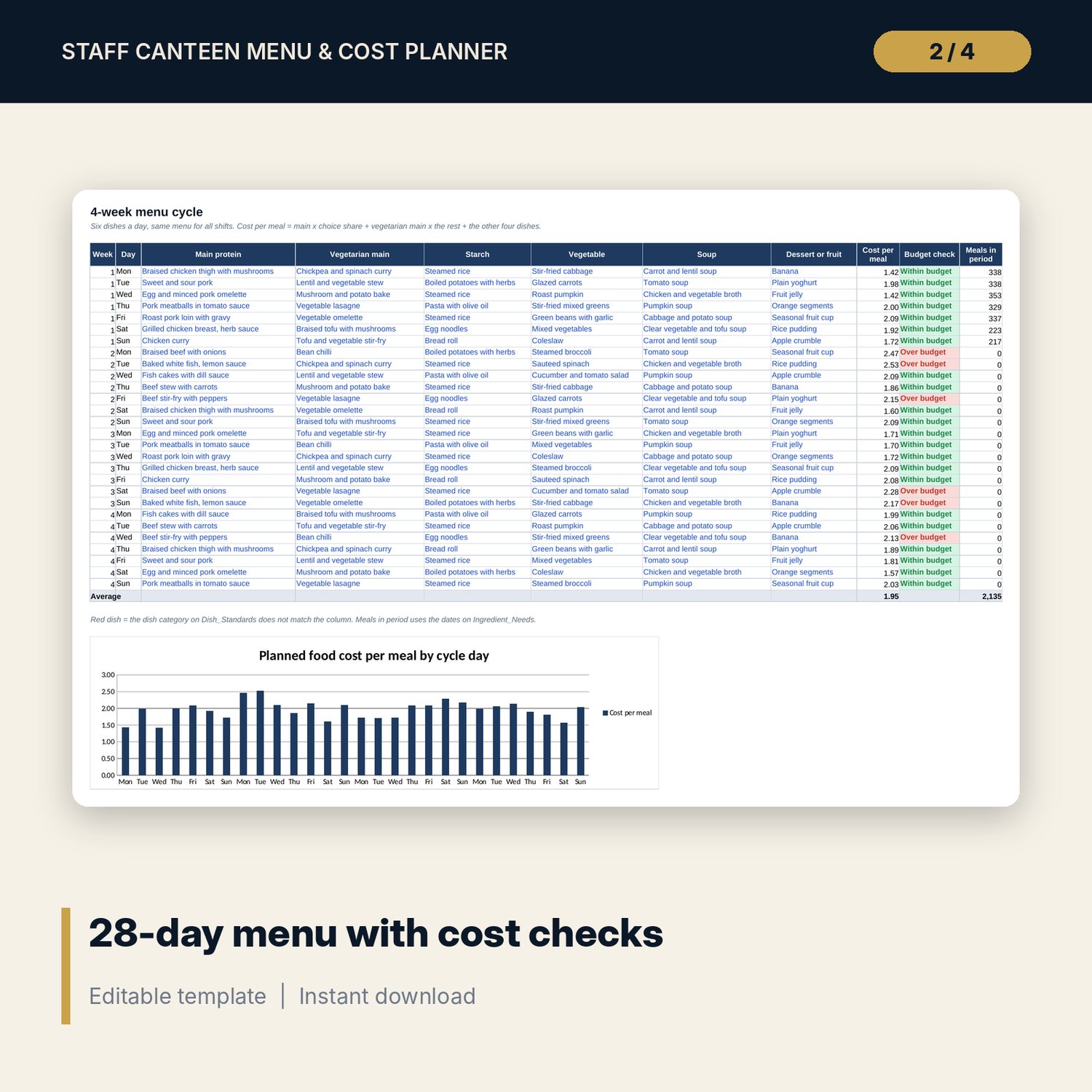
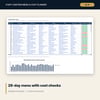
- Menu_Cycle: 28 days with 6 dishes a day, cost per meal against budget, a category check on every dish and a chart.
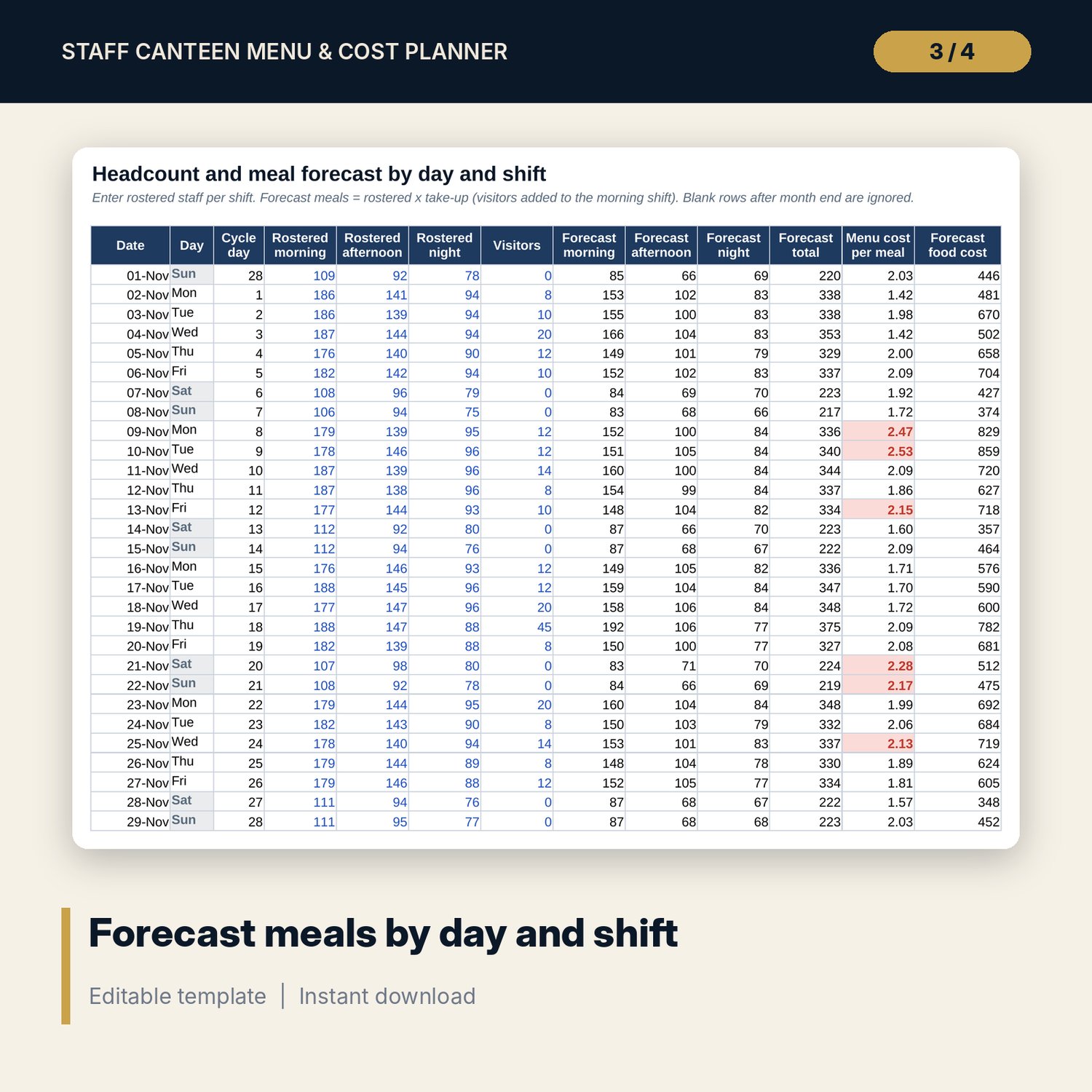
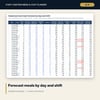
- Headcount_Forecast: up to 31 days with rostered staff for 3 shifts plus visitors, forecast meals by shift and forecast food cost.
- Ingredient_Needs: choose a date range to get raw kilos and order cost for up to 50 ingredients, net of stock, and portions for up to 80 dishes.
- Meal_Log: up to 31 days of meals served by shift and food cost issued, with cost per meal and flags for over budget and forecast misses.
- Leftover_Log: room for 300 entries (95 sample rows) with leftover portions, %, cost, reason and action.
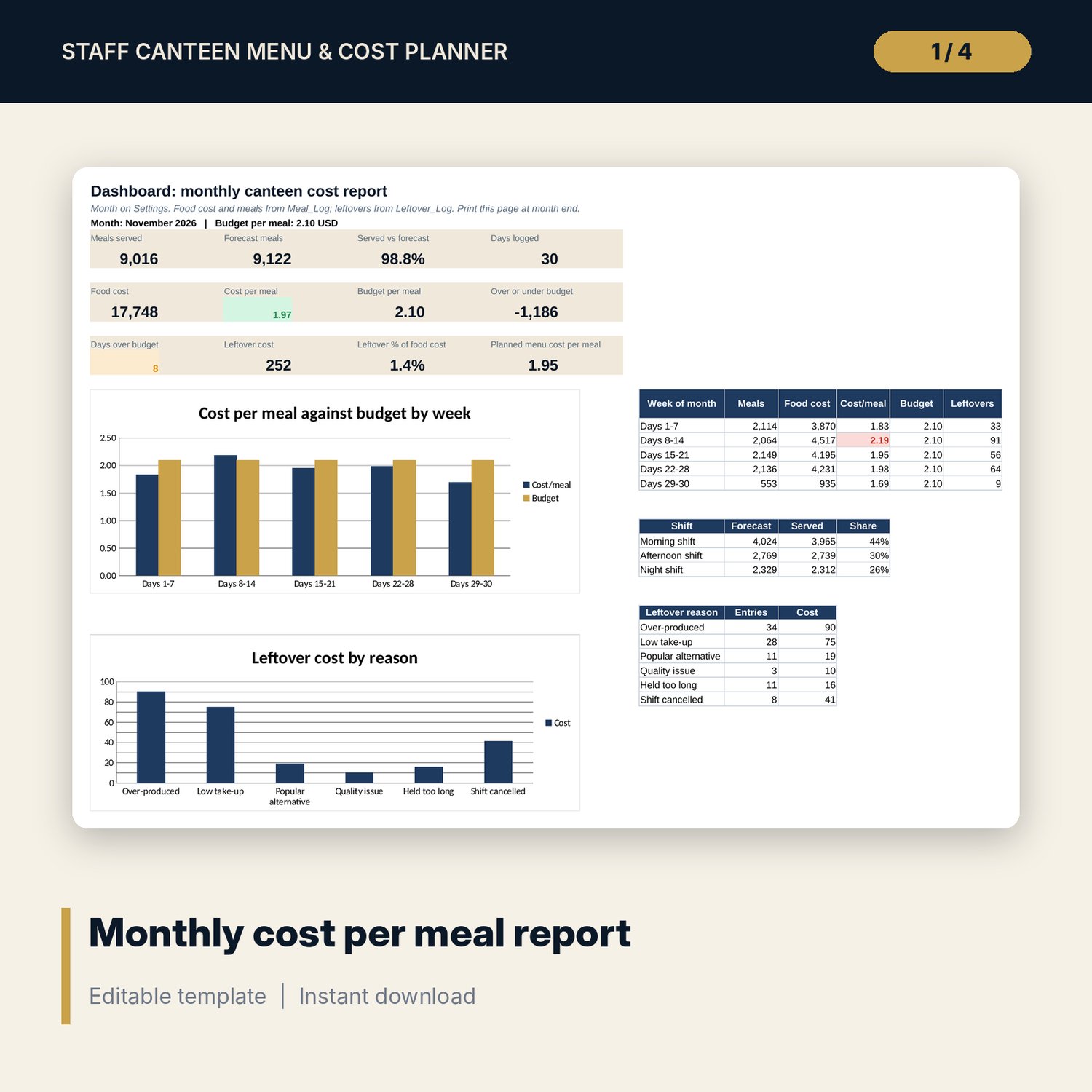
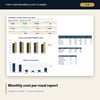
- Dashboard: a printable monthly cost report with 12 KPI tiles, tables by week, shift and leftover reason, and 2 charts.
- README.txt and LICENSE-and-Terms.txt.
How it works
- Enter the month, cycle start, budget per meal, shift take-up rates and ingredient prices on Settings.
- Check portion standards, then build the 28-day menu and fix days over budget.
- Enter rostered staff by shift and order from Ingredient_Needs each week.
- Log meals served, food cost issued and leftovers every day.
- Print the Dashboard at month end and save a copy of the workbook.
Details
- Format: Excel workbook (.xlsx). No macros.
- Language: English. Currency is a label you choose.
- Software: Excel 2016 or later, or a spreadsheet program that opens .xlsx files.
- Delivery: instant digital download. Nothing is shipped.
Good to know
- All sample dishes, prices, headcounts and logs are illustrative. Replace them with your own figures.
- Reuse and donation of leftovers must follow your food safety rules. Verify local requirements.
- Cost per portion uses the main ingredient plus an allowance for other ingredients. It is a planning figure, not a full recipe costing.
- Single-user license. Do not share or resell the files.
FAQ
Can I run fewer than three shifts?
Yes. Leave the rostered staff blank for a shift you do not run. The forecast and reports skip it.
How does the forecast handle the main dish choice?
A share you set on Settings chooses the main protein. The rest choose the vegetarian main. Both feed cost per meal and portions.
Does it cover more than one month?
Each workbook covers one month. Save a copy at month end and change the month start date for the next month.
Does it work in Google Sheets?
It opens in Google Sheets and the formulas calculate. Check the drop-downs after import.
Is this a physical product?
No. It is a digital download. Refund terms follow the store policy at the time of purchase.