


Daily Market Order Guide & Fresh Produce Price Tracker: Daily Market Order Guide, Supplier Quote Comparison and Fresh Produce Price Tracker for Restaurant Kitchens
Full description
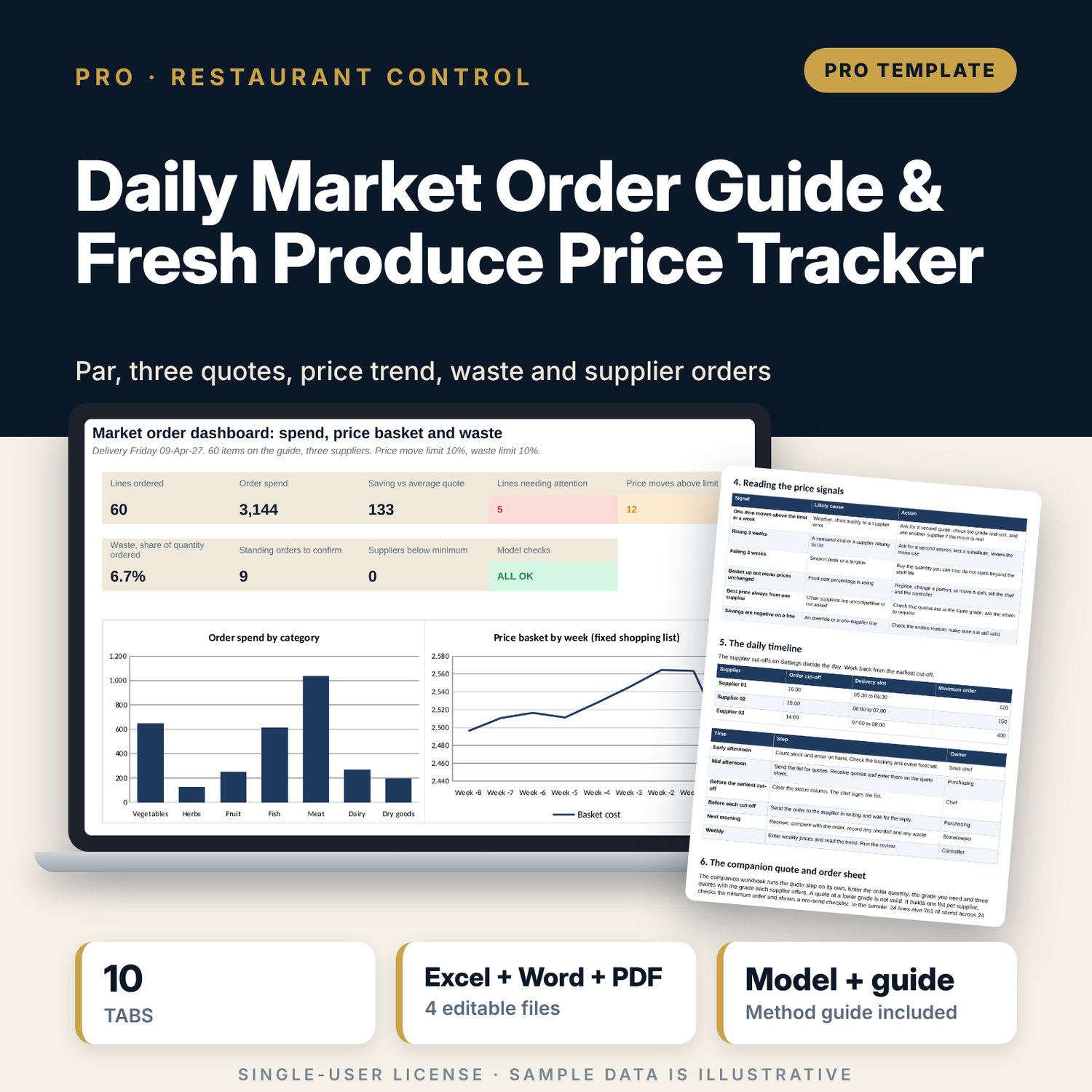
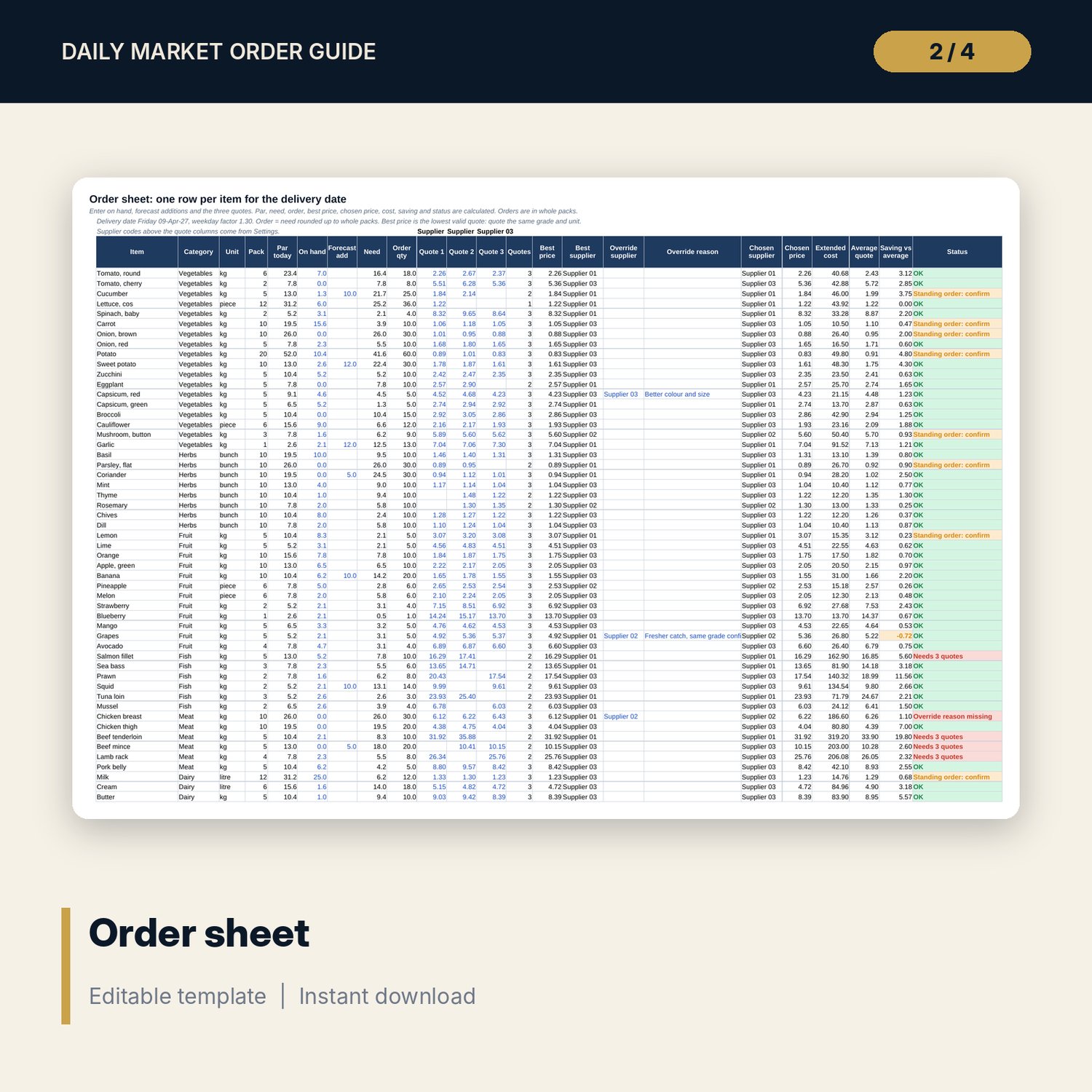
For chefs, sous chefs, purchasing clerks and food controllers who order fresh produce, fish, meat and dairy every day. The main workbook holds 60 generic market items in 7 categories. For the delivery date it applies a weekday factor to the normal par, subtracts stock on hand, adds forecast quantities and rounds the order up to whole packs. Three supplier quotes give the best price and the best supplier; an override needs a written reason. A status column flags lines with no quote, fewer quotes than the high-value rule needs, a missing override reason or a standing order to confirm. Eight weeks of prices show the change on last week, the four-week average and a three-week trend. The waste log compares what was thrown away with what was ordered and flags a par that is too high. The companion workbook turns the chosen quotes into one order list per supplier.
What is inside
- Daily_Market_Order_Guide.xlsx: 10 tabs, 2,401 formulas, 2 native charts, 20 drop-down and input rules, 9 integrity checks
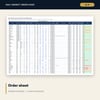
- Item Master: 60 items plus 10 spare rows with unit, pack size, grade, storage, shelf life, seasonal and standing flags; Order Sheet: par today, need, order in whole packs, three quotes, best and chosen price, cost, saving and status
- Price Trend: eight weeks per item with change, four-week average, trend and flag; Waste Log: 36 sample entries plus 14 spare rows with waste percent, cost and a flag to lower the par
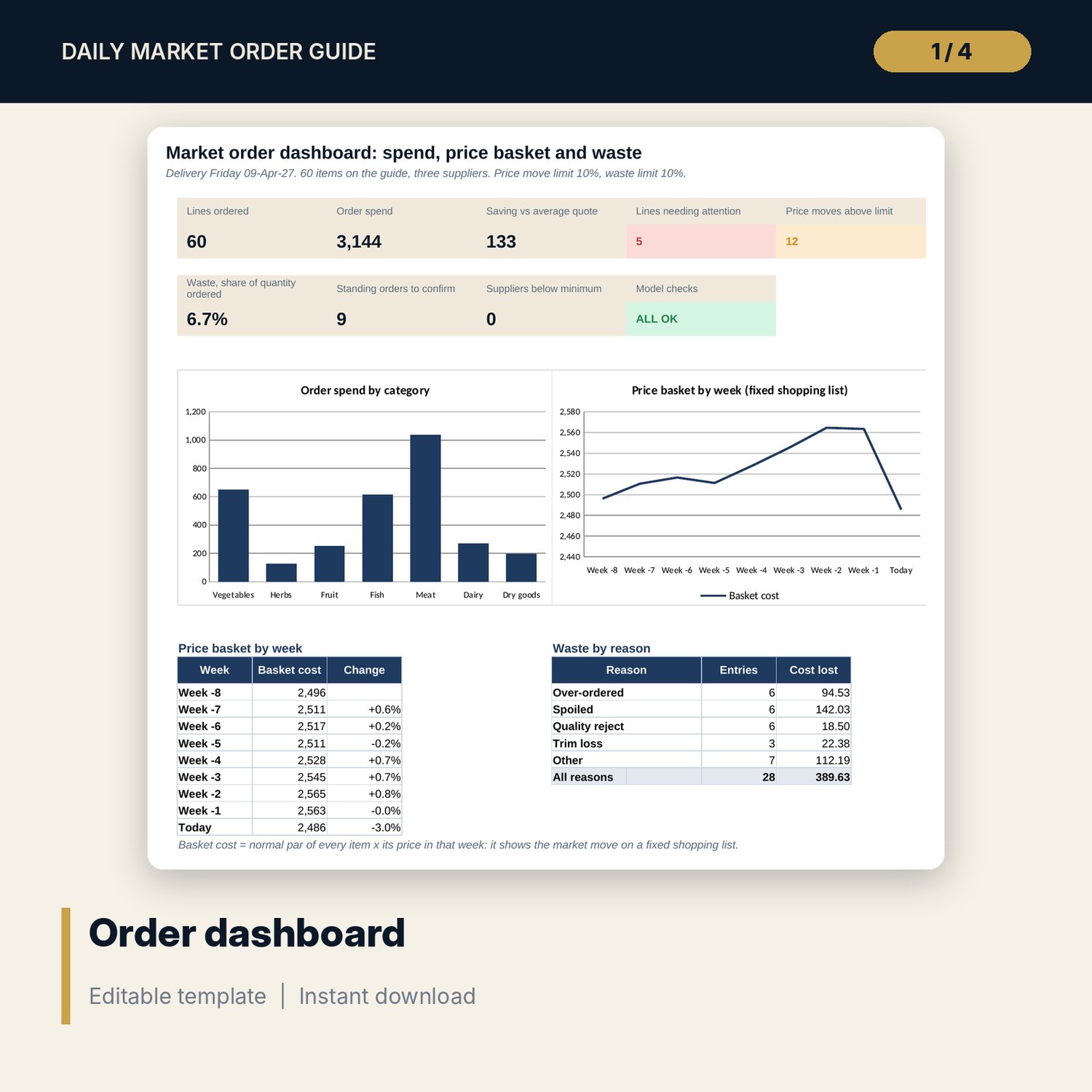
- Spend Summary: spend by category and supplier with minimum order check, top ten lines and order quality; Dashboard with 9 tiles and 2 charts; Method with 11 rows
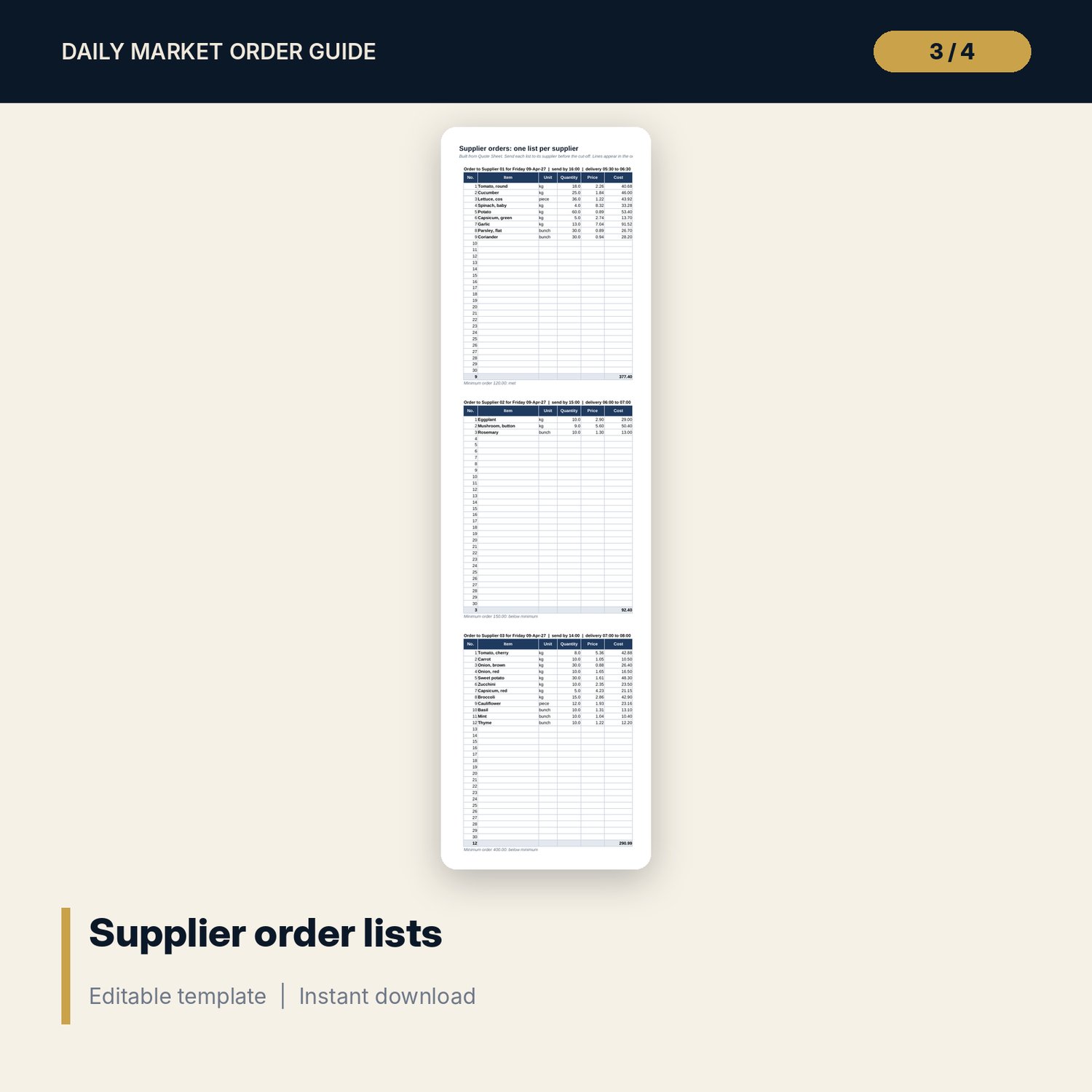
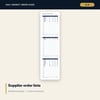
- Supplier_Quote_and_Order_Sheet.xlsx: 4 tabs, 963 formulas, quote sheet with grade rule, one order list per supplier, a pre-send checklist and 7 checks
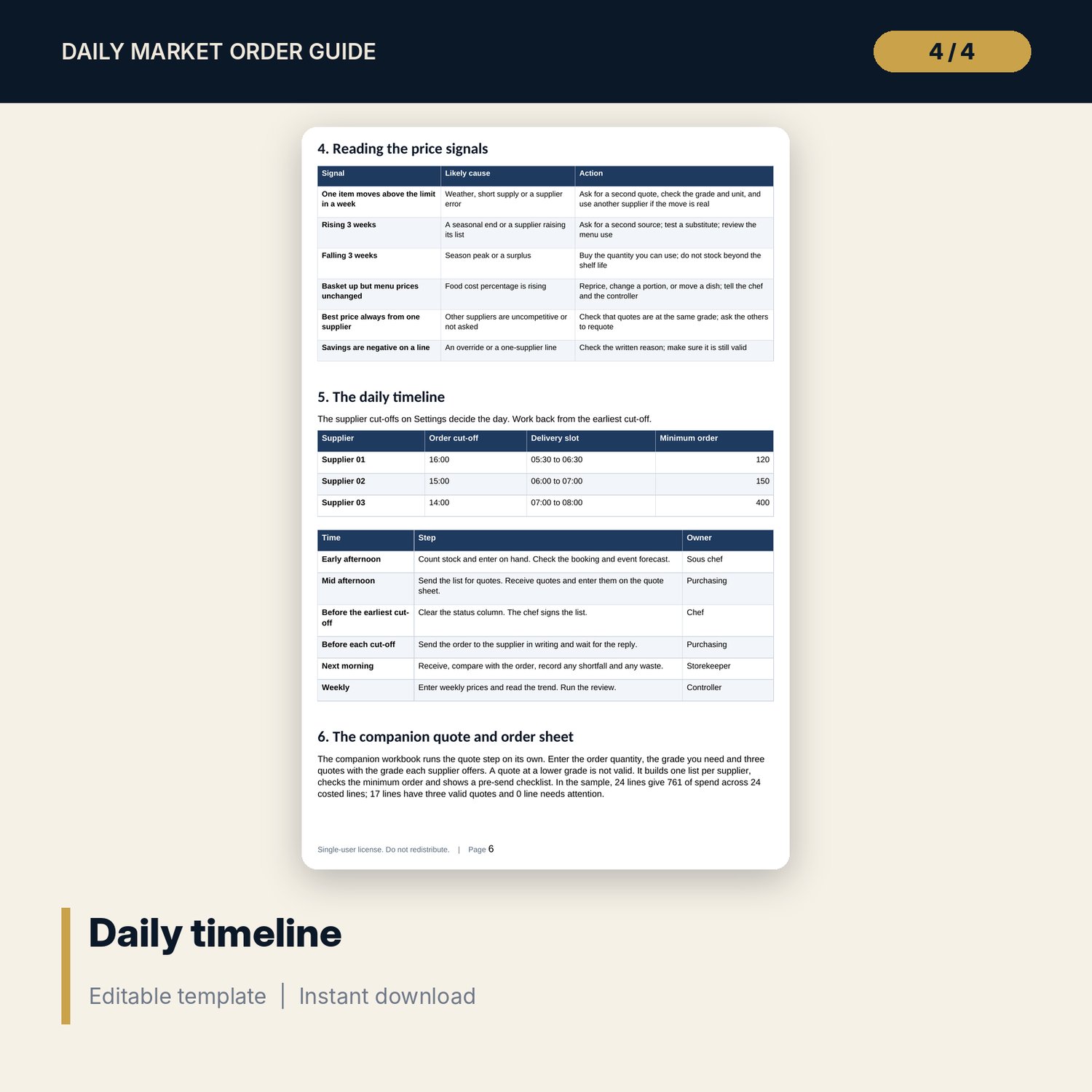
- Market_Order_Guide.docx and PDF: 8 pages with 19 standards, equations, a worked example from the workbook, price signals, the daily timeline, receiving checklist and a weekly review
- README.txt and LICENSE-and-Terms.txt
How it works
- Set the delivery date, weekday factors, limits and your three suppliers on Settings, and edit the item master.
- Count stock, enter on hand and forecast, and enter the quotes.
- Clear the status column and send one order per supplier from the companion sheet.
- Enter weekly prices and waste, then read the trend, the spend summary and the dashboard.
Details
- Formats: 2 Excel workbooks (.xlsx), 1 Word guide (.docx) and PDF, English
- Software: Excel 2016 or later, or LibreOffice Calc 7 or later
- No macros, no external links, no data tables, no array formulas
- 4 files plus README and license; instant digital download
Good to know
- Sample data is illustrative. Replace it with your own items, pack sizes and prices.
- Compare quotes at the same grade and unit only. The lowest price is not always the best.
- Single-user license. Do not redistribute.
FAQ
How is the order quantity calculated?
Normal par times the weekday factor, minus stock on hand, plus any forecast addition, rounded up to whole packs. Zero when there is nothing to order.
What does the status column check?
No quote, fewer quotes than the minimum on a high-value line, an override without a reason, and standing orders to confirm.
Can I change the items and suppliers?
Yes. The item master has 60 items and 10 spare rows. Suppliers, cut-offs and minimum orders are on Settings.
What does the companion sheet do?
It checks the quote grade, finds the best valid price, builds one order list per supplier and checks each minimum order.
Do I need macros?
No. Every result is a standard worksheet formula.