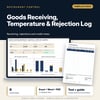
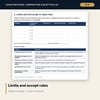
Goods Receiving, Temperature & Rejection Log: Delivery log with invoice against received quantity, temperatures, rejections and credit notes
Full description
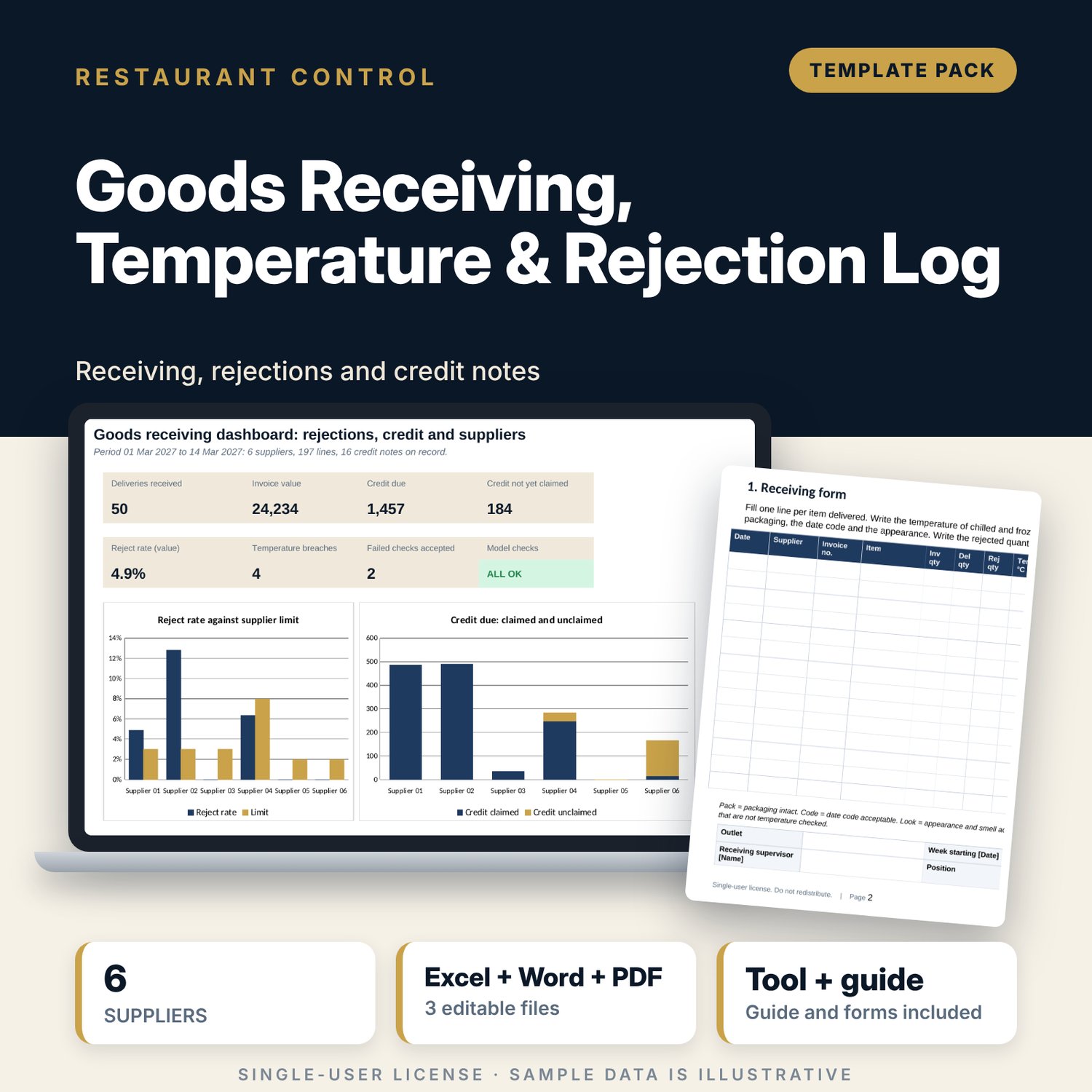
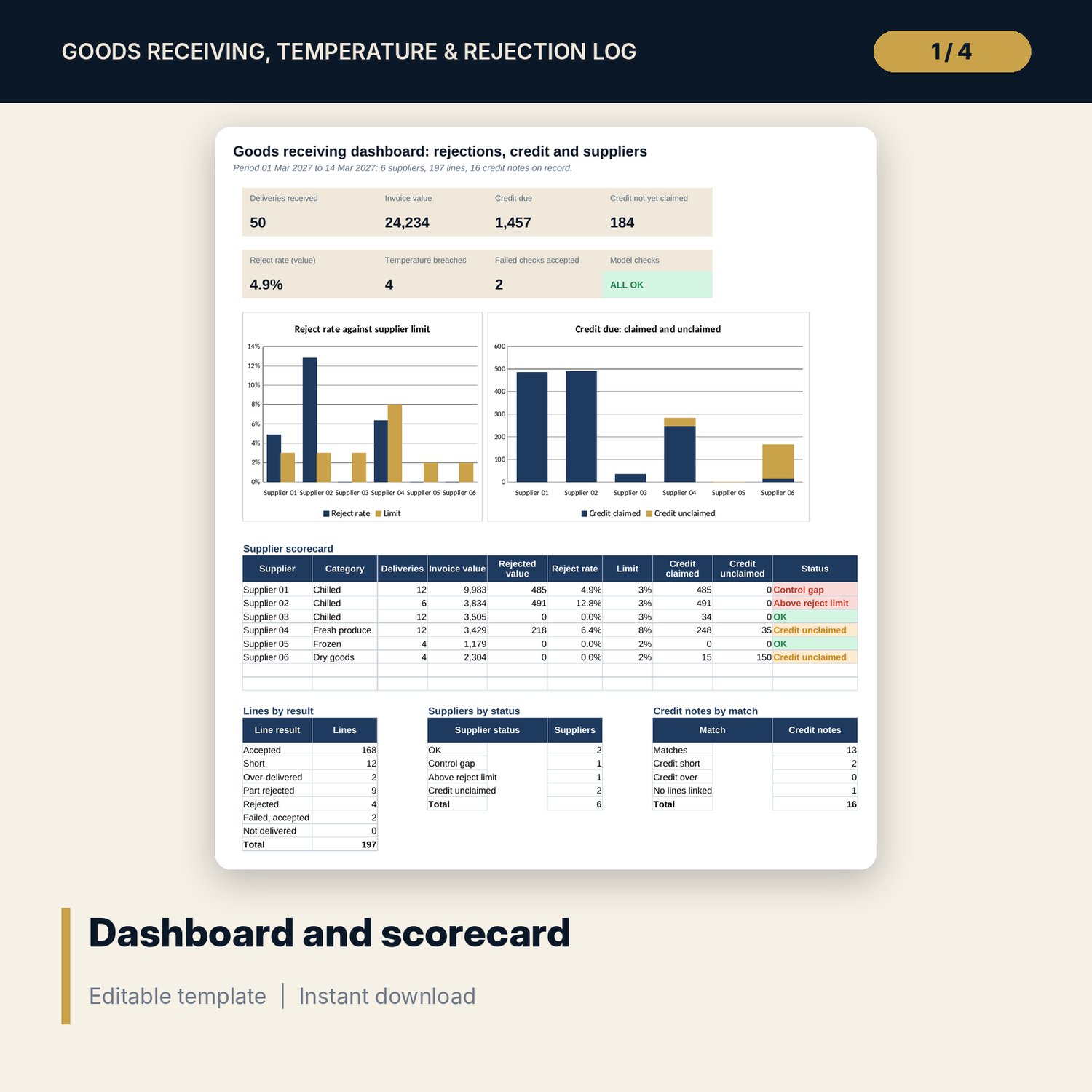
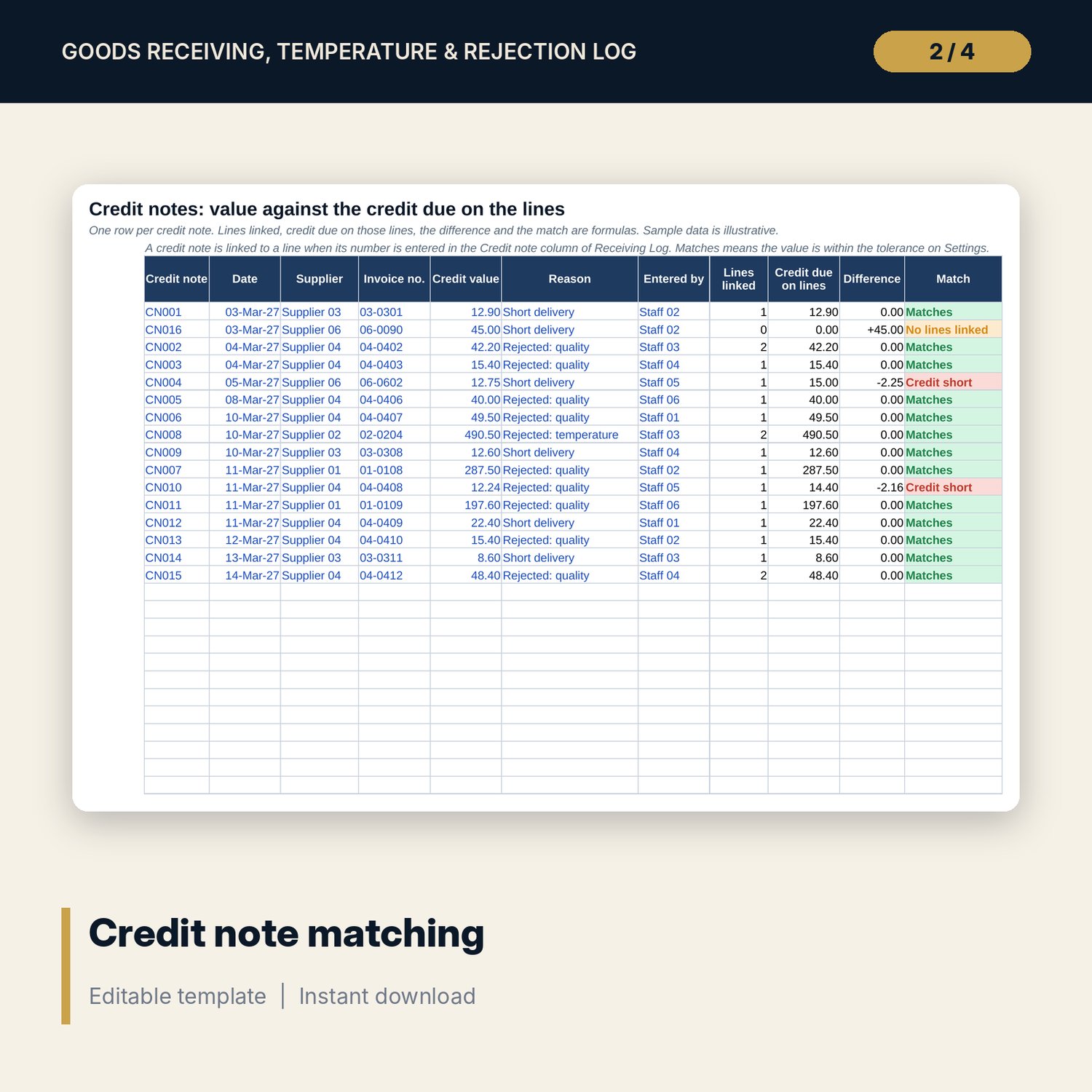
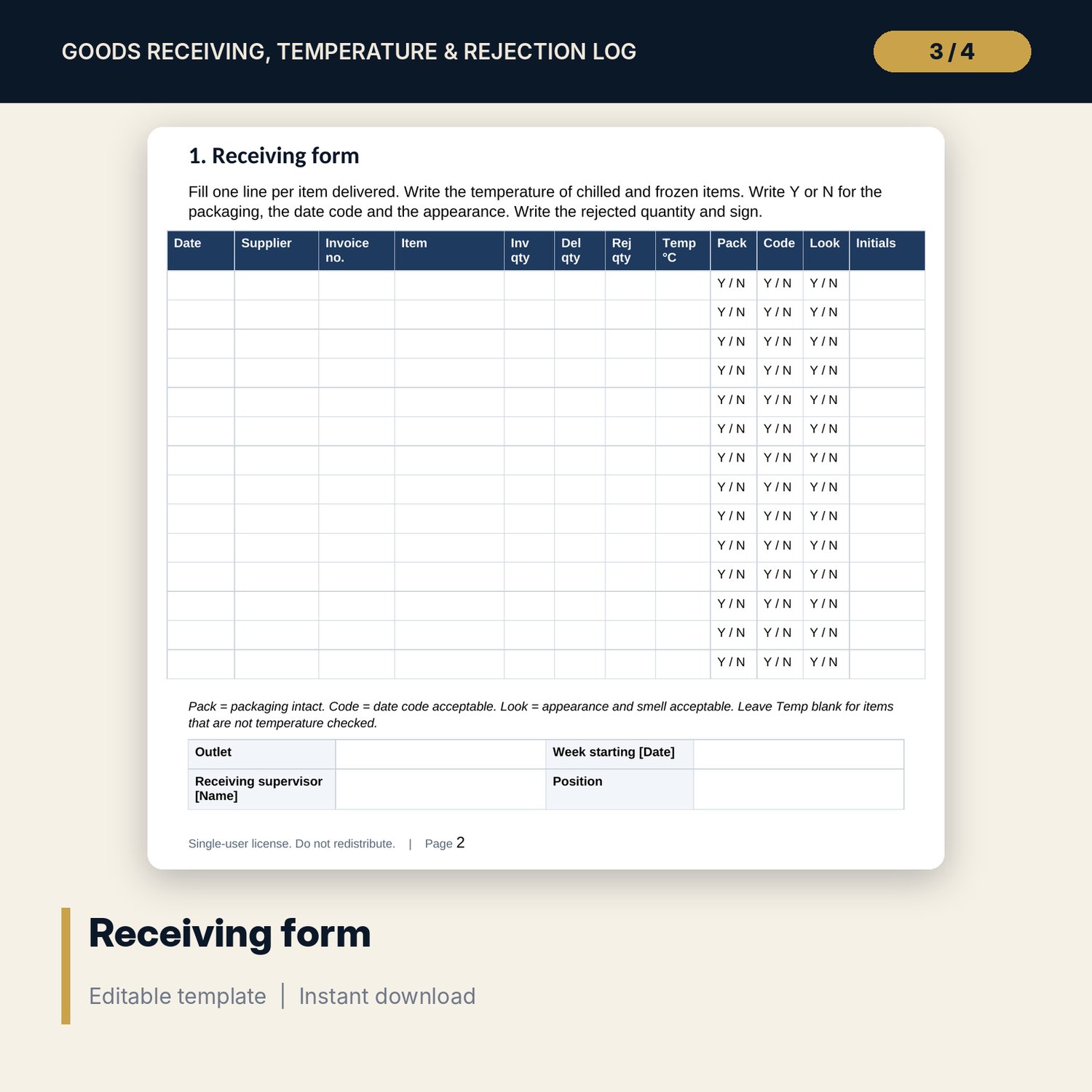
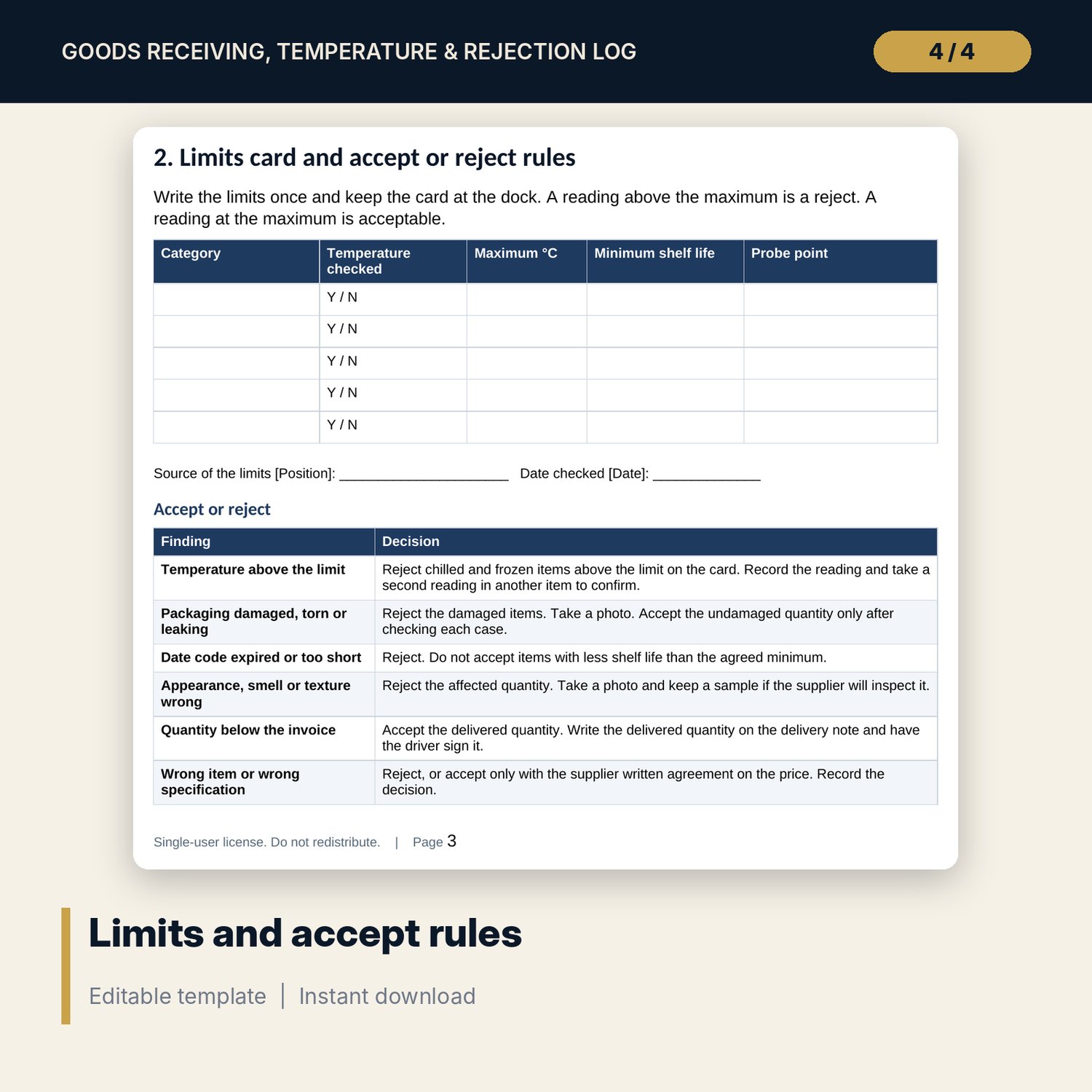
For food and beverage controllers, chefs and receiving clerks who want to hold suppliers to account. The workbook holds a receiving log with one row per delivered line: invoice and delivered quantity, rejected quantity, unit price, temperature at receipt and three quality checks. Each line gets a result, from Accepted to Failed, accepted, and the credit due. A credit note tab matches each credit note to the lines that quote it. For any period you choose, each supplier shows deliveries, invoice value, reject rate against its limit, temperature breaches, credit claimed and unclaimed, and a status. The Word pack adds a receiving form, a limits card, accept or reject rules, the receiving procedure and a weekly supplier review.
What is inside
- Goods_Receiving_Log.xlsx: 7 tabs, 3,513 formulas, 2 native charts, 19 drop-down and input rules
- Suppliers: a register of 6 sample suppliers with 16 result columns and a status, plus 4 spare rows
- Receiving Log: 197 sample delivered lines from 50 deliveries with 16 entry fields and 12 calculated columns, plus 60 spare rows
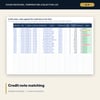
- Credit Notes: 16 sample credit notes matched to the credit due on their lines, plus 24 spare rows
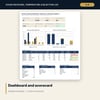
- Dashboard: 7 KPI tiles, a check tile, a supplier scorecard, 2 charts and line, supplier and credit note counts; 10 integrity checks on the Checks tab
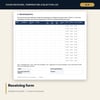
- Receiving_Procedure_and_Forms.docx and PDF: 7 pages with the receiving form, limits card, accept or reject rules, receiving procedure, rejection and credit record and a weekly supplier review
- README.txt and LICENSE-and-Terms.txt
How it works
- Set the period, the credit tolerances and the category temperature limits on Settings.
- Replace the sample suppliers with yours and set a reject-rate limit for each.
- Log each delivered line, claim the credit and enter the credit note number on the line. Follow the procedure in the Word pack.
- Read the line results and supplier statuses weekly and hold the review.
Details
- Formats: 1 Excel workbook (.xlsx), 1 pack in Word (.docx) and PDF, English
- Software: Excel 2016 or later, or LibreOffice Calc 7 or later
- No macros, no external links, no data tables, no array formulas
- 3 files plus README and license; instant digital download
Good to know
- Sample data is illustrative. Replace it with your own figures.
- The files are management tools, not food safety or legal advice. Set temperature limits and rejection rules from your food safety plan and local requirements.
- Temperature limits, reject-rate limits and tolerances are editable inputs, not standards.
- Single-user license. Do not redistribute.
FAQ
How many suppliers and lines are included?
6 sample suppliers, 197 sample delivered lines from 50 deliveries over 14 days and 16 sample credit notes, with spare rows for your own.
How is the reject rate worked out?
Rejected value divided by invoice value for the period, per supplier, compared with the limit you set for that supplier.
How is credit due worked out?
Invoice quantity minus accepted quantity, times unit price. Short deliveries and rejected quantities both create credit due.
What does Failed, accepted mean?
A line with a temperature above the limit or a failed quality check where nothing was rejected. It marks a control gap and the supplier shows Control gap.
Do I need macros?
No. Every result is a standard worksheet formula.