Pool Bar & Beach Club Operations Kit: Pool Bar and Beach Club Operations Workbook and Forms
Full description
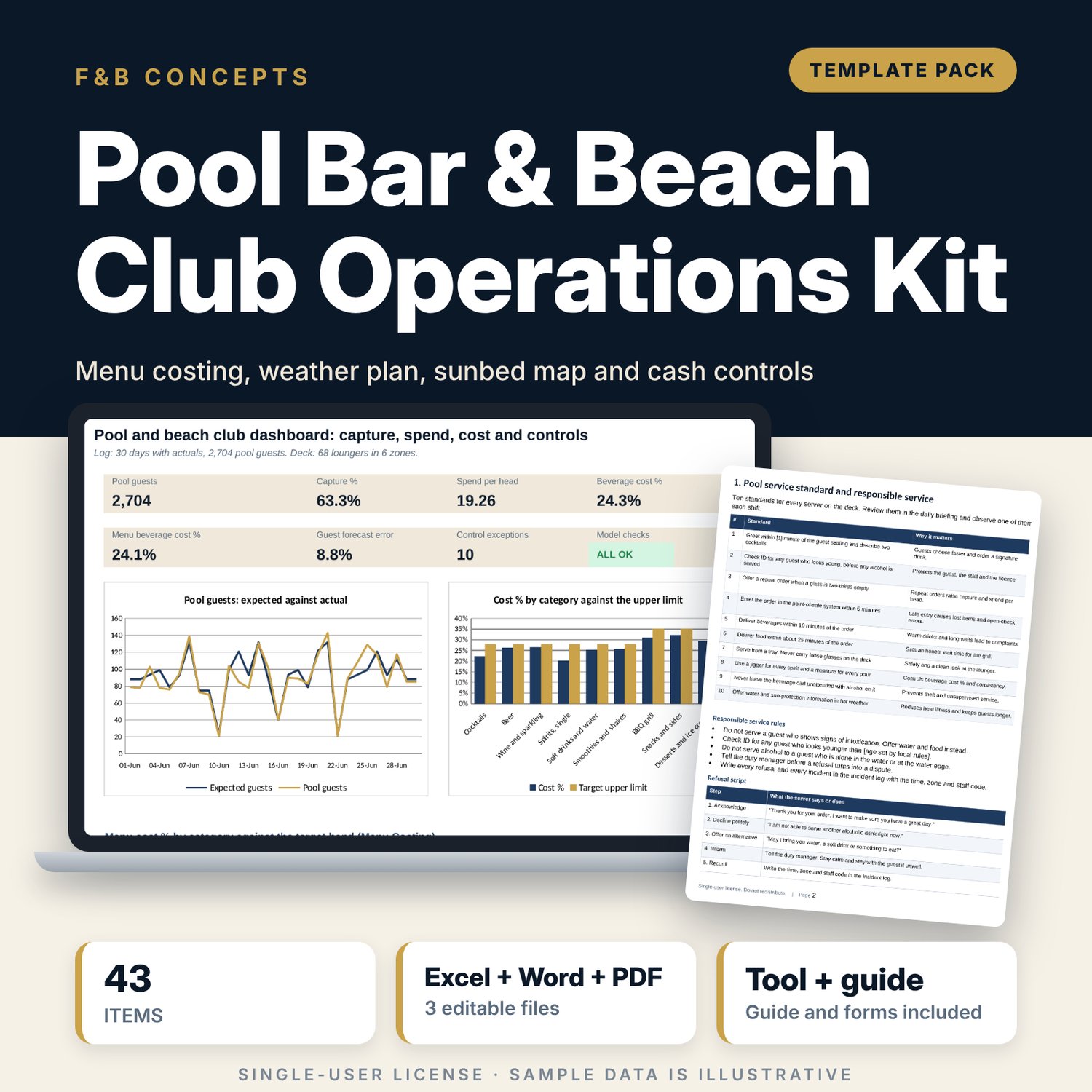
For hotel food and beverage managers, pool bar and beach club managers and duty managers who run an outdoor bar and grill and need cost, staffing and cash under control. The workbook costs 43 menu items against beverage and food bands, expects guests from the weekday and the weather, turns them into loungers, zones to open, servers and barbecue prep on a 68-lounger deck layout, and logs capture, spend per head and beverage cost with flags. It also controls wristbands by colour and serial, the cash float by denomination and the open-tab check. A 10-page Word pack holds the service standard, opening and closing checklists, weather plan, sunbed map and the forms to sign.
What is inside
- Pool_Bar_Beach_Club_Operations_Workbook.xlsx: 7 tabs, 1,332 formulas, 2 native charts, 23 drop-down and input rules
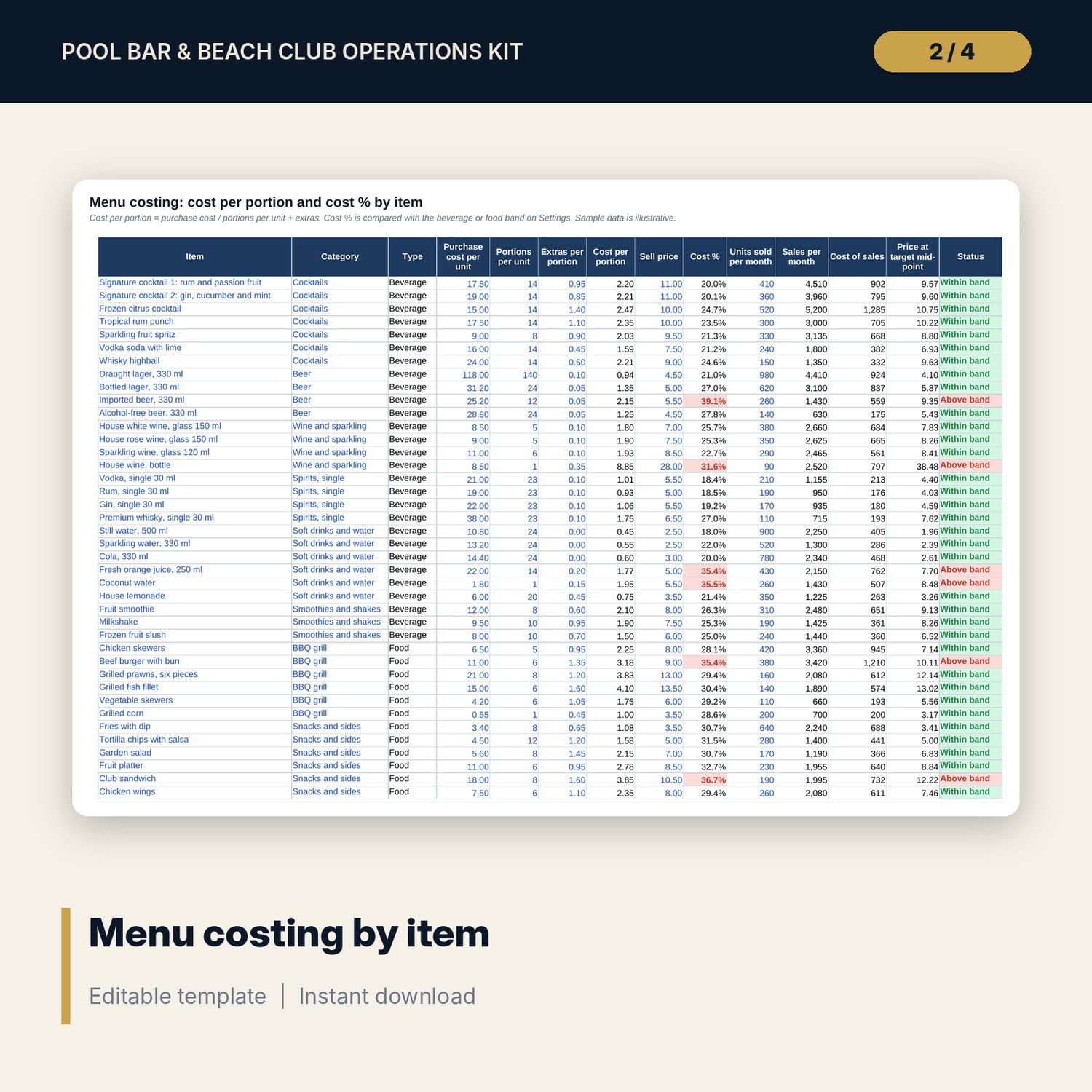
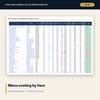
- Menu Costing: 43 sample items in 9 categories plus 10 spare rows; cost per portion, cost %, price at target and status
- Pool Log: 30 sample days with actuals and 14 plan days; expected guests, loungers, zones, servers, barbecue prep, capture, spend per head and flags
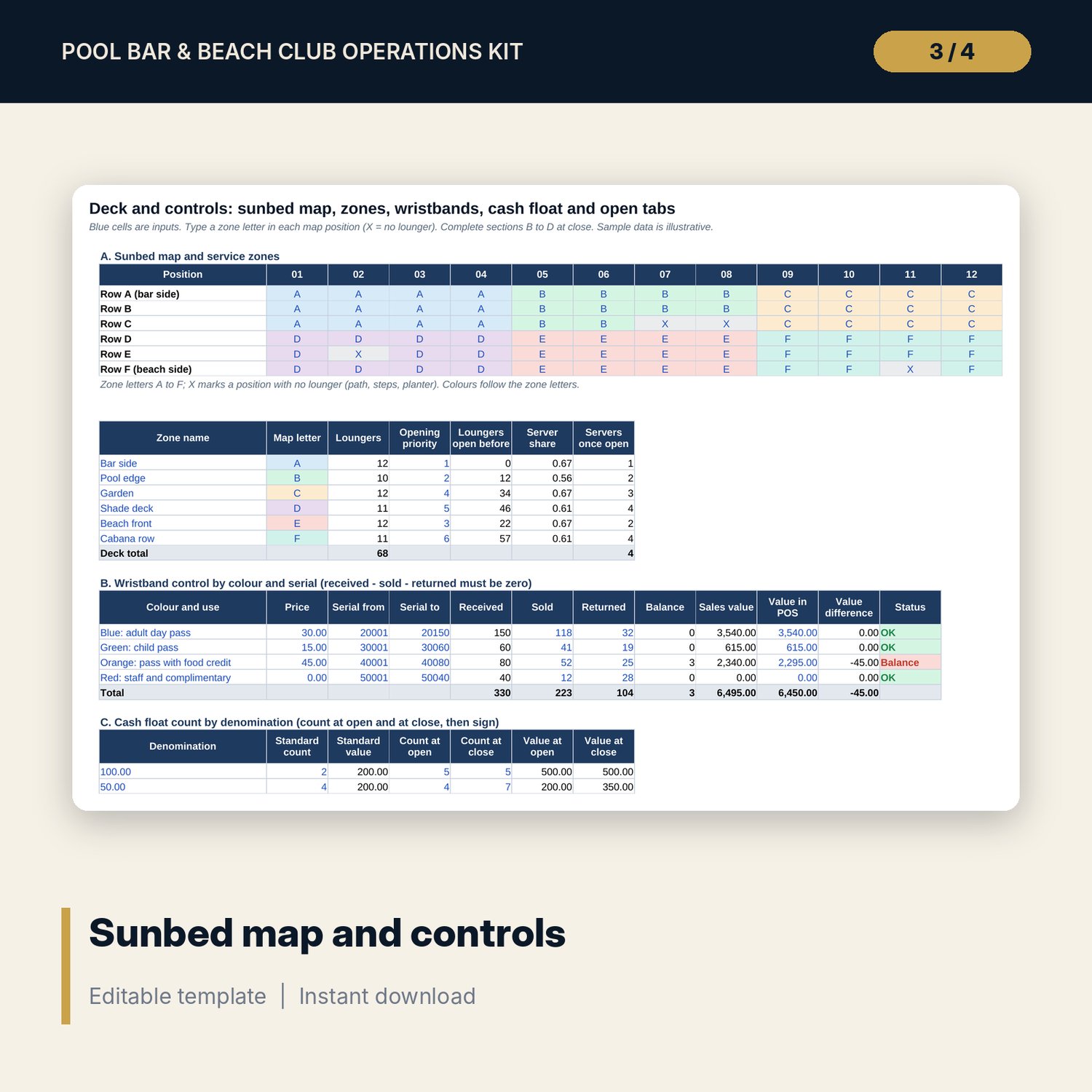
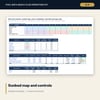
- Deck and Controls: a 6 x 12 sunbed map, 6 zones, 4 wristband colours, 8 denominations and 14 sample open tabs
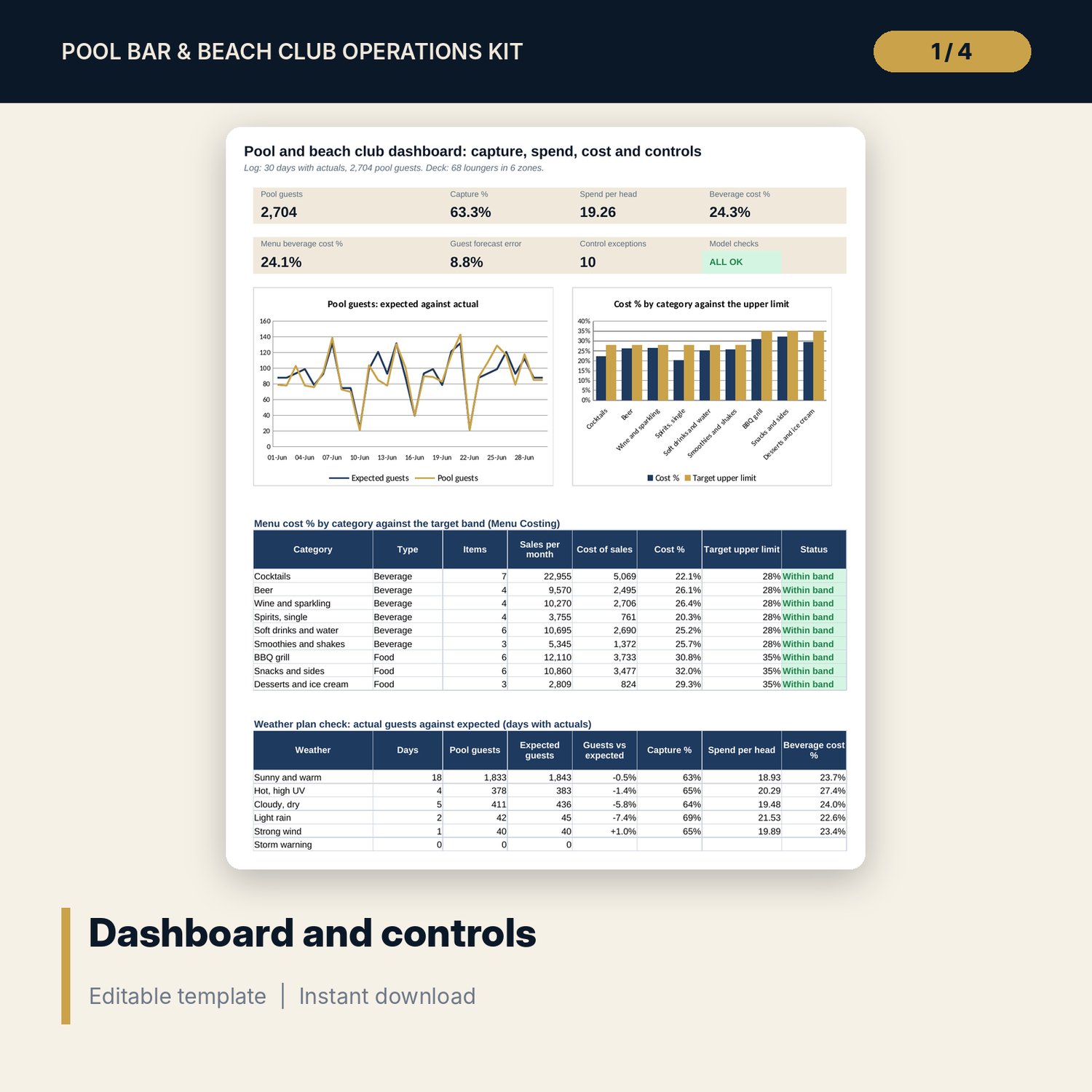
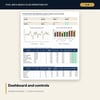
- Dashboard: 7 KPI tiles, a check tile, 2 charts, a category table and a weather plan check; 8 integrity checks
- Pool_Bar_Beach_Club_Standards_and_Forms.docx and PDF: 10 pages with 10 service standards, 12 opening and 10 closing lines, a weather plan, the sunbed map, tab, float and wristband sheets, and a worked example
- README.txt and LICENSE-and-Terms.txt
How it works
- Set targets, the loungers per server, weekday factors and weather factors on Settings.
- Replace the sample menu and draw your sunbed map with a zone letter in each position.
- Enter the weather for each day to get expected guests, zones, servers and barbecue prep, then enter the actuals after service.
- Complete the wristband, float and open-tab blocks at close and print the forms for the team.
Details
- Formats: 1 Excel workbook (.xlsx), 1 forms pack in Word (.docx) and PDF, English
- Software: Excel 2016 or later, or LibreOffice Calc 7 or later
- No macros, no external links, no data tables, no array formulas
- 3 files plus README and license; instant digital download
Good to know
- Sample data is illustrative. Replace it with your own figures.
- Rules for alcohol service, safety cover, food safety and cash handling differ by location. Verify local requirements before you use any limit or wording.
- These files are management tools, not legal, safety or financial advice.
- Single-user license. Do not redistribute.
FAQ
How does the weather plan work?
Each weather condition has a guest factor. Expected guests = reference day guests x weekday factor x weather factor. The plan then gives loungers, zones to open, servers and barbecue prep.
What does the sunbed map do?
You type a zone letter in each position. The workbook counts loungers per zone, opens zones in your priority order and uses the count for staffing.
How are wristbands controlled?
Each colour has a serial range. The workbook finds received, then balance = received - sold - returned, and compares the sales value with the point-of-sale value.
Can I change the cost bands and the server ratio?
Yes. Beverage and food cost bands, loungers per server, capture target and every control limit are inputs on Settings.
Do I need macros or add-ins?
No. Every result is a standard worksheet formula.