
Kitchen Prep List & Par Planner: Restaurant Prep Sheet and Par Level Spreadsheet
Full description
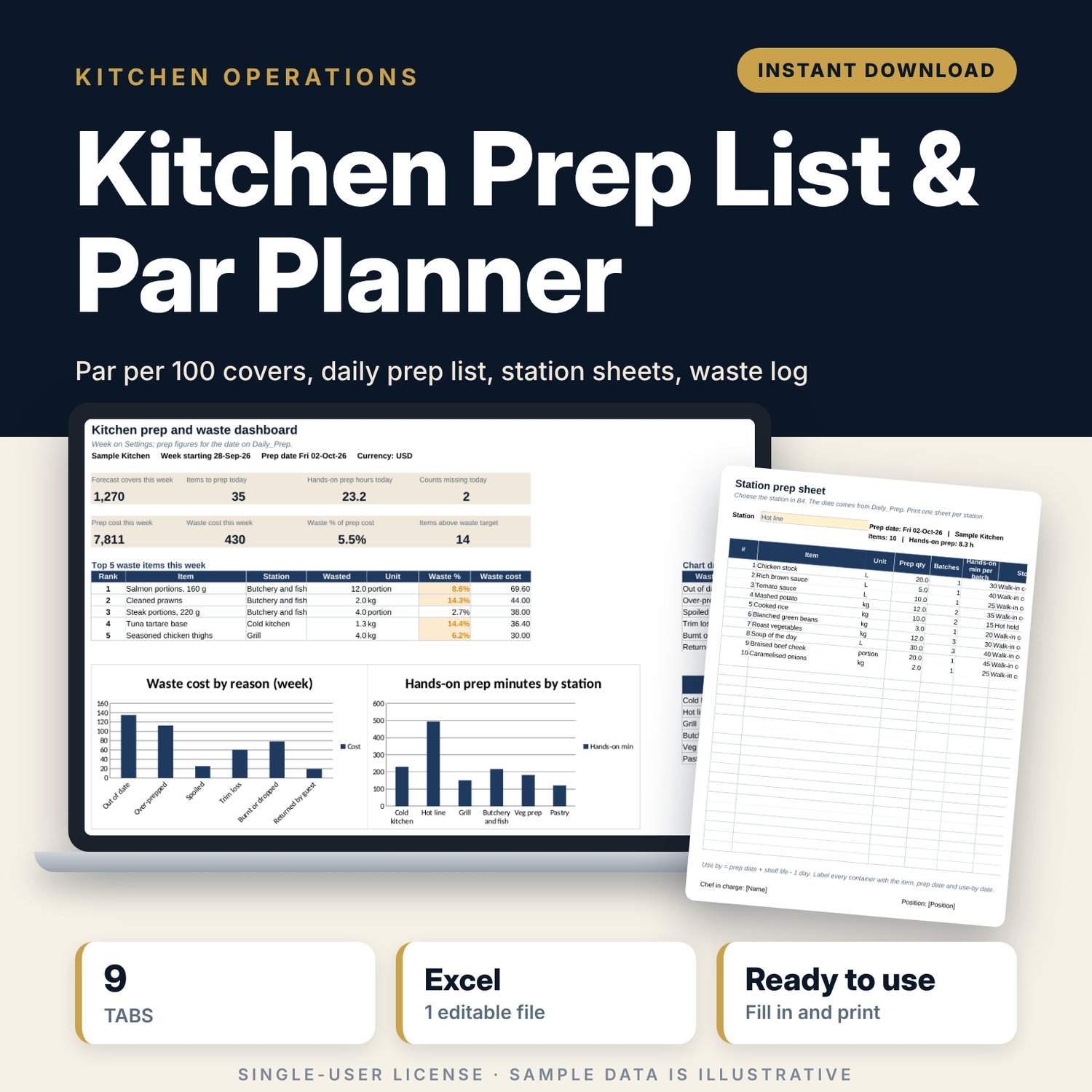
For head chefs, sous chefs and kitchen managers who write the prep list by hand each morning and want it to follow the bookings. You set each item's yield per batch, shelf life and par per 100 covers once, and enter the covers forecast for the week. Each morning you type the on-hand count. The workbook works out how much to prep, rounds it up to whole batches, splits the list by station into printable sheets with use-by dates, and at the end of the week compares what was prepped with what was wasted and suggests a lower par where waste is high.
Save with a bundle: this template is also in the Restaurant & Café Operations Bundle, 17 templates for $39 instead of $116. All 141 templates are in the All-Access Hospitality Template Library for $79.
What is inside
- Kitchen_Prep_List_Par_Planner.xlsx: 9 tabs, 6,852 formulas, 2 native charts, 15 drop-down or number rules.
- Settings: kitchen name, week start, safety buffer, maximum days to prep ahead, waste target and 6 drop-down lists, including 6 stations and 6 waste reasons.
- Prep_Items: room for 120 items (40 sample rows) with station, unit, yield per batch, hands-on minutes, shelf life, par per 100 covers, storage, cost and an active flag.
- Week_Plan: forecast lunch, dinner and event covers for 7 days, and a grid to record the quantity of each item actually prepped each day against the par for the week.
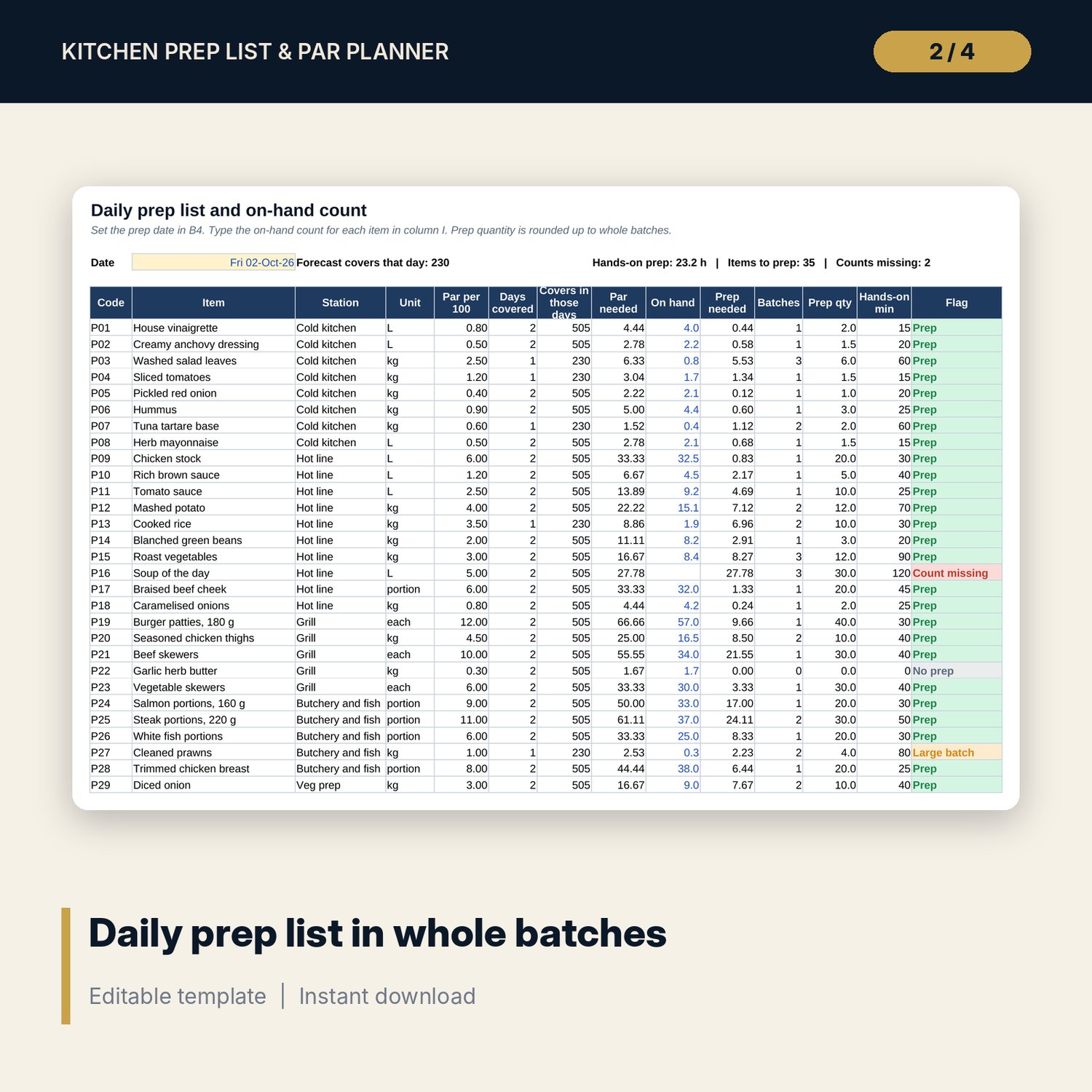
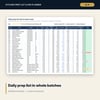
- Daily_Prep: pick the prep date and type the on-hand count. Days covered, par needed, prep needed, batches, prep quantity, hands-on minutes and a flag calculate for every item.
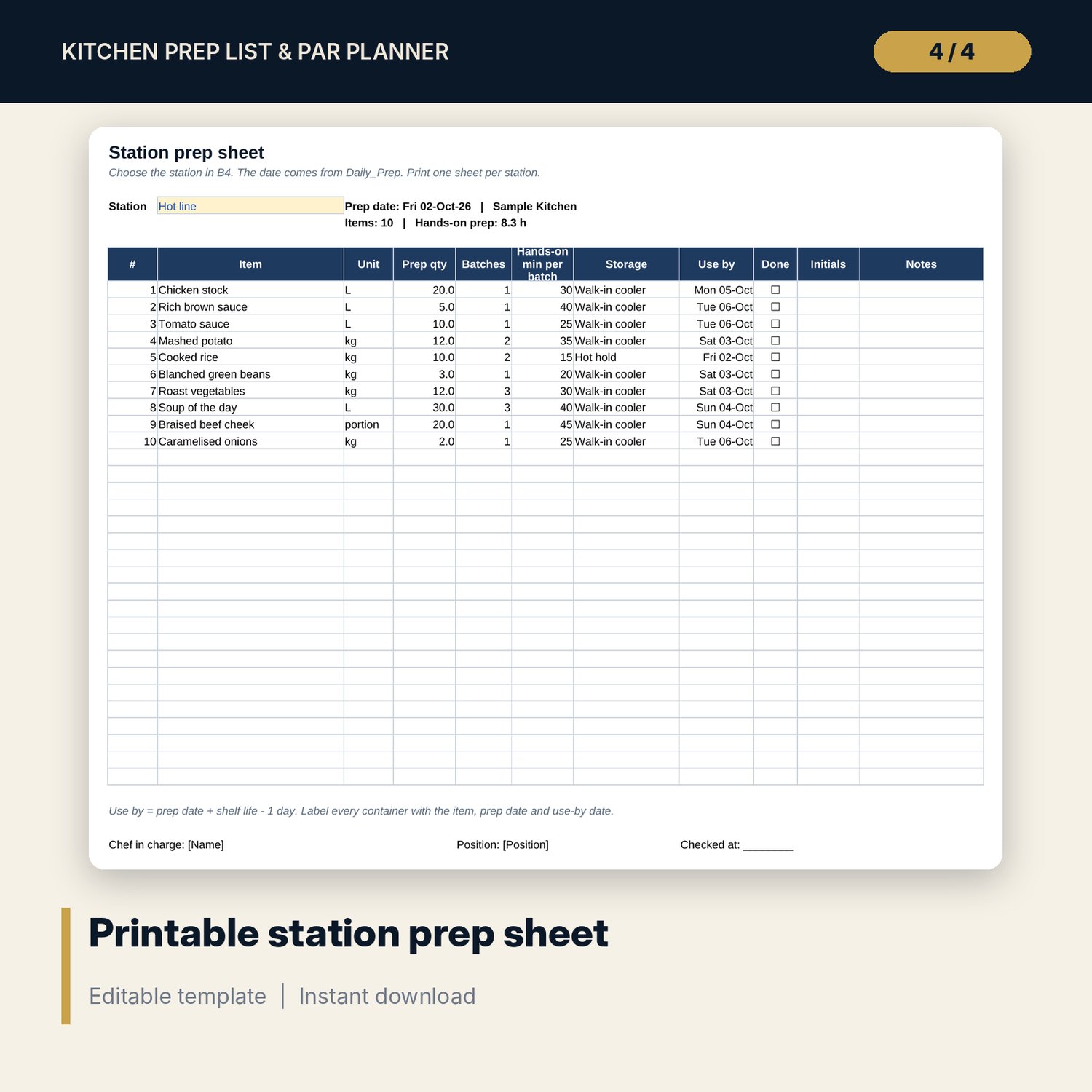
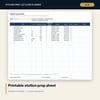
- Station_Sheet: choose a station to print a one-page prep sheet with up to 30 items, quantities, batches, storage, use-by dates and tick boxes.
- Waste_Log: room for 600 entries (109 sample rows) with item, quantity, reason and cost.
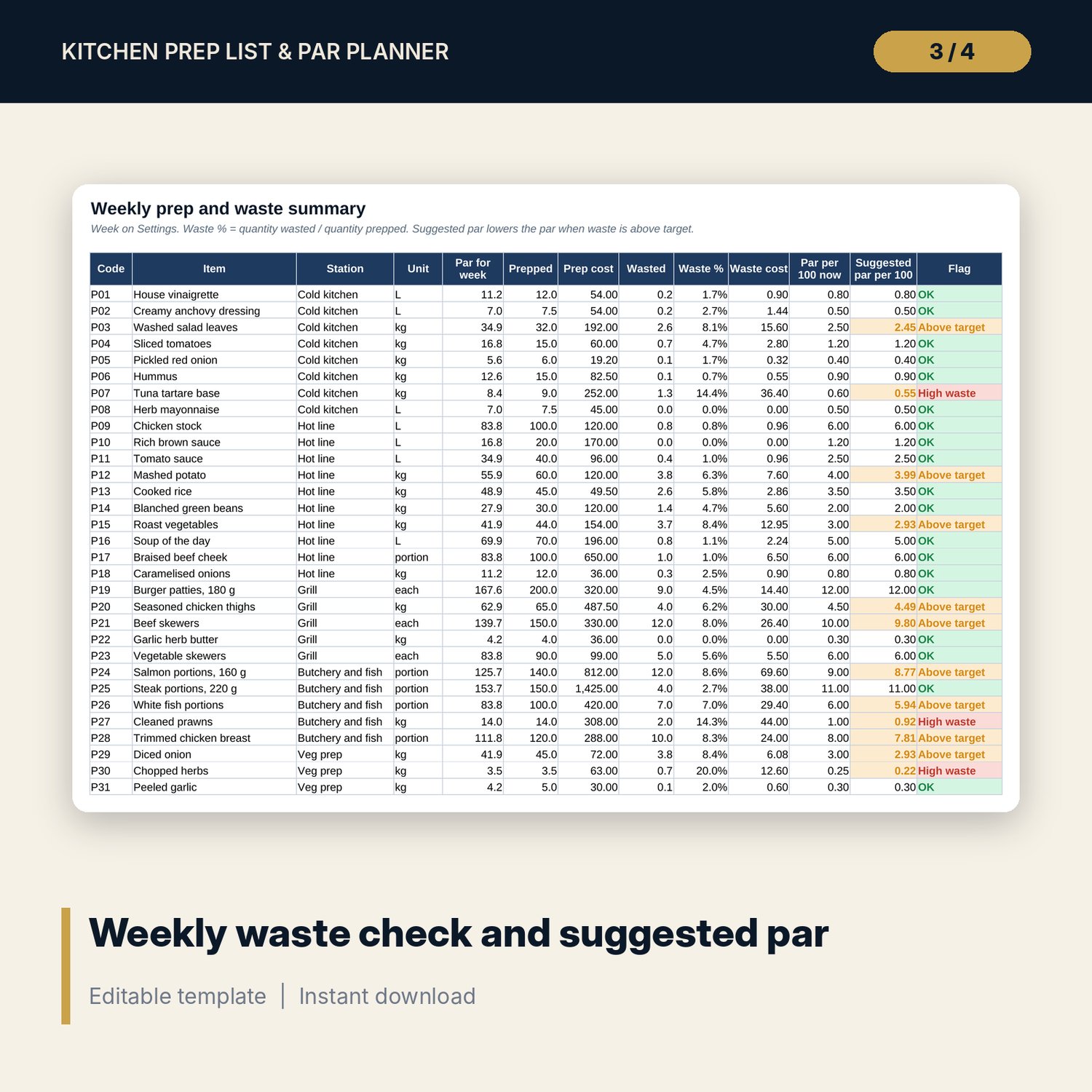
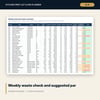
- Weekly_Summary: per item, par for the week, quantity and cost prepped, quantity and cost wasted, waste %, a suggested par per 100 covers and a flag.
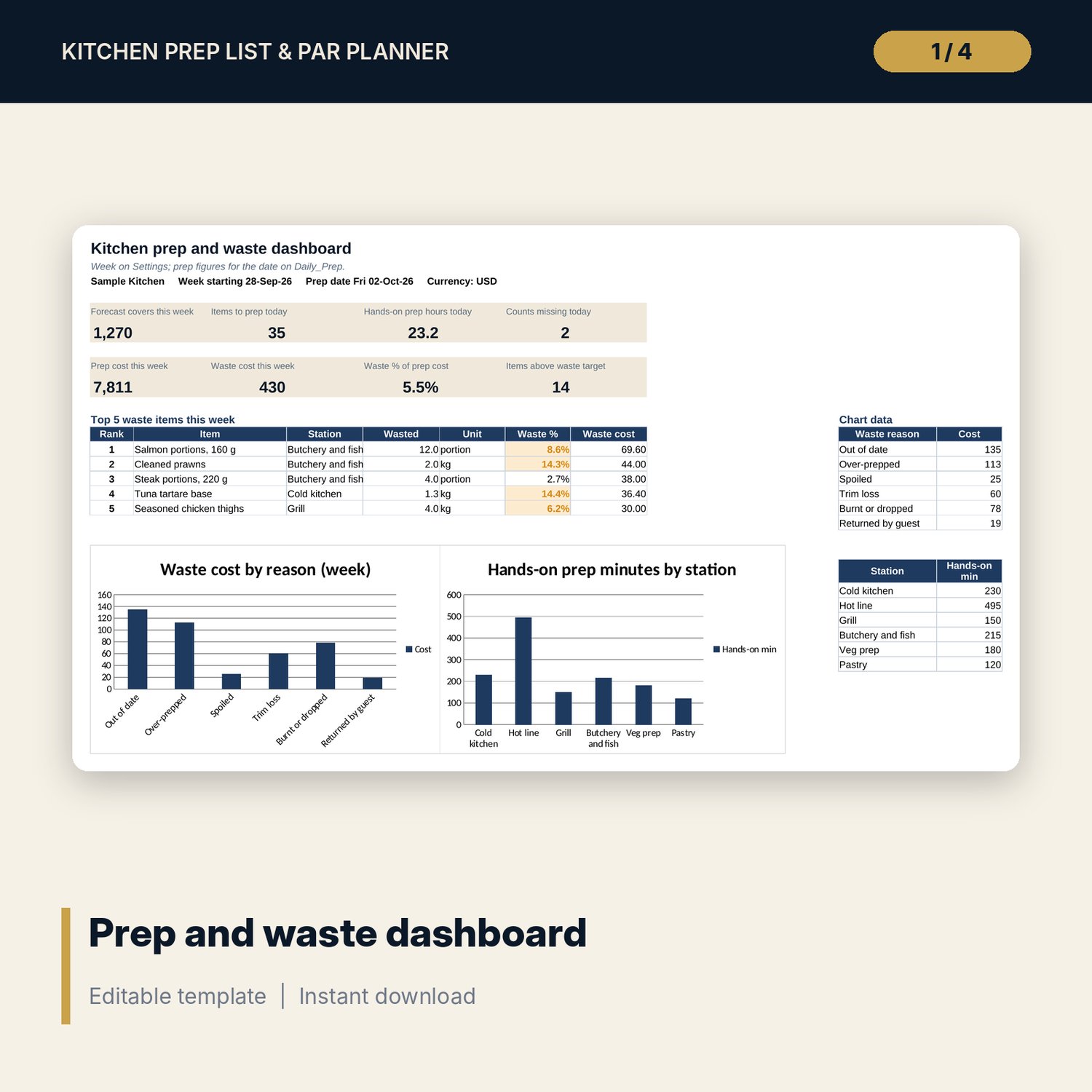
- Dashboard: 8 KPI tiles, the top 5 waste items and 2 charts.
- README.txt and LICENSE-and-Terms.txt.
How it works
- Build the item master with yields, shelf lives and par per 100 covers.
- Enter the covers forecast for the week.
- Each morning, type the on-hand counts and print the station sheets.
- Record what was prepped and log every waste event.
- At the end of the week, check the summary and lower the par where waste is above target.
Details
- Format: Excel workbook (.xlsx). No macros.
- Language: English. Units are kg, L, portion, each and tray; you can edit the list.
- Software: Excel 2016 or later, or a spreadsheet program that opens .xlsx files.
- Delivery: instant digital download. Nothing is shipped.
Good to know
- Items, yields, pars, costs, covers and waste figures are illustrative. Replace them with your own.
- Shelf lives in the sample are examples. Follow your own food safety plan and verify local requirements.
- Single-user license. Do not share or resell the files.
FAQ
How is the prep quantity worked out?
Par per 100 covers times the forecast covers for the days covered, plus the safety buffer, minus the on-hand count, rounded up to whole batches.
What does days covered mean?
An item with a longer shelf life is prepped for more than one day, up to the days-ahead limit you set. A one-day item is prepped for today only.
Can I add my own stations and units?
Yes. Edit the lists on Settings and the drop-downs update.
Does it work in Google Sheets?
It opens in Google Sheets and the formulas calculate. Check the drop-downs after import.
Is this a physical product?
No. It is a digital download. Refund terms follow the store policy at the time of purchase.