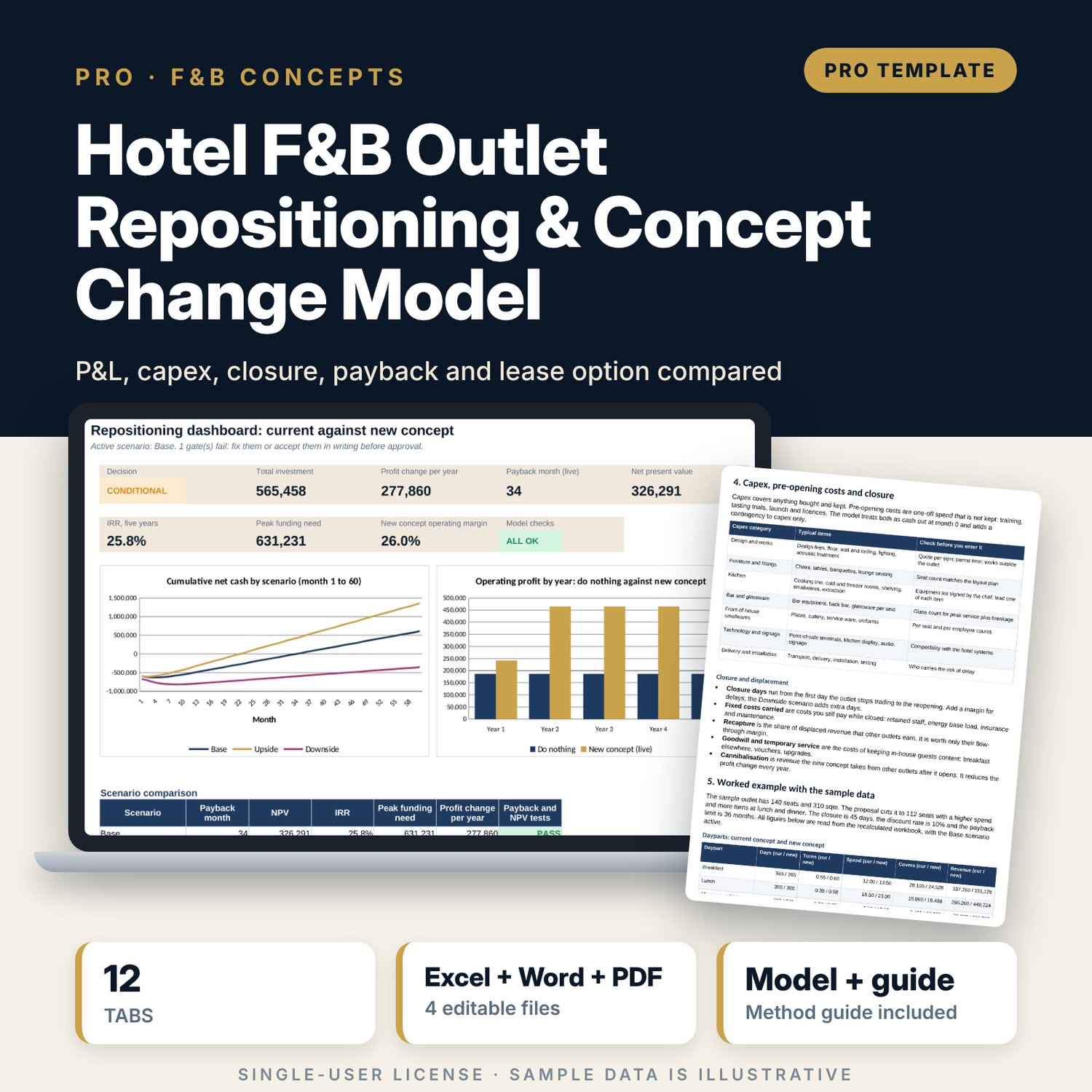
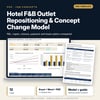


Hotel F&B Outlet Repositioning & Concept Change Model: Restaurant Concept Change Financial Model Spreadsheet
Full description
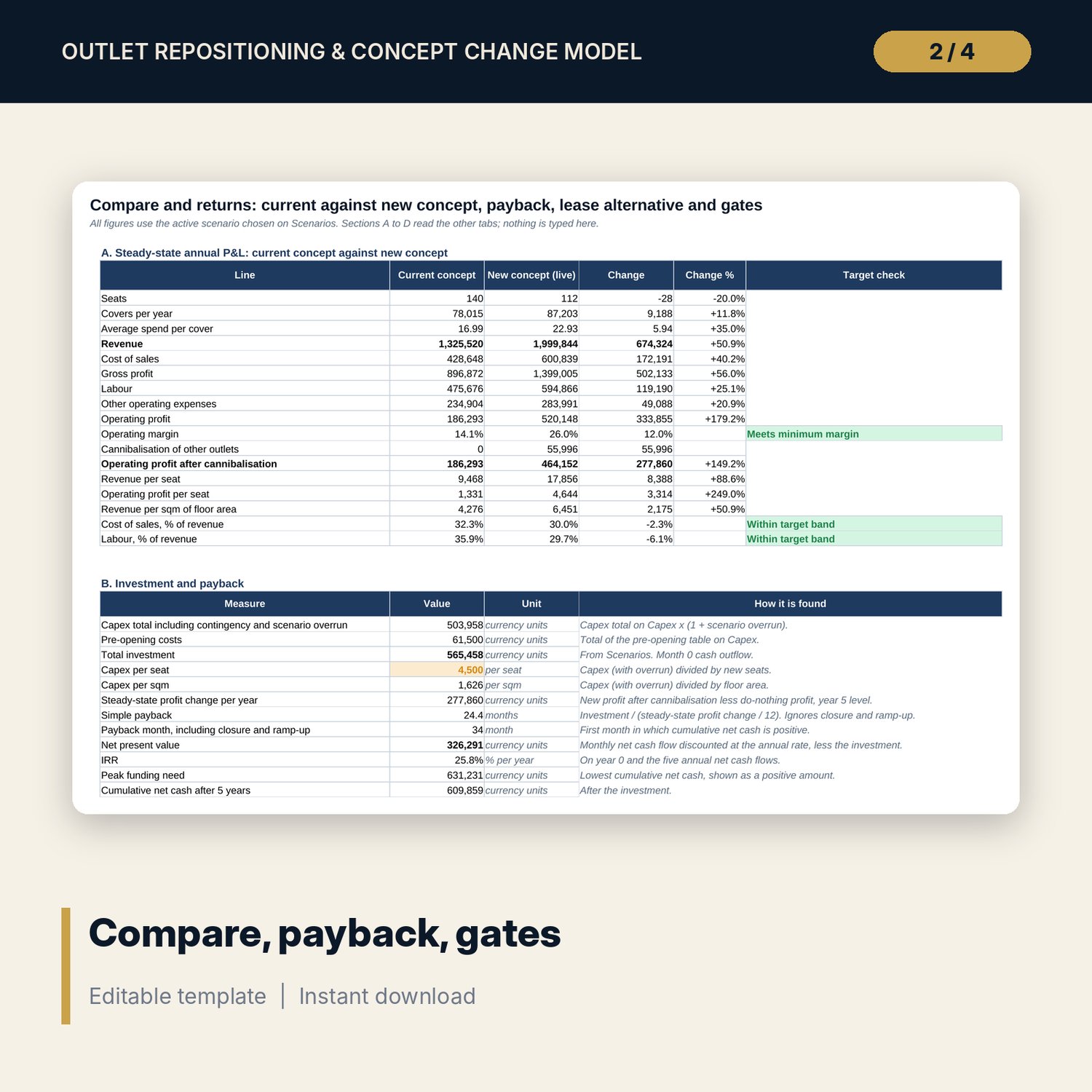
For food and beverage directors, general managers, finance managers and owner representatives who must decide whether to change the concept of a hotel restaurant or bar. The workbook builds the current and the new concept as two P&Ls from seats, turns, days and spend by daypart, adds 19 sample capex lines, pre-opening costs, closure displacement and cannibalisation, and runs 60 months for Base, Upside and Downside. It returns the payback month, NPV, IRR, peak funding need, a lease comparison by contract year and eight go/no-go gates. A companion scorecard rates up to four concept briefs on 17 weighted criteria, and a 12-page guide explains the method with a worked example.
What is inside
- Outlet_Repositioning_Model.xlsx: 12 tabs, 5,063 formulas, 2 native charts, 32 drop-down and input rules
- Current Outlet and New Concept: 4 dayparts each, revenue = seats x turns x days x spend, staffing by daypart, fixed and variable costs
- Capex: 19 sample lines in 7 categories with contingency, cost per seat and per sqm, plus 5 pre-opening cost lines
- Closure and Scenarios: 8 closure inputs, 6 scenario drivers, 3 scenarios, 2 sensitivity grids of 25 cells each
- Engine: 180 rows (60 months x 3 scenarios), 25 columns of visible steps
- Compare and Returns: P&L comparison, payback, NPV, IRR, lease alternative by year, 8 go/no-go gates
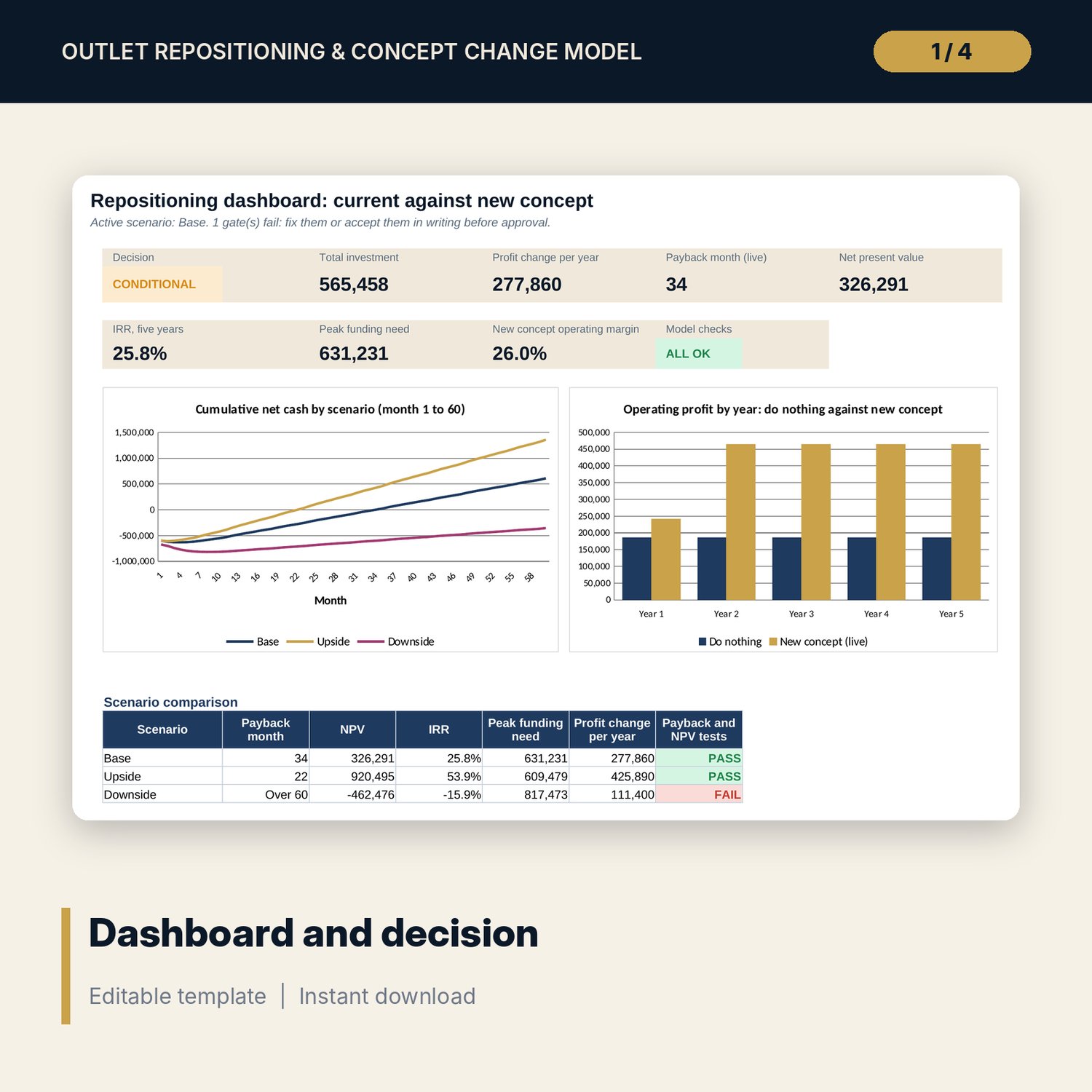
- Dashboard with 8 tiles, a check tile and 2 charts; 12 integrity checks; Method tab with 16 documented calculations
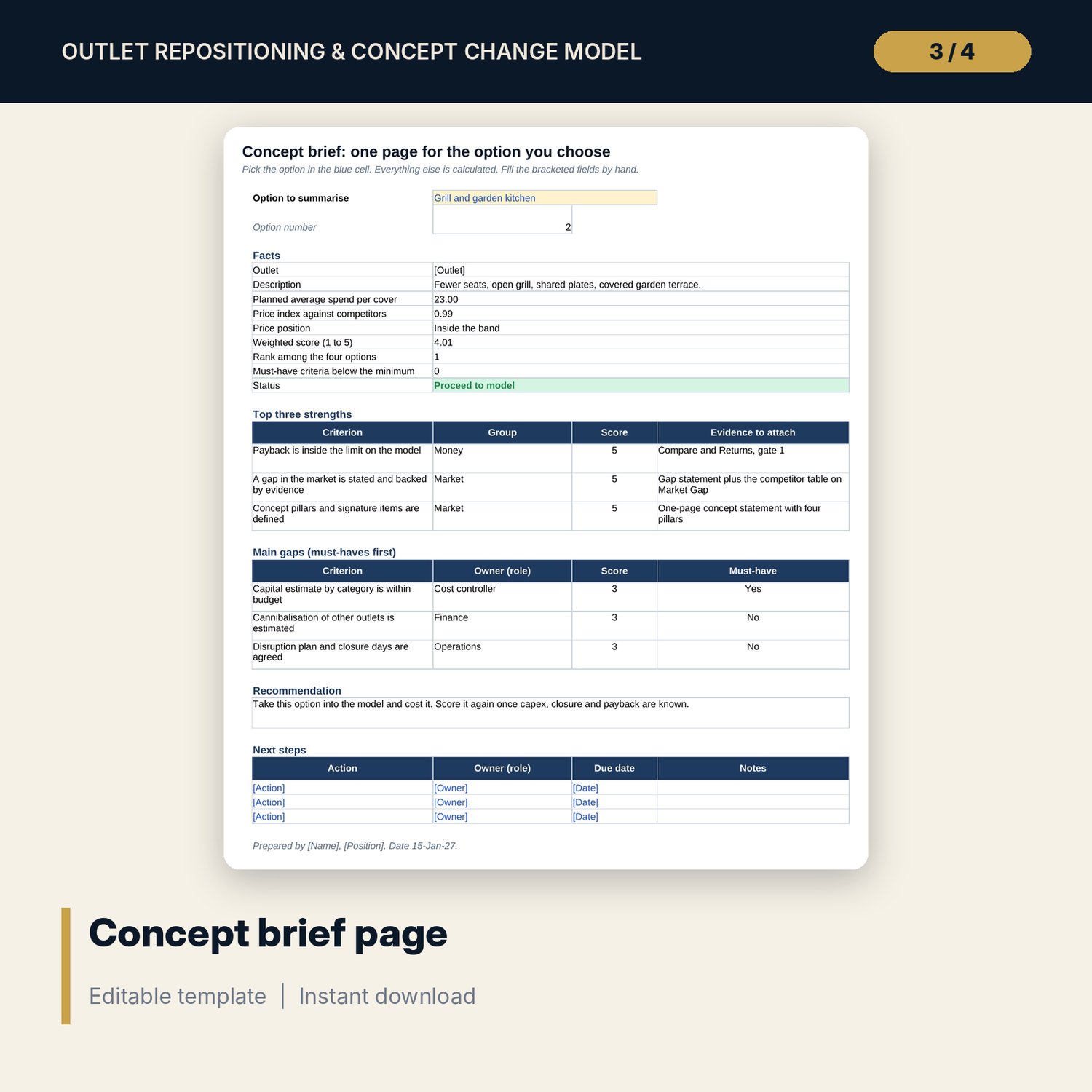
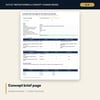
- Outlet_Repositioning_Concept_Brief_Scorecard.xlsx: 5 tabs, 216 formulas, 17 criteria, 6 sample competitors, 8 guest mix rows, a printable brief
- Outlet_Repositioning_Guide.docx and PDF: 12 pages with equations, a worked example read from the workbook, trial targets, a pre-opening countdown and a checklist
- README.txt and LICENSE-and-Terms.txt
How it works
- Enter the current outlet: seats, dayparts, staffing and costs from your last 12 months.
- Enter the new concept in the same layout, then the capex lines, pre-opening costs and closure terms.
- Set the six scenario drivers and pick the active scenario.
- Read the payback month, NPV, IRR, lease comparison and the eight gates, and check the Dashboard.
- Rate your concept options on the scorecard before you spend on costing.
Details
- Formats: 2 Excel workbooks (.xlsx), 1 guide in Word (.docx) and PDF, English
- Software: Excel 2016 or later, or LibreOffice Calc 7 or later
- No macros, no external links, no data tables, no array formulas
- 4 files plus README and license; instant digital download
Good to know
- Sample data is illustrative. Replace it with your own figures.
- The files are planning tools, not financial, tax or legal advice. Verify your own cost accounts, quotes and local requirements.
- Results depend on your estimates of turns, spend, ramp-up and cannibalisation. Use the scenarios and grids to see how far they move the answer.
- Single-user license. Do not redistribute.
FAQ
What decision does the model support?
Whether to change an outlet concept, and on what terms: it shows the profit change, the payback month, NPV, IRR and a go, conditional or no-go result.
Does it include the weeks the outlet is closed?
Yes. Closure days, fixed costs carried, guests recaptured by other outlets, goodwill cost and ramp-up are all in the 60-month timeline.
Can I compare the new concept with leasing the space?
Yes. Compare and Returns sets do nothing, reposition and lease side by side by contract year and gives the break-even rent.
Can I change the thresholds and the ramp-up curve?
Yes. The payback limit, IRR hurdle, cost bands, seasonality and the 12-month ramp-up curve are inputs on Assumptions.
Do I need macros or add-ins?
No. Every result is a standard worksheet formula, including the sensitivity grids.