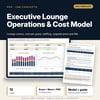
Executive Lounge Operations & Cost Model: Club Lounge Cost, Covers and P&L Spreadsheet
Full description
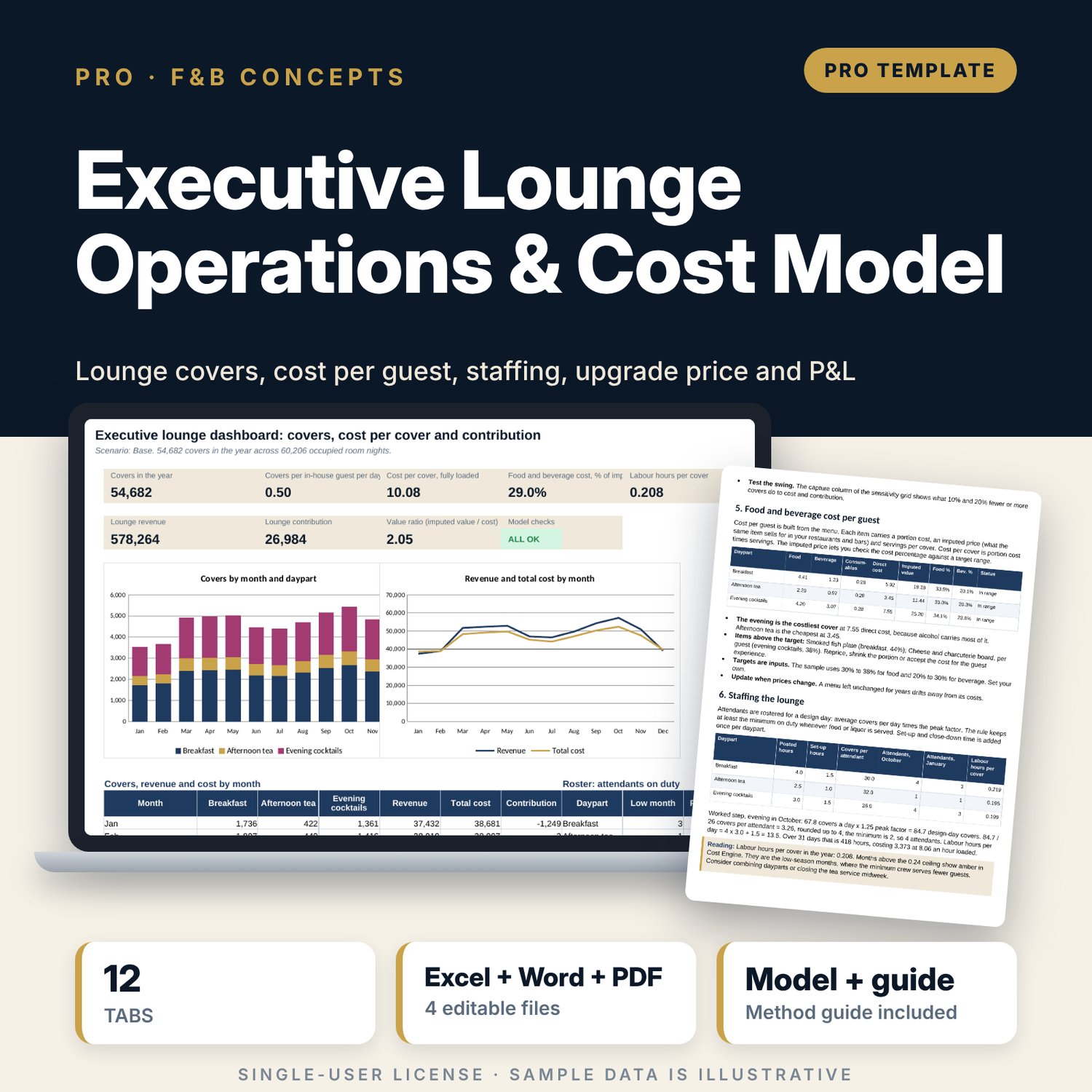
For general managers, food and beverage directors and revenue managers who run or plan a club or executive lounge and need to know if the room-rate premium pays for it. The workbook sets 7 guest categories against the dayparts they may use, forecasts covers for 12 months from occupancy and capture, costs every cover from a 25-item menu, rosters attendants by daypart with a whole-person rule, prices a paid upgrade at 6 price points and builds a monthly P&L with break-even club-floor room nights. A 25-case grid tests the premium against capture. A companion log tracks daily consumption against standard, and a 10-page guide gives the method, a worked example, a daily access list and a 21-line audit checklist.
What is inside
- Executive_Lounge_Cost_Model.xlsx: 12 tabs, 2,112 formulas, 3 native charts, 21 drop-down and input rules
- Eligibility: 7 guest categories with share, caps and daypart entitlements; Forecast: 12 months of occupied rooms, eligible guests and covers by daypart
- Menu Cost: 25 sample items rolled up to cost per cover for 3 dayparts, with target-range flags
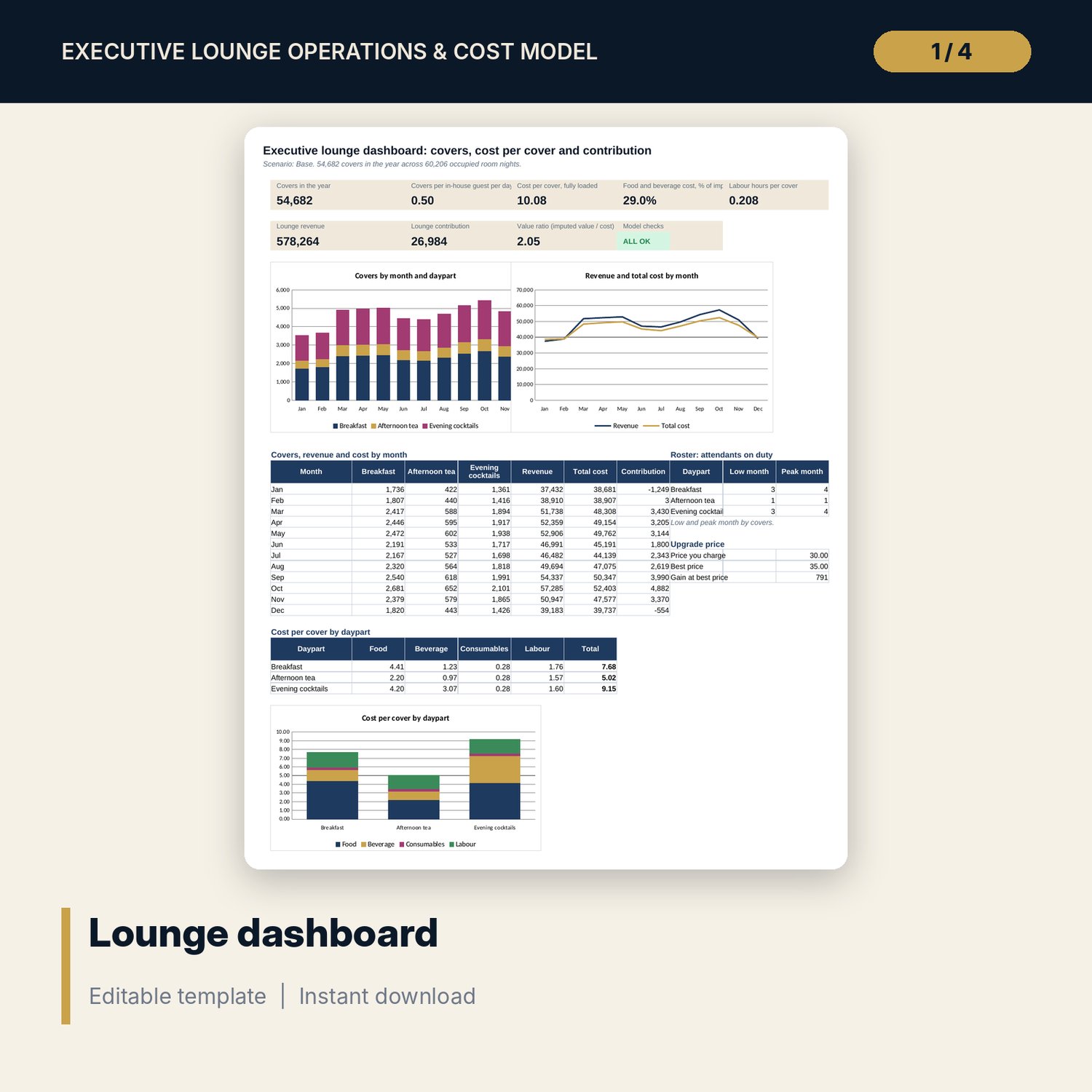
- Cost Engine: 36 rows (12 months x 3 dayparts) with covers, cost, attendants, labour hours and cost per cover
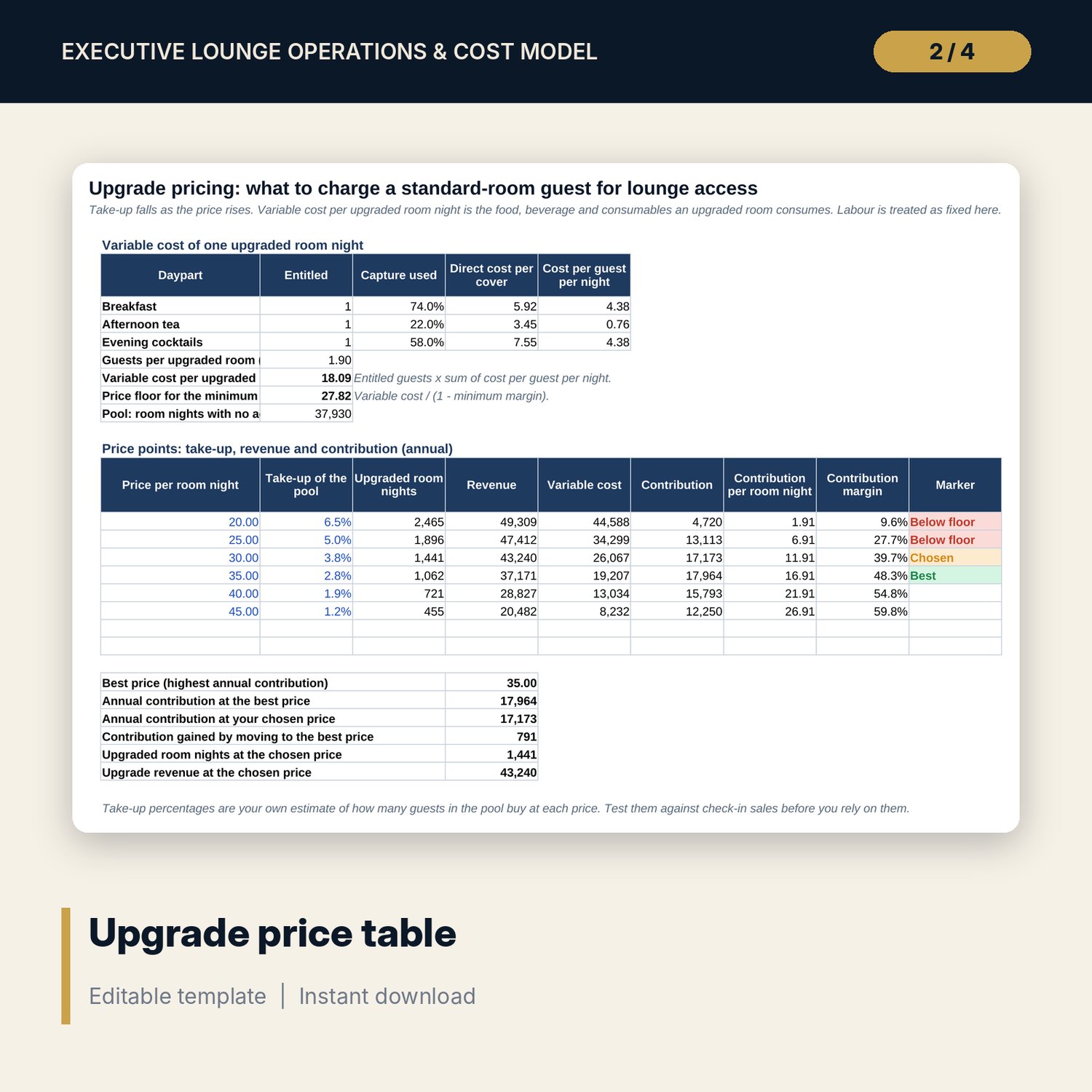
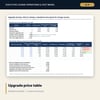
- Upgrade Pricing: 6 price points, take-up, contribution, best price and price floor
- Lounge P&L by month; Sensitivity with 25 full recalculations; Base, Upside and Downside scenarios
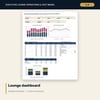
- Dashboard with 8 tiles, a check tile and 3 charts; 11 integrity checks; Method tab with 15 documented calculations
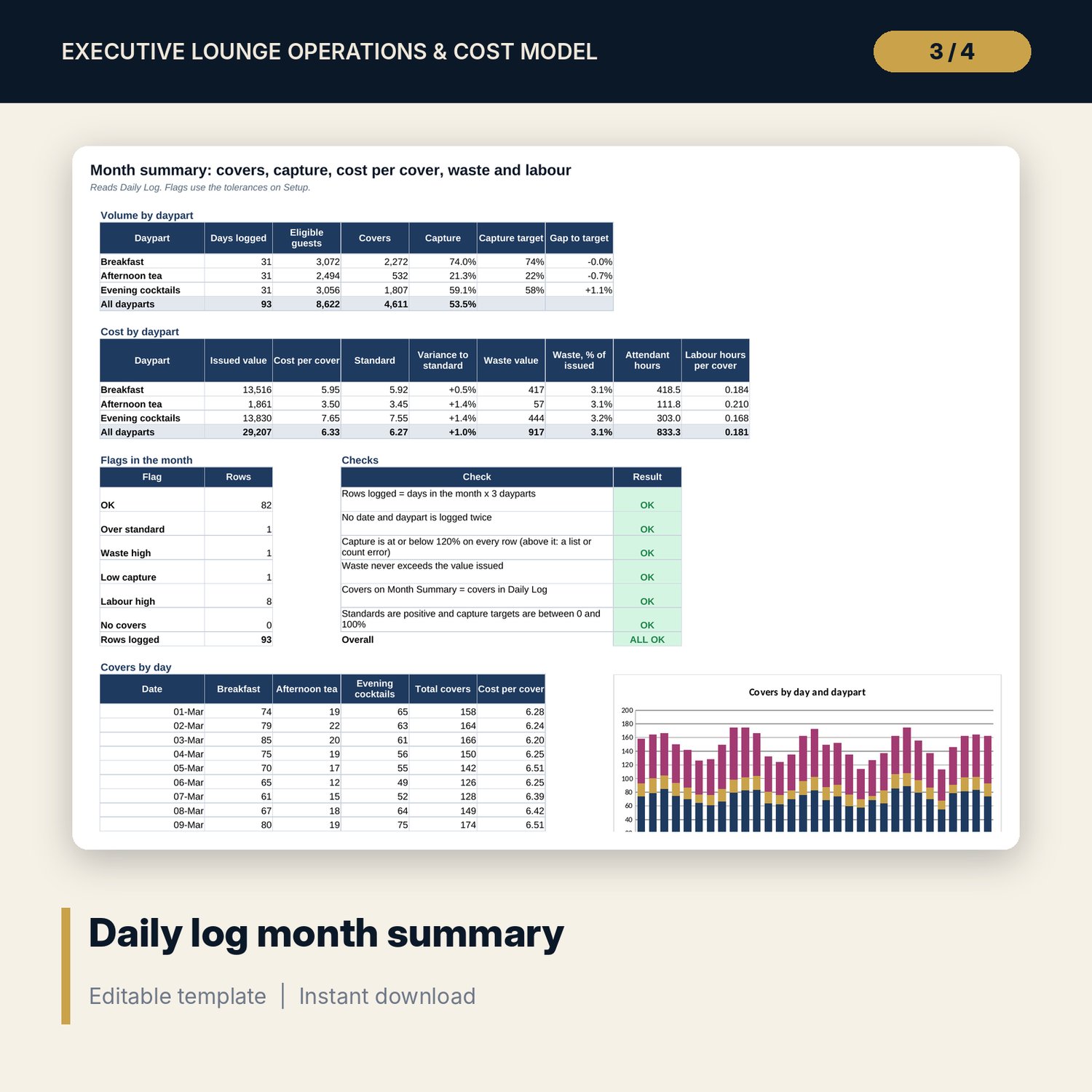
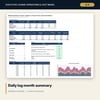
- Executive_Lounge_Daily_Consumption_Log.xlsx: 4 tabs, 1,381 formulas, 93 sample log rows, 12 stock items, 6 checks
- Executive_Lounge_Guide.docx and PDF: 10 pages with equations, a worked example read from the workbook, a daily access list and a 21-line audit checklist
- README.txt and LICENSE-and-Terms.txt
How it works
- Enter your rooms, club-floor premium, costs, daypart hours and capture rates on Assumptions.
- Set the guest categories and replace the sample menu and monthly occupancy with your own.
- Read covers, cost per cover, attendants, upgrade contribution and the monthly P&L.
- Switch scenario and read the grid to see how far premium and capture can move.
- Log each service in the companion file and compare cost per cover with standard.
Details
- Formats: 2 Excel workbooks (.xlsx), 1 guide in Word (.docx) and PDF, English
- Software: Excel 2016 or later, or LibreOffice Calc 7 or later
- No macros, no external links, no data tables, no array formulas
- 4 files plus README and license; instant digital download
Good to know
- Sample data is illustrative. Replace it with your own figures.
- The files are planning tools, not financial or legal advice. Verify wage, alcohol-service, food-safety and staffing requirements for your location.
- Contribution excludes rooms cost and overhead. Capture and upgrade take-up are estimates you should test.
- Single-user license. Do not redistribute.
FAQ
What does the lounge P&L include?
The club-floor premium, paid upgrade sales and meeting-room hire against food, beverage, consumables, attendant labour, a lounge manager and fixed running costs. Rooms cost and overhead are not allocated.
How are attendants calculated?
For each daypart and month: the larger of the minimum and covers per day times a peak factor divided by covers per attendant, rounded up to whole people.
Can I change the guest categories and who may use which daypart?
Yes. Shares, average guests, caps and the Yes or No entitlements are inputs on Eligibility.
Does it work if I do not charge for an upgrade?
Yes. Set the club-floor premium and leave the upgrade price at a point with zero take-up, or enter 0% take-up on every row.
Do I need macros or add-ins?
No. Every result is a standard worksheet formula, including the sensitivity grid.