
Restaurant & Bar Deep-Clean Rota & Sign-Off Log: Weekly, Monthly and Quarterly Cleaning Schedule with Supervisor Sign-Off
Full description
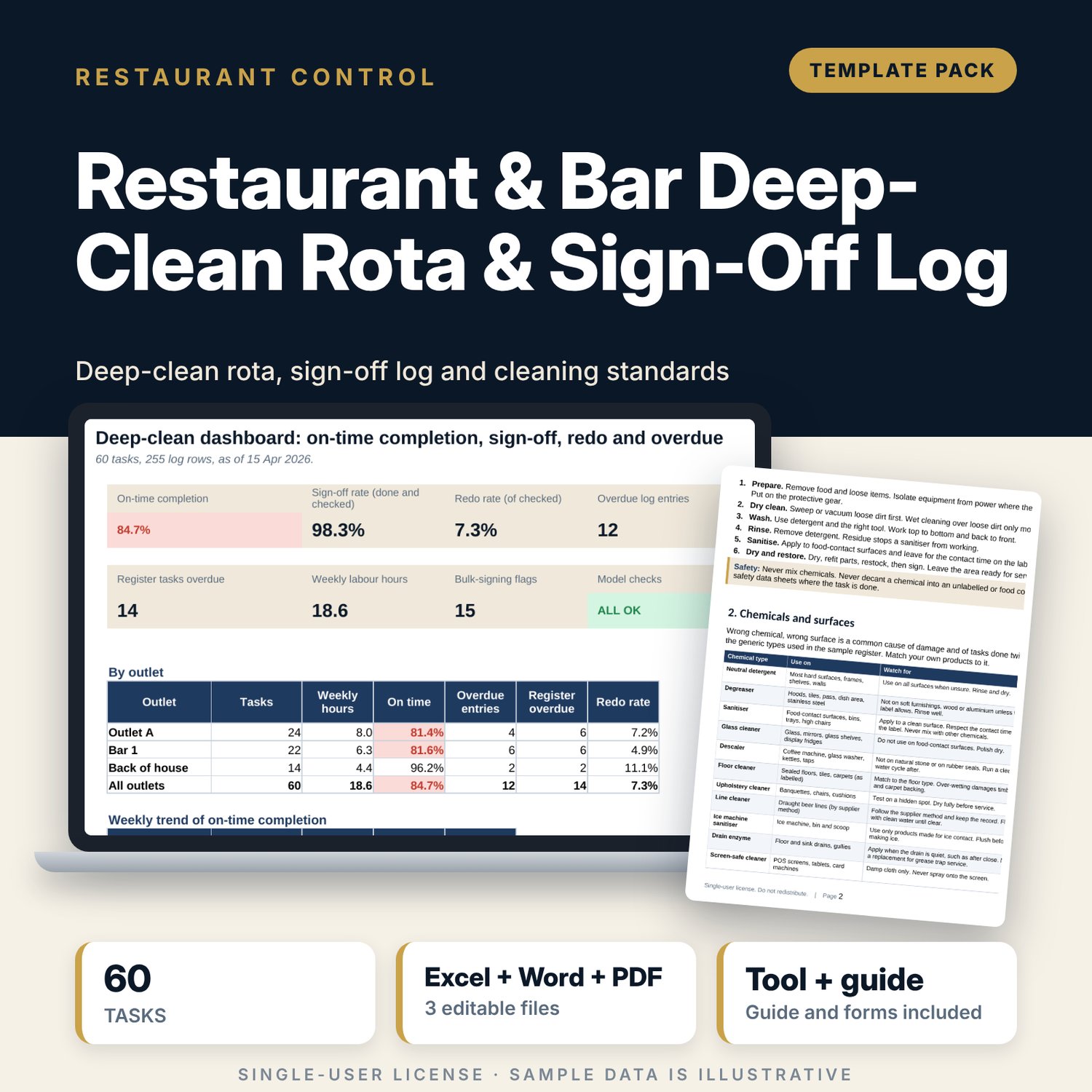
For restaurant and bar managers, supervisors and cleaning leads who need a deep-clean schedule that people actually sign. The task register holds 60 weekly, monthly and quarterly tasks with area, equipment, method, chemical, tool, protective gear, minutes, team and preferred day. Each log row records the scheduled and done dates, who did it and who checked it. The workbook finds the next due date from the last done date, flags overdue tasks, redo results, unchecked work and one person signing many tasks on one day, and turns minutes into weekly hours by team and weekday. The Word guide sets the standard for each area, matches chemicals to surfaces and gives the forms for sign-off and review.
What is inside
- Deep_Clean_Rota_and_Sign_Off_Log.xlsx: 7 tabs, 2,969 formulas, 2 native charts, 16 drop-down and input rules, 10 integrity checks
- Task Register: 60 tasks (24 weekly, 23 monthly, 13 quarterly) in 3 outlets, with method, chemical, tool, protective gear, minutes, team, preferred day, engineer flag; last done, next due, status and weekly minutes calculated
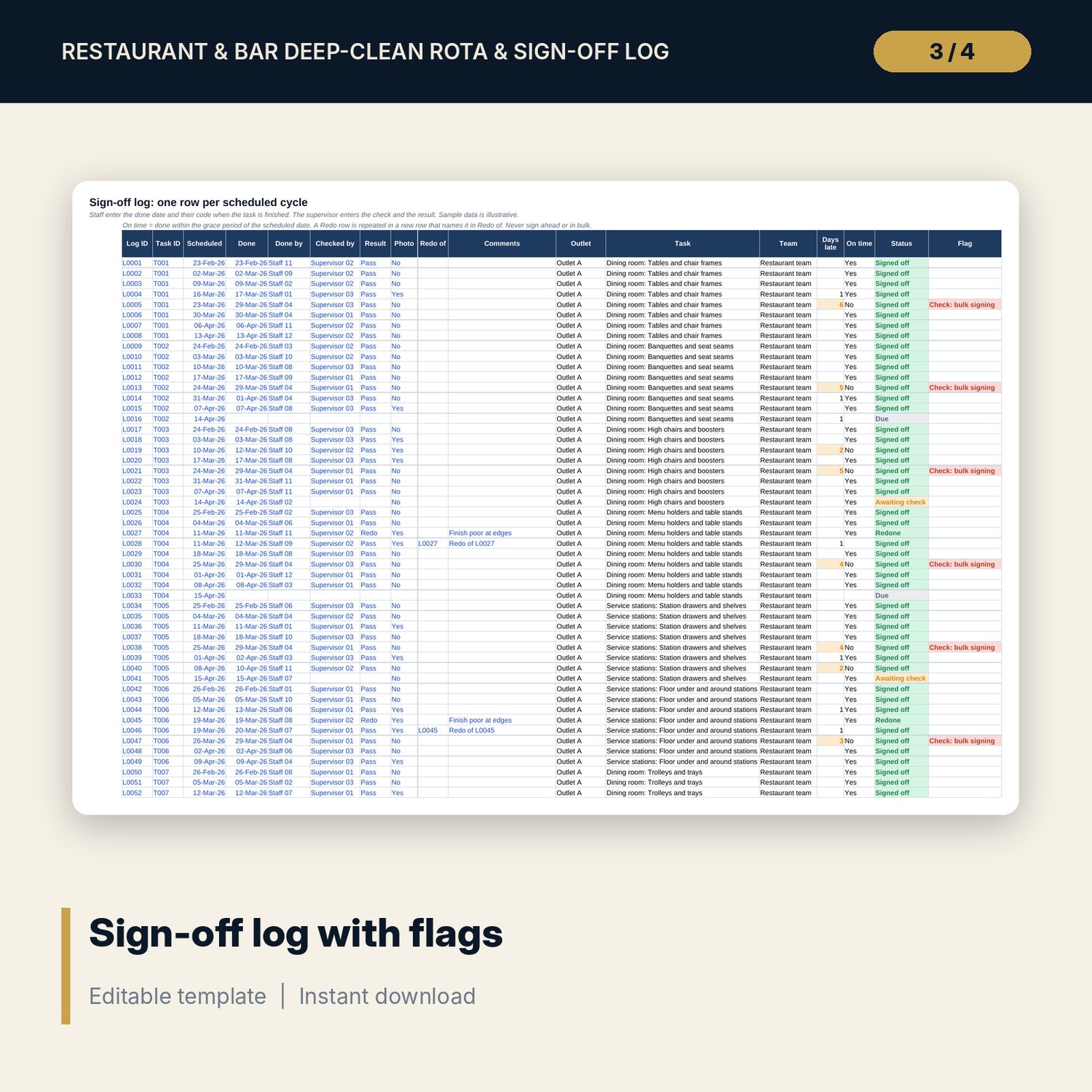
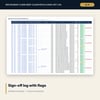
- Sign-Off Log: 255 sample cycles with scheduled and done dates, done by, checked by, Pass or Redo, photo and redo link, plus 60 spare rows; days late, on time, status and flags calculated
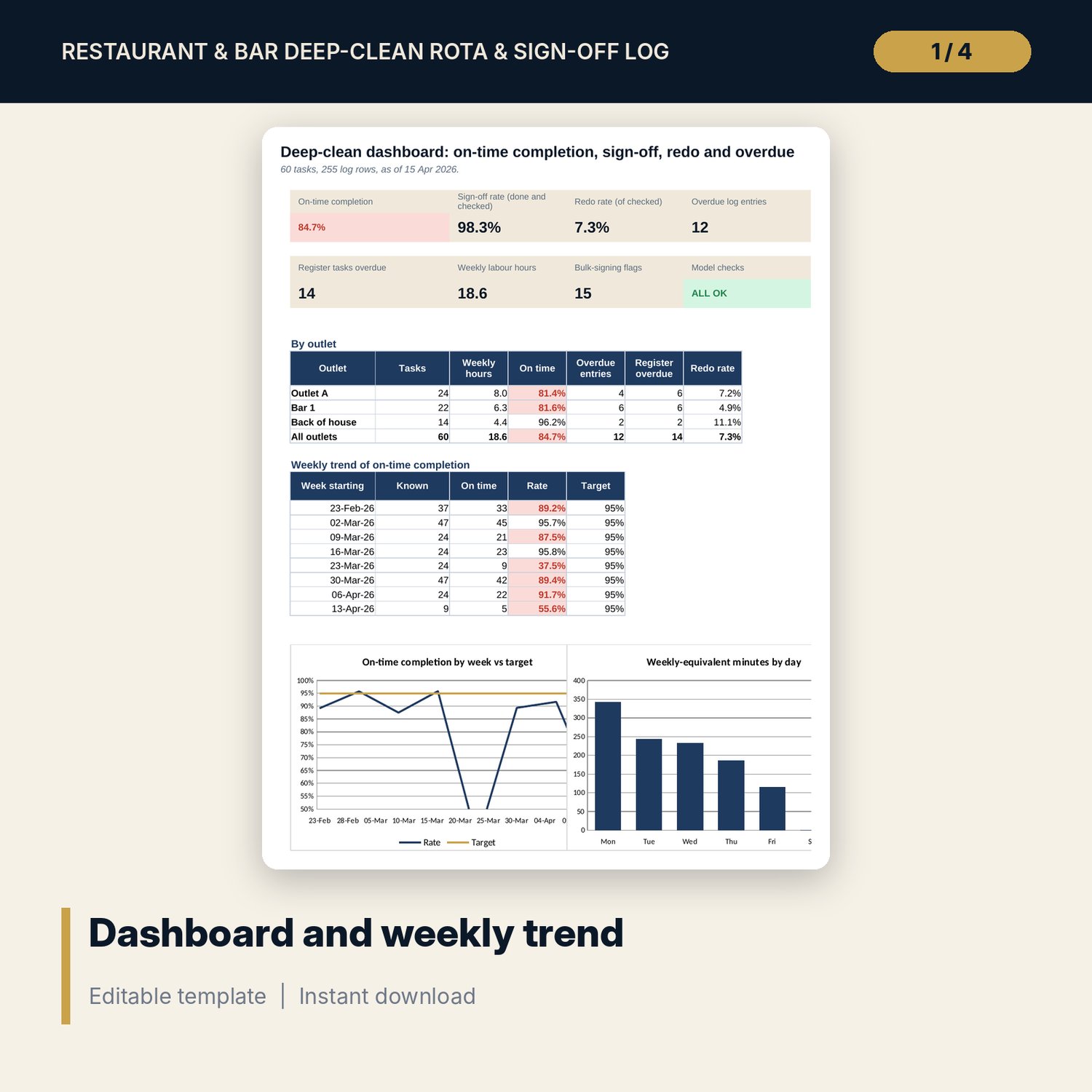
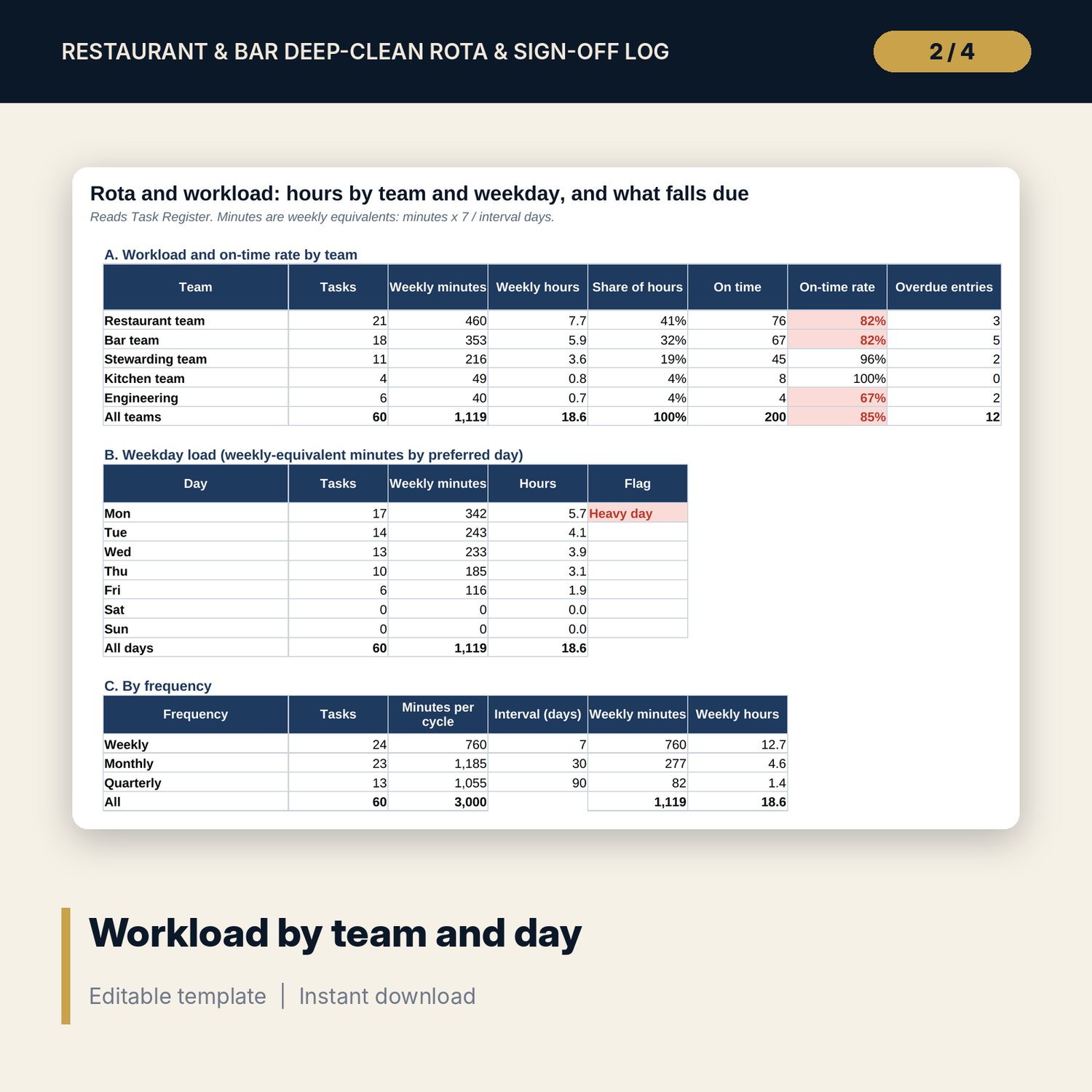
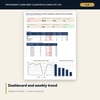
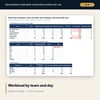
- Rota and Workload: weekly hours by team, weekday load with a heavy-day flag, frequency summary and tasks by next due period; Dashboard with 8 tiles, a table by outlet, a weekly trend and 2 charts
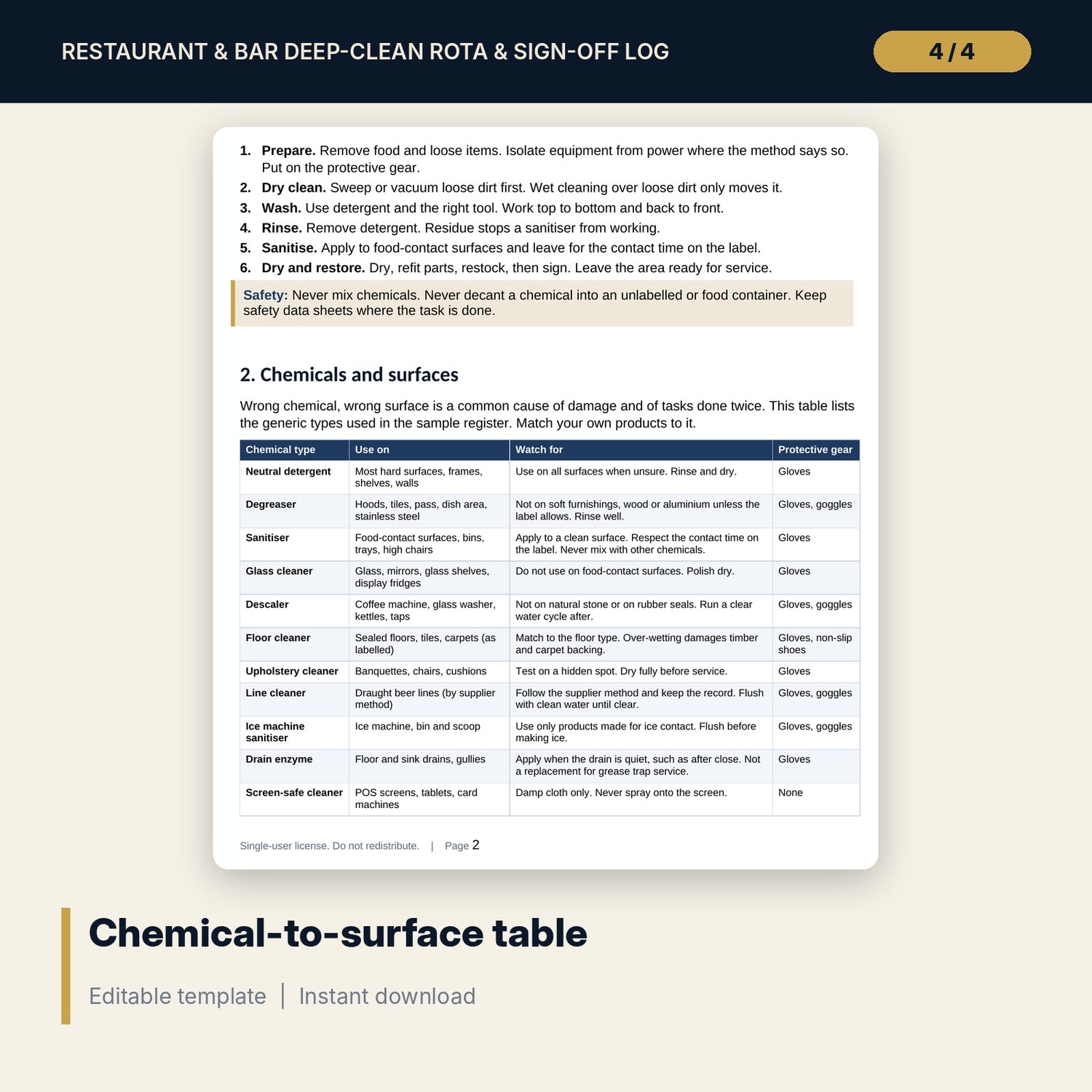
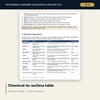
- Cleaning_Standards_Guide.docx and PDF: 7 pages with the cleaning sequence, a chemical-to-surface table, 20 area standards with supervisor checks, sign-off rules, forms, a worked example and common mistakes
- README.txt and LICENSE-and-Terms.txt
How it works
- Set the as-of date, grace days, targets and intervals on Settings.
- Replace the sample tasks and add one log row for every scheduled cycle.
- Staff sign at completion; the supervisor checks and enters Pass or Redo.
- Review overdue tasks, engineer bookings and heavy days each week, and send the summary to the office.
Details
- Formats: 1 Excel workbook (.xlsx), 1 guide in Word (.docx) and PDF, English
- Software: Excel 2016 or later, or LibreOffice Calc 7 or later
- No macros, no external links, no data tables, no array formulas
- 3 files plus README and license; instant digital download
Good to know
- Sample data is illustrative. Replace it with your own tasks and results.
- The files are management tools, not food safety advice. Intervals, minutes and chemicals are examples: verify with your chemical supplier and local requirements.
- Single-user license. Do not redistribute.
FAQ
How does it work out the next due date?
It takes the latest done date for the task from the log, ignoring Redo rows, and adds the interval for its frequency from Settings. A task never done is due on the rota start date.
Can I change the intervals?
Yes. Weekly, monthly and quarterly are 7, 30 and 90 days in the sample. Change them on Settings and every due date updates.
How does it spot bulk signing?
It counts the entries one person made on one day. At the number you set on Settings or more, each of those rows is flagged for a supervisor check.
How many tasks and log rows are included?
60 sample tasks and 255 sample log rows, plus 10 spare task rows and 60 spare log rows.
Do I need macros?
No. Every result is a standard worksheet formula.