
Bar Par Stock, Requisition & Store-to-Bar Transfer Control Workbook: Par Levels, Requisitions and Bar Transfers in Excel
Full description
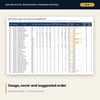
For beverage managers, bar supervisors, store keepers and cost controllers who run several bars from one store. The workbook sets a min and max for every bar and item, reads the requisition and transfer logs, and shows what each bar used, how many days of cover it holds, where it ran out and where cash sits in excess stock. The method is a par system: usage from counts and movements, a par fit test against observed use, a suggested order rounded to the pack size and a movement test for items that do not sell. A one-page requisition form workbook and a Word guide with roles, rules, forms and a worked example complete the set.
What is inside
- Bar_Par_Stock_Control.xlsx: 12 tabs, 10,634 formulas, 2 native charts, 27 drop-down and input rules, 10 integrity checks, 14 method rows
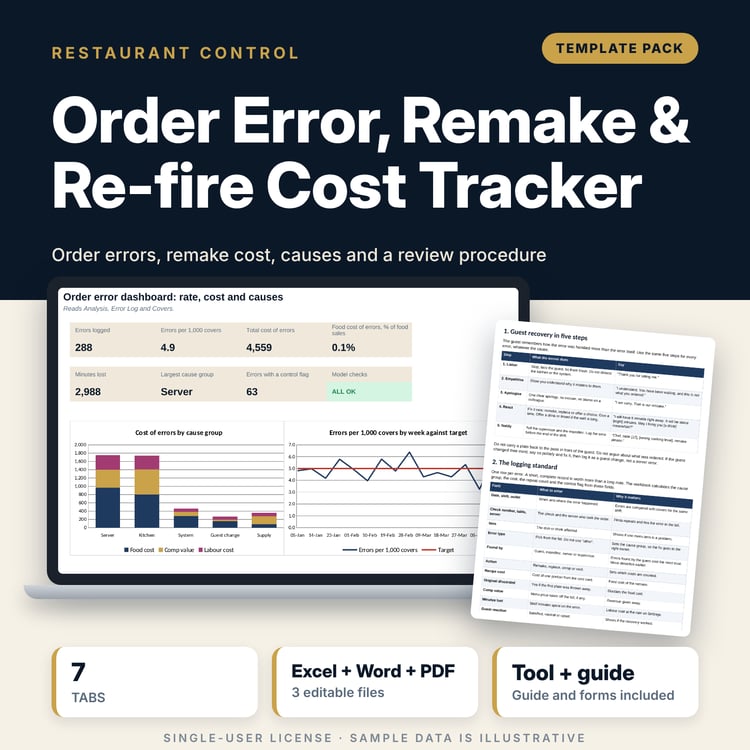
- 156 sample par rows across 4 bars and 46 items, 590 requisition lines on 52 requisitions, 26 transfer slips
- Par Review: par fit, suggested min and max, excess value, value above suggested max, par investment and no-movement test for every par row
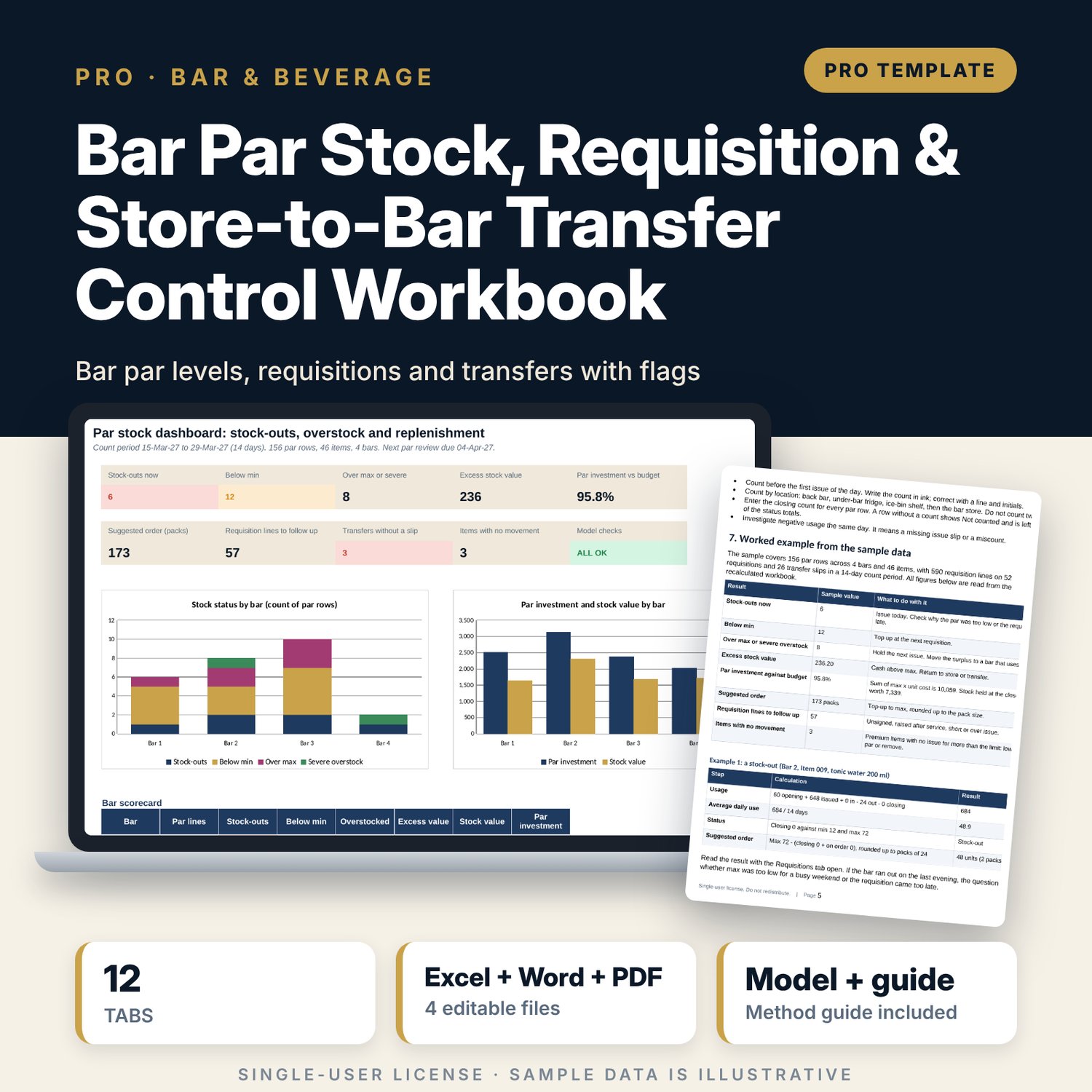
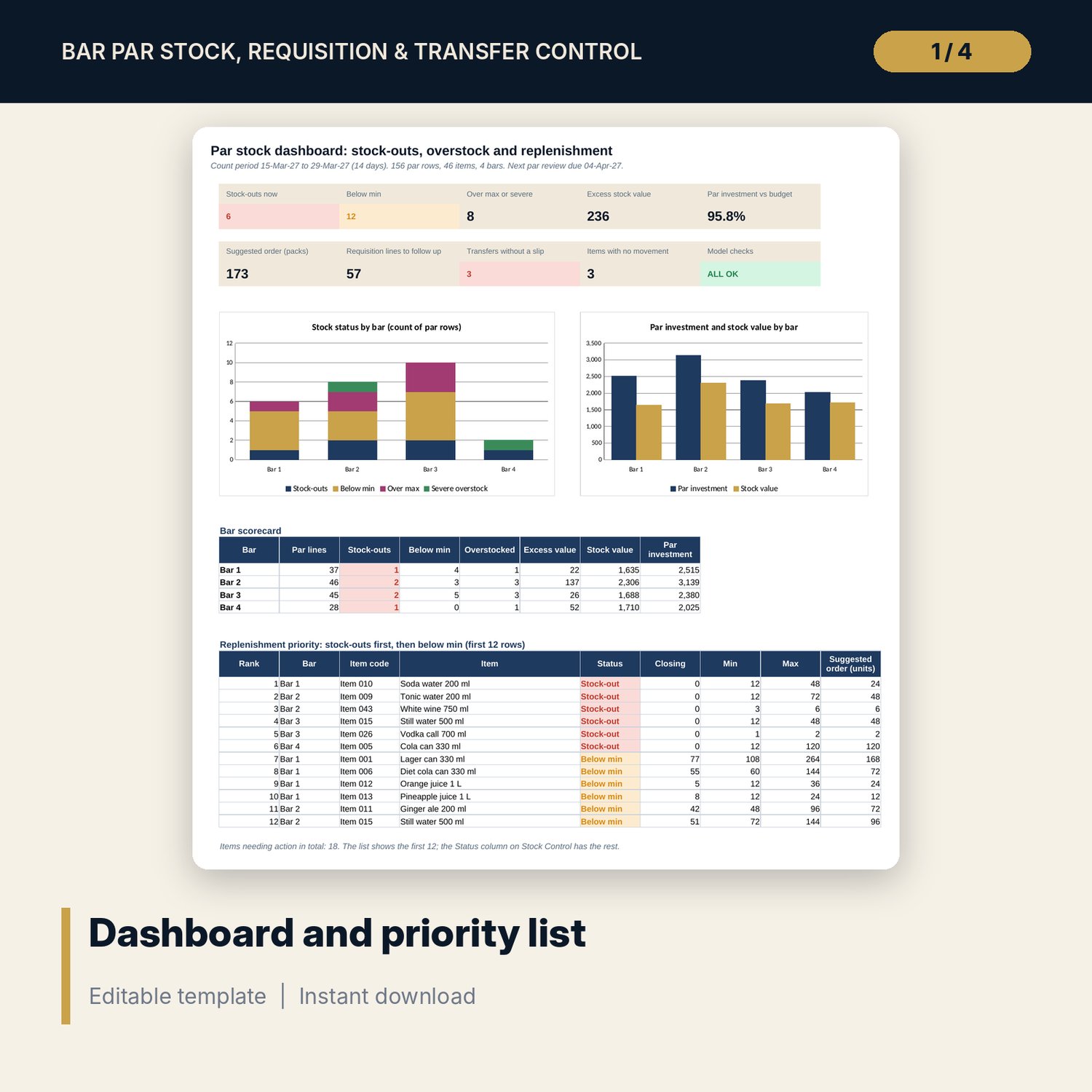
- Dashboard: 9 KPI tiles plus a check tile, a bar scorecard, a 12-row replenishment priority list and 2 charts
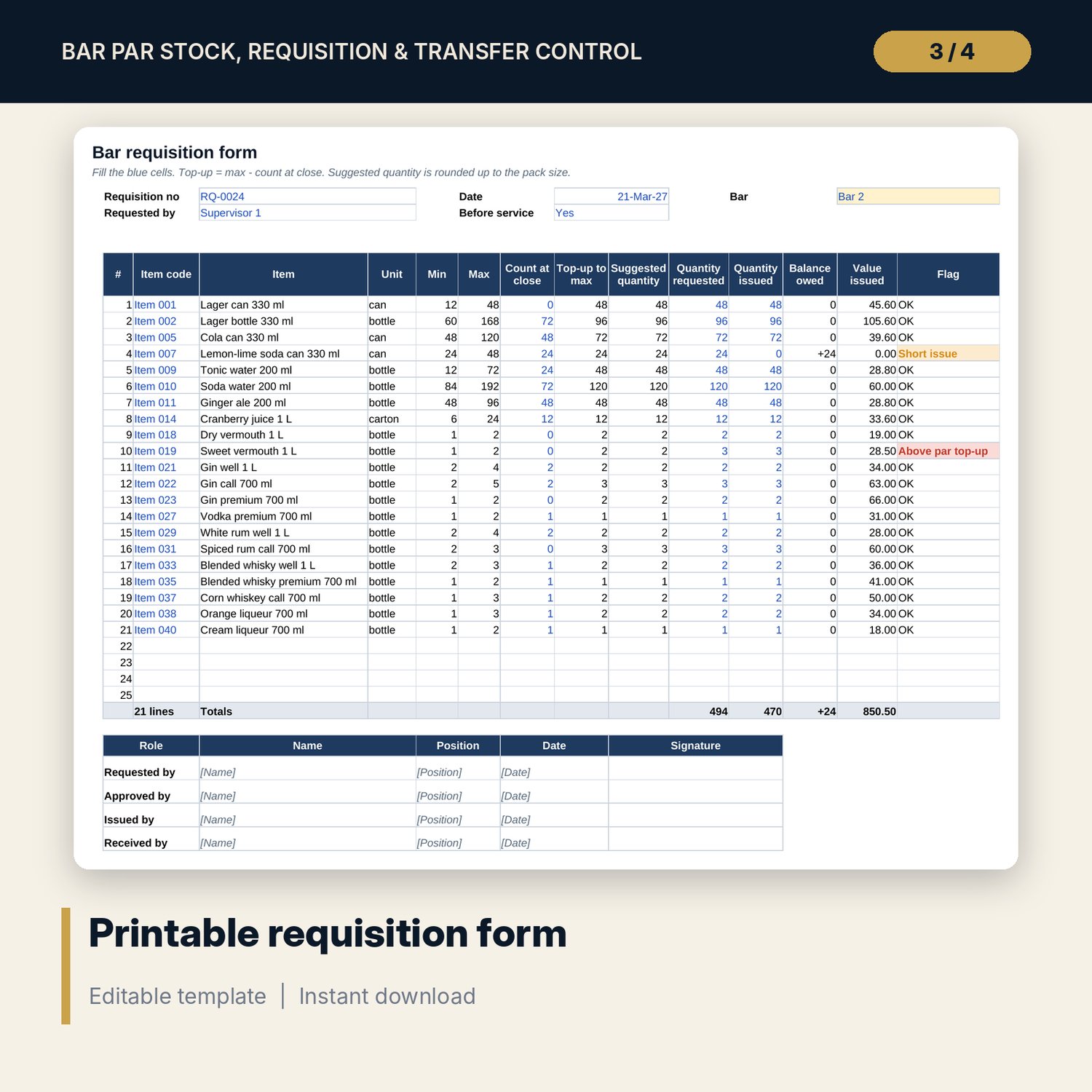
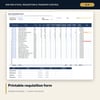
- Bar_Par_Stock_Requisition_Form.xlsx: 5 tabs, 305 formulas, a one-page requisition form with 25 lines, a par table for 4 bars, a register and 6 checks
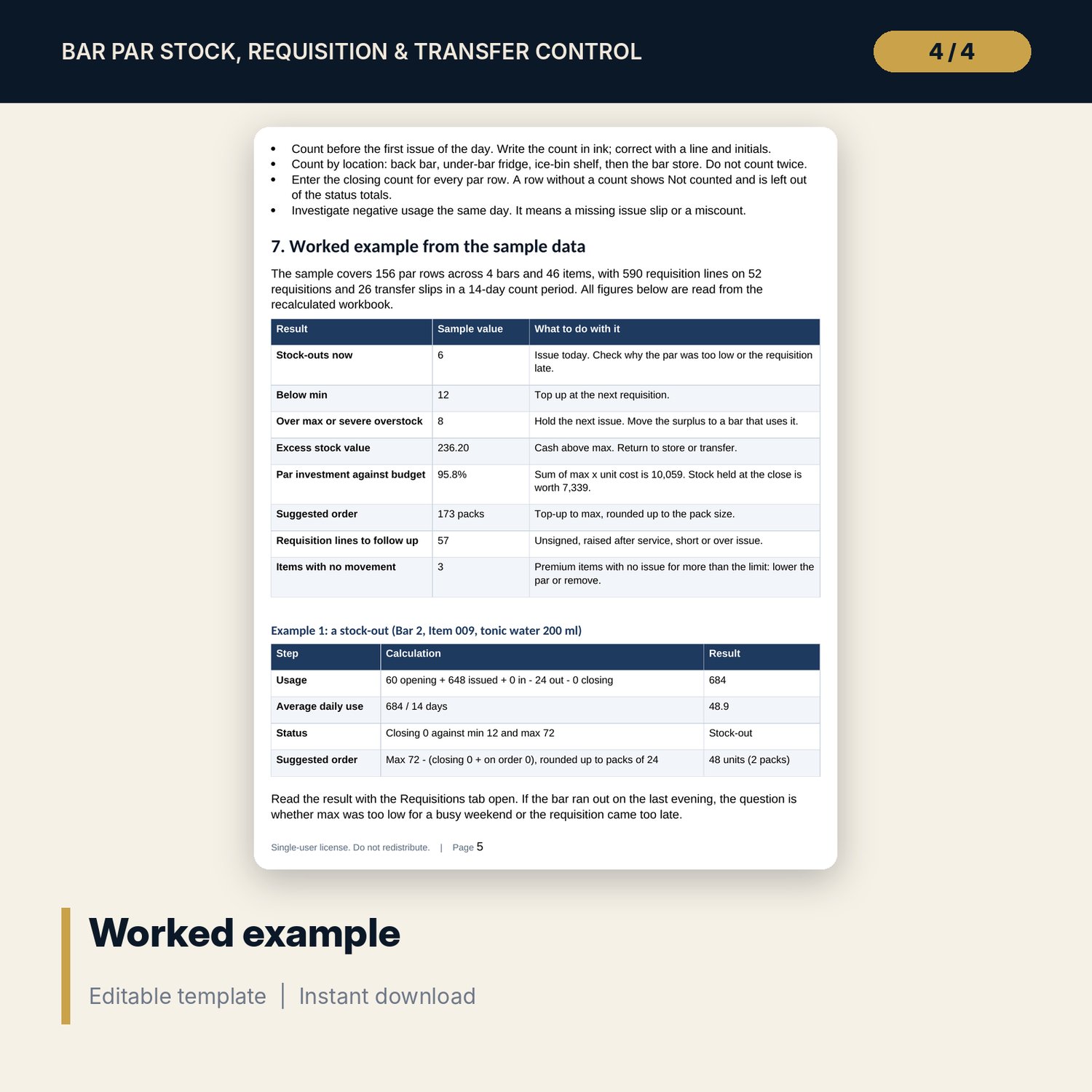
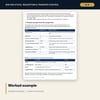
- Bar_Par_Stock_Guide.docx and PDF: 9 pages with the method, roles, requisition and transfer rules, a worked example read from the workbook, a flag guide, a 19-item checklist, a par change log and a transfer slip
- README.txt and LICENSE-and-Terms.txt
How it works
- Set the count period, cover rules and budget on Assumptions, then list your items and your par by bar.
- Log each store requisition and each transfer slip during the period, then type the closing counts.
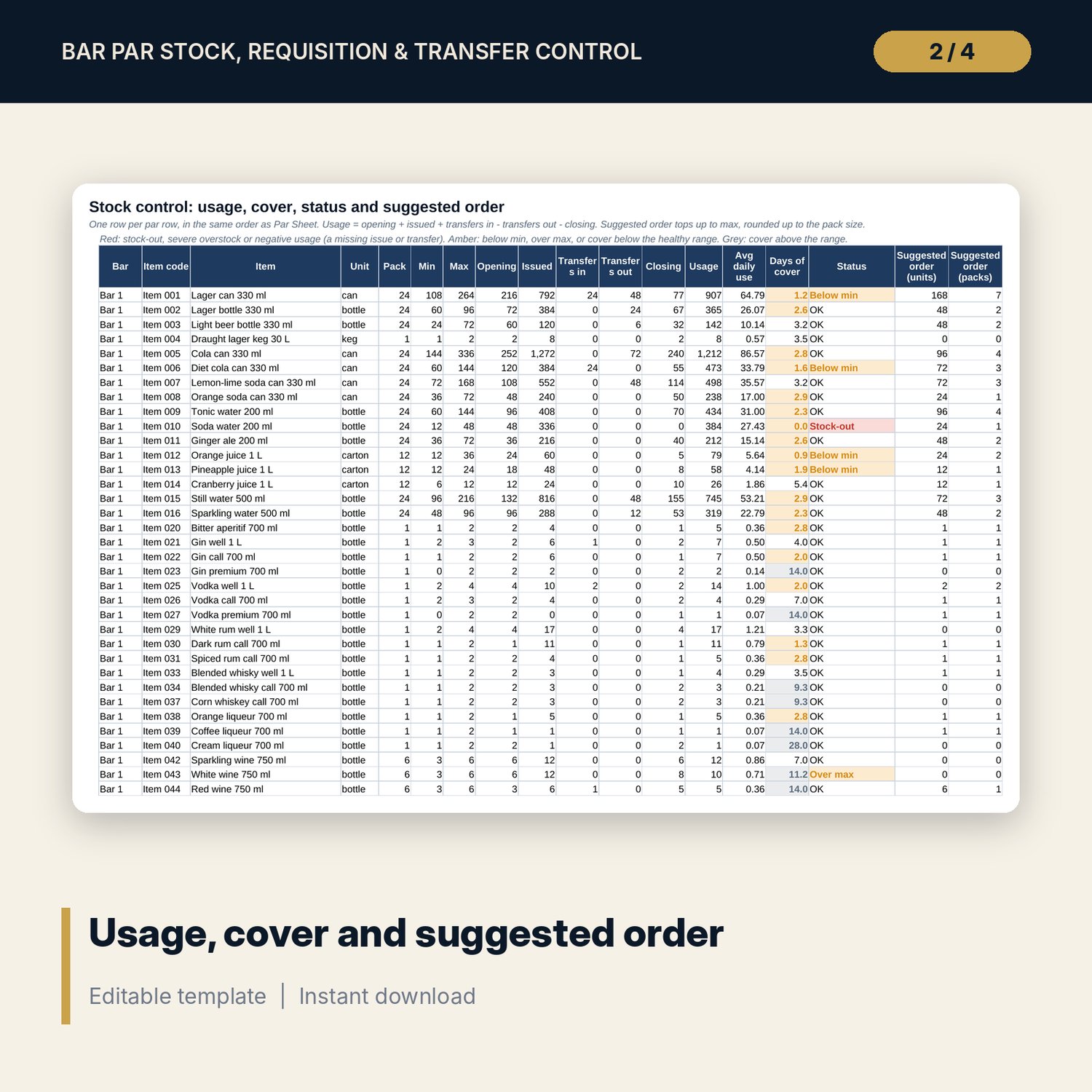
- Read Stock Control for usage, days of cover, status and the suggested order, and Par Review for fit, excess value and items with no movement.
- Use the requisition form each day, record it on the register and follow the flags with the supervisors and the store.
Details
- Formats: 2 Excel workbooks (.xlsx) and 1 guide in Word (.docx) and PDF, English
- Software: Excel 2016 or later, or LibreOffice Calc 7 or later; any word processor for the .docx
- No macros, no external links, no data tables, no array formulas
- 4 files plus README and license; instant digital download
Good to know
- Sample data is illustrative. Replace it with your own figures.
- Cover days, fit limits, floor par and pack sizes are starting values. Verify them with your suppliers and outlet managers.
- The files support stock control. They are not accounting, legal or licensing advice; follow your local rules on alcohol storage and records.
- Single-user license. Do not redistribute.
FAQ
How is the suggested order calculated?
Max minus the closing count and any stock on order, when that is above zero, rounded up to the pack size of the item.
What does par fit mean?
Average daily use times the suggested max days, divided by the current max. Near 1.0 the par matches use. Under 0.5 it is too high. Over 2 it is too low. Items with a max of 2 or less are held for presentation and not tested.
Can I use my own bars and items?
Yes. Items has 46 sample rows plus spare rows, and Par Sheet has 156 sample rows plus 24 spare rows. Replace the samples and keep the codes unique.
What happens to stock that moves between bars?
Each slip adds to transfers in at one bar and transfers out at the other, so usage stays correct. Net transfer across the property must be zero, and the Checks tab tests it.
Do I need macros?
No. Every result is a standard worksheet formula.