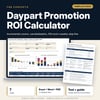
Daypart Promotion ROI Calculator: Happy Hour, Brunch and Theme Night Promotion ROI Spreadsheet
Full description
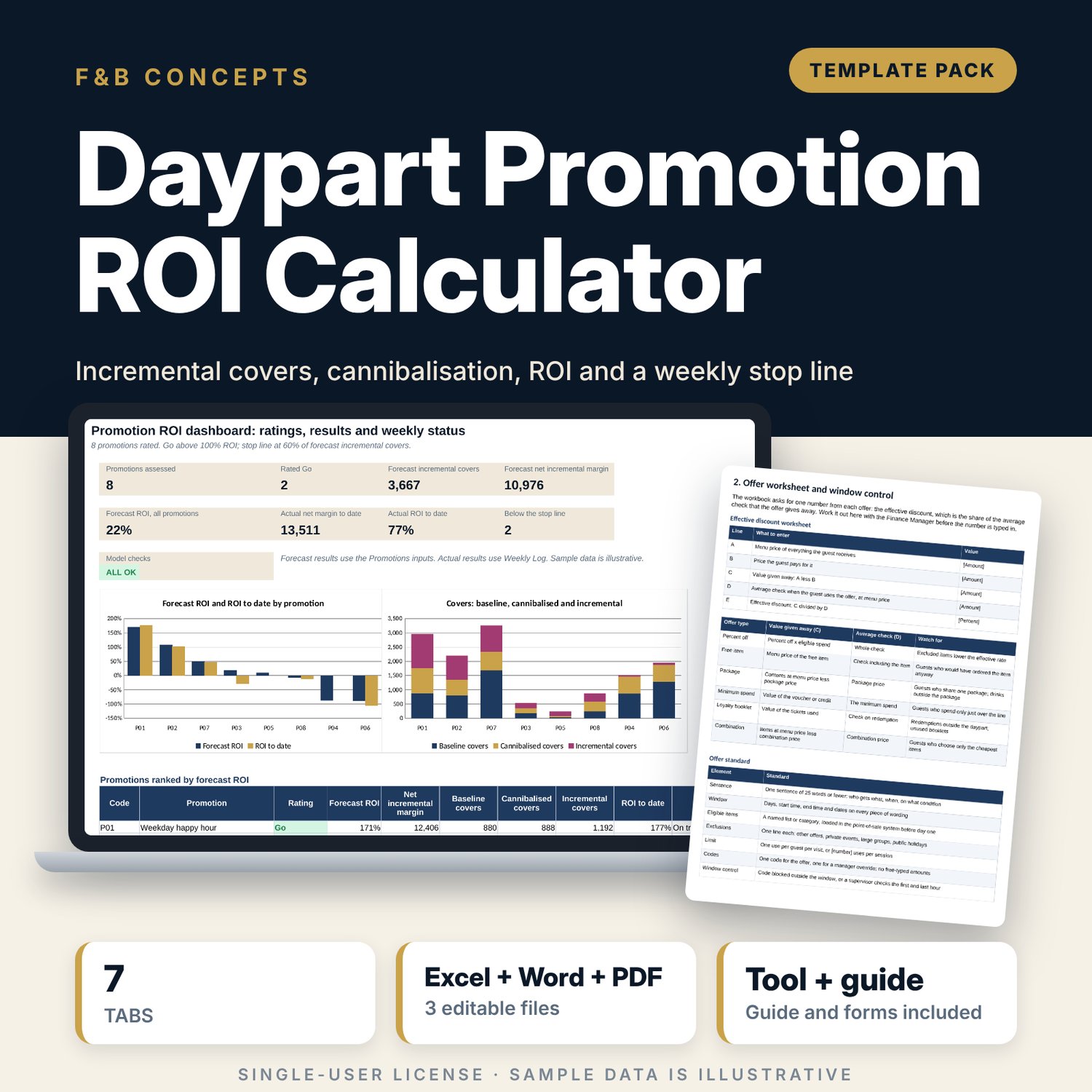
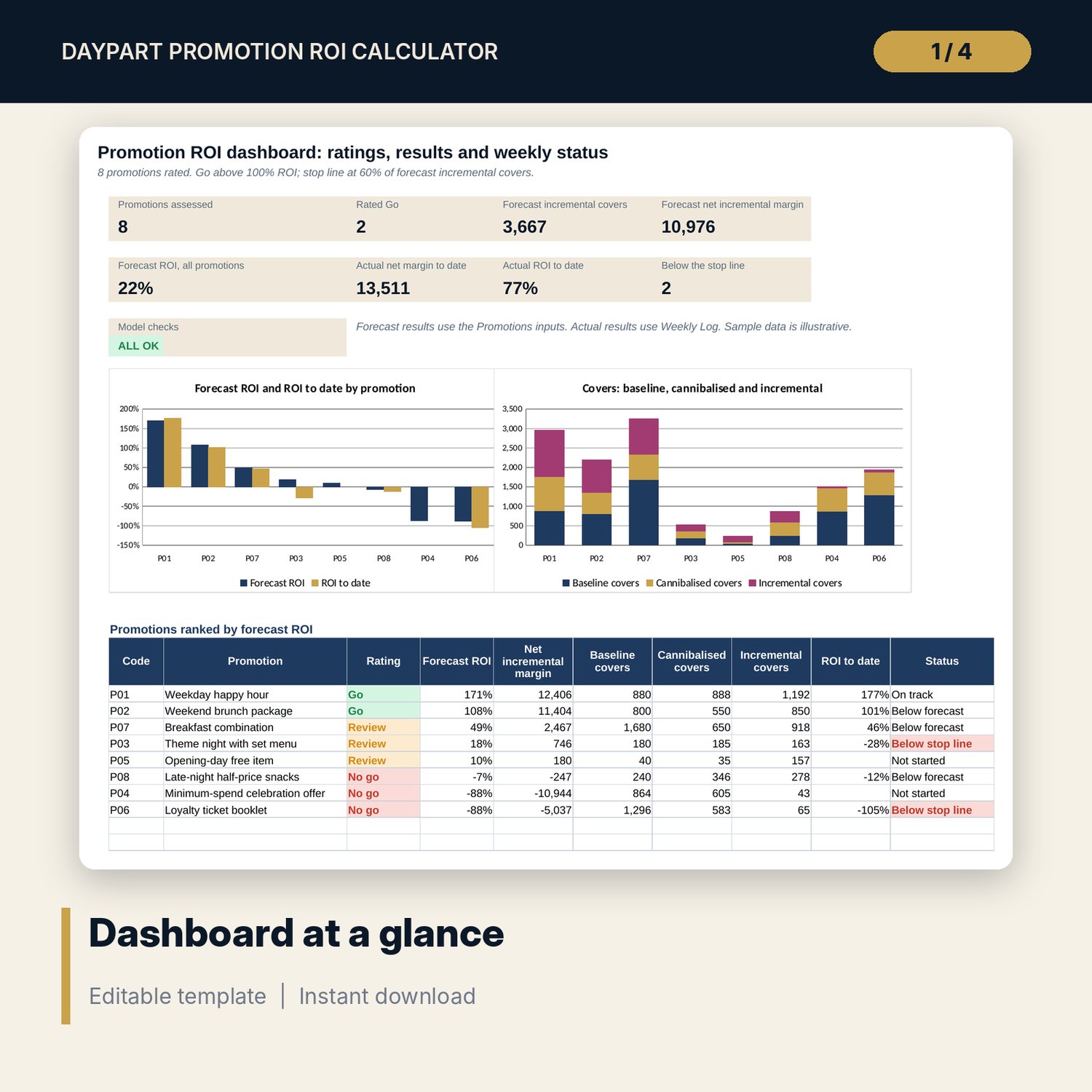
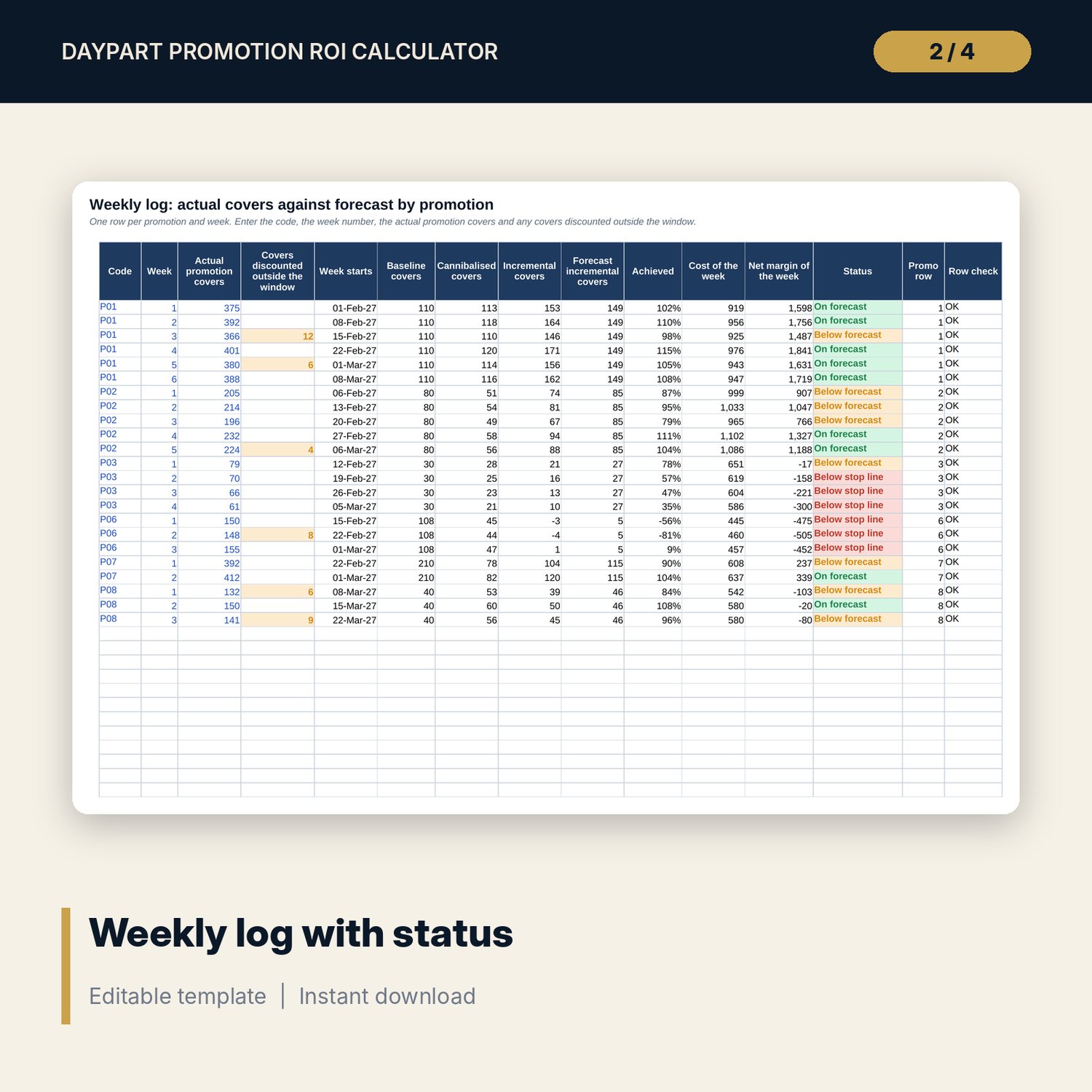
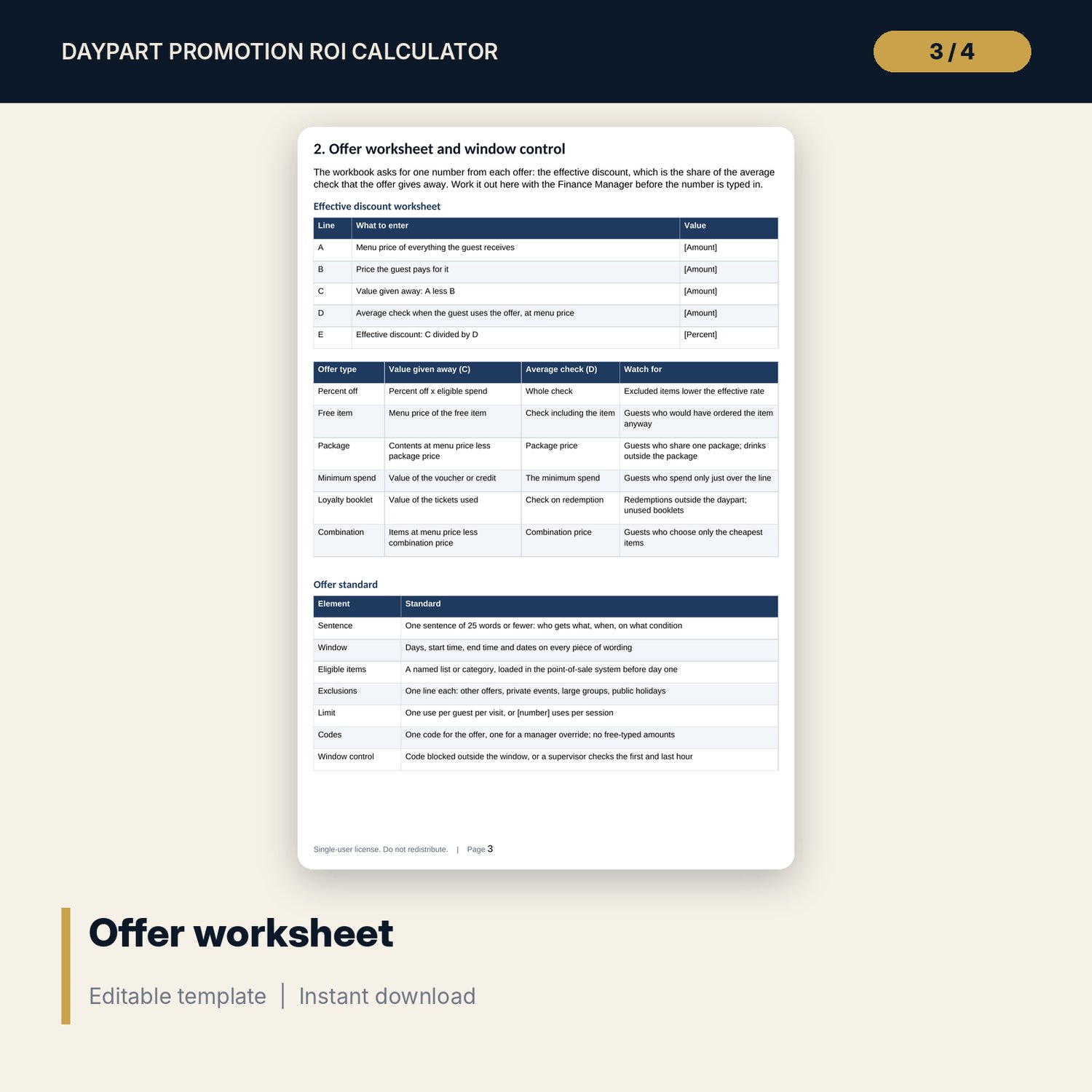
For outlet managers, food and beverage managers, marketing managers and general managers who run happy hours, weekend brunches, theme nights, loyalty offers and opening-day promotions. The workbook takes the baseline covers for a slot, your forecast with the offer and an average check, then removes the guests who would have come anyway and the guests moved from other days. It counts the cost of the discount and the promotion, works out net incremental margin and ROI, and rates each promotion Go, Review or No go against a threshold you set. A weekly log compares actual covers with the forecast, flags covers discounted outside the window and shows Below stop line when a promotion falls behind. The Word and PDF forms cover the promotion brief and approval chain, an effective discount worksheet, a 20-line launch checklist, staff briefing and guest wording, a weekly check with a stop rule, an action-plan tracker and a post-promotion summary.
What is inside
- Daypart_Promotion_ROI_Calculator.xlsx: 7 tabs, 944 formulas, 2 native charts, 13 drop-down and input rules
- Promotions: 8 sample promotions plus 2 spare rows, with 6 offer types, 7 dayparts and 4 outlets in drop-down lists
- ROI: forecast incremental covers, margin, total cost, ROI, rating, break-even covers per session and rank, plus actual results to date
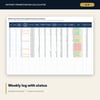
- Weekly Log: 23 sample rows plus 27 spare rows, with achieved share of forecast and a status for every week
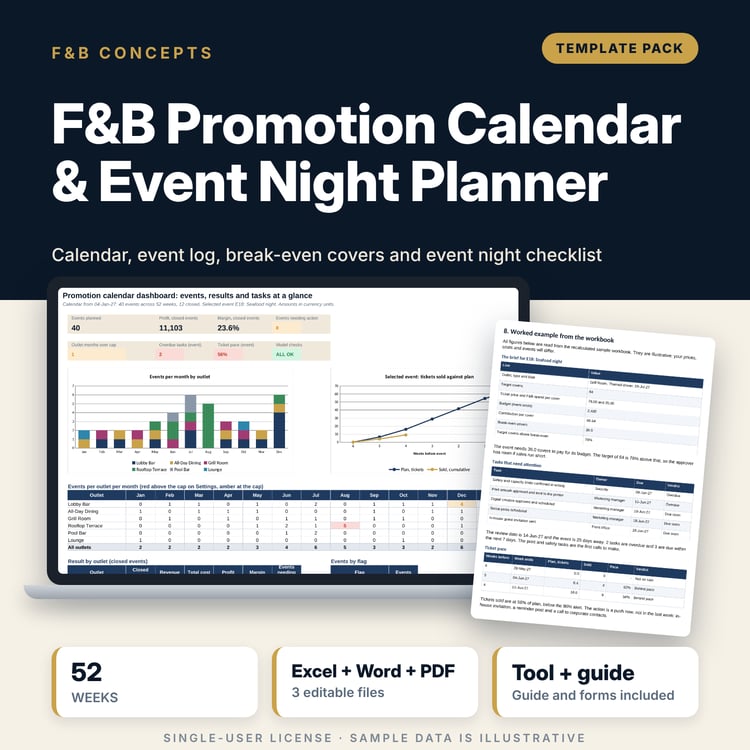
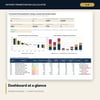
- Dashboard: 8 KPI tiles, a check tile, a ranked table and 2 charts; 8 integrity checks on the Checks tab
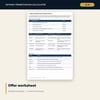
- Daypart_Promotion_Forms.docx and PDF: 9 pages with 20 checklist lines, briefing and wording tables, a stop rule, an action tracker and a worked example
- README.txt and LICENSE-and-Terms.txt
How it works
- Set the ROI needed for a Go, the default cannibalisation and the stop line on Settings.
- Enter each promotion on Promotions with its baseline covers, forecast covers, check, cost and discount.
- Read ROI for the rating and the break-even covers per session, and test other offers before you commit.
- Add the actual covers to Weekly Log each week and act on the status; use the forms for the brief, the briefing and the summary.
Details
- Formats: 1 Excel workbook (.xlsx), 1 guide in Word (.docx) and PDF, English
- Software: Excel 2016 or later, or LibreOffice Calc 7 or later
- No macros, no external links, no data tables, no array formulas
- 3 files plus README and license; instant digital download
Good to know
- Sample data is illustrative. Replace it with your own figures.
- Amounts are in one currency and before tax and service charge.
- The result depends on your baseline and your cannibalisation estimate, so record where each figure comes from.
- The guide is a management tool, not legal advice. Check local rules on promotions before you publish an offer.
- Single-user license. Do not redistribute.
FAQ
How does it separate new guests from existing guests?
Incremental covers equal promotion covers less baseline covers less cannibalised covers. Cannibalised covers are a share of promotion covers that you set for each promotion, or a default on Settings.
How is ROI worked out?
Net incremental margin divided by total cost. Net margin is the gross margin on incremental covers less the discount given on every promotion cover and the marketing, staffing and other costs.
What does the stop line do?
It compares actual incremental covers with the forecast for the weeks reported. Below your stop line the status shows Below stop line and the forms set out who decides and by when.
Can I rate a minimum-spend offer?
Yes. Settings has a helper that turns a benefit and a minimum spend into an effective discount, and the guide has a worksheet for every offer type.
Do I need macros?
No. Every result is a standard worksheet formula.