Restaurant Daily Operations & Manager Log Pack: Restaurant Manager Log Template
Full description
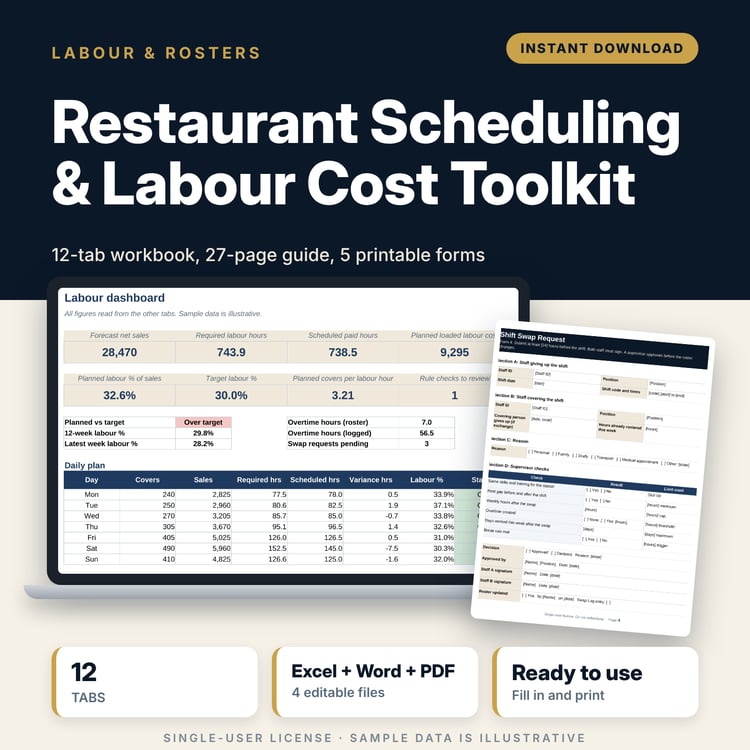
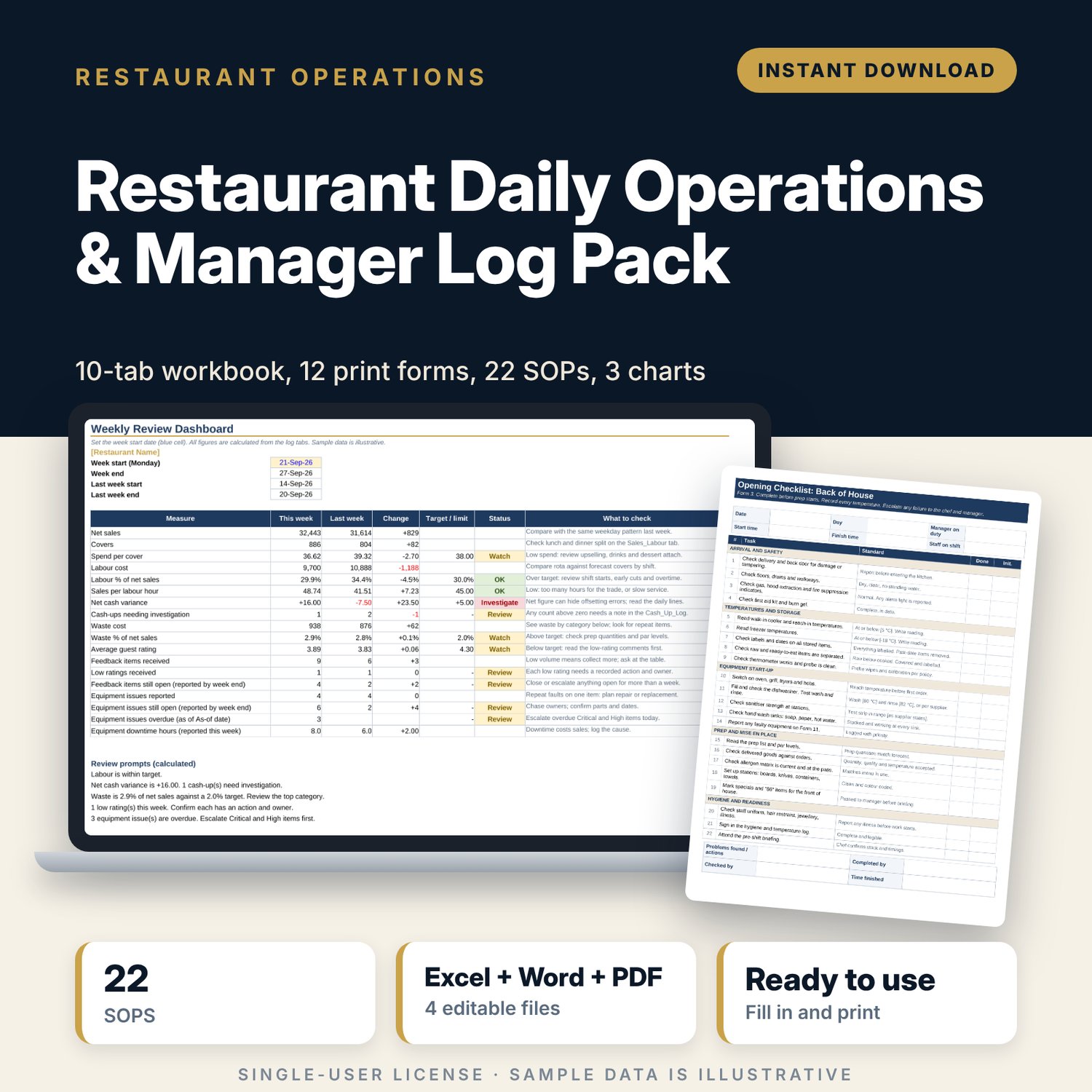
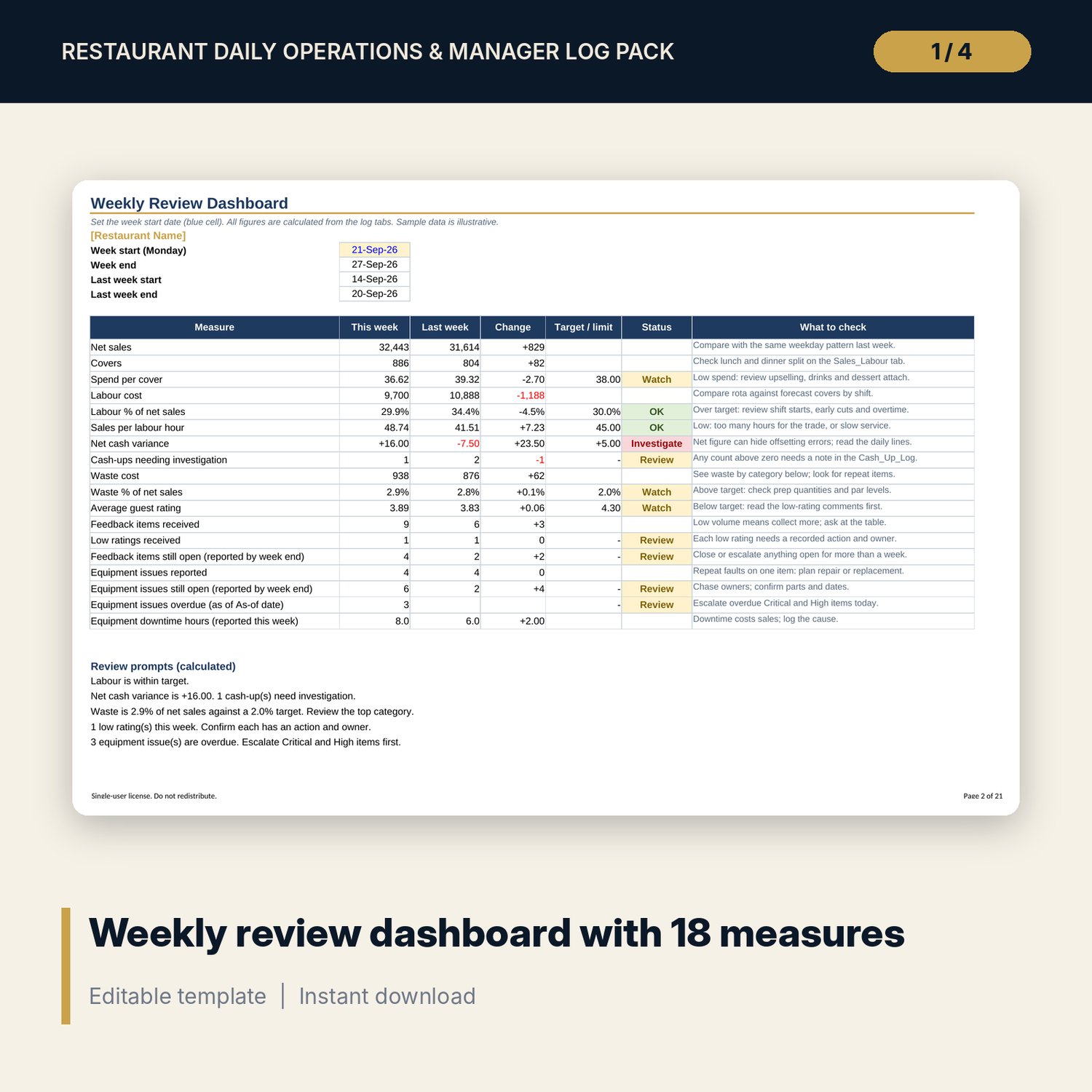
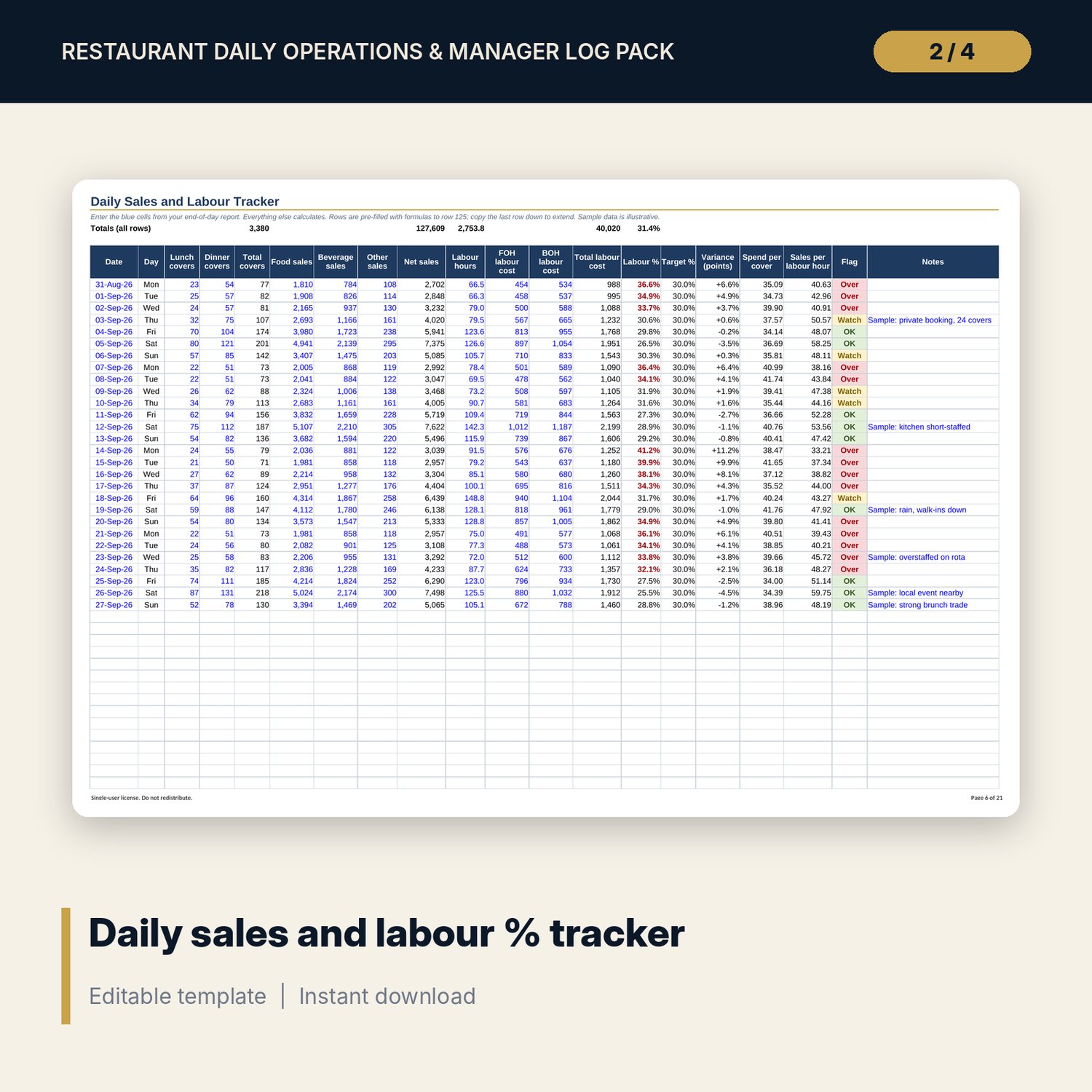
This pack is for restaurant managers, shift leaders and owners who run service every day and want one set of records that works. It gives you a workbook that calculates the numbers, printed forms for the floor and the office, and short SOPs that tell a new shift leader exactly what to do. You fill in the blue cells and the forms. The workbook calculates labour %, spend per cover, cash variance, waste cost, guest ratings and open equipment faults, then compares this week with last week on one dashboard.
Save with a bundle: this template is also in the Restaurant & Café Operations Bundle, 17 templates for $39 instead of $116. All 141 templates are in the All-Access Hospitality Template Library for $79.
What is inside
Daily_Ops_Workbook.xlsx (10 tabs, 2,663 formulas, 3 charts, 15 drop-down lists)
- Start Here: tab guide, 5-step how-to, colour legend
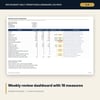
- Weekly_Dashboard: 18 measures against last week and your targets, with status flags and 3 charts
- Settings and Lists: your targets, tolerances and drop-down values
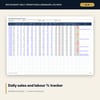
- Sales_Labour: daily sales, covers and labour cost (28 sample days)
- Cash_Count and Cash_Up_Log: count by denomination, reconcile to the POS (28 sample cash-ups)
- Waste_Log: item, quantity, unit cost, reason, station (110 sample rows)
- Guest_Feedback: comments, ratings, actions, owners, days open (24 sample rows)
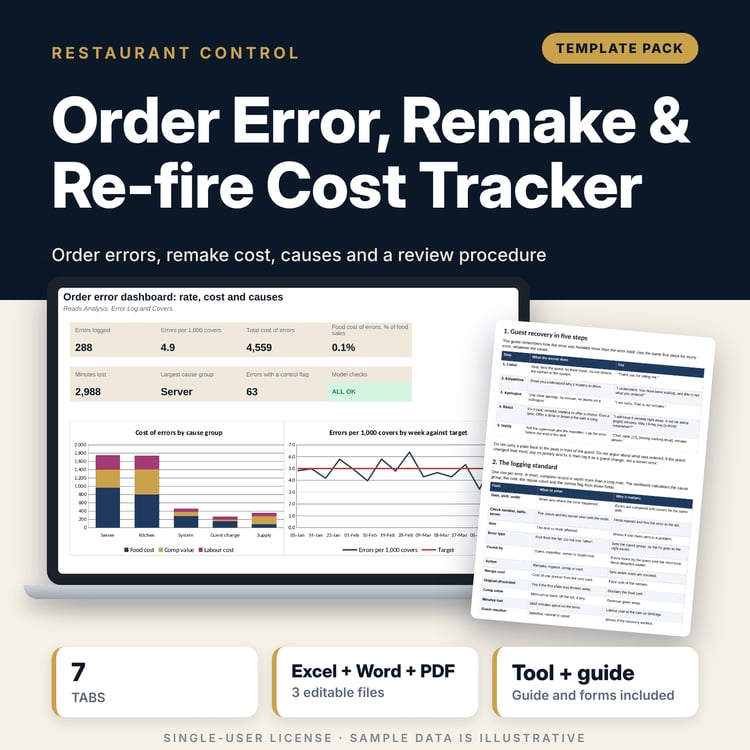
- Equipment_Log: faults, priority, target date, overdue flag, downtime (14 sample rows)
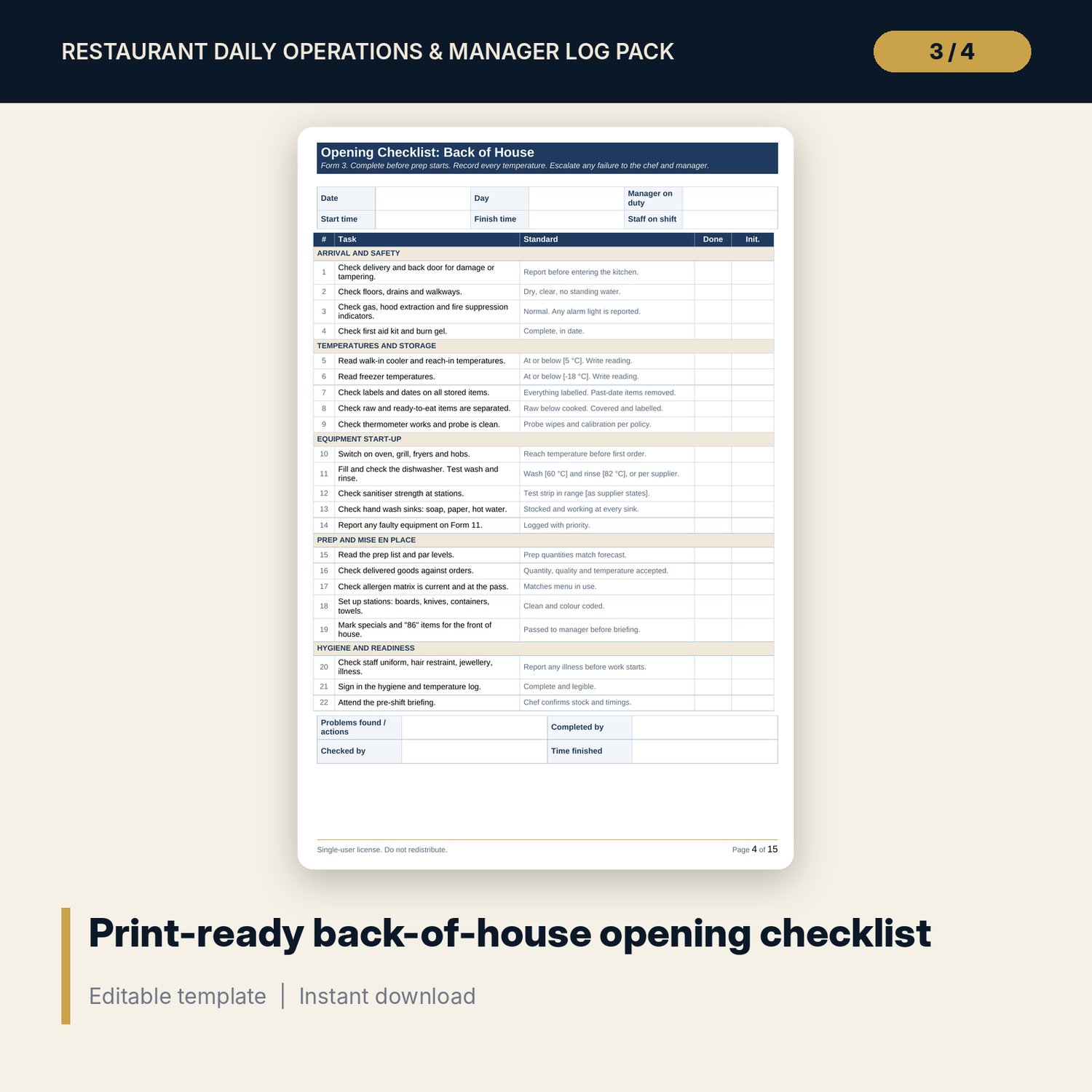
Manager_Log_and_Checklists.docx and PDF (12 forms, 15 A4 pages)
- Pre-shift briefing sheet
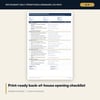
- 4 checklists with 88 items in total: opening and closing, front and back of house
- Daily manager log (2 pages), shift handover notes, daily cash-up form
- Waste log sheet, guest feedback and recovery record, equipment issue report
- Weekly review form (2 pages)
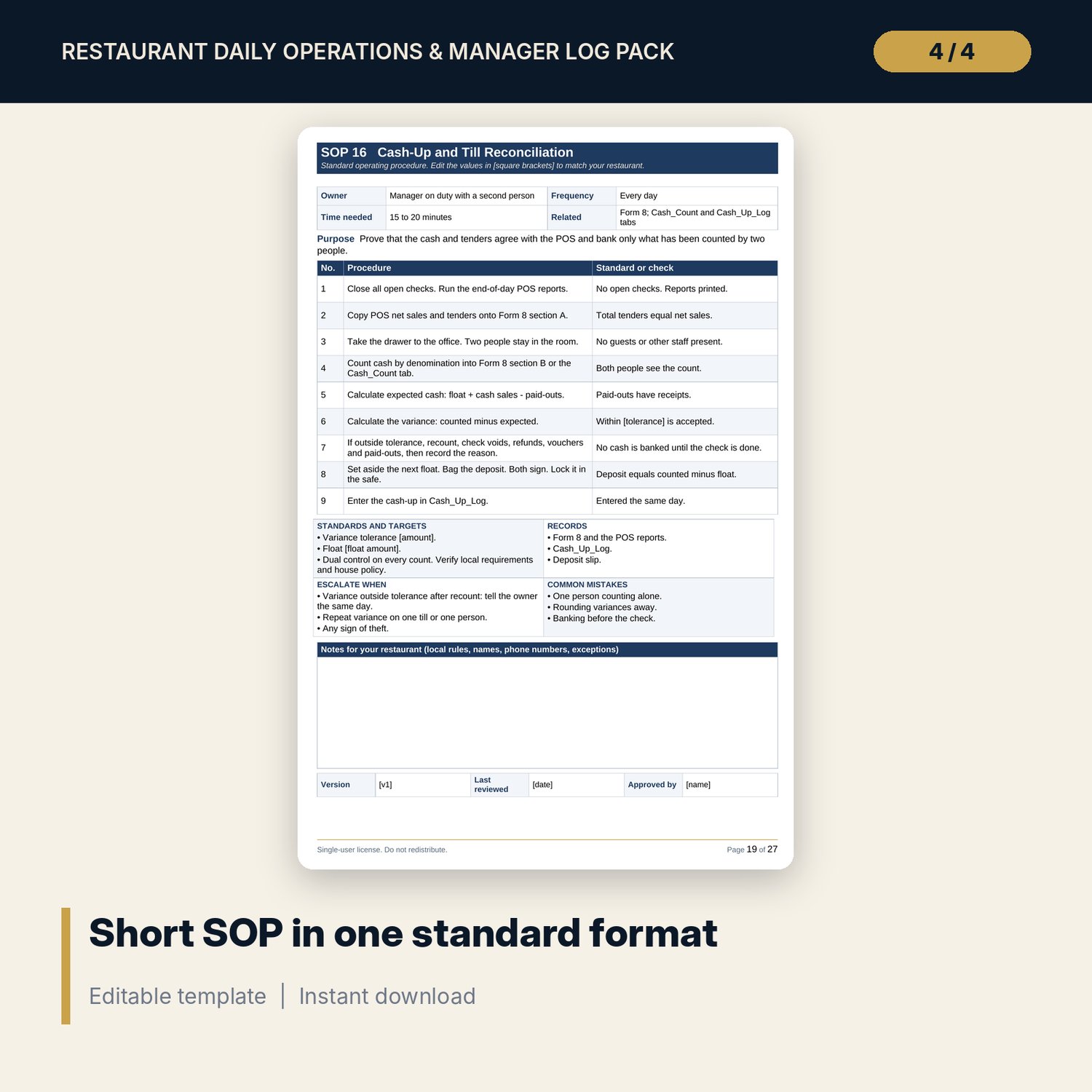
Restaurant_Daily_SOPs.docx (27 pages)
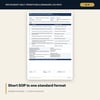
- 22 short SOPs with 185 procedure steps in one format: owner, frequency, steps with standards, escalation, common mistakes, records
- A blank SOP template, a values-to-set page and a review log
Also included: README.txt and LICENSE-and-Terms.txt.
How it works
- Open Settings and replace the example targets (yellow cells) with your own.
- Each day, enter covers, sales, hours and labour cost, then the cash-up, on the log tabs.
- Log waste, guest feedback and equipment faults as they happen.
- Each week, type the Monday date on Weekly_Dashboard and run the weekly review from the status column.
- Print the PDF forms for the floor. Edit the SOPs and train your team from them.
Details
- Formats: XLSX, DOCX, PDF. A4 landscape or portrait, set to print.
- Language: English. Currency is an editable setting. No symbols are fixed.
- Software: Excel 2016 or later, or LibreOffice. Word or LibreOffice for the DOCX files. Any PDF reader.
- Delivery: instant digital download. No physical item is shipped.
Good to know
- All sample data is illustrative and is not a benchmark.
- Targets, cash tolerance, tax, food safety and employment rules are inputs. Verify local requirements.
- This is a working tool, not legal, tax or professional advice.
- Single-user license. Do not redistribute.
FAQ
Do I need special software?
No. Excel 2016 or later or LibreOffice runs the workbook. The forms print from the PDF.
Does it work in Google Sheets?
You can upload the workbook to Google Sheets. Check the drop-downs and the charts after upload, because they may look different. Excel or LibreOffice is the tested route.
Can I edit it?
Yes. The workbook, forms and SOPs are editable. Blue cells are inputs. Replace the sample rows with your own before real use.
Is it connected to my POS?
No. You copy the daily figures from your POS end-of-day report into the blue cells.
Can I get a refund?
This is a digital download, so refunds are not offered once files are delivered. Contact the store if a file will not open.
Who is it for?
Restaurant managers, shift leaders and owners of independent restaurants and small groups.