Restaurant Scheduling & Labour Cost Toolkit: Roster Template and Labour % Tracker
Full description
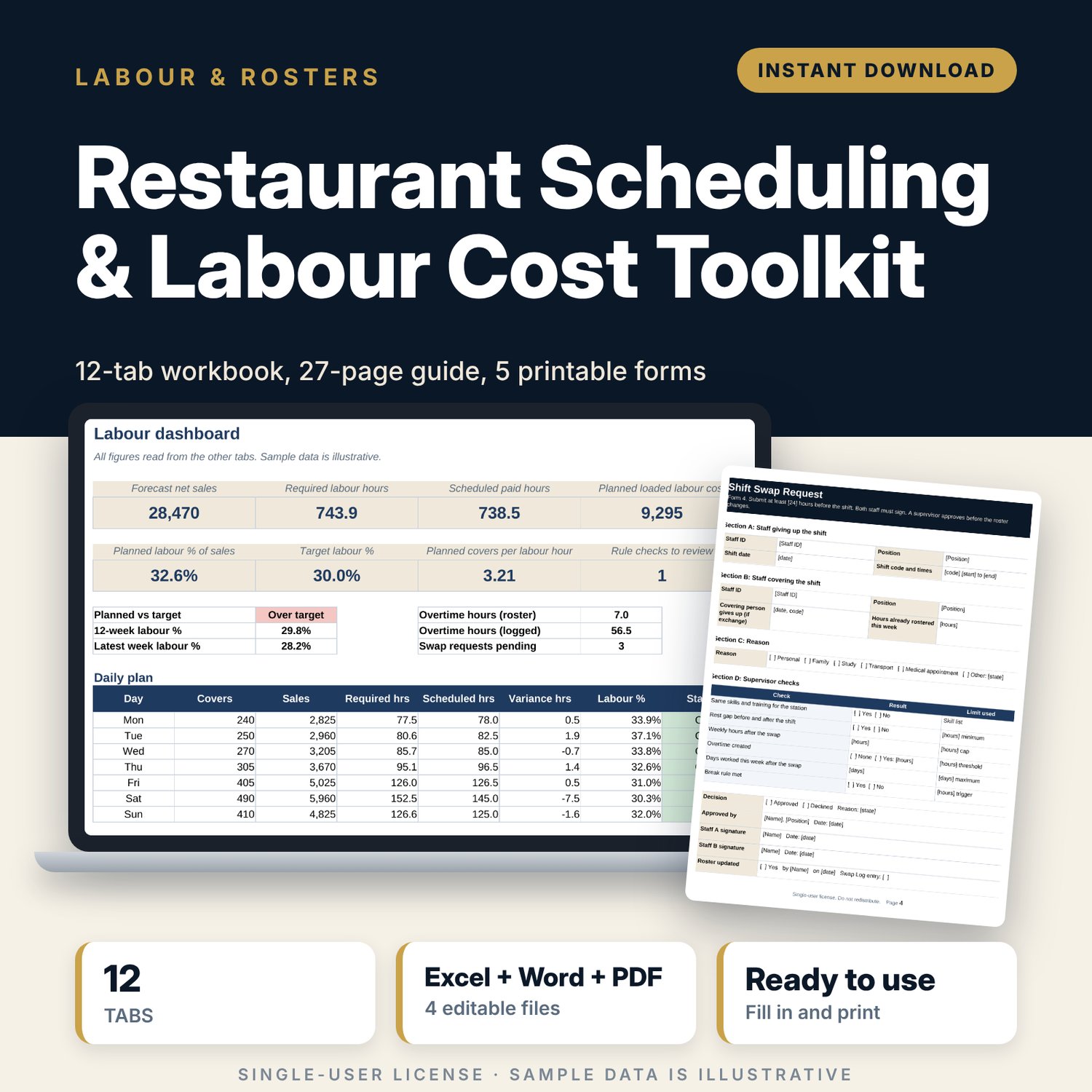
This toolkit is for restaurant managers, hotel food and beverage managers, supervisors and owners who write the weekly roster and answer for labour cost. It links the forecast, the roster and the labour % in one workbook, and explains the method in a written guide with printable forms.
Save with a bundle: this template is also in the Restaurant & Café Operations Bundle, 17 templates for $39 instead of $116. All 141 templates are in the All-Access Hospitality Template Library for $79.
What is inside
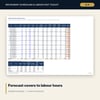
- Labour_Workbook.xlsx: 12 tabs, 2,568 formulas, 10 drop-down lists and 5 native charts. Tabs: Start Here, Dashboard, Settings, Shift Codes, Forecast, Roster, Rule Checks, Coverage, Labour Tracker, Overtime Tracker, Position Productivity, Shift Swap Log.
- Scheduling_Guide.docx: 27 A4 pages with 13 parts and 5 appendices. Covers the forecasting method, covers per labour hour by daypart, shift design, 14 roster rules, peak and off-peak patterns, fairness, communication scripts, overtime control, a labour law reminder list and a 30-day start plan.
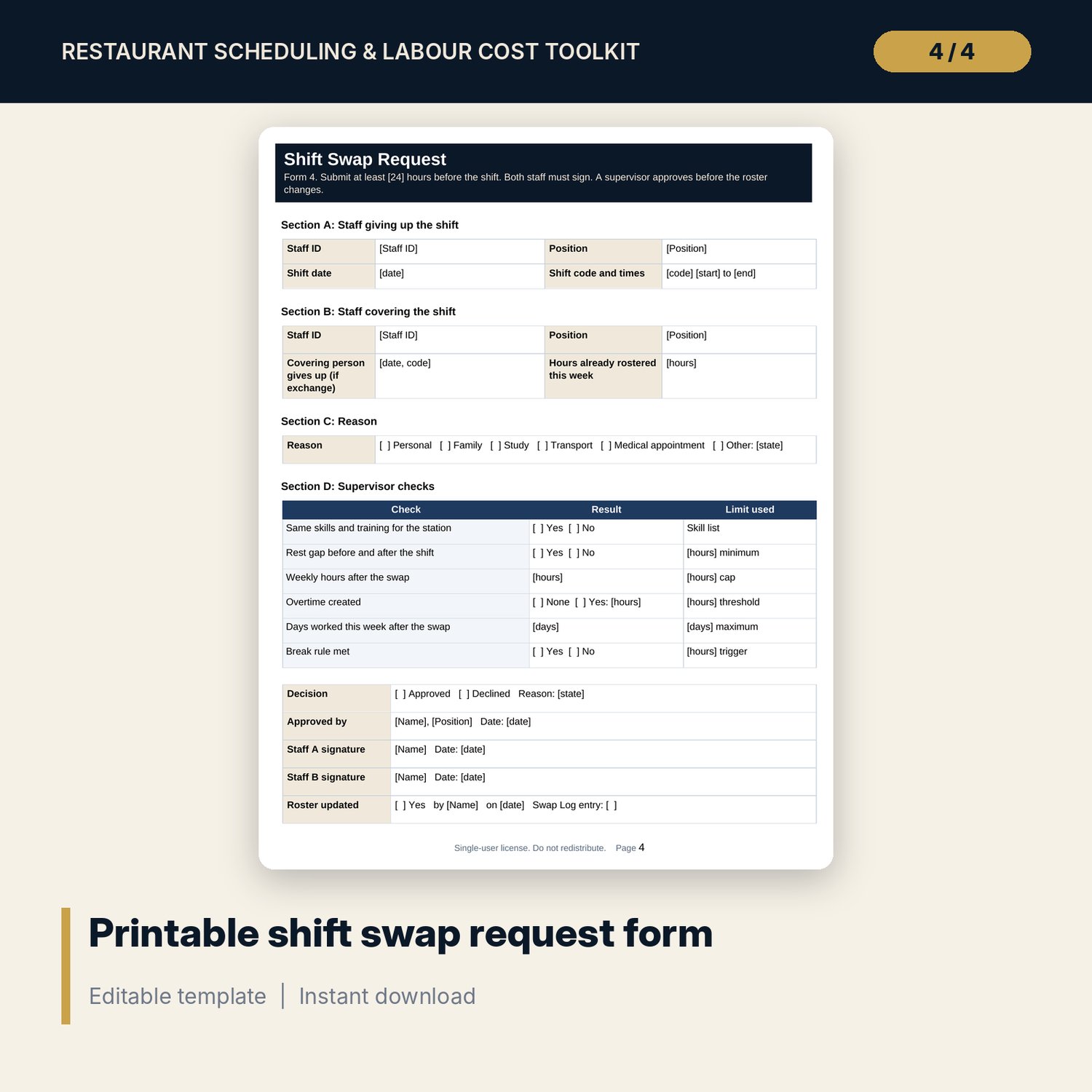
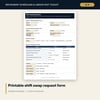
- Roster_Forms.pdf and Roster_Forms.docx: 5 printable forms over 5 pages: weekly roster, daily labour check, availability form, shift swap request, time-off request.
- README.txt and LICENSE-and-Terms.txt.
What the workbook does:
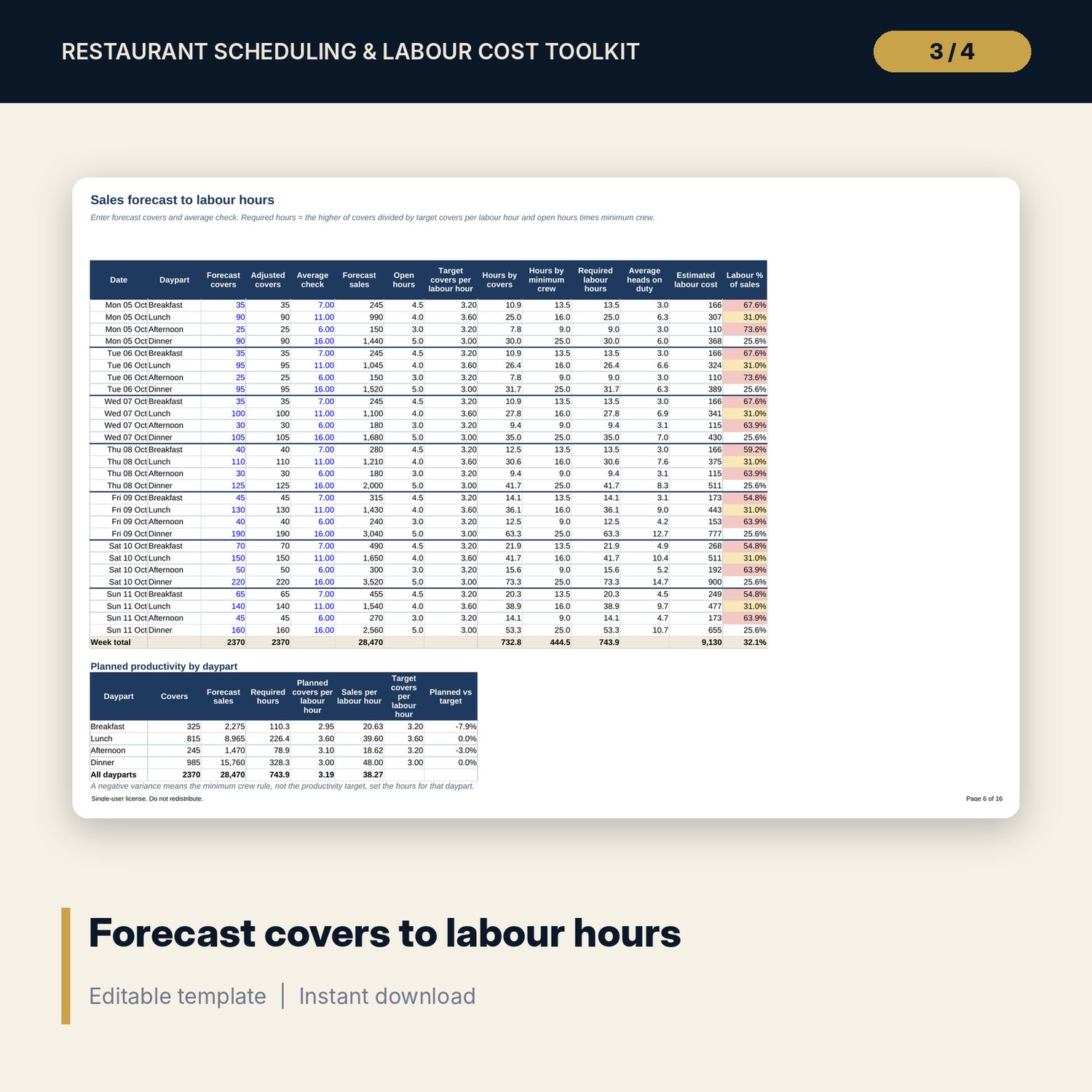
- Converts forecast covers and average check into required labour hours by day and daypart, using covers per labour hour and a minimum crew.
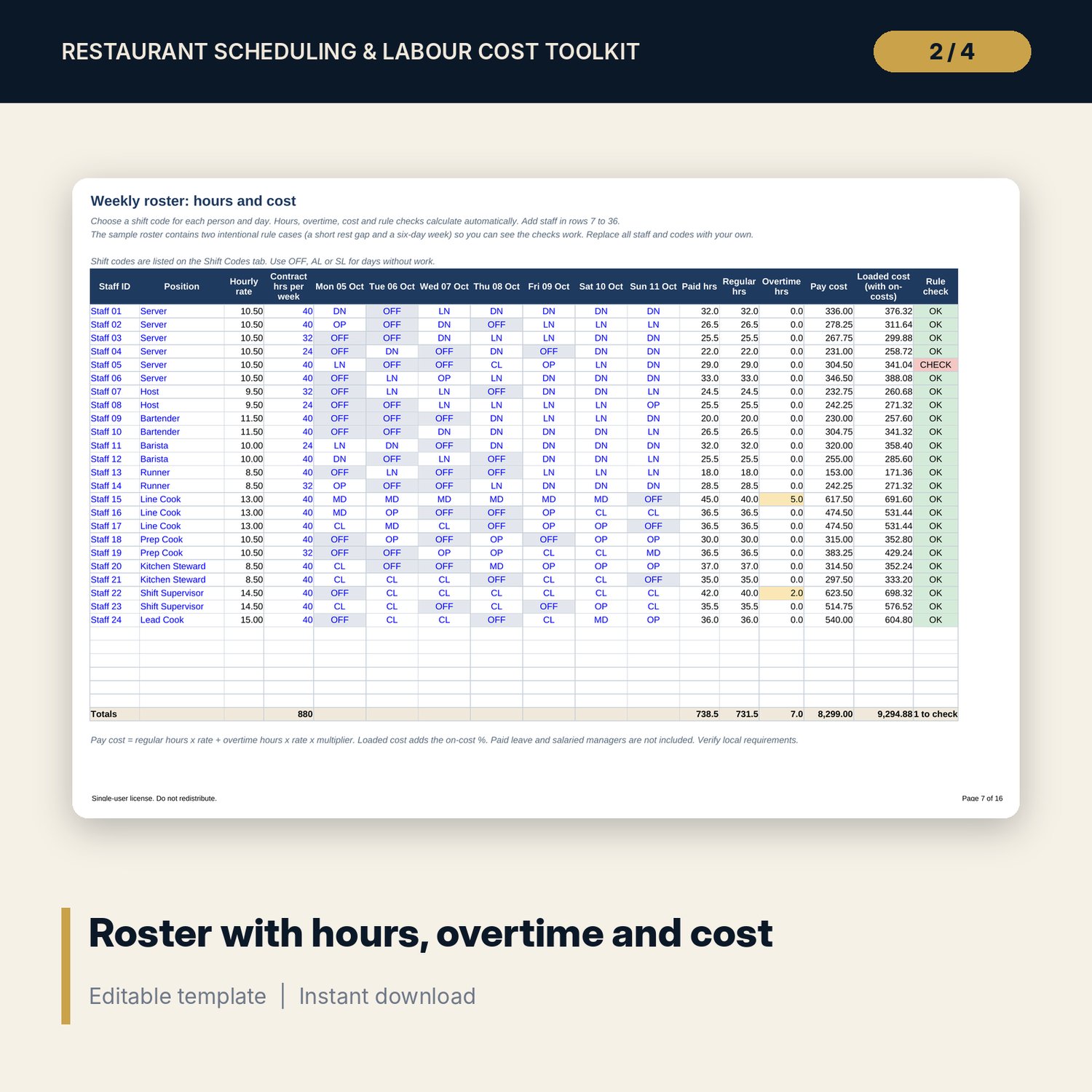
- Builds a weekly roster from shift codes (24 sample staff, 30 rows) and calculates paid hours, overtime, pay cost and loaded cost.
- Tests every person for rest gaps, daily and weekly hour limits and days worked. All limits are editable inputs.
- Compares scheduled hours with required hours for 28 day and daypart combinations.
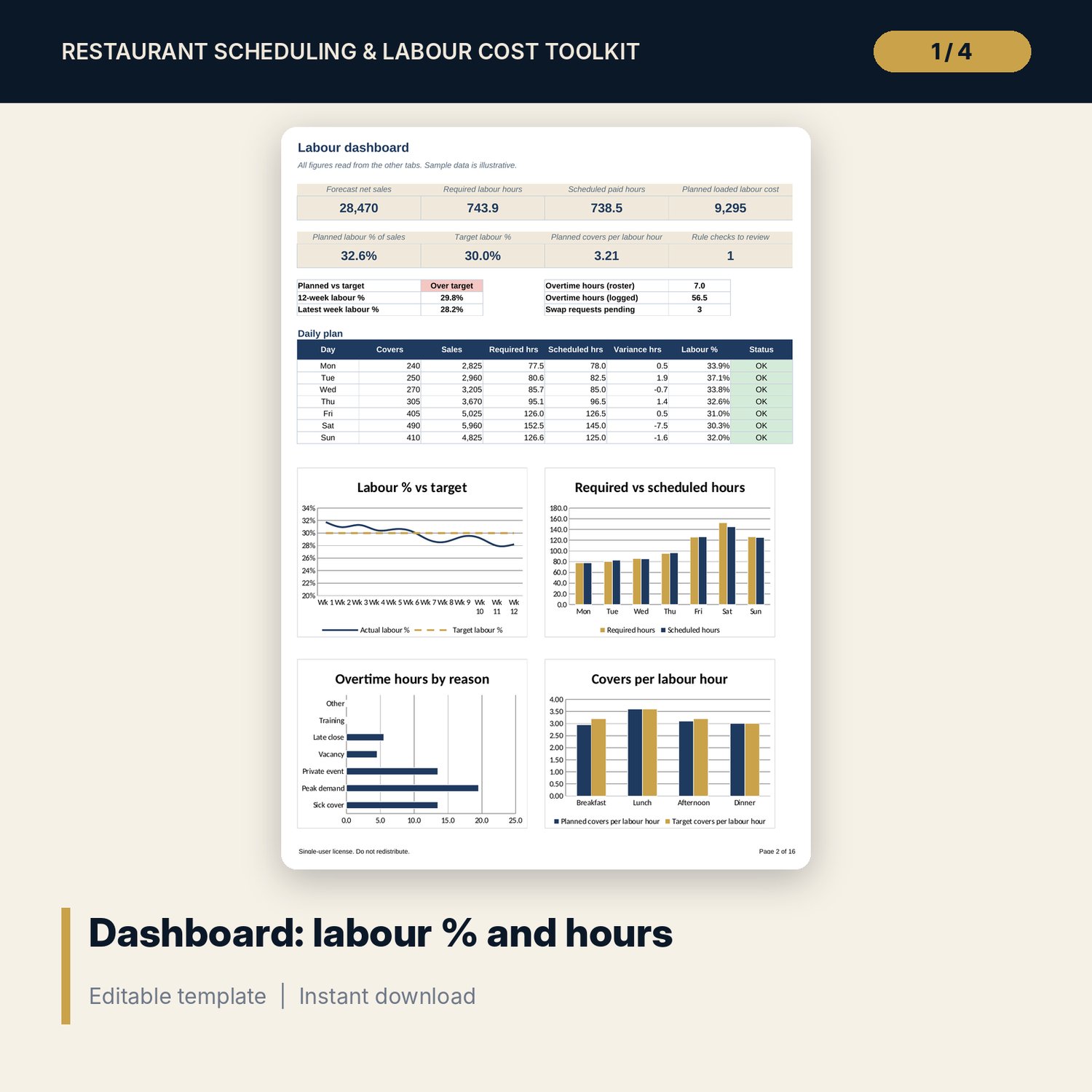
- Tracks 12 weeks of labour %, covers per labour hour and sales per labour hour against a target.
- Logs overtime by reason, position and approver, and logs shift swaps with a weekly hours check.
How it works
- Enter your rates, limits, dayparts and positions on Settings. Define your shift codes.
- Enter forecast covers and average check on Forecast. Read the required hours.
- Pick a shift code for each person and day on Roster. Clear the flags on Coverage and Rule Checks.
- Compare planned labour % with the target on the Dashboard, then publish with the printable roster form.
- Enter weekly actuals, overtime and swaps. Review the dashboard and the guide's weekly agenda.
Details
- Formats: XLSX, DOCX, PDF, TXT. English only. A4 page layout, metric units, symbol-free currency input.
- Software: Excel 2010 or later for the workbook, Word 2010 or later for the guide and editable forms, any PDF reader for the printable forms.
- Delivery: instant digital download. No physical item is shipped.
- Sample data: 24 sample staff identified by ID and position, example rates and covers. No names, brands or logos.
Good to know
Sample data is illustrative and is not a benchmark. All limits, rates and rules are editable inputs marked Verify local requirements. The toolkit is not legal, tax or employment advice. Single-user license: for your own operation, no resale or sharing.
FAQ
Do I need Excel? Yes for the full workbook. It uses standard formulas, drop-downs and charts built for desktop Excel.
Does it work in Google Sheets? You can upload it and most formulas calculate. Check the drop-downs and charts after upload. Desktop Excel is the tested format.
Can I edit it? Yes. Every input is a blue cell. You can add staff, positions, shift codes and dayparts' times. Formulas are not locked.
Does it include labour law limits? No. It holds editable example limits. You enter the rules that apply to you. The guide lists what to verify.
Is this a physical product or refundable? It is a digital download. No item is shipped. Refund handling follows the store's digital product policy.
Who is it for? Managers who write rosters for restaurants, cafes, bars and hotel outlets with up to roughly 40 staff per roster.