Void, Comp & Discount Authorisation Control Dashboard: Void, Comp and Discount Control Dashboard with Approval Limits in Excel and Word
Full description
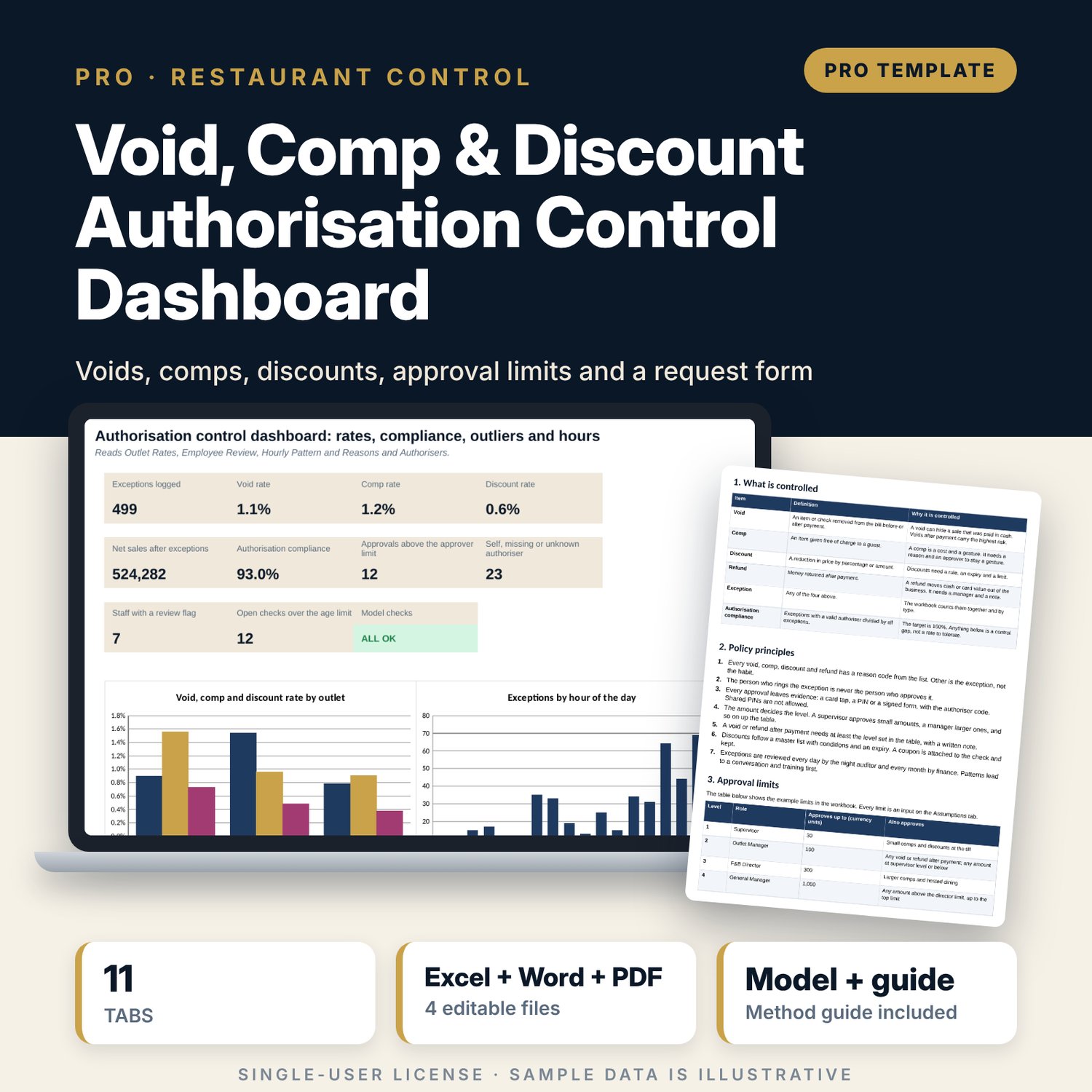
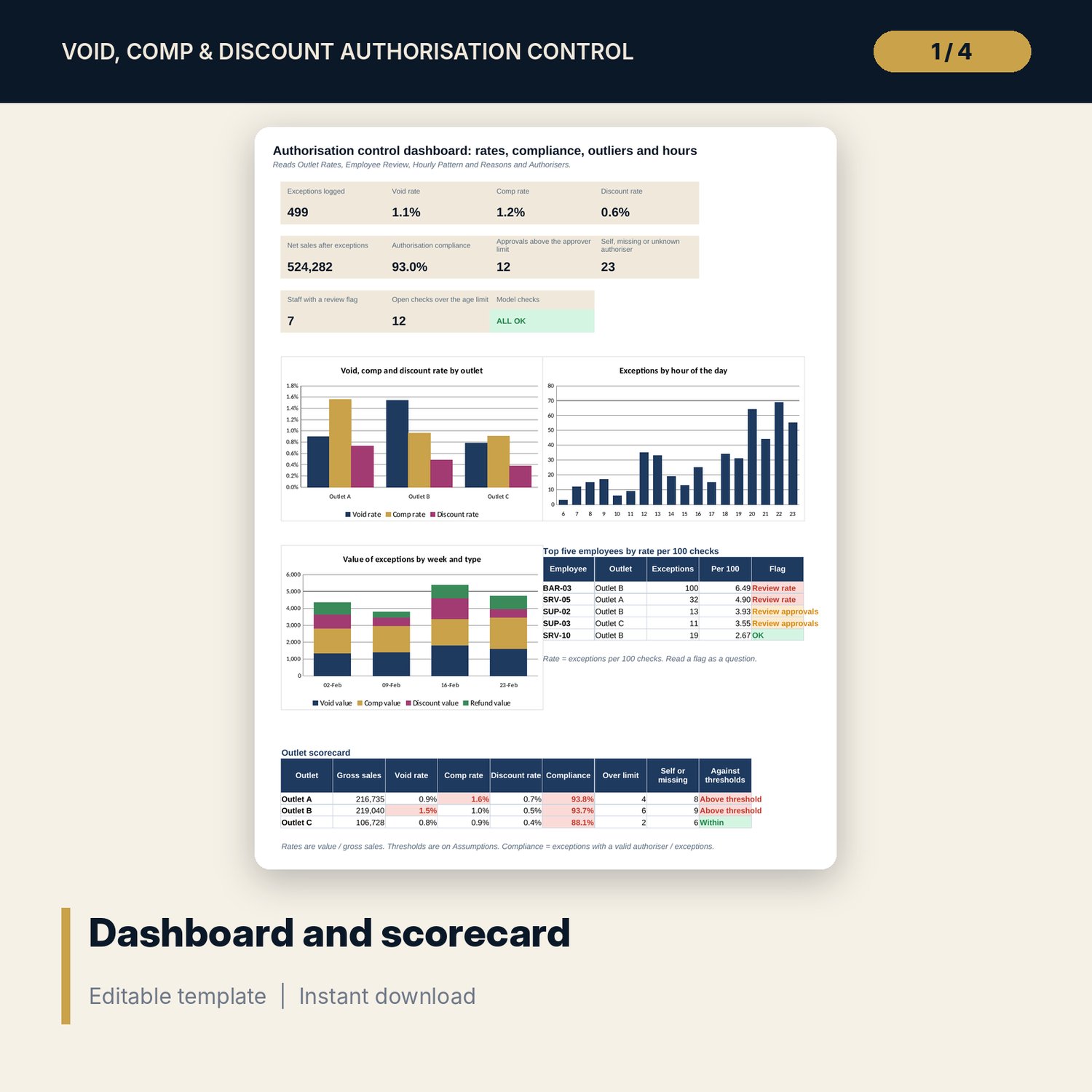
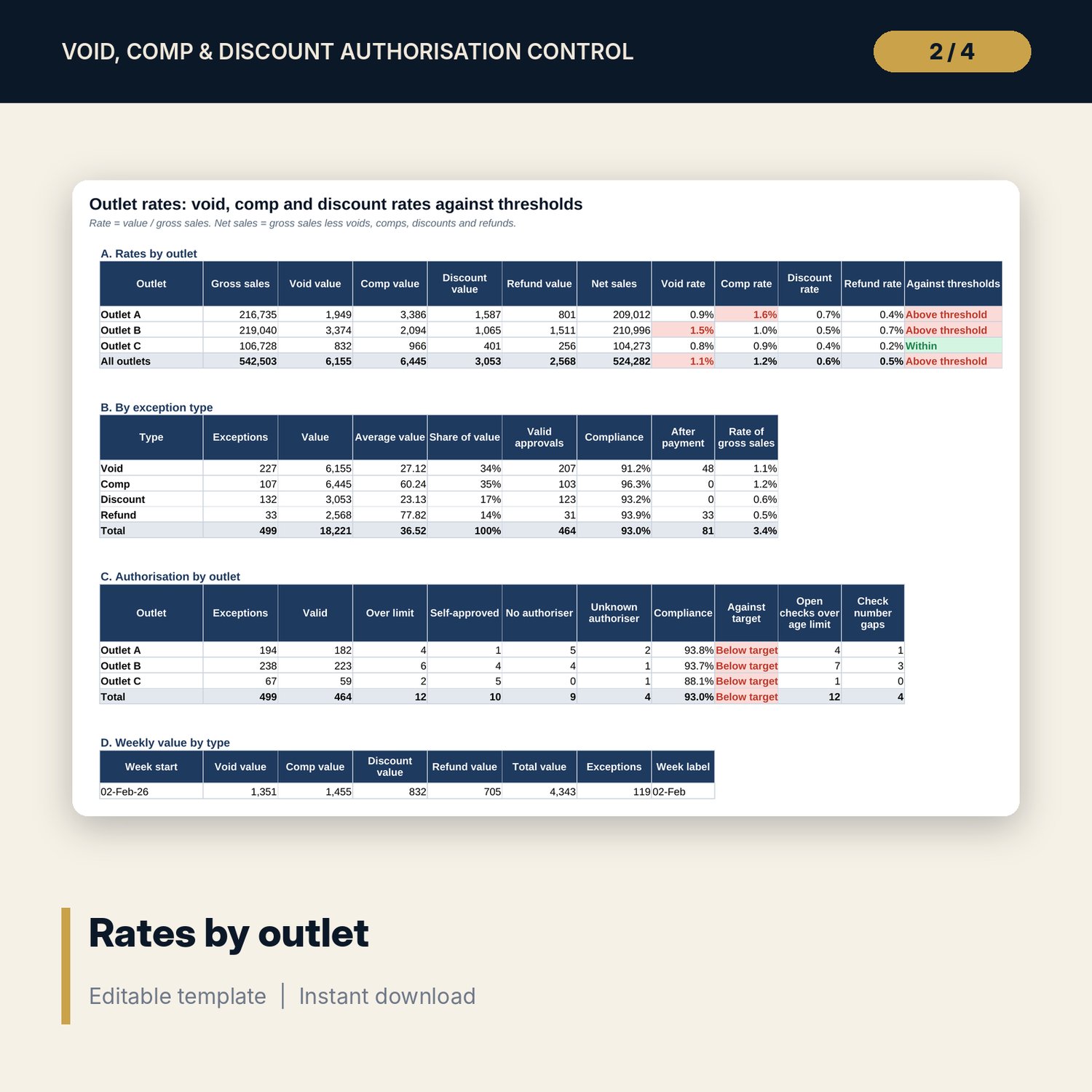
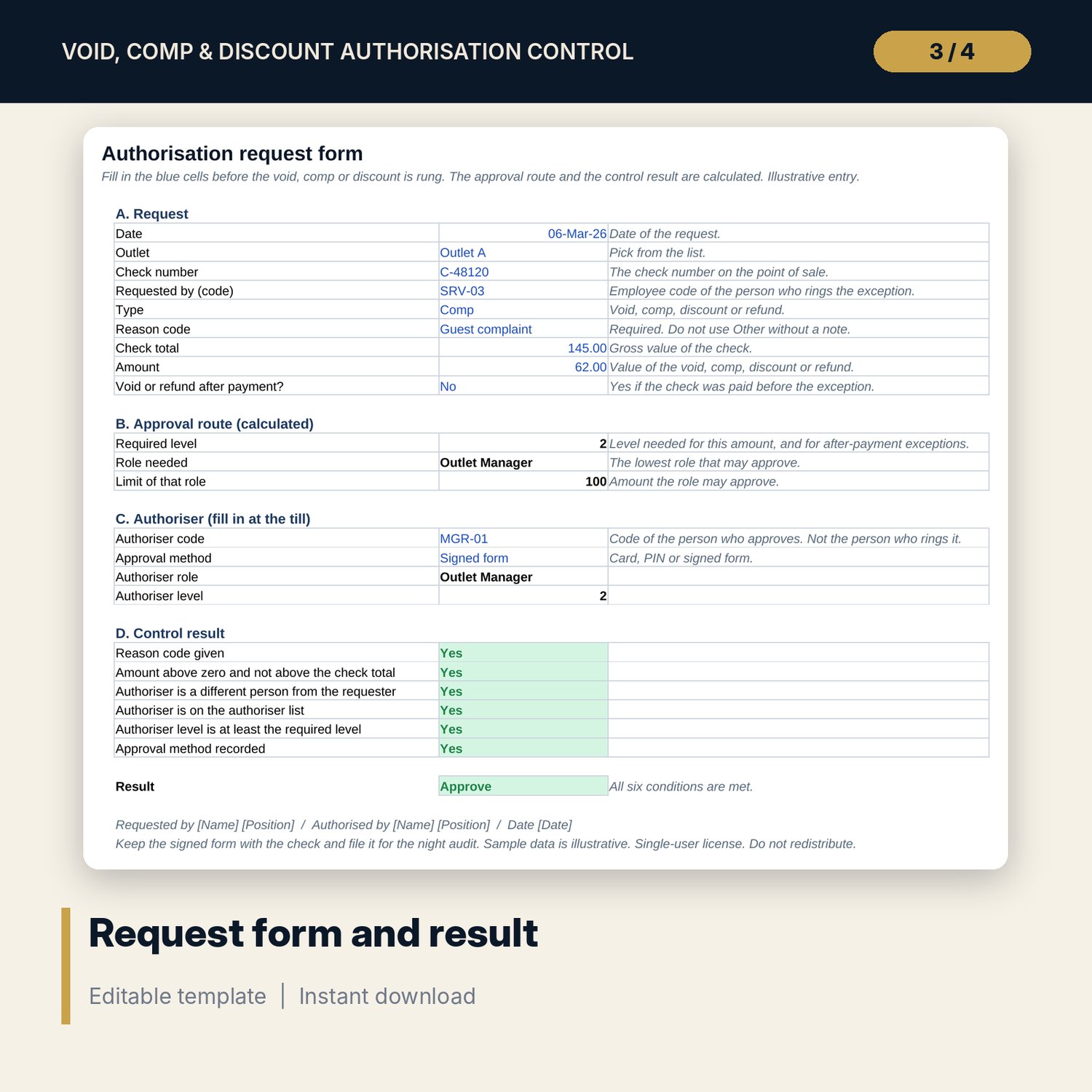
For restaurant and bar managers, night auditors, finance teams and food and beverage directors who want exceptions controlled, not just counted. The main workbook logs every void, comp, discount and refund (499 sample exceptions over four weeks) with the reason, the authoriser and the approval method. It calculates the level each amount requires, checks it against the authoriser, and flags no authoriser, self-approved, unknown authoriser and over-limit approvals. It shows void, comp and discount rates by outlet against thresholds, net sales, exceptions per 100 checks by employee against the outlet average, an hourly pattern with late-night flags, the share of the reason Other, authorisers by share and own limit, and discount depth. The companion workbook is an authorisation request form with an approval matrix and a request register. The Word guide sets the policy, procedures by type, reason codes, a daily and monthly review routine, a worked example read from the workbook and printable forms.
What is inside
- Authorisation_Control_Dashboard.xlsx: 11 tabs, 3,911 formulas, 3 native charts, 19 drop-down and input rules, 10 integrity checks
- Exceptions: 499 sample rows plus 60 spare rows, 17 columns including outlet, hour, authoriser level, required level and authorisation status
- Staff and Sales: 21 employees with checks and gross sales; Employee Review with rate per 100 checks, index against the outlet and flags
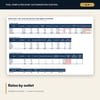
- Outlet Rates: rates by outlet, type summary, authorisation by outlet, weekly value and discount depth; Hourly Pattern; Reasons and Authorisers
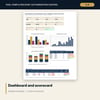
- Dashboard: 11 KPI tiles, 3 charts, top five employees and an outlet scorecard; Method with 13 rows
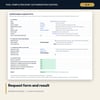
- Authorisation_Request_Form.xlsx: 4 tabs, 259 formulas, approval matrix, request form, 44-row request register, summary and 5 checks
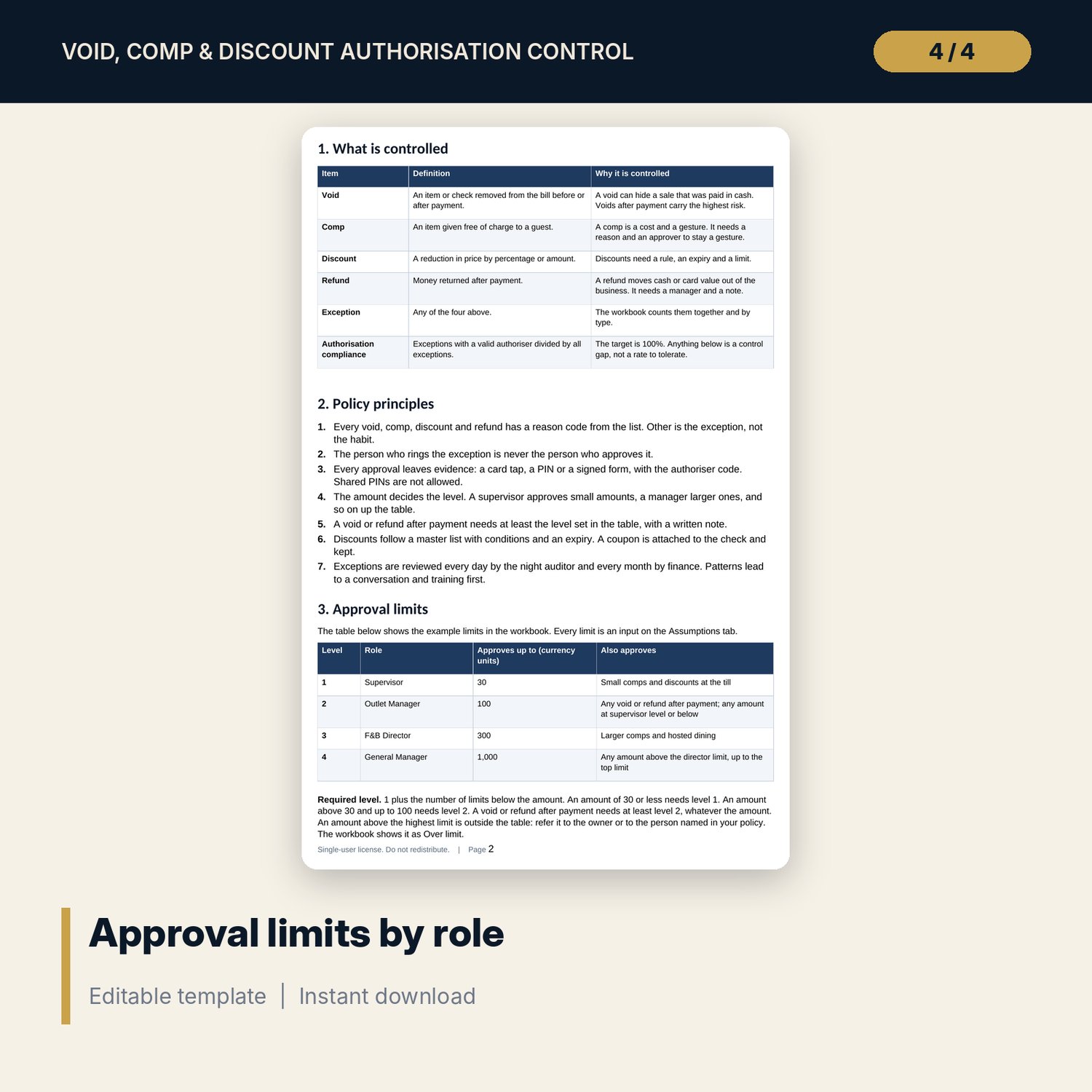
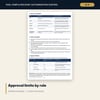
- Authorisation_Control_Guide.docx and PDF: 10 pages with approval limits, procedures by type, reason codes, 19-item control checklist and 3 forms
- README.txt and LICENSE-and-Terms.txt
How it works
- Set thresholds, approval limits and authoriser codes on Assumptions.
- Paste the point-of-sale exception report into Exceptions with the authoriser and method.
- Read the rates by outlet, the employee index and the hourly pattern on the Dashboard and review tabs.
- Open every row that is not Valid, hold the conversation and record it; run the monthly review.
Details
- Formats: 2 Excel workbooks (.xlsx), 1 Word guide (.docx) and PDF, English
- Software: Excel 2016 or later, or LibreOffice Calc 7 or later
- No macros, no external links, no data tables, no array formulas
- 4 files plus README and license; instant digital download
Good to know
- Sample data is illustrative. Replace it with your own figures.
- Limits, thresholds and disciplinary steps are examples. Set your own policy and verify local employment and consumer rules.
- Use employee and authoriser codes, not names. Single-user license. Do not redistribute.
FAQ
How does the workbook decide the level an amount needs?
Required level is 1 plus the number of role limits below the amount, and at least the after-payment level for a void or refund after payment. Every limit is an input.
What does Over limit mean?
The authoriser level is below the required level. For example a supervisor approving an amount above the supervisor limit.
Can I use my own reason codes?
Yes. The reason list is an input on Assumptions. Keep one code, Other, as the catch-all and watch its share.
How many exceptions can the log hold?
The sample has 499 exceptions and 60 spare rows. Insert rows above the last row to add more; formulas copy down.
Do I need macros?
No. Every result is a standard worksheet formula.