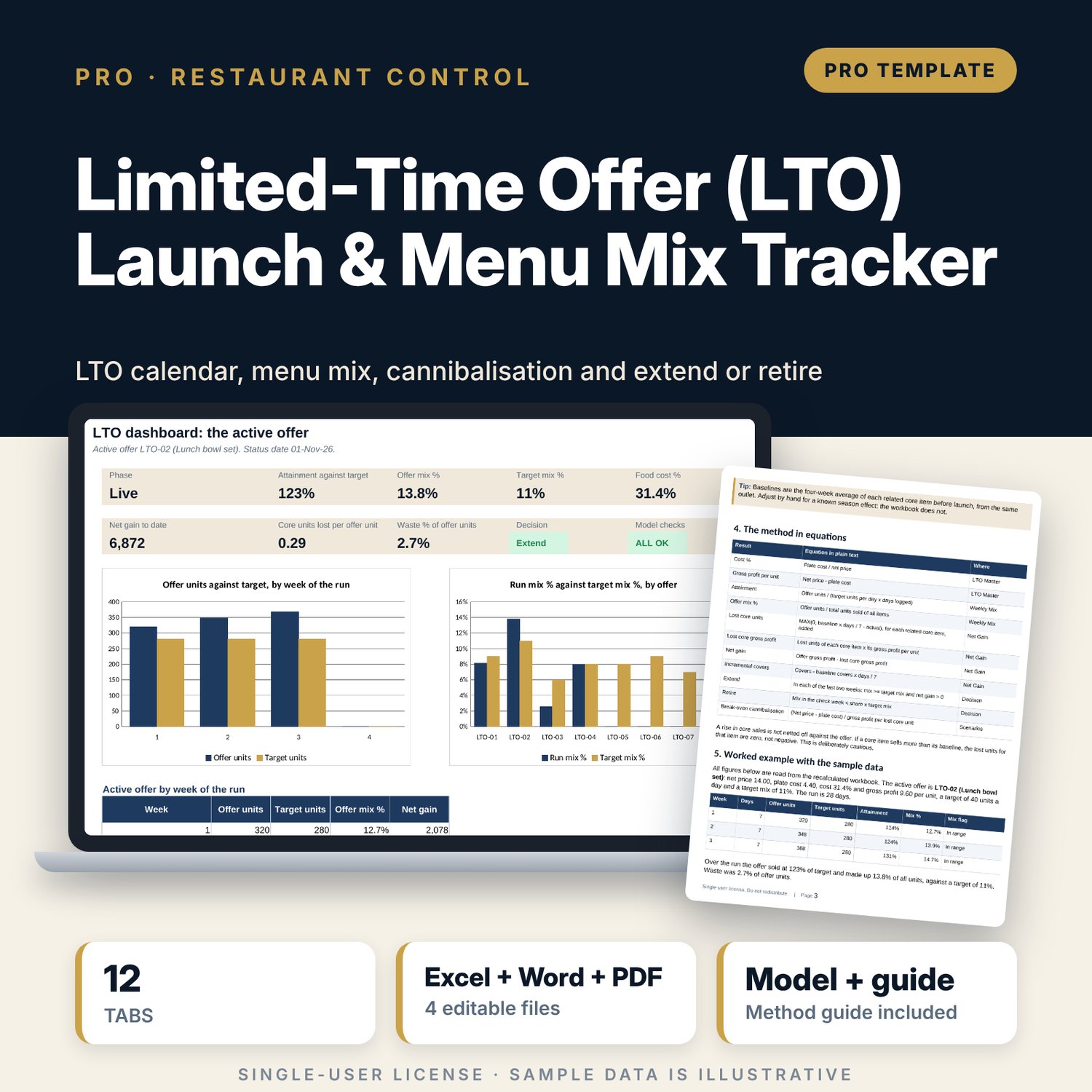

Limited-Time Offer (LTO) Launch & Menu Mix Tracker: LTO Launch Calendar and Menu Mix Tracker Spreadsheet
Full description
For restaurant managers, F&B directors and chefs who run limited-time offers and need to know whether each one earns its place. The workbook plans 8 offers on a calendar with milestone dates, logs daily sales against target, rolls them up by week into mix % of total units, and compares related core item sales with a pre-launch baseline to find lost units, lost gross profit and net gain. A decision tab applies two rules (extend if mix is at target and net gain is positive for two weeks; retire if the check-week mix is below half of target). A scenario tab tests price and cannibalisation. The companion prep and waste sheet controls batch yield, portion gaps, waste and shelf life, and a 8-page guide explains the method with a worked example.
What is inside
- LTO_Launch_and_Menu_Mix_Tracker.xlsx: 12 tabs, 2,440 formulas, 2 native charts, 21 drop-down and input rules
- LTO Master and Launch Calendar: 8 offers, 10 milestone dates each and a 44-week grid of prep and live weeks
- Daily Log: 91 sample days across 4 offers plus 60 spare rows; Weekly Mix: 13 offer-weeks plus 9 spare rows
- Net Gain: pre-launch baselines, lost core units, lost gross profit, net gain and incremental covers by week
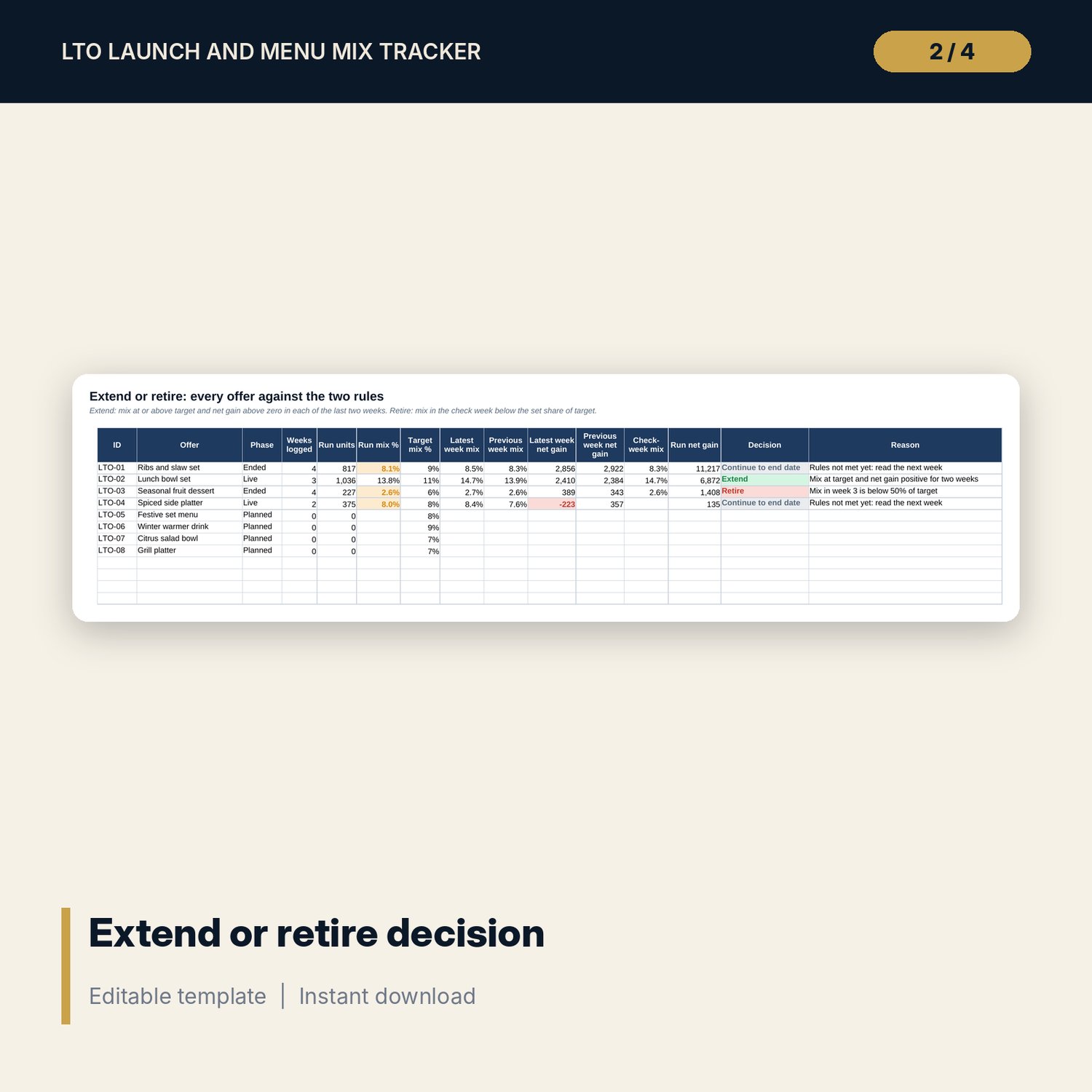
- Decision: extend, retire or continue for every offer with the reason; Scenarios: base, upside, downside and a 5 x 5 price x cannibalisation grid
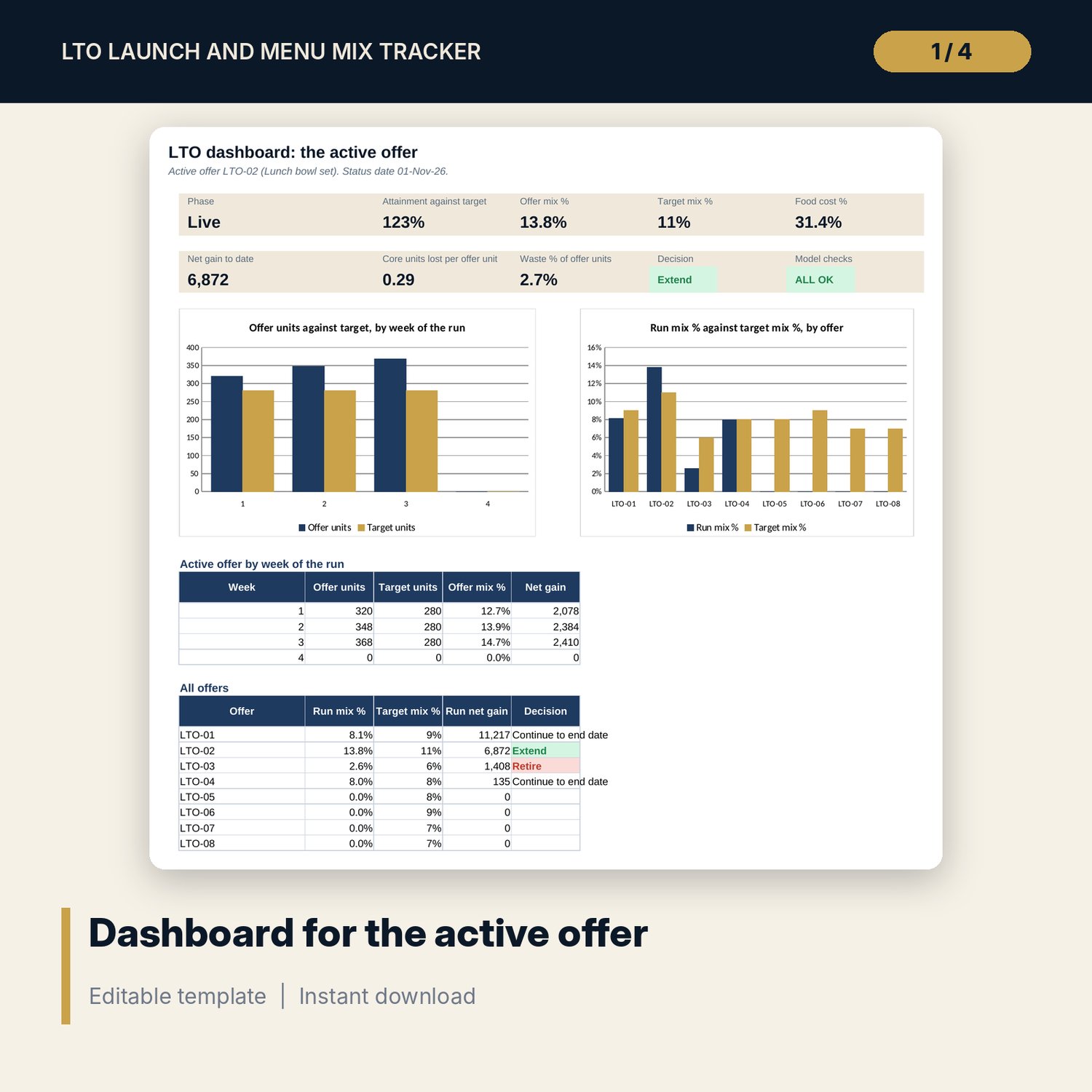
- Dashboard with 9 tiles, a check tile and 2 charts; 11 integrity checks; Method tab with 15 documented calculations
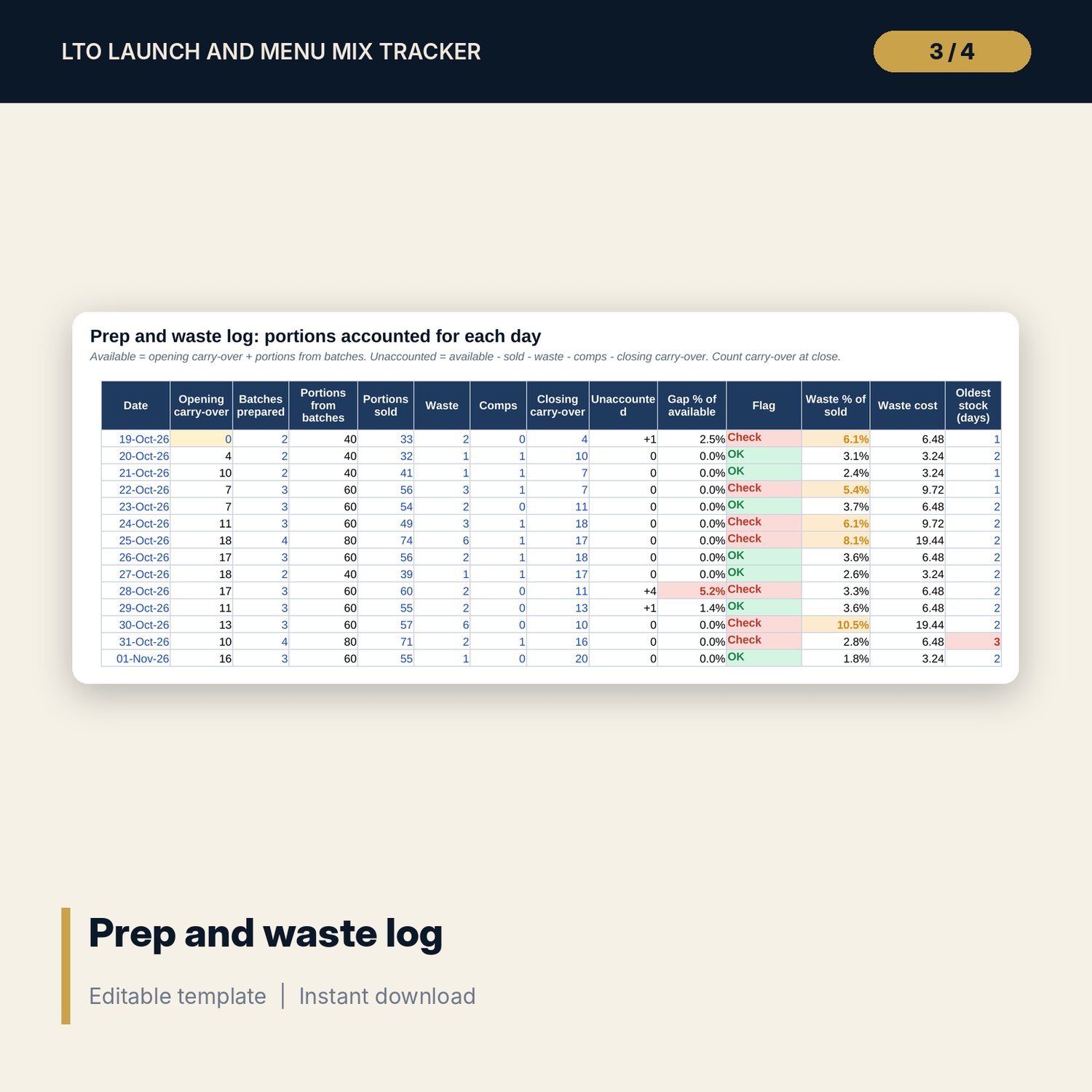
- LTO_Prep_and_Waste_Sheet.xlsx: 4 tabs, 145 formulas, batch recipe and plate cost, 14-day prep and waste log with a portion gap check, summary and checks
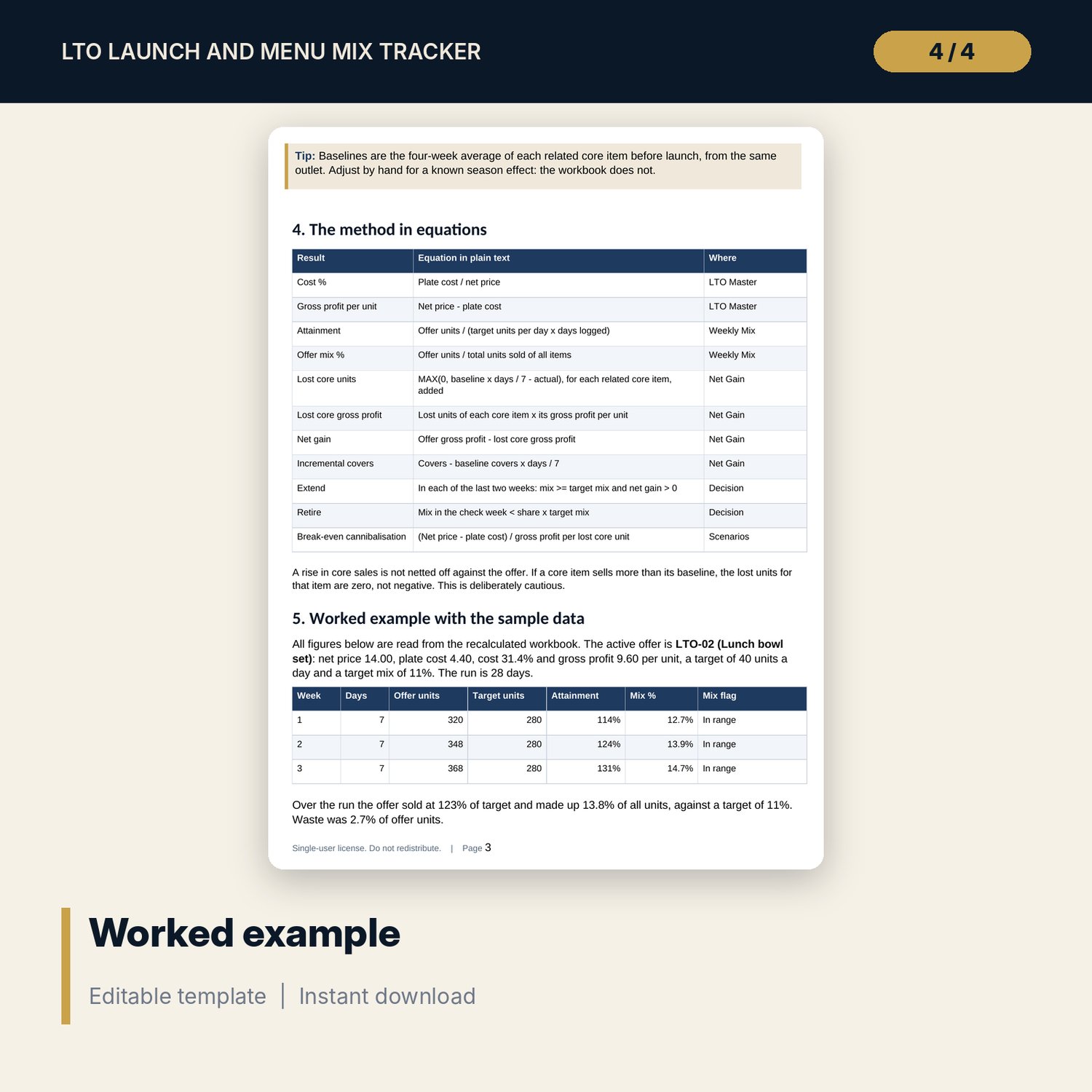
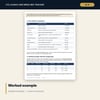
- LTO_Launch_and_Menu_Mix_Guide.docx and PDF: 8 pages with equations, a worked example read from the workbook, a 20-point launch checklist, common mistakes and limitations
- README.txt and LICENSE-and-Terms.txt
How it works
- Set the status date, active offer and your mix range and rules on Assumptions.
- Register each offer, then add daily POS figures and weekly core item units.
- Read mix, net gain and the decision for each offer; test price and cannibalisation on Scenarios.
- Control prep, waste and shelf life with the companion sheet.
- Extend or retire on the date set, using the guide and the checklist.
Details
- Formats: 2 Excel workbooks (.xlsx), 1 guide in Word (.docx) and PDF, English
- Software: Excel 2016 or later, or LibreOffice Calc 7 or later
- No macros, no external links, no data tables, no array formulas
- 4 files plus README and license; instant digital download
Good to know
- Sample data is illustrative. Replace it with your own figures.
- Mix ranges, cost tolerance and decision rules are your own policy. Verify allergen, shelf-life and local requirements.
- The files are management tools, not financial or food-safety advice.
- Single-user license. Do not redistribute.
FAQ
What is menu mix %?
The offer's units divided by the total units sold of every item in the same period. A healthy range for one offer is often 5 to 15%; set your own.
How is cannibalisation measured?
Against a four-week pre-launch baseline for two related core items. Lost units and lost gross profit are subtracted from the offer's gross profit to give net gain.
What are the extend and retire rules?
Extend if mix is at or above target and net gain is positive in each of the last two weeks. Retire if the mix in the check week is below the set share of target.
Can I track more than one offer?
Yes. The register holds 8 offers with 4 spare rows. The Dashboard shows the active offer and a table of all offers.
Do I need macros?
No. Every result is a standard worksheet formula.