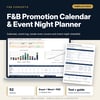
F&B Promotion Calendar & Event Night Planner: Restaurant Event Calendar Template
Full description
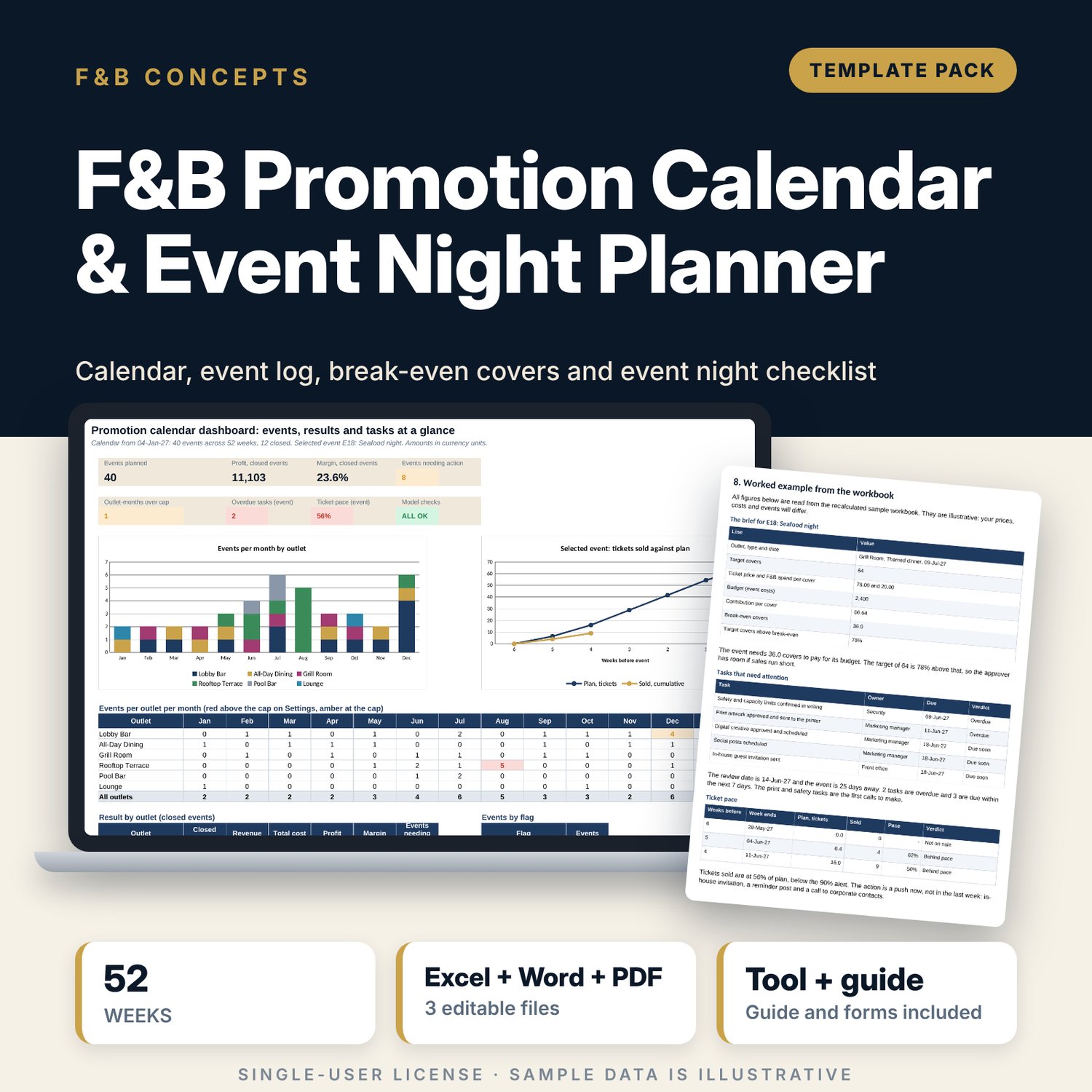
For food and beverage managers, outlet managers and marketing teams who plan promotions and event nights across several outlets. The workbook lays out a 52-week calendar, logs 41 sample events with target and actual covers, finds break-even covers and profit for each, flags clashes, capacity and budget problems, dates a 30-task checklist back from the event date and compares tickets sold with plan. A Word brief gives you the event brief, run-of-show, briefing, weekly meeting agenda, post-event summary and a festive action plan.
What is inside
- Promotion_Calendar_Event_Planner.xlsx: 7 tabs, 1,244 formulas, 2 native charts, 22 drop-down and input rules, 8 integrity checks
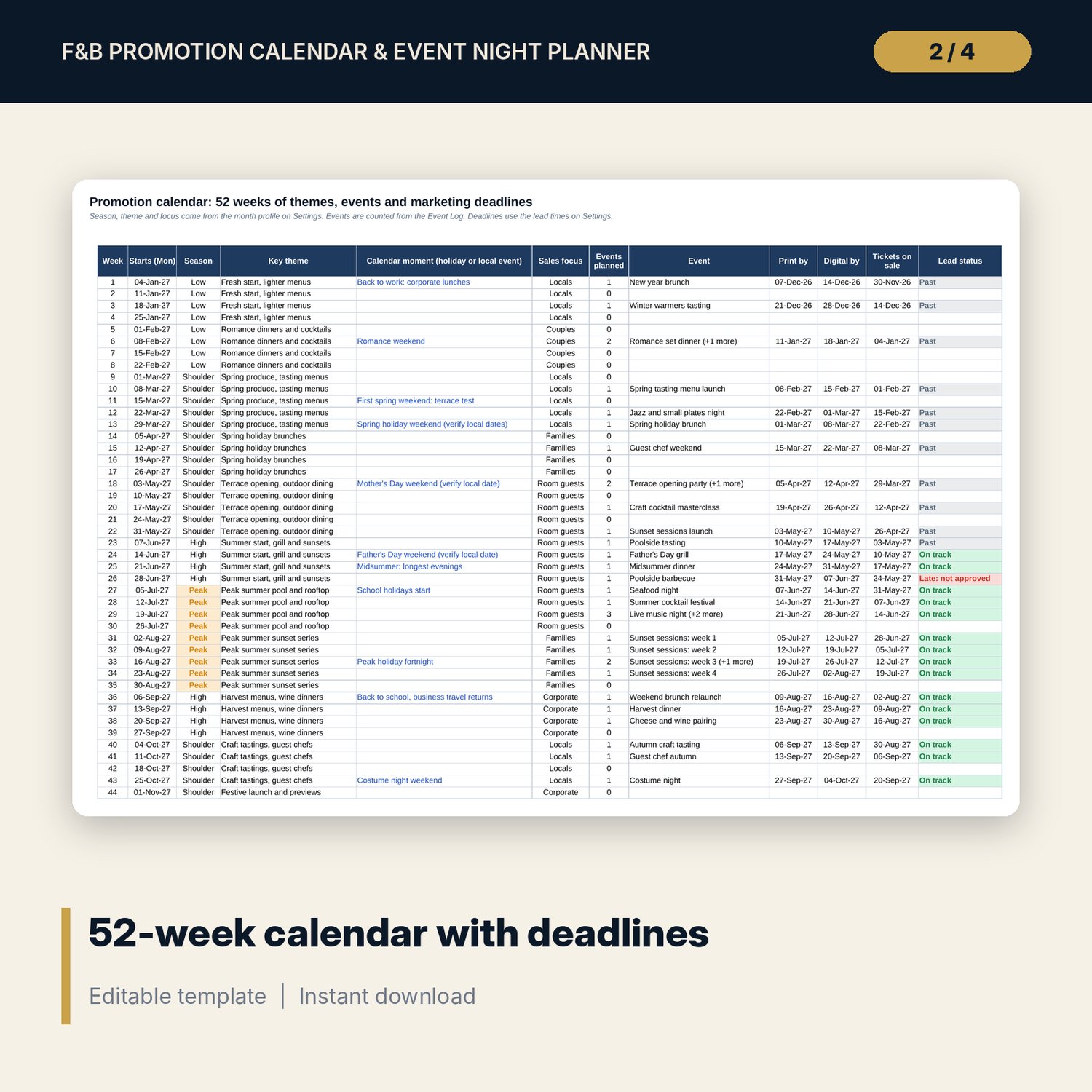
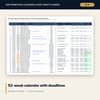
- Calendar: 52 weeks with season, theme, sales focus, holidays, events planned and print, digital and ticket deadlines with a lead-time status
- Event Log: 41 sample events across 6 outlets and 8 event types, with budget, break-even covers, six cost lines, profit, margin and a flag, plus 10 spare rows
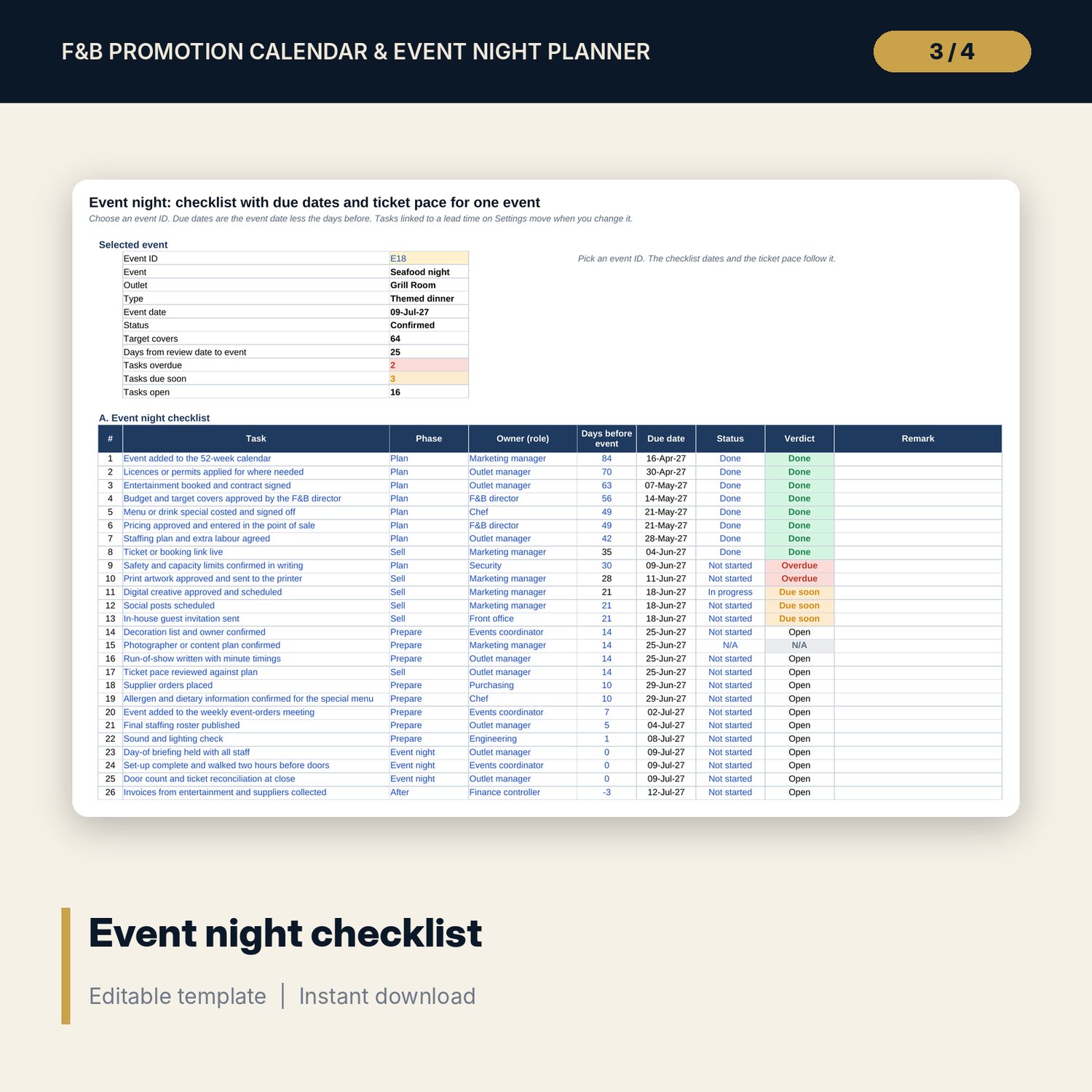
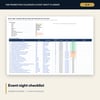
- Event Night: 30-task checklist with due dates, owners and verdicts, and a 7-week ticket pace table
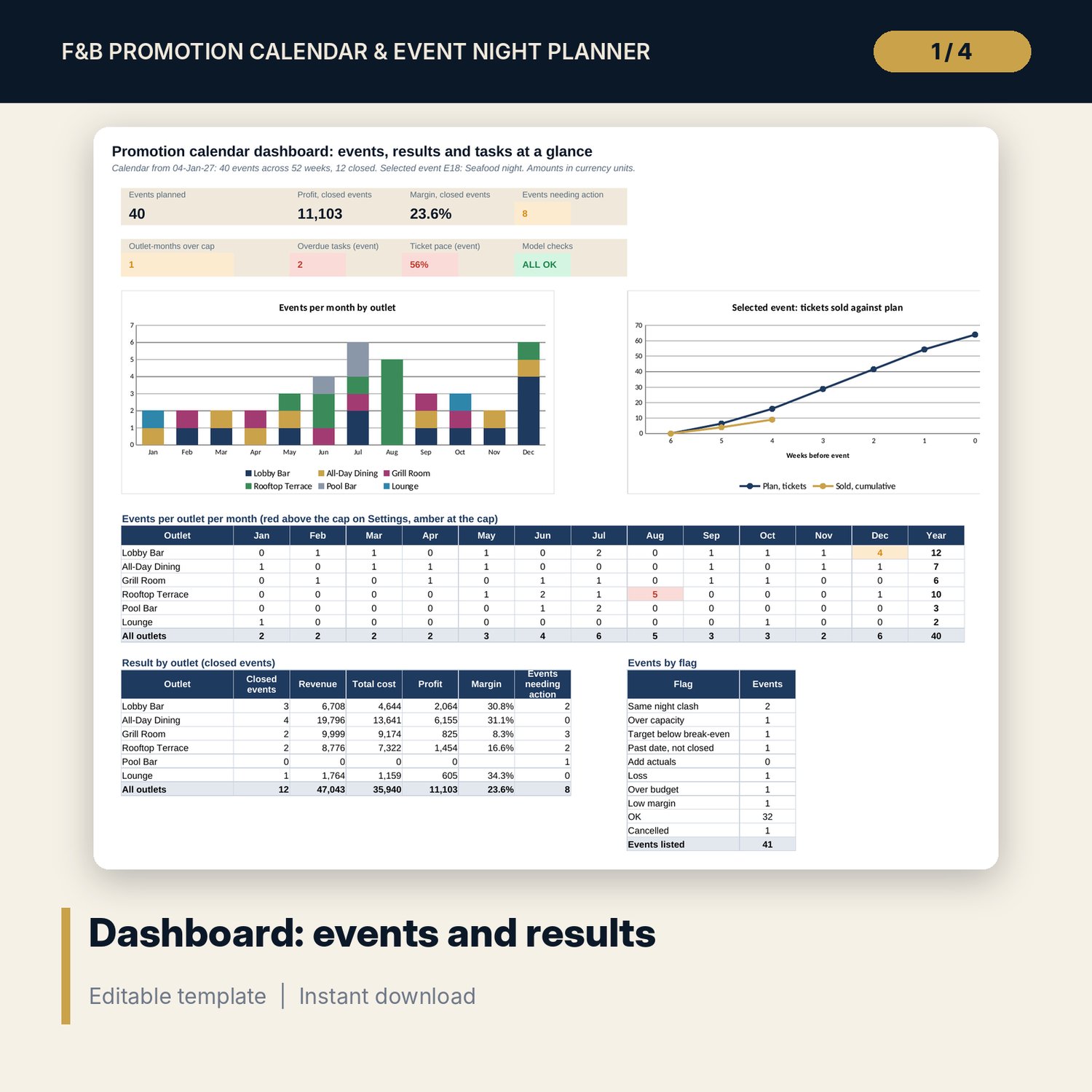
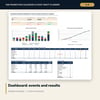
- Dashboard: 7 KPI tiles, a check tile, 2 charts, events per outlet per month against the cap, results by outlet and a count of flags
- Promotion_Calendar_Event_Brief.docx and PDF: 10 pages with an event brief, a 18-step run-of-show, 10 event night standards, a meeting agenda, a post-event summary, a 12-task action plan and a worked example
- README.txt and LICENSE-and-Terms.txt
How it works
- Set the calendar start, lead times, outlet capacities and F&B cost % by event type on Settings.
- Add each event to the Event Log with target covers, price, spend and budget, and read break-even covers and the flag.
- After the event, enter actual covers and costs to see profit and margin.
- On Event Night, choose an event, work the checklist and enter tickets sold each week.
- Read the Dashboard and Checks before the weekly meeting.
Details
- Formats: 1 Excel workbook (.xlsx), 1 event brief and forms pack in Word (.docx) and PDF, English
- Software: Excel 2016 or later, or LibreOffice Calc 7 or later
- No macros, no external links, no data tables, no array formulas
- 3 files plus README and license; instant digital download
Good to know
- Sample data is illustrative. Replace it with your own figures.
- Holiday dates, licences, capacity limits, sound levels and food safety rules differ by location. Verify local requirements.
- These files are planning tools, not financial, legal or safety advice.
- Single-user license. Do not redistribute.
FAQ
How does the calendar know when to start print and digital work?
Each week shows the print, digital and ticket deadlines as the week start less the lead times on Settings, and a lead status that turns red when an event is still at Idea or Proposed inside the print lead time.
How is break-even covers worked out?
Budget for entertainment, decoration, marketing and extra labour divided by contribution per cover. Contribution per cover is ticket price plus F&B spend, less the F&B cost % for the event type.
What does the flag column check?
Same night clash in one outlet, target above outlet capacity, target below break-even, past date not closed, missing actuals, loss, over budget and low margin. The first problem found is shown.
Can I change lead times, outlets and event types?
Yes. Lead times, outlet names and capacities, event types with F&B cost %, the ticket curve and the month themes are inputs on Settings.
Do I need macros?
No. Every result is a standard worksheet formula.