Buffet Food Quantity Calculator: Catering Quantities per Guest, Trays and Shopping List
Full description
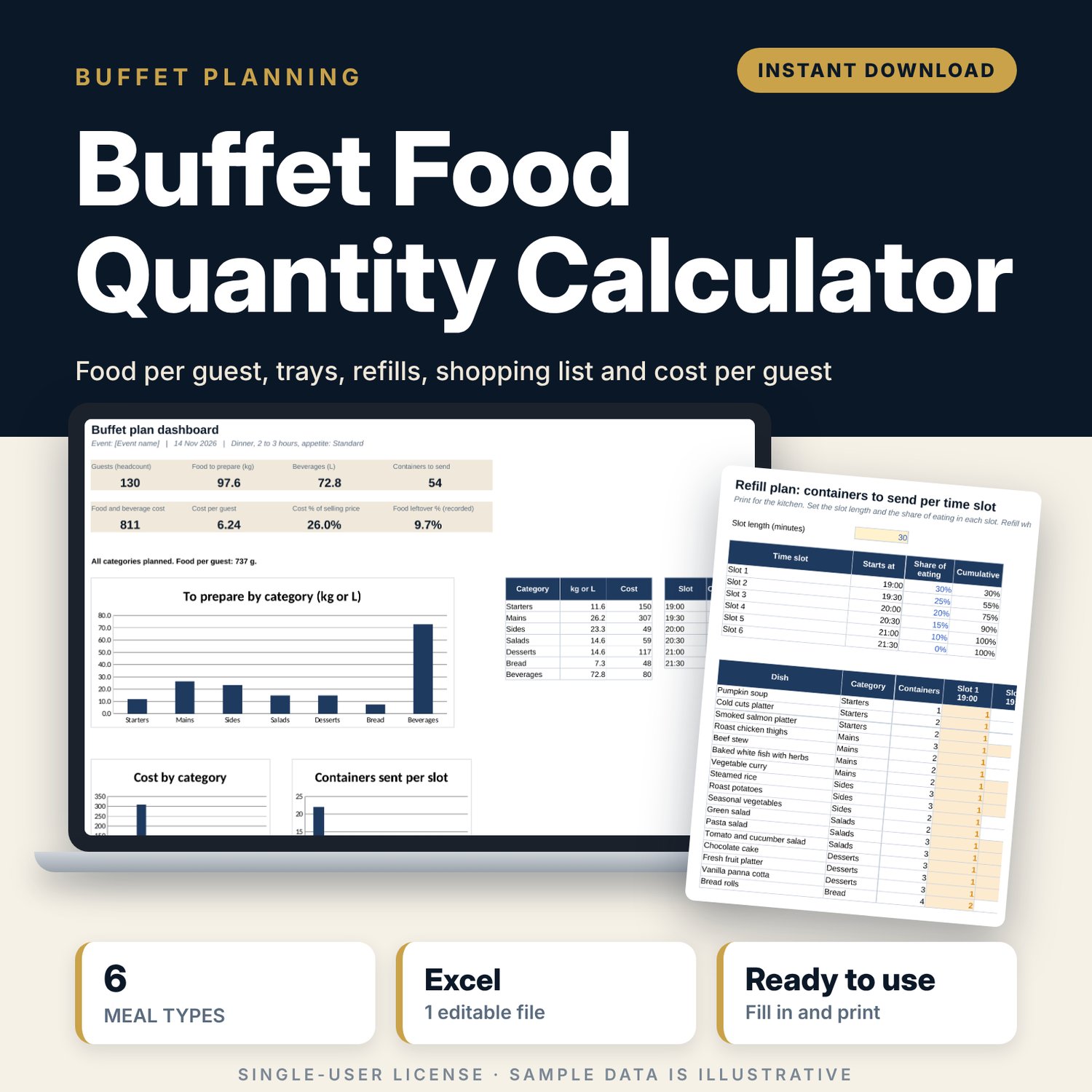
For banquet chefs, caterers, event planners and restaurant teams who plan buffets and want to stop guessing. You enter the number of guests and children, the meal type, the service duration and the appetite level. The workbook sets the grams per guest for each food and drink category, splits the kilos across your dishes, counts the portions and containers, times the refills, builds the shopping list with combined totals and packs to buy, and shows the cost per guest against your selling price. After the event you record the leftovers, and the flags tell you which dishes to cut next time.
Save with a bundle: this template is also in the Restaurant & Café Operations Bundle, 17 templates for $39 instead of $116. All 141 templates are in the All-Access Hospitality Template Library for $79.
What is inside
- Buffet_Food_Quantity_Calculator.xlsx: 8 tabs, 1,979 formulas, 3 native charts, 13 drop-down or number rules.
- Settings: grams (or ml) per guest for 6 meal types across 7 categories (starters, mains, sides, salads, desserts, bread, beverages), 4 appetite levels, 4 service durations, 10 container types with usable capacity, a child factor, a leftover target and a cost target.
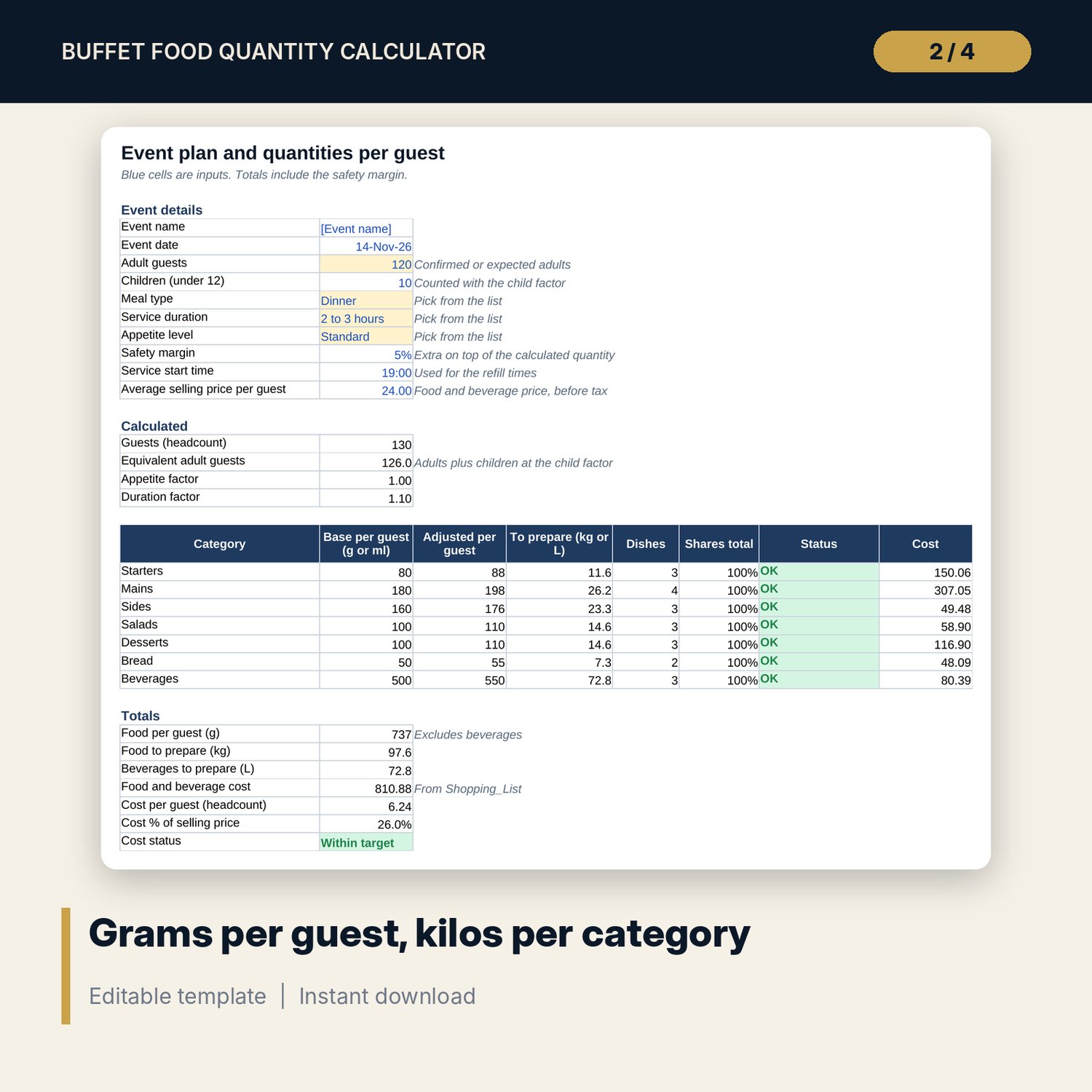
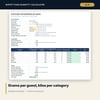
- Event_Plan: 10 event inputs. Base and adjusted grams per guest, total kilos or litres, number of dishes, a share check and cost for each of the 7 categories.
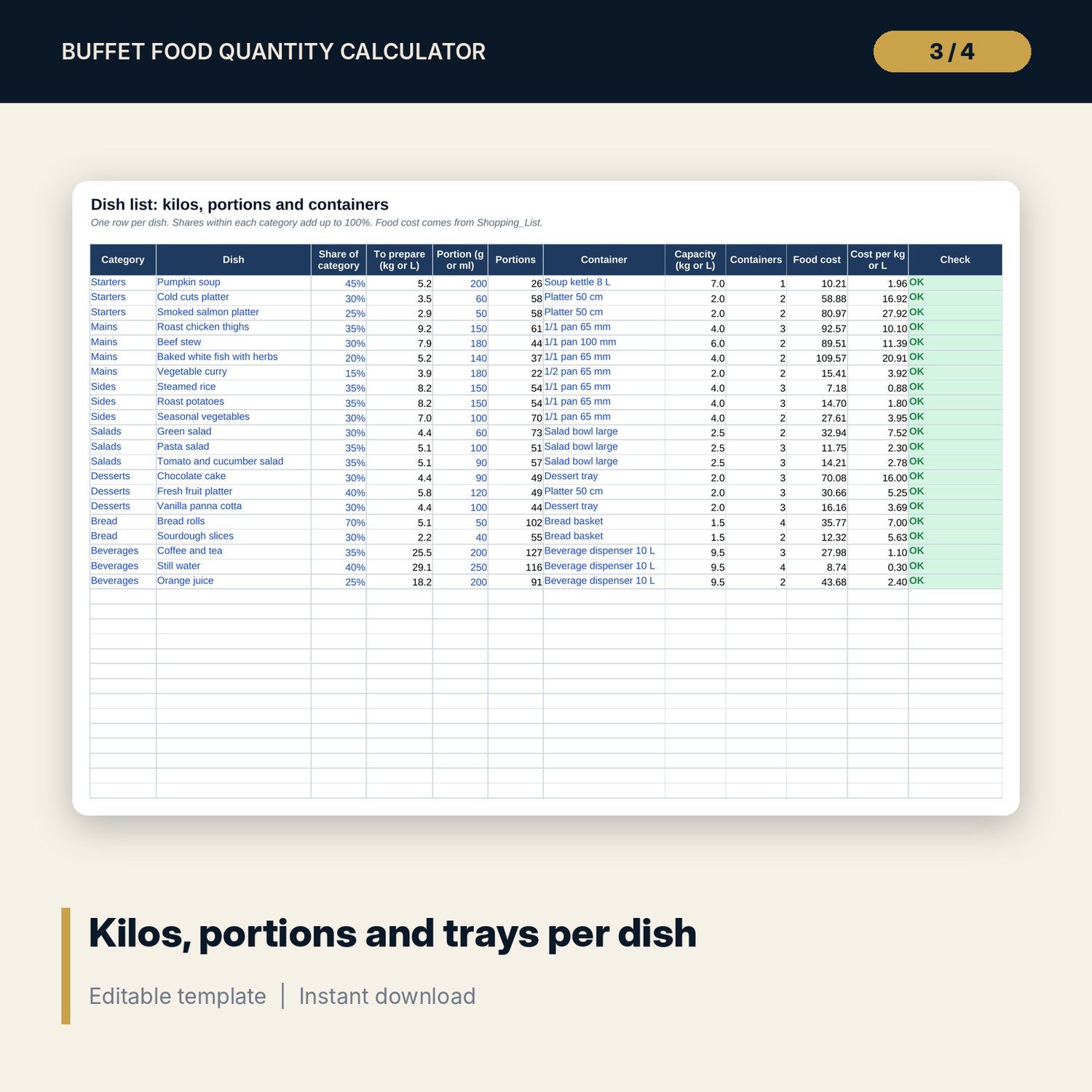
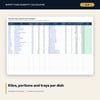
- Dish_List: room for 40 dishes (21 sample rows). Kilos to prepare, portions, containers, food cost and cost per kilo per dish, with a check column.
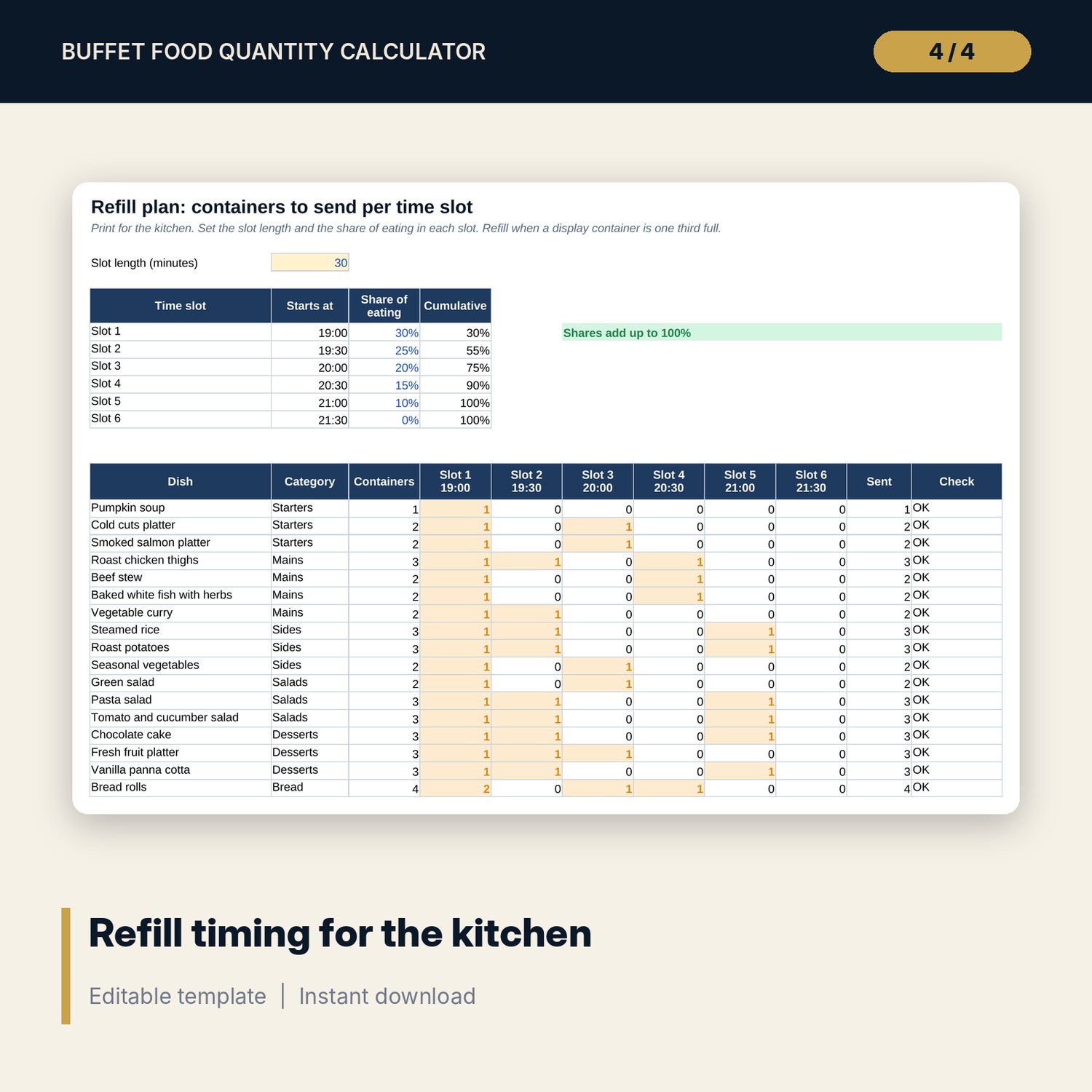
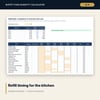
- Refill_Plan: 6 time slots with start times and the share of eating in each. Containers to send per dish per slot, with a check that every container is sent.
- Shopping_List: room for 150 ingredient lines (51 sample rows). Quantity per kilo of dish, quantity needed, cost, combined total per ingredient and packs to buy.
- Leftovers: prepared and leftover weight for each dish, leftover % and cost, a flag above target and a "next time" suggestion. Event history log with room for 30 events (6 sample rows).
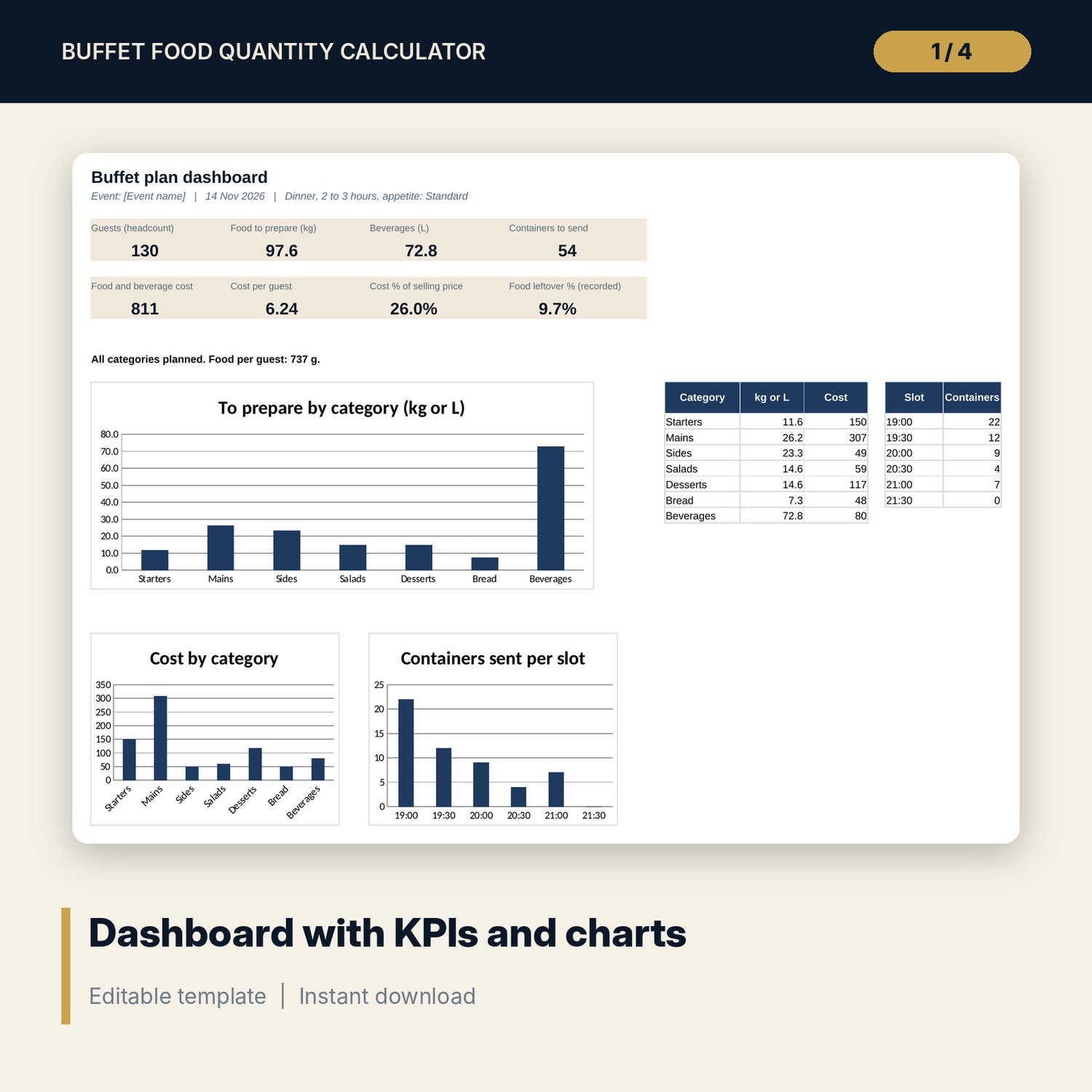
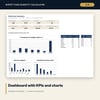
- Dashboard: 8 KPI tiles and 3 charts (kilos by category, cost by category, containers per refill slot).
- README.txt and LICENSE-and-Terms.txt.
How it works
- Check the grams per guest and your container capacities on Settings.
- Enter guests, children, meal type, duration, appetite, margin and selling price on Event_Plan.
- List your dishes with their share of each category, portion size and container.
- Add ingredients per kilo of dish on Shopping_List, then print the shopping list and the refill plan.
- After the event, weigh leftovers and adjust the next plan from the flags.
Details
- Format: Excel workbook (.xlsx). No macros.
- Language: English. Metric units (grams, kilos, millilitres, litres). Currency is a label you choose.
- Software: Excel 2016 or later, or a spreadsheet program that opens .xlsx files.
- Delivery: instant digital download. Nothing is shipped.
Good to know
- The grams per guest, container capacities, recipes and prices are illustrative. Replace them with your own figures and weigh your own containers.
- Quantities are planning guides, not guarantees. Local portion norms, menus and guests differ.
- Food safety rules for buffets (holding temperatures and times) differ by place. Verify local requirements.
- Single-user license. Do not share or resell the files.
FAQ
Does it work for breakfast or a standing reception?
Yes. Settings has 6 meal types, including breakfast, brunch, working lunch, lunch, dinner and standing reception. You can edit the grams for each.
How are children counted?
Each child counts as a share of an adult. The child factor is 0.6 in the sample and you can change it.
Can I use my own trays and pans?
Yes. Edit the container names and capacities on Settings. Weigh a full container of a typical dish to set the capacity.
What software do I need?
Excel 2016 or later, or another spreadsheet program that opens .xlsx files.
Is this a physical product?
No. It is a digital download. Refund terms follow the store policy at the time of purchase.