Catering Quote & Event Costing Calculator: Catering Quote Template and Job Costing Spreadsheet
Full description
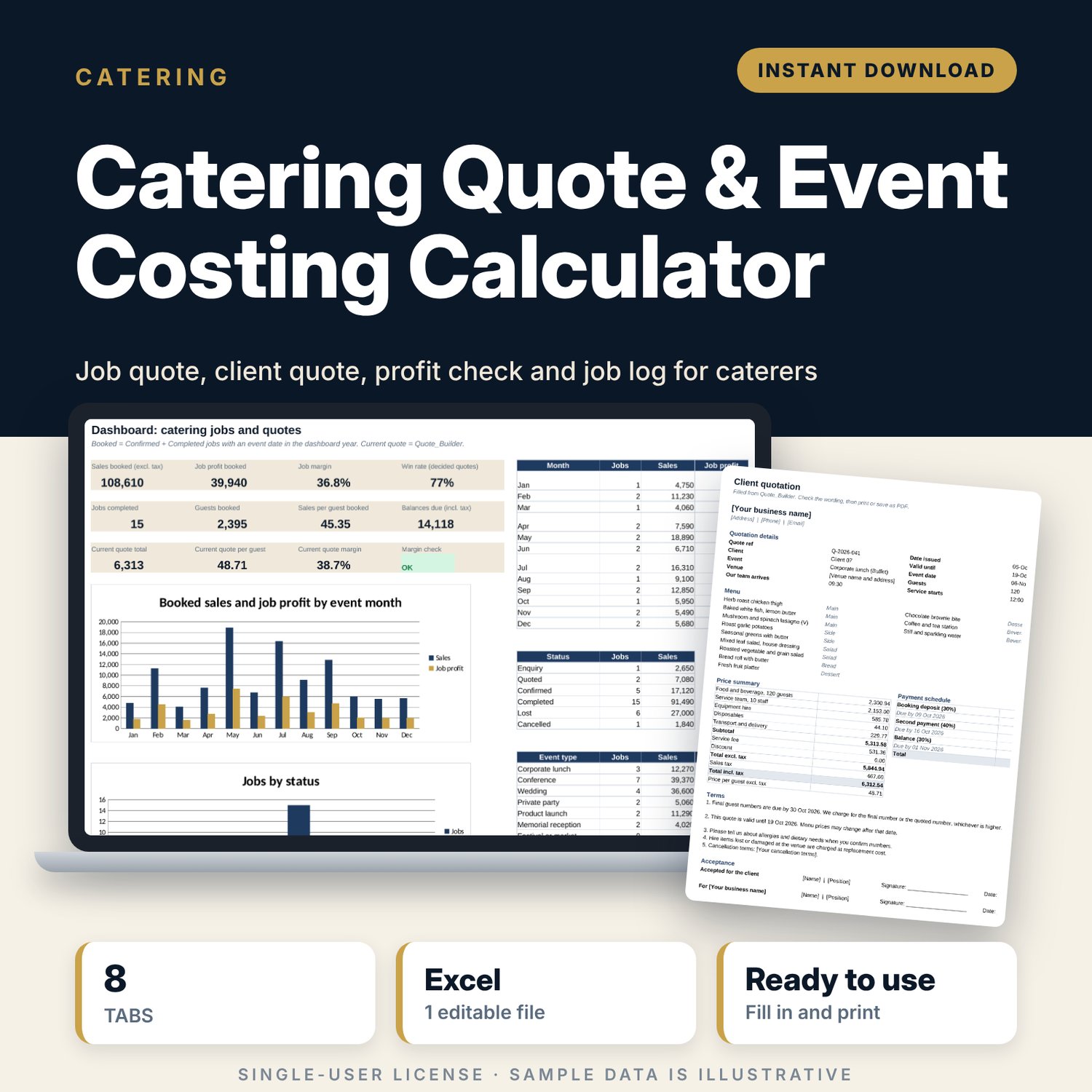
For caterers and small event food businesses that quote off-site jobs and want to know the margin before the client signs. You build the menu from your own dish library, add staff hours by role including setup and breakdown time, equipment hire, disposables and vehicle trips. The workbook prices each line with your markups, adds the service fee and tax, checks the job margin after an overhead allowance and sets the deposit dates. It then fills a printable client quote. After the event you enter the actual figures and see where the job made or lost money.
Save with a bundle: this template is also in the Food & Leisure Business Startup Bundle, 14 templates for $35 instead of $103. All 141 templates are in the All-Access Hospitality Template Library for $79.
What is inside
- Catering_Quote_Event_Costing_Calculator.xlsx: 8 tabs, 1,800 formulas, 3 native charts, 16 drop-down or number rules. No macros.
- Settings: 20 pricing and payment inputs (food cost target, markups, service fee, overhead allowance, minimum margin, tax rate, deposit terms), 8 staff roles with cost and charge rates, 16 hire items, 10 disposables, 4 vehicles, and 4 drop-down lists.
- Menu_Library: room for 80 dishes (32 sample items) with cost per unit, units per guest, cost per guest, price per guest and allergen notes.
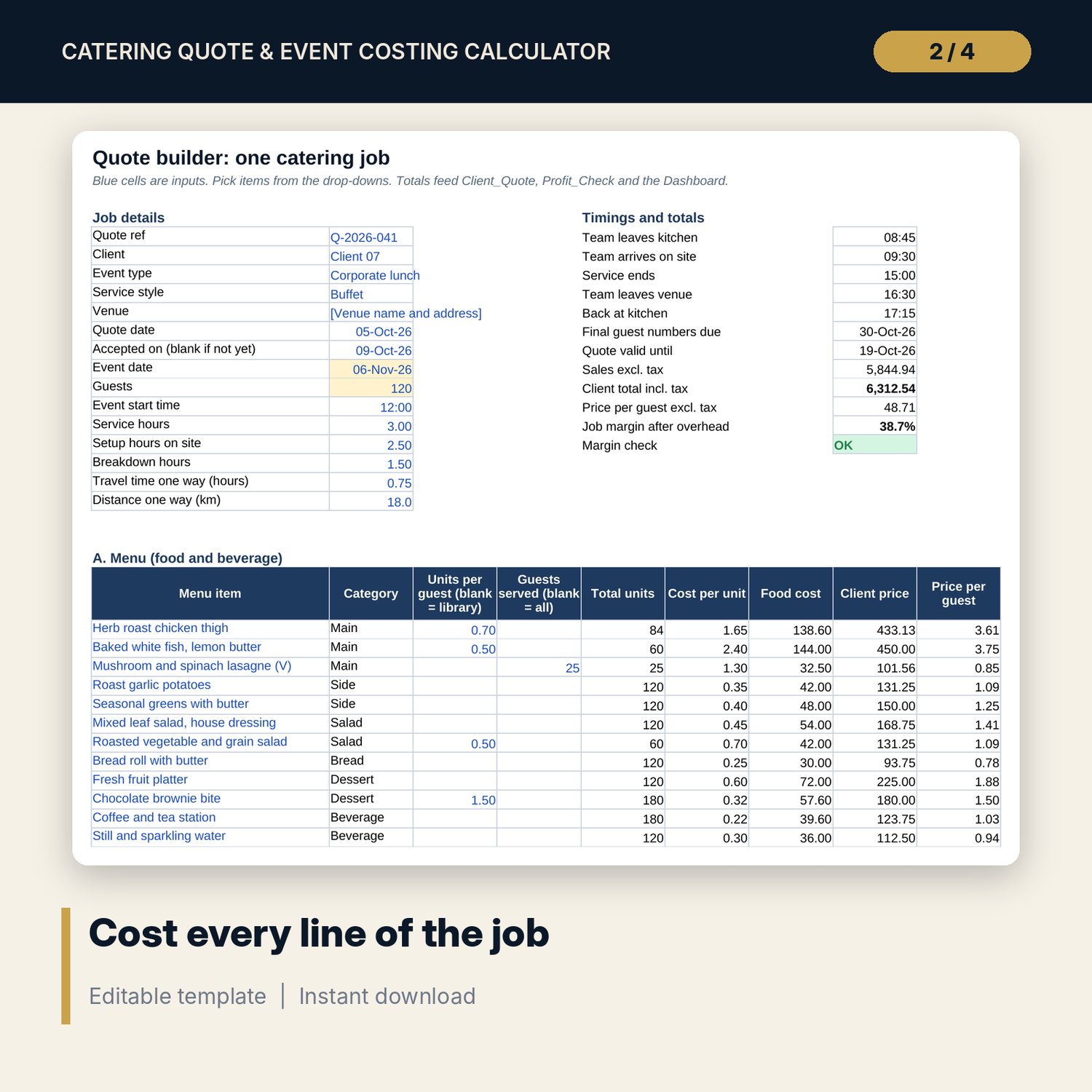
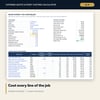
- Quote_Builder: job details and timings, 18 menu lines, 10 staffing lines with setup, service, breakdown and travel hours, 16 hire lines, 10 disposables lines, 4 transport lines, a price summary with margin check, and a 3-step payment schedule with due and overdue status.
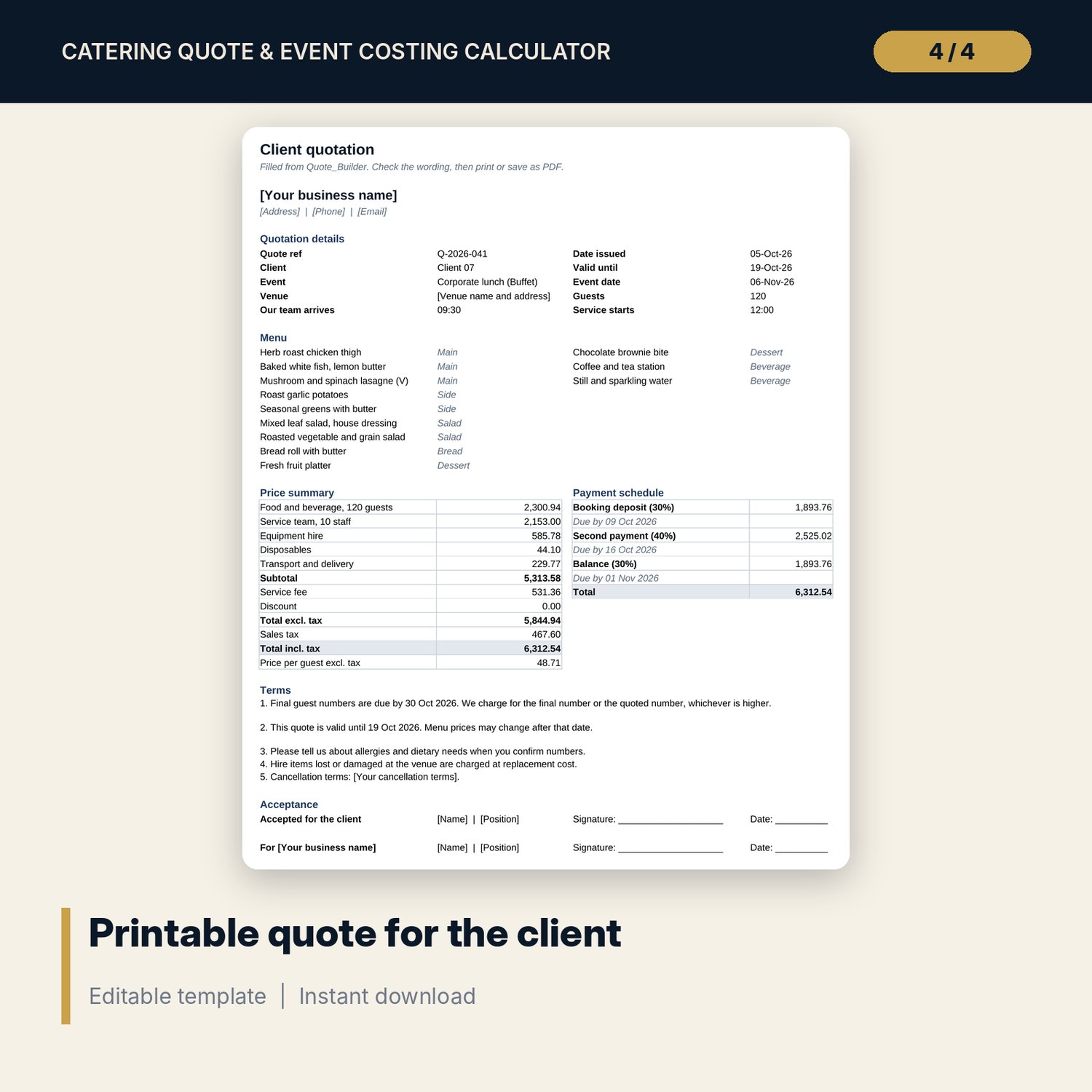
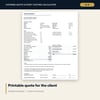
- Client_Quote: one printable portrait page with menu, price summary, payment dates, terms and acceptance lines.
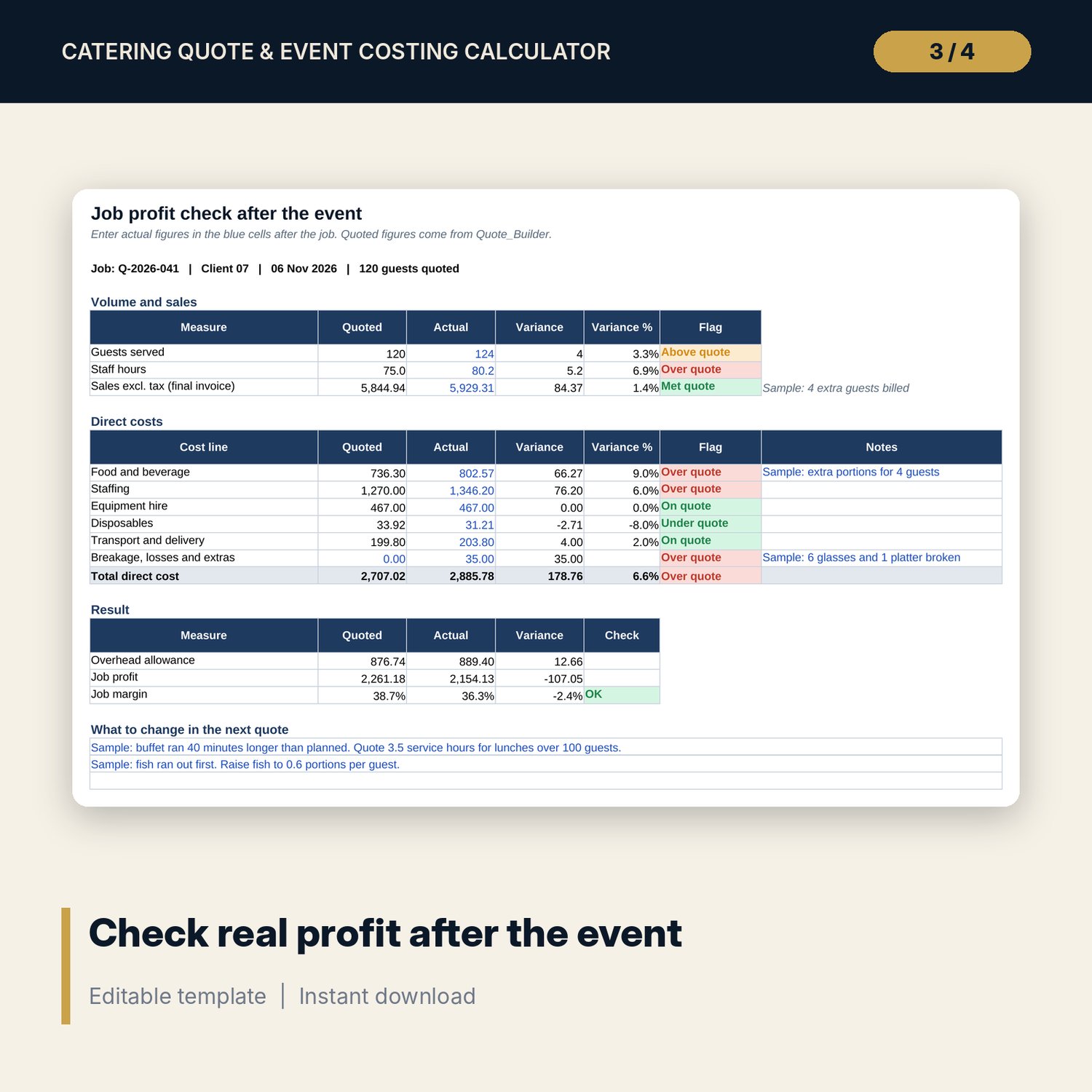
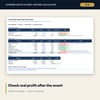
- Profit_Check: quoted against actual for guests, staff hours, sales and 6 cost lines, with variance flags, final job margin and a chart.
- Job_Log: room for 200 jobs (30 sample rows) with balance due, job profit, margin and 4 flag types.
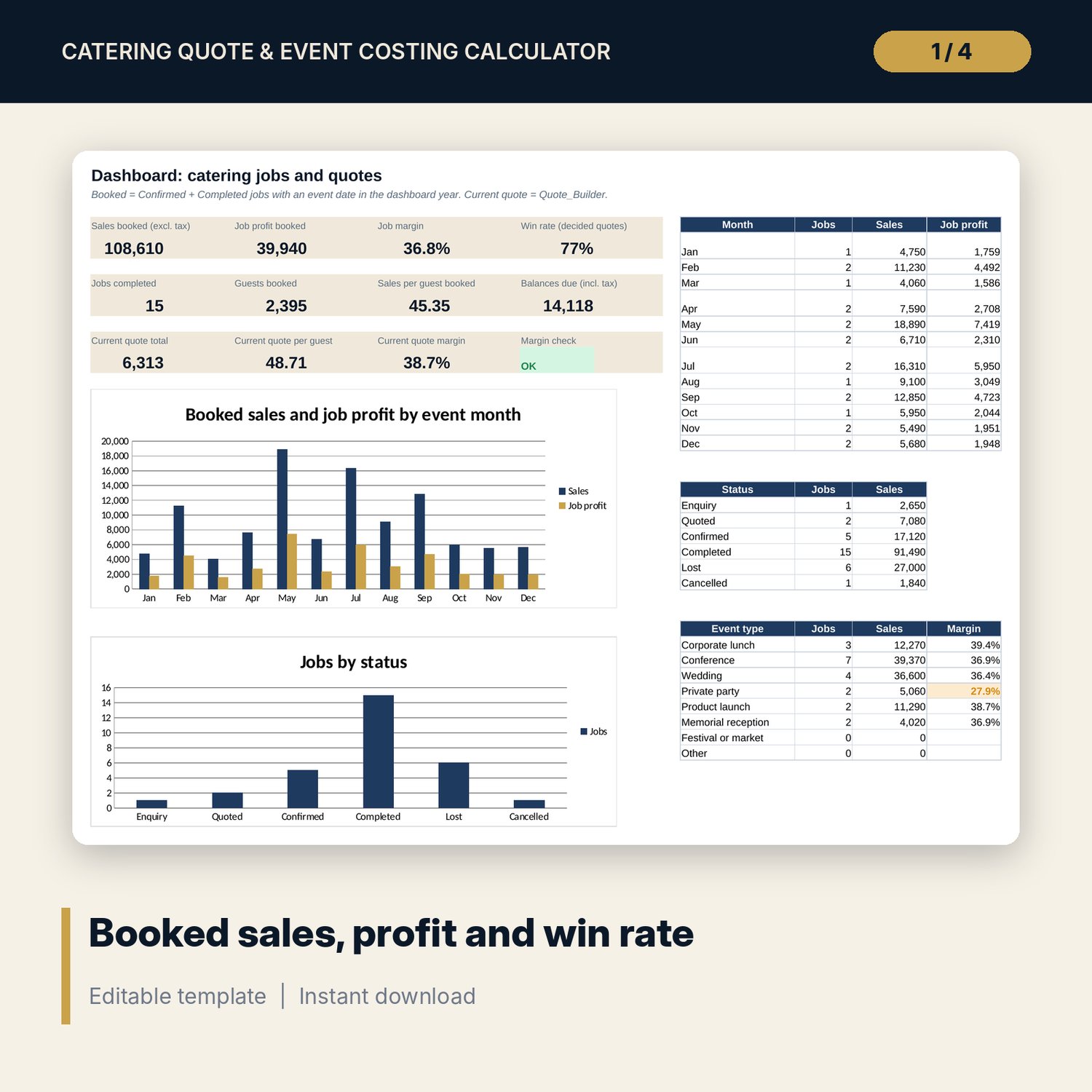
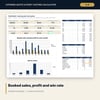
- Dashboard: 12 KPI tiles, 2 charts, and tables by month, status and event type.
- README.txt and LICENSE-and-Terms.txt.
How it works
- Enter your markups, overhead allowance, tax rate, deposit terms and staff rates on Settings.
- Add your dishes and their ingredient cost to Menu_Library.
- Fill the blue cells in Quote_Builder and check the margin flag.
- Print Client_Quote or save it as PDF and send it.
- After the event, enter actual figures in Profit_Check and record the job in Job_Log.
Details
- Format: Excel workbook (.xlsx). No macros.
- Language: English. Currency is a label you choose.
- Software: Excel 2016 or later, or a spreadsheet program that opens .xlsx files.
- Delivery: instant digital download. Nothing is shipped.
Good to know
- All sample dishes, rates, jobs and costs are illustrative. Replace them with your own figures.
- The tax rate and deposit terms are editable examples. Verify local requirements.
- This is a pricing and record-keeping tool, not accounting or legal advice.
- Single-user license. Do not share or resell the files.
FAQ
Can I quote more than one job at a time?
Quote_Builder holds one job. Save a copy of the workbook for each quote, and record every job in Job_Log.
How is the food price set?
Food cost divided by your target food cost %. Change the target on Settings and every price updates.
Can I charge my own hire prices?
Yes. Enter your cost per hire item on Settings. The charge adds your equipment markup.
Does it work in Google Sheets?
It opens in Google Sheets and the formulas calculate. Check the drop-downs and the print layout after import.
Is this a physical product?
No. It is a digital download. Refund terms follow the store policy at the time of purchase.