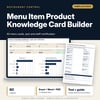
Menu Item Product Knowledge Card Builder: Menu Knowledge Cards, Quiz and Staff Certification Tracker
Full description
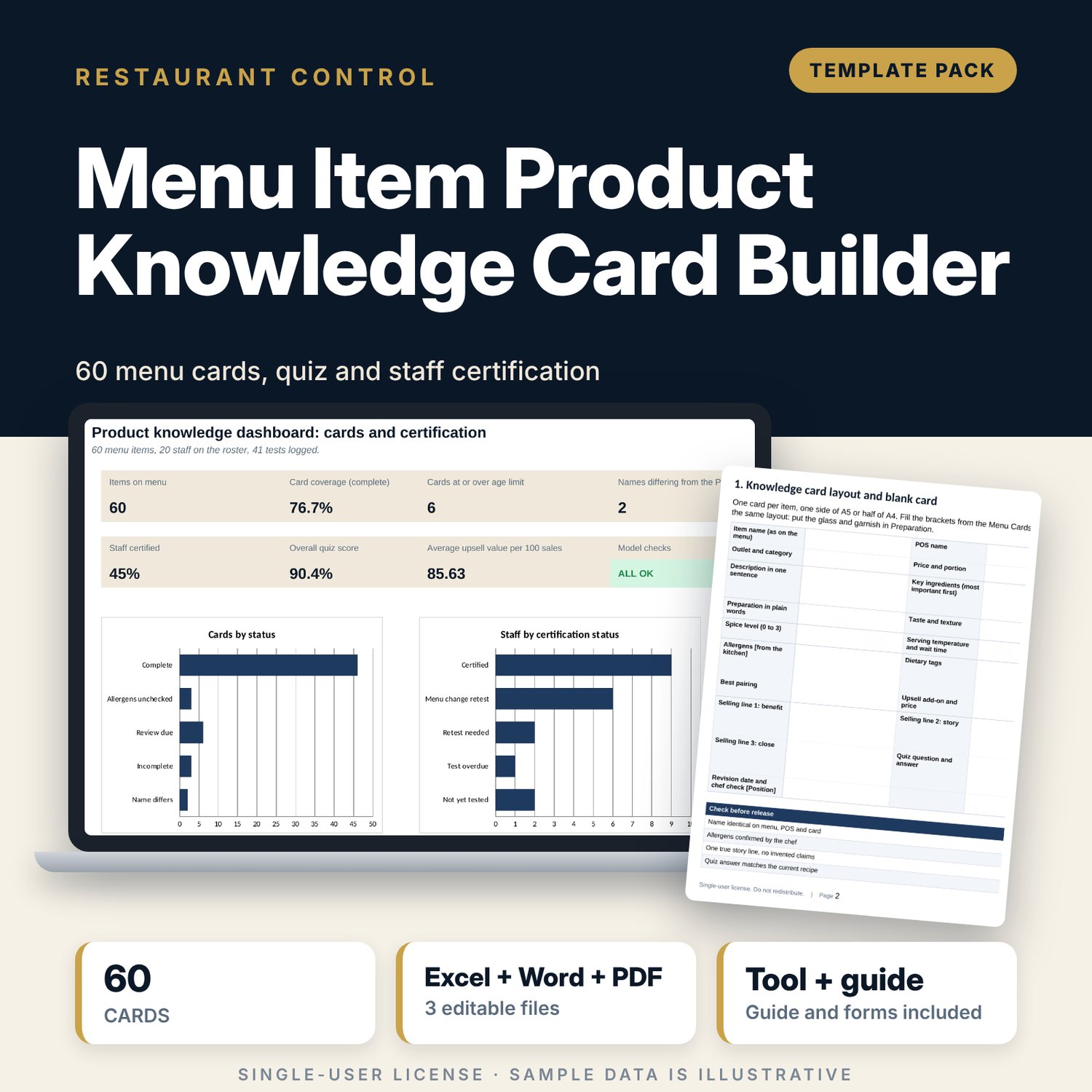
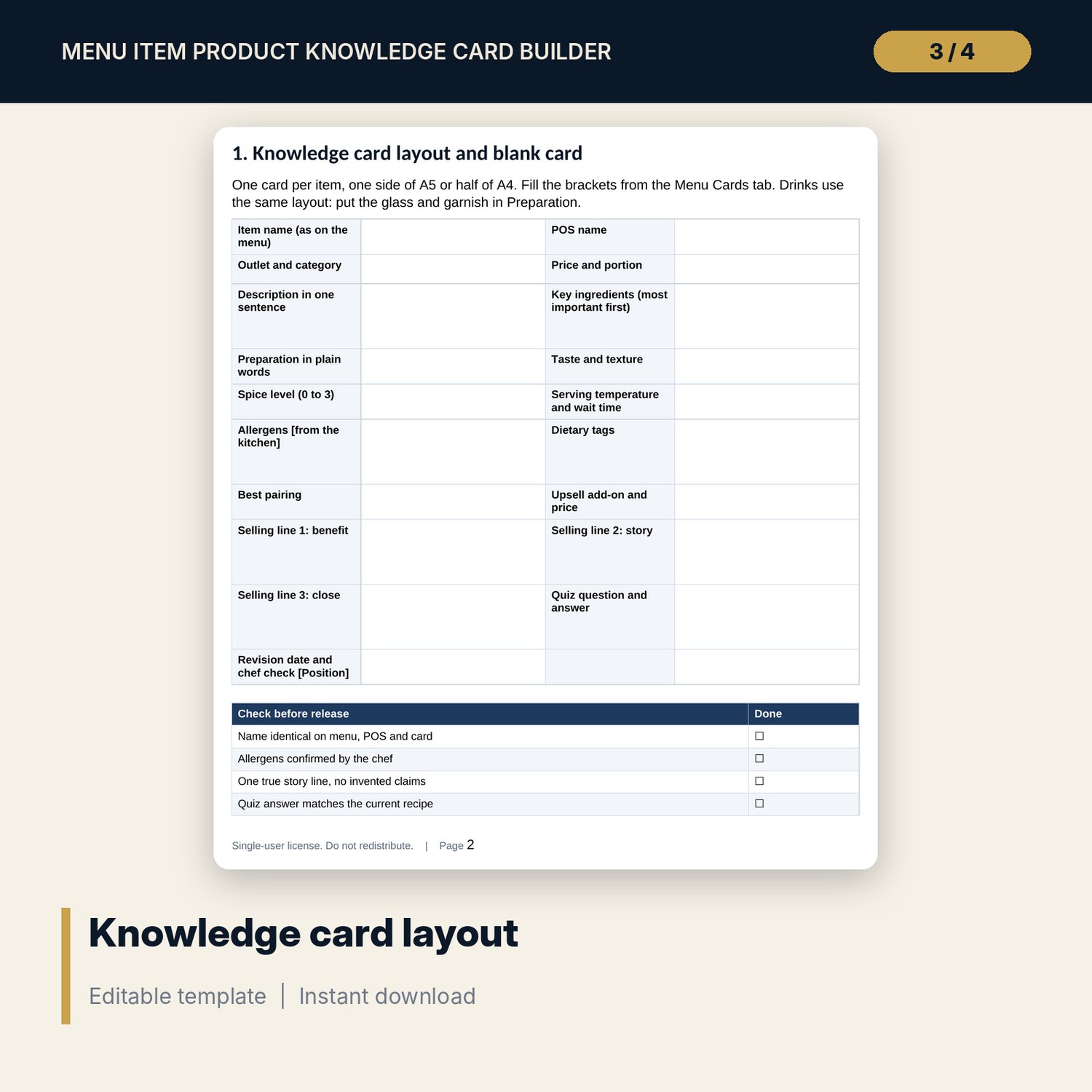
For restaurant and bar managers, trainers and food and beverage directors who want every server to describe the menu the same way. The workbook holds a card for each dish and drink: description, ingredients, preparation, allergens, dietary tags, taste, texture, spice, pairing, upsell add-on and three selling lines, with a quiz question on each. It flags cards with a name that differs from the point of sale, blank fields, old revision dates and unchecked allergens. A roster and test log certify staff against your pass mark and send them back for a retest after a menu change. The Word pack adds the card layout, a learning plan, a 20-question quiz with answer key and a floor test.
What is inside
- Menu_Knowledge_Card_Builder.xlsx: 7 tabs, 751 formulas, 2 native charts, 16 drop-down and input rules
- Menu Cards: 60 sample items (food and drink) with 25 card fields each, a quiz question and answer, and five calculated columns, plus 20 spare rows
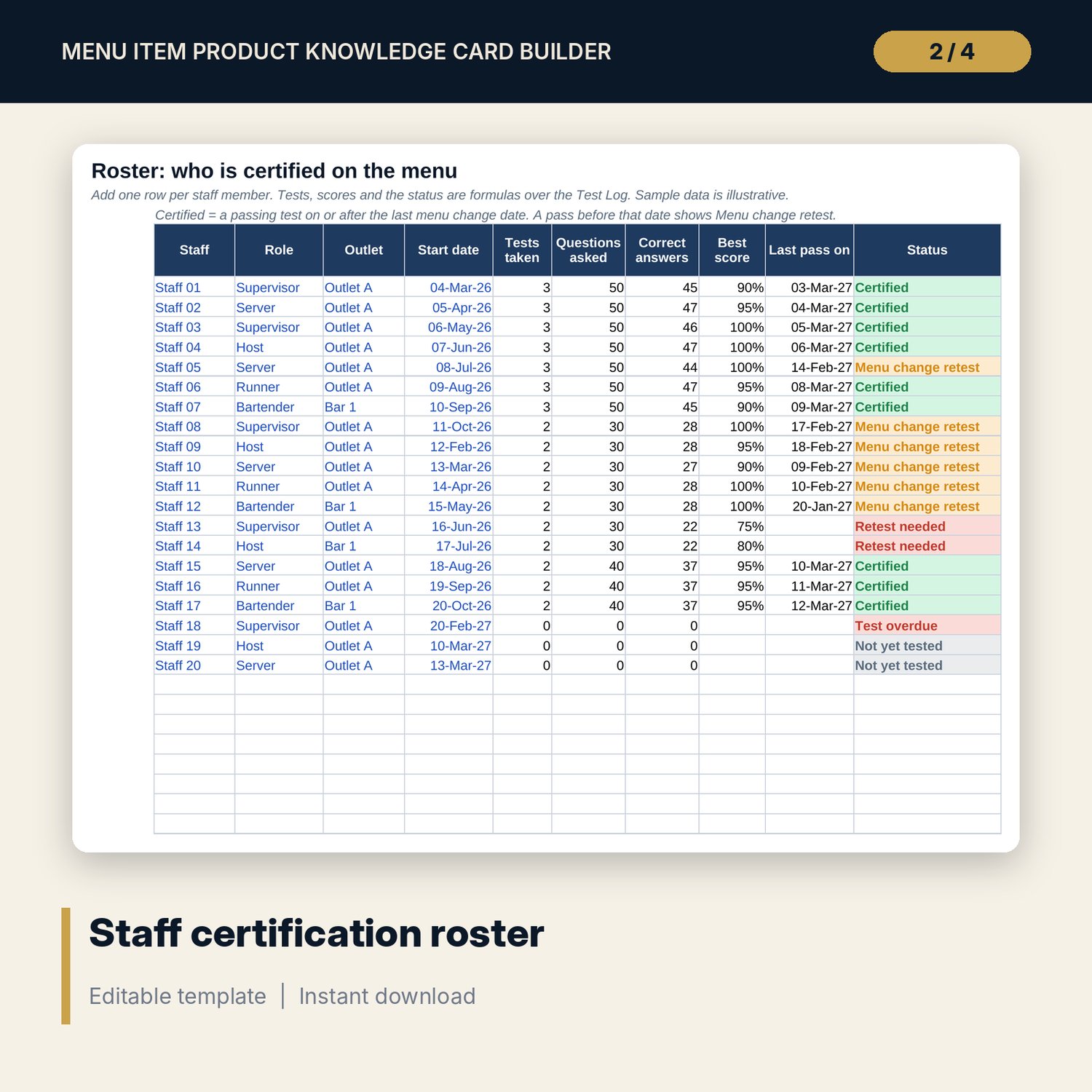
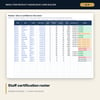
- Roster: 20 sample staff with tests taken, best score, last passing date and status, plus 10 spare rows
- Test Log: 41 sample quiz and floor test results with score and pass or retest, plus 29 spare rows
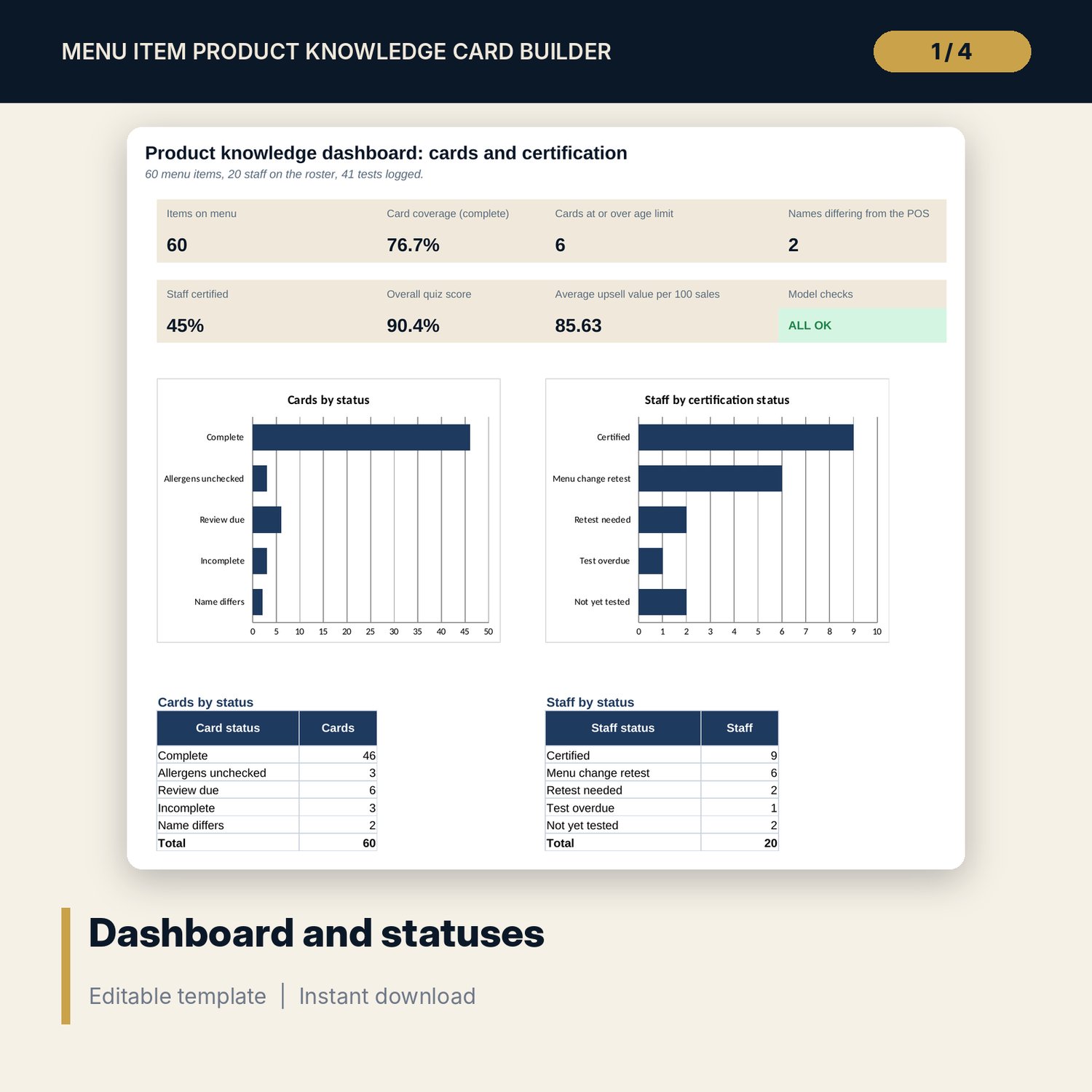
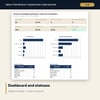
- Dashboard: 7 KPI tiles, a check tile, two status tables and 2 charts; 8 integrity checks on the Checks tab
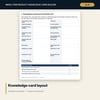
- Menu_Knowledge_Cards_and_Quiz.docx and PDF: 8 pages with the card layout, selling-line rules, a 20-pre-shift learning plan, a 20-question quiz with answer key, a floor test and a certification record
- README.txt and LICENSE-and-Terms.txt
How it works
- Set the as-of date, pass mark, card age limit and last menu change date on Settings.
- Replace the sample items with your menu and have the chef confirm allergens.
- Teach two or three cards per pre-shift and test with the quiz in the Word pack.
- Log each test, read the card and staff statuses and retest anyone who is not certified.
Details
- Formats: 1 Excel workbook (.xlsx), 1 pack in Word (.docx) and PDF, English
- Software: Excel 2016 or later, or LibreOffice Calc 7 or later
- No macros, no external links, no data tables, no array formulas
- 3 files plus README and license; instant digital download
Good to know
- Sample data is illustrative. Replace it with your own figures.
- The files are management tools, not food safety or legal advice. Verify allergen information with your kitchen and your local requirements.
- Pass mark, card age limit and upsell acceptance rate are editable inputs, not standards.
- Single-user license. Do not redistribute.
FAQ
How many cards and staff are included?
60 sample cards (37 food and 23 drink items), 20 sample staff and 41 sample test results, with spare rows for your own.
How is a card marked complete?
A card is Complete when every one of the 25 card fields is filled, the name matches the point of sale, the revision date is within your age limit and the chef has checked the allergens.
How does certification work?
A person is Certified when they have a passing test on or after your last menu change date. An older pass shows Menu change retest.
What is in the quiz?
Twenty questions drawn from the sample cards, with a manager answer key. You can replace them with the quiz question on each of your own cards.
Do I need macros?
No. Every result is a standard worksheet formula.