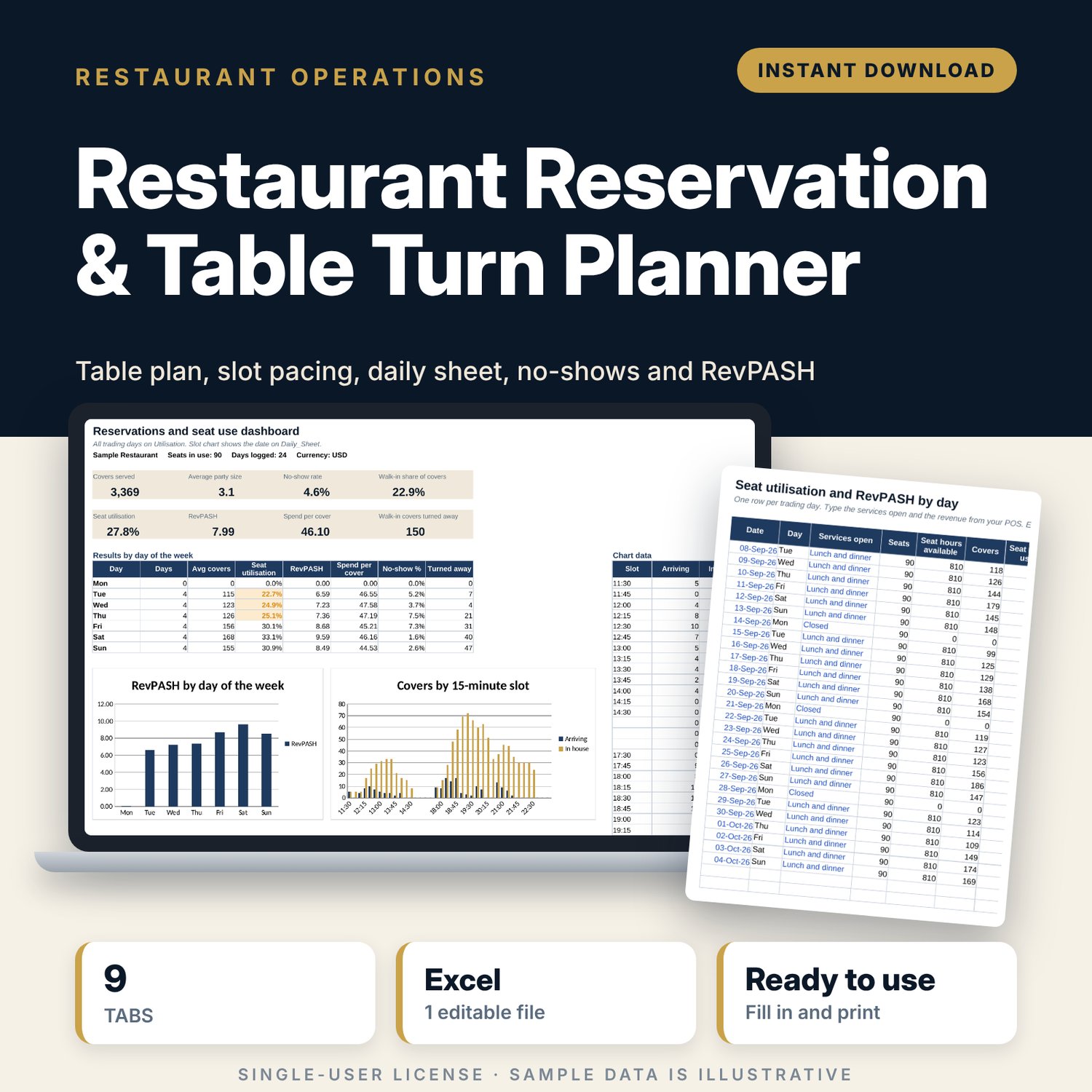
Restaurant Reservation & Table Turn Planner: Restaurant Booking and RevPASH Spreadsheet
Full description
For restaurant managers, owners and hosts who take bookings and want fewer bottlenecks at 19:30, fewer empty seats at 21:00 and a clear record of no-shows. You list your tables and set turn times by party size. The calculator works out how many covers to accept in each 15-minute slot. Each booking and walk-in takes one row, and the daily sheet prints the day's bookings in time order next to covers by slot. After service, the workbook tracks no-shows, walk-ins turned away, seat utilisation and revenue per available seat hour (RevPASH) by day.
Save with a bundle: this template is also in the Restaurant & Café Operations Bundle, 17 templates for $39 instead of $116. All 141 templates are in the All-Access Hospitality Template Library for $79.
What is inside
- Restaurant_Reservation_Table_Turn_Planner.xlsx: 9 tabs, 22,626 formulas, 2 native charts, 16 drop-down or number rules.
- Settings: restaurant name, buffer between seatings, target seat utilisation, no-show and near-full alert levels, and 7 drop-down lists.
- Table_Plan: room for 40 tables (29 sample rows) with section, shape, minimum and maximum covers, the table each one combines with, combined maximum, accessible and active flags. Seats in use calculate.
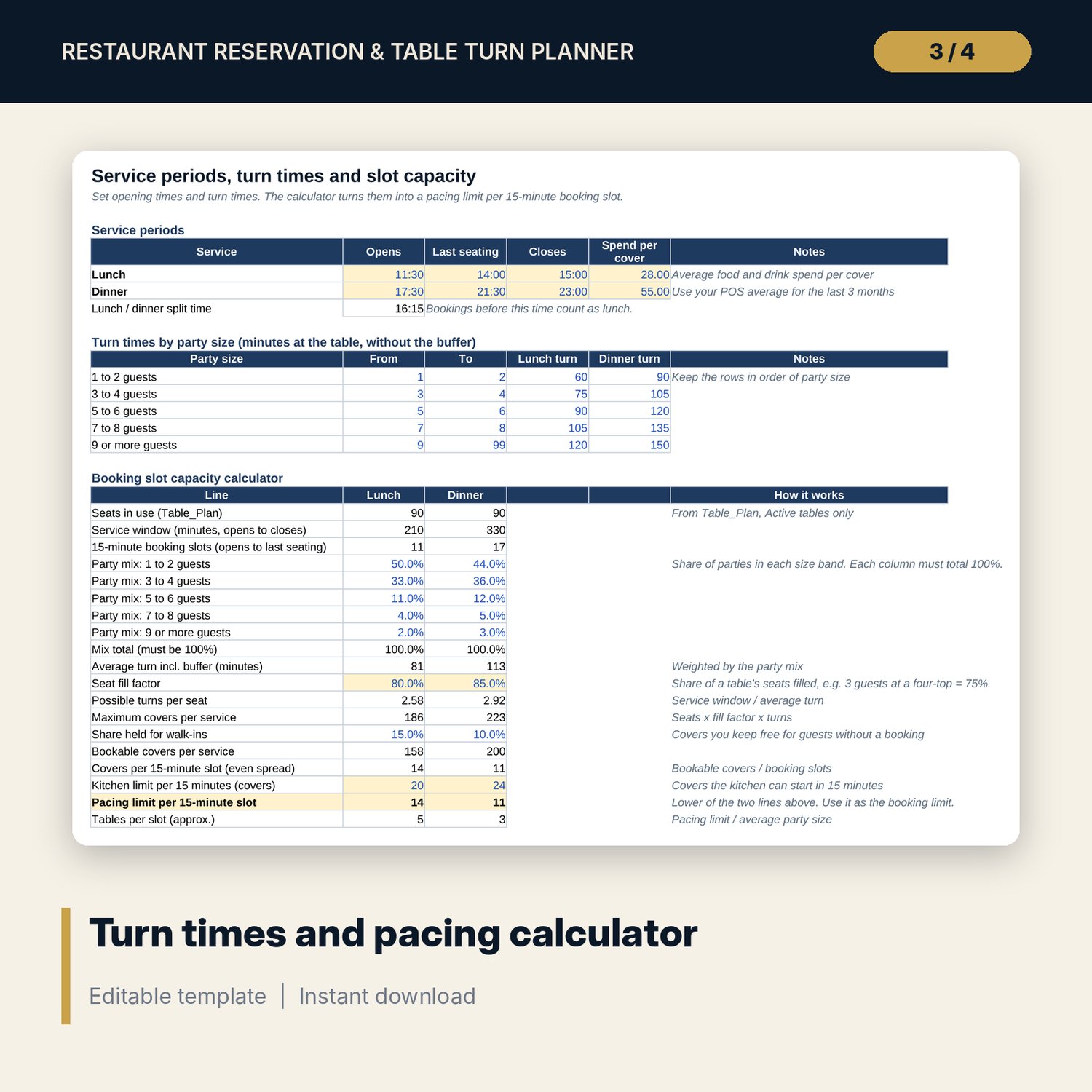
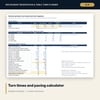
- Turns_Capacity: lunch and dinner service times, turn times for 5 party-size bands, and a 19-line slot capacity calculator that sets the pacing limit per 15-minute slot.
- Bookings: room for 2,500 bookings and walk-ins (1,373 sample rows). Service, duration, end time and seat hours calculate.
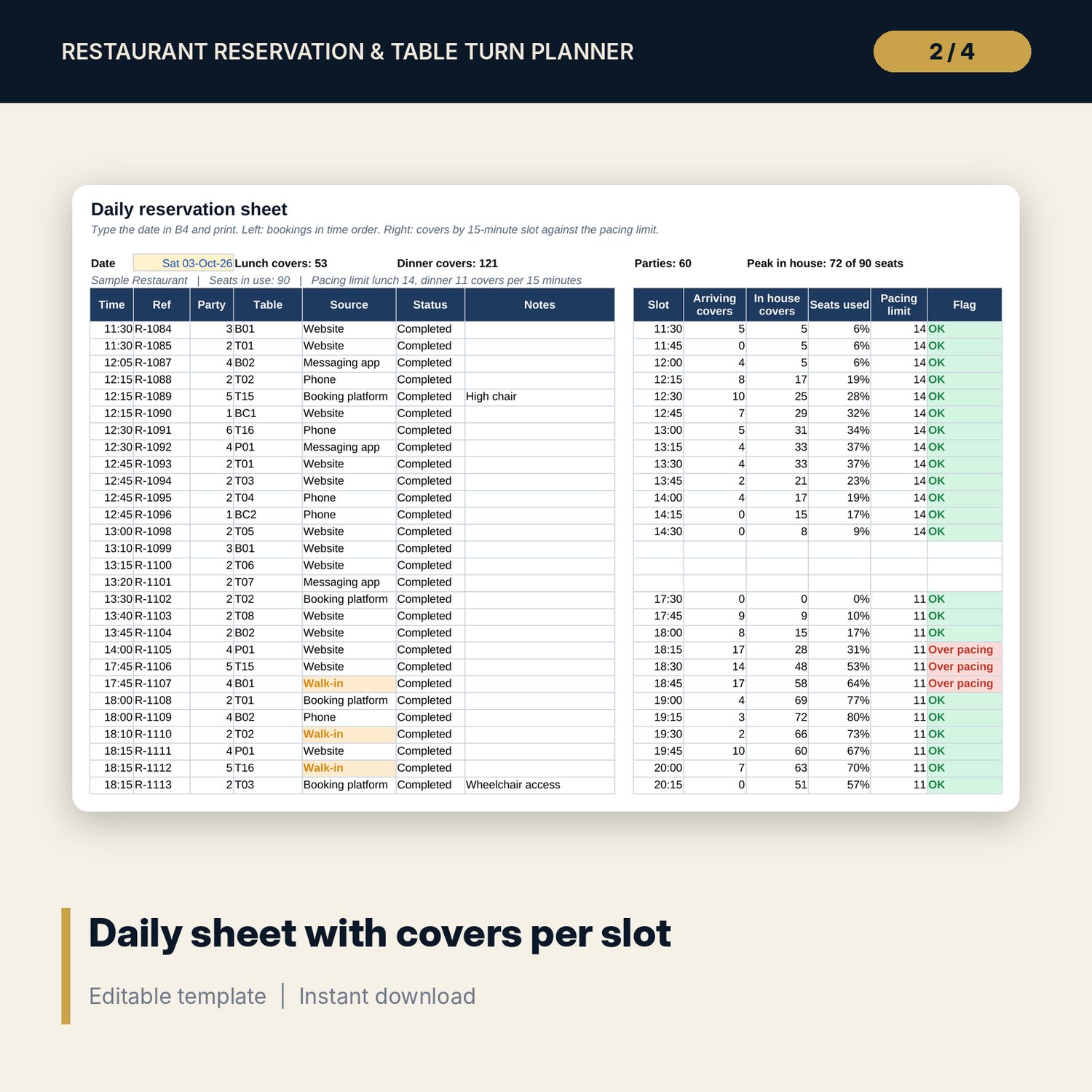
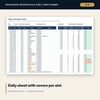
- Daily_Sheet: type a date to list up to 100 bookings in time order, plus covers arriving and in house for up to 40 15-minute slots, checked against the pacing limit.
- NoShow_Walkin: room for 800 service rows (48 sample rows) with booked, no-show, cancelled and walk-in covers, walk-ins turned away, fees charged and a flag.
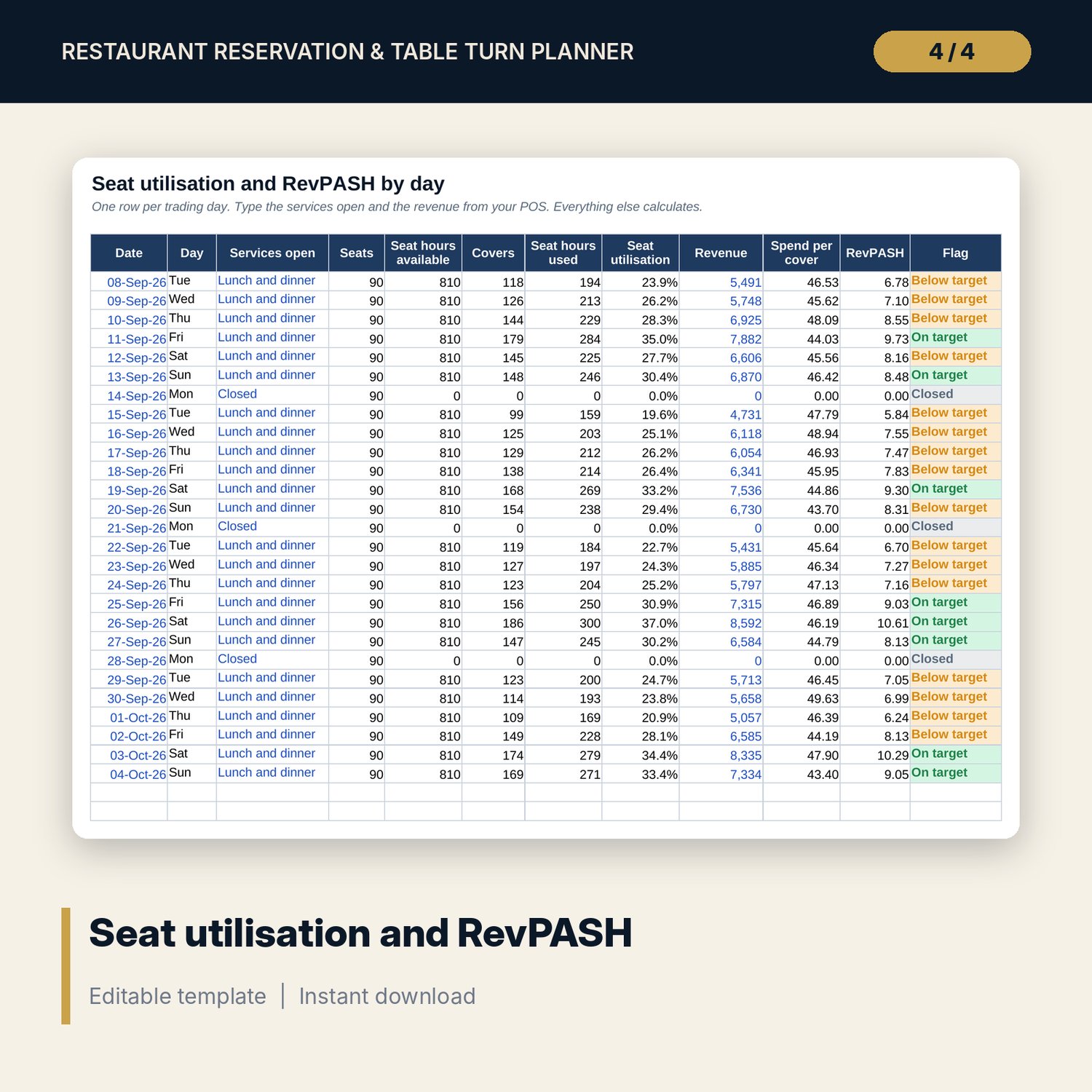
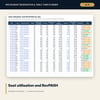
- Utilisation: room for 370 days (27 sample rows) with seat hours available and used, seat utilisation, spend per cover and RevPASH.
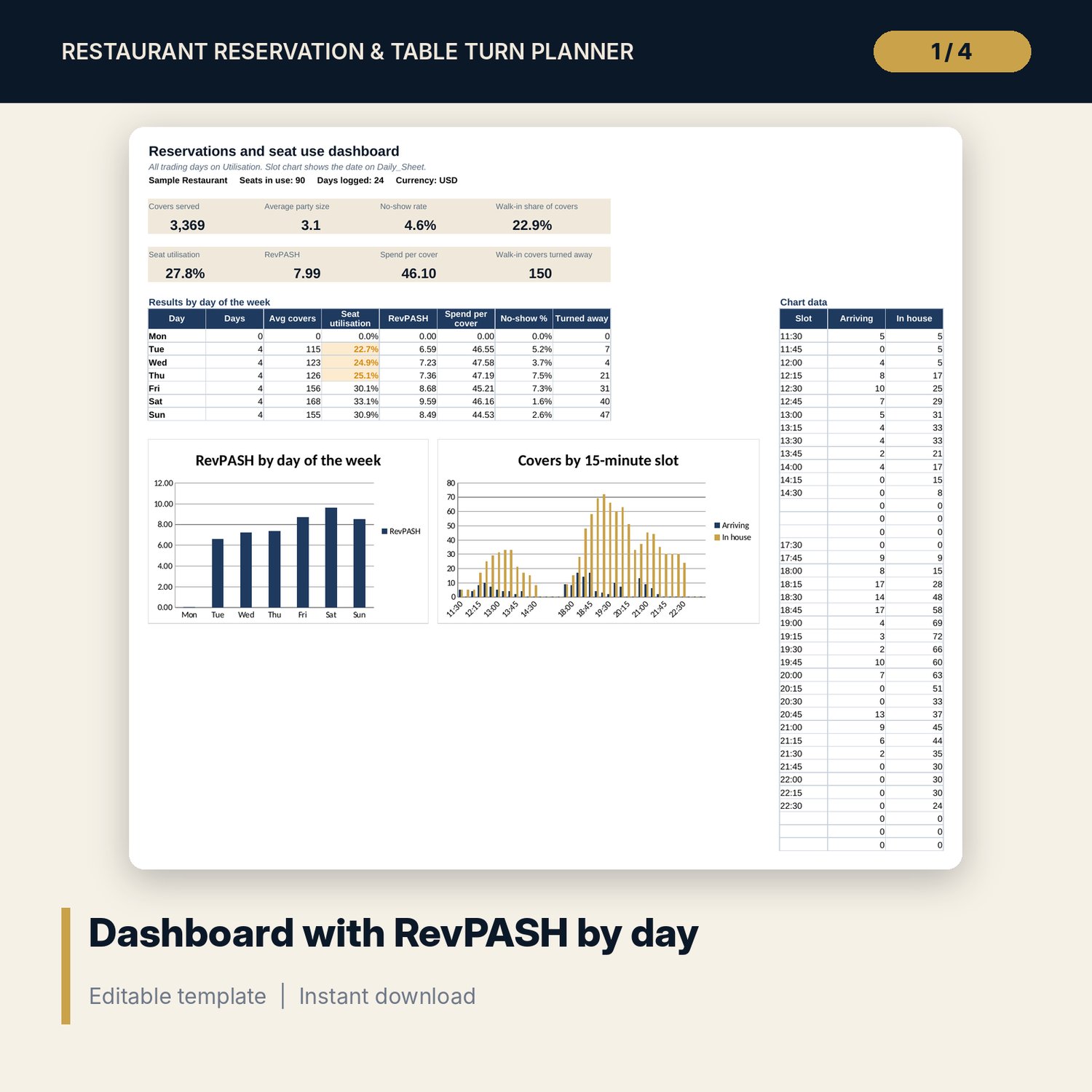
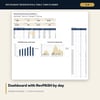
- Dashboard: 8 KPI tiles, results by day of the week and 2 charts.
- README.txt and LICENSE-and-Terms.txt.
How it works
- List your tables and check the seats in use.
- Set opening times, turn times and the kitchen limit. Read the pacing limit per slot.
- Log bookings and walk-ins as they come in.
- Before each service, type the date on Daily_Sheet and print it for the host stand.
- After service, add walk-ins turned away and the day's revenue, then review the dashboard.
Details
- Format: Excel workbook (.xlsx). No macros.
- Language: English. Currency is a label you choose. Times use the 24-hour clock.
- Software: Excel 2016 or later, or a spreadsheet program that opens .xlsx files.
- Delivery: instant digital download. Nothing is shipped.
Good to know
- Tables, bookings, turn times, spend and revenue are illustrative. Replace them with your own.
- The pacing limit is a planning aid. Adjust it to what your kitchen and floor team handle on the night.
- Deposit and no-show fee rules differ by place and by booking channel terms. Verify local requirements.
- Single-user license. Do not share or resell the files.
FAQ
What is RevPASH?
Revenue per available seat hour: the day's revenue divided by seats in use times the hours you are open.
Can I seat a large party on two joined tables?
Yes. Each table can name the table it combines with, and the combined maximum calculates. Type the table as T09+T10 in Bookings.
How does it decide lunch or dinner?
Bookings before the midpoint between lunch closing and dinner opening count as lunch. You set both times.
Does it work in Google Sheets?
It opens in Google Sheets and the formulas calculate. Check the drop-downs after import.
Is this a physical product?
No. It is a digital download. Refund terms follow the store policy at the time of purchase.