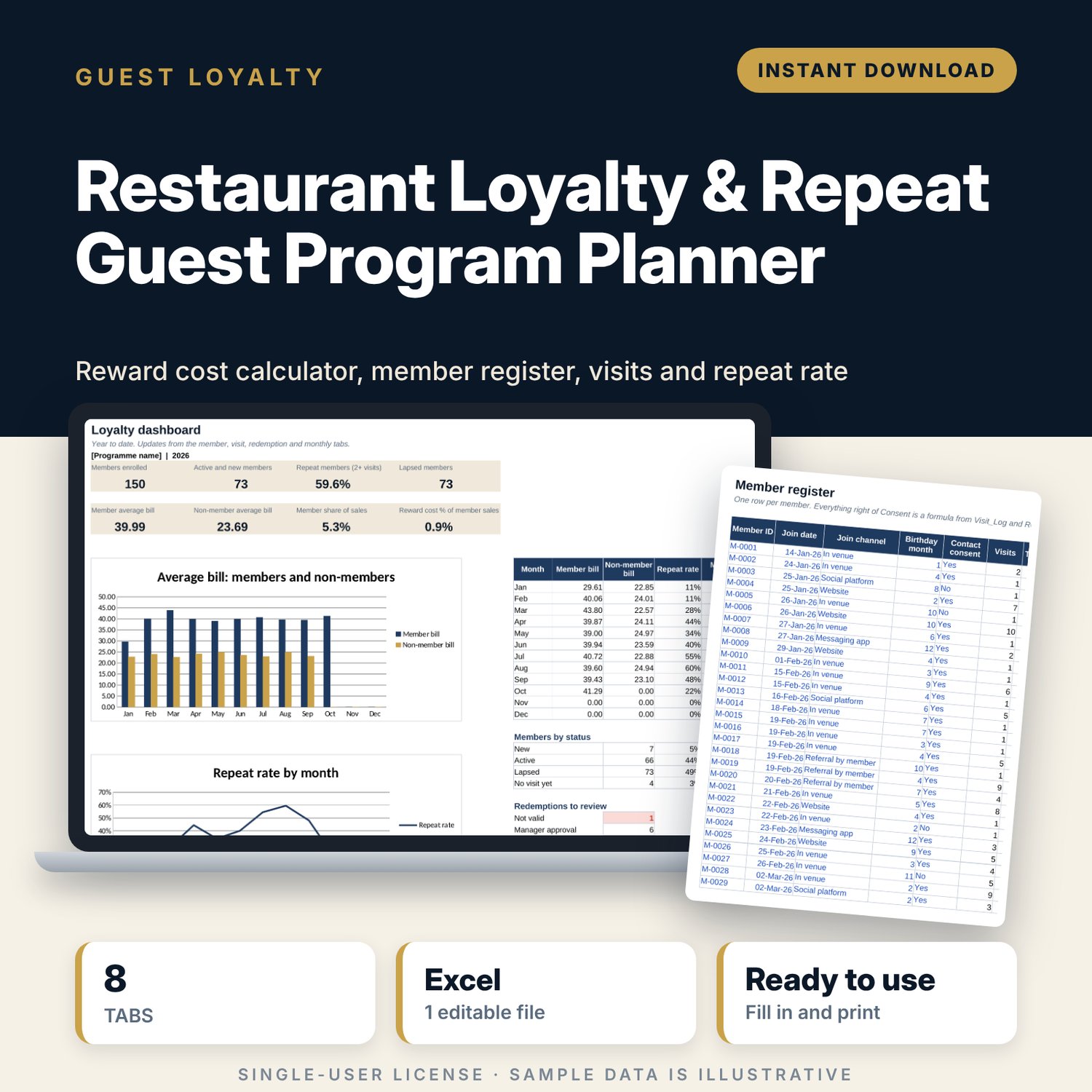
Restaurant Loyalty & Repeat Guest Program Planner: Restaurant Loyalty Program Spreadsheet
Full description
For restaurant, cafe and bar owners who want a simple visit-based loyalty programme and need to know whether it pays. Before launch, you set the rules (visits to earn a reward, minimum bill, reward values) and see the extra visits needed to cover the cost of rewards. After launch, you log members, visits and redemptions. The workbook counts qualifying visits, marks earned rewards, checks each redemption against the rules, and compares member and non-member bills, repeat rate and reward cost by month.
Save with a bundle: this template is also in the Restaurant & Café Operations Bundle, 17 templates for $39 instead of $116. All 141 templates are in the All-Access Hospitality Template Library for $79.
What is inside
- Restaurant_Loyalty_Program_Planner.xlsx: 8 tabs, 19,175 formulas, 2 native charts, 10 drop-down or number rules. No macros.
- Settings: 9 programme rules (visits to reward, minimum bill, reward cost %, lapse days, targets) and 4 reward types with menu values.
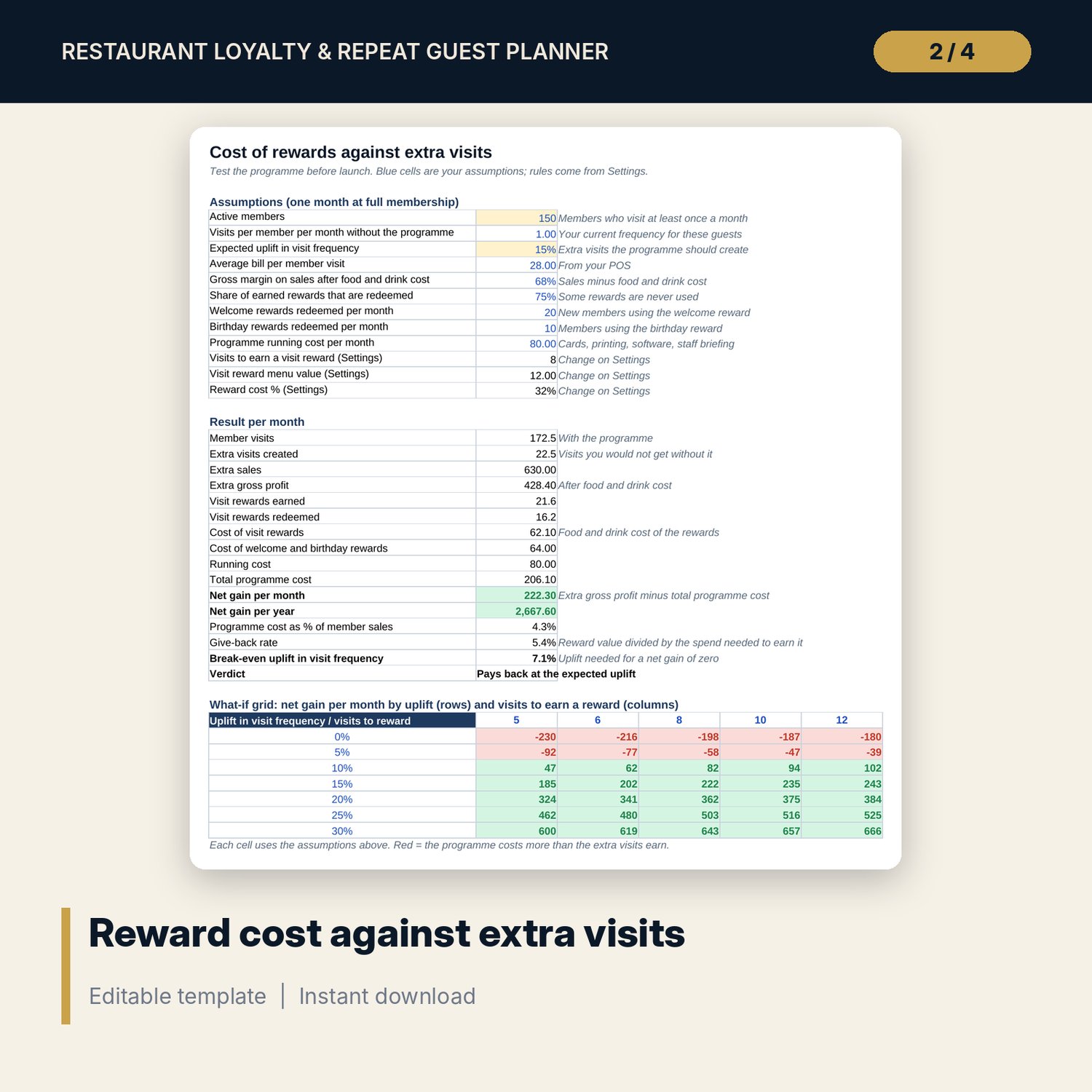
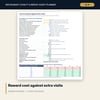
- Programme_Economics: 12 assumptions, 16 results including net gain per month and year, give-back rate and break-even uplift, plus a 7 x 5 what-if grid of net gain.
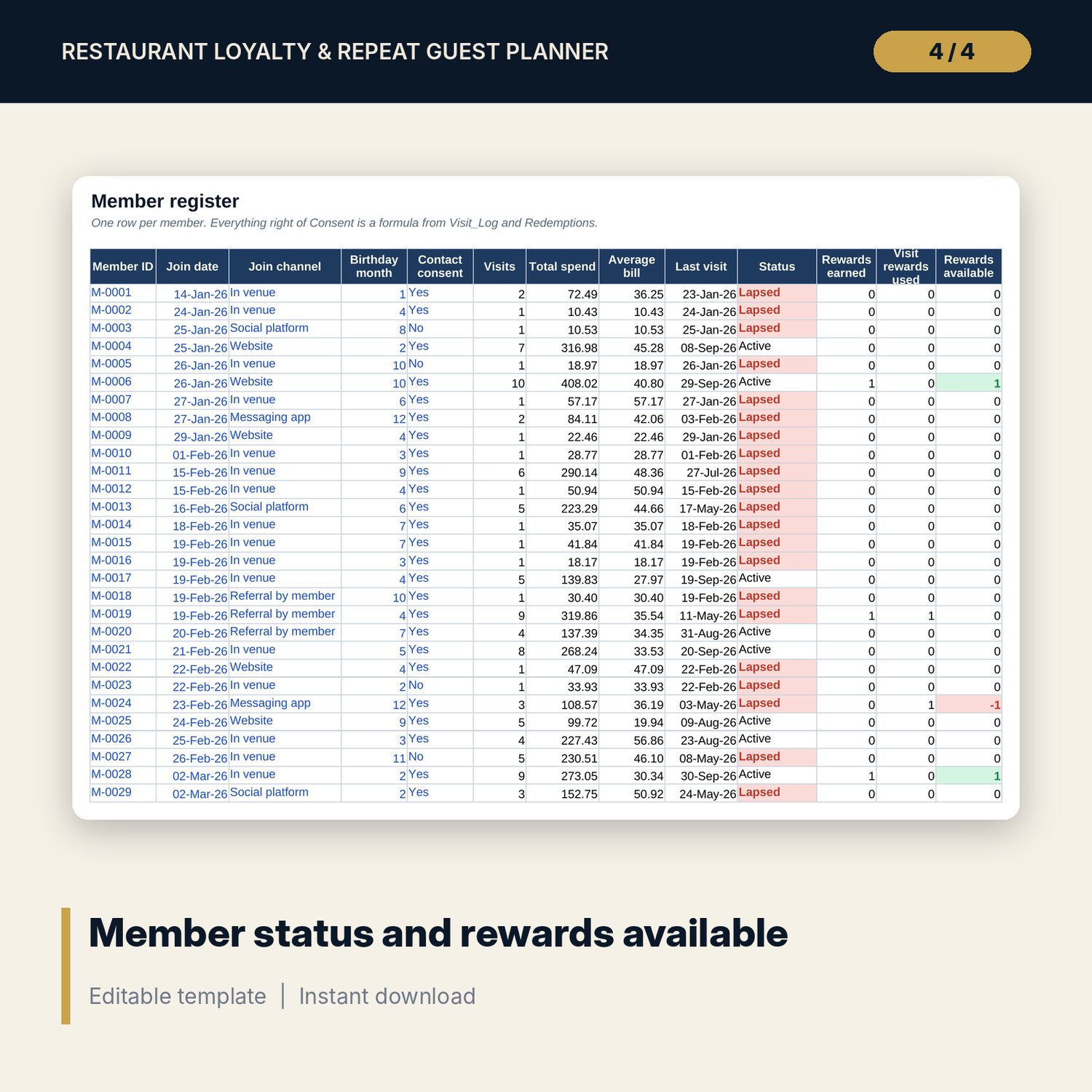
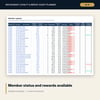
- Members: room for 600 members (150 sample rows). Visits, total spend, average bill, last visit, status and rewards available calculate.
- Visit_Log: room for 2,500 visits (677 sample rows). Qualifying visits, earned rewards and visits per month calculate.
- Redemptions: room for 400 rewards used (92 sample rows) with value, cost and a validity check.
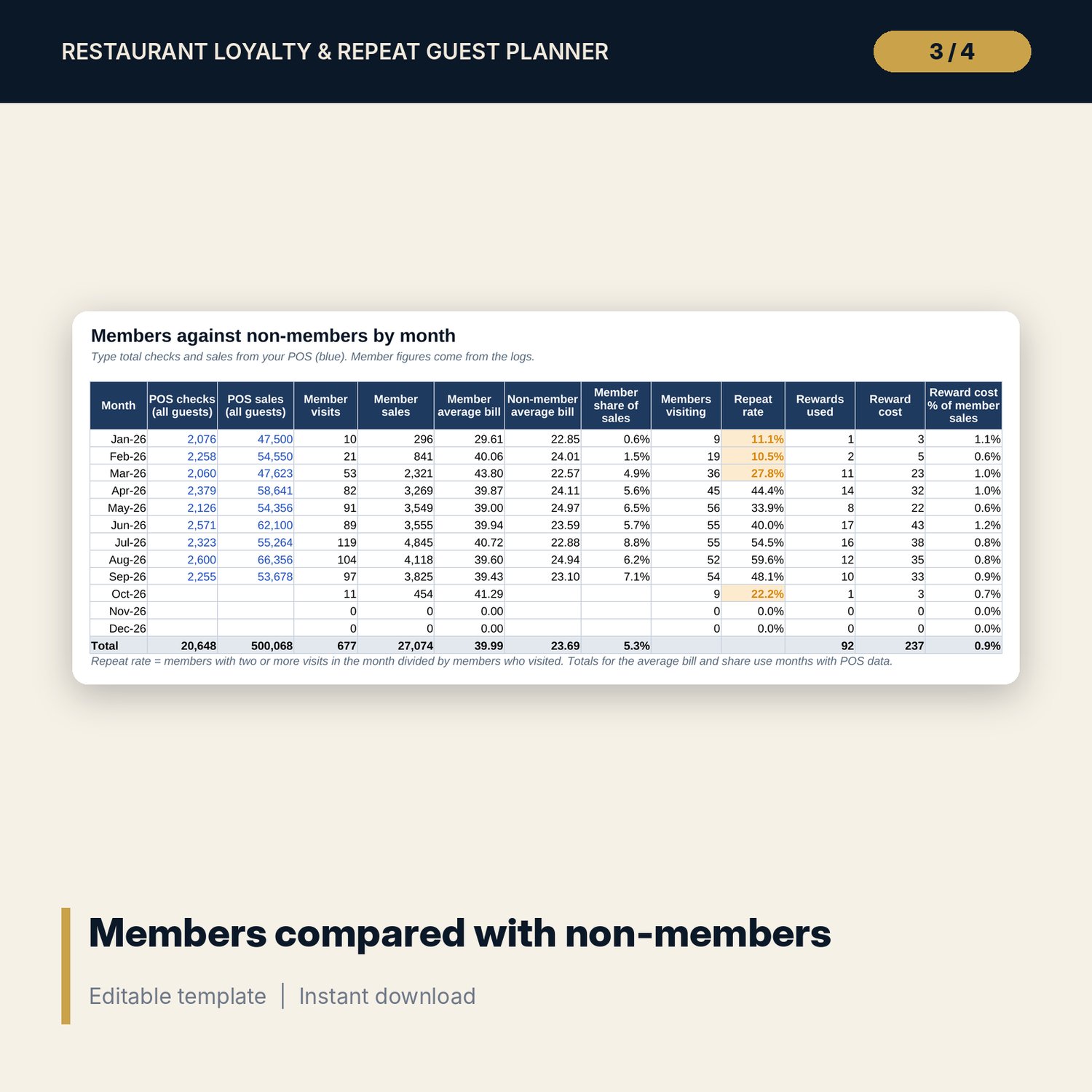
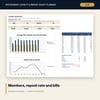
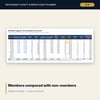
- Monthly_Analysis: twelve months of POS checks and sales against member visits and sales, member and non-member average bill, share of sales, repeat rate and reward cost %.
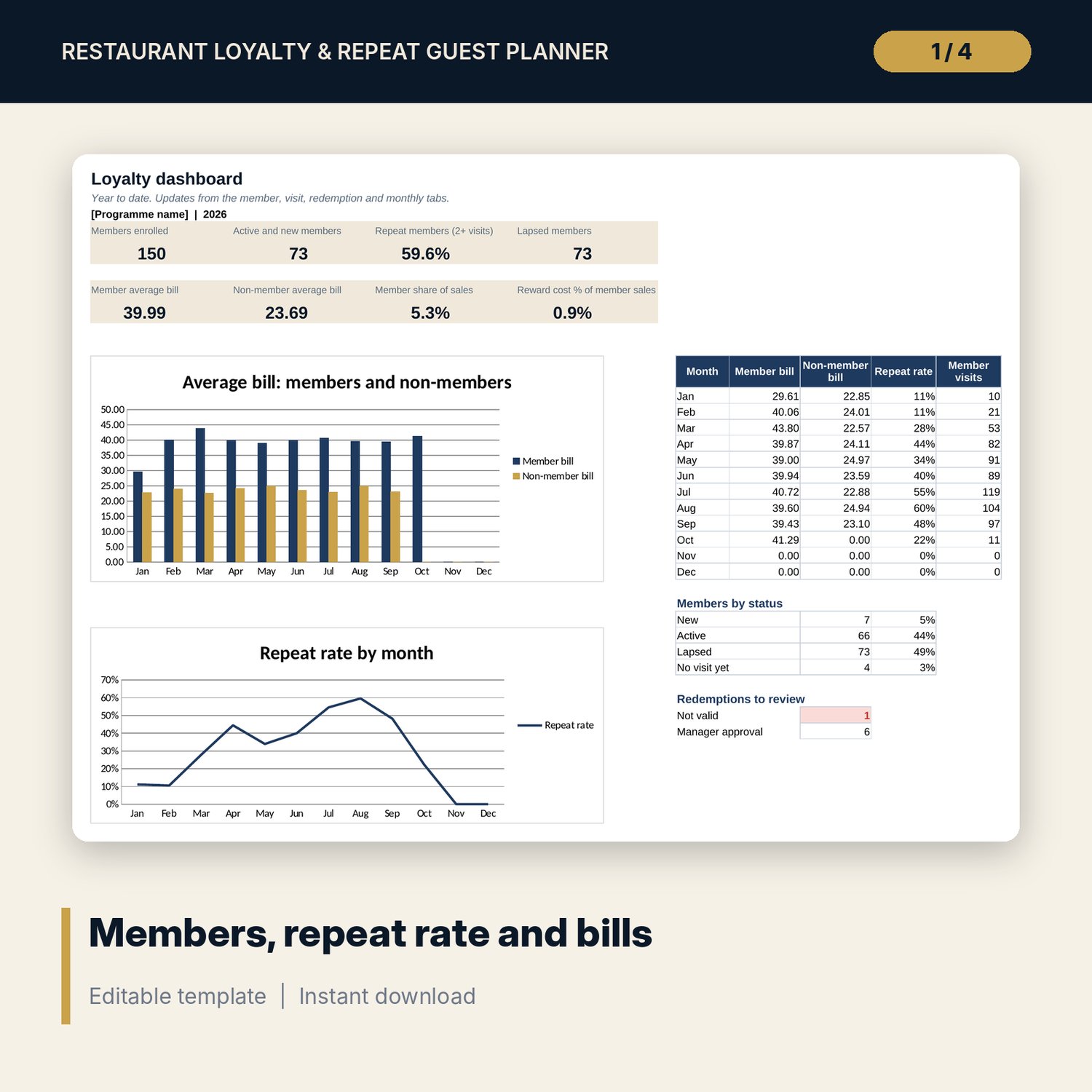
- Dashboard: 8 KPI tiles, members by status, redemptions to review and 2 charts.
- README.txt and LICENSE-and-Terms.txt.
How it works
- Set your rules and reward values on Settings.
- Test them on Programme_Economics. Check the break-even uplift and the what-if grid.
- Log members, visits (oldest first) and each reward used.
- Each month, enter total checks and sales from your POS on Monthly_Analysis.
- Review the Dashboard. Contact lapsed members and check redemptions marked in red.
Details
- Format: Excel workbook (.xlsx). No macros.
- Language: English. Currency is a label you choose.
- Software: Excel 2016 or later, or a spreadsheet program that opens .xlsx files.
- Delivery: instant digital download. Nothing is shipped.
Good to know
- All sample members, visits and sales figures are illustrative. Replace them with your own data.
- The economics tab is a planning estimate. Real uplift depends on your guests, offer and staff.
- Collect member contact data only with consent and follow local privacy rules.
- Single-user license. Do not share or resell the files.
FAQ
What kind of programme does it support?
A visit-based programme: guests earn a reward after a set number of qualifying visits, with optional welcome, birthday and manager goodwill rewards.
Do I need a loyalty app or POS connection?
No. You type visits and redemptions, or paste them from your own records. Monthly totals come from any POS report.
How is the repeat rate calculated?
Members who visited two or more times in a month divided by members who visited that month.
Does it work in Google Sheets?
It opens in Google Sheets and the formulas calculate. Check the drop-downs after import.
Is this a physical product?
No. It is a digital download. Refund terms follow the store policy at the time of purchase.