
Server Sales Contest & Incentive Tracker: Server Contest Scoring Sheet and Incentive Payout Calculator for Restaurants
Full description
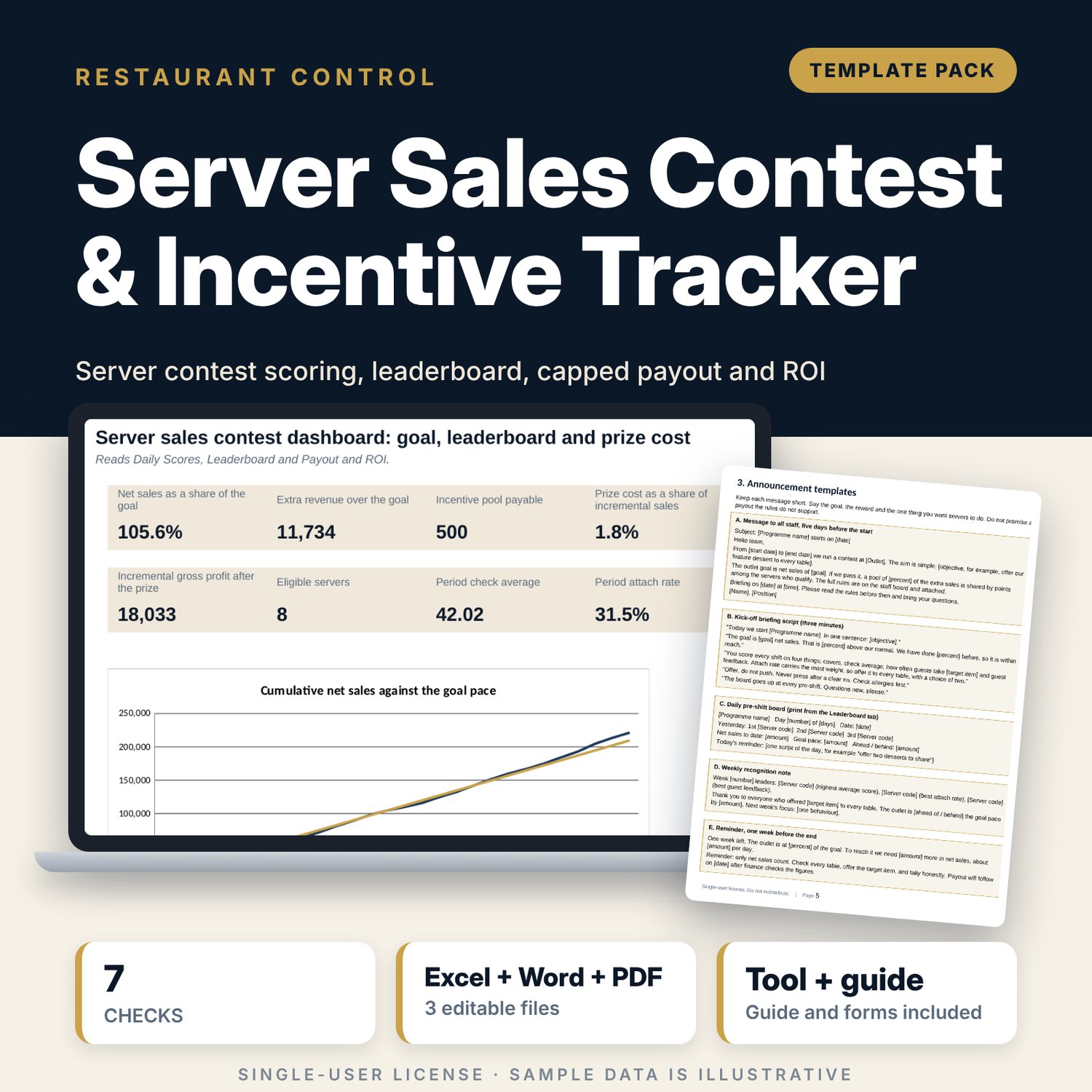
For restaurant and bar managers, food and beverage directors and finance teams who want a server contest that is fair, written down and paid for by the extra sales it creates. The workbook holds the plan (baseline, goal, incentive percent, cap, weights, targets) and writes the rules in plain words. Each server and shift is scored on covers, check average, attach rate of a target item and guest feedback. The leaderboard finds eligible servers, ranks them and shares the pool by points. Payout and ROI shows extra revenue over the goal, the prize cost against incremental sales and the incremental gross profit. The Word pack holds the approval form, the rules sheet, eight announcement templates, fairness rules, the payout form and a review.
What is inside
- Server_Sales_Contest_Tracker.xlsx: 7 tabs, 2,979 formulas, 2 native charts, 12 drop-down and input rules, 7 integrity checks
- Settings: 10 sample servers plus 2 spare roster rows, 32 plan inputs and a 11-line rules builder; Daily Scores: 185 sample shifts plus 60 spare rows, scored on 4 measures
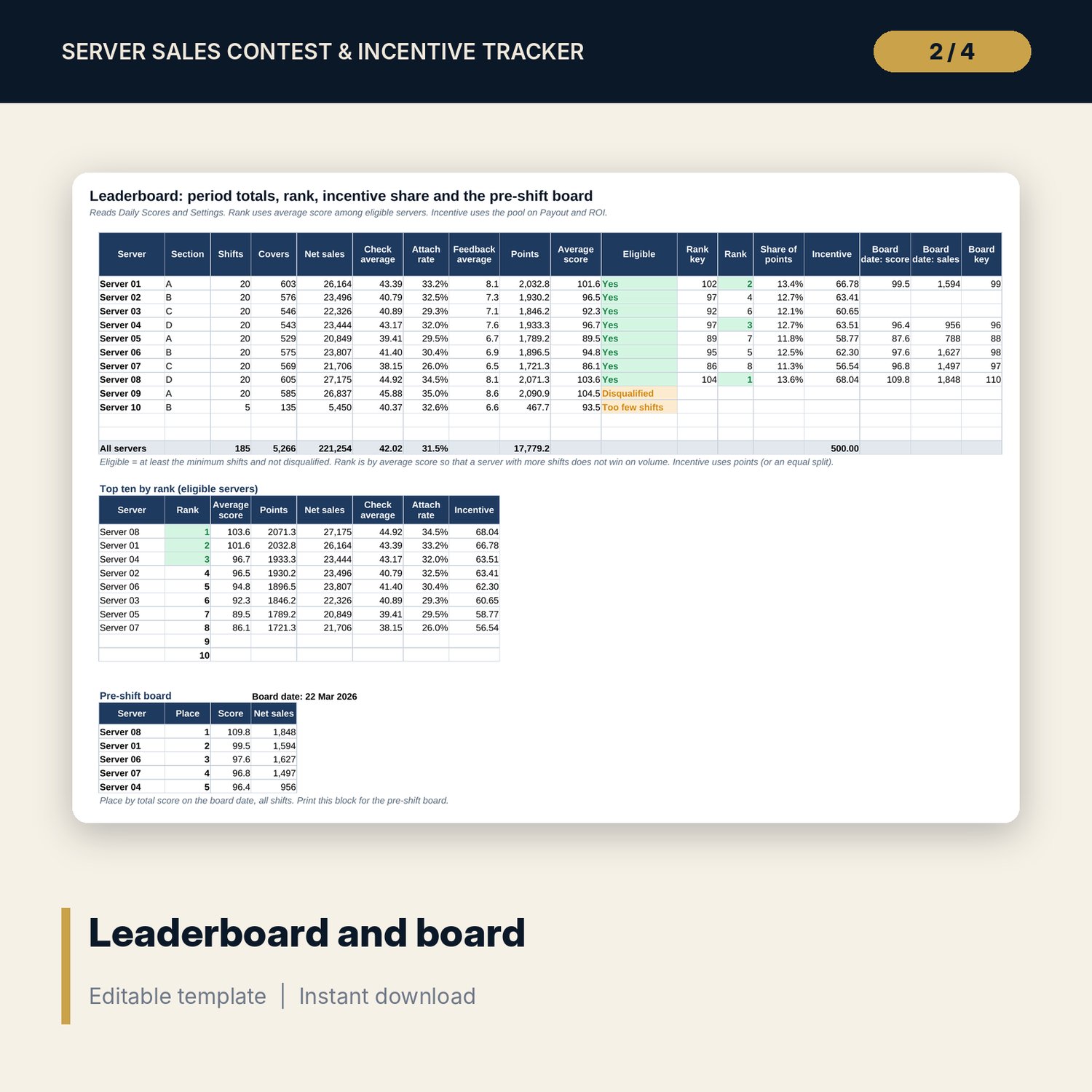
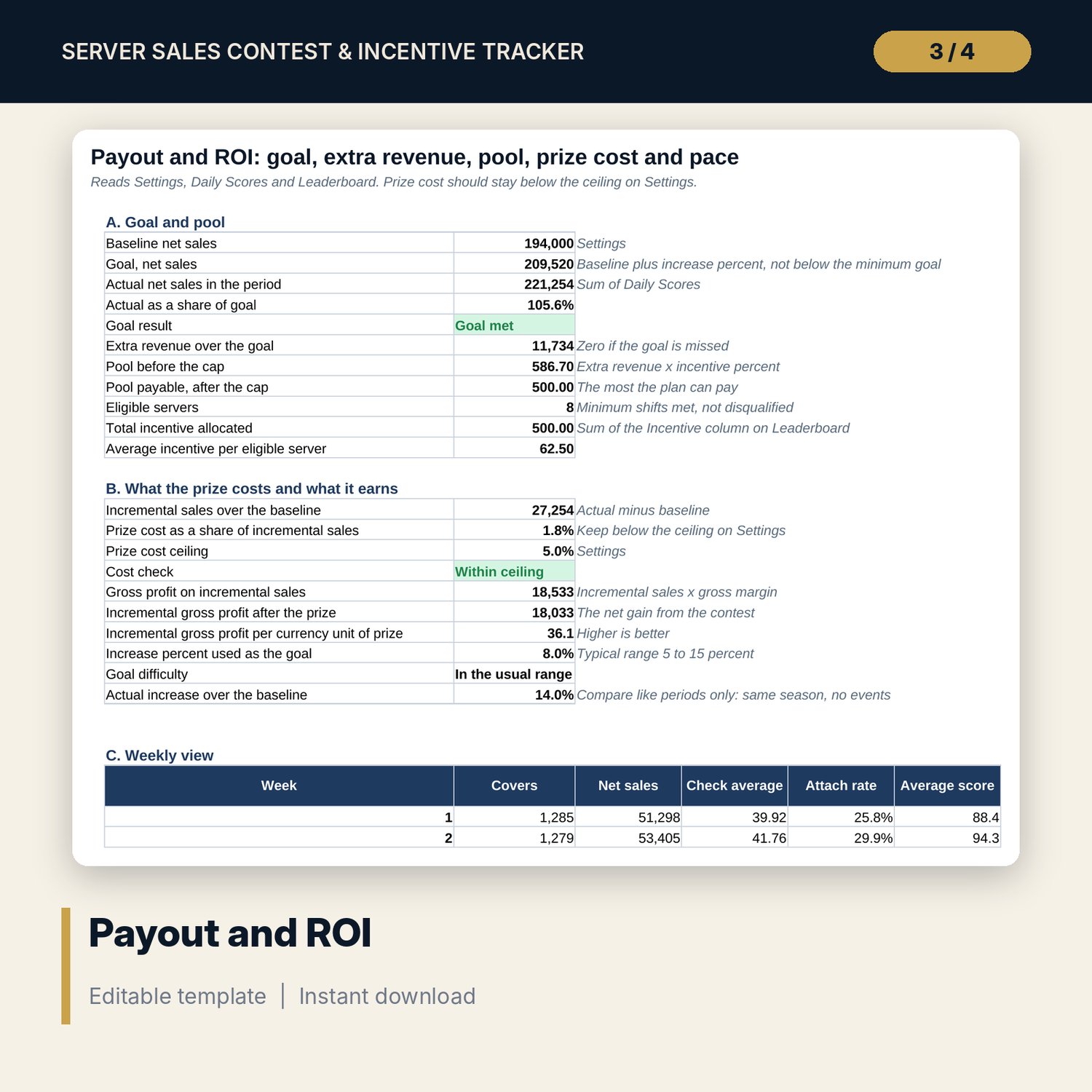
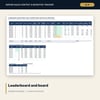
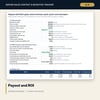
- Leaderboard: totals, eligibility, rank, incentive share, top ten and a 5-place pre-shift board for any date; Payout and ROI: goal, pool, cap, prize cost, incremental gross profit, weekly view and a 28-day pace table
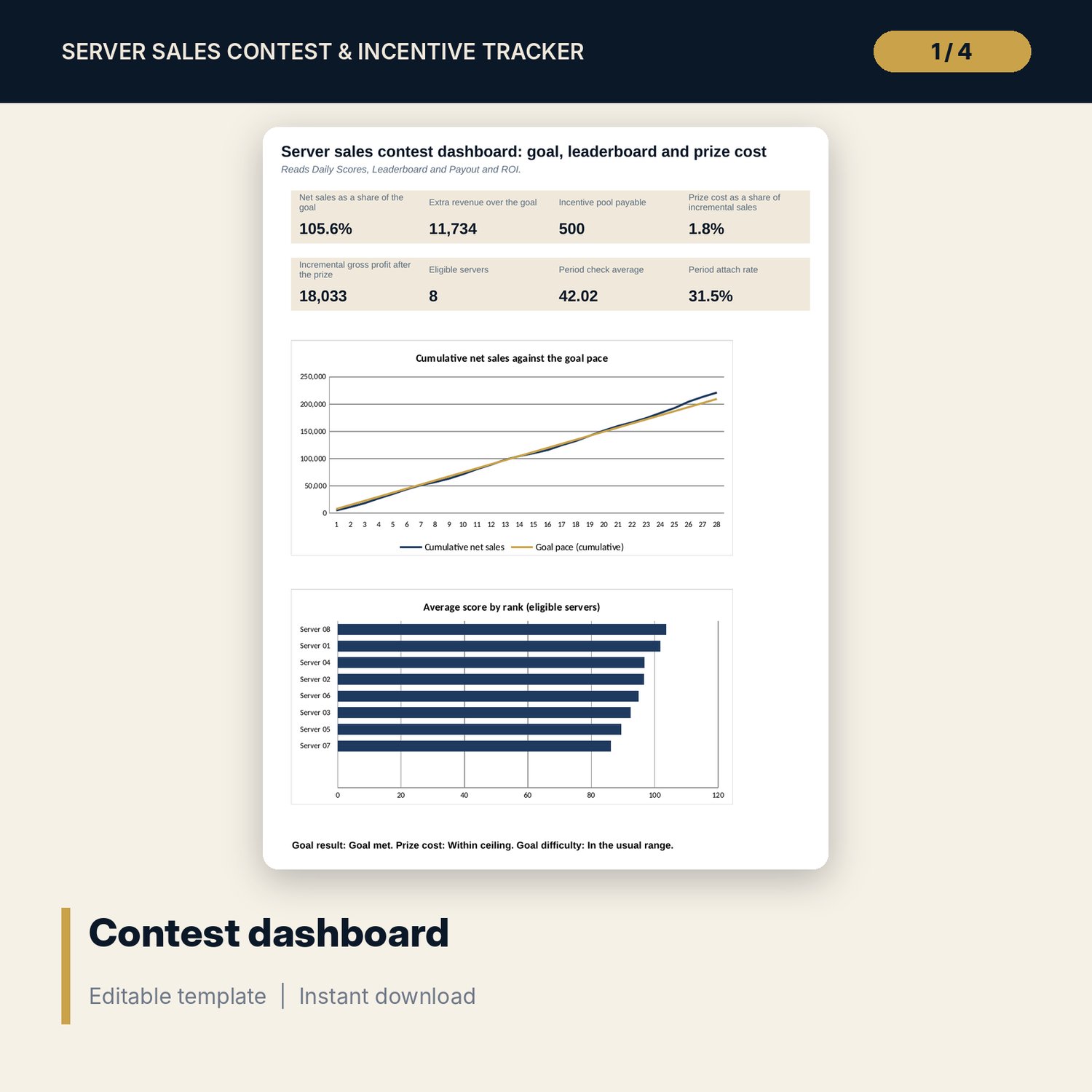
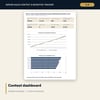
- Dashboard with 8 KPI tiles and 2 charts
- Contest_Announcement_Templates.docx and PDF: 10 pages with a plan form, a 14-rule sheet, 8 announcement templates, a fairness table and 18-item checklist, payout form, review and a worked example
- README.txt and LICENSE-and-Terms.txt
How it works
- Enter the baseline, goal rules, weights and targets on Settings and list the servers.
- Enter one row per server and shift each day, using net sales only.
- Post the daily board and read the pace against the goal.
- At the end, check the prize cost against the extra sales, then sign the payout form.
Details
- Formats: 1 Excel workbook (.xlsx), 1 Word pack (.docx) and PDF, English
- Software: Excel 2016 or later, or LibreOffice Calc 7 or later
- No macros, no external links, no data tables, no array formulas
- 3 files plus README and license; instant digital download
Good to know
- Sample data is illustrative. Replace it with your own figures.
- Percentages, weights and targets are examples. Verify local pay and tax rules before you pay any incentive.
- Single-user license. Do not redistribute.
FAQ
How is the pool calculated?
Extra revenue is net sales above the goal. The pool is extra revenue times the incentive percent, up to the cap. It is shared by points or split equally.
How does a server score a shift?
Each of four measures is value divided by target times 100, capped. The weights on Settings combine them into one score.
Who can win?
Servers who reach the minimum shifts and are not disqualified. Rank uses average score so volume alone does not win.
Can I change the weights?
Yes. They are inputs on Settings and should add to 100. A check flags a wrong total.
Do I need macros?
No. Every result is a standard worksheet formula.