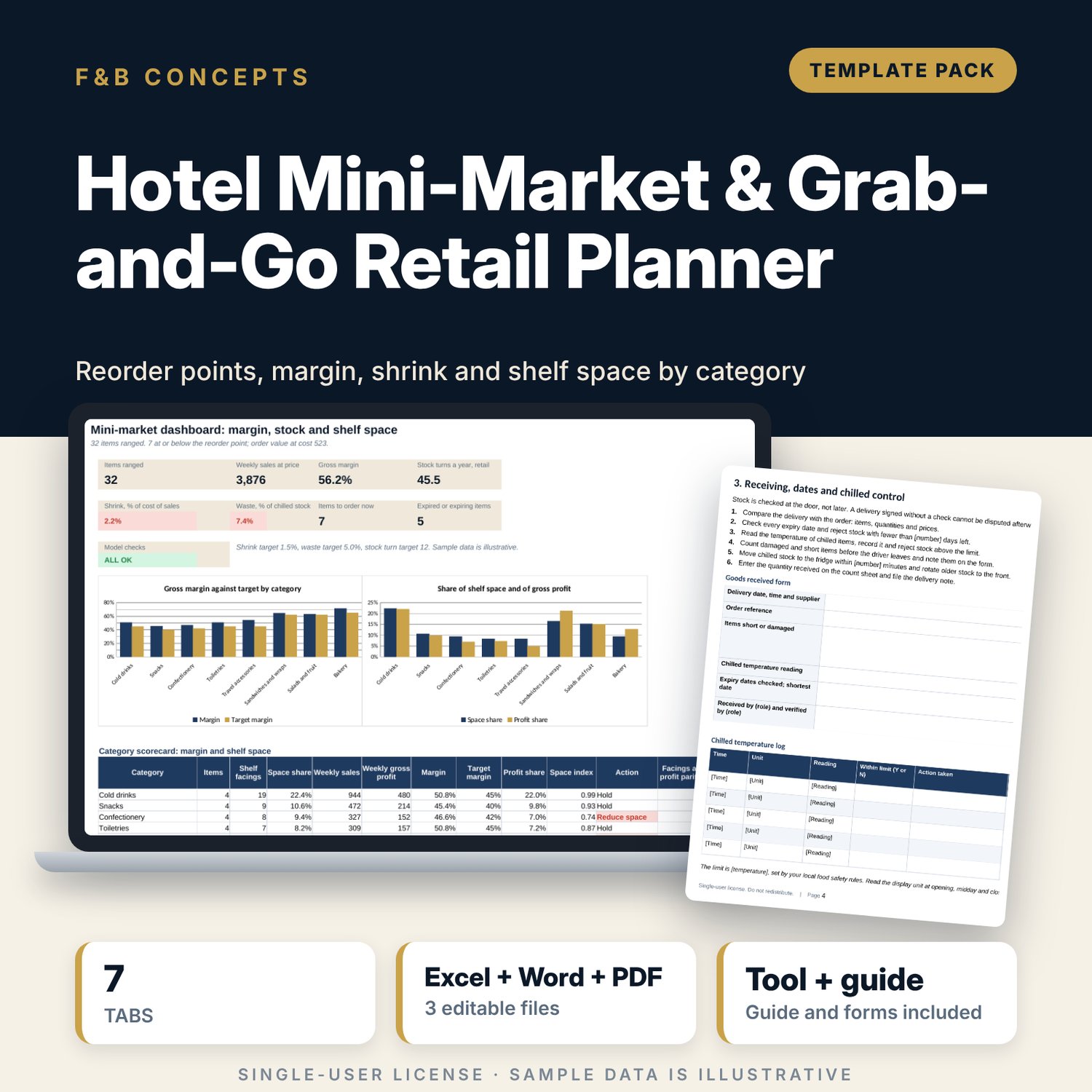

Hotel Mini-Market & Grab-and-Go Retail Planner: Mini-Market Stock, Margin and Shelf Space Spreadsheet
Full description
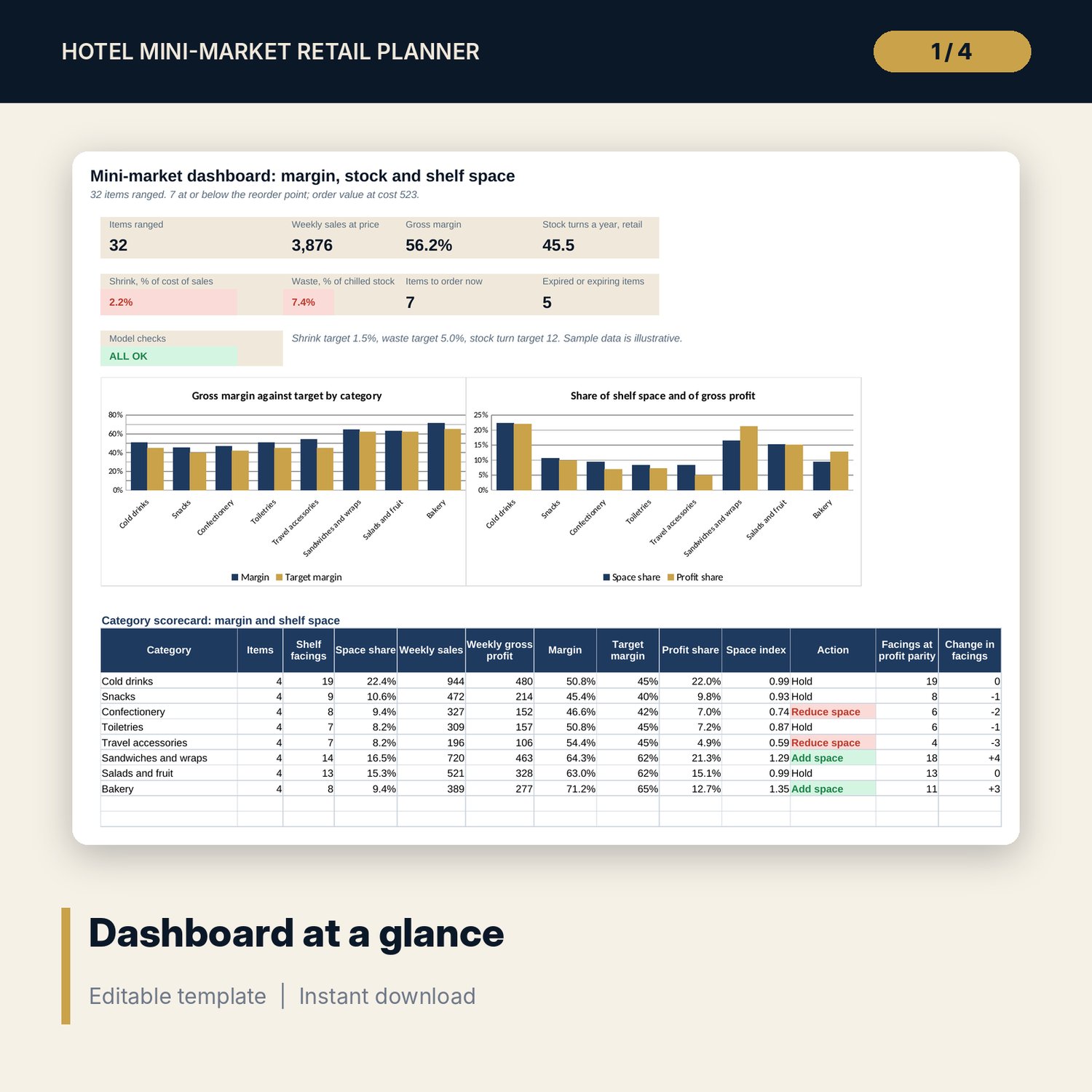
For shop supervisors, food and beverage managers, front office managers and general managers who run a hotel mini-market, a lobby shop or a ready-to-eat counter. The workbook takes each item's cost, price, daily sales, lead time, pack size and shelf life and works out the safety stock, the reorder point, the maximum and the order quantity in whole cases. It compares gross margin with a target for each category, flags expired and expiring stock, and shows stock turn for retail items. A weekly count log turns opening, received, sold, wastage and counted quantities into variance, shrink and waste, measured against targets you set. A category scorecard compares each category's share of shelf space with its share of gross profit and suggests where to add or reduce facings. The Word and PDF standards cover item set-up, shelf zones and display rules, receiving and chilled control, counts and write-offs, take-away orders, cash, a weekly control, a 21-line audit checklist and a worked example.
What is inside
- Mini_Market_Retail_Planner.xlsx: 7 tabs, 2,092 formulas, 2 native charts, 22 drop-down and input rules
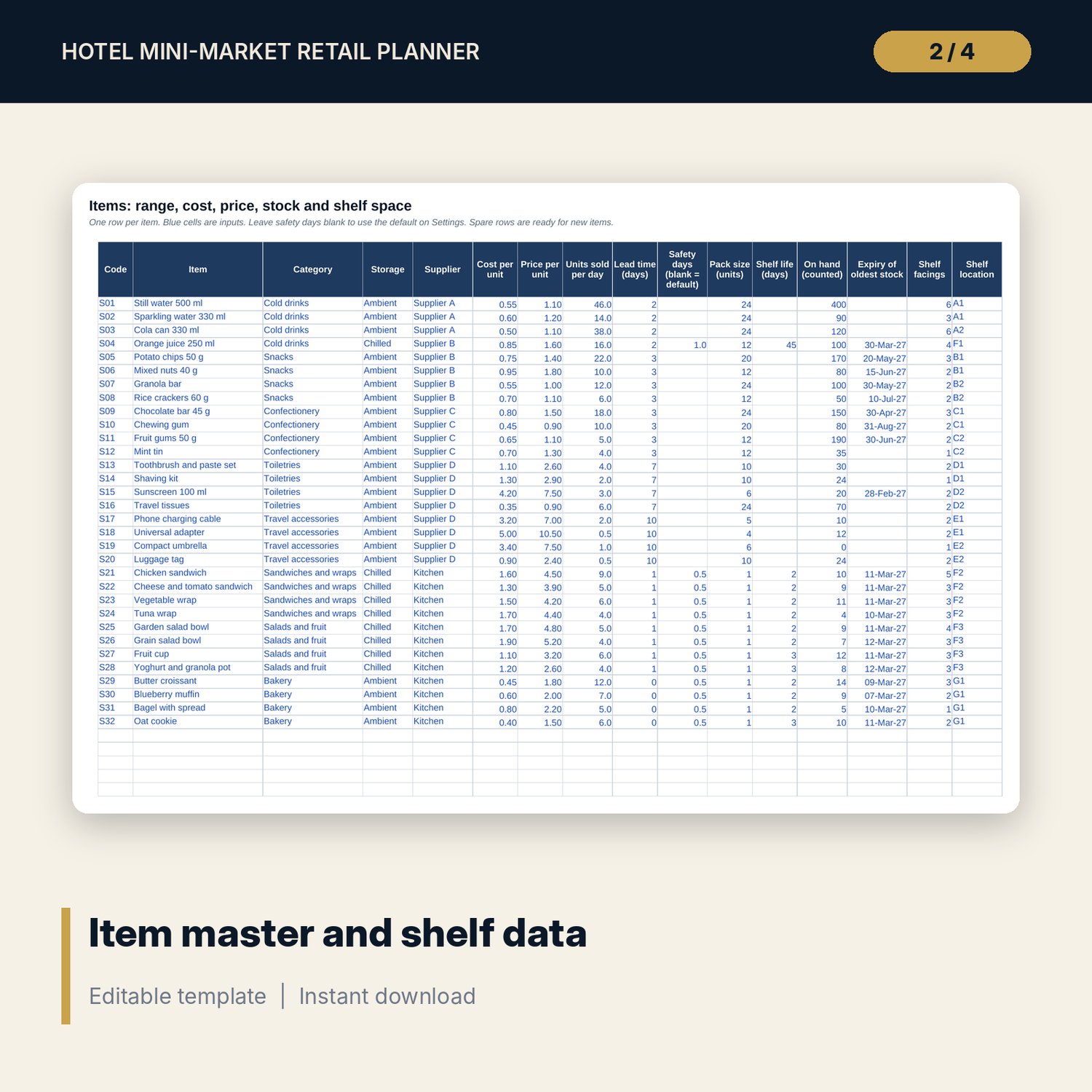
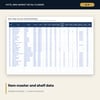
- Items: 32 sample items plus 8 spare rows, with storage, supplier, pack size, shelf life, expiry date and shelf location for each
- Replenish: 40 formula rows covering margin, reorder point, maximum, order cases, cover, stock status, expiry flag, stock turn and shrink to date
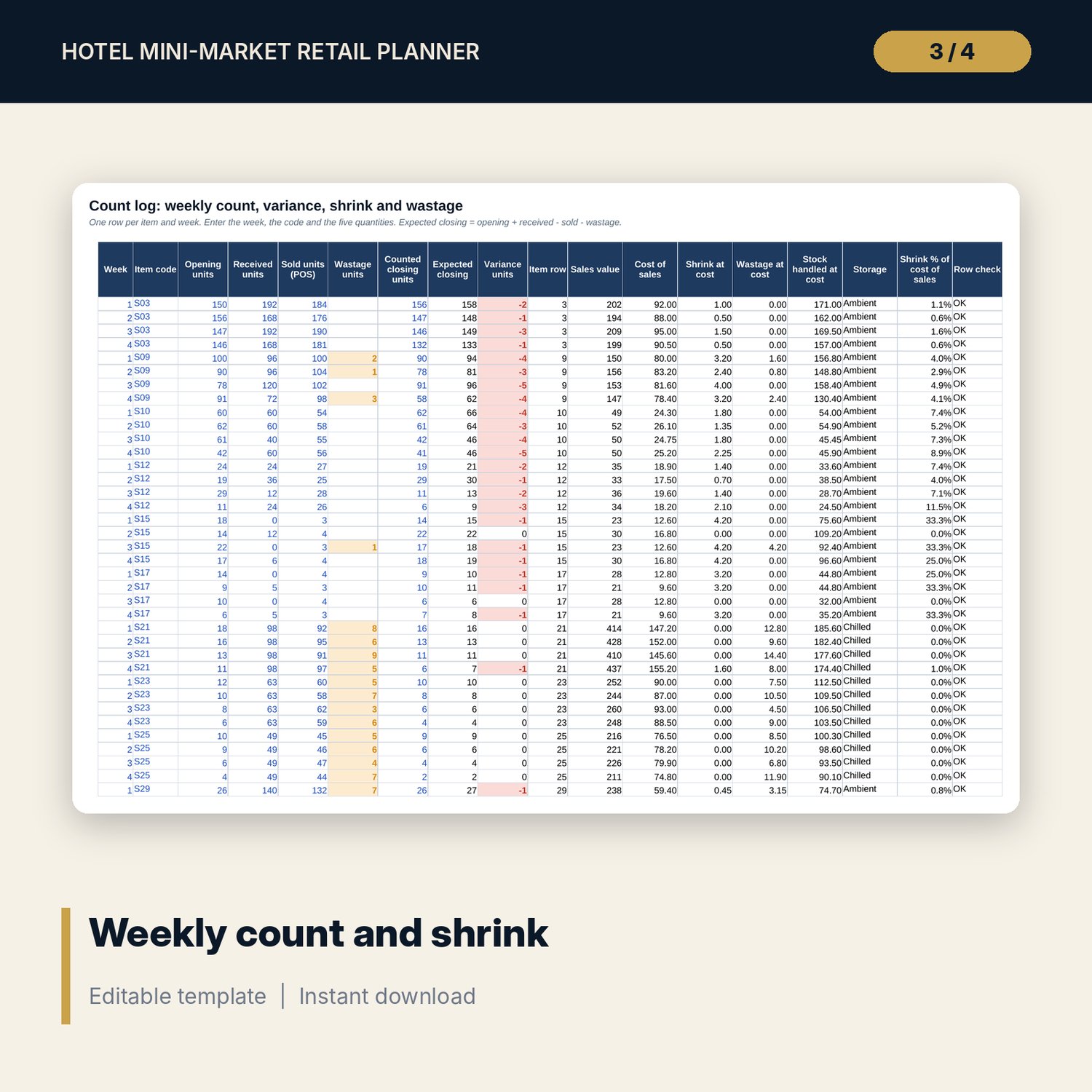
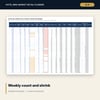
- Count Log: 40 sample count rows plus 40 spare rows, with variance, shrink, wastage and a row check
- Settings: 8 categories plus 2 spare rows with target margins, and drop-down lists for groups, storage and suppliers
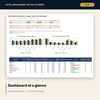
- Dashboard: 8 KPI tiles, a check tile, a category scorecard and 2 charts; 8 integrity checks on the Checks tab
- Mini_Market_Standards_Guide.docx and PDF: 9 pages with 21 audit lines, goods received, temperature log, count and variance forms, take-away order form and a worked example
- README.txt and LICENSE-and-Terms.txt
How it works
- Set the safety days, order cycle, count date, targets and categories on Settings.
- Enter each item on Items with its cost, price, daily sales, lead time, pack size and the quantity counted.
- Read Replenish for the order list, the margin gaps and the expiry flags.
- Add the weekly count to Count Log, read shrink and waste on the Dashboard, and move shelf space where the scorecard points.
Details
- Formats: 1 Excel workbook (.xlsx), 1 guide in Word (.docx) and PDF, English
- Software: Excel 2016 or later, or LibreOffice Calc 7 or later
- No macros, no external links, no data tables, no array formulas
- 3 files plus README and license; instant digital download
Good to know
- Sample data is illustrative. Replace it with your own figures.
- Amounts are in one currency and before tax. Quantities are in selling units.
- Sold quantities should come from your point-of-sale report for the same days as the count.
- The guide is a management tool, not legal advice. Check local food safety and labelling rules.
- Single-user license. Do not redistribute.
FAQ
How is the reorder point worked out?
Sales per day times lead time, plus safety stock. Safety stock is sales per day times the safety days, rounded up. The maximum adds the order cycle in days of sales, capped at shelf life for short-life items.
How is the order quantity set?
When stock on hand is at or below the reorder point, the sheet orders enough whole cases to bring stock back towards the maximum.
How are shrink and waste measured?
Shrink is counted closing stock less expected closing stock, valued at cost, as a share of cost of sales. Waste is approved write-offs at cost as a share of chilled stock handled.
What does the space scorecard show?
Each category's share of gross profit divided by its share of shelf facings. At or above your upper limit it suggests adding space; at or below your lower limit, reducing it.
Can I add items and categories?
Yes. There are spare rows for 8 items, 2 categories and 40 count rows, and the formulas already cover them.