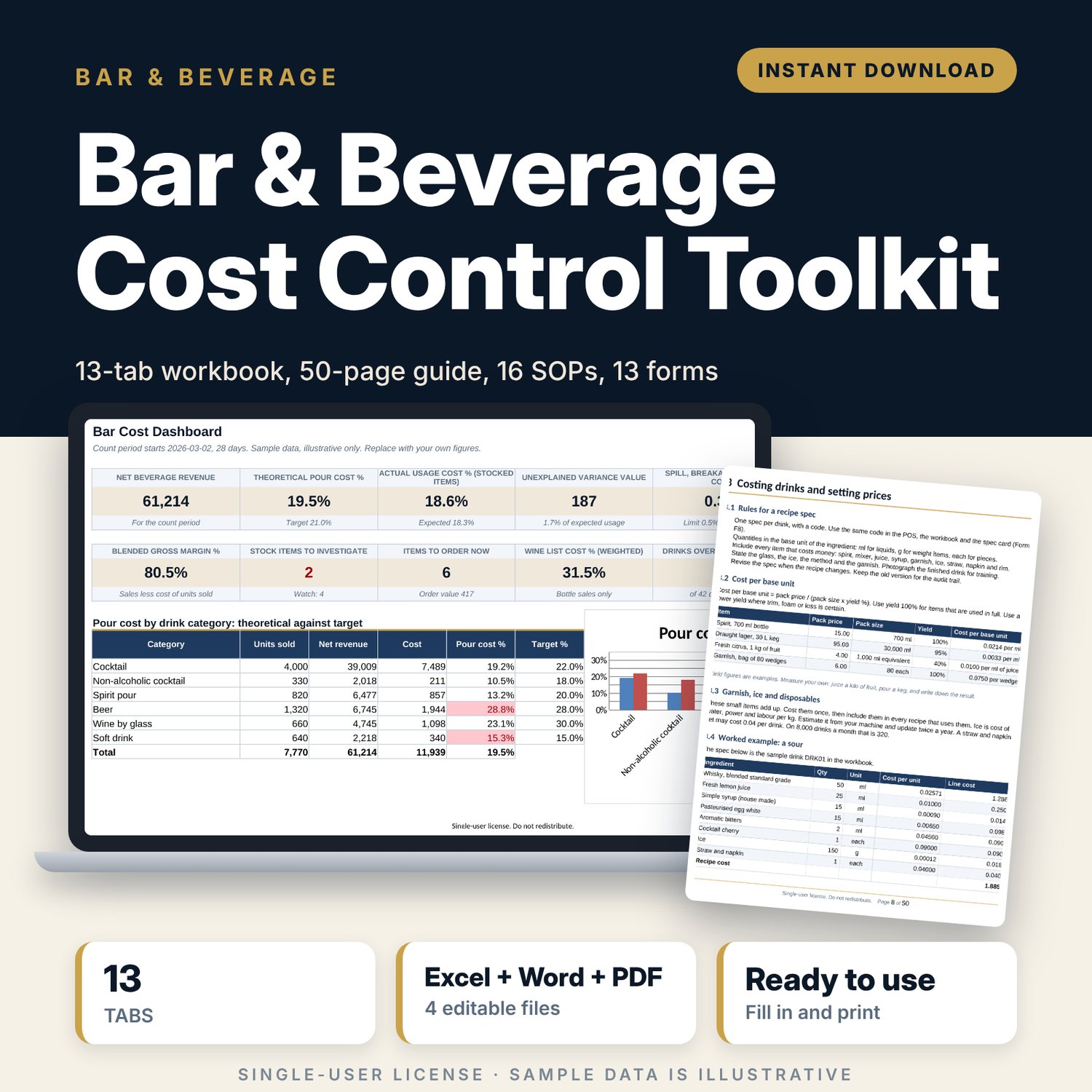
Bar & Beverage Cost Control Toolkit: Bar Cost Control Spreadsheet
Full description
This toolkit is for bar managers, F&B managers and restaurant owners who need to know where beverage money goes. The workbook costs every drink, compares what the bar used with what sales say it should have used, and shows the gap by item and by value. The guide explains the standards and routines that keep the gap small. The forms put those routines on paper for the bar team. You enter your own prices, recipes and counts, and the workbook calculates the rest.
Save with a bundle: this template is also in the Restaurant & Café Operations Bundle, 17 templates for $39 instead of $116. All 141 templates are in the All-Access Hospitality Template Library for $79.
What is inside
Bar_Cost_Workbook.xlsx (13 tabs, 5,893 formulas, 4 charts, 18 data-validation rules)
- Start Here: tab guide, 5-step how-to, colour legend
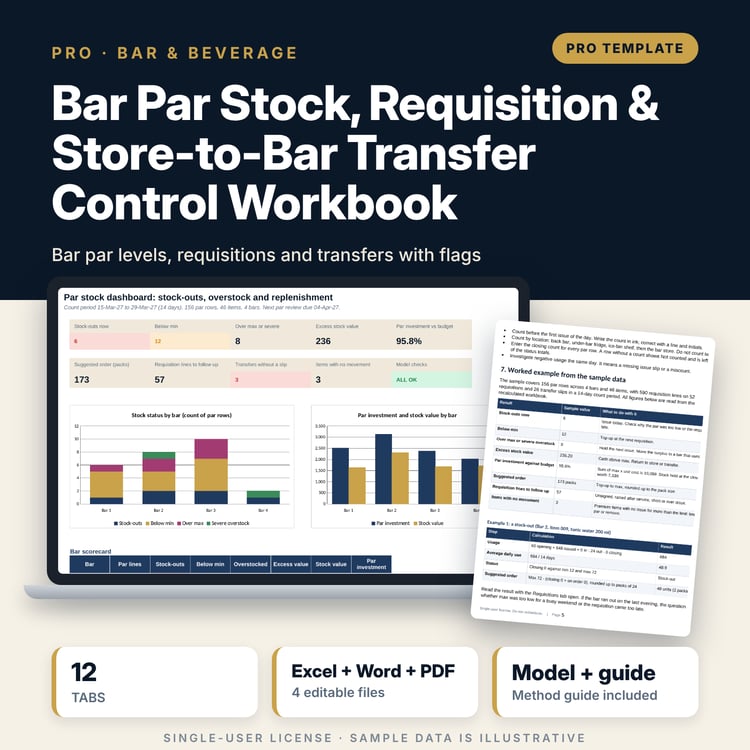
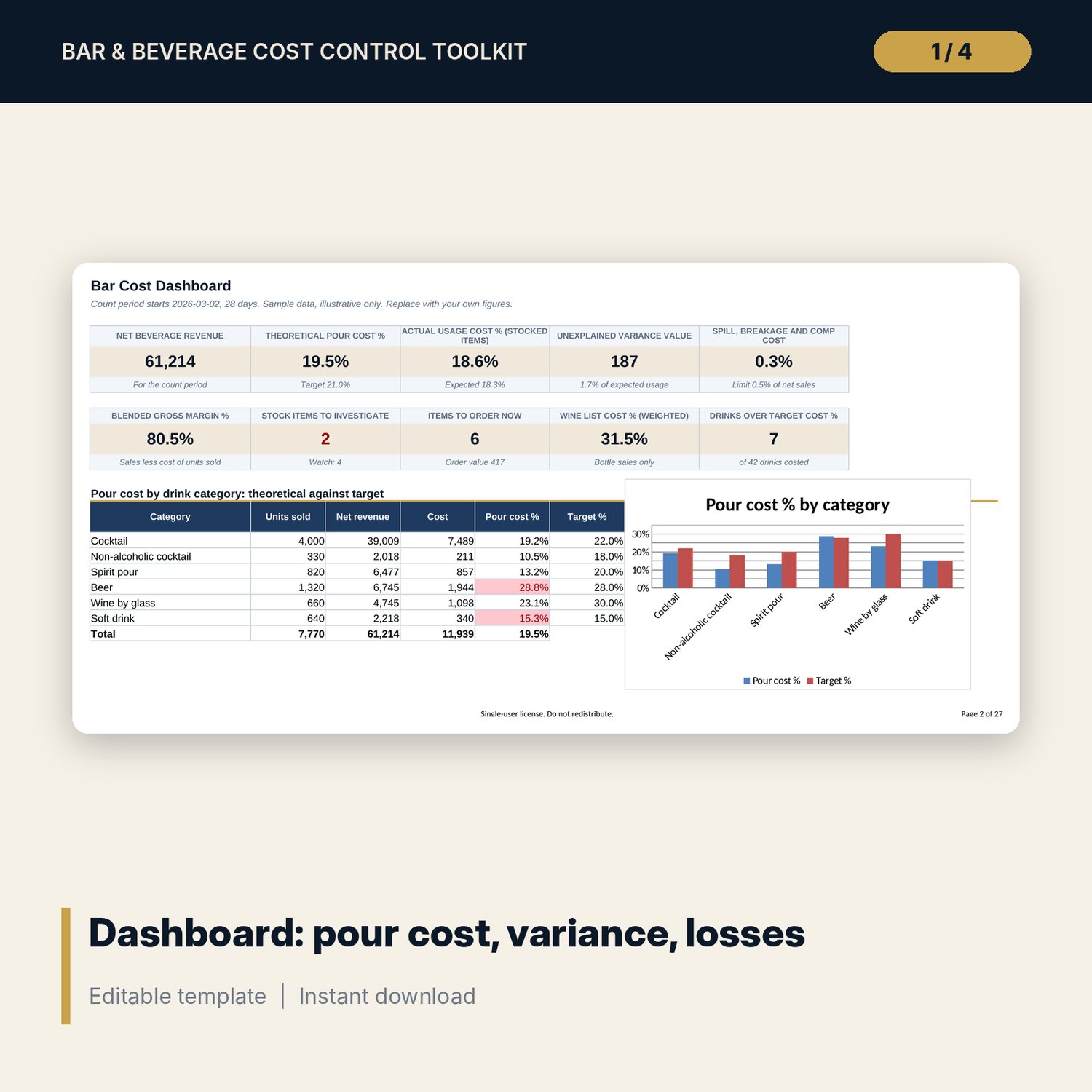
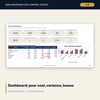
- Dashboard: 10 measures, 3 charts, top 5 stock variances, logged losses and data checks
- Settings: tax, price rounding, target pour cost by category, variance limits, par rules, comp authority limits
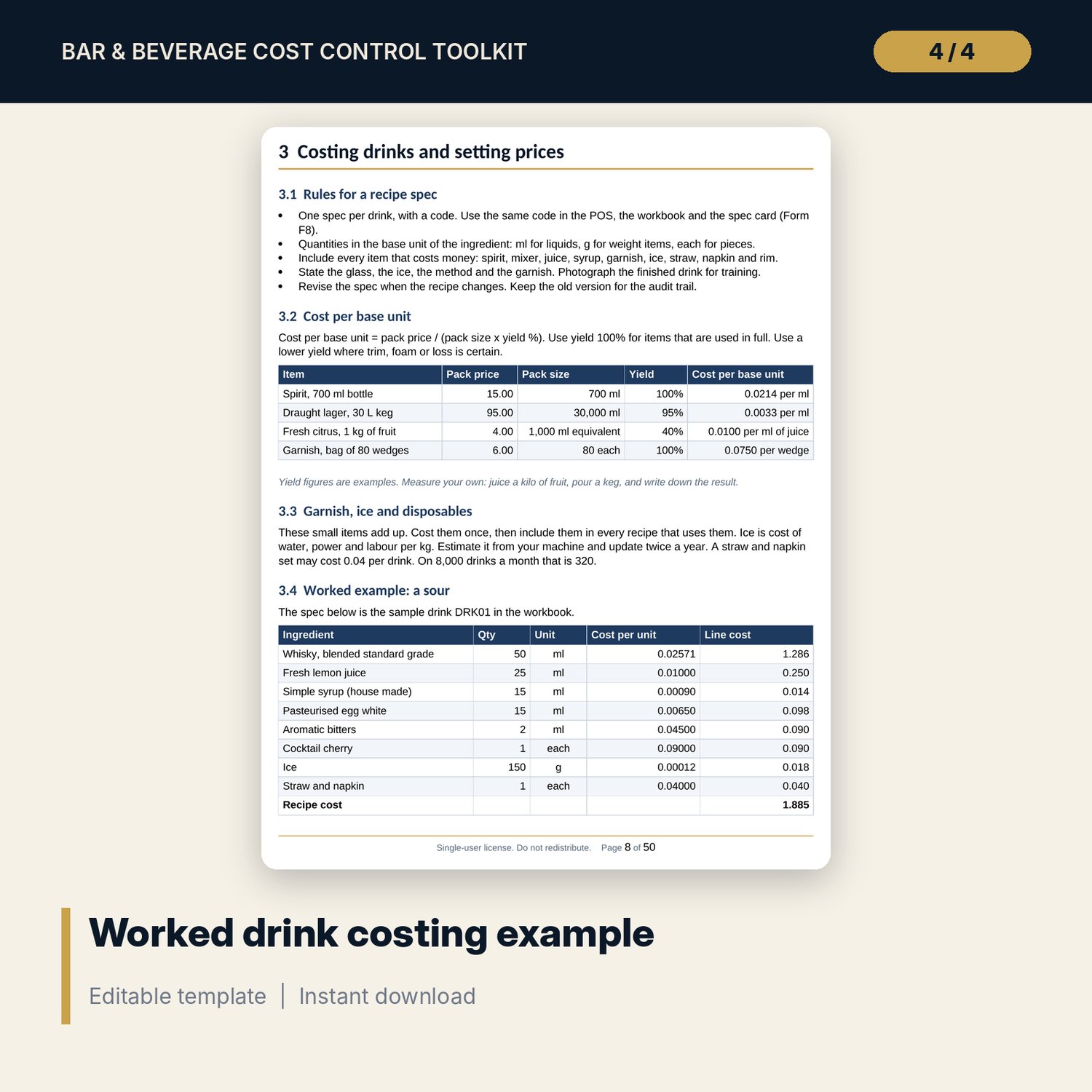
- Ingredients: 46 sample items with pack size, price, yield and cost per unit
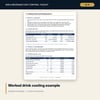
- Drink Costing: 42 sample drinks with recipe cost, pour cost %, margin, target price and status
- Recipe Lines: 155 sample recipe lines
- Sales Mix: units sold, theoretical cost and a Star, Plow horse, Puzzle or Dog class for each item
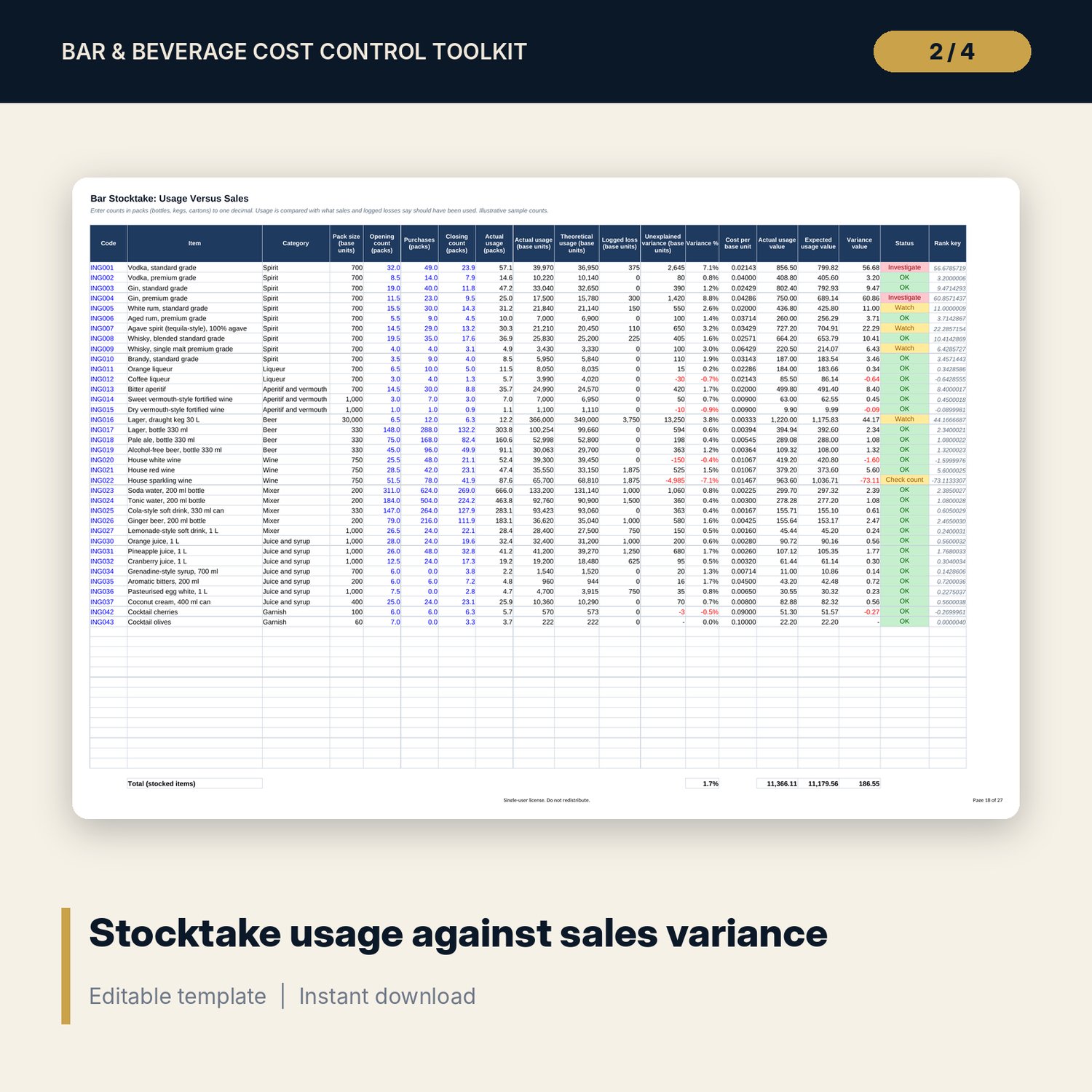
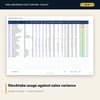
- Stocktake: 36 sample stock items with opening, purchases, closing, usage against sales and a status flag
- Par and Ordering: days of cover, recommended par, order quantity and value by supplier
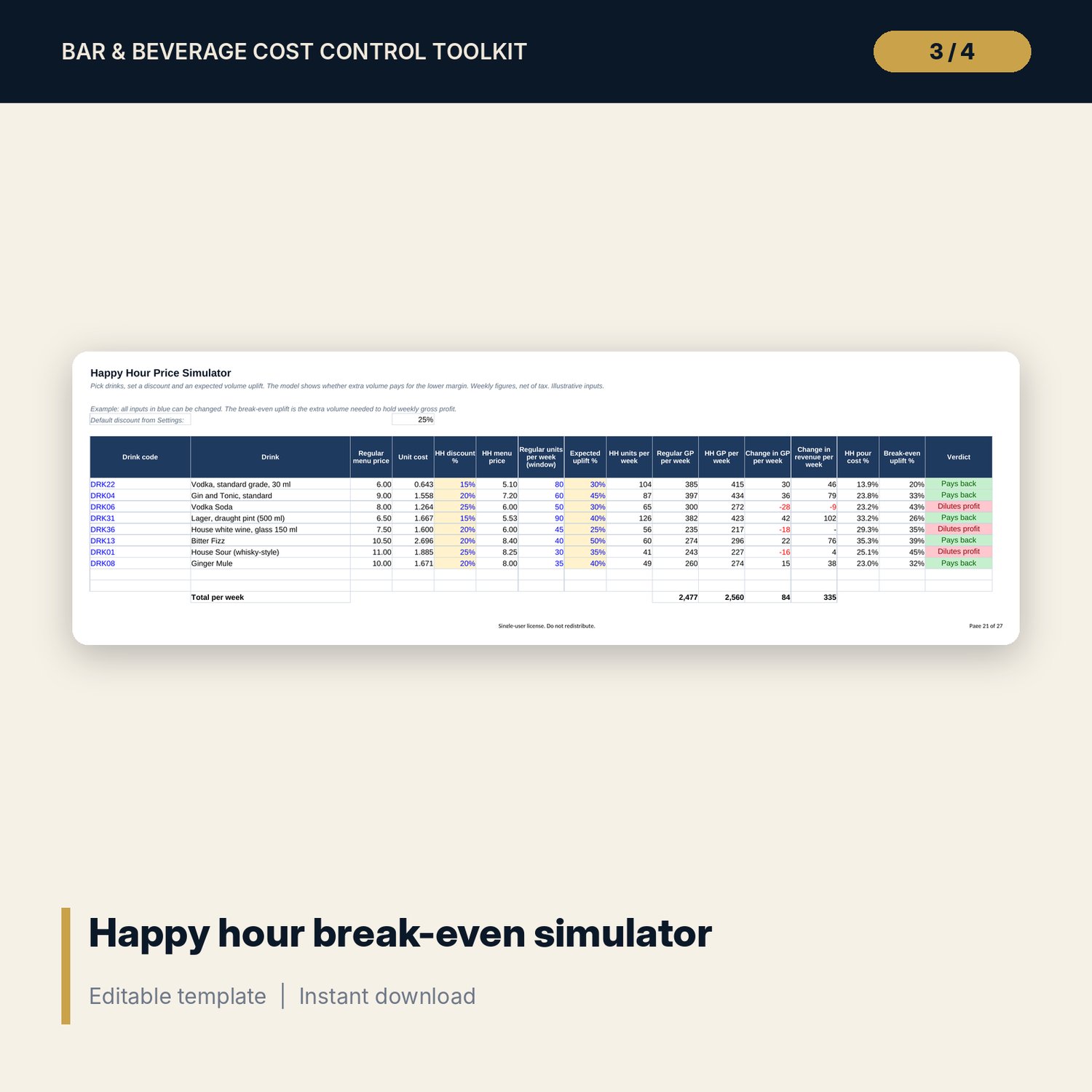
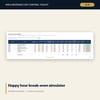
- Happy Hour: break-even uplift, sensitivity grid and chart
- Wine List: 16 sample wines with bottle and glass margin, suggested price and tier summary
- Spill and Comp Log: 50 sample events with cost value and a comp authority check
- Weekly Trend: weekly cost of sales and pour cost % against target, with a chart
Bar_Operations_Guide.docx (about 50 pages, 16 SOPs)
- 13 sections: cost basics, costing and pricing, pour standards, purchasing and receiving, stocktake method, variance investigation, comp policy, theft red flags, cash and POS controls, menu engineering and happy hour, control calendar
- 16 SOPs in one format: opening, closing, receiving, free-pour test, spot count, stocktake, keg and line cleaning, spillage, comps, staff drinks, voids, costing a drink, price updates, happy hour, open wine, shift handover
- Worked examples, glossary, formula reference, training sign-off matrix, review log and policy templates
Bar_Forms.pdf and Bar_Forms.docx (13 forms, 14 A4 pages)
- Opening and closing checklist, stock count sheet, spillage log, comp authorisation, staff drink log, receiving checklist, variance investigation, recipe spec card, requisition and transfer, shift reconciliation, free-pour test, promotion approval, keg and line log
How it works
- Set your tax rate, price rounding and target pour cost for each drink category on Settings.
- Replace the sample ingredients, drinks and recipes with your own. Costs and pour cost % calculate by themselves.
- At the end of each period, enter units sold, stock counts and logged losses.
- Read the Stocktake status flags and the Dashboard. Use the guide and Form F7 to investigate.
- Use Par and Ordering to place orders and Happy Hour before you change a promotion.
Details
- Formats: XLSX, DOCX and PDF. English. A4 print layout. Currency is an editable label, with no symbol.
- Software: Excel 2010 or later, or LibreOffice. Google Sheets can import the workbook. A word processor that opens DOCX.
- Delivery: digital download. No physical item is shipped.
- The workbook uses standard formulas only. No macros.
Good to know
- Sample data is illustrative. It is not a benchmark, a quote or a recommended price.
- All drinks and ingredients are generic. No brands are named.
- Tax, licensing, alcohol service and labour rules differ by place. Verify local requirements.
- The files are working tools and not legal, tax or accounting advice.
- Single-user license. Do not redistribute.
FAQ
Do I need special software? No. Excel 2010 or later and LibreOffice open the workbook. A word processor opens the guide and forms. Any PDF reader opens the PDF forms.
Does it work in Google Sheets? You can import the workbook into Google Sheets. Most formulas, drop-downs and charts carry over. Check the conditional colours and charts after import. Excel gives the closest result.
Can I edit it? Yes. Replace the sample data, change targets and lists on Settings, add rows in the blank areas and edit the DOCX files. Blue cells are inputs and black cells are formulas.
Is this a physical product? What about refunds? It is a digital download. Because files cannot be returned, refund rules follow the store policy at checkout. Read the preview images before you buy.
Who is it for? Bar managers, F&B managers, restaurant owners and anyone who runs a bar and wants a clear view of pour cost, stock variance and free drinks.
Does it include real prices or benchmarks? No. All figures are examples. Enter your own costs and targets.